What is Zoom AI Companion?
Turn this article into takeaways for your work.


Each assistant summarizes the article only for you and suggests best practices for your work.
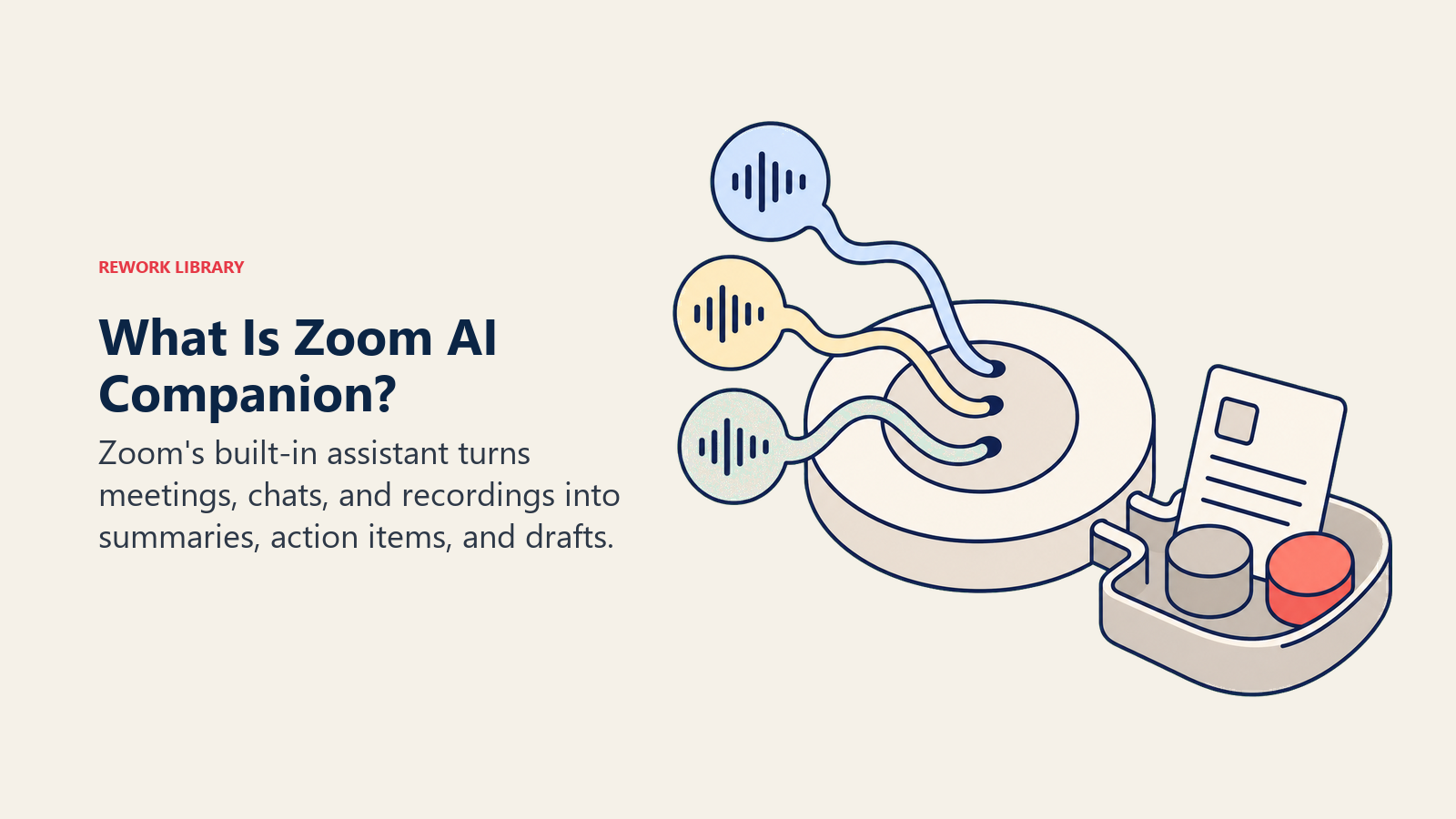
Zoom AI Companion is Zoom's built-in AI assistant, included at no extra cost on paid Zoom Workplace plans. It generates meeting summaries and action items, drafts and catches up on Team Chat messages, pulls highlights from recordings, and helps write content in Zoom Docs and Whiteboard, all without a separate subscription on top of your Zoom plan.
That's the short version. Below is a full breakdown of what AI Companion actually does, how Zoom prices it as of July 2026 (including a rebrand you should know about if you searched for this term), how it handles your data, and how it compares to standalone tools like Otter.ai and platform-native tools like Microsoft Copilot in Teams.
What Zoom AI Companion Does
AI Companion isn't one feature. It's a set of AI capabilities built into different parts of Zoom Workplace, and what you get depends on which product you're using at the time.
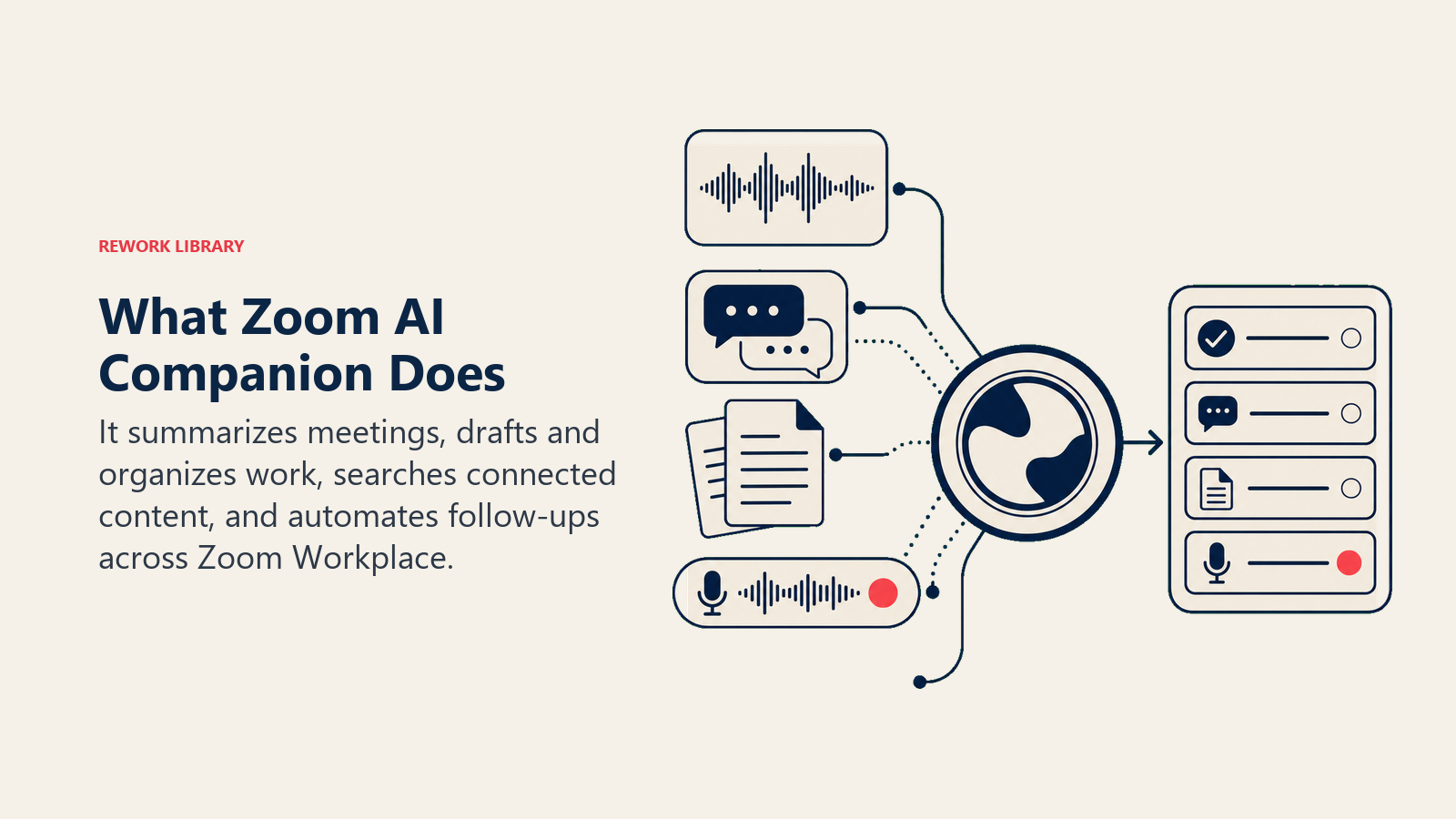
In Zoom Meetings. AI Companion generates a post-meeting summary with key discussion points and next steps, extracts action items and assigns them where speaker context makes ownership clear, answers questions about what's been discussed so far if you join a call late, and surfaces "smart recording" highlights so you don't have to rewatch a full hour to find the two minutes that mattered.
In Team Chat. AI Companion drafts message replies, catches you up on unread channel activity with a summary instead of a scroll, and can turn a chat thread into a task or a follow-up email.
In Zoom Docs, Whiteboard, and Clips. AI Companion generates first drafts of documents, turns rough notes or a whiteboard session into structured content, and (through the Custom AI Companion tier, discussed below) can generate custom avatars for short-form video clips.
In Zoom Phone. Call summaries and voicemail prioritization work the same way meeting summaries do, giving you a written recap instead of a recording you have to listen to end to end.
The newer, agentic layer. Starting with what Zoom called AI Companion 3.0 (launched December 15, 2025), Zoom added a web-based work surface at ai.zoom.us that goes beyond summarizing. It includes agentic retrieval (searching across your meetings, chats, and connected apps like Google Drive and OneDrive for an answer instead of you searching manually), a daily reflection report that rolls up your meetings and tasks for the day, and personal workflows (still in beta) that automate recurring follow-ups. Deep research mode, which analyzes multiple sources for a more thorough answer, is reserved for the paid agentic tier covered in the pricing section below.
How Zoom AI Companion Is Priced (July 2026)
This is where it gets a little more complicated than "it's free," and where you need to know about a rebrand that happened partway through 2026.
The core AI Companion features (meeting summaries, chat compose, smart recording, AI notetaking) are still included at no additional cost with any paid Zoom Workplace plan. That's been true since the original launch in September 2023 and hasn't changed.
| Zoom Plan / Tier | Price | What's Included |
|---|---|---|
| Workplace Basic (Free) | $0 | Limited AI Companion features, opt-in |
| Workplace Pro | $14.16/user/mo billed annually ($16.99 monthly) | Full AI Companion features, no extra cost |
| Workplace Business | $18.33/user/mo billed annually ($21.99 monthly) | Full AI Companion features, no extra cost |
| Workplace Enterprise | Custom, contact sales | Full AI Companion features, no extra cost |
| AI Companion standalone (no Workplace license) | $10/user/mo | Core AI Companion features for Basic-only accounts, added December 2025 |
| ZoomMate (agentic tier) | From $20/user/mo, includes 2,200 AI credits/mo | Agentic search, task execution, integrations with Salesforce, Jira, Slack, ServiceNow, and Workday |
Confirm current numbers before you buy, since this category revises pricing often.
About that rebrand. If you're reading this because you searched "what is AI Companion in Zoom," here's the part worth knowing: on June 1, 2026, Zoom officially retired the standalone "AI Companion" brand name in favor of two names: "Zoom AI" for the free, built-in features described above, and "ZoomMate" for a new paid agentic work surface that succeeds the old Custom AI Companion add-on. Zoom's own framing is specific here: ZoomMate "is not a replacement for AI Companion, but a new work surface for searching data and completing tasks." In practice, the free, embedded features still work the same way and most support documentation, IT department guides, and everyday usage in mid-2026 still call them "AI Companion." So the term hasn't disappeared from common use, even though Zoom's marketing has moved on. There is no product officially called "AI Companion Pro." The paid upgrade path in 2026 is ZoomMate.
Key Facts
- Zoom AI Companion launched September 5, 2023 (originally built as Zoom IQ) and became available at no additional cost to any customer with a paid Zoom account, per Zoom's official launch announcement.
- Within less than two months of launch, more than 125,000 accounts were using AI Companion and had generated over one million meeting summaries, according to Zoom's October 2023 milestone announcement.
- AI Companion's monthly active users more than tripled year-over-year in Zoom's fourth fiscal quarter of 2026, per Zoom's Enterprise Connect 2026 announcement.
- The Custom AI Companion add-on, Zoom's earlier paid tier for cross-app integrations and custom AI assistants, launched at $12 per user per month with general availability planned for the first half of 2025, per Zoom's AI Companion 2.0 announcement.
- AI Companion 3.0, launched December 15, 2025, added a $10-per-month standalone option so Zoom Workplace Basic (free) users could access AI Companion features without a paid Workplace license, per Zoom's 3.0 launch announcement.
- ZoomMate launched June 1, 2026 at a starting price of $20 per user per month with 2,200 AI credits included monthly, succeeding the $12/user/mo Custom AI Companion add-on as Zoom's paid agentic AI tier, per Zoom's official ZoomMate launch announcement.
- Zoom states it does not use customer audio, video, chat, screen sharing, attachments, or other content to train its own or third-party AI models, and AI Companion stays off by default until an account owner or admin turns it on, per Carnegie Mellon University's IT guidance, which cites Zoom's published privacy commitments directly.
- The average knowledge worker now spends 11.3 hours a week in meetings, 28% of the entire workweek, per Microsoft's 2026 Work Trend Index, a big part of why AI meeting tools moved from novelty to default expectation across the category.
Zoom AI Companion vs Otter.ai vs Microsoft Copilot in Teams
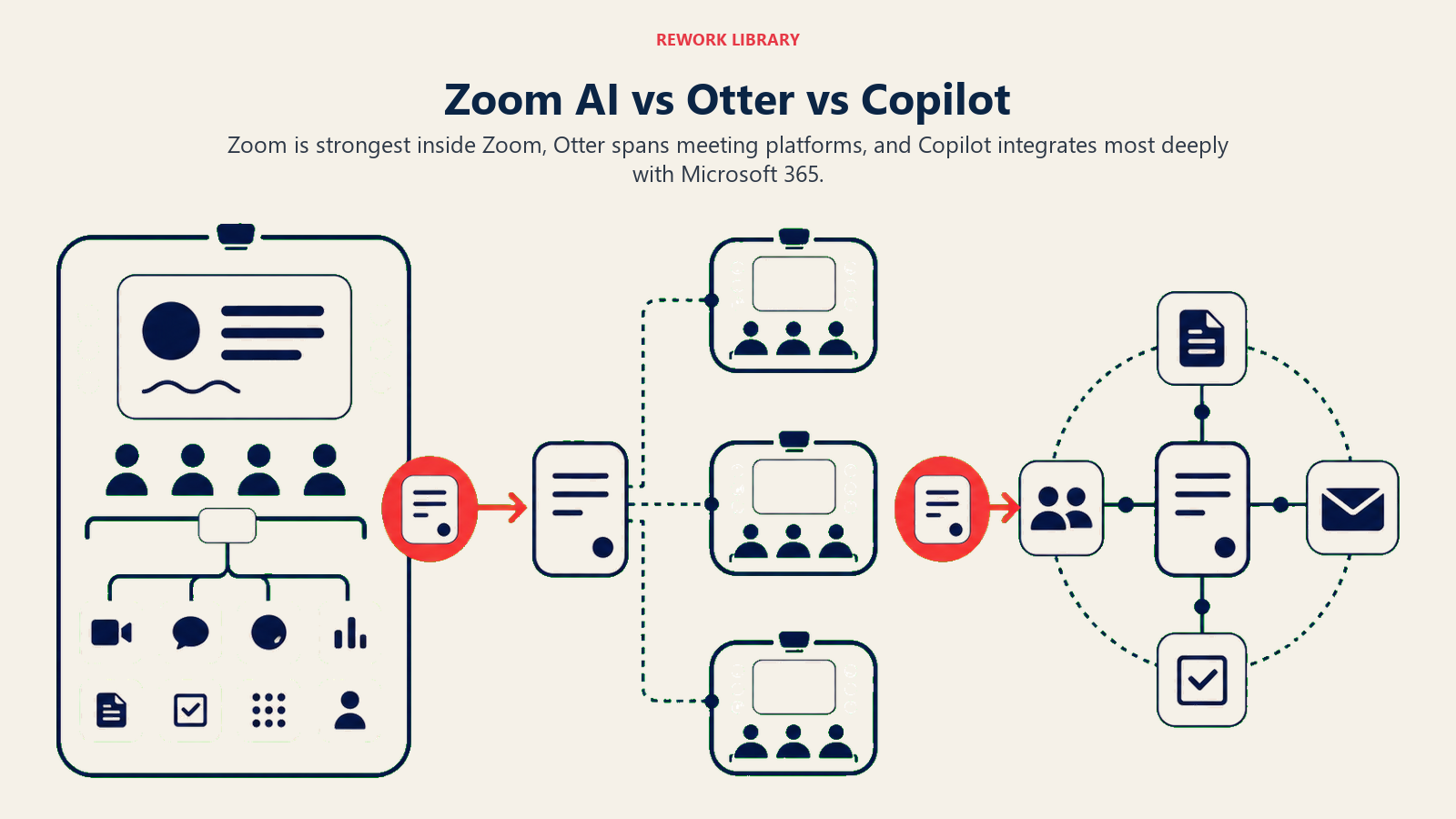
Zoom AI Companion gets compared to two other names constantly: Otter.ai, the standalone notetaker that works across video platforms, and Microsoft Copilot in Teams, the equivalent bundled assistant inside Microsoft's ecosystem. Here's the short version.
| Dimension | Zoom AI Companion | Otter.ai | Microsoft Copilot in Teams |
|---|---|---|---|
| Included cost | Free with any paid Zoom Workplace plan | Free tier capped; paid from $8.33/user/mo | Recap needs Teams Premium ($10/user/mo); full Copilot license runs $30/user/mo |
| Cross-platform coverage | Zoom-native, weaker outside Zoom | Works across Zoom, Teams, and Meet | Teams-native, weaker outside Microsoft 365 |
| Visible meeting bot | No, runs inside Zoom's own infrastructure | Optional, bot avatar or desktop capture | No, built into the Teams client |
| Native CRM sync | Limited, no deep native sync | Basic native Salesforce and HubSpot sync | Limited, mostly tied to Dynamics 365 |
| Agentic / cross-app search | Yes, through ZoomMate (from $20/user/mo) | No dedicated agentic workspace | Yes, through the full Microsoft 365 Copilot license |
| Data training policy | States it does not use customer content to train AI models | Faces active privacy litigation; see our Otter.ai explainer below | States enterprise data isn't used to train foundation models |
The practical takeaway: if your team already runs on Zoom for video, AI Companion's core features are close to a freebie you're probably not fully using yet. If your meetings are spread across Zoom, Teams, and Meet, a cross-platform tool like Otter.ai or one of the tools in our Best AI Meeting Assistants and Notetakers in 2026 roundup will give you one consistent view instead of three separate silos. For a closer look at how Otter stacks up against two other popular standalone notetakers, see our Otter vs Fireflies vs Fathom comparison.
Privacy and Admin Controls
AI Companion is opt-in, not opt-out. It's disabled by default, and an account owner or admin has to turn it on before it's available to users, per Zoom's own privacy documentation as cited by Carnegie Mellon's IT team. Meeting hosts can also enable or disable specific AI features per meeting, and admins can lock settings so participants can't override them.
On the data question that comes up most: Zoom states it does not use customer audio, video, chat, screen sharing, attachments, or similar content to train its own AI models or any third-party model it uses. That's a meaningfully different position than the scrutiny Otter.ai has faced, where a 2025 class-action lawsuit alleges recordings were used to train models without full participant consent (our Otter.ai explainer covers that case in detail).
That said, a privacy policy doesn't replace consent law. Recording and transcription consent requirements vary by state and country, some requiring only one party to agree, others requiring everyone on the call. Whoever manages your Zoom account should confirm your organization's recording policy accounts for that before AI Companion gets turned on company-wide.
Who Zoom AI Companion Is For
- Zoom-native organizations. If your company already standardizes on Zoom for video, AI Companion's core features are effectively already paid for. Turning them on doesn't add a new vendor or a new line item.
- Teams that want to avoid procuring a separate AI notetaker. For general meeting summaries and chat drafting, AI Companion covers the basics most teams actually use day to day.
- Organizations willing to pay for agentic workflows. Teams that want AI to act on meeting context (search across connected systems, draft follow-up work, execute recurring tasks) can add ZoomMate, though at $20/user/mo it's a real new cost, not a free upgrade.
- Teams that need cross-app meeting intelligence tied to a broader productivity strategy. Our overview of AI meeting notes and summaries and sales call recording and transcript analysis covers how meeting AI fits into a wider workflow, not just a single vendor's feature set.
If your meetings live outside Zoom, or you're evaluating conversation AI as a category rather than a single vendor's built-in feature, our explainer on AI meeting notes agents and the broader meeting intelligence pattern are the better starting points.
Limitations
It's strongest inside Zoom, weaker everywhere else. If your organization runs a mix of Zoom, Teams, and Google Meet, AI Companion only covers the Zoom leg. You'll still need a cross-platform tool, or Microsoft and Google's own equivalents, to get consistent coverage elsewhere.
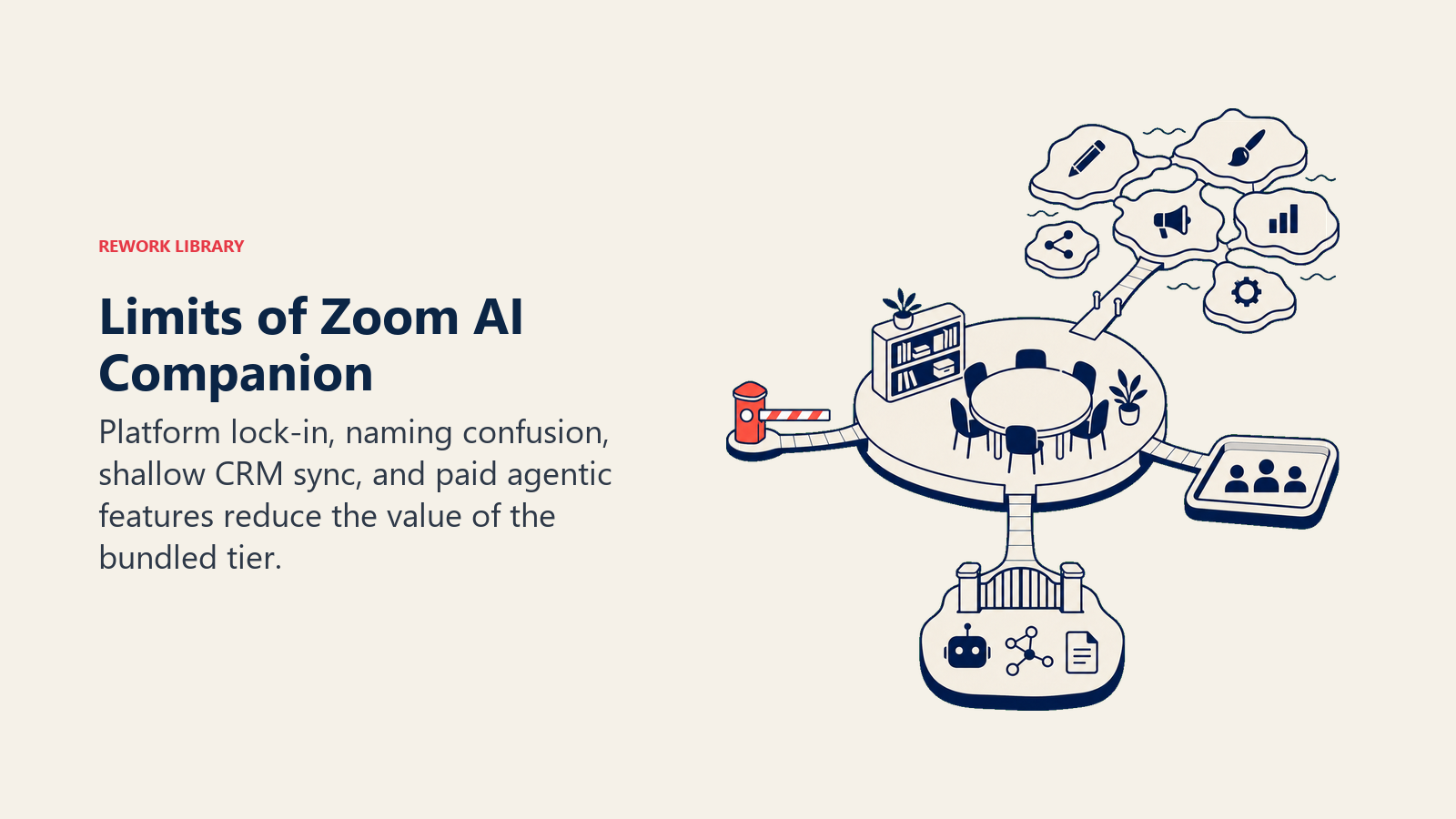
The June 2026 naming change adds real confusion. Zoom's own marketing now leads with "Zoom AI" and "ZoomMate" instead of "AI Companion," but most support content, IT documentation, and everyday conversation still uses the older name. If you're comparing vendor pages or pricing sheets, double-check which product name you're actually looking at.
CRM sync is thinner than sales-specific tools. AI Companion and ZoomMate can connect to Salesforce, but the field mapping and automation depth don't match tools built specifically for revenue teams, similar to the gap our AI copilots explainer describes between embedded assistants and purpose-built platforms.
"No extra cost" only applies to the base tier. The core features are genuinely included with a paid plan, but the agentic layer that gets marketed the most heavily now, ZoomMate, is a $20/user/mo add-on. Budget for it as a real cost if your team needs it, not a bundled freebie.
For general context on the underlying technology category rather than this one vendor's implementation, our explainers on conversational AI and the broader AI meeting transcription tool landscape cover the space AI Companion competes in.
Frequently Asked Questions about Zoom AI Companion
What is AI Companion in Zoom?
AI Companion is Zoom's built-in AI assistant. It generates meeting summaries and action items, drafts chat replies, catches you up on unread messages, and helps write content in Zoom Docs and Whiteboard, all included at no extra cost on paid Zoom Workplace plans.
Is Zoom AI Companion free?
The core features are included at no additional cost with any paid Zoom Workplace plan (Pro, Business, or Enterprise). A limited version is also available on the free Basic plan, and a $10/user/mo standalone option lets Basic users access more features without upgrading to a paid Workplace license.
What happened to Zoom AI Companion? Is it still called that?
On June 1, 2026, Zoom retired "AI Companion" as its primary marketing name in favor of "Zoom AI" for the free, built-in features and "ZoomMate" for a new paid agentic tier. The underlying features work the same way, and most documentation and everyday usage still refers to them as AI Companion.
What is ZoomMate and how is it different from AI Companion?
ZoomMate is Zoom's paid agentic AI product, launched June 1, 2026 starting at $20/user/mo. It succeeds the older Custom AI Companion add-on and adds cross-app search, task execution, and integrations with tools like Salesforce, Jira, and Slack. AI Companion's core features (summaries, chat compose, smart recording) remain free with a paid Zoom plan.
Does Zoom AI Companion use my meeting data to train its AI models?
Zoom states it does not use customer audio, video, chat, screen sharing, attachments, or similar content to train its own or third-party AI models. AI Companion is also off by default and must be enabled by an account owner or admin.
How does Zoom AI Companion compare to Otter.ai?
AI Companion is built into Zoom and free with a paid plan, but only covers Zoom meetings. Otter.ai is a standalone tool that works across Zoom, Microsoft Teams, and Google Meet, so it gives one consistent view if your team's meetings span multiple platforms, at a separate cost starting around $8.33/user/mo.
Can I use Zoom AI Companion without a paid Zoom Workplace plan?
Yes, as of December 2025. Zoom added a $10/user/mo standalone option that gives Workplace Basic (free) users access to AI Companion features without requiring a paid Pro, Business, or Enterprise license.
Does Zoom AI Companion work with Microsoft Teams or Google Meet?
No. AI Companion is built into Zoom's own infrastructure and only works on Zoom meetings, chat, and documents. Teams needing AI notes across multiple video platforms typically use a standalone tool like Otter.ai or Fireflies.ai instead.
Part of the AI Terms Collection. Updated July 2026.
