Best AI Transcription Software in 2026: 15 Tools for Interviews, Media, Legal, and Research
Turn this article into takeaways for your work.


Each assistant summarizes the article only for you and suggests best practices for your work.
If you need AI transcription software in 2026, Rev and GoTranscript still lead when accuracy has to hold up in court or in print, Otter and Sonix cover general-purpose interview and research work with searchable transcripts, Descript, Trint, and Happy Scribe are built for media teams that edit and publish what they transcribe, and Deepgram, AssemblyAI, and OpenAI's Whisper API are the developer-facing engines behind most of the tools on this list. This guide ranks 15 tools by the job you actually need done, not by feature count.
This is a different job than picking an AI meeting assistant. Meeting notetakers like Otter Business, Fireflies, and Fathom are optimized to join a Zoom call, summarize action items, and sync to a CRM. The tools in this guide are optimized for something broader: turning any recorded audio, a one-hour research interview, a deposition, a podcast episode, a documentary interview, a customer support call, into an accurate, searchable, exportable transcript. Some tools on this list do both jobs well. Most don't, and buying the wrong one wastes weeks of research or reporting time.
Every price below was checked directly against vendor pricing pages in July 2026.
Updated July 2026: What Changed
- Sonix replaced its old hourly-credit Premium plan with three flat monthly tiers (Core, Advanced, Pro), each bundling a fixed number of transcription hours instead of charging per-user plus per-hour.
- OpenAI split transcription into three separately priced models: legacy Whisper and gpt-4o-transcribe at $0.006/minute, and gpt-4o-mini-transcribe at $0.003/minute, replacing the single flat Whisper API rate most developers budgeted around in past years.
- Speechmatics doubled its free tier to 3,000 minutes (50 hours) a month and now advertises Pro usage from $0.129/hour, undercutting several enterprise API competitors on entry pricing.
- Fireflies layered a shared AI-credit pool onto every paid tier (20 to 50 credits), gating features like its AskFred assistant and analytics on top of the existing per-seat price.
Key Facts
- The global AI speech-to-text tool market is on pace to grow from $3.87 billion in 2026 to $16.42 billion by 2035, a 17.41% CAGR, per Precedence Research.
- The US now has roughly 23,000 working stenographers, a 21% decline over the last decade, with stenography school enrollment down 74%, per the 2025 Court Reporting Industry Trends report from the American Association of Electronic Reporters and Transcribers.
- Manually transcribing one hour of interview audio takes about four hours of work, per Utah State University's guide to oral history and qualitative fieldwork.
- OpenAI's own Whisper large-v3 model card reports a mean word error rate of 7.44% across the Hugging Face Open ASR Leaderboard's real-world benchmark suite, well above its 2.7% score on the clean LibriSpeech test set, per Hugging Face.
- 40% of journalists now use transcription tools as part of their reporting workflow, per Muck Rack's 2026 State of Journalism Report.
- Professional human transcriptionists average a 4-6% word error rate under good audio conditions, a gap automated tools still close inconsistently depending on accent and audio quality, per benchmarking reported by AssemblyAI (vendor-reported).
Quick Comparison Table
| Tool | Best For | Starting Price | Key Strength | Key Limitation |
|---|---|---|---|---|
| Otter.ai | Searchable transcripts across a team | Free; Pro from $8.33/user/mo (annual) | Deep transcript search, wide platform coverage | 4-hour cap per file even on Business |
| Rev | Court-ready human-verified transcripts | AI from $0.25/min; Human from $1.50/min | 99%+ human accuracy, flexible turnaround | Human transcription gets expensive at volume |
| Descript | Editing a transcript like a text document | Free; Hobbyist $16/mo (annual) | Text-based audio/video editing | Media-minutes model caps monthly usage |
| Sonix | Multi-language automated transcripts with an editor | Pay-as-you-go $10/hr; Core $25/mo | 54+ languages, clean browser editor | Subscription hours don't roll over |
| Trint | Newsroom and broadcast transcription | Starter $52/mo (annual, 7 files) | Story Builder for journalists, live captioning | Seat-based pricing is steep at low usage |
| Happy Scribe | Subtitling and translation alongside transcription | Free trial; Basic $8.50/mo (annual) | 150+ languages, subtitle + translation bundle | Overage credits add up fast on Basic |
| Fireflies.ai | CRM-synced call transcripts for sales teams | Free; Pro $10/seat/mo (annual) | Native Salesforce, HubSpot, Pipedrive sync | AI credit pool caps advanced features |
| OpenAI Whisper / GPT-4o Transcribe | Building transcription into your own product | $0.003 to $0.006/min (API) | Cheapest frontier-quality API, open Whisper option | No UI, needs engineering to deploy |
| Deepgram | High-volume, low-latency streaming transcription | Pay-as-you-go from $0.0048/min | Fastest real-time API, granular language models | API-only, no end-user app |
| AssemblyAI | Developer analysis layered on transcription | Pay-as-you-go from $0.15/hr | Speaker diarization + summarization built in | Add-on features stack cost quickly |
| Notta | Multi-language transcription with light CRM export | Free; Pro $8.17/mo (annual) | 58+ languages, budget team tier | Free tier caps at 3 minutes per file |
| TurboScribe | Individuals and researchers with high monthly volume | Free (3/day); Unlimited $10/mo (annual) | Flat fee, no per-minute anxiety | No live or streaming transcription |
| Speechmatics | Enterprises needing broad accent and language coverage | Free 3,000 min/mo; Pro from $0.129/hr | Strong accuracy across accents, on-prem option | API-only, no consumer transcript editor |
| Verbit | Compliance-grade transcripts for legal, medical, education | Self-service $24/mo (annual, 20 hrs) | Hybrid AI + human review, ADA/FCC captioning | Enterprise pricing requires a sales call |
| GoTranscript | Certified human transcripts for legal proceedings | From $0.84 to $0.99/min (human) | 100% human transcription, 140+ languages | Slowest turnaround of any tool on this list |
How to Choose an AI Transcription Tool
Most teams buy the first transcription tool they find in a search, then discover six months later that it was built for a different job than theirs. Before you shortlist, answer three questions.
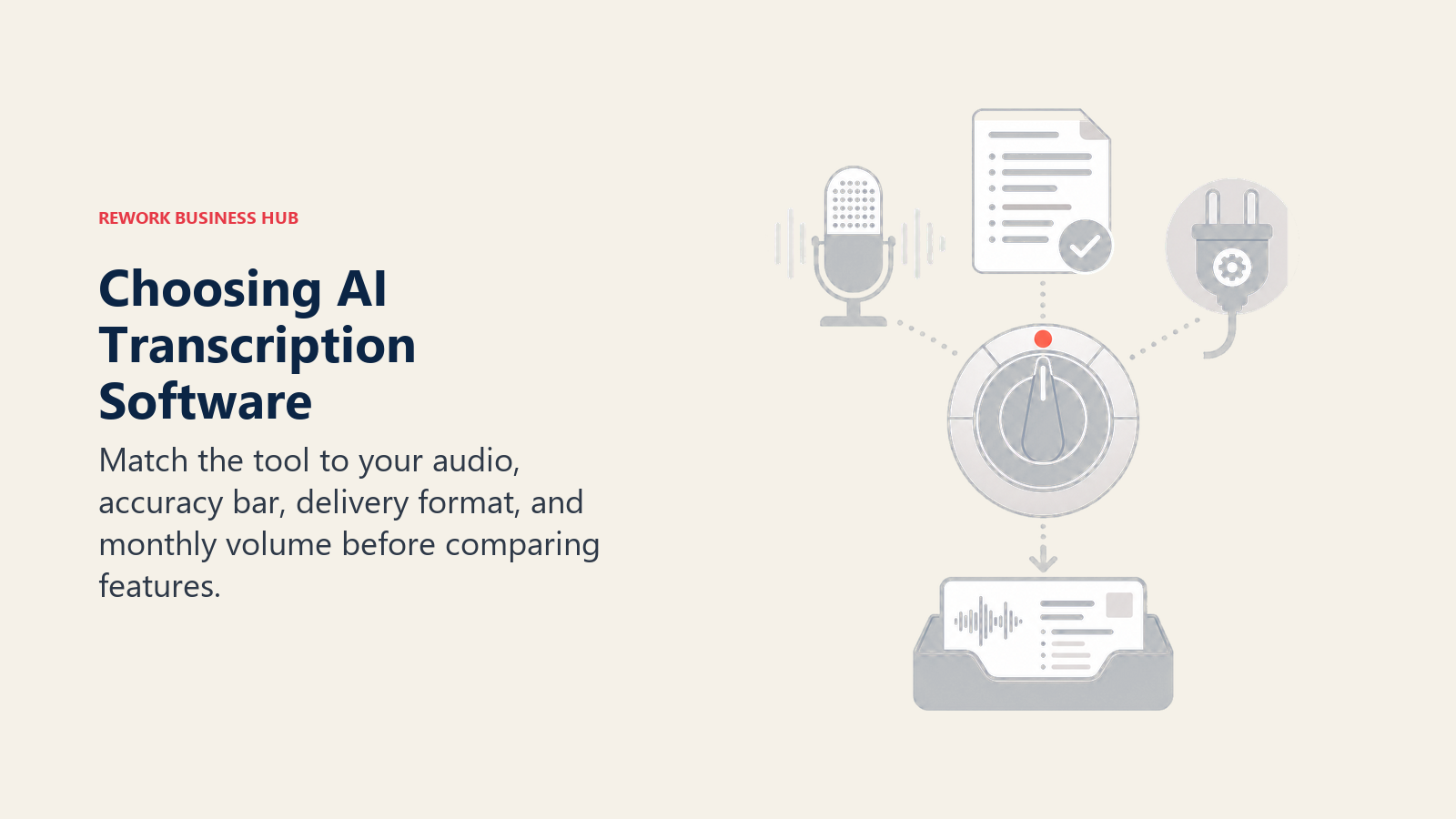
- What are you transcribing, and who reads the output? A sales call, a legal deposition, a podcast episode, and a research interview all have different accuracy bars and different downstream uses (a court transcript needs a certified human; a podcast needs clean, quotable copy; a research interview needs speaker labels and searchability).
- Do you need a finished app, or an API you build on? Otter, Rev, Sonix, Trint, Happy Scribe, Notta, and TurboScribe are ready-to-use products. Deepgram, AssemblyAI, Speechmatics, and OpenAI's Whisper API are building blocks for teams shipping transcription inside their own product, an AI meeting notes agent, or a support workflow.
- How much volume, and how consistent is your audio? A researcher transcribing 20 hours of interviews a month has a different cost curve than a legal team needing five certified depositions a year. Flat-fee tools like TurboScribe win at high, steady volume. Per-minute tools like Rev or GoTranscript win at low, occasional volume with a hard accuracy requirement.
Framework: By Primary Use Case
| Use Case | What Matters Most | Best Fits |
|---|---|---|
| Academic and market research interviews | Speaker labels, searchability, affordable volume | Otter.ai, Sonix, TurboScribe |
| Legal depositions and court proceedings | Certified accuracy, chain of custody | Rev, GoTranscript, Verbit |
| Journalism and broadcast | Fast turnaround, quote-pulling, live captions | Trint, Otter.ai, Descript |
| Podcast and video production | Text-based editing, show notes, subtitles | Descript, Happy Scribe, Sonix |
| Sales and support calls | CRM sync, coaching, searchable call library | Fireflies.ai, customer support AI tools |
| Building transcription into your own product | Per-minute API pricing, low latency, SLAs | Deepgram, AssemblyAI, OpenAI Whisper API, Speechmatics |
| Accessibility and compliance captioning | ADA/FCC compliance, human review layer | Verbit, Happy Scribe |
Framework: By Volume and Team Size
| Situation | What You Need | Best Fits |
|---|---|---|
| Occasional individual use (a few hours a month) | Generous free tier, no commitment | Otter.ai, TurboScribe, Notta |
| Steady individual or small-team volume | Flat monthly rate, no per-minute anxiety | TurboScribe, Sonix Core, Descript Hobbyist |
| Growing team needing shared transcripts | Per-seat plans with shared folders | Otter Business, Notta Business, Happy Scribe Pro |
| Occasional certified or legal-grade need | Per-minute human transcription, no subscription | Rev, GoTranscript, Verbit self-service |
| High-volume developer or platform build | Per-minute API, volume discounts | Deepgram, AssemblyAI, Speechmatics, OpenAI Whisper API |
| Regulated industry (legal, medical, education) | Hybrid AI + human review, audit trail | Verbit, Rev |
Free Tier and Entry Pricing Reality Check
"Free" and "affordable" mean very different things depending on the tool. Compare the real limits before you commit.
| Tool | Entry Offer | The Real Limit |
|---|---|---|
| Otter.ai | 300 free minutes/month | 30-minute cap per conversation on the free tier |
| Rev | No subscription required | $1.50 to $2.50/min human rate scales fast past a few hours |
| Descript | ~60 free media minutes/month | Media-minutes model, not hours, so 4K exports drain the quota faster |
| Sonix | 30 free minutes on signup | Core plan's 5 monthly hours don't roll over |
| TurboScribe | 3 free transcripts/day (30 min each) | No speaker diarization detail on the free tier's exports |
| Speechmatics | 3,000 free minutes/month | Free tier caps at 2 concurrent real-time sessions |
| GoTranscript | No free tier | Volume discounts only kick in past 2,500 minutes |
1. Otter.ai: Best General-Purpose Transcription for Search and Recall
Otter built its reputation on one thing: making spoken audio searchable the way text has always been. Type a keyword and Otter jumps straight to that moment in the recording, across every file in your workspace. That makes it the default choice for researchers, consultants, and journalists who need to find one specific quote buried in twelve hours of interviews without scrubbing through audio manually.
Otter covers live meeting transcription and imported file transcription in the same product, which is why it also shows up in our best AI meeting assistants guide. But its import limits (10 files a month on Pro, a 4-hour cap per file even on Business) make it a weaker fit for teams transcribing long-form documentaries or multi-hour depositions than a per-minute or flat-fee alternative.
| What you get | What you don't |
|---|---|
| Fast, accurate full-text search across all transcripts | 4-hour cap per file, even on Business |
| Works for both live meetings and imported files | Limited file imports on lower tiers |
| Clean speaker labeling with minimal setup | Not built for certified or legal-grade transcripts |
| Wide platform coverage (Zoom, Teams, Meet, phone) | Weaker native export options than Descript or Sonix |
Pricing: Free (300 min/month); Pro $8.33/user/mo (annual) or $16.99/mo; Business $19.99/user/mo (annual) or $30/mo; Enterprise custom.
Best for: Researchers, consultants, and journalists who need fast keyword search across a growing library of interviews and calls.
2. Rev: Best for Court-Ready Human-Verified Accuracy
Rev's entire value proposition is that when accuracy actually matters, a human should check the machine's work. The company runs both a fast, cheap AI transcription tier and a network of professional human transcriptionists who review or produce transcripts from scratch, with standard, rush, and same-day turnaround options.
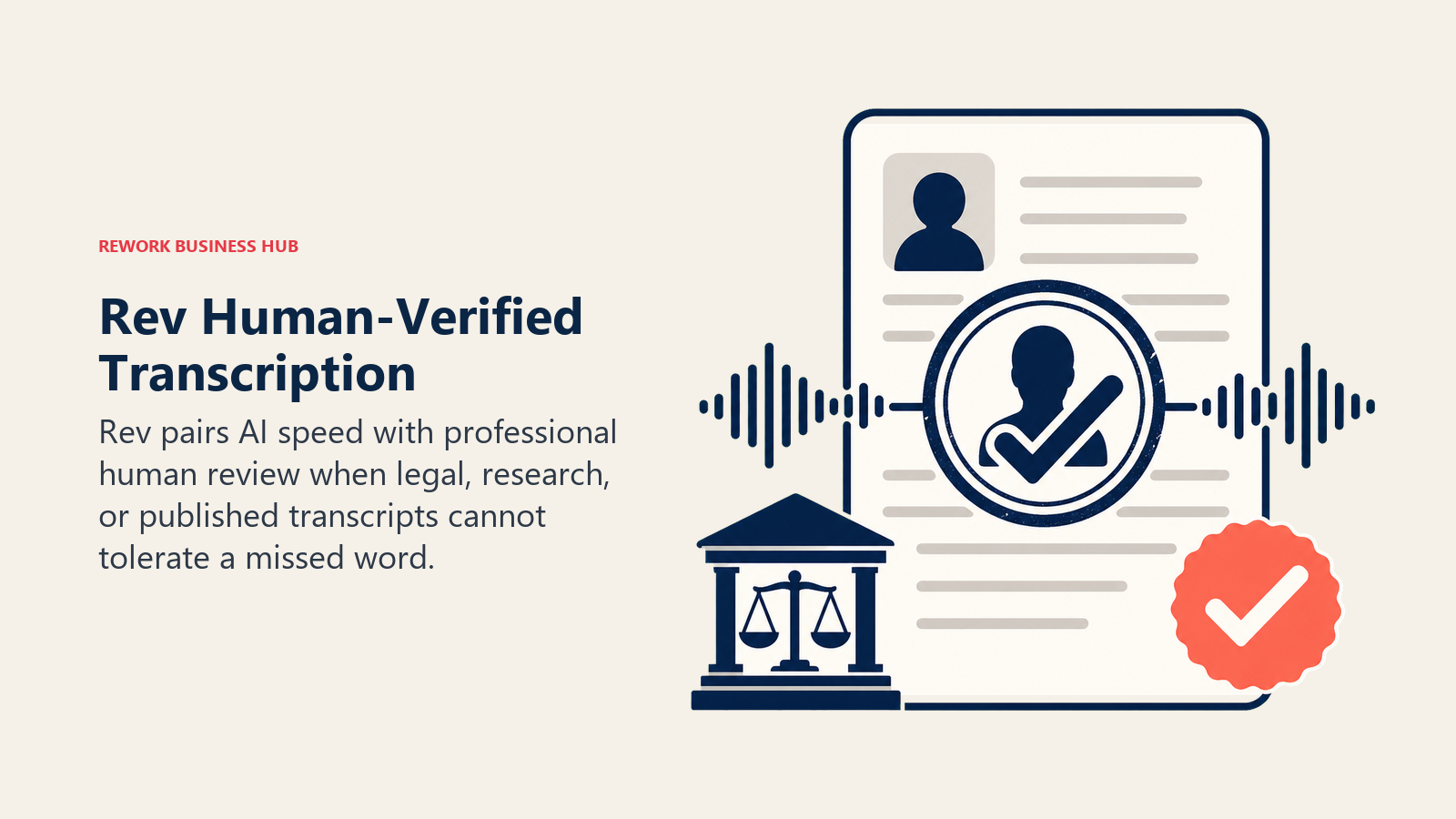
For legal teams, researchers publishing quotes, and journalists who can't afford a misheard word in print, Rev's human tier is still the category benchmark. The tradeoff is cost: human transcription runs $1.50 to $2.50 per minute depending on turnaround speed, with a $0.25 surcharge for strict verbatim, which adds up fast for anyone transcribing more than a few hours a month. If your accuracy bar is lower and your volume is higher, Rev's own AI tier at $0.25/minute, or a flat-fee tool like TurboScribe, is the better fit.
| What you get | What you don't |
|---|---|
| 99%+ accuracy from professional human transcriptionists | $1.50-$2.50/min human rate scales expensive fast |
| Flexible turnaround, from 12 hours down to 1 hour rush | AI tier ($0.25/min) is meaningfully less accurate |
| No surcharge for multiple speakers, accents, or hard audio | Subscription plans add per-seat cost on top of per-minute fees |
| Discounts for Essentials, Pro, and Unlimited subscribers | Unlimited plan pricing is custom, not published |
Pricing: AI transcription $0.25/min; human transcription $1.50/min (standard) to $2.50/min (1-hour rush); subscription plans from $25.49/seat/mo (Essentials, annual) to $47.99/seat/mo (Pro, annual) with 3-15% transcription discounts.
Best for: Legal teams, publishers, and researchers who need certified, court-ready accuracy and are willing to pay per minute for it.
3. Descript: Best for Editing Transcripts Like a Document
Descript's core idea is that editing audio and video should feel like editing a text document. Delete a word from the transcript and it's cut from the audio track too. That single feature turns transcription from a reference artifact into a working production tool, which is why podcasters, YouTubers, and video teams have made Descript their default over pure transcription apps.
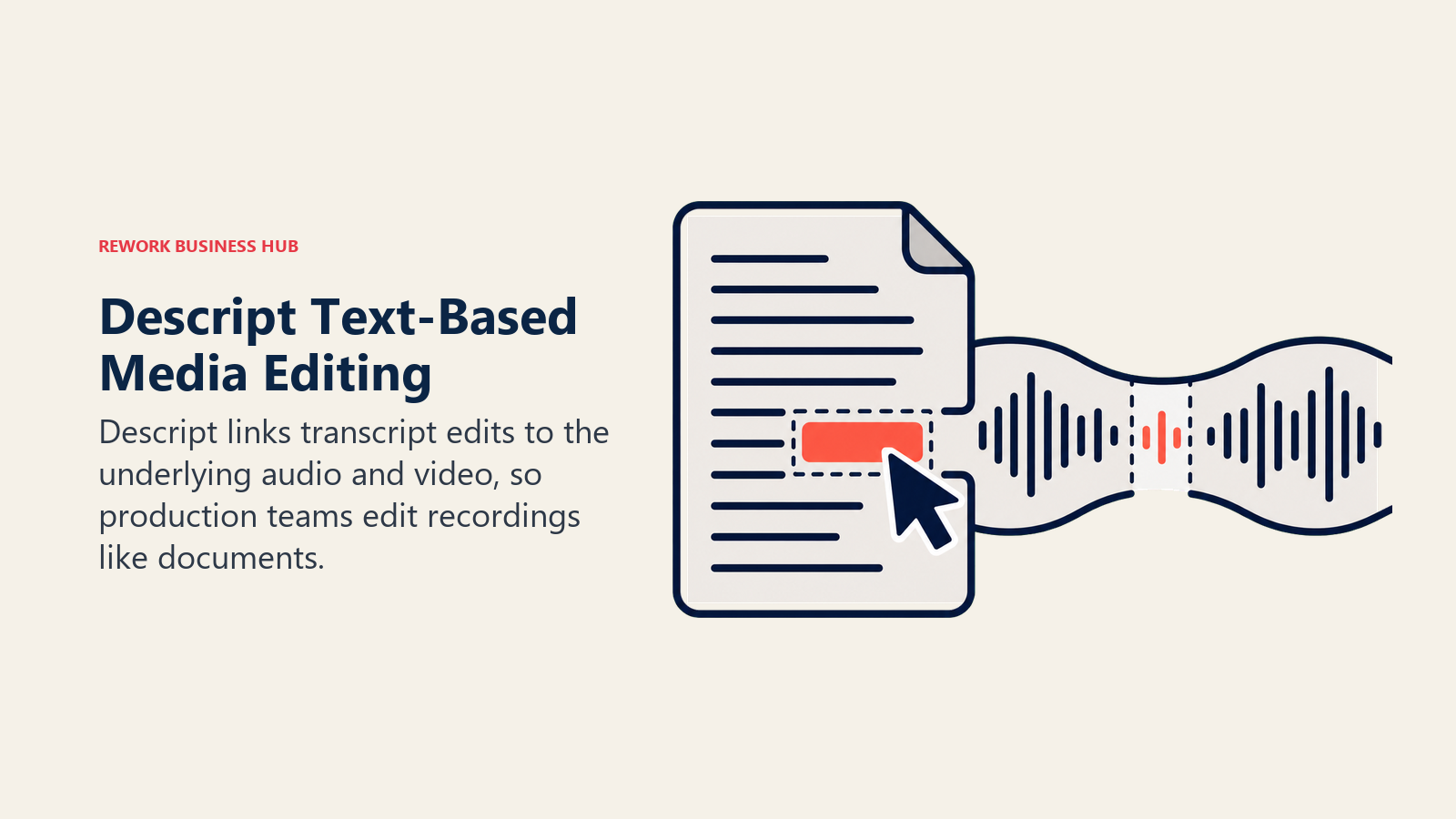
Descript transcribes as a side effect of its editing workflow rather than as its primary product, so if all you need is a clean transcript with no editing, it's more tool than you need. See our best AI video generators guide if video creation, not just transcription, is the bigger job on your plate.
| What you get | What you don't |
|---|---|
| Edit audio/video by editing the transcript text | Media-minutes model replaced simpler "hours" pricing in 2025 |
| Speaker Detective auto-labels multiple speakers | Overkill if you only need a plain transcript |
| Studio Sound cleanup and AI overdub built in | Free tier caps at roughly 60 media minutes/month |
| Exports transcripts in standard formats (SRT, VTT, TXT) | Business tier still caps at ~30 hours/user/month |
Pricing: Free (~60 min/month); Hobbyist $16/mo (annual) or $24/mo; Creator $24/mo (annual) or $35/mo; Business $50/mo (annual) or $65/mo.
Best for: Podcasters, YouTubers, and video teams who want to edit what they transcribe, not just read it.
4. Sonix: Best Multi-Language Automated Transcription with a Real Editor
Sonix built one of the cleanest browser-based transcript editors on the market and backed it with automated transcription in 54+ languages. Timestamps, speaker labels, and an in-browser waveform-synced editor come standard, which makes correcting the inevitable AI errors fast rather than painful.
In 2026, Sonix replaced its older per-user Premium-plus-hourly pricing with three flat monthly tiers, a simpler structure for teams that know roughly how many hours they transcribe each month. Occasional users are still better served by the $10/hour pay-as-you-go rate, since subscription hours don't carry over if unused.
| What you get | What you don't |
|---|---|
| 54+ languages with strong non-English accuracy | Monthly subscription hours don't roll over |
| Clean, fast in-browser transcript editor | No human-verified tier; automated only |
| Built-in translation alongside transcription | Team seats cost extra on top of hours |
| Pay-as-you-go option for occasional use | No live/streaming transcription |
Pricing: Pay-as-you-go $10/hr; Core $25/mo (5 hrs) or $275/yr; Advanced $50/mo (20 hrs); Pro $80/mo (40 hrs); Enterprise custom.
Best for: Researchers and international teams needing accurate multi-language transcripts with a real editing interface, not just a raw text dump.
5. Trint: Best for Newsroom and Broadcast Transcription
Trint was built by a former Reuters journalist specifically for newsroom workflows: fast turnaround on breaking audio, a Story Builder tool that turns a transcript into a draft article, and Trint Live for real-time captioning during broadcasts and events. That newsroom DNA still shows in the product more than in any competitor on this list.
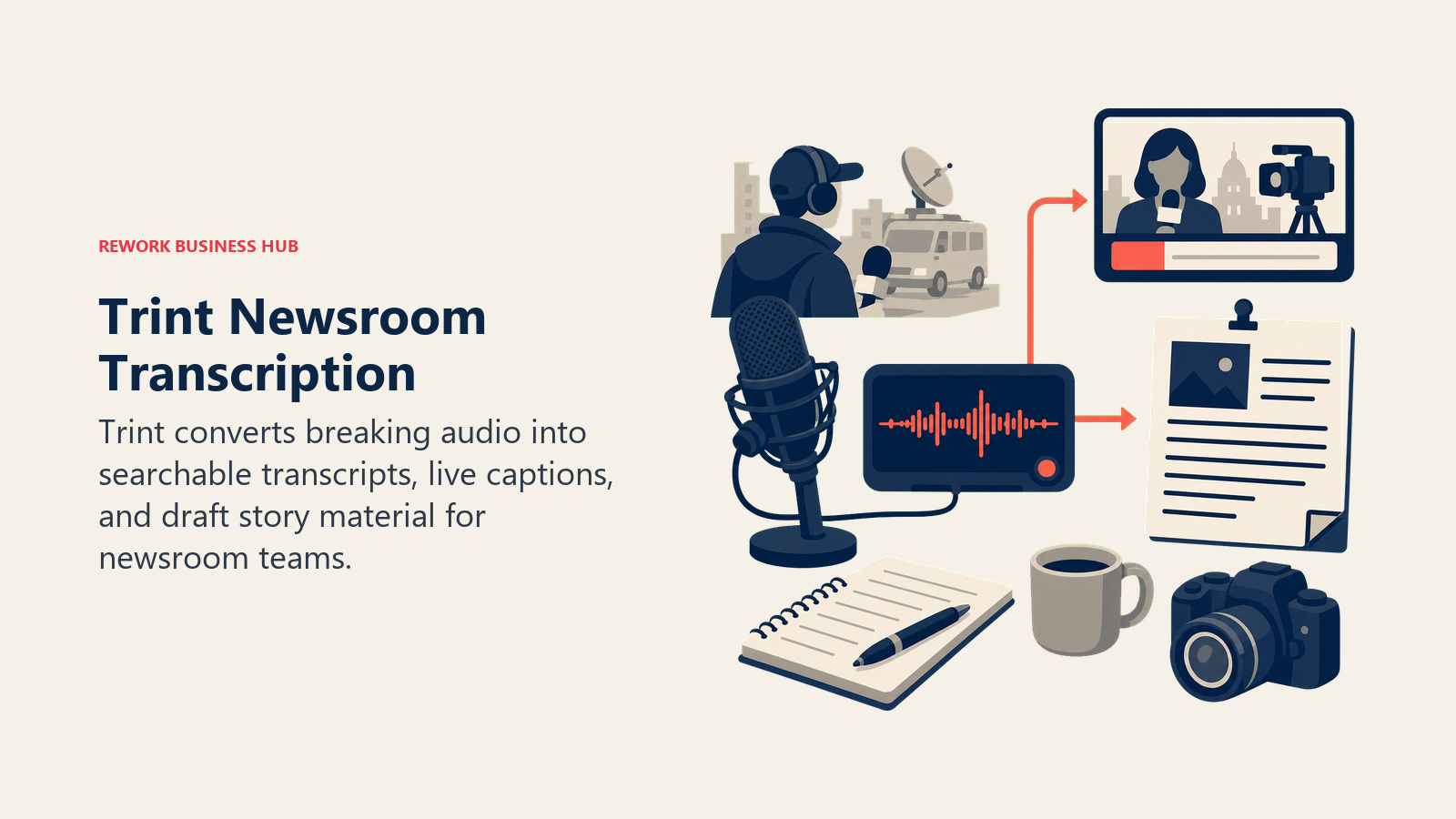
The tradeoff is price. Trint charges per seat, not per minute, which means a solo journalist or researcher pays the same $52-100/month as someone transcribing dozens of files, unless usage stays under the Starter tier's 7-file cap. If your team writes from transcripts as much as it reads them, that cost is easier to justify. If you just need clean text, cheaper options exist.
| What you get | What you don't |
|---|---|
| Story Builder turns transcripts into draft copy | Seat-based pricing, not usage-based |
| Trint Live real-time captioning for broadcasts and events | Starter tier caps at 7 files/month |
| Strong speaker ID and timecode accuracy for broadcast use | Advanced tier still starts at $60/mo (annual) |
| Integrates into newsroom publishing workflows | Enterprise pricing requires a sales call |
Pricing: Starter $52/mo (annual, 7 files) or $80/mo; Advanced $60/mo (annual, unlimited files) or $100/mo; Enterprise custom.
Best for: Newsrooms, broadcasters, and journalists who write from transcripts, not just reference them. See our best AI tools for content writers for the wider drafting stack.
6. Happy Scribe: Best for Subtitling and Translation Alongside Transcription
Happy Scribe treats transcription as one part of a bigger localization workflow. The same platform handles transcription, subtitling, and translation into 150+ languages, which makes it the practical choice for media teams that need a video captioned and translated, not just transcribed.
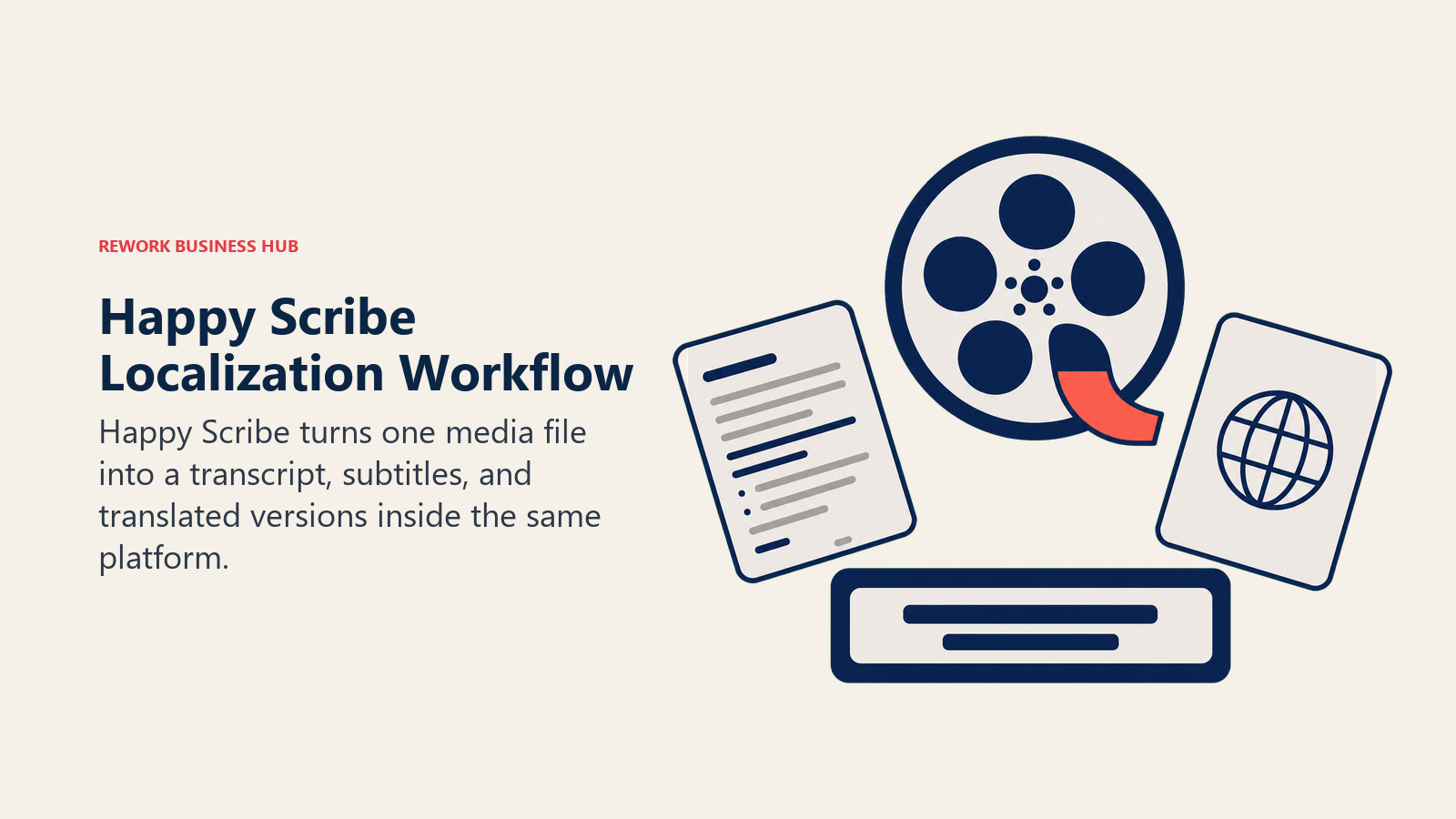
The pricing model bundles transcription, subtitling, and translation minutes into one shared credit pool per plan, and overage credits at $0.20/minute stack up quickly if you exceed your monthly allowance. Teams that only need plain transcripts, with no subtitling or translation, will likely find better per-minute value at Sonix or TurboScribe.
| What you get | What you don't |
|---|---|
| Transcription, subtitling, and translation in one platform | Shared minute pool across all three services |
| 150+ languages for transcription and subtitling | Overage credits at $0.20/min add up fast |
| Unlimited AI Chat analysis on Pro and Business tiers | Business tier jumps to $59/mo (annual) for 6,000 minutes |
| Clean export formats for broadcast and streaming platforms | No dedicated legal or certified transcript tier |
Pricing: Free trial (10 min); Basic $8.50/mo (annual, 120 min) or $17/mo; Pro $19/mo (annual, 600 min) or $29/mo; Business $59/mo (annual, 6,000 min) or $89/mo.
Best for: Media and localization teams that need transcripts, subtitles, and translations from the same source file.
7. Fireflies.ai: Best for CRM-Synced Sales Call Transcripts
Fireflies earns its place on this list for one specific job: turning sales and customer calls into transcripts that land directly in your CRM. Native sync to Salesforce, HubSpot, Pipedrive, and Zoho means reps and RevOps teams get searchable call records without manual note-taking, which is the core reason it's a fixture in our best AI tools for sales coverage too.
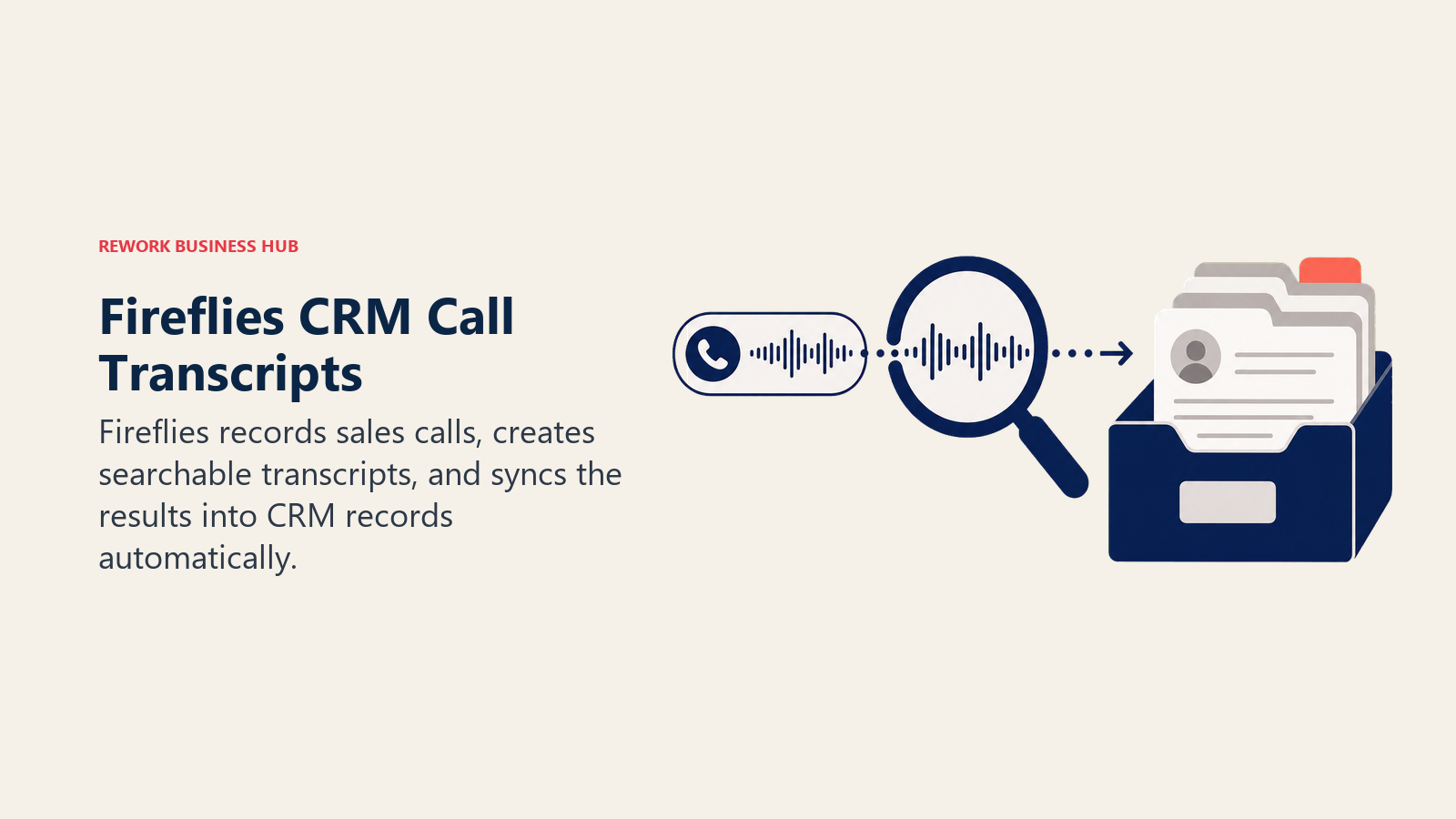
If meeting intelligence and CRM sync are the whole job, our dedicated Otter vs Fireflies vs Fathom comparison goes deeper on how the three stack up. For general-purpose interview or media transcription outside of sales calls, Fireflies is more tool (and more cost) than most teams need.
| What you get | What you don't |
|---|---|
| Native Salesforce, HubSpot, Pipedrive, Zoho sync | AI credit pool (20-50) gates advanced features |
| Unlimited transcription and summaries on every paid tier | Free tier storage caps at 400 minutes per team |
| Conversation intelligence and team analytics on Business | Not built for long-form media or research interviews |
| Multi-language mode on Business and Enterprise | Enterprise-only HIPAA compliance |
Pricing: Free ($0, 400 min/team); Pro $10/seat/mo (annual) or $18/mo; Business $19/seat/mo (annual) or $29/mo; Enterprise $39/seat/mo (annual only).
Best for: Sales and customer success teams that need call transcripts synced automatically into their CRM.
8. OpenAI Whisper and GPT-4o Transcribe: Best API for Building Your Own Transcription Product
OpenAI doesn't sell a transcription app. It sells the models most transcription apps on this list, and dozens more not on it, are quietly built on top of. Whisper's open weights made it the default foundation for the AI transcription boom, and OpenAI's hosted API versions (gpt-4o-transcribe and gpt-4o-mini-transcribe) now offer that same quality without the infrastructure lift of self-hosting Whisper.
This is the right choice only if you're building transcription into your own product, an internal tool, or an AI meeting notes and summaries workflow, not if you want a ready-made app. There's no interface, no editor, no export button. You write the code that calls the API and builds the rest.
| What you get | What you don't |
|---|---|
| Cheapest frontier-quality transcription API on this list | No user interface at all, pure API |
| Open-weight Whisper option for self-hosting | Requires engineering resources to deploy |
| Three pricing tiers for different cost/quality tradeoffs | No built-in speaker diarization on base Whisper |
| Backed by continual model updates from OpenAI | No dedicated support tier below Enterprise usage |
Pricing: gpt-4o-mini-transcribe $0.003/min; Whisper and gpt-4o-transcribe $0.006/min, per OpenAI's API pricing page.
Best for: Engineering teams building transcription into an internal tool or product, rather than buying a finished app.
9. Deepgram: Best for High-Volume, Low-Latency Streaming Transcription
Deepgram built its business on speed. Its Nova-3 model is tuned for real-time streaming transcription with minimal latency, which matters for live captioning, voice agents, and any product where a transcript needs to appear while someone is still talking, not after the call ends.
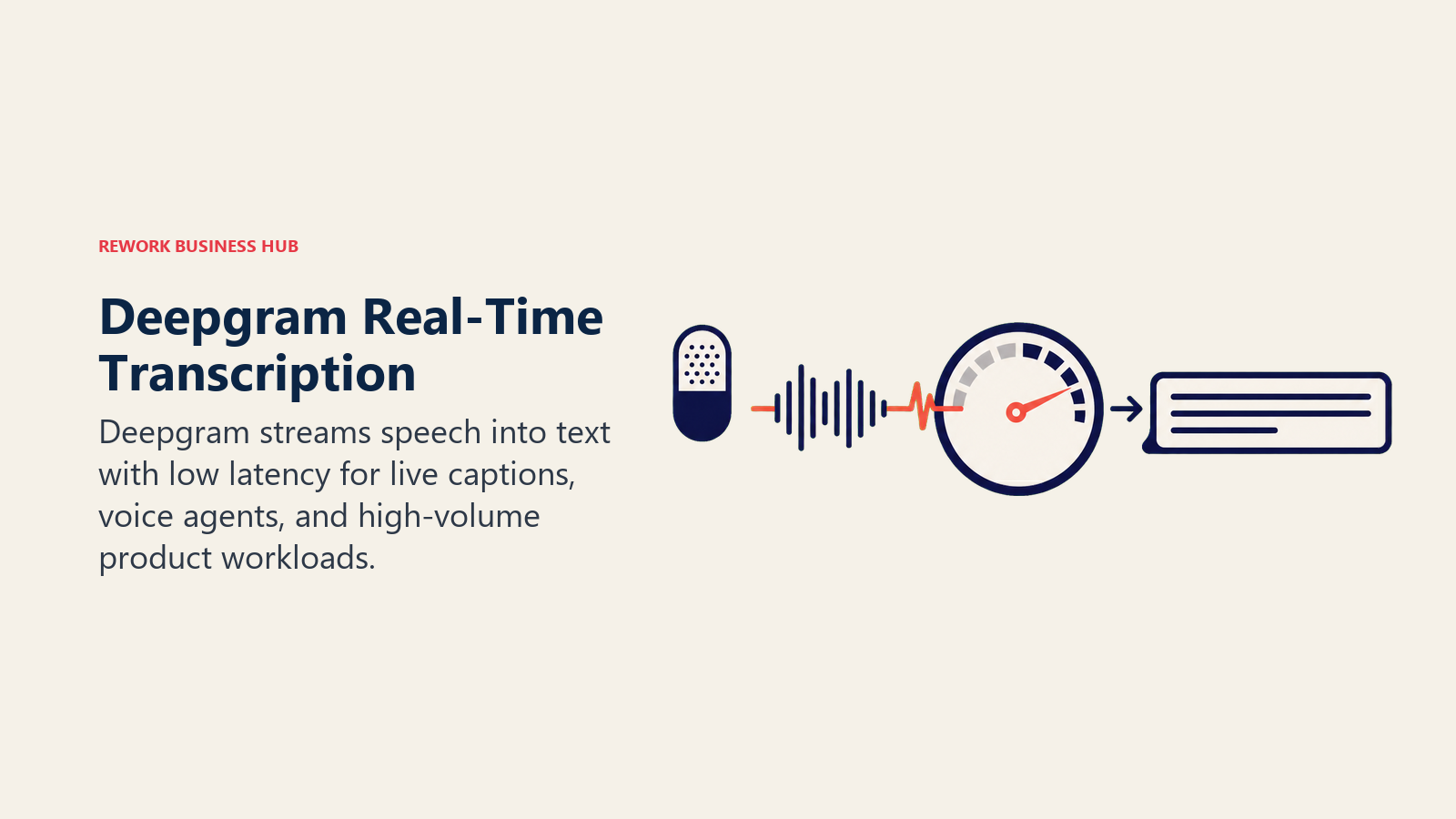
Like AssemblyAI and Speechmatics, Deepgram is API-only, no consumer app, no transcript editor. The pricing scales with volume and locks in better rates through a prepaid Growth plan, which makes it the more cost-effective choice than AssemblyAI or Speechmatics for teams processing thousands of hours a month, provided you're comfortable committing to annual prepaid credit.
| What you get | What you don't |
|---|---|
| Fastest real-time streaming transcription on this list | API-only, requires developer integration |
| Separate monolingual and multilingual model pricing | Growth plan discount requires annual prepay |
| Granular per-feature pricing (diarization, redaction, etc.) | No built-in transcript editor or export UI |
| $200 free credit with no expiration for new accounts | Enterprise volume pricing requires a sales call |
Pricing: Pay-as-you-go Nova-3 monolingual $0.0048/min (streaming) or $0.0077/min (pre-recorded); Growth plan (annual prepay) $0.0042/min (streaming) or $0.0065/min (pre-recorded); Enterprise custom.
Best for: Product teams building live captioning, voice agents, or call-center transcription at high volume.
10. AssemblyAI: Best Developer API for Transcription Plus Analysis
AssemblyAI's pitch is that raw transcription is only step one. Its API layers speaker diarization, sentiment analysis, topic detection, and its LeMUR framework for asking questions about a transcript directly on top of the core speech-to-text model, so developers get analysis, not just text, from one API call.
That extra intelligence comes at a price: each add-on (diarization, PII redaction, medical mode) stacks additively onto the base per-hour rate, and a fully-loaded request can run several times the base cost. For teams that just need a transcript, Deepgram or OpenAI's API is cheaper. For teams that need to extract structured insight from calls, AssemblyAI's bundled analysis saves real engineering time.
| What you get | What you don't |
|---|---|
| Speaker diarization, sentiment, and topic detection built in | Add-ons stack additively on top of base rate |
| LeMUR framework for querying transcripts with an LLM | Streaming and pre-recorded priced separately |
| $50 free credit (~185 hours) with no card required | API-only, no end-user transcript app |
| Volume pricing available past 10,000 hours/month | Best rates require negotiation at scale |
Pricing: Universal-2 pre-recorded $0.15/hr; Universal-3.5 Pro pre-recorded $0.21/hr; streaming from $0.15/hr; add-ons $0.02-$0.15/hr each.
Best for: Developers building call analysis, not just transcription, into a support or sales product. See our best AI tools for customer support for the wider support-stack picture.
11. Notta: Best Budget Multi-Language Team Transcription
Notta positions itself between Otter and Fireflies: transcription and meeting notes in 58+ languages, with light CRM export features, at a lower price point than either. For teams operating across languages that mainstream English-first tools handle poorly, Notta's language coverage is a real differentiator.
The free tier is tight (a 3-minute cap per file, 120 minutes total), so most teams land on the Pro tier quickly. Business removes the transcription minute cap entirely and adds collaboration features, positioning it as a lower-cost alternative to Otter Business for teams that don't need Otter's search depth.
| What you get | What you don't |
|---|---|
| 58+ languages, strong for non-English-first teams | Free tier caps individual files at 3 minutes |
| Business tier removes transcription minute caps | Smaller ecosystem of integrations than Otter |
| CRM export features on Business | AI summaries still capped on lower tiers |
| Meaningful discount for annual billing (about 40% off) | Enterprise pricing starts at 51 seats |
Pricing: Free (120 min/month); Pro $8.17/mo (annual) or $13.99/mo; Business $16.67/seat/mo (annual) or $27.99/mo; Enterprise custom (51+ seats).
Best for: Multi-language teams and companies operating outside English-first markets who want Otter-like features at a lower price.
12. TurboScribe: Best Flat-Fee Transcription for High-Volume Individuals
TurboScribe's entire pitch is one number: $10 a month, unlimited transcription, powered by Whisper. For researchers, students, and solo journalists who transcribe more than 15-20 hours a month, that flat fee beats every per-minute competitor on this list by a wide margin, and there's no metering anxiety about which file pushed you over quota.
The tradeoff is that TurboScribe is a transcription utility, not a research or editing platform. There's no live transcription, no CRM sync, no story-building tools, and enterprise features are thin. If flat-fee volume is your primary need, see also our best AI tools for academic research guide for how it fits into a broader research stack.
| What you get | What you don't |
|---|---|
| Flat $10/month for unlimited transcription | No live or streaming transcription |
| 99.8% claimed accuracy via Whisper, 98 languages | Thin enterprise and team features |
| Files up to 10 hours long, 50 uploads at a time | No CRM or calendar integrations |
| Translation to 134+ languages included | No human-verified accuracy tier |
Pricing: Free (3 transcripts/day, 30 min each); Unlimited $10/mo (annual) or $20/mo.
Best for: Researchers, students, and solo creators transcribing high, steady volume who want to stop counting minutes.
13. Speechmatics: Best Enterprise API for Accent and Language Coverage
Speechmatics built its reputation on accuracy across accents and dialects that trip up other engines, a differentiator that matters for global enterprises, broadcasters, and government transcription work where a narrow, US-English-tuned model quietly fails. An on-premises deployment option also makes it a fit for organizations with strict data residency requirements.
In 2026, Speechmatics doubled its free tier to 3,000 minutes (50 hours) a month, a meaningfully larger sandbox than Deepgram or AssemblyAI offer before you need a credit card. Like its API peers, it's built for developers, not end users looking for a transcript editor.
| What you get | What you don't |
|---|---|
| Strong accuracy across accents and non-native speech | API-only, no consumer transcript editor |
| On-premises deployment option for data residency | Pro tier capped at 6,000 hours/month |
| 3,000 free minutes/month, the largest free tier on this list | Enterprise pricing requires a sales call |
| Automatic volume discounts past 500 hours/month | Fewer built-in analysis features than AssemblyAI |
Pricing: Free (3,000 min/month, 2 concurrent sessions); Pro from $0.129/hr (50 concurrent sessions); Enterprise custom (on-prem available).
Best for: Global enterprises and broadcasters needing accuracy across diverse accents, with data residency requirements.
14. Verbit: Best Compliance-Grade Transcription for Legal, Medical, and Education
Verbit's model is a deliberate hybrid: its Captivate ASR engine produces a first-pass transcript, and professional human transcribers finalize it, which is the combination compliance-heavy industries actually need. Legal depositions, medical records, and classroom captioning all carry accuracy and accessibility requirements (ADA, FCC) that pure-AI tools can't fully satisfy on their own.
Given the ongoing stenographer shortage covered in this guide's Key Facts, Verbit's hybrid model is increasingly the practical middle ground between an unaffordable court reporter and an under-accurate pure-AI transcript. Enterprise pricing requires a sales conversation, but the Self-Service tier gives smaller legal and education teams a usable entry point. See our best AI tools for lawyers guide for how it fits alongside other legal AI tools.
| What you get | What you don't |
|---|---|
| Hybrid AI-plus-human transcription for compliance work | Enterprise pricing is custom and sales-gated |
| ADA and FCC-compliant live and pre-recorded captioning | Self-Service tier caps at 20 hours/month |
| SOC 2, HIPAA, GDPR, ISO 27001 compliance on Enterprise | Slower turnaround than pure-AI tools |
| Built specifically for legal, medical, and education sectors | Overkill for casual or low-stakes transcription |
Pricing: Self-Service $24/mo (annual, 20 hrs) or $29/mo; Enterprise custom (reported average around $33,000/year).
Best for: Legal, medical, and education organizations that need compliance-grade, ADA-compliant transcripts and captions.
15. GoTranscript: Best Budget Human Transcription for Legal and Certified Work
GoTranscript's model is the plainest on this list: 100% human transcription, no AI-only tier, priced per minute with volume discounts. For legal proceedings, depositions, and any work requiring a certified transcript with a documented human reviewer, it's a lower-cost alternative to Rev's human tier, at the cost of slower turnaround.
Rates scale down at volume: roughly $0.99/minute under 2,500 minutes, dropping toward $0.84/minute past 10,000 minutes at standard 5-day turnaround, with rush delivery (6-12 hours) closer to $2.34/minute. If speed matters more than price, Rev's rush tiers are faster. If price matters more than speed, GoTranscript is the better fit.
| What you get | What you don't |
|---|---|
| 100% human transcription, no AI shortcuts | Slowest standard turnaround on this list (up to 5 days) |
| 140+ languages supported | Rush delivery nearly doubles the per-minute rate |
| Volume discounts automatically applied past 2,500 minutes | No subscription plan, pay-per-project only |
| Add-ons for verbatim, timecodes, and accented audio | No live transcription or app-based workflow |
Pricing: From $0.84-$0.99/min (standard, volume-dependent) to $2.34/min (6-12 hour rush); 5-10% automatic volume discounts past 2,500 minutes.
Best for: Legal and research teams needing certified human transcripts on a budget, with turnaround time to spare.
AI Transcription Buying Mistakes to Avoid
| Mistake | What It Looks Like | What to Do Instead |
|---|---|---|
| Buying a meeting notetaker for research work | Using Otter or Fireflies to transcribe hours of interviews | Match the tool to the source material, not just the vendor's marketing |
| Ignoring the accuracy bar your output actually needs | Using a pure-AI tool for a legal deposition | Use Rev, GoTranscript, or Verbit when a human review layer is required |
| Comparing sticker price instead of real minute caps | Picking a $17/mo plan without checking the included minutes | Calculate cost per hour of actual monthly volume, not the plan's list price |
| Choosing a consumer app when you need an API | Trying to embed Otter into a custom product | Use Deepgram, AssemblyAI, Speechmatics, or OpenAI's API for product builds |
| Underestimating multi-language needs | Assuming an English-tuned tool works for a global team | Check per-language accuracy for Notta, Sonix, Happy Scribe, or Speechmatics |
| Ignoring turnaround time for time-sensitive work | Choosing GoTranscript's 5-day tier for a same-day court filing | Confirm turnaround, not just accuracy, before committing to a legal-grade tool |
| Not testing on your actual audio conditions | Judging accuracy from a vendor's demo, not your own recordings | Run a real 20-minute file through your top two picks before buying |
Decision Framework
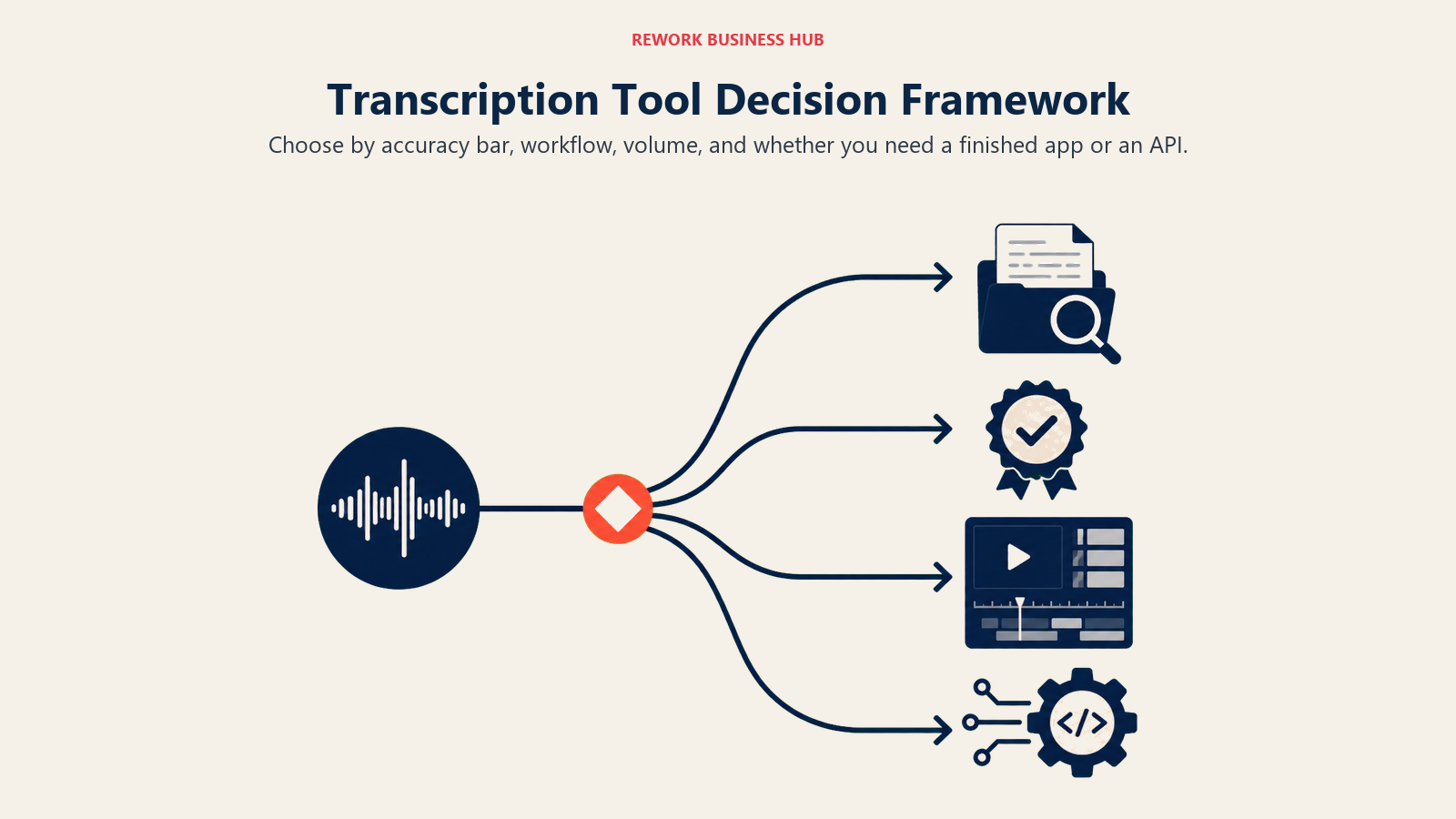
The final choice comes down to the accuracy bar, working format, monthly volume, and whether the team needs a finished application or an API.
| If you need... | Pick... | Why |
|---|---|---|
| Fast keyword search across a growing transcript library | Otter.ai | Best-in-class transcript search, wide platform coverage |
| Certified, court-ready human accuracy | Rev | 99%+ human transcription with flexible rush turnaround |
| To edit audio and video by editing the transcript | Descript | Text-based editing is the whole product |
| Multi-language automated transcription with a real editor | Sonix | 54+ languages, clean browser-based editor |
| Newsroom or broadcast transcription and captioning | Trint | Story Builder and Trint Live built for journalists |
| Transcription, subtitling, and translation in one tool | Happy Scribe | 150+ languages across all three services |
| CRM-synced transcripts for sales and CS calls | Fireflies.ai | Native Salesforce, HubSpot, Pipedrive sync |
| To build transcription into your own product | OpenAI Whisper API | Cheapest frontier-quality API, open-weight option |
| Fastest low-latency streaming transcription | Deepgram | Fastest real-time API on this list |
| Transcription plus built-in call analysis | AssemblyAI | Diarization, sentiment, and LeMUR layered on ASR |
| Budget multi-language team transcription | Notta | 58+ languages at a lower price than Otter or Fireflies |
| Flat-fee, high-volume individual transcription | TurboScribe | $10/month unlimited, no per-minute anxiety |
| Enterprise accuracy across accents and languages | Speechmatics | Strongest accent coverage, largest free tier |
| Compliance-grade transcripts for legal, medical, education | Verbit | Hybrid AI + human review, ADA/FCC captioning |
| Budget certified human transcription | GoTranscript | 100% human transcription at the lowest per-minute rate |
What to Do Next
Match the tool to the job, not the other way around. If you're transcribing research interviews or general audio, start a free trial with Otter and Sonix and run the same 20-minute file through both. If accuracy has to hold up in a legal or compliance context, get a quote from Rev, GoTranscript, and Verbit before you commit to any AI-only tool. And if you're building transcription into your own product, test Deepgram, AssemblyAI, and OpenAI's Whisper API against your actual audio conditions, not a demo file, before you pick an API to build on.

Principal Product Marketing Strategist
On this page
- Updated July 2026: What Changed
- Key Facts
- Quick Comparison Table
- How to Choose an AI Transcription Tool
- Framework: By Primary Use Case
- Framework: By Volume and Team Size
- Free Tier and Entry Pricing Reality Check
- 1. Otter.ai: Best General-Purpose Transcription for Search and Recall
- 2. Rev: Best for Court-Ready Human-Verified Accuracy
- 3. Descript: Best for Editing Transcripts Like a Document
- 4. Sonix: Best Multi-Language Automated Transcription with a Real Editor
- 5. Trint: Best for Newsroom and Broadcast Transcription
- 6. Happy Scribe: Best for Subtitling and Translation Alongside Transcription
- 7. Fireflies.ai: Best for CRM-Synced Sales Call Transcripts
- 8. OpenAI Whisper and GPT-4o Transcribe: Best API for Building Your Own Transcription Product
- 9. Deepgram: Best for High-Volume, Low-Latency Streaming Transcription
- 10. AssemblyAI: Best Developer API for Transcription Plus Analysis
- 11. Notta: Best Budget Multi-Language Team Transcription
- 12. TurboScribe: Best Flat-Fee Transcription for High-Volume Individuals
- 13. Speechmatics: Best Enterprise API for Accent and Language Coverage
- 14. Verbit: Best Compliance-Grade Transcription for Legal, Medical, and Education
- 15. GoTranscript: Best Budget Human Transcription for Legal and Certified Work
- AI Transcription Buying Mistakes to Avoid
- Decision Framework
- What to Do Next