What is Microsoft Copilot (Microsoft's AI)?
Turn this article into takeaways for your work.


Each assistant summarizes the article only for you and suggests best practices for your work.
Microsoft Copilot is Microsoft's brand name for its AI assistant, built into Windows, Microsoft 365 (Word, Excel, PowerPoint, Outlook, Teams), Edge, and GitHub, plus a standalone app and web chat. It answers questions, drafts and summarizes content, analyzes data, and (in its 365 form) acts on a user's own emails, files, and calendar using large language models from OpenAI and Microsoft's own MAI model family.
For business leaders, "what is Microsoft's AI called" has one answer with several products behind it: Copilot. It's not a single tool but a family, a free chat assistant for anyone with a Microsoft account, a paid productivity layer inside Microsoft 365 for knowledge workers, a low-code studio for building custom agents, a coding assistant for developers, and a security-analyst assistant for SOC teams. Which one your company needs depends on which job you're trying to speed up.
This article covers the Microsoft Copilot product and brand specifically. For the broader industry concept, an AI assistant embedded inside any software, Microsoft's or otherwise, see AI Copilots.
The Microsoft Copilot Family
Microsoft has consolidated more than a dozen AI features under the Copilot name since 2023. As of mid-2026, the family breaks into five distinct products, each with a different audience and a different price tag.
| Product | Who it's for | What it does | Where it lives |
|---|---|---|---|
| Copilot (formerly Bing Chat, sometimes called Microsoft Copilot or Copilot app) | Anyone with a Microsoft account | Free chat assistant, web search grounding, image generation, voice mode | Windows, Edge, copilot.microsoft.com, mobile app |
| Microsoft 365 Copilot | Knowledge workers, paid add-on | Drafts documents, builds slides, analyzes spreadsheets, summarizes meetings, acts across a user's own mailbox and files | Word, Excel, PowerPoint, Outlook, Teams |
| Microsoft 365 Copilot Chat | Any Microsoft 365 subscriber | Lighter-weight chat grounded in the web and, with permission, an organization's data, included at no extra cost | Microsoft 365 apps, Teams |
| Copilot Studio | Admins and citizen developers | Low-code tool for building and deploying custom agents that automate business processes | Standalone studio, connects into Teams, Dynamics 365, Power Platform |
| GitHub Copilot | Software developers | Code completion, chat, and autonomous coding agents inside the IDE and CLI | VS Code, Visual Studio, JetBrains IDEs, GitHub.com |
| Security Copilot | SOC and IT security teams | Investigates alerts, summarizes incidents, and drafts remediation steps using a specialist security model paired with a general-purpose LLM | Microsoft Defender, Sentinel, Entra, standalone portal |
Every one of these sits under the same Copilot umbrella and shares design language, but they're separately licensed, separately priced, and built for different jobs. A company might run the free Copilot app for casual staff use, GitHub Copilot for its engineering team, and Microsoft 365 Copilot for a subset of knowledge workers, all at once.
What Models Power Microsoft Copilot
Copilot isn't one model. It's a routing layer over several, and which model answers a given request depends on the product, the task, and the date, since Microsoft updates the mix continuously.
- OpenAI's GPT family remains the backbone for most everyday tasks. OpenAI confirmed in July 2026 that GPT-5.6 is now the "preferred model" across Microsoft 365 Copilot, Word, Excel, PowerPoint, Chat, and the Cowork feature, running alongside GPT-5.4 Thinking for reasoning-heavy requests and GPT-5.3 Instant for fast, everyday responses.
- Microsoft's own MAI models are steadily replacing OpenAI in specific surfaces. At Build 2026, Microsoft's in-house AI team introduced seven MAI models, including MAI-Thinking-1 (a reasoning model), MAI-Code-1-Flash (a coding model), and MAI-Image-2.5, MAI-Transcribe-1.5, and MAI-Voice-2 for image, transcription, and voice tasks. These are being substituted into GitHub Copilot and parts of the Microsoft 365 stack, a deliberate move to reduce dependence on OpenAI and cut inference costs.
- Security Copilot runs a dedicated security model alongside GPT-4, trained on Microsoft's own threat-intelligence signal volume rather than general web text, which is why it's positioned as a specialist tool rather than a general assistant.
- GitHub Copilot is transitioning its default model too. Microsoft's Project Polaris, a mixture-of-experts model trained on Microsoft's custom Maia silicon, is set to replace GPT-4 Turbo as GitHub Copilot's default across every individual, business, and enterprise seat starting August 2026.
The practical upshot for buyers: you're not locking into a single vendor's model when you buy Copilot. You're buying Microsoft's routing and integration layer, and the model underneath will keep changing as Microsoft rebalances between OpenAI and its own MAI stack.
Microsoft Copilot Pricing and Plans (July 2026)
Pricing varies widely by product. Here's what each tier actually costs as of July 2026, confirmed against Microsoft's and GitHub's own pricing pages.
| Plan | Price | Notes |
|---|---|---|
| Copilot (free) | $0 | Chat, web grounding, limited image generation; available to anyone with a Microsoft account |
| Microsoft 365 Premium (consumer) | $19.99/month or $199.99/year | Bundles Copilot in Word, Excel, PowerPoint, Outlook, and OneNote with the full Microsoft 365 desktop apps and 6 TB of storage |
| Microsoft 365 Copilot (business add-on, Enterprise) | $30/user/month, billed annually ($360/user/year) | Add-on license on top of a qualifying Microsoft 365 E3, E5, or Business Premium plan; not sold standalone |
| Microsoft 365 Copilot Business (SMB add-on, up to 300 seats) | $18-25.20/user/month depending on billing term | Add-on requiring a qualifying Business Standard or Business Premium base license |
| Microsoft 365 Copilot Chat | Included | No extra cost for eligible Microsoft 365 subscribers; lighter feature set than the full add-on |
| Copilot Studio | $200/tenant/month for a 25,000-message capacity pack, or roughly $0.01/message pay-as-you-go | Actual message consumption depends heavily on agent design; generative answers and autonomous actions burn messages faster than scripted flows |
| GitHub Copilot Free | $0 | 2,000 code completions per month plus limited chat and agent access |
| GitHub Copilot Pro | $10/month | Individual developers, higher usage limits |
| GitHub Copilot Pro+ | $39/month | Individual developers, priority model access |
| GitHub Copilot Business | $19/seat/month | Org-wide IDE, CLI, and mobile access |
| GitHub Copilot Enterprise | $39/seat/month | Adds codebase indexing and GitHub.com chat integration |
| Security Copilot | Consumption-based (Security Compute Units) | Priced by usage, not per seat; contact Microsoft for a workload-based estimate |
The single most common pricing mistake buyers make is treating the Microsoft 365 Copilot add-on price as the full cost. It's an add-on. You need a qualifying base Microsoft 365 license first, so the true all-in per-seat cost typically runs two to three times the headline add-on figure once the base subscription is included.
Business Use Cases and ROI
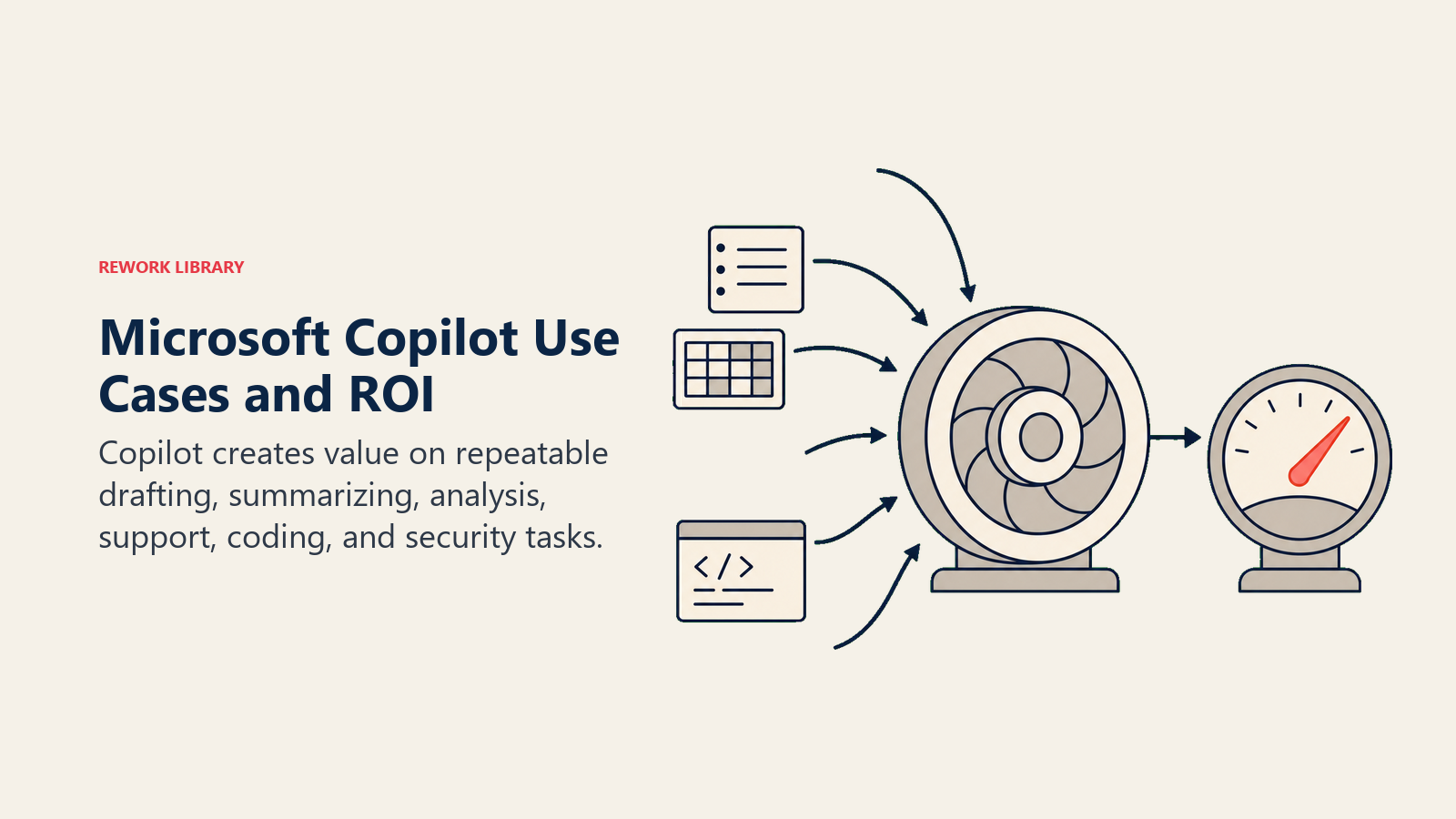
The clearest signal on real-world return comes from Forrester's Total Economic Impact study, commissioned by Microsoft but built on independent interviews and a modeled composite organization: over three years, that composite organization saw $36.8 million in benefits against $17.1 million in costs, a net present value of $19.7 million and a 116% ROI, with $18.8 million of the benefit coming from direct productivity gains on tasks like drafting emails, summarizing meetings, and analyzing data. A separate SMB-focused version of the same study projected an even higher 353% ROI for smaller organizations, reflecting a lower cost base relative to the time saved.
Common deployment patterns by function:
- Sales: Drafting proposals and follow-up emails, summarizing CRM notes and call transcripts, prepping account research before a meeting.
- Finance and operations: Building first-draft financial summaries in Excel, reconciling data across spreadsheets, drafting variance explanations for reports.
- Customer support and IT: Summarizing long ticket threads, drafting response templates, using Copilot Studio agents to handle routine tier-1 requests before escalation.
- Engineering: GitHub Copilot for code completion, test generation, and (increasingly) autonomous fixes for well-scoped bugs that a developer reviews before merging.
- Security: Security Copilot summarizing an incident timeline and suggesting containment steps for an analyst to approve, compressing investigation time on high-volume alert queues.
The pattern across all of these: Copilot works best on well-defined, high-volume tasks with a clear "good output" to check against, drafting, summarizing, first-pass analysis, not open-ended strategic judgment calls.
Microsoft Copilot vs ChatGPT vs Gemini for Work
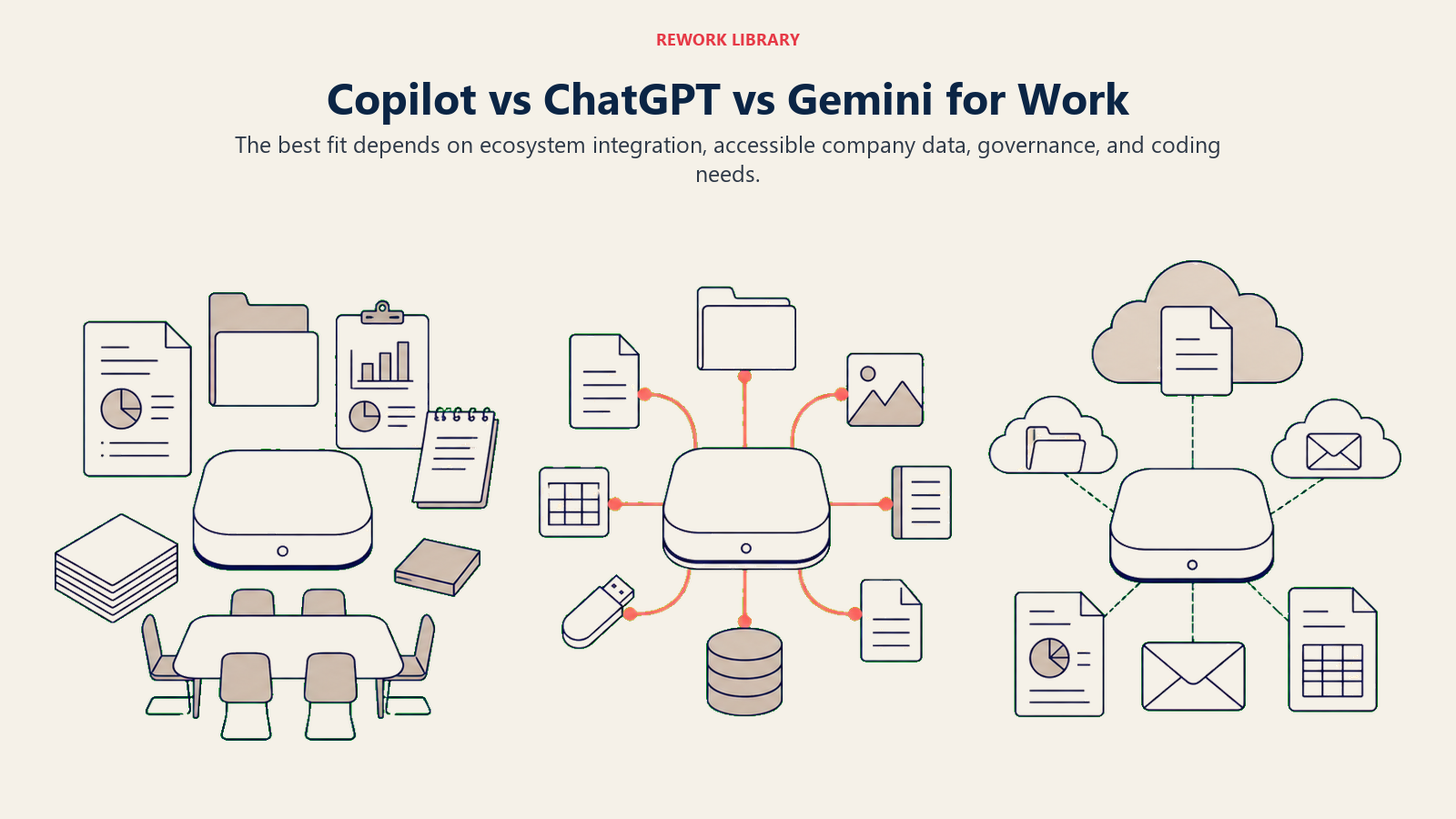
All three are legitimate options for business use, and many organizations end up running more than one. The honest differences come down to where the AI lives and what data it can see.
| Aspect | Microsoft Copilot (365) | ChatGPT (Team/Enterprise) | Google Gemini (Workspace) |
|---|---|---|---|
| Native integration | Deep, inside Word/Excel/PowerPoint/Outlook/Teams | Standalone app plus Office/Slack plugins, not native to Microsoft apps | Deep, inside Docs/Sheets/Slides/Gmail |
| Underlying model(s) | OpenAI GPT-5.x plus Microsoft's own MAI models | OpenAI's GPT model family exclusively | Google's Gemini model family exclusively |
| Best fit | Organizations already standardized on Microsoft 365 | Organizations wanting one flexible assistant across many tools and file types | Organizations already standardized on Google Workspace |
| Entry price for teams | $30/user/month add-on (Enterprise), on top of a base M365 license | Roughly $25-30/user/month for Team plans (check current OpenAI pricing) | Bundled into qualifying Google Workspace plans or a separate add-on |
| Data grounding | Grounded in a user's own mailbox, files, and Teams chats, respecting existing permissions | Grounded in uploaded files and connected apps via plugins/connectors | Grounded in a user's own Drive, Gmail, and Workspace content |
| Coding support | GitHub Copilot (separate product, separate license) | Strong general coding ability inside ChatGPT itself | Gemini Code Assist (separate product) |
| Governance and admin controls | Mature enterprise tooling via Microsoft Purview, Entra, and Copilot Studio governance | Enterprise admin console with data controls, less deep OS-level integration | Mature enterprise tooling via Google Admin console and Workspace security |
The practical takeaway: Copilot's advantage is depth of integration into an ecosystem your company probably already runs on, not a categorically smarter model. If your organization is Microsoft-first, Copilot removes the most app-switching. If it's Google-first, Gemini does the same inside Workspace. ChatGPT remains the most model-agnostic option and often wins on raw chat and coding capability, at the cost of needing separate connectors to reach your files.
Limitations of Microsoft Copilot
- Output still needs review. Copilot can misread context in a long spreadsheet or summarize a meeting transcript inaccurately; treat drafts as a starting point, not a final answer, especially for anything client-facing or numeric.
- Licensing is genuinely confusing. With five separate products, multiple SKUs per product, and add-on pricing layered on base licenses, it's easy to overbuy or underbuy seats without a deliberate licensing review.
- Data grounding depends on existing permissions hygiene. Copilot can only see what a user is already authorized to see, but if your organization's file and folder permissions are loose, Copilot can surface content a user technically could access but shouldn't have found so easily. Clean up permissions before a wide rollout, not after.
- Message-based Copilot Studio costs can surprise budget owners. Consumption running 30-60% above initial estimates once agents go live in production is a common pattern once generative and autonomous actions replace simple scripted responses.
- Model behavior shifts over time. Because Microsoft actively rotates which model answers a given request between OpenAI's GPT family and its own MAI models, output style and quality can shift without a visible product change.
Key Facts
- Microsoft reported 20 million paid Microsoft 365 Copilot seats in its fiscal Q3 2026 earnings call (reported April 29, 2026), up from 15 million the prior quarter, a 33% quarter-over-quarter increase. CNBC
- Microsoft 365 Copilot's Enterprise add-on costs $30 per user per month, billed annually ($360/user/year), on top of a qualifying Microsoft 365 base license. Microsoft
- OpenAI's GPT-5.6 became the preferred model across Microsoft 365 Copilot's Word, Excel, PowerPoint, Chat, and Cowork surfaces starting July 9, 2026. TechCrunch
- Microsoft introduced seven in-house MAI models at Build 2026, including MAI-Thinking-1 and MAI-Code-1-Flash, to reduce Copilot's reliance on OpenAI. Microsoft AI
- Copilot Studio is billed by message consumption: a capacity pack of 25,000 messages costs $200 per tenant per month on an annual commitment. Microsoft Learn
- Forrester's Total Economic Impact study found a composite enterprise using Microsoft 365 Copilot achieved a 116% ROI and $19.7 million net present value over three years, with $18.8 million of that from direct productivity gains. Forrester
- A separate Forrester study projected up to 353% ROI for small and medium businesses adopting Microsoft 365 Copilot. Microsoft 365 Blog
- GitHub Copilot's Free tier includes 2,000 code completions per month, while paid Business and Enterprise seats run $19 and $39 per user per month respectively. GitHub Docs
Related AI Concepts
- AI Copilots - The general concept Microsoft Copilot is one branded example of
- AI Agents - How autonomous agents differ from collaborative copilots like Copilot Studio agents
- What is Agentic AI? - How Copilot's agent features fit into the broader agentic AI trend
- Large Language Models (LLMs) - The model category powering Copilot's chat and drafting features
- Model Context Protocol - The open standard increasingly used to connect Copilot agents to external tools
- AI Integration - What it takes to connect Copilot into existing enterprise systems
- AI Governance - Policies needed before a wide Copilot rollout, especially around data permissions
- AI ROI Measurement - How to measure whether a Copilot deployment is actually paying off
External Resources
- Microsoft 365 Copilot Pricing - Official current pricing for all Microsoft 365 Copilot plans
- GitHub Copilot Plans - Official GitHub Copilot plan comparison and pricing
- Copilot Studio Billing - How message-based billing works for custom agents
- Forrester: The Total Economic Impact of Microsoft 365 Copilot - Independent-methodology ROI study commissioned by Microsoft
- Microsoft Build 2026: MAI Keynote - Microsoft's own AI model roadmap and Copilot integration plans
Part of the AI Terms Collection. Last updated: 2026-07-20

Co-Founder, Rework.com