What is AI Latency? Why Response Time Determines AI Value in Production
Turn this article into takeaways for your work.


Each assistant summarizes the article only for you and suggests best practices for your work.
A sales rep asks your AI assistant to summarize an account before a call. If the answer comes back in 2 seconds, they use it every time. If it takes 18 seconds, they stop using it within a week. The feature still exists. The AI still works. But latency killed adoption before anyone noticed.
For business leaders deploying AI, latency is not a technical nicety. It is the difference between an AI investment that changes behavior and one that gets quietly abandoned. Understanding what drives it and what you can control is a practical requirement for anyone sponsoring AI deployment.
What Latency Means in AI Systems
Latency is the elapsed time between sending a request to an AI system and receiving a complete response. In everyday language: how long does it take?
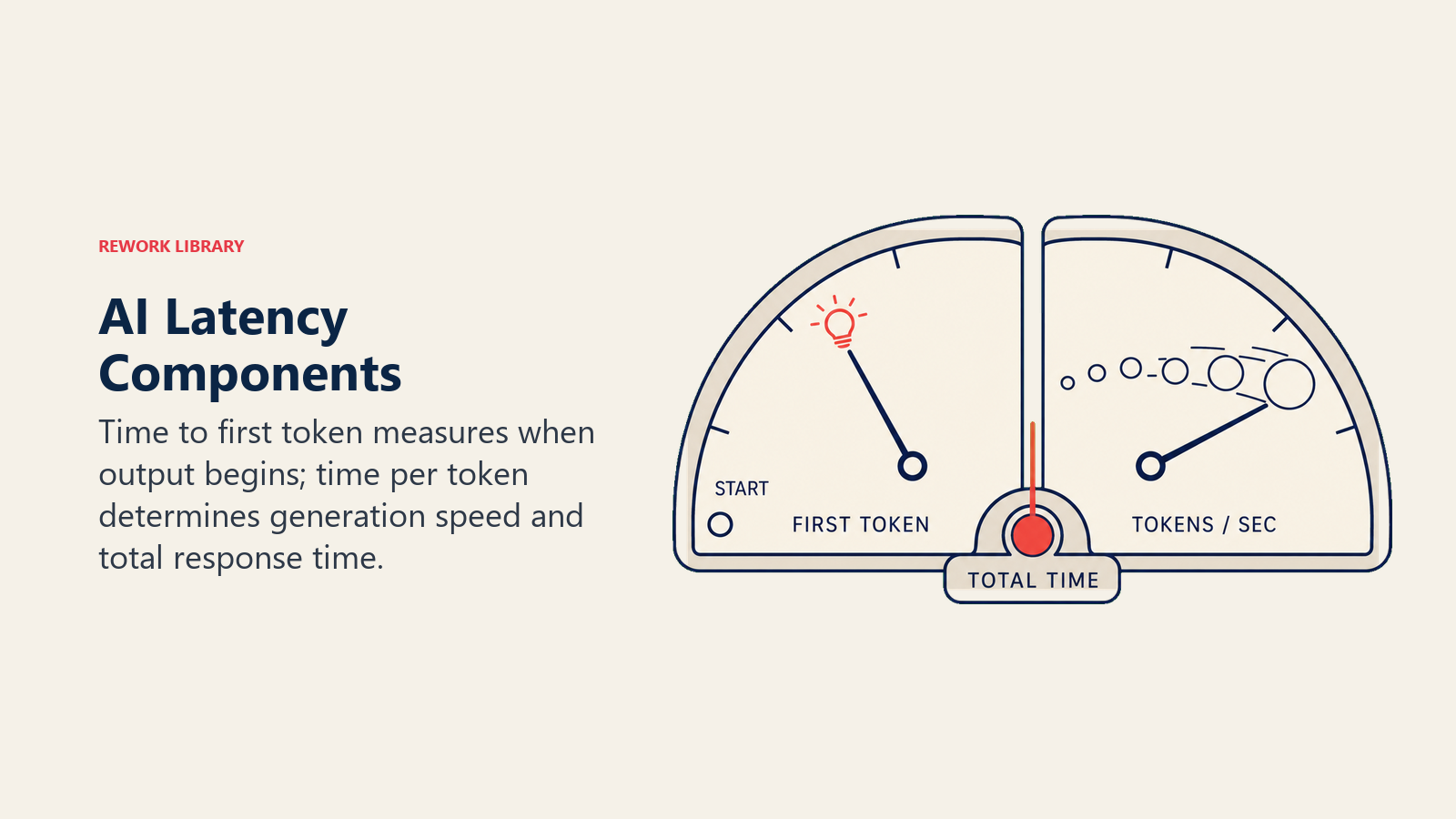
But this single number hides important variation. AI engineers typically measure two separate components:
Time to first token (TTFT). How long until the model starts generating output. For streaming responses (where text appears word by word), this is what users perceive as "how fast the AI starts responding." A high TTFT feels like the system is frozen.
Time per output token (TPOT). How fast the model generates each token after the first. For long responses, this determines total elapsed time. A fast TTFT but slow TPOT means the AI starts quickly but then crawls through a long answer.
Total response time is the sum of both. For a 500-token response at 50ms TTFT and 20ms per token, total time is 10 seconds. For a 50-token response, it is 1 second.
The practically relevant metric depends on the use case. For a conversational assistant, TTFT matters most. For a batch document processor running overnight, total throughput matters more than any single query's speed.
What Drives Latency
Latency in an AI system has several distinct sources. Knowing which is dominant in your deployment determines where to focus.
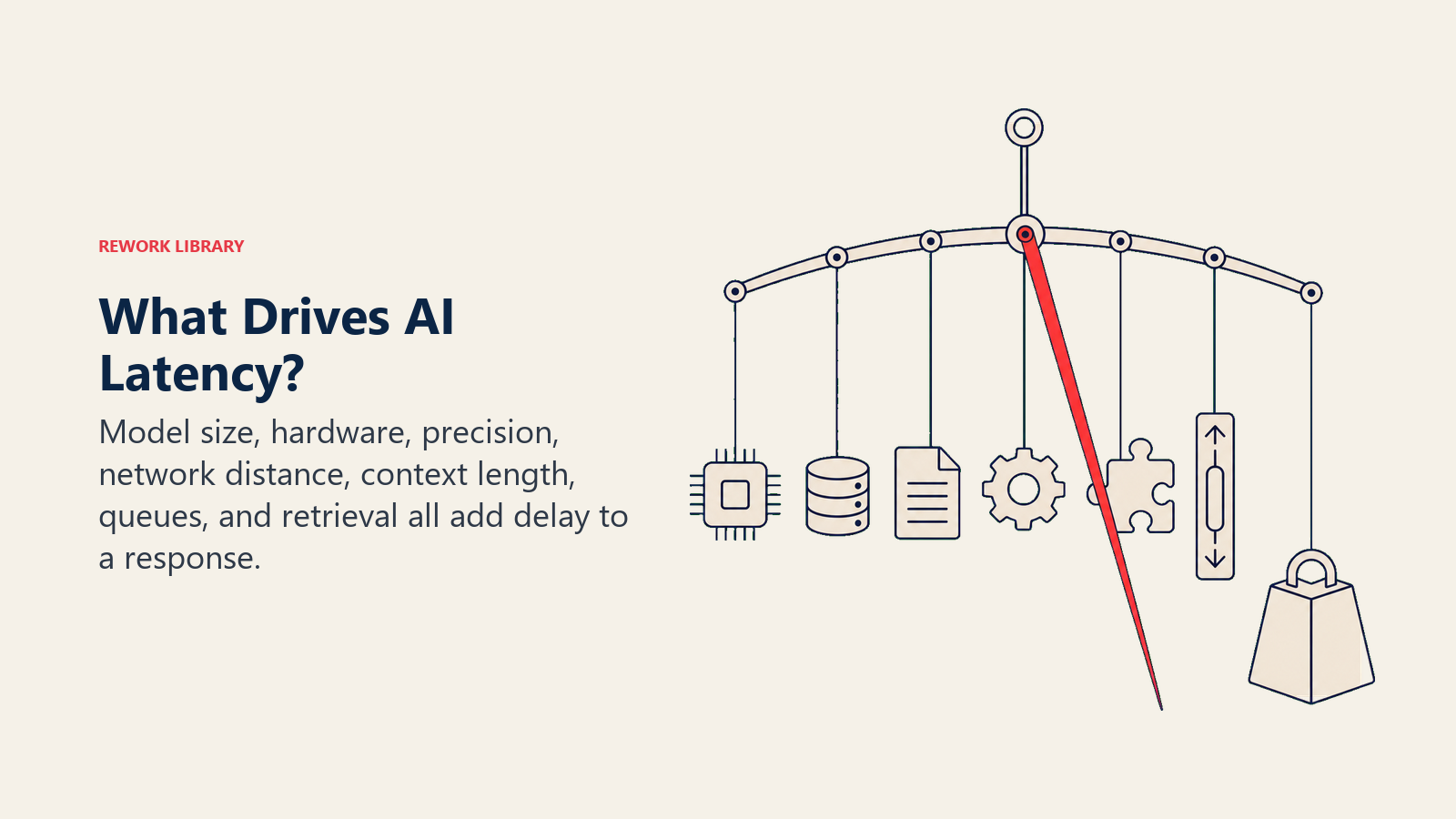
Model size. Larger models (more parameters) are slower to run. GPT-4 class models have hundreds of billions of parameters. A small, specialized model might have 7 billion. The smaller model answers faster, sometimes 10-20x faster, but with lower capability. This is the core inference optimization tradeoff.
Hardware. AI inference runs on GPUs or specialized AI chips (TPUs, AWS Inferentia, etc.). The same model on a high-end H100 GPU runs significantly faster than on a lower-tier instance. Cloud providers tier GPU availability; smaller deployments often get older hardware.
Quantization and precision. Models can be run in lower numerical precision (e.g., INT8 instead of FP16) to reduce memory and compute requirements. Well-implemented quantization can cut latency by 2-4x with modest quality impact for many tasks.
Network distance. If your application is in Europe and your AI provider's inference endpoint is in the US East region, you add 80-150ms of round-trip network latency before the model even starts thinking. For real-time applications, region selection matters.
Context length. Transformer models scale quadratically with context window length in their attention computation. Sending a 100,000-token context is dramatically slower than a 1,000-token context. Long-context applications (document analysis, code review of large codebases) pay a significant latency cost.
Batching and queue depth. Cloud inference endpoints serve many users simultaneously. When demand spikes, requests wait in a queue. This queue wait is invisible latency from the user's perspective but can add seconds to response time under load.
Retrieval steps. Retrieval-augmented generation systems add a search step before model inference. A well-optimized vector search takes 50-200ms. A poorly optimized one can take 2-5 seconds, dominating total latency.
Why It Matters More Than Most Metrics
Research on user experience and AI adoption shows a consistent pattern: response time thresholds determine whether a feature becomes a habit or a friction point.
For interactive use cases (assistants, copilots, search), responses under 2 seconds feel instant. 2-5 seconds is noticeable but acceptable. Beyond 5 seconds, users disengage, stop waiting, or find workarounds. Beyond 10 seconds for a routine query, adoption rates drop sharply and often do not recover even when the system improves.
This creates a compounding problem for enterprise AI. A system that is slow at launch trains users to expect slowness and to develop coping behaviors (ignoring the feature, working around it). Even when latency improves, the behavioral change is already done.
The business implication: latency thresholds should be defined as acceptance criteria before deployment, not measured after launch as an afterthought.
The Edge AI Alternative
One architectural response to cloud inference latency is to move the model closer to the user, literally. Edge AI runs smaller, optimized models on local devices or on-premises hardware, eliminating network latency entirely.
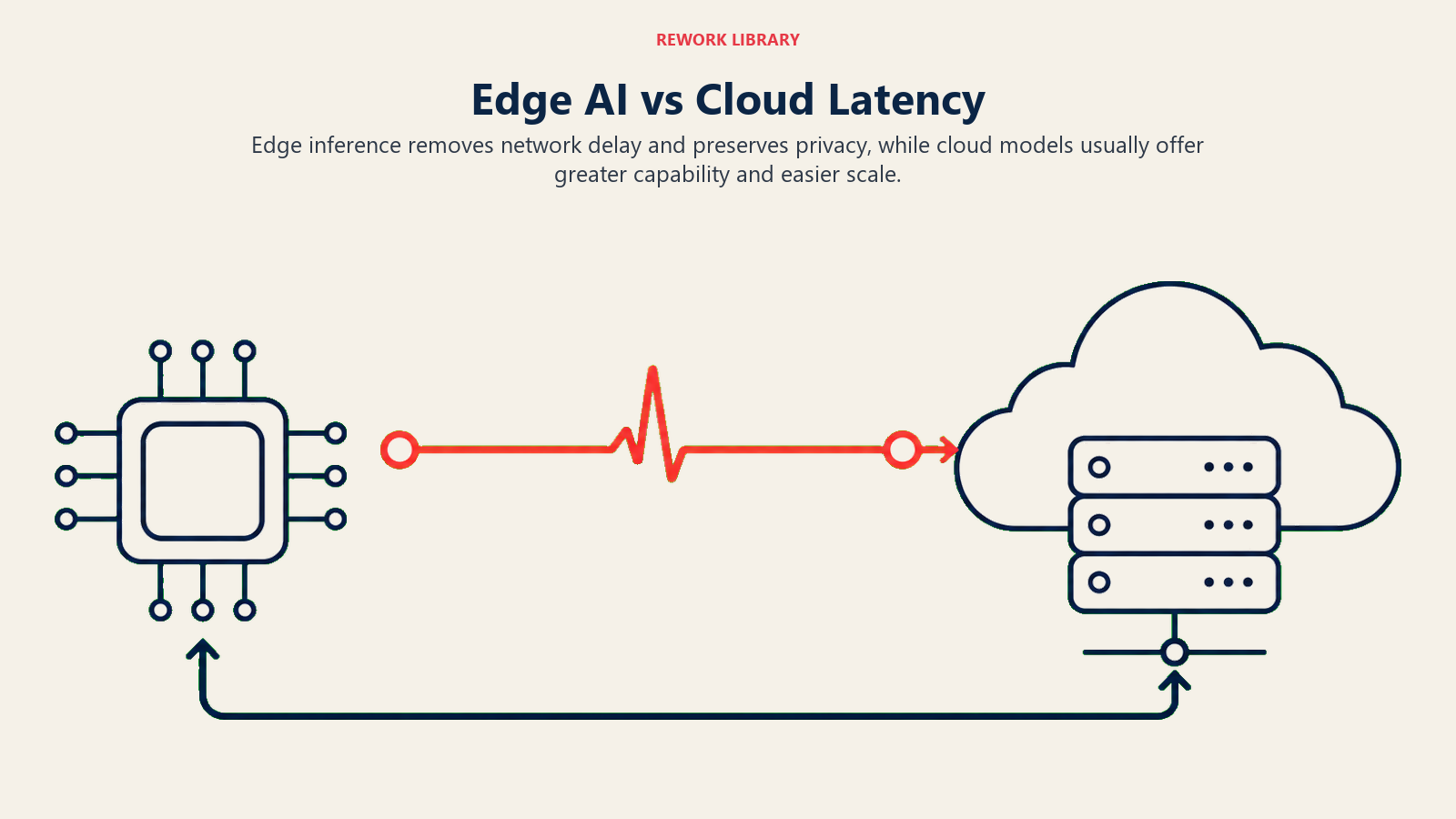
For use cases where data privacy matters (medical, legal, financial), edge deployment also eliminates data leaving the organization's control. The tradeoff is that edge models are typically smaller and less capable than cloud-hosted frontier models.
The decision framework is straightforward: if your use case requires near-real-time response (voice interfaces, real-time document scanning, field sales tools with unreliable connectivity), edge deployment is worth evaluating. If your use case tolerates a few seconds (asynchronous analysis, overnight batch, background enrichment), cloud inference with a frontier model is usually the right choice.
What Business Leaders Can Influence
Technical teams manage most latency optimization decisions, but business leaders control several factors that determine the operational latency envelope.
Use case design. Asynchronous workflows (prepare a summary before the meeting, not during) transform a 15-second latency from a problem into a non-issue. Good product design often eliminates latency as a constraint by shifting when computation happens.
Model selection tradeoffs. Choosing between a frontier model and a smaller specialized model is often a business decision with a latency dimension. A smaller model fine-tuned for your specific task may be faster and cheaper while meeting quality requirements. This requires model monitoring to validate quality before deploying smaller alternatives.
SLA definition. Defining explicit latency SLAs (e.g., "95th percentile response under 3 seconds") gives engineering teams a concrete target and creates the measurement infrastructure to detect degradation before users do.
Infrastructure budget. Premium GPU tiers cost more. Reduced-cost inference endpoints are slower. This tradeoff is usually worth making explicit rather than letting it be an invisible default.
Key Facts
- AI latency has two components: time to first token (user-perceived responsiveness) and total response time (relevant for long outputs).
- The main drivers are model size, hardware tier, quantization, network distance, context length, and queue depth under load.
- User adoption typically breaks above 5 seconds for interactive use cases, and often does not recover even when latency later improves.
- Architectural choices (async workflows, edge deployment, model selection) can eliminate or reframe latency constraints rather than just optimizing them.
- Latency SLAs should be defined before deployment, not measured after launch.
Frequently Asked Questions about What is AI Latency? Why Response Time Determines AI Value in Production
How do we know what latency threshold is acceptable for our use case?
Define it from user behavior, not assumptions. For a new feature, run a pilot with a representative sample and measure where usage drops off. For replacement of an existing workflow, measure the time the current workflow takes. An AI feature that is slower than the manual process it replaces will not get adopted.
Can we improve latency without changing models or hardware?
Yes, several approaches do not require model or infrastructure changes: caching common queries (if your use case has repeated similar requests), reducing context size (sending only relevant context rather than full conversation history), async pre-computation (generating likely outputs before the user asks), and optimizing the retrieval step in RAG architectures.
Is lower latency always better?
Not always. For overnight batch processing, accuracy and cost matter more than speed. Optimizing for latency often trades against cost (faster hardware costs more) or quality (smaller models are faster but less capable). The goal is to meet the threshold that user experience requires, not to minimize latency as an end in itself.
What is streaming and why does it help?
Streaming means the model sends tokens to the user as it generates them, rather than waiting until the full response is complete. This does not reduce total computation time but dramatically improves perceived responsiveness by showing progress. Most chat-style AI interfaces use streaming by default.
