What is Context Window? Understanding AI's Memory Limit
Turn this article into takeaways for your work.


Each assistant summarizes the article only for you and suggests best practices for your work.
Your AI assistant suddenly forgets what you discussed five minutes ago. It can't process your 200-page contract in one go. It loses track of the beginning when you reach the end of a long conversation. These aren't bugs, they're context window limitations. Understanding this boundary is key to using AI effectively.
The Memory Revolution
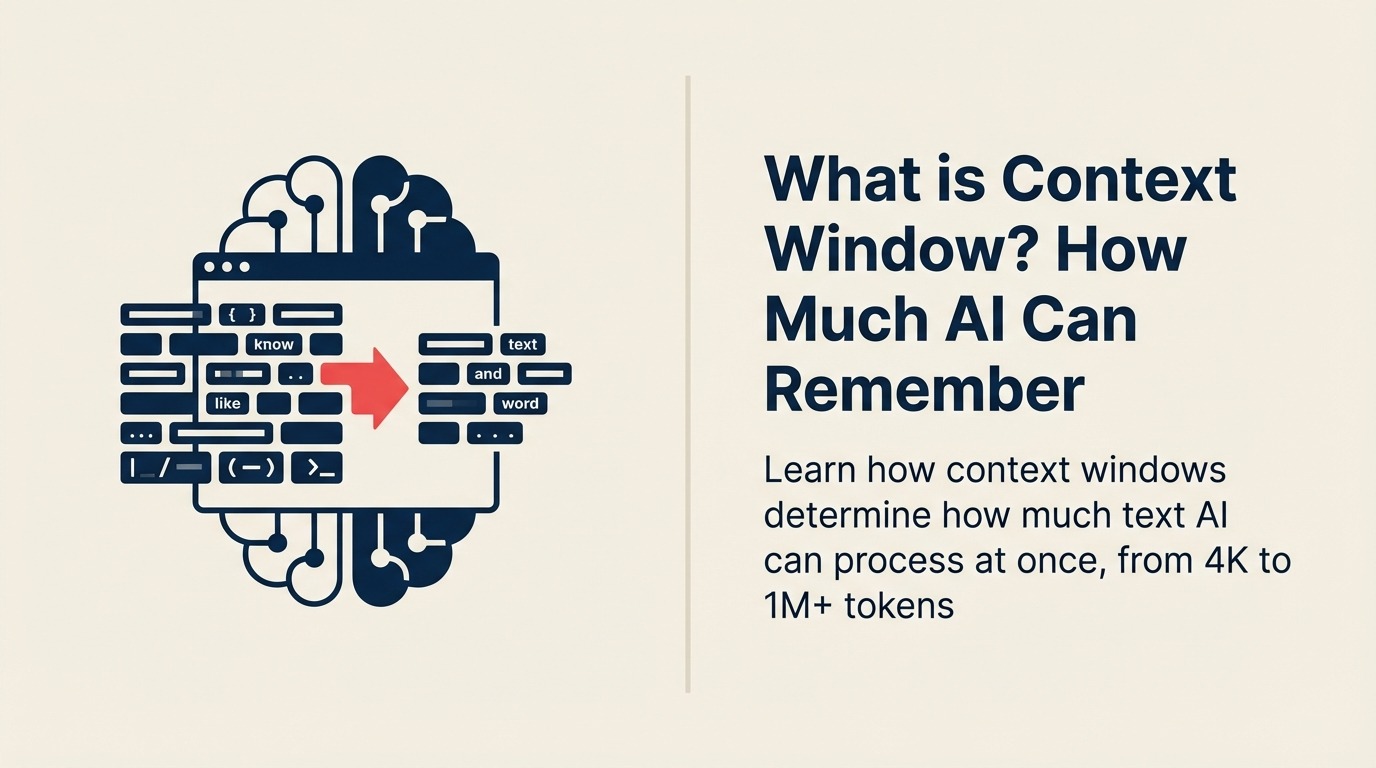
Context windows emerged as a defining characteristic of large language models when GPT-2 launched with 1,024 tokens in 2019. Each generation expanded capacity: GPT-3 (4K), GPT-3.5 (16K), GPT-4 (128K), and now models like Claude with 1M+ token windows.
Google DeepMind defines context window as "the maximum amount of text, measured in tokens, that a language model can process simultaneously, encompassing both input prompt and generated response within its working memory."
The expansion from 4K to 1M+ tokens represents a 250x increase in just five years, transforming AI from handling short conversations to processing entire codebases, legal documents, and book-length materials.
Context Windows in Business Terms
For business leaders, context window means the amount of information AI can hold in active memory at once, determining whether it can analyze your full quarterly report, maintain context throughout a long support conversation, or process complex multi-document analysis.
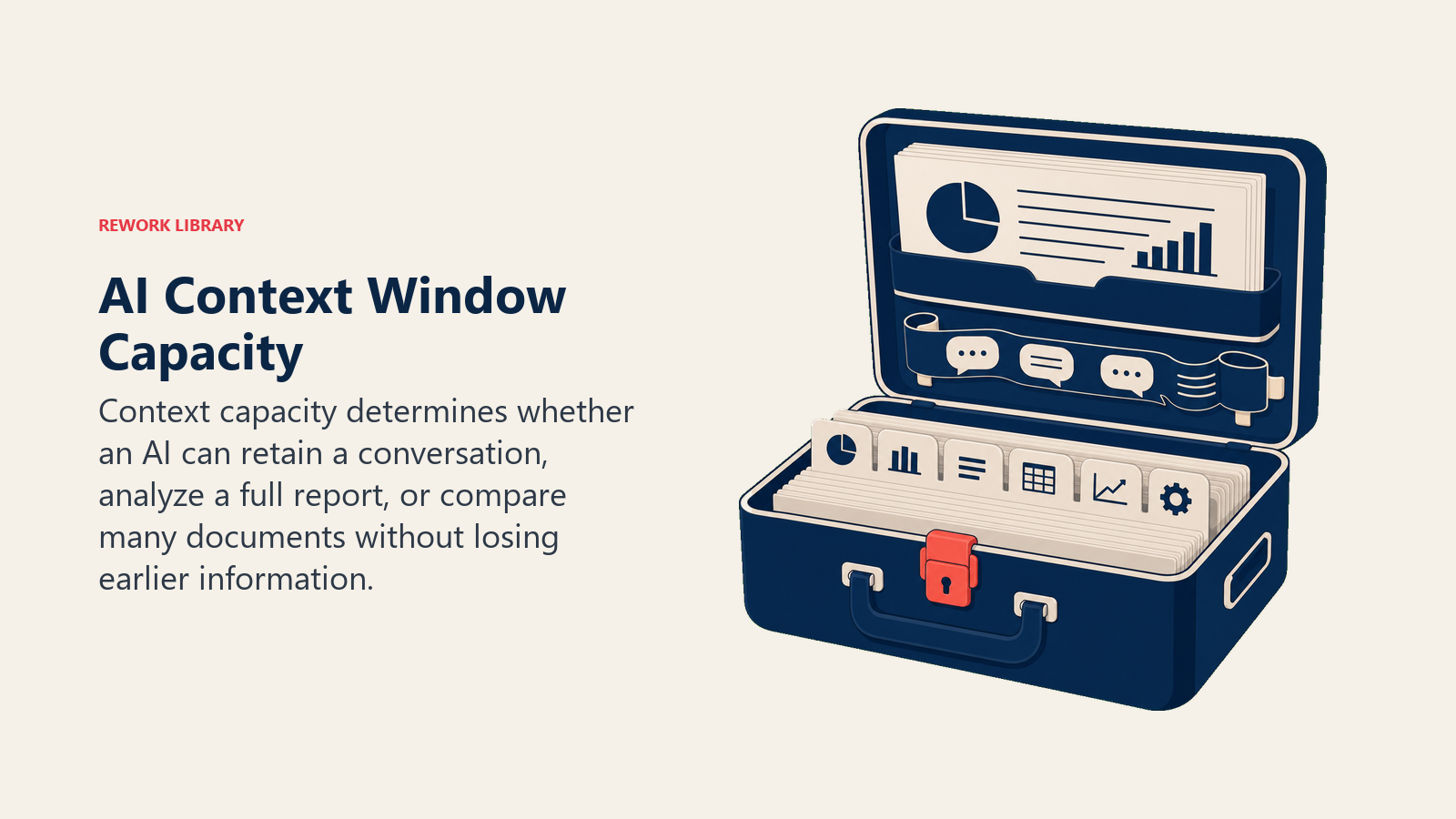
Think of context window as short-term memory capacity. A person with excellent memory might recall a 30-minute conversation in detail, while someone else remembers only the last few exchanges. Similarly, AI with a 4K context window loses track after a few pages, while 1M token models keep track of hundreds of pages simultaneously.
In practical terms, larger context windows mean analyzing longer documents, maintaining coherent multi-hour conversations, and working with complex information without losing track of earlier details.
Context Window Components
Context windows consist of these essential elements:
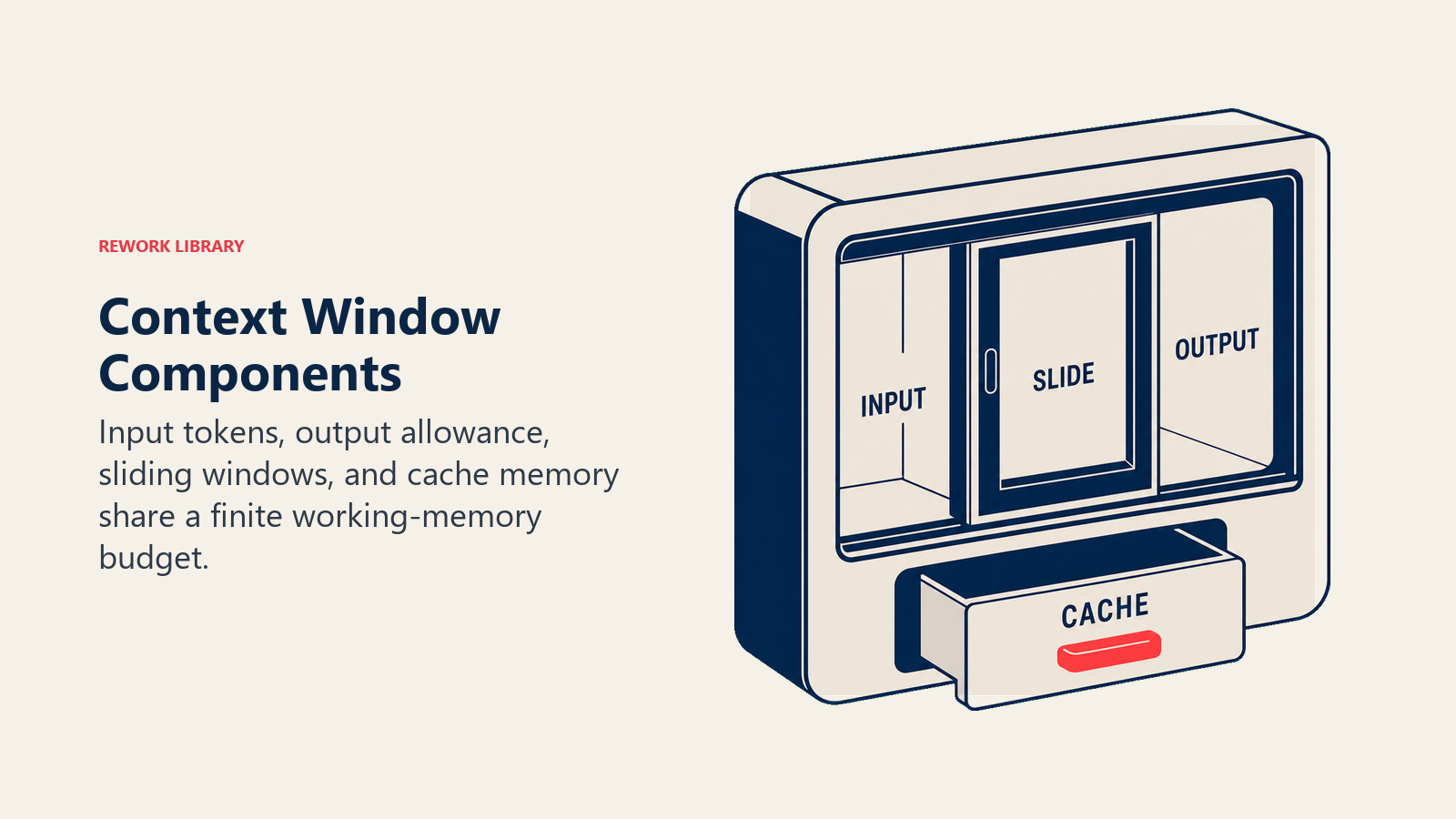
• Token Count: The measurement unit for text (roughly 4 characters per token in English), defining capacity in numbers like 4K, 32K, or 1M tokens
• Input Space: The portion allocated to your prompts, documents, and conversation history, consuming tokens from the total window
• Output Space: Reserved tokens for the AI's response, typically limited to prevent output from overwhelming available capacity
• Sliding Window: Some models maintain fixed window size but "slide" along longer text, processing in sequential chunks with overlap
• Cache Memory: Advanced systems cache frequently referenced content outside the main window, extending effective capacity
How Context Windows Work
Context window management follows these steps:
Token Calculation: Every input (your messages, documents, system prompts) gets converted to tokens, counting against total window capacity
Window Allocation: The model allocates available space between input context and expected output, balancing comprehension with response generation
Attention Mechanism: The AI processes all tokens within the window simultaneously using transformer architecture, understanding relationships between distant parts of text
This happens instantly, but when inputs exceed window size, the model must either truncate early content, compress information, or refuse processing.
Context Window Sizes
Different models offer varying capacities:
Type 1: Small Context (4K-8K tokens) Best for: Quick queries, simple tasks Key feature: Fast processing, lower cost Example: Basic customer support, simple Q&A
Type 2: Medium Context (32K-64K tokens) Best for: Document analysis, extended conversations Key feature: Balanced performance and capacity Example: Analyzing reports, multi-turn dialogues
Type 3: Large Context (128K-200K tokens) Best for: Complex documents, code analysis Key feature: Handles substantial materials Example: Legal contracts, technical documentation
Type 4: Extended Context (1M+ tokens) Best for: Entire codebases, book-length analysis Key feature: Processes massive amounts simultaneously Example: Full codebase review, comprehensive research
Context Window Success Stories
Here's how businesses leverage larger context windows:
Legal Example: Anthropic's Claude with 200K context analyzes entire legal contracts in one pass, reducing review time from 8 hours to 45 minutes while identifying inconsistencies across hundreds of pages.
Software Example: GitHub Copilot Workspace uses extended context to understand entire codebases, providing suggestions that consider files throughout the project rather than just the current file, improving code consistency by 60%.
Research Example: Semantic Scholar processes complete research papers in single context windows, generating comprehensive summaries that capture nuanced arguments from introduction through conclusion.
Maximizing Your Context Window
Ready to use AI's memory effectively?
- Understand Tokenization to estimate usage
- Learn Prompt Engineering for efficiency
- Explore Retrieval-Augmented Generation when documents exceed windows
- Consider AI Agents for multi-step tasks
Learn More
Expand your understanding of related AI concepts:
- Large Language Models - The AI systems with context windows
- Transformer Architecture - How context processing works internally
- Attention Mechanism - The technology enabling long context
- Model Parameters - Related to model capacity
External Resources
- OpenAI Context Window Research - Developments in extending context capacity
- Anthropic's Long Context Guide - Technical details on 200K+ token windows
- Hugging Face: Context Length - Practical guides on context window usage
Frequently Asked Questions about Context Window
What is a Context Window?
A context window is the maximum amount of text (measured in tokens) that an AI language model can process simultaneously, encompassing both your input and the AI's response within its working memory.
What's the difference between 4K and 1M token context windows?
4K tokens (~3,000 words) handles short conversations. 1M tokens (~750,000 words) can process entire books, codebases, or hundreds of documents simultaneously, a 250x difference in capacity.
What are the main context window sizes?
Small (4K-8K tokens for quick tasks), Medium (32K-64K for documents), Large (128K-200K for complex materials), and Extended (1M+ for comprehensive analysis).
How do I know if I've exceeded the context window?
The AI will either truncate early content, return an error message stating token limit exceeded, or refuse to process the input. Some systems show token counts proactively.
Part of the AI Terms Collection. Last updated: 2026-02-09
