What is Tool Use? AI That Actually Does Things
Turn this article into takeaways for your work.


Each assistant summarizes the article only for you and suggests best practices for your work.
AI that only talks is like hiring someone who gives great advice but never does anything. The revolution happened when language models learned to use tools, calling APIs, updating databases, running code, and completing tasks. Tool use transformed AI from conversationalist to collaborator.
From Words to Actions
Tool use (also called function calling) emerged in 2023 when OpenAI introduced function calling in GPT-4, enabling models to trigger external actions instead of just generating text. The capability rapidly became essential for AI agents.
According to Anthropic, tool use is "the capability of language models to invoke external functions, APIs, or services with appropriate parameters, enabling AI to interact with software systems, databases, and real-world applications beyond text generation."
The shift from "AI that describes what to do" to "AI that actually does it" represents one of the most practical breakthroughs in AI implementation.
Tool Use in Business Terms
For business leaders, tool use means AI can now execute tasks like booking meetings, updating CRM records, running database queries, and triggering workflows, transforming from advisor to automated workforce.
Think of it as the difference between an assistant who writes you a perfect email and one who actually sends it. AI with tool use doesn't just suggest updating a customer record with new contact information, it connects to your CRM and makes the update.
In practical terms, this enables AI to handle complete workflows: scheduling meetings by checking calendars and sending invites, processing orders by verifying inventory and updating systems, or generating reports by pulling data from multiple databases.
Tool Use Components
Tool use systems consist of these essential elements:
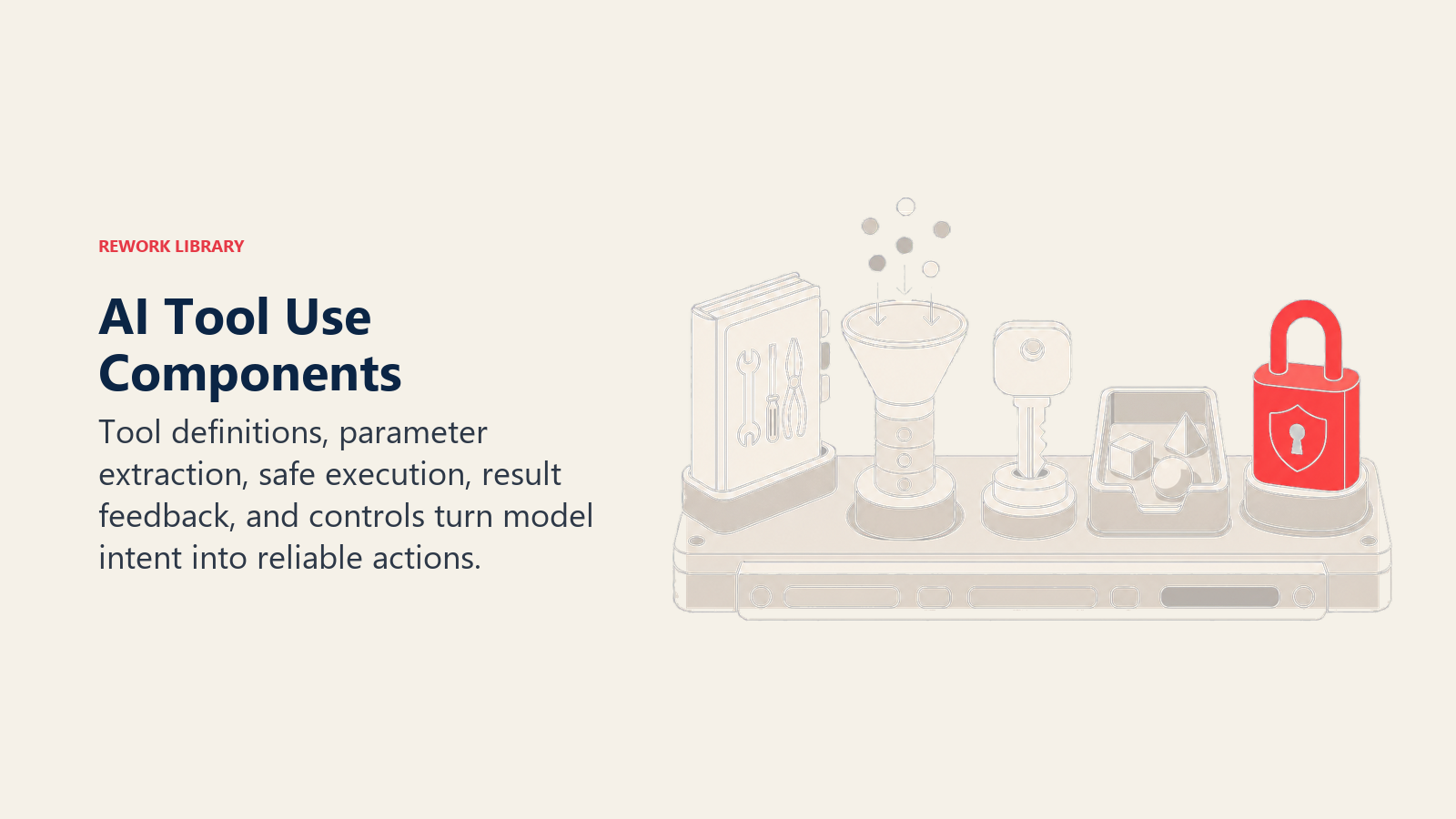
• Tool Definitions: Specifications describing available functions, their parameters, and expected outputs, teaching the AI what actions it can take
• Parameter Extraction: The AI's ability to identify necessary information from context and format it correctly for each tool, ensuring accurate function calls
• Execution Layer: The system that receives AI's tool requests and safely executes them in your actual systems with proper authentication
• Result Integration: Feedback mechanism returning tool outputs to the AI, enabling it to verify success and take follow-up actions
• Safety Controls: Guardrails preventing unauthorized actions, like requiring approval for financial transactions or sensitive data changes
How Tool Use Works
Tool use follows these steps:
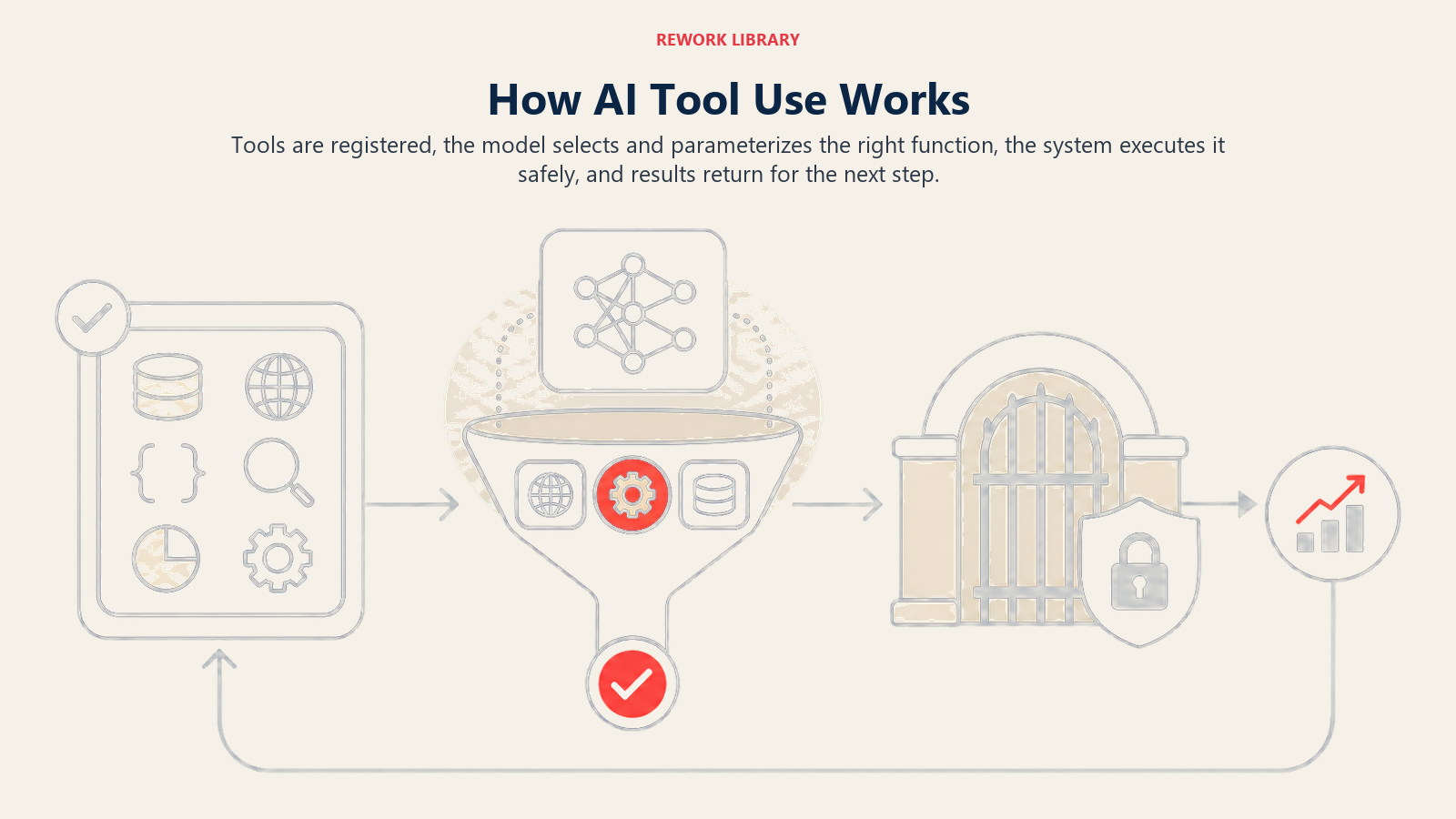
Tool Registration: You define available tools with clear descriptions of what they do and what parameters they need, like "get_calendar_availability(user_id, date_range)"
Intelligent Selection: When a user makes a request, the AI determines which tools to use, extracts necessary parameters from conversation context, and structures the function call
Safe Execution: The system executes the tool call, returns results to the AI, which then formulates a natural language response incorporating the outcome
This process happens in seconds, enabling conversational interfaces that actually complete tasks rather than just discussing them.
Tool Use Patterns
Different approaches suit different needs:
Type 1: Single Tool Calls Best for: Straightforward actions Key feature: One function per request Example: "Check weather in Boston" → calls weather API
Type 2: Sequential Tools Best for: Multi-step processes Key feature: Chain of dependent function calls Example: Check calendar → find free time → send meeting invite
Type 3: Parallel Tools Best for: Simultaneous actions Key feature: Multiple independent calls Example: Search multiple databases simultaneously
Type 4: Agentic Tool Use Best for: Complex autonomous workflows Key feature: AI determines tool sequence dynamically using AI orchestration Example: Complete customer onboarding workflow
Tool Use Success Stories
Here's how businesses leverage tool use:
Sales Example: Salesforce Einstein uses tool use to update CRM records during conversations, automatically logging calls, updating deal stages, and creating follow-up tasks, reducing manual data entry by 75%.
Support Example: Intercom's AI Resolution Bot uses tools to check order status, process refunds, and update tickets across multiple systems, resolving 43% of queries without human intervention.
Finance Example: Brex's AI assistant uses tools to analyze spending patterns, flag anomalies, and update budget allocations, processing actions that previously required finance team review.
Building Tool Use Systems
Ready to give AI real capabilities?
- Start with Large Language Models that support function calling
- Understand AI Agents for autonomous workflows
- Learn about API Integration patterns
- Explore AI Orchestration for complex systems
Learn More
Expand your understanding of related AI concepts:
- AI Agents - Systems that use tools to accomplish goals
- Prompt Engineering - Optimizing tool use instructions
- Retrieval-Augmented Generation - Combining AI with data access
- Guardrails - Ensuring safe tool execution
External Resources
- Google AI Research - Explore research on function calling and tool use in AI systems
- Hugging Face Blog - Learn about implementing tool use with open-source models
- Pinecone Learn - Understand how vector databases enable AI tool use at scale
Frequently Asked Questions about Tool Use
What is Tool Use in AI?
Tool use (or function calling) is the capability of language models to invoke external functions, APIs, or services with appropriate parameters, enabling AI to interact with software systems and complete real tasks beyond text generation.
What's the difference between tool use and regular AI?
Regular AI generates text responses. Tool use enables AI to execute actions, calling APIs, updating databases, running code, sending emails, and completing workflows in real systems.
What are the main types of tool use patterns?
Single Tool Calls (one action), Sequential Tools (chained steps), Parallel Tools (simultaneous actions), and Agentic Tool Use (autonomous workflows with dynamic tool selection).
What components are needed for tool use?
Tool definitions (what functions exist), parameter extraction (getting information from context), execution layer (safely running functions), result integration (feedback to AI), and safety controls (preventing unauthorized actions).
Part of the AI Terms Collection. Last updated: 2026-02-09
