What is Notion AI?
Turn this article into takeaways for your work.


Each assistant summarizes the article only for you and suggests best practices for your work.
Notion AI is an AI assistant built directly into the Notion workspace. It drafts and edits text on the page you're already working in, answers questions across your workspace and connected apps through Ask Notion, transcribes and summarizes meetings through AI Meeting Notes, and completes multi-step tasks through Notion Agents, all without switching to a separate tool.
For business leaders, the short version is this: Notion didn't bolt a chatbot onto its docs and wiki tool, it rebuilt the product around AI that reads and acts on what your team already stores in Notion. That's a different bet than a standalone chat app. The upside is AI that already knows your project pages, meeting notes, and databases without you exporting anything. The tradeoff is that most of the useful features only unlock once your team is on a paid plan with full AI access.
This guide covers what Notion AI actually does, which models power it, what it costs as of July 2026, who it's built for, and how it stacks up against ChatGPT and Microsoft Copilot for everyday knowledge work.
The Notion AI Feature Set
Notion's AI story breaks into five distinct capabilities, each solving a different job inside the workspace.
| Feature | What it does | Where it lives |
|---|---|---|
| AI writing | Drafts, edits, translates, and summarizes text inline on any page; autofills database properties | Any Notion page or database, available in some form on every plan |
| Ask Notion | Answers natural-language questions by searching a workspace's own pages, wikis, and databases and citing where the answer came from | Notion sidebar, available across plans with usage limits outside Business |
| AI Meeting Notes | Transcribes calls, summarizes key points, surfaces action items, and links notes back to the relevant project page | Notion Calendar, Zoom, and Google Meet, unlimited on Business and Enterprise |
| Enterprise Search | Natural-language search across Notion plus connected apps, returning answers and summaries instead of just a list of links | Business plan and above, connects to Slack, Google Drive, Microsoft Teams, SharePoint, Gmail, GitHub, Jira, Linear, and Salesforce |
| Notion Agents | Runs multi-step tasks using context from Notion, connected apps, and the web; Custom Agents let teams build specialized automated workflows | Business and Enterprise, with usage-based credits for Custom Agents |
Research Mode, a sixth capability, deserves its own mention: point it at a topic and it reads Notion, connected apps, and the open web to produce a structured report with cited sources, similar in spirit to the deep-research features other AI vendors have shipped. It's a limited trial on lower plans and full access on Enterprise.
What Models Power Notion AI
Notion AI isn't built on a single proprietary model. It's a routing and workspace layer over several frontier models, and Notion has moved toward letting users pick which one answers a given request rather than hiding the choice entirely.
As of the July 2026 release (Notion 3.6), Notion Agents support a lineup that includes Anthropic's Opus 4.8 for deeper reasoning, xAI's Grok 4.3, and the open-weight GLM 5.2 for more cost-efficient runs, alongside Notion's own default models for everyday writing and search tasks. That same release introduced External Agents, starting with Claude and Cursor, which teams can assign tasks to from a shared board and @-mention like a teammate, watching them work inside the same interface as human collaborators.
The practical takeaway is similar to what you'll find with Microsoft Copilot or Google Workspace's Gemini features: you're buying the integration and workflow layer, and the model underneath keeps shifting as Notion rebalances between its own models and outside frontier labs. See AI agents for how autonomous, multi-step task execution differs from a simple writing assistant, and what is agentic AI for the broader shift Notion Agents and External Agents are part of.
Notion AI Pricing and Plans (July 2026)
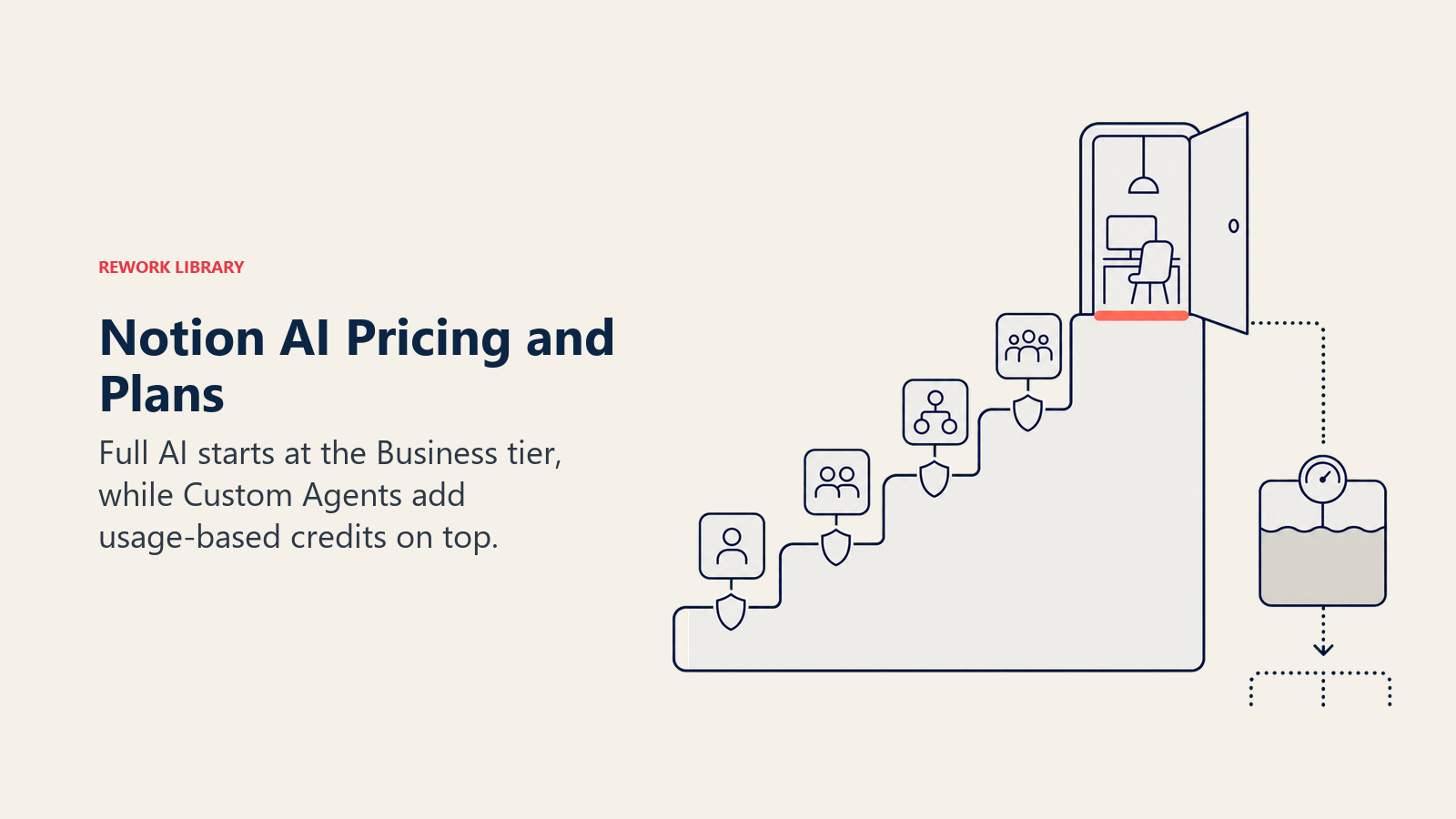
Notion's pricing changed meaningfully in 2025 and 2026: the standalone AI add-on is gone, and full AI access is now a plan tier rather than a line item you toggle on separately.
| Plan | Price | AI access |
|---|---|---|
| Free | $0 | Limited trial of Notion AI writing, Ask Notion, Enterprise Search, Research Mode, and AI Meeting Notes |
| Plus | $10/user/month billed annually ($12/month billed monthly) | Same limited trial as Free, aimed at individuals and small teams |
| Business | $20/user/month billed annually ($24/month billed monthly) | Full, unlimited Notion AI: Ask Notion, AI Meeting Notes, Enterprise Search, and Notion Agents |
| Enterprise | Custom, sales-assisted | Everything in Business plus zero data retention with LLM providers, SCIM, audit logs, and full Research Mode access |
| Custom Agents add-on | $10 per 1,000 Notion credits/month, no rollover | Usage-based, layered on top of a Business or Enterprise plan |
The single most important pricing fact for buyers: the feature set most companies actually want, unlimited Ask Notion, AI Meeting Notes, and Enterprise Search, only exists on Business and above. Free and Plus give you a taste, not a working tool for a team that depends on it daily. Custom Agents then add a second, usage-based cost on top of the flat per-seat price, so a team running agents heavily should budget beyond the headline seat cost.
Who Notion AI Is For
Notion AI makes the most sense for organizations that have already standardized on Notion as their central workspace for docs, wikis, project tracking, and team databases. In that setup, AI that already has context on every page removes the export-and-paste step that a standalone chatbot requires.
Common patterns by function:
- Operations and project management: Summarizing status updates across linked project pages, auto-filling database properties from meeting notes, and using Enterprise Search to answer "what's the current state of X" without pinging three people.
- Sales and customer-facing teams: AI Meeting Notes turning call transcripts into structured notes linked to the right account or deal page, cutting manual note-taking after every call.
- People and knowledge management: Ask Notion answering policy and process questions directly from an internal wiki, reducing repetitive Slack questions to the same two or three people.
- Cross-functional research: Research Mode compiling a first-draft competitive or market summary from Notion pages, connected apps, and the public web, which a human then verifies and refines.
Teams that don't already live in Notion, or that need a dedicated coding assistant, get less marginal value here. See prompt engineering for getting sharper output out of any of these features, and AI integration for what it takes to wire Enterprise Search connectors into a company's other systems cleanly.
Notion AI vs ChatGPT vs Microsoft Copilot for Knowledge Work
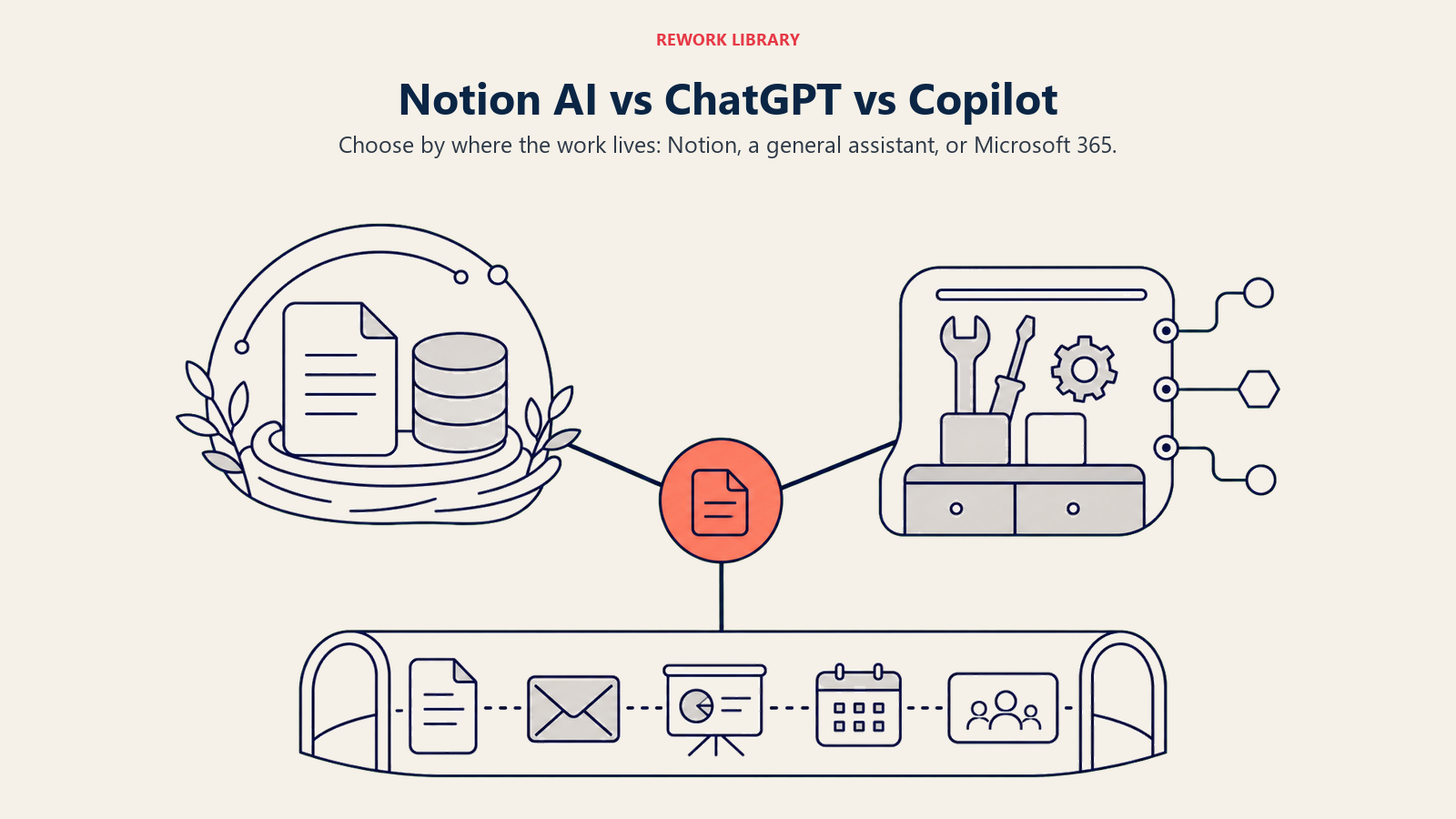
All three are legitimate options, and plenty of companies run more than one at once. The honest differences come down to where each one lives and what it can already see.
| Aspect | Notion AI | ChatGPT (Team/Enterprise) | Microsoft Copilot (365) |
|---|---|---|---|
| Native integration | Built into the Notion workspace itself: pages, wikis, databases, projects | Standalone app plus connectors, not native to any single workspace app | Deep, inside Word/Excel/PowerPoint/Outlook/Teams |
| Underlying model(s) | Multiple, user-selectable per task: Opus 4.8, Grok 4.3, GLM 5.2, and Notion's own default models | OpenAI's GPT model family exclusively | OpenAI's GPT models plus Microsoft's own MAI models |
| Best fit | Teams already running their docs, wiki, and project tracking inside Notion | Organizations wanting one flexible assistant across many tools and file types | Organizations already standardized on Microsoft 365 |
| Entry price for full AI | $20/user/month billed annually (Business plan) | Roughly $25 to $30/user/month for Team plans | $30/user/month add-on, on top of a qualifying base license |
| Data grounding | Notion's own pages plus connected apps through Enterprise Search | Uploaded files and connected apps via plugins/connectors | A user's own mailbox, files, and Teams chats, respecting existing permissions |
| Coding support | Not a coding tool; External Agents (Claude, Cursor) can be assigned coding tasks from a Notion board | Strong general coding ability inside ChatGPT itself | GitHub Copilot, a separate product and license |
| Governance and admin | SCIM, audit logs, and zero data retention with LLM providers on Enterprise | Enterprise admin console with data controls | Mature enterprise tooling via Microsoft Purview and Entra |
The practical read: Notion AI's edge is that it's already sitting on top of the documents and databases a team writes in every day, so there's no import step. Microsoft Copilot wins the same way inside Word, Excel, and Outlook for a Microsoft-first company. ChatGPT stays the most model-agnostic and general-purpose choice, at the cost of needing separate connectors to reach a company's files in the first place. See what is Claude AI and what is Microsoft Copilot for deeper looks at two of the models and products that show up across these comparisons.
Limitations of Notion AI
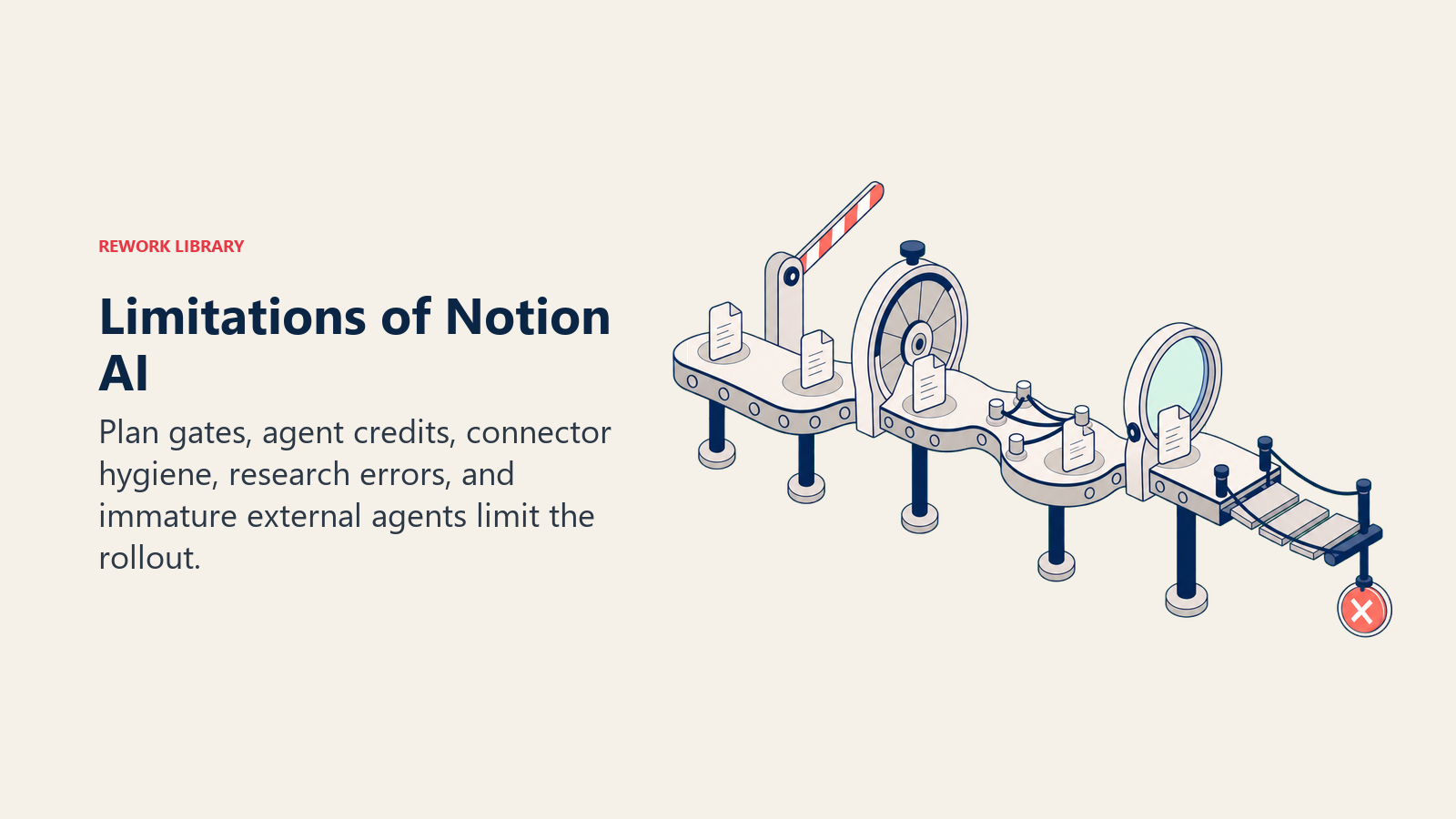
Notion AI's main constraints show up in pricing, access, reliability, and the maturity of its newest agent features.
- Credits add a second cost line. Custom Agents and the newer Workers runtime bill separately by usage, on top of the flat per-seat price, so heavy agent adoption can push spend well past the headline $20/user/month figure.
- Full AI is gated to Business and above. Free and Plus only get a limited trial of Ask Notion, AI Meeting Notes, Enterprise Search, and Research Mode, so a team can't fully evaluate the product without upgrading first.
- It's not a coding assistant. Notion AI drafts, summarizes, and automates workspace tasks well, but it isn't built for writing or debugging application code the way AI copilots like GitHub Copilot or Claude Code are, even with External Agents in the mix.
- Research Mode output still needs a human check. Reports synthesized from multiple connected sources can misattribute a claim or overgeneralize from a thin source, the same hallucination risk any AI research tool carries.
- Enterprise Search quality depends on connector hygiene. It only surfaces what a user is already permitted to see in Slack, Drive, or SharePoint, but loose permissions upstream mean the AI can resurface content faster than someone would have found it by hand.
- External Agents are new. Claude and Cursor arrived as assignable teammates only in July 2026, with file-type and integration support still expanding, so early adopters should expect some rough edges.
Key Facts
- Notion's Business plan costs $20 per user per month billed annually ($24 monthly) and is the lowest tier with full, unlimited Notion AI, including Notion Agents and Enterprise Search. Notion, Pricing
- Notion customers have built more than 1 million Custom Agents since the feature launched on February 24, 2026. TechCrunch, "Notion just turned its workspace into a hub for AI agents"
- Custom Agents run on a credit system priced at $10 per 1,000 Notion credits per month, with no rollover, layered on top of a Business or Enterprise plan. Notion, Pricing
- Enterprise Search indexes and answers questions across Notion plus connected apps including Slack, Google Drive, Microsoft Teams, SharePoint, Gmail, GitHub, Jira, Linear, and Salesforce. Notion, Notion 2.51 release notes
- Notion 3.6, released July 1, 2026, introduced External Agents, starting with Claude and Cursor, that teams can assign tasks to and @-mention directly on a shared Notion board. Notion, Notion 3.6 release notes
- Notion Agents can run on multiple frontier models, including Anthropic's Opus 4.8, xAI's Grok 4.3, and the open-weight GLM 5.2, letting teams pick a model for speed, reasoning depth, or cost. Notion, Notion 3.6 release notes
- AI Meeting Notes transcribes Zoom and Google Meet calls, summarizes key points, and surfaces action items, with unlimited usage included on Business and Enterprise plans. Notion, AI Meeting Notes
Frequently Asked Questions about Notion AI
What is Notion AI in simple terms?
Notion AI is an AI assistant built directly into the Notion workspace. It writes and edits text on the page you're already in, answers questions from your own workspace through Ask Notion, transcribes meetings through AI Meeting Notes, and runs multi-step tasks through Notion Agents.
Is Notion AI free to use?
Free and Plus plans include a limited trial of Notion AI's core features. Unlimited access to Ask Notion, AI Meeting Notes, Enterprise Search, and Notion Agents requires the Business plan at $20 per user per month billed annually, or the custom-priced Enterprise plan.
How much does Notion AI cost?
Full, unlimited Notion AI is included in the Business plan at $20/user/month billed annually ($24/month billed monthly) and in Enterprise, which is custom-priced. Custom Agents add a separate usage-based cost of $10 per 1,000 Notion credits per month on top of either plan.
What is Notion Agents?
Notion Agents complete multi-step tasks using context pulled from Notion pages, connected apps, and the web. Custom Agents let a team build specialized automated workflows for repeatable processes, billed by Notion credits once trial usage runs out.
What is Ask Notion?
Ask Notion is Notion's natural-language question-answering feature. It searches a workspace's own pages, wikis, and databases and returns an answer with a citation back to the source page, rather than just a list of search results.
What is Enterprise Search in Notion?
Enterprise Search is a natural-language search layer across Notion and connected apps like Slack, Google Drive, Microsoft Teams, SharePoint, Gmail, GitHub, Jira, Linear, and Salesforce. It's exclusive to the Business plan and above, and it returns direct answers rather than only links.
What is Research Mode in Notion?
Research Mode reads Notion, connected apps, and the public web to produce a structured report with cited sources on a topic you give it. It's a limited trial on Business and full access on Enterprise, similar in purpose to deep-research tools from other AI vendors.
What's the difference between Notion AI and ChatGPT?
Notion AI is built into the Notion workspace itself, so it already has context on your pages, wikis, and databases. ChatGPT is a standalone assistant that reaches your files and tools through uploads and connectors rather than living inside a single workspace product.
Can Notion AI see data outside of Notion?
Yes, through Enterprise Search and connected-app integrations, Notion AI can search and answer questions using content in tools like Slack, Google Drive, and Microsoft Teams, limited to whatever a given user is already permitted to access in those systems.
Related AI Concepts
- AI Copilots - The broader category of embedded AI assistants that Notion AI, Microsoft Copilot, and others belong to
- AI Agents - How autonomous, multi-step task execution differs from a simple writing assistant
- What is Agentic AI? - The broader shift toward AI that acts, not just answers, which Notion Agents and External Agents are part of
- What is Claude AI? - The model family behind Notion's Opus 4.8 option and its new External Agents feature
- What is Microsoft Copilot? - A direct comparison point for AI embedded in a different everyday work tool
- Model Context Protocol - The open standard behind how many AI agents, Notion's included, connect to outside tools and data
- Prompt Engineering - How to get sharper output from Ask Notion, Research Mode, and Notion Agents
- AI Integration - What it takes to connect Enterprise Search and Custom Agents to a company's other systems
Looking to compare Notion against other tools in the same categories, see Best AI Note-Taking Apps 2026, Best AI Productivity Tools 2026, and Best AI Tools for Project Managers 2026.
External Resources
- Notion Pricing - Official, current pricing for every Notion plan and Custom Agents credits
- Notion: AI Meeting Notes - Official product page for meeting transcription and summarization
- Notion 2.51 Release Notes - Original launch details for AI Meeting Notes and Enterprise Search
- Notion 3.3 Release Notes - Custom Agents launch details
- Notion 3.6 Release Notes - External Agents, new model lineup, and calendar tools
- TechCrunch: Notion Just Turned Its Workspace Into a Hub for AI Agents - Independent coverage of Notion's Custom Agents adoption and developer platform launch
Part of the AI Terms Collection. Last updated: 2026-07-20
