What is Gamma AI?

Turn this article into takeaways for your work.


Each assistant summarizes the article only for you and suggests best practices for your work.
Gamma AI is an AI-powered tool that turns a single prompt into a finished presentation, document, or website, generating outline, copy, layout, and images together instead of requiring you to build each slide by hand. It launched in 2022 and has grown into one of the most widely used AI presentation tools for founders, marketers, and consultants.
That one-sentence version covers the core idea, but Gamma has grown fast and changed shape since 2022, adding a chat-based editing agent, custom domains, and API access along the way. This guide covers Gamma's background and growth, how it actually works, its current pricing, who it's built for, how it compares to Beautiful.ai, Tome, and Microsoft's PowerPoint Copilot, and where its real limits are.
Background: Fast Growth, Profitable, and Still Scaling
Gamma was founded in 2020 by Grant Lee, Jon Noronha, and James Fox, who set out to build an alternative to slide-by-slide tools like PowerPoint and Google Slides. The product launched publicly in 2022, and the company has been profitable since 2023, a rare claim among venture-backed AI startups still spending heavily to grow.
The growth since has been steep. Gamma hit $50 million in annual recurring revenue (ARR) profitably within its first two years, then kept climbing to roughly $100 million in ARR by November 2025, serving about 70 million users. That growth came with a relatively small team: Gamma reached its scale with only about 50 employees. In November 2025, the company raised a $68 million Series B led by Andreessen Horowitz, with Accel and Uncork Capital also participating, at a $2.1 billion valuation, on total funding of roughly $90 million since founding. For context on where a tool like Gamma fits for a lean team, see best AI tools for startups.
How Gamma Works
Gamma's core workflow is simple by design, even though a lot happens behind the scenes:
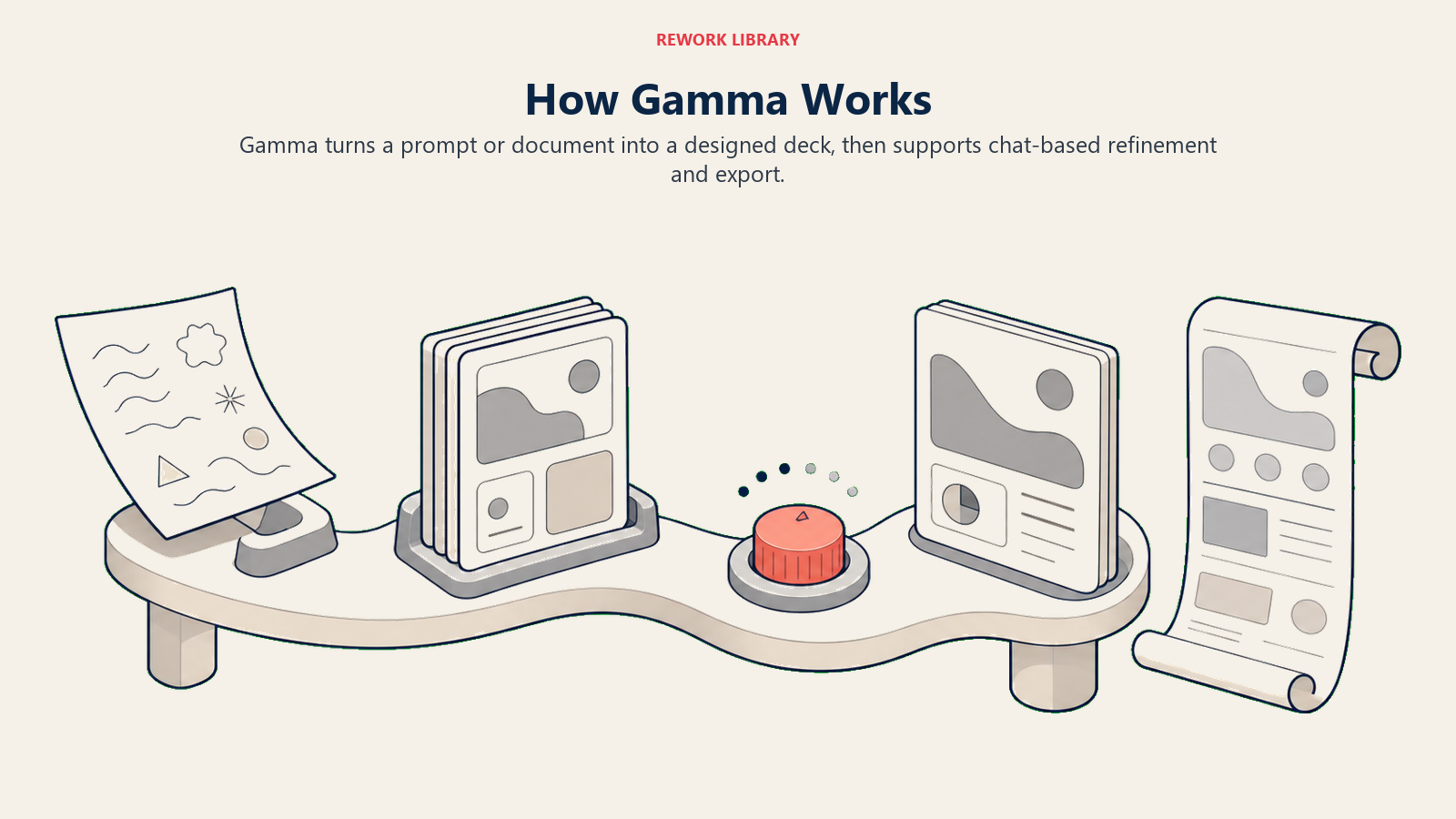
- Input: You describe a topic in a prompt, paste an outline, upload a document, or share a URL you want turned into a deck.
- Generation: Gamma produces a structured presentation, document, or webpage, complete with section breaks, slide titles, body copy, and images, typically in under a minute.
- Refinement: You edit manually with a visual, web-based editor, or use the Gamma Agent, a chat assistant introduced with Gamma 3.0 in September 2025 that can restyle slides, rewrite content, or adjust the whole deck's tone from a single instruction instead of editing each slide in turn.
- Output and export: Finished work exports to PowerPoint or PDF format, or stays live as a shareable, scrollable web page, which is part of what separates Gamma's format from a traditional fixed-canvas slide deck.
Under the hood, Gamma draws on large language models for the writing and structure, paired with its own layout and design logic so the output looks intentionally designed rather than like a plain AI-generated wall of text. That combination of generative AI for content and rules-based design for layout is part of why Gamma decks tend to look more finished, out of the box, than output from a general chatbot asked to "make me a presentation."
Gamma Pricing in 2026
Gamma runs on a credit-based system: every generation, image, or major edit uses credits, and how many you get depends on your plan. As of July 2026, the three individual plans are:
| Plan | Price | Monthly credits | Cards per prompt | Key features |
|---|---|---|---|---|
| Free | $0 | 400 credits, one-time (does not refresh) | 10 | Basic AI image models, PDF/PPTX import and export |
| Plus | Around $9/seat/month billed annually ($108/year) | 1,000 | 20 | Advanced AI image models, removes the "Made with Gamma" badge, credits roll over up to 2x plan size |
| Pro | Around $18/seat/month billed annually ($216/year) | 4,000 | 60 | Custom branding and fonts, analytics, up to 10 custom domains, API access, premium image models |
Above Pro, Gamma also sells an Ultra plan (roughly $90/seat/month, 20,000 credits) for heavy individual use, a Team plan ($20/seat/month, 2-seat minimum, 6,000 credits per seat) for shared workspaces, and a Business plan ($40/seat/month, 10-seat minimum, 10,000 credits per seat) that adds SSO, SOC 2 documentation on request, and the most advanced AI models. Monthly billing (rather than annual) runs higher on every paid tier, and the Free plan's 400 starting credits don't renew, so light users can burn through them faster than they expect on a single generated deck plus a few edits.
Who Gamma Is For
Gamma is built for people who need a professional-looking deck, document, or one-page site fast, without hiring a designer or wrestling with template libraries. It fits especially well for:
- Founders and consultants who need a pitch deck, proposal, or one-pager turned around same-day
- Marketers and sales teams producing recurring decks (QBRs, campaign recaps, sales collateral) where speed matters more than pixel-perfect custom design
- Solo operators and small teams without in-house design support who still need output that looks put-together
It's a weaker fit for teams that need tight, pixel-level brand control on every slide, data-dense financial or board decks built around complex custom charts, or organizations that already have a mature PowerPoint or Google Slides template library and mainly need incremental AI assistance inside that existing workflow. See best AI tools for slide decks and best AI presentation tools in 2026 for a wider comparison across the category.
Gamma vs Beautiful.ai vs Tome vs PowerPoint Copilot
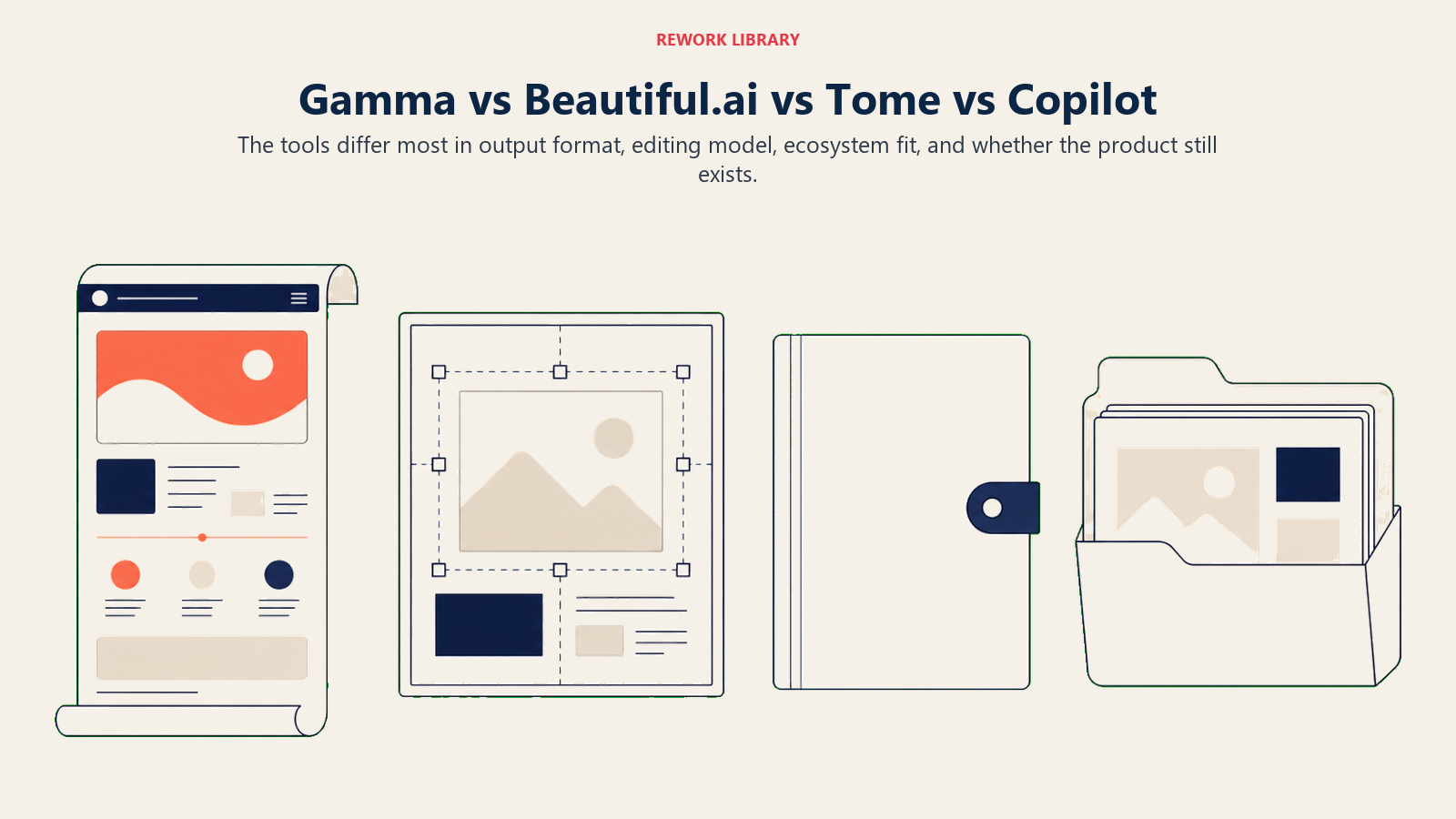
Here's how Gamma stacks up against three tools it's most often compared to, one direct AI-design competitor, one cautionary tale, and one native Office alternative:
| Gamma | Beautiful.ai | Tome | Microsoft PowerPoint Copilot | |
|---|---|---|---|---|
| Core approach | Full deck, doc, or website from a single prompt | Smart templates that auto-adjust layout as you edit ("DesignerBot") | Shut down as a presentation tool in April 2025 | AI assistant built into PowerPoint, generates from prompts or existing documents |
| Output format | Scrollable web page by default, or export to PPTX/PDF | Traditional slide deck | No longer available for presentations | Traditional PowerPoint slide deck |
| Entry price | Free tier, then around $9/seat/month (Plus) | Around $12/user/month billed annually | Not applicable, product discontinued | Requires Microsoft 365 Copilot add-on, roughly $21 to $30/user/month |
| Best fit | Fastest full deck from a prompt, docs and websites too | Decks that stay well-designed as you keep editing | N/A | Teams already paying for Microsoft 365 who want AI inside PowerPoint itself |
| Weakest area | Web-first layout can need cleanup after PPTX export for strict slide fidelity | Less flexible for docs/websites, slide-only tool | Reached 20 million users but couldn't convert enough of them to paying customers | Copilot license cost stacks on top of an existing Microsoft 365 subscription |
Tome is worth naming directly because it's still one of the first results people find when searching for AI presentation tools, despite no longer existing as one: the company shut down Tome Slides in 2025 and its founders pivoted to build an AI-native CRM called Lightfield instead, after ARR stayed under $4 million on a product with roughly 20 million users. That gap between adoption and paid conversion is a useful reminder that a large free user base doesn't automatically make an AI presentation tool a durable business, and it's part of why Gamma's profitability, not just its user count, gets highlighted so often in coverage of the category. For a deeper look at PowerPoint's own AI layer, see what is Microsoft Copilot, and for a broader roundup, best AI tools for PowerPoint presentations.
Limitations of Gamma
Gamma's speed and flexible web format come with practical trade-offs in credits, export fidelity, design control, and feature access.
- Credits run out, and the Free tier doesn't refresh. A single generated deck plus a handful of edits can use a meaningful share of the 400 free credits, and once they're gone, upgrading or referring other users are the only ways to get more.
- Web-first format needs a second look before high-stakes exports. Gamma's native output is a scrollable web page, not a fixed slide canvas, so decks exported to PowerPoint for a boardroom or investor meeting sometimes need manual spacing or layout cleanup to look right in a traditional 16:9 format.
- Less granular design control than a human designer or a tool built around fixed templates. Gamma is fast, not infinitely customizable. Teams with strict, pixel-precise brand guidelines may still need manual polish on top of what Gamma generates.
- AI-generated content still needs a human check. Facts, figures, and claims Gamma pulls from a prompt or source document should be verified before a deck goes out the door, the same rule that applies to any generative AI tool.
- Heavier features sit behind higher tiers. Custom domains, API access, and advanced brand controls are Pro-and-up features, so teams that need those from day one should budget past the entry-level Plus plan.
Key Facts
- Gamma reached roughly $100 million in annual recurring revenue profitably, with about 70 million users, when it raised a $68 million Series B at a $2.1 billion valuation led by Andreessen Horowitz in November 2025. TechCrunch, "AI PowerPoint-killer Gamma hits $2.1B valuation, $100M ARR, founder says"
- Gamma has raised roughly $90 million in total funding since its 2020 founding and reached its $2.1 billion valuation with a team of only about 50 employees. TechCrunch, "AI PowerPoint-killer Gamma hits $2.1B valuation, $100M ARR, founder says"
- Gamma was founded in 2020 by Grant Lee, Jon Noronha, and James Fox, launched publicly in 2022, and has been profitable since 2023. Wikipedia, "Gamma (app)"
- Gamma's Free plan includes 400 one-time credits and caps output at 10 cards per prompt, while paid plans start around $9 per seat per month for Plus (1,000 credits monthly, billed annually) and run to $18 per seat per month for Pro (4,000 credits monthly, billed annually). eesel AI, "Gamma pricing in 2026"
- Tome, one of Gamma's earliest AI presentation rivals, reached roughly 20 million users in 18 months and raised $81.6 million at a $300 million valuation, but shut down its presentation product on April 30, 2025 after ARR stayed under $4 million, with its founders pivoting the team to build an AI-native CRM called Lightfield. VentureBeat, "Tome's founders ditch viral presentation app with 20M users to build AI-native CRM Lightfield"
- Microsoft 365 Copilot, which adds AI generation to PowerPoint, is priced from about $21 to $30 per user per month depending on plan and commitment, on top of a qualifying Microsoft 365 base license. Microsoft, "Microsoft 365 Copilot Plans and Pricing"
Frequently Asked Questions about Gamma AI
What is Gamma AI used for?
Gamma is used to generate presentations, documents, and simple websites from a single prompt, outline, or uploaded document. It's most commonly used for pitch decks, sales and marketing decks, internal reports, and one-page project or product sites.
Is Gamma AI free to use?
Yes, Gamma has a free plan that includes 400 one-time credits and caps output at 10 cards per prompt. Those credits don't refresh on their own, so heavier or recurring use typically requires the Plus or Pro paid plans.
How is Gamma different from PowerPoint or Google Slides?
PowerPoint and Google Slides are manual, slide-by-slide editors with AI features layered on top through Copilot or Gemini. Gamma is AI-first: you start from a prompt or outline and get a complete, designed presentation, document, or web page in under a minute, which you then refine rather than build from a blank slide.
Is Tome still a Gamma competitor?
No. Tome shut down its presentation product on April 30, 2025 after struggling to convert its roughly 20 million users into paying customers, and its founders pivoted the team to build an AI-native CRM called Lightfield. Any comparison that still lists Tome as an active AI presentation tool is out of date.
How much does Gamma cost?
As of July 2026, Gamma's Plus plan runs around $9 per seat per month billed annually, and Pro runs around $18 per seat per month billed annually. Gamma also offers a free tier and higher Ultra, Team, and Business plans for heavier or shared use.
Can Gamma export to PowerPoint format?
Yes. Gamma can export finished presentations to PowerPoint (PPTX) or PDF format. Because Gamma's native layout is a scrollable web page rather than a fixed slide canvas, some decks need minor spacing or layout cleanup after export for strict slide-format use.
Who owns and runs Gamma?
Gamma was founded in 2020 by Grant Lee, Jon Noronha, and James Fox. The company has been profitable since 2023 and raised a $68 million Series B led by Andreessen Horowitz at a $2.1 billion valuation in November 2025.
Is Gamma good for data-heavy or board-level decks?
It can handle them, but Gamma is strongest for fast, narrative-driven decks rather than decks built around complex custom charts and pixel-precise financial tables. Teams with strict board or investor formatting standards often still do manual polish on top of a Gamma draft.
How does Gamma compare to Beautiful.ai?
Both generate and auto-design slides from a prompt or outline, but Gamma also produces standalone documents and web pages, while Beautiful.ai is focused specifically on the slide deck format with its "DesignerBot" template system. Pricing and design philosophy differ slightly, so the better fit depends on whether you need decks only or a mix of formats.
Related AI Concepts
- What is Jasper AI? - Another AI content platform, focused on brand-governed marketing copy rather than decks
- What is Microsoft Copilot? - The AI layer built directly into PowerPoint and the rest of Microsoft 365
- AI Copilots - The broader pattern of AI assistants embedded in the tools teams already use
- Generative AI - The underlying technology category Gamma's content generation belongs to
- Best AI Presentation Tools in 2026 - A wider ranked comparison across the category
- Best AI Tools for Slide Decks - Options focused specifically on fast deck generation
- Best AI Tools for PowerPoint Presentations - How native Office AI stacks up against dedicated tools like Gamma
- Best AI Tools for Startups - Where a tool like Gamma fits in a lean founder's stack
- Best AI Tools for Marketers - A wider roundup for teams producing recurring decks and campaign assets
External Resources
- TechCrunch: AI PowerPoint-killer Gamma hits $2.1B valuation, $100M ARR, founder says - Funding, valuation, ARR, and user figures
- Wikipedia: Gamma (app) - Founding, product history, and background
- eesel AI: Gamma pricing in 2026 - Detailed current pricing breakdown by plan
- VentureBeat: Tome's founders ditch viral presentation app with 20M users to build AI-native CRM Lightfield - Tome's shutdown and pivot to Lightfield
- Microsoft: Microsoft 365 Copilot Plans and Pricing - Official Copilot pricing, including PowerPoint's AI features
Part of the AI Terms Collection. Last updated: 2026-07-20
