Best AI Presentation Tools in 2026: 13 Tools Ranked by Job
Turn this article into takeaways for your work.


Each assistant summarizes the article only for you and suggests best practices for your work.
Gamma leads for the fastest full deck from a single prompt, Beautiful.ai leads for decks that stay well designed as you edit them, Decktopus and Prezi lead for guided and motion-based formats, Canva and Visme lead for on-brand visual design, Pitch and Slidebean lead for team and startup fundraising decks, and Microsoft Copilot and Google Gemini lead if you already pay for Microsoft 365 or Google Workspace. No single tool wins every job "AI tools for presentations" searchers actually have, so this guide ranks 13 tools by the job you need done, not by feature count.
Each tool below was evaluated on real capability, current pricing, and where it genuinely earns its spot versus where it's a nice-to-have. One tool that shows up in older "best AI presentation tools" lists, Tome, has been dropped here on purpose: it sunset its Slides product and pivoted to an AI sales assistant, so it no longer belongs in this category. See the "what changed" note below. This list is scoped to presentations specifically; for a broader view of the AI stack, see our best AI tools in 2026 roundup across every category.
Key Facts
- PowerPoint edits spike 122% in the final 10 minutes before a meeting, the digital equivalent of cramming before an exam, per Microsoft's 2026 Work Trend Index.
- 88% of organizations now use AI in at least one business function, and 79% use generative AI specifically, up from 65% in 2024, per McKinsey's State of AI research.
- Generative AI reached 53% population adoption within three years, a faster climb than the personal computer or the internet, per the Stanford AI Index 2026 report.
- The global presentation software market is sized at roughly $8.6 billion in 2026 and is forecast to grow at a 13.9% CAGR through 2033, per Coherent Market Insights.
- 82% of global B2B marketing decision-makers agree that buyers now expect tailored sales and marketing experiences, per Forrester's State of B2B Personalization, a finding that applies directly to sales and pitch decks.
- Gartner predicts 40% of enterprise applications will be integrated with task-specific AI agents by the end of 2026, up from less than 5% in 2025, per Gartner's newsroom.
Updated July 2026: What Changed
- Tome is no longer a presentation tool. The company sunset Tome Slides in March 2025 and pivoted entirely to an AI sales assistant focused on account research and deal prep. If an older roundup still recommends it for decks, that recommendation is out of date.
- Gamma's Ultra tier launched at $90/seat/month with no annual discount, while Plus and Pro annual plans now save up to 28% versus paying monthly.
- Canva retired its old flat-rate Teams plan and rebranded the team tier to Canva Business, now priced per seat and trending toward $25/user/month as of July 2026.
- Microsoft cut the Copilot Business (SMB) rate from $30 to $21/user/month for organizations under 300 users, effective December 1, 2025, and Copilot in PowerPoint's agentic build-and-revise features reached general availability in April 2026.
- Google folded Gemini into Google Workspace Business Standard, Plus, and Enterprise at no extra add-on cost, ending the separate paid AI add-on model that existed through 2025.
Quick Comparison Table
| Tool | Best For | Standout Capability | Starting Price | Free Tier? |
|---|---|---|---|---|
| Gamma | Fastest full deck from one prompt | Largest AI-native user base, strong auto-layout | $9/seat/mo (Plus, annual) | Yes (400 one-time credits) |
| Beautiful.ai | Decks that stay well-designed as you edit | Smart Templates auto-adjust layout in real time | $12/mo (Pro, annual) | No (14-day trial only) |
| Presentations.ai | Chat-based, continuous deck editing | Conversational interface, unlimited free users | $20/mo ($240/yr, annual only) | Yes (Starter) |
| Decktopus | Fast guided deck setup for non-designers | Question-based wizard plus large template library | $14.99/mo (Pro) | Yes (limited decks) |
| Prezi | Non-linear, motion-based storytelling | Zooming canvas format, not fixed slides | $7/mo (Standard) | Yes (Basic) |
| Canva Magic Design | On-brand visuals fast, existing Canva users | Brand Kit plus the largest stock/template library | $13/mo (Pro) | Yes |
| Visme | Data-heavy decks with infographics and charts | Strongest native data visualization tools | $12.25/mo (Starter, annual) | Yes |
| Pitch | Team decks with live collaboration | Real-time co-editing, engagement analytics | $10/mo (Plus, annual) | Yes (up to 5 members) |
| Slidebean | Startup pitch decks and fundraising | Investor-specific templates, financial modeling, Investor Finder CRM | $7/mo (Starter, annual) | Yes (unlimited, no export) |
| Plus AI | AI add-on inside PowerPoint or Google Slides | Works inside the deck tool you already use | $10/mo (Basic, annual) | 7-day trial, no ongoing free tier |
| SlidesAI | Budget Google Slides add-on | Text-to-slides from an outline or document | $8.33/mo (Pro, annual) | Yes (3 presentations/mo) |
| Microsoft Copilot in PowerPoint | Microsoft 365 shops | Builds and revises decks from your own docs and data | $21/user/mo (Business, under 300 seats) | No, requires paid M365 + Copilot |
| Google Gemini in Slides | Google Workspace shops | Bundled into Workspace, no separate AI add-on | Included from $14/user/mo (Business Standard) | Limited on Business Starter |
How to Choose: Decision Framework
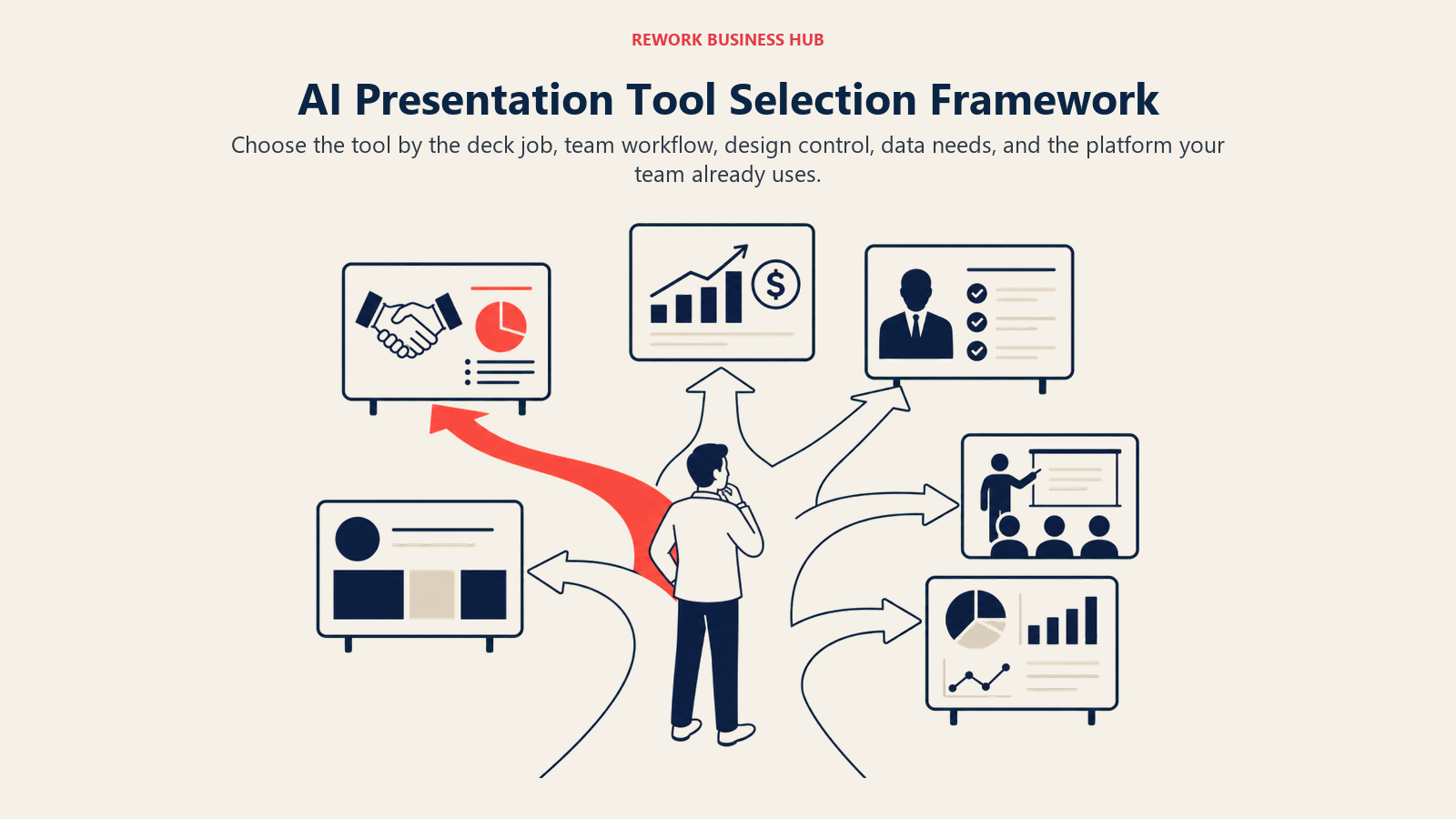
Start from the job the deck has to do, not from a feature checklist. A sales rep building a proposal, a founder building a pitch deck, and an ops lead building a quarterly business review all need a different tool, even though all three are "making a presentation."
By Use Case
| If your deck is a... | What matters most | Best fits |
|---|---|---|
| Sales proposal or client pitch | Speed plus a professional default design | Gamma, Beautiful.ai |
| Fundraising or investor pitch deck | Investor-specific structure and financial modeling | Slidebean, Pitch |
| Internal update or exec review | Fast iteration, easy revisions from source docs | Microsoft Copilot in PowerPoint, Gamma |
| Marketing or brand-heavy deck | Visual polish and brand consistency | Canva Magic Design, Visme |
| Training or education content | Guided structure for non-designers | Decktopus, SlidesAI |
| Data-heavy report or QBR | Native charts, infographics, dashboards | Visme, Beautiful.ai |
| Keynote or cinematic talk | Non-linear, motion-based storytelling | Prezi |
| Quick one-off deck inside a doc you already have | AI add-on inside your existing tool | Plus AI, SlidesAI, Google Gemini in Slides |
Marketing teams building ad-creative or campaign decks alongside these tools may also want the best AI tools for digital marketing guide, and teachers building classroom decks specifically should see best AI tools for teachers.
By Team Size and Budget
| Team Size | What to Prioritize | Realistic Monthly AI Tool Budget |
|---|---|---|
| Solo founder or freelancer | A generous free tier plus fast AI-native generation | $0-20/month |
| 2-10 person team | One shared AI-native tool plus brand consistency | $50-200/month |
| 10-50 person team | Collaboration, version history, and shared templates | $200-800/month |
| 50+ person team or enterprise | Admin controls, SSO, brand governance, native Office/Workspace AI | $1,000-5,000+/month |
None of the 13 tools below handle what happens after a deck gets sent, tracked, and turned into a deal. If you're building sales decks that need to tie back to a CRM record, our best AI tools for sales guide and best AI tools for business development guide cover that layer separately.
1. Gamma: Fastest Full Deck From a Single Prompt
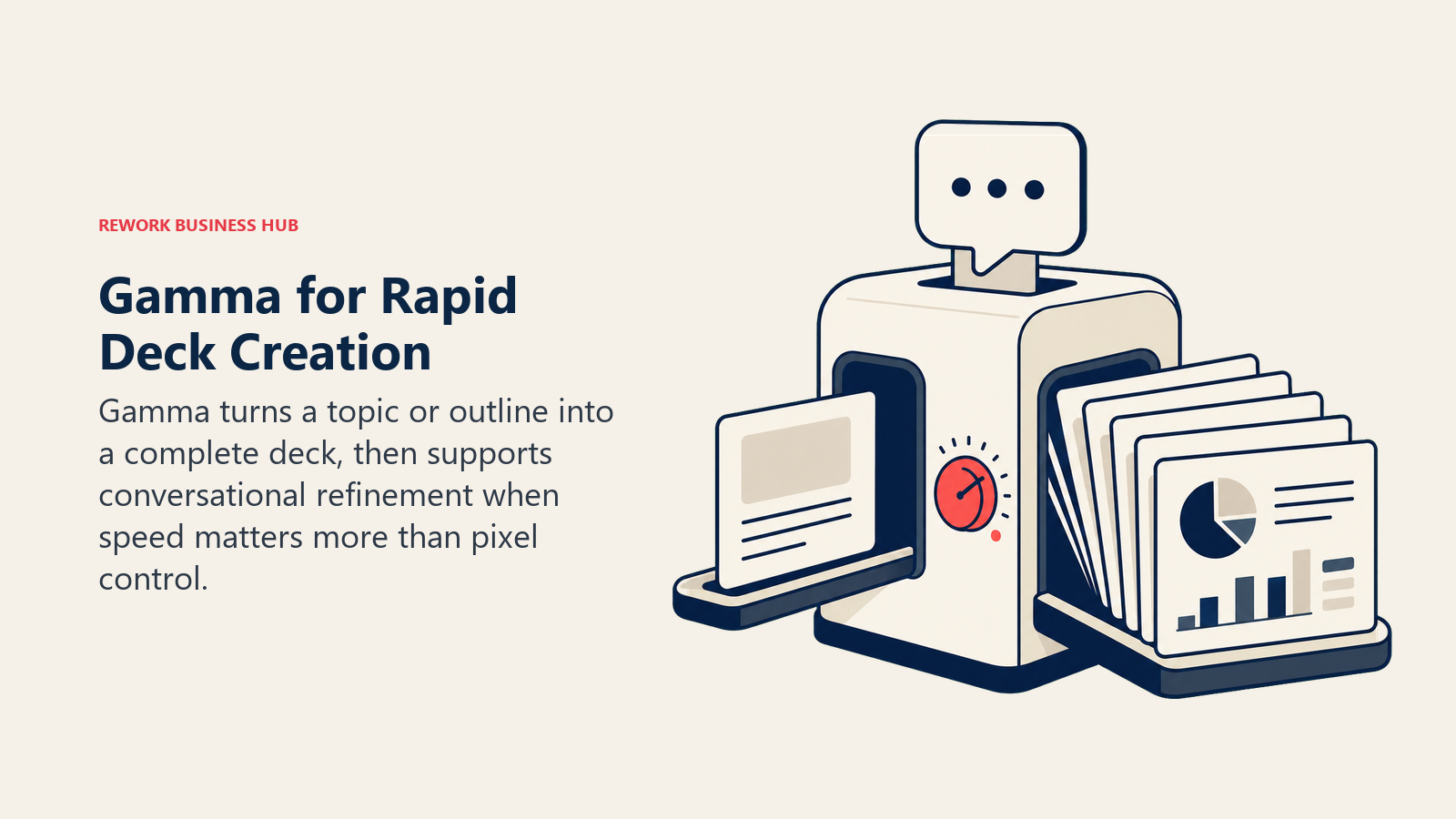
Gamma's product philosophy is that a presentation should start as a conversation, not a blank canvas. Type a topic or paste an outline, and Gamma generates a full deck (or document, or webpage) with layout, imagery, and copy already in place, then lets you keep refining it with follow-up prompts. It's become the default AI-native presentation tool for teams who want speed over granular design control, and it's a natural complement to broader AI tools for content writers already generating the source material.
| Strengths | Limitations |
|---|---|
| Fastest path from prompt to a usable full deck | Design control is looser than Beautiful.ai or Canva |
| Generous free tier for testing (400 one-time credits) | Ultra tier has no annual discount, unlike Plus and Pro |
| API access and custom domains on Pro and up | Credits run out fast on long or image-heavy decks |
Pricing: Free (400 one-time credits); Plus $9/seat/mo (annual) or $10/mo (monthly), 1,000 credits/mo; Pro $18/seat/mo (annual) or $20/mo (monthly), 4,000 credits/mo; Ultra $90/seat/mo, 20,000 credits/mo; Team and Enterprise are custom-priced. Source: gamma.app/pricing.
Best for: Teams and individuals who need a professional-looking full deck in minutes from a rough outline, and don't need pixel-level design control.
2. Beautiful.ai: Decks That Stay Well-Designed As You Edit
Beautiful.ai's bet is that most bad slides happen during editing, not creation, when someone drags a text box two pixels off-grid or resizes an image until it distorts. Its Smart Templates auto-adjust layout, spacing, and hierarchy in real time as you add or remove content, so it's nearly impossible to make an ugly slide even after a dozen edits from a dozen contributors.
| Strengths | Limitations |
|---|---|
| Smart Templates make bad layouts hard to create | No ongoing free tier, only a 14-day trial |
| AI text and image generation built into the editor | Team plan jumps sharply in price versus Pro |
| Strong for solo consultants who need polish fast | Less generative than Gamma for a first full draft |
Pricing: Pro $14.50/mo (annual) or $45 for a single month; Team $40/user/mo (annual) or $50/user/mo (monthly); SMB bundles at $6,000/year (50 users) or $12,000/year (100 users); Enterprise custom. Source: beautiful.ai/pricing.
Best for: Consultants, freelancers, and small teams who want every deck to look professionally designed without a design background.
3. Presentations.ai: Chat-Based, Continuous Deck Editing
Presentations.ai treats a deck like an ongoing conversation with an AI collaborator rather than a one-time generation. You describe what you want in plain language, it builds the deck, and you keep talking to it to revise tone, structure, or specific slides, closer to working with ChatGPT than to a traditional slide editor.
| Strengths | Limitations |
|---|---|
| Genuinely unlimited free tier for unlimited users | No monthly billing, annual only on paid plans |
| Automatic brand sync keeps decks on-brand by default | PowerPoint export is a paid-tier feature |
| Conversational revision is fast for iterative decks | Younger product, smaller template library than Canva |
Pricing: Starter free (unlimited users, no credit card); Pro $240/year (about $20/mo effective); Enterprise custom. Source: presentations.ai/pricing.
Best for: Teams that want to keep revising a deck conversationally over several sessions instead of generating once and manually editing.
4. Decktopus: Fast Guided Setup for Non-Designers
Decktopus's product philosophy is a guided wizard: answer a short series of questions about your audience, goal, and tone, and it assembles a deck from a large template library with AI-written copy already dropped in. It's built for people who find a blank AI prompt box just as intimidating as a blank slide.
| Strengths | Limitations |
|---|---|
| Guided question flow lowers the barrier to a first draft | AI credits (30 per deck) run out faster on annual plans |
| Slide analytics on Business tier track viewer engagement | Business tier price jumps sharply from Pro |
| Webhook integration for embedding decks in other tools | Smaller AI model quality ceiling than Gamma or Beautiful.ai |
Pricing: Free (limited decks); Pro $14.99/mo (monthly) or $179.99/yr (annual, about 40% savings); Business $34.99/user/mo (monthly) or $419.99/user/yr (annual); Enterprise custom. Source: decktopus.com/pricing.
Best for: First-time deck builders, educators, and small businesses who want a guided path instead of an open prompt.
5. Prezi: Non-Linear, Motion-Based Storytelling
Prezi has stuck to one differentiated idea since long before generative AI: presentations don't have to be a stack of slides. Its zooming canvas format lets you build a single visual map and move through it non-linearly, which suits keynotes and story-driven talks better than a fixed slide deck does. Prezi's 2025-2026 AI additions (prompt-based generation, AI images, an "Ask AI" text tool) layer generative speed on top of that format.
| Strengths | Limitations |
|---|---|
| Unique zooming, non-linear format for storytelling talks | Learning curve is real if your team is used to slides |
| Lowest paid entry price on this list ($7/mo) | AI credits are capped even on Plus ($15/mo) |
| PowerPoint import/export on Plus tier and up | Not the right format for dense, data-heavy reports |
Pricing: Basic free (500 AI credits/mo); Standard $7/mo; Plus $15/mo; Premium $25/mo; Teams $39/user/mo; all paid tiers billed annually with a 14-day free trial. Source: prezi.com/gts/pricing.
Best for: Keynote speakers, educators, and storytellers who want a visual, non-linear narrative instead of a traditional slide-by-slide deck.
6. Canva Magic Design: On-Brand Visuals Fast
Canva's philosophy has never really been "presentations first," it's visual design first, and presentations are one output of a much larger design platform. Magic Design for Presentations generates a full first draft from a prompt, filled with your topic, outline, and sample content, and because it sits inside Canva, every slide can pull from the same Brand Kit, stock library, and asset system your marketing team already uses. If your team is deciding between Canva and dedicated design tools more broadly, the best Canva alternatives guide covers that comparison.
| Strengths | Limitations |
|---|---|
| Largest stock photo, icon, and template library on this list | Magic Design is capped at 10 free uses/month without Pro |
| Brand Kit keeps decks consistent with marketing materials | Teams tier recently repriced upward, toward $25/user/mo |
| Best cross-format reuse (deck assets become social posts, etc.) | Less purpose-built for pitch-deck structure than Slidebean or Pitch |
Pricing: Free (limited Magic Design uses); Pro about $13/mo; Business (formerly Teams) trending toward $25/user/mo as of July 2026; Enterprise custom. Source: canva.com/pricing.
Best for: Marketing and brand teams who already live in Canva and want presentations to match everything else they design.
7. Visme: Data-Heavy Decks With Infographics and Charts
Visme's differentiation is depth in data visualization: live charts, interactive infographics, and dashboard-style layouts that most presentation tools treat as an afterthought. Its AI Designer generates a first draft from a prompt, but the real value shows up when a deck needs to make a case with numbers, not just narrative.
| Strengths | Limitations |
|---|---|
| Strongest native charting and infographic tools on this list | Free plan can't export projects |
| Broader output range: presentations, one-pagers, documents, video | AI Designer credits are limited even on Pro (500/mo) |
| Analytics and password protection on Pro tier | Less streamlined for a fast single-prompt deck than Gamma |
Pricing: Free (Basic, 500MB storage, 10 AI credits/mo); Starter $12.25/mo (annual), 200 AI credits; Pro $24.75/mo (annual), 500 AI credits; Enterprise custom, unlimited AI credits. Source: visme.co/pricing.
Best for: Analysts, RevOps, and reporting teams building QBRs or board decks that lean on charts and data more than narrative slides.
8. Pitch: Team Decks With Live Collaboration
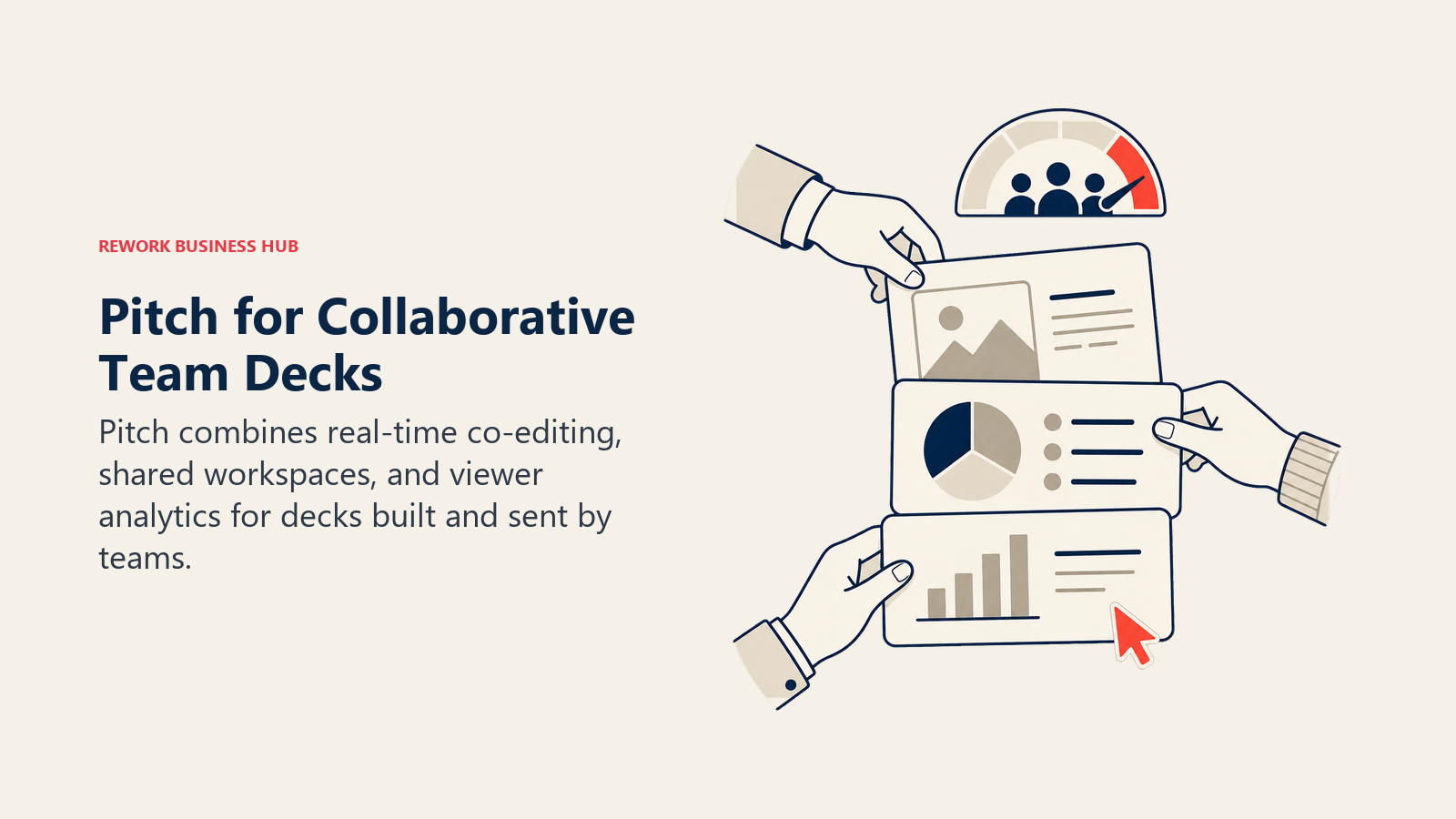
Pitch was built for the reality that most business decks aren't built by one person. Real-time co-editing, shared teamspaces, engagement analytics on sent decks, and workspace roles are all native, closer to how Figma or Notion handle collaborative work than how a traditional slide tool does. Given that 82% of B2B decision-makers now expect tailored experiences, Pitch's analytics on who actually opened and viewed a shared deck are a genuine advantage for sales and customer-facing teams.
| Strengths | Limitations |
|---|---|
| Real-time multi-editor collaboration, not just commenting | AI credits are modest even on Business tier (9,000/yr) |
| Engagement analytics show who viewed a sent deck and for how long | Business tier at $20/seat/mo (annual) isn't the cheapest option |
| Free tier allows up to 5 members with admin rights | Design flexibility is more templated than Canva or Beautiful.ai |
For teams that also record async walkthroughs of a deck instead of scheduling a live readout, the best Loom alternatives guide covers that adjacent workflow.
Pricing: Free (up to 5 members); Plus $13/mo, Team $19/seat/mo and Business $25/seat/mo, all billed yearly (US pricing); Enterprise custom. Source: pitch.com/pricing.
Best for: Marketing, sales, and ops teams where multiple people co-build the same deck and need to see who's viewing it after it's sent.
9. Slidebean: Startup Pitch Decks and Fundraising
Slidebean solves one specific job better than any generalist tool: the investor pitch deck. Beyond AI-generated slides from 100+ startup-specific templates, it bundles a financial modeling tool, a cap table tool, and an Investor Finder CRM for tracking outreach to actual VCs and angels, plus optional strategy calls with its team for founders actively raising.
| Strengths | Limitations |
|---|---|
| Only tool on this list built specifically for fundraising decks | Not a general-purpose presentation tool for internal decks |
| Bundles financial modeling and an investor CRM, not just slides | Top "Accelerate" tier at $99/mo is priced for active fundraisers |
| Cheapest paid entry point on this list at $7/mo | Free tier can't export or share polished decks |
Pricing: Free (unlimited presentations, no export); Starter $7/mo (billed yearly, $84/yr); Accelerate $99/mo (monthly billing), includes investor CRM and strategy calls. Source: slidebean.com/pricing.
Best for: Founders actively fundraising who need an investor-ready deck plus the tools to track and manage outreach, not just slides.
10. Plus AI: AI Add-On Inside PowerPoint or Google Slides
Plus AI's premise is that most teams don't want to learn a new platform, they want AI inside the tool they already use every day. It runs as an extension inside PowerPoint and Google Slides, generating and revising slides without ever leaving your existing file, template, or brand setup.
| Strengths | Limitations |
|---|---|
| Works natively inside PowerPoint and Google Slides, no new platform | No ongoing free tier, only a 7-day trial |
| No context-switching for teams already standardized on Office/Workspace | Ceiling is set by whatever PowerPoint or Slides itself can do |
| One subscription covers both PowerPoint and Google Slides | Custom branding requires the $30/mo Teams tier |
Pricing: Basic $10/mo (annual); Pro $20/mo; Teams $30/mo (custom branding); 7-day free trial with 1,000 AI credits on all plans. Source: plusai.com/pricing.
Best for: Teams standardized on PowerPoint or Google Slides who want AI generation without adopting a separate presentation platform.
11. SlidesAI: Budget Google Slides Add-On
SlidesAI does one job cheaply and well: turn a block of text, an outline, or a document into a formatted Google Slides deck. It's an add-on, not a platform, which keeps it simple and keeps the price well below Plus AI or Gamma for teams that just need text-to-slides conversion occasionally.
| Strengths | Limitations |
|---|---|
| Lowest ongoing paid price for AI slide generation on this list | Google Slides only, no PowerPoint version |
| Simple text-to-slides workflow, minimal learning curve | Character input caps (6,000-12,000) limit source document length |
| Theme selection covers basic design needs | Design depth is thin next to Canva, Visme, or Beautiful.ai |
Pricing: Free (3 presentations/mo, 10 AI credits); Pro $8.33/mo (annual) or $10/mo (monthly), 100 AI credits; Premium $16.67/mo (annual) or $20/mo (monthly), 1,000 AI credits. Source: slidesai.io/pricing.
Best for: Google Slides users who occasionally need to turn a document or outline into slides and don't want to pay for a full platform.
12. Microsoft Copilot in PowerPoint: Best for Microsoft 365 Shops
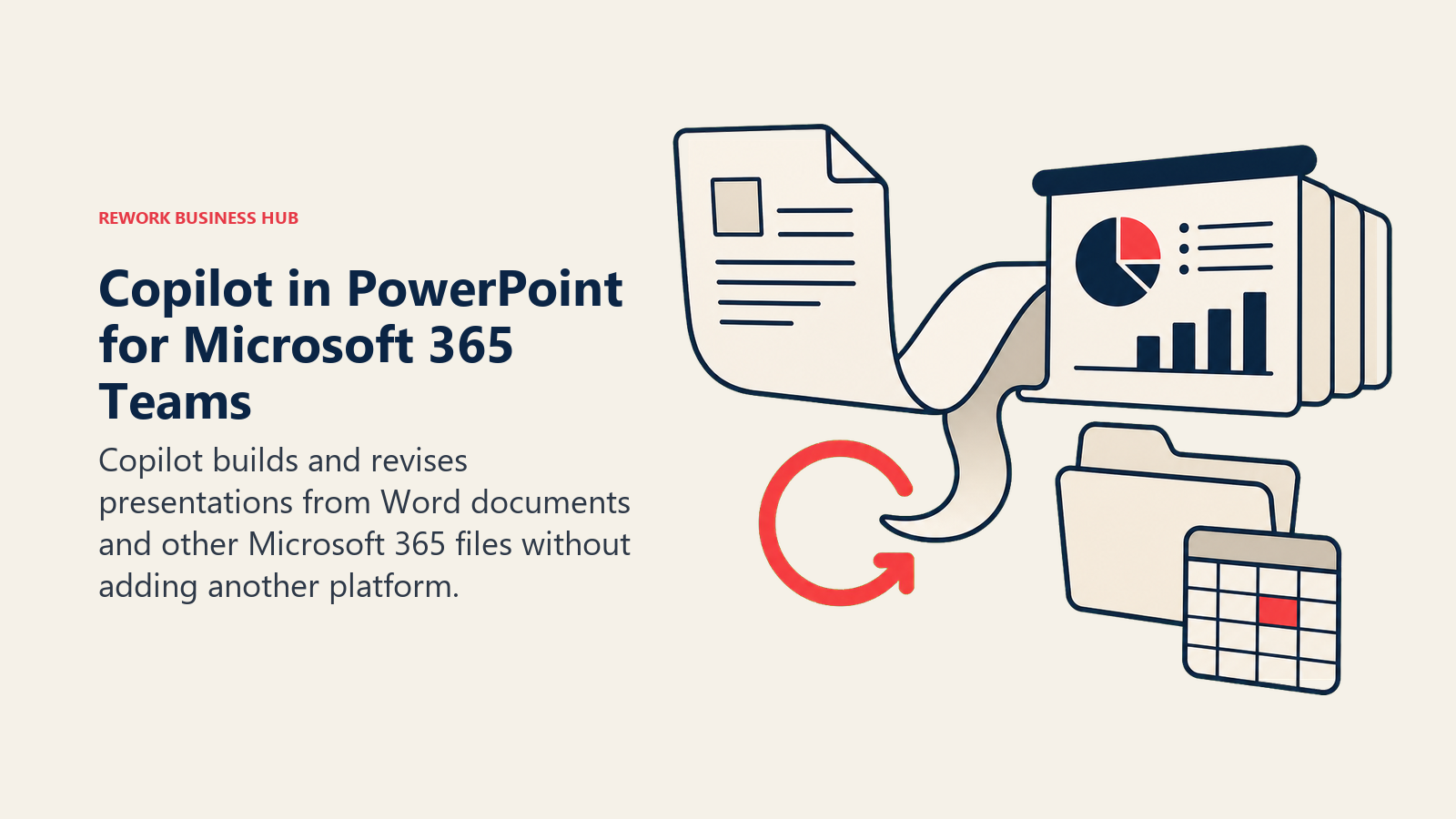
Copilot in PowerPoint isn't a separate product, it's an AI layer inside the PowerPoint you already have, which means it can build a deck directly from a Word document, summarize existing slides, or restructure a deck based on a follow-up prompt without exporting or re-importing anything. Its agentic build-and-revise capability reached general availability in April 2026, closing a real gap with dedicated AI-native tools like Gamma.
| Strengths | Limitations |
|---|---|
| Builds decks directly from your own Word docs, emails, and files | Requires a qualifying Microsoft 365 subscription plus the Copilot add-on |
| Same AI layer works across Word, Excel, Outlook, and Teams | SMB rate still $21/user/mo on top of the base M365 license |
| No new platform, no new login, works inside existing files | Less generative flair than purpose-built AI-native tools |
Pricing: Microsoft 365 Copilot Business (SMB, under 300 users) $21/user/mo (as of December 1, 2025); Enterprise Copilot $30/user/mo (annual); both require an underlying qualifying Microsoft 365 license. Source: microsoft.com/en-us/microsoft-365-copilot/pricing.
Best for: Organizations already standardized on Microsoft 365 who want AI presentation help without adding a new vendor.
13. Google Gemini in Slides: Best for Google Workspace Shops
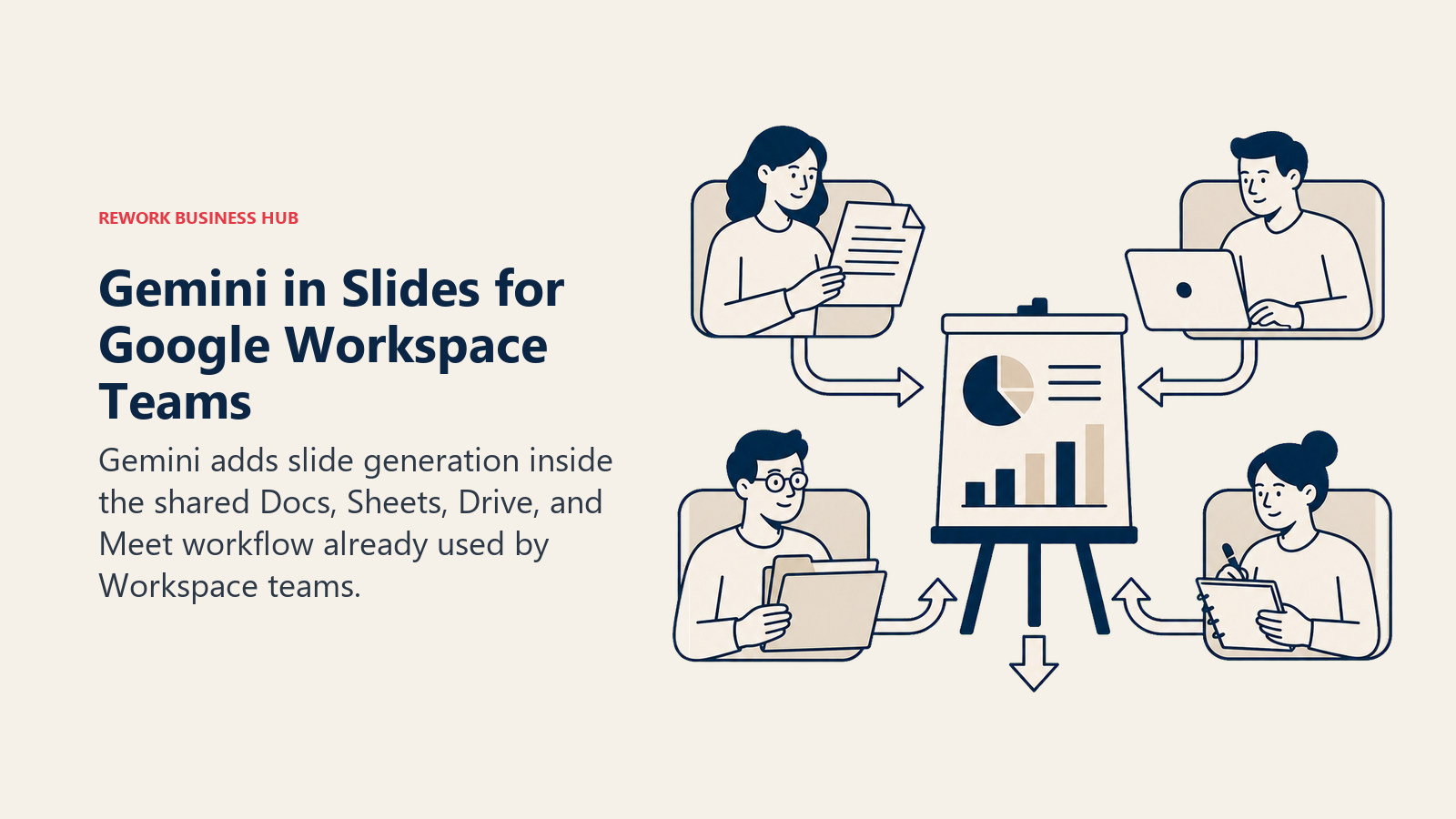
Google's approach mirrors Microsoft's: rather than sell AI slide generation as a separate product, it bundled Gemini directly into Google Slides (and Docs, Sheets, Meet, and Drive) as part of paid Workspace plans. As of 2026 there's no separate "AI add-on" fee for most Workspace tiers, which simplifies the buying decision for teams already on Google Workspace, including teams evaluating Workspace against other productivity suites. If you're weighing Gemini against other general-purpose AI assistants for the rest of your workflow, the Claude vs ChatGPT vs Gemini comparison covers that decision separately from slide generation specifically.
| Strengths | Limitations |
|---|---|
| Bundled into Workspace Business Standard and up at no extra AI fee | Business Starter tier gets limited AI access, not full Gemini |
| Same AI layer across Slides, Docs, Sheets, and Meet | Image generation (Nano Banana Pro) has separate usage caps |
| No separate purchase decision if you're already a Workspace shop | Less purpose-built for pitch-deck structure than dedicated tools |
Pricing: Bundled at no extra cost into Google Workspace Business Standard ($14/user/mo, annual), Business Plus ($22/user/mo), and Enterprise (custom); limited access on Business Starter (~$7/user/mo). Source: workspace.google.com/pricing.
Best for: Teams already on paid Google Workspace who want AI slide generation without adding a separate vendor or subscription.
Decision Framework
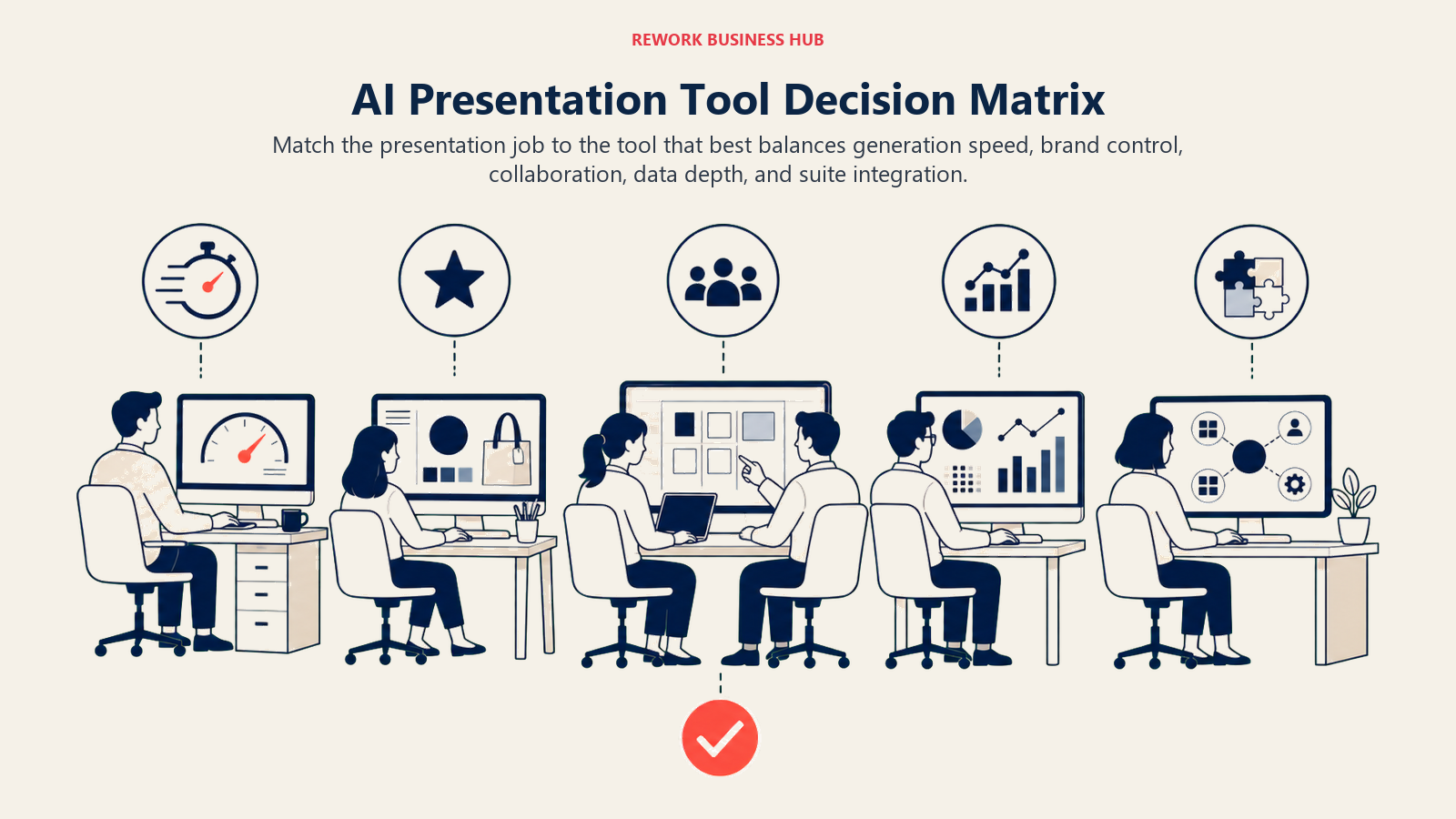
Use the matrix below to match the deck's job and team workflow to the tool that fits best.
| If you need... | Pick... | Why |
|---|---|---|
| The fastest full deck from a single prompt | Gamma | Largest AI-native user base; strong auto-layout on a generous free tier |
| A deck that stays well-designed as multiple people edit it | Beautiful.ai | Smart Templates auto-correct layout in real time |
| Continuous, conversational deck editing over several sessions | Presentations.ai | Chat-based revision; genuinely unlimited free tier |
| A guided first draft if a blank prompt feels intimidating | Decktopus | Question-based wizard plus a large template library |
| Non-linear, cinematic storytelling instead of fixed slides | Prezi | Unique zooming canvas format |
| On-brand visuals for a marketing or brand team | Canva Magic Design | Brand Kit plus the largest asset library on this list |
| Data-heavy decks with real charts and infographics | Visme | Strongest native data visualization tools |
| Live, real-time collaboration on the same deck | Pitch | Multi-editor collaboration plus viewer analytics |
| A startup fundraising or investor pitch deck | Slidebean | Investor templates, financial modeling, Investor Finder CRM |
| AI inside PowerPoint or Google Slides you already use | Plus AI | Works as an extension, no new platform to learn |
| A cheap, occasional text-to-slides conversion in Google Slides | SlidesAI | Lowest ongoing paid price on this list |
| Deep integration with a Microsoft 365 workflow | Microsoft Copilot in PowerPoint | Builds decks directly from your own Word docs and files |
| Deep integration with a Google Workspace workflow | Google Gemini in Slides | Bundled at no extra AI add-on cost |
Frequently Asked Questions about AI Presentation Tools
What is the best AI presentation tool in 2026?
There's no single best tool for every job. Gamma is the fastest way to get a full deck from one prompt, Beautiful.ai keeps decks well-designed as you edit, Canva Magic Design wins for on-brand visuals, and Slidebean is purpose-built for startup pitch decks. Match the tool to the job, not a general ranking.
Is Tome still a good AI presentation tool?
No. Tome sunset its Slides product in March 2025 and pivoted entirely to an AI sales assistant focused on account research and deal preparation. If you see Tome recommended for presentations in an older article, that guidance is out of date.
Are there free AI presentation tools?
Yes. Gamma, Prezi, Canva, Visme, Pitch, Presentations.ai, SlidesAI, and Slidebean all offer usable free tiers, though most cap AI credits, exports, or team members. Beautiful.ai and Plus AI only offer time-limited trials rather than an ongoing free plan.
Can AI presentation tools work inside PowerPoint or Google Slides directly?
Yes. Plus AI and SlidesAI run as add-ons inside the tool you already use, and Microsoft Copilot in PowerPoint and Google Gemini in Slides are built natively into their respective platforms. Standalone tools like Gamma, Beautiful.ai, and Canva require exporting to PowerPoint or PDF if you need to hand off a file.
Do I need Microsoft 365 or Google Workspace to use Copilot or Gemini for presentations?
Yes, both require an underlying paid subscription. Microsoft 365 Copilot needs a qualifying Microsoft 365 license plus the Copilot add-on ($21-30/user/mo), while Gemini in Slides is bundled into Google Workspace Business Standard and up at no separate AI fee.
What's the best AI presentation tool for a startup raising funding?
Slidebean is the most purpose-built option, with investor-specific templates, a financial modeling tool, a cap table tool, and an Investor Finder CRM for tracking outreach. Pitch is a strong second choice for founders who want more general-purpose collaboration alongside the fundraising deck.
What to Do Next
Pick the job first, not the tool. If you need one deck out the door today, start with Gamma or Decktopus and export to PowerPoint if you need to hand it off. If you're building a repeatable process for a team, pilot two tools (one AI-native, one native to your existing Office or Workspace subscription) for two weeks with real decks before you commit to a paid seat. And if the decks you're building are sales decks that need to tie back to pipeline data, the best AI tools for sales guide covers the layer that picks up after the deck gets sent.

Principal Product Marketing Strategist
On this page
- Key Facts
- Updated July 2026: What Changed
- Quick Comparison Table
- How to Choose: Decision Framework
- By Use Case
- By Team Size and Budget
- 1. Gamma: Fastest Full Deck From a Single Prompt
- 2. Beautiful.ai: Decks That Stay Well-Designed As You Edit
- 3. Presentations.ai: Chat-Based, Continuous Deck Editing
- 4. Decktopus: Fast Guided Setup for Non-Designers
- 5. Prezi: Non-Linear, Motion-Based Storytelling
- 6. Canva Magic Design: On-Brand Visuals Fast
- 7. Visme: Data-Heavy Decks With Infographics and Charts
- 8. Pitch: Team Decks With Live Collaboration
- 9. Slidebean: Startup Pitch Decks and Fundraising
- 10. Plus AI: AI Add-On Inside PowerPoint or Google Slides
- 11. SlidesAI: Budget Google Slides Add-On
- 12. Microsoft Copilot in PowerPoint: Best for Microsoft 365 Shops
- 13. Google Gemini in Slides: Best for Google Workspace Shops
- Decision Framework
- What to Do Next