Best AI Tools for Startups in 2026: 13 Tools Founders Actually Use
Turn this article into takeaways for your work.


Each assistant summarizes the article only for you and suggests best practices for your work.
A startup's AI stack in 2026 usually starts with a general assistant (ChatGPT or Claude), adds a coding tool the moment there's a product to ship (Cursor, Lovable, or Bolt.new), then fills in around sales, ops, and content as the team grows past the founder doing everything alone. This guide ranks 13 tools founders actually pay for, not the 40-tool "everything AI" lists that mix a $10 note-taker with a $200,000 enterprise platform and call it a startup stack.
Every tool below was evaluated on what an early-stage team really needs: fast setup, honest pricing at low seat counts, and a clear point where it stops being worth the money. Startups move fast on both product and pricing, so a few of these tools changed their plans or billing model in just the last few months, which is why the "what changed" section below matters as much as the rankings.
Updated July 2026: What Changed
- Notion folded its AI add-on into the Business tier. The old $10/member/month AI add-on (available on any plan) was retired in 2025. Full AI Agents and Ask Notion now require the Business plan at $20/user/month, a real cost jump for teams that only wanted AI on a cheaper tier.
- Zapier moved AI by Zapier to model-tier pricing on June 15, 2026. AI steps now cost 1x, 3x, or 5x a base task rate depending on whether you pick the Standard, Advanced, or Premium model tier, instead of a flat per-task cost.
- Cursor rebuilt its Teams pricing. Teams now offers Standard seats ($32/user/month annual) and Premium seats ($96/user/month annual, 5x the usage), so growing engineering teams can mix seat types instead of paying a flat per-seat rate for everyone.
- ChatGPT Team was renamed ChatGPT Business and got cheaper. Seat pricing dropped $5 on April 2, 2026, to $20/seat/month annual (2-seat minimum), making it one of the more affordable team AI plans on this list.
- Canva phased out its legacy flat-rate Teams plan for new signups, moving new team buyers to per-seat pricing at $10/user/month with a 3-user minimum.
Key Facts
- Startups captured 63% of the AI application market in 2025, earning nearly $2 for every $1 earned by incumbent software companies, and now hold a 71% share of AI coding tools and 78% of AI sales tools specifically, per Menlo Ventures' State of Generative AI in the Enterprise report.
- The top 100 AI companies on Stripe reached $1 million in annualized revenue in a median of just 11.5 months, about four months faster than the fastest-growing SaaS companies before them, according to Stripe's Indexing the AI Economy report.
- A quarter of startups in a recent Y Combinator cohort had codebases that were almost entirely AI-generated, per TechCrunch.
- 82% of small business employers have invested in AI tools, most commonly for content creation, marketing and sales support, and workflow automation, according to the Small Business & Entrepreneurship Council's 2026 Small Business Tech Use Survey.
- Small business owners and managers save more than 7 hours a week using AI tools, roughly double the time individual contributors save, per Business.com's 2026 Small Business AI Outlook Report.
Quick Comparison Table
| Tool | Function | Best For | Starting Price | Free Tier? |
|---|---|---|---|---|
| ChatGPT | AI Assistant | General reasoning, drafting, research | $20/mo (Plus) | Yes |
| Claude | AI Assistant | Long-context writing and careful reasoning | $20/mo (Pro) | Yes |
| Cursor | AI Coding | AI-native IDE for building the product | $20/mo (Pro) | Yes |
| Lovable | AI App Builder | Prompt-to-app for non-technical founders | $25/mo (Pro) | Yes |
| Bolt.new | AI App Builder | Fast prototypes and landing pages | $20/mo (Pro) | Yes |
| Rework | CRM + Lead Ops + Work Ops | Unified GTM and ops for a growing team | $69/mo billed yearly (Sales Engine, 5 seats) | No |
| Apollo | Sales Prospecting | Finding and emailing decision-makers | $49/user/mo (Basic, annual) | Yes |
| Notion AI | Docs + Workspace AI | Wiki, docs, and light project tracking | $20/user/mo (Business, annual) | Yes |
| Gamma | AI Presentations | Pitch decks and investor one-pagers | $8/mo (Plus, annual) | Yes |
| Canva | Design | Marketing assets, social, and brand kit | $15/mo (Pro) | Yes |
| Zapier AI | Automation | Connecting tools without engineering time | $19.99/mo (Professional, annual) | Yes |
| Fireflies | Meeting Notetaker | Recording and CRM-synced call notes | $10/seat/mo (Pro, annual) | Yes |
| Perplexity | AI Search | Sourced market and competitor research | $20/mo (Pro) | Yes |
How Startups Should Build Their AI Stack
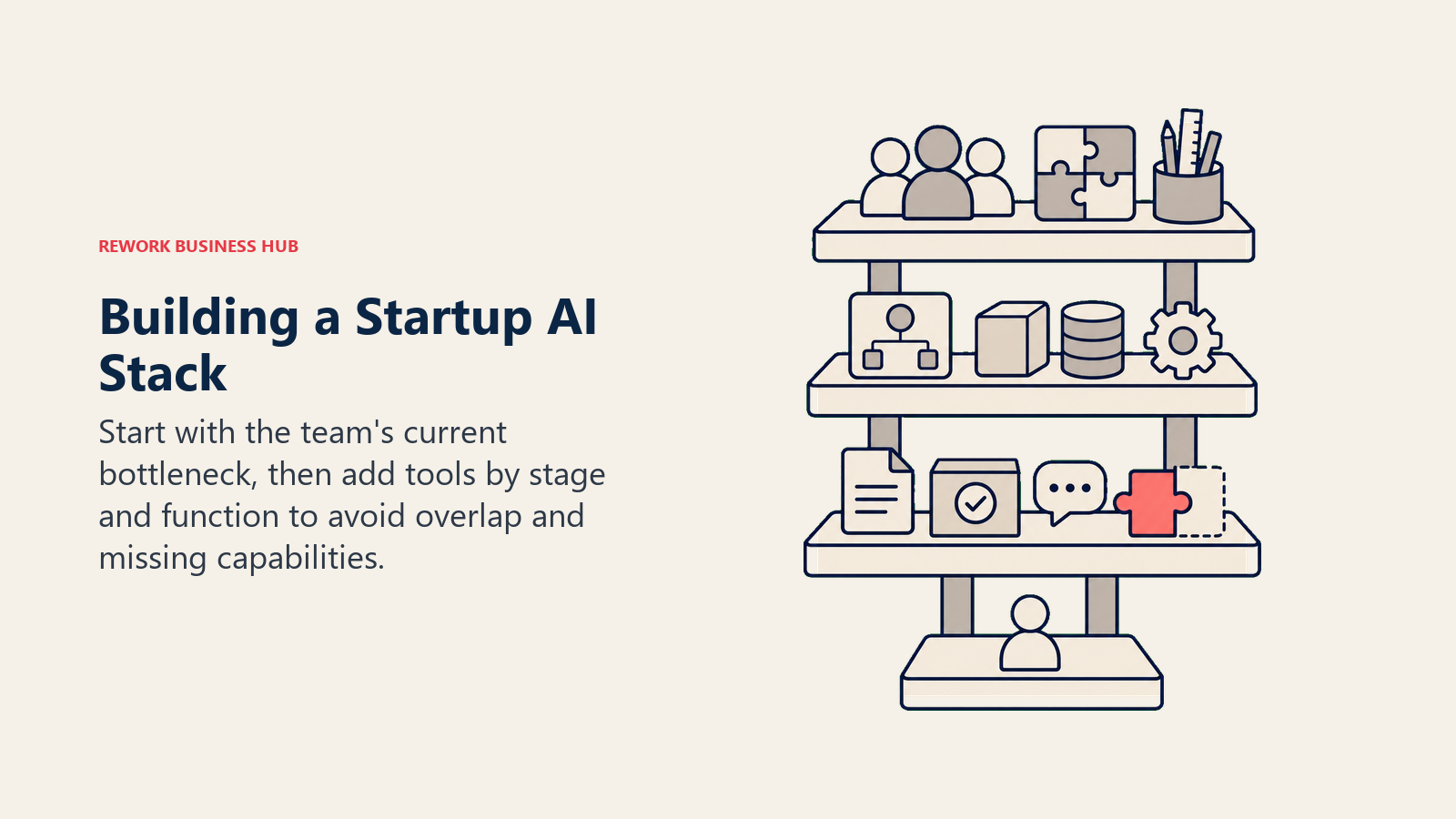
Most founders buy AI tools in the wrong order: they subscribe to the most talked-about assistant first, then bolt on whatever a co-founder recommends next, and end up with three tools doing the same job and a real gap somewhere else. Work through team size and function before subscribing to anything.
By Team Stage
| Stage | Team Size | What You Need | Tools That Fit |
|---|---|---|---|
| Solo / pre-seed | 1 person | General AI assistant, one coding or design tool, free-tier everything else | ChatGPT, Claude, Cursor, Canva Free, Lovable Free |
| Founding team | 2-4 people | Shared docs, a builder tool, lightweight automation | Notion AI, Cursor, Zapier AI, Gamma |
| First hires | 5-10 people | Structured CRM, prospecting, meeting notes, shared workspace | Rework, Apollo, Fireflies, Notion AI Business |
| Growth stage | 10-50 people | Full GTM and ops stack, seat-based AI plans, admin controls | Rework, Apollo Professional, Cursor Teams, ChatGPT Business |
By Function
| If your bottleneck is... | Start with | Why |
|---|---|---|
| Drafting emails, docs, and investor updates | ChatGPT or Claude | Broadest general capability; both have a real free tier |
| Building the actual product | Cursor | AI-native editor with multi-file agent mode, not a plugin |
| Shipping a prototype without an engineer | Lovable or Bolt.new | Prompt-to-app; live in minutes, not sprints |
| Leads scattered across spreadsheets and DMs once you hire your third salesperson | Rework | Unified CRM, lead routing, and inbox in one product |
| Finding and reaching decision-makers | Apollo | 210M+ contact database plus outbound sequencing |
| A wiki nobody updates | Notion AI | AI search and drafting inside the docs your team already uses |
| A pitch deck due tomorrow | Gamma | Text-to-deck in minutes, real design output |
| Marketing assets without a designer | Canva | Fastest path from idea to on-brand asset |
| Manually copying data between tools | Zapier AI | Largest no-code integration library |
| Losing action items after every call | Fireflies | Automatic transcription and CRM-synced summaries |
| Market or competitor research that needs real sources | Perplexity | Cited answers, not just a confident paragraph |
Sizing your stack against real usage matters here. According to the SBE Council's 2026 survey, the startups getting the most from AI tools are the ones applying them to a specific function (content, sales support, or workflow automation) rather than buying a general subscription and hoping it helps everywhere.
1. ChatGPT: The Default First AI Subscription
ChatGPT is still the first AI tool most founders subscribe to, and for a reason: the ecosystem (custom GPTs, a huge plugin library, and Codex for lightweight coding tasks) covers more ground than any single competitor. For a founder wearing five hats, that breadth beats a specialist tool for daily use.
| What you get | What you don't |
|---|---|
| Broadest general capability and ecosystem | Team plans require a 2-seat minimum |
| Go tier ($8/mo) is a genuinely cheap entry point | Pro tier ($200/mo) is expensive for a solo founder |
| Codex included on Business/Plus for light coding tasks | No native CRM, deck, or design output |
Pricing: Free; Go $8/mo; Plus $20/mo; Pro $200/mo; Business (formerly Team) $20/seat/mo annual, 2-seat minimum.
Best for: Solo founders and small teams that want one tool for drafting, research, and general reasoning before splitting out specialist tools.
2. Claude: Best for Long Documents and Careful Reasoning
Claude's edge shows up the moment a founder needs to work through something long: a term sheet, a full product spec, or a codebase that ChatGPT's context window would truncate. Anthropic's coding tool, Claude Code, has also become a common second purchase for technical founders who want an agent that reasons carefully rather than moves fast and breaks things.
| What you get | What you don't |
|---|---|
| Strong long-context handling for big documents | No native image generation |
| Careful, lower-hallucination reasoning on complex asks | Team plan needs a 5-seat minimum |
| Claude Code for terminal-based agentic coding | Costs more than ChatGPT at the top individual tier |
Pricing: Free; Pro $20/mo; Max from $100/mo; Team Standard seats $20/mo annual (5-seat minimum), Premium seats $100/mo annual.
Best for: Founders and technical co-founders doing document-heavy or code-heavy work who need careful output over speed.
3. Cursor: The AI-Native Editor for Building the Product
Cursor is where most technical founders end up once ChatGPT's copy-paste workflow stops scaling. It's a full code editor (a VS Code fork) with an agent mode that can plan and execute changes across multiple files, not just autocomplete a line. See our full best AI coding tools breakdown if Cursor isn't the only coding tool on your shortlist.
| What you get | What you don't |
|---|---|
| Multi-file agent mode for real feature work | Metered usage credits can run out on heavy days |
| Works across any language or framework | Teams pricing adds real cost past a handful of seats |
| Free tier good enough to test fit | Requires comfort with a code editor, not for non-technical founders |
Pricing: Free (2,000 completions/mo); Pro $20/mo; Pro+ $60/mo; Ultra $200/mo; Teams Standard $32/seat/mo annual, Premium $96/seat/mo annual.
Best for: Technical founders and early engineering hires building and shipping the actual product.
4. Lovable: Prompt-to-App for Non-Technical Founders
Lovable exists for the founder who has a product idea and no engineer yet. Describe the app in plain language and Lovable generates a working web app, database included, that you can keep prompting into shape. It's become a default first stop for non-technical founders validating an idea before hiring. Best AI App Builders in 2026 compares 13 generators and no-code platforms, including what you keep if you stop paying.
| What you get | What you don't |
|---|---|
| Working app from a plain-language prompt, no code needed | Credit system means real cost scales with edits, not a flat fee |
| Fast enough to test an idea in an afternoon | Not a replacement for a real engineering team past MVP stage |
| Business tier adds SSO for handoff to a technical team | Free tier's daily credit cap is tight for serious building |
Pricing: Free (5 daily credits, up to 30/mo); Pro $25/mo (100 credits/mo plus daily bonus); Business $50/mo (adds SSO, security center).
Best for: Non-technical founders validating a product idea before their first engineering hire.
5. Bolt.new: Fast Prototypes and Landing Pages
Bolt.new competes directly with Lovable but leans harder into speed: describe a landing page, internal tool, or prototype and get a deployable result in minutes on a token-based system rather than a fixed monthly credit count. For founders who need a working demo for an investor call by Friday, Bolt is often the faster path. For a three-way comparison with v0 on real pricing and what you can export if you stop paying, see Lovable vs Bolt.new vs v0.
| What you get | What you don't |
|---|---|
| Fast generation, good for landing pages and demos | Token system, not fixed credits, can be harder to budget |
| Free tier covers real testing (1M tokens/mo) | Teams plan bills per member, not a flat team rate |
| Rollover tokens on paid plans reduce waste | Less mature ecosystem than Cursor for ongoing development |
Pricing: Free (1M tokens/mo); Pro around $20 to $25/mo (10 to 13M tokens); Teams $30/member/mo.
Best for: Founders who need a fast, disposable prototype or demo rather than a codebase they'll maintain long-term.
6. Rework: Unified CRM, Lead Ops, and Work Ops Once You're Hiring
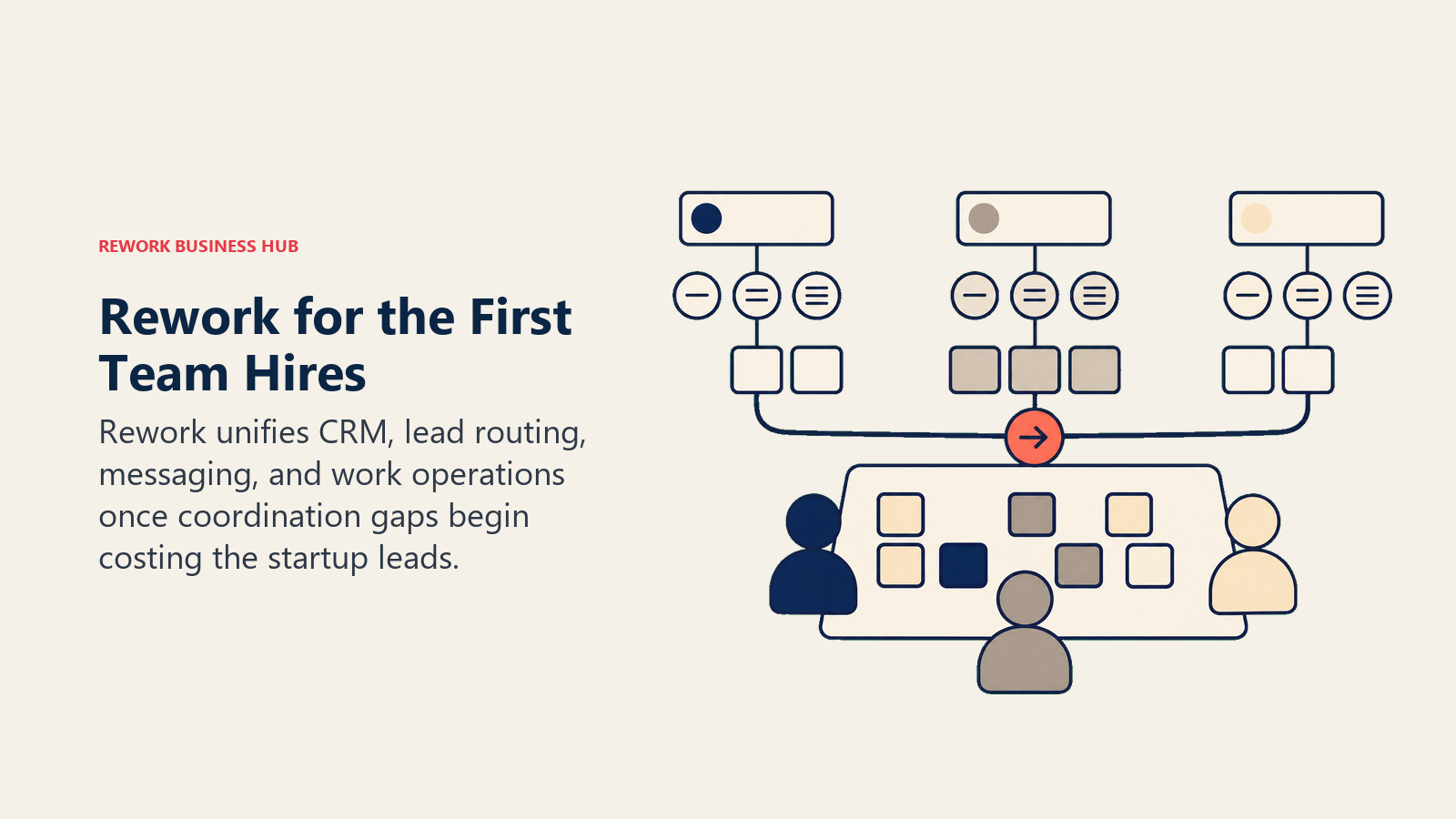
Rework is the one tool on this list built for the moment a startup stops being one founder doing everything and starts being a team that needs shared visibility into leads, deals, and internal workflows. Instead of stitching a CRM, a lead-routing tool, and a task manager together, Rework ships CRM, lead capture and scoring, a multi-channel inbox (WhatsApp, Messenger, Instagram DM, TikTok, web chat), and cross-team workflows in one data model. See our guide to choosing a CRM for startups for the broader buying framework, or the full best CRM software ranking if you're comparing more options.
| What you get | What you don't |
|---|---|
| CRM, lead routing, and multi-channel inbox in one product | Not built for solo founders or 1 to 2 person teams |
| Cross-team workflows for sales, ops, and CS in one place | Not a Salesforce-level custom-object platform |
| Package pricing, not per-user licensing surprises | Requires committing to a structured pipeline, not just a spreadsheet |
Pricing: Sales Engine $69/month billed yearly ($80 month to month) with 5 sales seats; Marketing Engine $99/month billed yearly with 5 marketing seats; Process or Project Engine $99/month billed yearly with 5 work seats. Extra seats come in blocks of 5. See rework.com/pricing.
Best for: Startups with roughly 5 or more people coordinating on the same leads or workflows, especially once ad-to-close lead flow between founders and early sales hires starts dropping.
Not ideal for: Solo founders or a 2-person team still validating product-market fit. A spreadsheet and a free WhatsApp Business app cover that stage for free; Rework earns its keep once coordination gaps start costing you leads, not before.
7. Apollo: Finding and Reaching Decision-Makers
Apollo is the default prospecting tool for startups that need to build outbound pipeline without a dedicated data or SDR team. Its 210M+ contact database plus built-in sequencing means a founder or first sales hire can go from "who do we sell to" to a working outbound motion without buying three separate tools. See the full Apollo alternatives roundup if you want to compare it against other prospecting platforms.
| What you get | What you don't |
|---|---|
| Massive contact database with real search filters | Credit system means overages add up on heavy usage months |
| Built-in email sequencing without a separate ESP | Organization tier requires a 3-user minimum |
| Genuinely usable free tier to test before paying | Phone/mobile credits cost significantly more than email credits |
Pricing: Free; Basic $49/user/mo (annual); Professional $79/user/mo (annual); Organization $119/user/mo (annual, 3-user minimum).
Best for: Founders or first sales hires building outbound pipeline from scratch.
8. Notion AI: Workspace and Docs with AI Built In
Notion AI works because it lives inside the wiki, roadmap, and meeting notes a startup team is already using, rather than asking anyone to open a separate app. Since 2025, full AI access (Ask Notion, AI Agents) requires the Business plan, which is a real cost jump from the old $10 add-on, but it's still cheaper than most teams expect for what's effectively a company wiki plus AI search.
| What you get | What you don't |
|---|---|
| AI search and drafting inside your existing docs | Full AI access requires the $20/user Business tier |
| Custom Agents for repeatable workflows | Agents run on a metered credit system on top of seats |
| Doubles as project tracking for a small team | Not a dedicated CRM or task-management replacement at scale |
Pricing: Free; Plus $10/user/mo (annual); Business $20/user/mo (annual, includes full AI); Custom Agents $10 per 1,000 credits on top.
Best for: Early teams that want one workspace for docs, wiki, and light project tracking instead of three separate tools.
9. Gamma: The Pitch Deck Tool for a Fundraise
Gamma turns a rough outline into a formatted deck, one-pager, or simple website in minutes, which matters most in the specific moment a founder needs an investor deck or sales one-pager fast and doesn't have a designer on call. It's become a common substitute for the "founder builds slides at 1am" workflow.
| What you get | What you don't |
|---|---|
| Text-to-deck generation with real design output | Free tier is one-time credits, no monthly refill |
| Fast enough for a same-day investor deck | Not a replacement for a designed brand deck at scale |
| Pro tier adds branding and analytics | Less control than building manually in a design tool |
Pricing: Free (400 one-time credits); Plus $8/mo (annual); Pro $15/mo (annual).
Best for: Founders who need a polished deck or one-pager fast, without hiring a designer.
10. Canva: Marketing Assets Without a Designer
Canva remains the fastest way for a non-designer to produce on-brand marketing assets: social posts, one-pagers, pitch visuals, and basic brand kits. For a startup's first six months, it's often the only design tool the team needs.
| What you get | What you don't |
|---|---|
| Fastest path from idea to on-brand asset | Teams pricing now per-seat, 3-user minimum for new signups |
| Huge template and stock library | Not built for complex product or app design work |
| Brand kit keeps a small team visually consistent | Advanced features gated behind Pro or Teams |
Pricing: Free; Pro $15/mo (or roughly $10/mo billed annually); Teams $10/user/mo, 3-user minimum.
Best for: Early teams producing marketing and social content without a dedicated designer.
11. Zapier AI: Connecting Tools Without Engineering Time
Zapier is still the fastest way for a non-technical founder to connect two tools that don't talk to each other natively, and AI by Zapier now layers reasoning and drafting steps directly into those workflows. The June 2026 shift to model-tier pricing (Standard, Advanced, Premium) means the cost of an AI step now depends on which model it runs, not a flat per-task fee. See our best Zapier alternatives guide if you want to compare it against other automation platforms.
| What you get | What you don't |
|---|---|
| Largest no-code app integration library in the category | AI steps now billed by model tier, adding budgeting complexity |
| No engineering time required to wire up workflows | Agents and Chatbots are separate paid add-ons |
| Free tier covers light, real automation (100 tasks/mo) | Complex multi-step workflows eat through tasks fast |
Pricing: Free (100 tasks/mo); Professional $19.99/mo (annual); Team from roughly $69/mo (annual); AI steps priced at 1x, 3x, or 5x base task cost by model tier.
Best for: Founders automating handoffs between tools (forms, CRM, Slack, email) without writing code.
12. Fireflies: Never Losing a Founder Call's Action Items
Fireflies quietly removes a task most founders don't realize they're doing manually: writing up notes and action items after every customer, investor, or candidate call. The Business tier syncs summaries directly into a CRM, which matters once a founder's calls start feeding a real pipeline rather than living in memory. See Otter vs Fireflies vs Fathom for a full head-to-head against the other notetakers.
| What you get | What you don't |
|---|---|
| Automatic transcription and AI summaries on every call | AI features draw from a shared credit pool that can run out |
| Business tier CRM sync removes manual call logging | Free tier's storage cap fills up after a few weeks of regular use |
| Works across Zoom, Meet, and most call tools | Not a replacement for a full conversation-intelligence platform |
Pricing: Free (limited storage); Pro $10/seat/mo (annual); Business $19/seat/mo (annual); Enterprise $39/seat/mo (annual).
Best for: Founders and early sales hires who don't want to manually write up notes after every call.
13. Perplexity: Sourced Research, Not Just an Answer
Perplexity solves a specific founder problem: fast, cited answers for market sizing, competitor research, and diligence questions, where you need to trace a claim back to its source rather than trust a confident-sounding paragraph. See Perplexity vs ChatGPT Search vs Gemini for the fuller research-assistant comparison.
| What you get | What you don't |
|---|---|
| Every answer sourced and traceable, not just asserted | Not built for long-form drafting the way ChatGPT or Claude are |
| Genuinely usable free tier for occasional research | Pro tier's real value shows up mostly for heavy research users |
| Strong for fast competitor and market research | No coding or app-building capability |
Pricing: Free; Pro $20/mo; Max $200/mo.
Best for: Founders doing market research, competitor tracking, or investor diligence prep who need sources they can actually check.
Startup AI Tool Buying Mistakes to Avoid
| Mistake | What It Looks Like | What to Do Instead |
|---|---|---|
| Subscribing to everything at once | Five overlapping AI tools before product-market fit | Start with one general assistant and one function-specific tool; add as a real bottleneck shows up |
| Buying a CRM before you have a repeatable sales motion | Rework or Salesforce at 2 people with no defined pipeline | Use a spreadsheet until coordination gaps start losing real leads (usually the 3rd to 5th hire) |
| Paying for team seats nobody uses | 10 Cursor Pro seats when 3 people write code | Match seat count to actual usage; most tools on this list let you scale up in a day |
| Ignoring credit-based pricing traps | Assuming a flat "Pro" price when the tool actually meters usage | Check whether pricing is seat-based or credit-based before budgeting; Lovable, Bolt, Apollo, and Fireflies all meter usage |
| Skipping the free tier | Paying immediately instead of testing fit for two weeks | Every tool on this list has a real free tier; use it before you commit |
| Treating AI tool cost as fixed | Budgeting the advertised price, not real usage-based cost | Add 20 to 30% buffer for credit overages on usage-metered tools (Bolt, Lovable, Zapier AI, Apollo) |
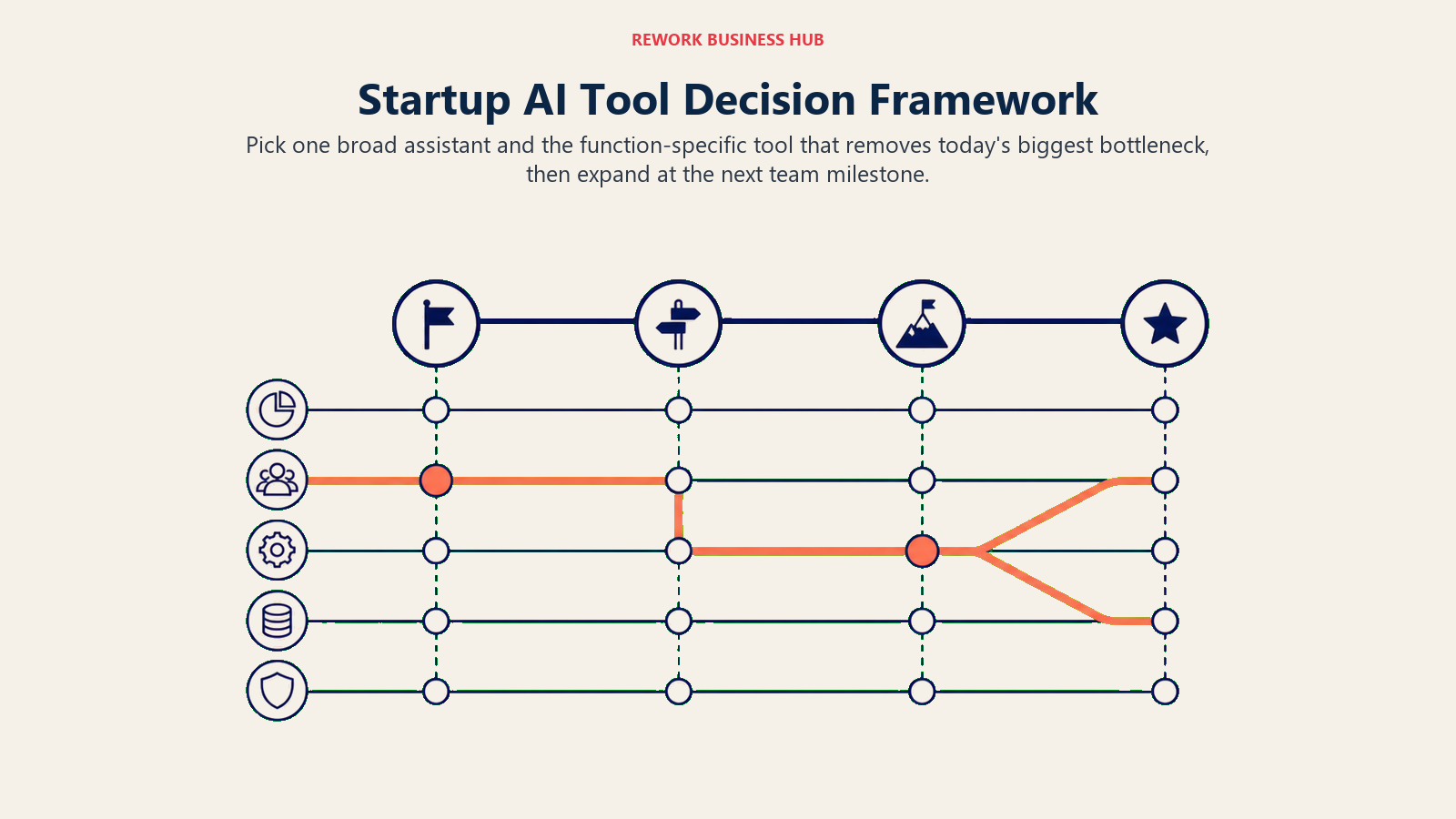
Decision Framework
| If you need... | Pick... | Why |
|---|---|---|
| One general-purpose AI subscription to start | ChatGPT or Claude | Broadest capability; both have a real free tier to test fit |
| To build a product without an engineer | Lovable or Bolt.new | Prompt-to-app, working software in minutes |
| To build and maintain a real codebase | Cursor | Multi-file agent mode inside a full code editor |
| Unified CRM, lead routing, and inbox once you're hiring | Rework | One data model instead of three stitched-together tools |
| To find and reach decision-makers | Apollo | Largest usable contact database plus sequencing |
| One workspace for docs, wiki, and light project tracking | Notion AI | AI built into the tool your team already lives in |
| A pitch deck or one-pager fast | Gamma | Text-to-deck in minutes with real design output |
| Marketing assets without a designer | Canva | Fastest path from idea to on-brand asset |
| To connect tools without writing code | Zapier AI | Largest no-code integration library |
| To stop losing action items after calls | Fireflies | Automatic transcription plus CRM sync at the Business tier |
| Sourced research for market or competitor questions | Perplexity | Every answer cited and traceable |
Frequently Asked Questions about the Best AI Tools for Startups
What AI tools does a startup actually need to get started?
Most founders start with one general assistant (ChatGPT or Claude) and one function-specific tool tied to their biggest bottleneck, usually a coding tool if they're pre-product or a prospecting tool if they're pre-revenue. Add tools as a real bottleneck shows up, not before.
Should a startup use Rework or a free CRM tool?
Solo founders and 2-person teams are better served by a spreadsheet or a free CRM tier. Rework's engine pricing (Sales Engine from $69/month billed yearly, 5 seats included) starts paying back once a team of roughly 3 to 5+ people needs shared lead visibility and routing, which a spreadsheet can't provide.
Is ChatGPT or Claude better for a startup team?
Both have strong free tiers worth testing. ChatGPT has the broader plugin and app ecosystem; Claude handles long documents and complex reasoning more carefully, which matters for term sheets, specs, and codebases. Many founders end up paying for both.
Which AI coding tool is best for a non-technical founder building an MVP?
Lovable or Bolt.new, since both generate a working app from a plain-language description with no code required. Cursor is the better choice once you've hired an engineer and need a real, maintainable codebase.
How much should a startup budget for its AI tool stack?
A 1 to 4 person pre-seed team can run a usable stack on free tiers and $20 to $60/month tools (ChatGPT Plus, Cursor Pro, Canva Pro). Once you're hiring past 5 people and adding a CRM or prospecting tool, budget closer to $150 to $400/month across the stack, plus any usage-based overages on metered tools.
Is Notion AI worth paying for over a plain Notion Business plan?
If your team is already paying for Notion Business ($20/user/month), full AI access (Ask Notion, AI Agents) is included at no extra add-on cost since the 2025 pricing change. It's worth using once you're on Business; it's not worth upgrading from Plus for AI alone unless you'll use it daily.
What's the difference between Lovable and Bolt.new?
Both are prompt-to-app builders, but Lovable leans toward polished, maintainable web apps with a monthly credit allowance, while Bolt.new leans toward speed on prototypes and landing pages with a token-based system. Test both free tiers on the same idea before committing to one.
How often should a startup revisit its AI tool stack?
Every funding stage or team-size milestone (first hire, first sales hire, Series A) is a natural checkpoint. Pricing in this category also changes fast: several tools on this list changed their pricing model in the last few months alone, so a quarterly pricing check is worth the ten minutes it takes.
Do startups really save time using AI tools, or is it overstated?
The data backs it up at a real magnitude: small business owners and managers report saving more than 7 hours a week using AI tools, and 82% of small business employers have already invested in them. The gains concentrate in specific functions (content, sales support, workflow automation), not from buying a tool and hoping it helps everywhere.
What to Do Next
Don't subscribe to all 13. Pick the one function costing you the most time this month, usually building the product, finding customers, or keeping leads from falling through the cracks, and test the free tier of the top pick for two weeks before paying for anything. If that bottleneck is leads, deals, or internal handoffs scattered across spreadsheets and DMs once you've hired past your third or fourth person, see how Rework's pricing works before you stitch together three separate tools to solve it. For the broader AI tools landscape beyond startups specifically, see our full 25-tool ranking, or if sales is your current bottleneck, the best AI tools for sales and best AI tools for business development guides go deeper on that specific function.

Principal Product Marketing Strategist
On this page
- Updated July 2026: What Changed
- Key Facts
- Quick Comparison Table
- How Startups Should Build Their AI Stack
- By Team Stage
- By Function
- 1. ChatGPT: The Default First AI Subscription
- 2. Claude: Best for Long Documents and Careful Reasoning
- 3. Cursor: The AI-Native Editor for Building the Product
- 4. Lovable: Prompt-to-App for Non-Technical Founders
- 5. Bolt.new: Fast Prototypes and Landing Pages
- 6. Rework: Unified CRM, Lead Ops, and Work Ops Once You're Hiring
- 7. Apollo: Finding and Reaching Decision-Makers
- 8. Notion AI: Workspace and Docs with AI Built In
- 9. Gamma: The Pitch Deck Tool for a Fundraise
- 10. Canva: Marketing Assets Without a Designer
- 11. Zapier AI: Connecting Tools Without Engineering Time
- 12. Fireflies: Never Losing a Founder Call's Action Items
- 13. Perplexity: Sourced Research, Not Just an Answer
- Startup AI Tool Buying Mistakes to Avoid
- Decision Framework
- What to Do Next