Best AI Tools for Project Managers in 2026: 12 Tools Ranked by Use Case
Turn this article into takeaways for your work.


Each assistant summarizes the article only for you and suggests best practices for your work.
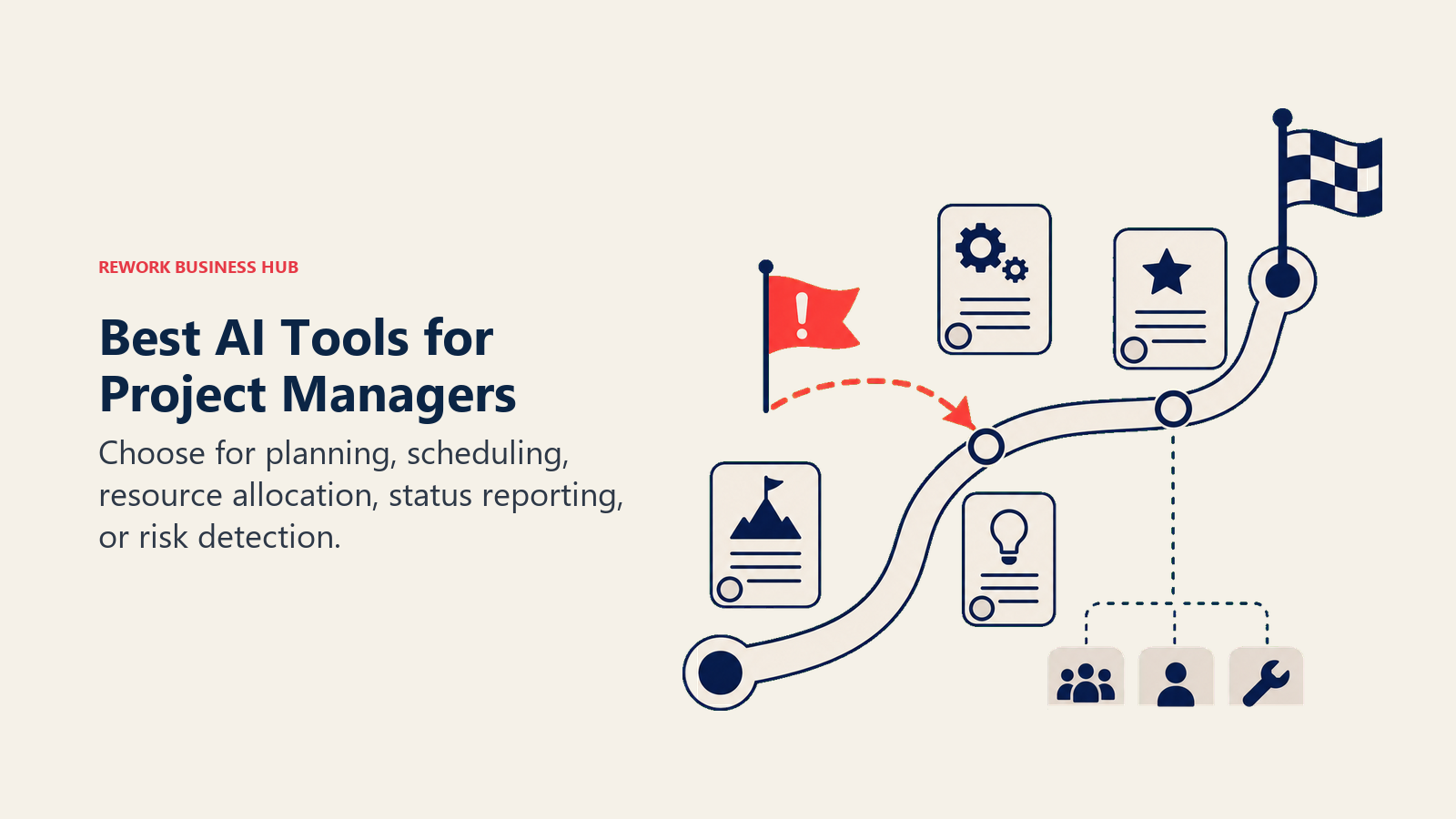
If you're building an AI-assisted project management stack in 2026, ClickUp Brain and Asana AI cover general planning and task management, Monday AI and Wrike's Work Intelligence lead visual workflow automation and risk flagging, Jira with Atlassian Intelligence owns engineering-heavy delivery, Motion and Float handle AI scheduling and resourcing specifically, Microsoft Planner with Copilot fits Microsoft 365 shops, and ChatGPT covers general drafting for status reports and stakeholder updates. This guide ranks 12 tools by the job you actually need done: planning, scheduling, resourcing, status reporting, or risk tracking, not by which vendor shouts "AI" the loudest.
Most "best AI tools for project managers" lists just slap an AI label on a list of generic work-management software. That's not useful when your real question is narrower: does this tool actually cut the hours you spend manually collating a status update, or predict a schedule slip before it happens, not just summarize a doc after the fact. Each tool below is evaluated on what it does for a working project manager, who it's built for, and what it costs.
What Changed in 2026
- Height shut down on September 24, 2025. The AI-native PM tool many 2025 roundups recommended is gone; this list replaces it with Float, whose Smart Assign feature covers the AI resourcing use case Height was often cited for.
- Wrike restructured its AI pricing around "AI Actions" starting April 1, 2026. AI Essentials (drafting, summaries, board AI) are now unlimited and free on every paid plan, while heavier AI Elite agent actions are metered by tier, with a paid Elite Actions Pack add-on for overflow.
- monday.com now sells AI credits as a required add-on, not a bundled freebie, for anyone signing up from May 6, 2026 onward. Credits are purchased alongside seats at $0.01 each, with minimum monthly buckets tied to plan tier.
- Atlassian's Rovo credit pools got more generous but usage billing is coming. Standard, Premium, and Enterprise Jira plans each include Atlassian Intelligence and a monthly Rovo credit allowance (25/70/150 per seat), and as of May 2026 Atlassian isn't yet charging for overage, though it has flagged that change is coming with 90 days' notice.
- Notion killed its standalone AI add-on, same as for product teams. Full AI access, including AI Agents and Ask Notion, now requires the $20/user/month Business plan instead of a cheaper add-on on any tier.
Key Facts
- Project professionals who use GenAI on more than half their projects ("Trailblazers") are 16 times more likely to achieve advanced productivity gains than those still experimenting with it on a limited scale, per PMI's GenAI Journey report.
- 72% of organizations spend half a day or more every month manually collating project status reports, and 42% spend a full day or more, per Wellingtone's State of Project Management Report.
- Only 36% of organizations say they always or mostly complete projects on time, per the same Wellingtone research, which is the gap AI-assisted scheduling and risk tools are built to close.
- Wrike AI users reclaim an average of 11 hours per week per user by automating status updates, intake triage, and reporting, per Wrike's own AI product data.
- 40% of enterprise applications will ship with task-specific AI agents by the end of 2026, up from less than 5% in 2025, per Gartner.
- 72% of organizations now use generative AI regularly, up from 33% in 2024, though only 39% report measurable EBIT impact from AI investment overall, per McKinsey's State of AI.
Quick Comparison Table
| Tool | Best For | Standout Capability | Starting Price | Free Tier? |
|---|---|---|---|---|
| ClickUp Brain | Roadmap, task, and doc management with AI in one workspace | Unified AI assistant across docs, tasks, and chat | Business $12/user/mo + Brain $9/user/mo | Yes (no Brain) |
| Asana AI | Structured planning, workflows, and status reporting | Smart status, smart summaries, and Words to Workflows built into every paid tier | Starter $10.99/user/mo (AI included) | Yes (no AI) |
| Monday AI | Visual boards with AI automation and notetaking | AI blocks, agents, and Sidekick powered by a purchasable credit pool | Basic $9/seat/mo + required AI credits | Yes (limited) |
| Wrike AI | Enterprise PM with predictive risk flagging | Work Intelligence predicts project risk and auto-writes task descriptions | Team $10/user/mo (AI Essentials included) | Yes (no AI) |
| Jira + Atlassian Intelligence | Engineering delivery, sprints, and backlog risk | Rovo AI chat, search, and agents included from Standard tier up | Free (10 users); Standard $7.91/user/mo | Yes |
| Motion | Automated daily and weekly scheduling | AI Calendar auto-plans your day and re-schedules around conflicts | Pro AI $19/mo (or $12.73/mo annual) | No (7-day trial) |
| Float | Resource scheduling and capacity forecasting | Smart Assign recommends the best-fit person by skill and availability | Starter $7/person/mo | No (14-day trial) |
| Microsoft Planner + Copilot | Microsoft 365-native task and sprint tracking | Planner Agent drafts plans and goals inside Copilot | Planner Premium $10/user/mo (+ M365 Copilot) | Yes (Planner without AI) |
| Notion AI | PM wiki and doc hub with AI native to your pages | Ask Notion searches your whole connected workspace | Business $20/user/mo (AI requires Business) | Yes (no AI) |
| Taskade | Lightweight AI project management for small teams | Unlimited AI agents on a workspace-priced plan | Pro $10/mo (10 users) | Yes (limited credits) |
| Forecast | AI-driven resourcing for professional services PMOs | AI-assisted resourcing scores skill, availability, and past performance | Custom (contact sales) | No |
| ChatGPT | General AI drafting for status reports and stakeholder updates | GPT-5.4 reasoning with the broadest plugin ecosystem | Free; Plus $20/mo | Yes |
How to Choose: Decision Framework
| If you need... | Pick... | Why |
|---|---|---|
| One workspace for roadmap, tasks, docs, and AI together | ClickUp Brain | Unified AI across the whole workspace instead of a bolted-on feature |
| Structured planning and status updates your team already lives in | Asana AI | Smart status and Words to Workflows are built into every paid tier, not an add-on |
| Visual boards with AI automation for cross-functional ops | Monday AI | Flexible views plus AI blocks and agents, credit-metered to match usage |
| Predictive risk flagging on larger, more complex programs | Wrike AI | Work Intelligence surfaces at-risk projects before they slip |
| Sprint planning and backlog risk inside an engineering-led org | Jira + Atlassian Intelligence | Native to the stack engineering already runs on; AI included from Standard |
| Automated scheduling that re-plans your day around real conflicts | Motion | AI Calendar handles the daily re-planning most PM tools leave manual |
| AI-recommended resourcing and capacity forecasting | Float | Smart Assign matches people to work by skill and availability, not guesswork |
| Task and sprint tracking inside Microsoft 365 | Microsoft Planner + Copilot | Native integration for teams already standardized on Microsoft's stack |
| A single AI-native hub for PRDs, project docs, and meeting notes | Notion AI | AI built into the docs your team already writes in |
| A lightweight, affordable AI PM tool for a small team | Taskade | Workspace pricing beats per-seat AI add-ons for small teams |
| AI-driven resourcing for a professional services PMO | Forecast | Purpose-built for skill-based staffing and utilization across client projects |
| Fast drafting of status reports, risk memos, or stakeholder emails | ChatGPT | Broadest plugin ecosystem; fastest iteration on written drafts |
Framework: By Job to Be Done
| Job | What Matters Most | Best Fits |
|---|---|---|
| Planning and structured task management | Dependencies, timelines, workflow templates | ClickUp Brain, Asana AI, Monday AI |
| Scheduling and daily re-planning | Conflict detection, auto-scheduling, calendar sync | Motion, ClickUp Brain |
| Resourcing and capacity forecasting | Skill matching, availability, utilization tracking | Float, Forecast, Wrike AI |
| Status reporting and stakeholder updates | Auto-summarized reports, drafting, tone control | Asana AI, ChatGPT, Notion AI |
| Risk tracking and delivery prediction | Pattern detection, at-risk flagging, sprint health | Wrike AI, Jira + Atlassian Intelligence |
| Engineering-adjacent delivery | Sprint boards, backlog grooming, dev handoff | Jira + Atlassian Intelligence |
| Microsoft-standardized organizations | Native M365 integration, existing licensing | Microsoft Planner + Copilot |
If you're deciding between project-management AI and product-management AI specifically, Best AI Tools for Product Managers in 2026 covers the adjacent but distinct job of feedback synthesis, roadmap prioritization, and AI prototyping, tasks a project manager typically doesn't own. And if you're still shopping the broader software category before narrowing to the AI layer, Best Project Management Software in 2026 covers the wider field.
1. ClickUp Brain: Unified AI Across Roadmap, Tasks, and Docs
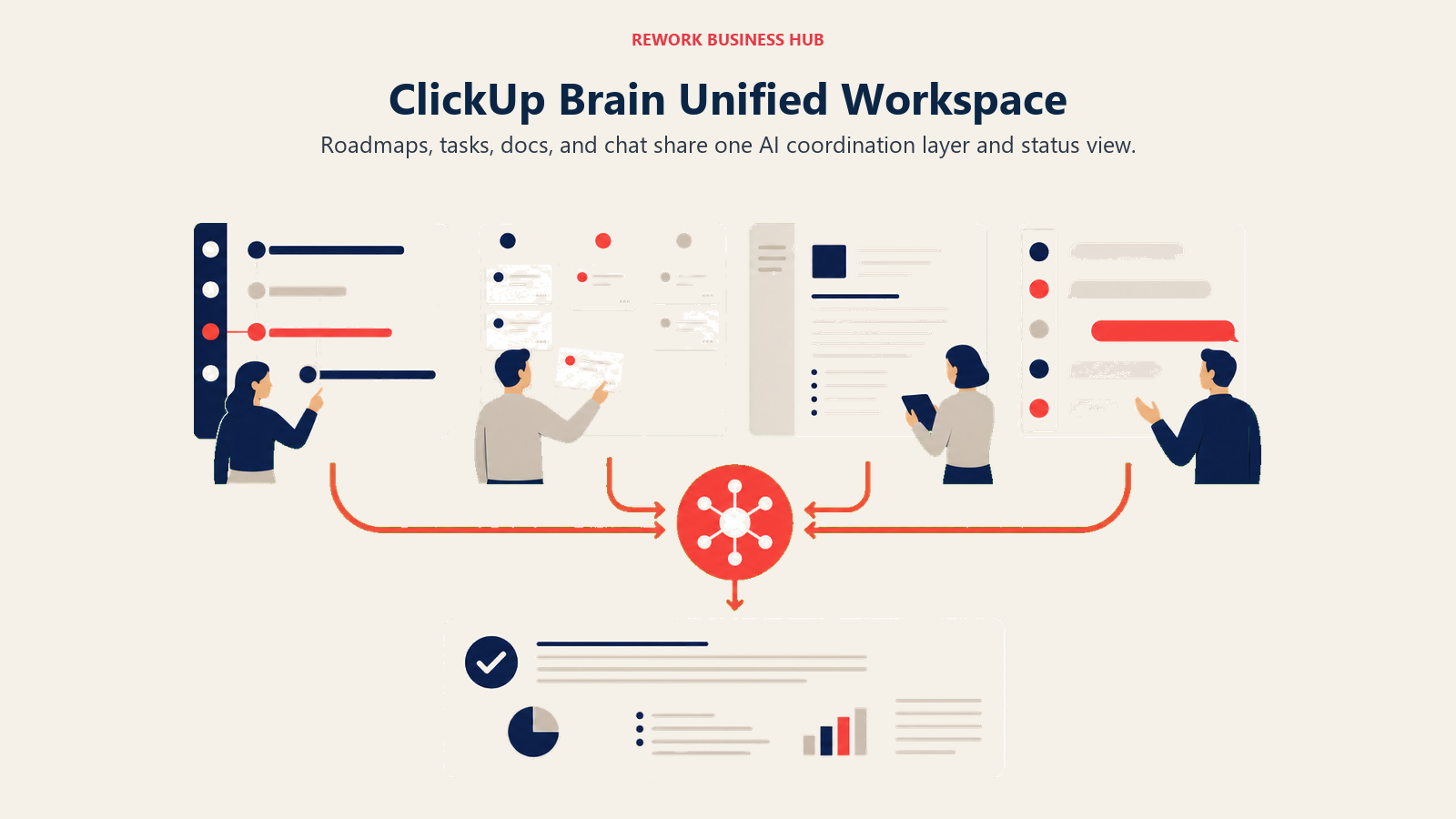
ClickUp's pitch for project teams is consolidation: docs, tasks, timelines, and chat all in one workspace instead of stitched together across four separate tools. ClickUp Brain layers AI across all of it, so a PM can ask a question about a task, summarize a doc, or generate a status update without switching context out of the workspace where the work already lives.
Best for: Project teams that want planning, tasks, docs, and AI in a single all-in-one workspace instead of separate specialized tools
Key strengths:
- Unified AI assistant works across docs, tasks, and chat instead of being scoped to one feature
- Two AI tiers (Brain and Everything AI) let teams choose lighter assistant use or deeper agentic automation
- Base plans are meaningfully cheaper than dedicated PM tools like Wrike or Smartsheet at the entry tier
Limitations:
- Brain is billed on every paid workspace member, not just the people actually using AI, which inflates real cost fast
- ClickUp's flexibility means more setup time before views feel as clean as a purpose-built scheduling tool
- Everything AI at $28/user/month stacks on top of your base plan, pushing total cost close to dedicated enterprise PM software anyway
| What you get | What you don't |
|---|---|
| AI unified across docs, tasks, and chat in one workspace | Brain is billed per workspace member, not per active AI user |
| Cheaper base plans than dedicated PM tools | Requires more setup to match a purpose-built scheduling tool's polish |
| Two AI tiers to match usage intensity | Everything AI tier pushes cost close to enterprise PM software anyway |
Pricing: Free Forever plan available. Unlimited is $7/user/month annually. Business is $12/user/month annually. Enterprise is custom. ClickUp Brain adds $9/user/month on top of any paid plan, billed per workspace member. Everything AI is $28/user/month and adds a notetaker, image generation, and a larger credit pool.
See best ClickUp alternatives if the per-member Brain billing model doesn't work for a larger team.
2. Asana AI: Structured Planning With Smart Status Built In
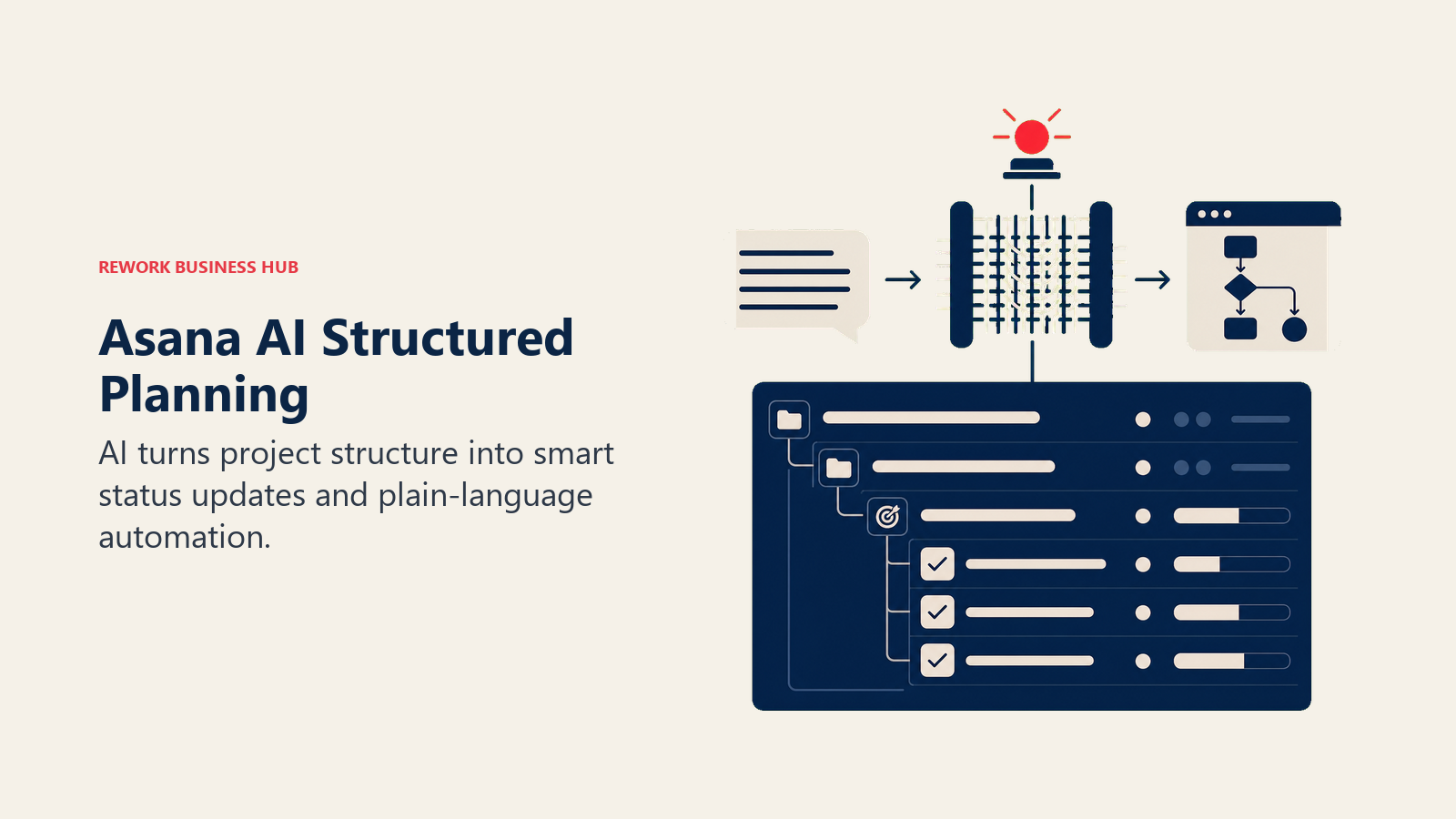
Asana's bet is that AI should be native to the structure PMs already use: projects, portfolios, and goals, not a separate chat window. Every paid tier now ships Smart status, smart summaries, smart fields, and "Words to Workflows," a feature that turns a plain-language request into a working automation without touching the rules builder.
Best for: PMs running structured projects and portfolios who want AI baked into status reporting and workflow creation rather than bolted on
Key strengths:
- Smart status generates a portfolio-level status update from underlying project data instead of a manual write-up
- Words to Workflows lets a PM build automation in plain language, no rules-builder training needed
- Asana AI is included starting at the Starter tier; you're not paying extra to get the core features
Limitations:
- Deeper capabilities (smart goals, smart status on portfolios) require the pricier Advanced tier
- AI Studio, Asana's separate workflow-automation builder, runs on its own credit system on top of your seat cost
- Enterprise-grade governance and data controls require an Enterprise conversation with sales
| What you get | What you don't |
|---|---|
| AI status reporting and workflow creation built into every paid tier | Smart goals and portfolio-level AI summaries require Advanced |
| Words to Workflows turns plain language into working automation | AI Studio's deeper credit tiers are a separate paid add-on |
| No separate AI add-on fee at the Starter level | Enterprise-grade AI governance needs a sales conversation |
Pricing: Personal is free for up to 2 users. Starter is $10.99/user/month annually ($13.49 monthly), AI included. Advanced is $24.99/user/month annually ($30.49 monthly). Enterprise and Enterprise+ are custom. AI Studio ships 50K-200K monthly credits depending on tier; heavier AI Studio Plus and Pro usage is billed separately.
For teams outgrowing Asana's per-seat AI model, best Asana alternatives covers tools with a different pricing structure.
3. Monday AI: Visual Boards With Metered AI Automation
Monday's product philosophy is visual work management, and its AI layer (Sidekick, AI blocks, AI agents, and an AI notetaker) extends that philosophy to automation: draft an update, summarize a meeting, or trigger a workflow directly from a board item instead of leaving the view.
Best for: Ops-forward teams that already run projects visually on monday.com and want AI automation without switching to a different tool
Key strengths:
- AI blocks can be dropped directly into Workflow Builder, Automations, and Columns for board-level automation
- Free AI features (Formula Builder, Docs Assistant, Risk Insights) don't consume any credits
- Familiar visual UX means low adoption friction for teams already on the platform
Limitations:
- As of May 2026, AI credits are a required paid add-on for new signups, not a bundled freebie
- Each successful AI action consumes 8 credits, so heavy automation use can burn through a monthly bucket fast
- Advanced agent and Sidekick capabilities scale with plan tier, pushing real cost above the sticker price
| What you get | What you don't |
|---|---|
| AI dropped directly into boards, automations, and columns | AI credits are now a required paid add-on, not bundled free |
| Several genuinely free AI features (Risk Insights, Formula Builder) | Heavy automation use burns through the monthly credit bucket fast |
| Familiar visual UX for teams already on monday.com | Deeper Sidekick and agent capabilities require higher tiers |
Pricing: Free tier available. Basic is $9/seat/month annually with a 1,000-credit minimum. Standard is $12/seat/month with a 2,000-credit minimum. Pro is $19/seat/month with a 3,000-credit minimum. Enterprise is custom, with AI credits matched to usage. Credits cost $0.01 each beyond the included bucket.
If the credit-metered model doesn't fit your budget, best Monday alternatives covers tools with flatter AI pricing.
4. Wrike AI: Predictive Risk Flagging for Enterprise Programs
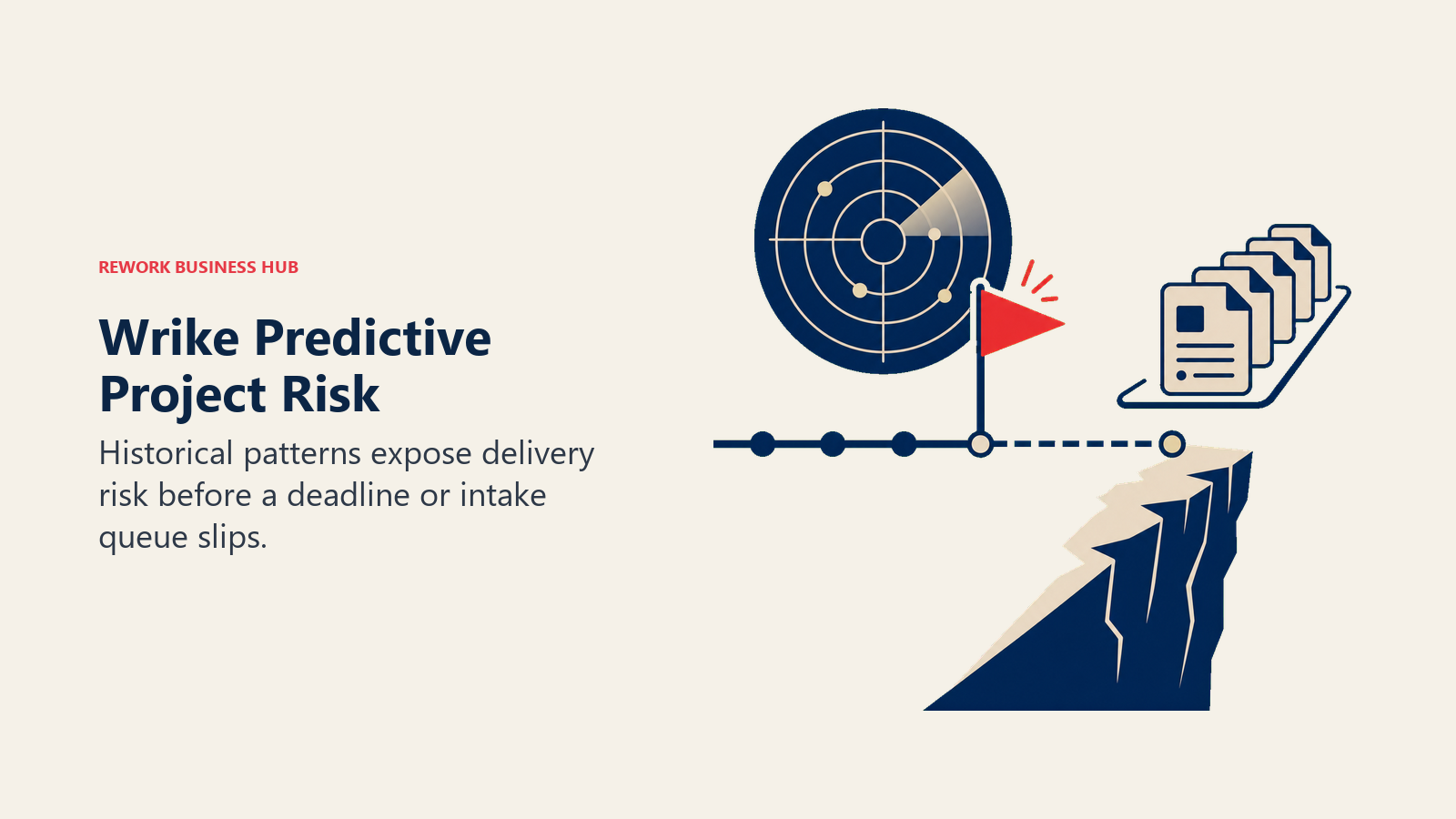
Wrike's Work Intelligence layer is built around a specific PM pain point: catching a project before it slips, not after. It predicts project risk from historical patterns, auto-writes task descriptions from a short prompt, and prioritizes an intake queue so a PM isn't manually triaging every incoming request.
Best for: Program and portfolio managers running larger, more complex initiatives who need risk prediction, not just task tracking
Key strengths:
- Work Intelligence predicts project risk from historical delivery patterns before a deadline is missed
- AI Essentials (drafting, summaries, board AI) are unlimited and free on every paid plan as of the April 2026 pricing update
- AI Priority Inbox cuts daily planning and intake triage time significantly for teams juggling many simultaneous projects
Limitations:
- Deeper AI Elite agent actions are metered by plan tier, with an Elite Actions Pack add-on required for heavy use
- Setup and configuration are more involved than lighter tools like Asana or Trello
- The interface has a steeper learning curve for teams new to enterprise PM software
| What you get | What you don't |
|---|---|
| Predictive risk flagging before a project slips | Deeper AI Elite agent actions are metered and can require a paid add-on |
| AI Essentials unlimited and free on every paid plan | Steeper learning curve than lighter PM tools |
| AI Priority Inbox cuts daily planning and triage time | More setup and configuration overhead than Asana or Trello |
Pricing: Free plan available. Team is $10/user/month (2-15 users), AI Essentials included. Business is $25/user/month (5-200 users), adds a starter AI Elite actions pack. Pinnacle and Apex are custom-quoted with progressively larger AI Elite action allowances.
See best Wrike alternatives if Wrike's enterprise-grade complexity is more than your team needs.
5. Jira + Atlassian Intelligence: AI for Engineering-Led Delivery
Jira Product Discovery aside, Jira Software itself remains the default for PMs who run delivery alongside an engineering team on sprints and backlogs. Atlassian Intelligence (branded Rovo) is now included from the Standard tier up, handling AI chat, search across your Atlassian workspace, and AI-generated automation rules without an extra SKU.
Best for: PMs and delivery leads running sprint-based work inside an engineering org already standardized on Jira
Key strengths:
- Rovo AI is included, not a paid add-on, from Standard tier up, with credit pools of 25/70/150 per seat by tier
- Native to the same Atlassian ecosystem your engineering team already lives in, so handoff friction drops
- AI-generated automation rules mean a PM doesn't need to learn Jira's rules-builder syntax to automate a workflow
Limitations:
- Not a strong fit for teams whose engineering work doesn't already run through Jira
- Standard tier's 25 monthly Rovo credits per seat can feel thin for heavy daily AI use
- Atlassian has signaled usage billing above the included allowance is coming, though not yet active as of mid-2026
| What you get | What you don't |
|---|---|
| Atlassian Intelligence included from Standard tier, no separate AI SKU | Weaker fit if your engineering team isn't already on Jira |
| Rovo credit pools scale with plan tier (25/70/150 per seat) | Standard tier's credit allowance can feel thin for heavy AI use |
| AI-generated automation rules skip Jira's rules-builder learning curve | Usage-based billing for AI is expected to arrive with notice |
Pricing: Free plan supports up to 10 users. Standard is $7.91/user/month annually. Premium is $14.54/user/month annually, with a larger Rovo credit pool and cross-team planning. Enterprise is custom, annual billing only.
For the broader Jira ecosystem beyond delivery specifically, best Jira alternatives covers tools that compete with Jira Software itself.
6. Motion: AI Scheduling That Actually Re-Plans Your Day
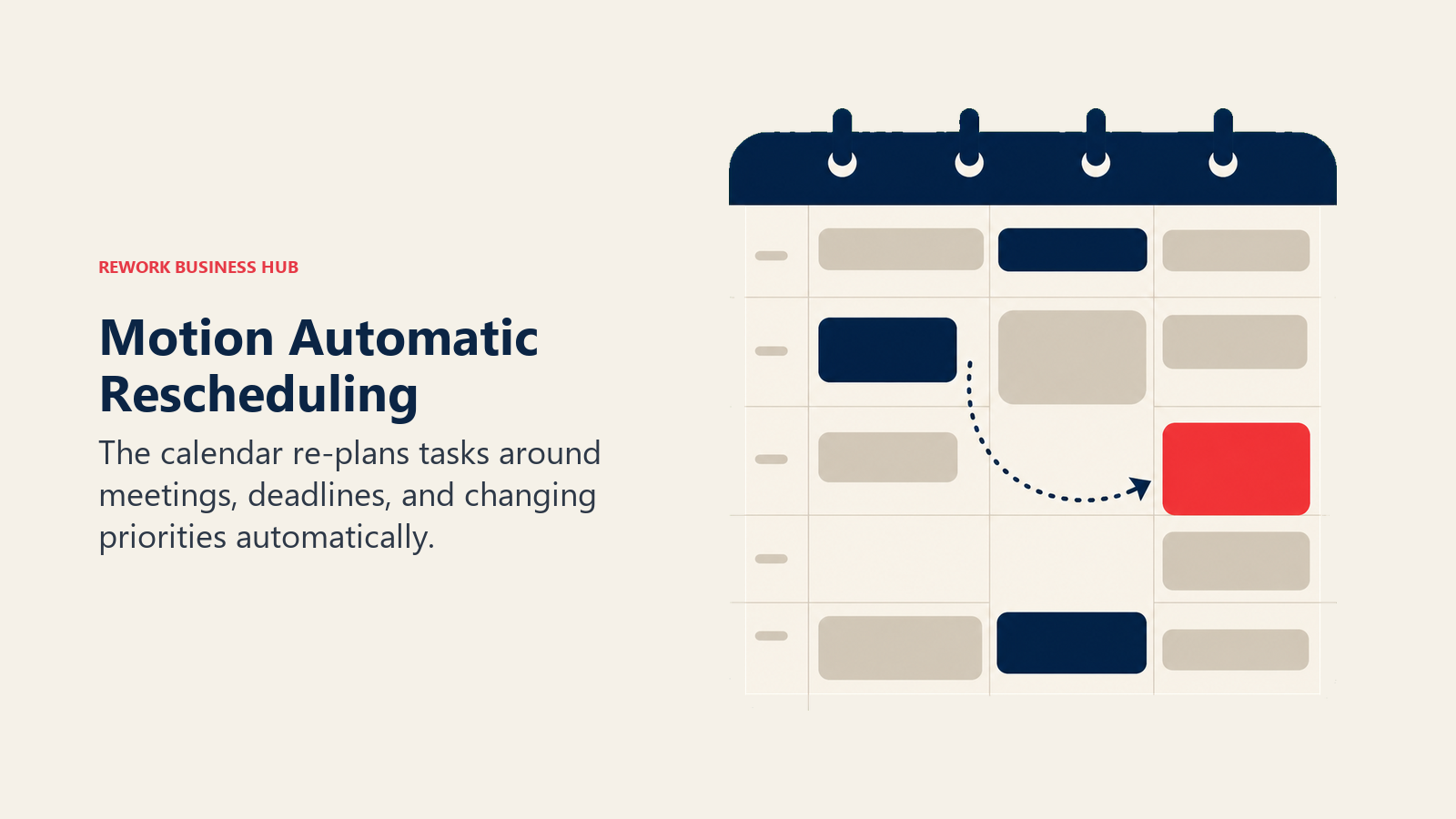
Motion's bet is narrower than most tools on this list: instead of managing a whole project workspace, it focuses specifically on the scheduling problem. Its AI Calendar auto-plans a project manager's day around meetings, deadlines, and task priority, then automatically re-shuffles the plan the moment something changes.
Best for: PMs whose biggest daily pain is manually re-arranging their calendar every time a meeting moves or a task slips
Key strengths:
- AI Calendar auto-schedules tasks around fixed meetings and re-plans automatically when conflicts appear
- AI Project Manager and AI Gantt Chart apply the same auto-scheduling logic at the project level, not just the individual calendar
- Business tier adds team capacity planning, extending the scheduling logic across a whole team's workload
Limitations:
- No free tier; only a 7-day trial before you're billing
- AI credits are consumed by chat, notetaking, and docs on top of the core scheduling engine, so heavy use can hit the monthly allowance
- Built for scheduling and task planning specifically, not a substitute for a full project workspace with client-facing reporting
| What you get | What you don't |
|---|---|
| AI Calendar that actually re-plans your day, not just tracks it | No free tier; 7-day trial only before billing starts |
| Auto-scheduling logic extends to Gantt charts and team capacity | AI credits shared across chat, notetaking, and scheduling can run out |
| Business tier adds team-wide capacity planning | Not a full project workspace with client-facing reporting |
Pricing: Pro AI is $19/month monthly, or $12.73/month billed annually, with 7,500 AI credits. Business AI is $29/seat/month monthly, or $19.43/seat/month billed annually, with 15,000 AI credits and team capacity planning. Team pricing (3+ seats) is discounted to the annual per-seat rates above.
For a broader look at AI assistants that draft and summarize rather than schedule, Claude vs ChatGPT vs Gemini compares the three leading general-purpose models a PM might pair with Motion.
7. Float: AI-Recommended Resourcing and Capacity Forecasting
Float solves the resourcing half of project management specifically: who should work on what, and do you actually have the capacity to say yes to the next project. Smart Assign, its AI feature, recommends the best-fit person for a role based on skill, seniority, and current availability, surfaced directly in the project-plan view instead of a separate spreadsheet.
Best for: PMs and resource managers who need to staff projects accurately and forecast capacity before committing to a deadline
Key strengths:
- Smart Assign recommends staffing based on role, skill, seniority, and availability, not just an open calendar slot
- Purpose-built resourcing views (capacity heatmaps, time-off tracking, utilization reporting) are stronger than the resourcing add-ons in general PM tools
- Simple, transparent per-person pricing without a separate AI credit system to track
Limitations:
- Not a full project management tool; it's a scheduling and resourcing layer meant to sit alongside a task tracker
- Smart Assign is a scheduling recommendation engine, not a general-purpose AI assistant for drafting or summarizing
- Advanced reporting (estimates vs. actuals) requires the Pro tier
| What you get | What you don't |
|---|---|
| AI-recommended staffing based on skill and availability, not guesswork | Not a full PM tool; pairs with a task tracker rather than replacing one |
| Purpose-built capacity heatmaps and utilization reporting | Estimates vs. actuals reporting requires the Pro tier |
| Simple per-person pricing, no separate AI credit system | Smart Assign is scheduling-focused, not a general AI assistant |
Pricing: Starter is $7 per scheduled person/month. Pro is $12 per scheduled person/month, adding project estimates, actuals tracking, and SSO. Enterprise is custom, with a dedicated customer success manager.
8. Microsoft Planner + Copilot: AI Task Tracking Inside Microsoft 365
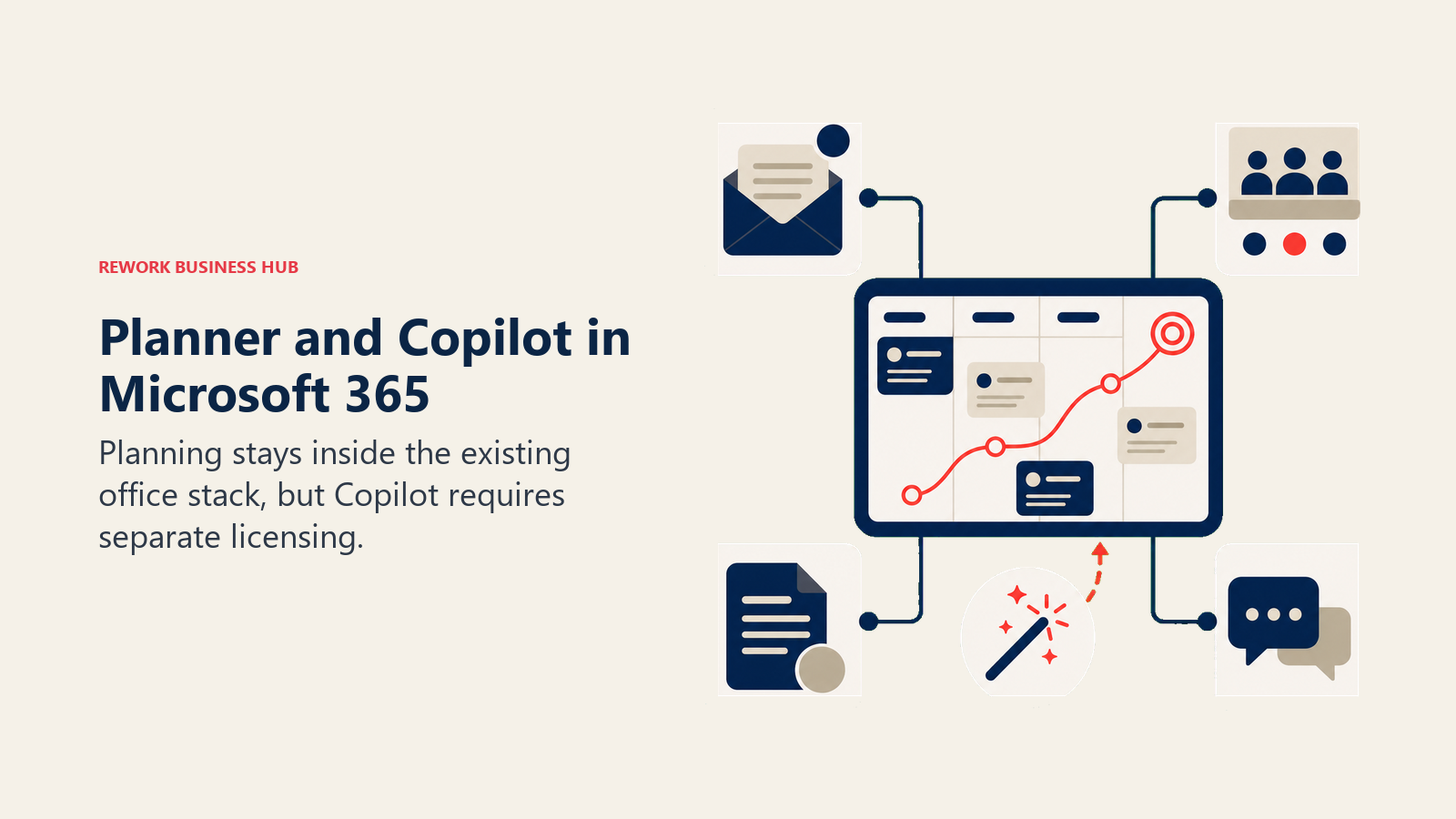
Planner's pitch is simple: if your organization already runs on Microsoft 365, task and sprint tracking should live there too, not in a separate app requiring separate logins and separate data governance. Planner Premium adds goals, sprints, and advanced views, and Planner Agent (through Microsoft 365 Copilot) can draft plans and goals from a prompt inside that same environment.
Best for: PMs at organizations already standardized on Microsoft 365 who want task and sprint tracking without adding another vendor to procurement
Key strengths:
- Native integration with Teams, Outlook, and the rest of the Microsoft 365 stack means no separate login or data silo
- Planner Agent can draft a plan or set of goals directly from a natural-language prompt
- Familiar to any team already trained on Microsoft tools, which lowers adoption friction
Limitations:
- Planner Agent and other Copilot features require a separate Microsoft 365 Copilot license on top of Planner Premium
- Less purpose-built for PM-specific workflows (risk registers, resource leveling) than dedicated tools like Wrike or Float
- Full AI cost stacks up fast once Planner Premium and M365 Copilot are both licensed per seat
| What you get | What you don't |
|---|---|
| Native fit inside Teams, Outlook, and Microsoft 365 | Copilot/Planner Agent requires a separate M365 Copilot license |
| Planner Agent drafts plans and goals from a prompt | Thinner PM-specific workflows than dedicated tools like Wrike |
| Low adoption friction for teams already on Microsoft | Combined Premium + Copilot licensing cost adds up fast |
Pricing: Planner Premium is $10/user/month (Plan 1), scaling to $30/user/month (Plan 3) and $55/user/month (Plan 5), billed yearly. Microsoft 365 Copilot is priced separately: Business is $18/user/month (promotional, standard $21) for organizations up to 300 users through December 31, 2026; the enterprise add-on is $30/user/month.
9. Notion AI: PM Wiki and Doc Hub With AI Native to Every Page
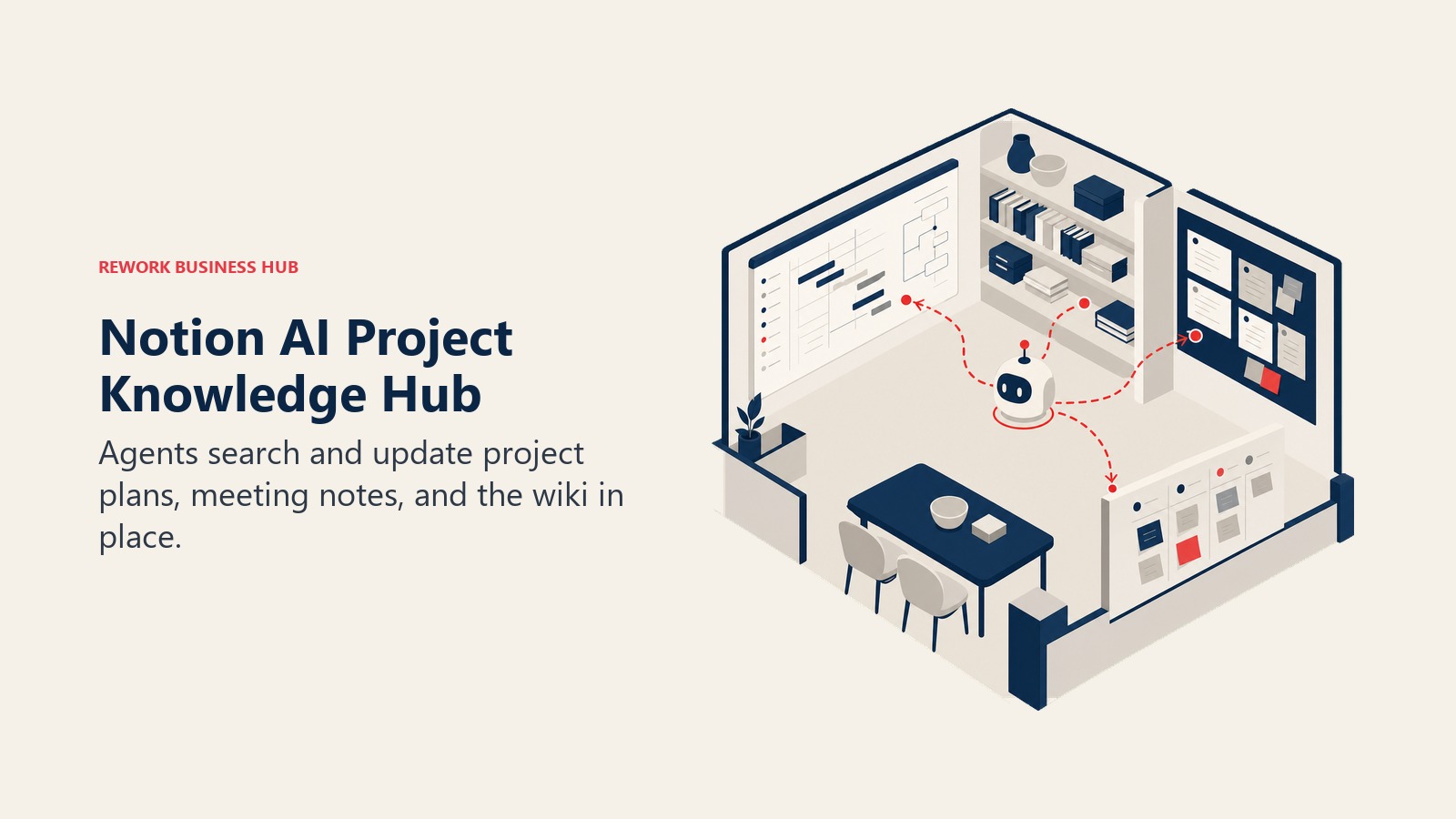
Notion's pitch for project teams has always been the single workspace: project plans, meeting notes, and the team wiki all live in one connected system instead of scattered across Google Docs and a separate PM tool. Since Notion folded its AI add-on into the Business plan, that workspace now has AI agents that can search across every doc, summarize a stale project brief, or draft a new one from a template.
Best for: Teams that already run their project documentation and planning in Notion and want AI native to that workspace instead of a separate tool
Key strengths:
- Ask Notion searches your entire connected workspace, not just the page you're on
- AI Agents can execute multi-step tasks (draft a doc, update a database, summarize a thread) inside your existing structure
- One workspace for project plans, meeting notes, and the team wiki instead of three disconnected tools
Limitations:
- Full AI access requires the $20/user/month Business plan; the cheaper Plus tier has no AI at all
- Task management and Gantt-style views are lighter than a dedicated PM tool; complex dependencies get unwieldy
- Custom Agents run on a separate metered credit system ($10 per 1,000 credits) on top of your seat cost
| What you get | What you don't |
|---|---|
| AI native to the project docs and wiki your team already writes in | Full AI access locked behind the $20/user/mo Business tier |
| Ask Notion searches your whole connected workspace | Task management and dependencies are lighter than a dedicated PM tool |
| One workspace instead of three disconnected doc tools | Custom Agents billed separately on a metered credit system |
Pricing: Free and Plus ($10/user/month annually, $12 monthly) tiers exist, but neither includes AI. Business is $20/user/month annually ($24 monthly) and includes full AI, AI Agents, and Ask Notion. Enterprise is custom. Custom Agents cost an additional $10 per 1,000 monthly credits.
If Notion's per-seat AI cost doesn't pencil out, best Notion alternatives covers workspace tools with a different pricing model.
10. Taskade: Lightweight AI Project Management for Small Teams
Taskade's bet is that a small team doesn't need enterprise PM pricing to get real AI automation. Its workspace-based pricing (rather than strict per-seat billing) bundles unlimited AI agents into a plan that covers multiple users at a fraction of what per-seat AI add-ons cost on larger platforms.
Best for: Small teams and solo PMs who want genuine AI automation without enterprise per-seat AI pricing
Key strengths:
- Workspace pricing covers multiple users per plan instead of charging AI as a per-seat add-on
- Unlimited AI agents on the Pro tier, a meaningful contrast to the metered agent limits on larger platforms
- Fast to set up; genuinely usable free tier for validating fit before paying
Limitations:
- Less mature reporting and enterprise governance than Wrike, Jira, or Monday
- AI credits still cap usage on lower tiers, and heavy automation use can outpace the free allowance quickly
- Not built for large, complex programs with formal risk registers or resource leveling
| What you get | What you don't |
|---|---|
| Workspace pricing covers multiple users, not per-seat AI billing | Less mature reporting and governance than enterprise PM tools |
| Unlimited AI agents on the Pro tier | Not built for large, complex programs with formal risk tracking |
| Fast setup and a genuinely usable free tier | Credits still cap usage on lower tiers under heavy automation |
Pricing: Free plan includes 3,000 one-time credits and up to 5 team members. Starter is $6/month annually, covering roughly 3 users with 10,000 monthly credits. Pro is $16/month annually, covering roughly 10 users with 50,000 monthly credits and unlimited AI agents. Business adds custom domains, white-labeling, and team controls.
11. Forecast: AI-Driven Resourcing for Professional Services PMOs
Forecast targets a specific buyer: professional services and agency PMOs that live or die by utilization and skill-based staffing across many concurrent client projects. Its AI-assisted resourcing evaluates skills, availability, workload, and past performance to recommend the best-fit person for every task, alongside budget monitoring and revenue recognition built for billable work.
Best for: PMOs at agencies and professional services firms running 25-200+ concurrent projects that need AI-assisted, skill-based staffing
Key strengths:
- AI-assisted resourcing recommends staffing based on skills, availability, and historical performance, not just an open calendar
- Combines resourcing with budget monitoring, time tracking, and revenue recognition in one platform built for billable work
- Integrates with Jira, Salesforce, and HubSpot to keep project intelligence connected to the rest of the business stack
Limitations:
- No published pricing; every deal is custom-quoted based on contract length and user count
- Single-plan model means smaller teams pay for the full feature set even if they only need core resourcing
- Better fit for services firms billing by project or retainer than for internal product or engineering teams
| What you get | What you don't |
|---|---|
| AI-assisted, skill-based resourcing across many concurrent projects | No published pricing; requires a sales conversation |
| Budget monitoring and revenue recognition built for billable work | Single-plan model; no lighter tier for smaller teams |
| Integrates project intelligence with Jira, Salesforce, and HubSpot | Better fit for services firms than internal product teams |
Pricing: Not published. Forecast uses a single all-inclusive plan, custom-quoted by contract length and user count; request a quote directly from the vendor.
12. ChatGPT: General AI Drafting for Status Reports and Stakeholder Updates
ChatGPT's bet in project management is breadth: one assistant that drafts a status report, summarizes a stakeholder call transcript, writes a risk memo, and brainstorms a mitigation plan, all in the same conversation. For PMs who don't want a specialized tool for every discrete writing task, that generality is the appeal.
Best for: PMs who want one general-purpose AI for drafting status reports, risk memos, and stakeholder communication without buying a specialized tool for every task
Key strengths:
- Broadest plugin and connector ecosystem of any assistant on this list
- Custom GPTs let you build a reusable "status report writer" or "risk memo" assistant tuned to your team's format
- Strong at fast first drafts: status updates, stakeholder emails, meeting recaps, RAID log entries
Limitations:
- No purpose-built project structure (no Gantt view, no resource calendar, no risk register)
- Business and Enterprise tiers require negotiation for real per-seat pricing at scale
- Doesn't connect to your actual project data unless you build or buy a connector, so drafts need manual fact-checking against the real schedule
| What you get | What you don't |
|---|---|
| Fastest, most flexible AI drafting assistant for PM writing tasks | No native Gantt view, resource calendar, or risk register |
| Custom GPTs for repeatable PM writing workflows | Doesn't connect to your live project data without a separate integration |
| Broadest ecosystem of connectors and plugins | Enterprise pricing isn't published; requires a sales conversation |
Pricing: Free tier available. Plus is $20/month. Pro is $200/month. Business (renamed from Team in 2025) is $20/user/month billed annually ($25/month billed monthly), with a 2-seat minimum. Enterprise pricing isn't published; real contracts reportedly run $45-75/user/month with a 150-seat minimum.
Pricing at a Glance
| Tool | Entry Price | Pricing Model | Free Tier? |
|---|---|---|---|
| ClickUp Brain | Business $12/user/mo + Brain $9/user/mo | Per-user base + AI add-on | Yes (no Brain) |
| Asana AI | Starter $10.99/user/mo (AI included) | Per-user, tiered | Yes (no AI) |
| Monday AI | Basic $9/seat/mo + required AI credits | Per-seat + required AI credit purchase | Yes (limited) |
| Wrike AI | Team $10/user/mo (AI Essentials included) | Per-user + metered AI Elite actions | Yes (no AI) |
| Jira + Atlassian Intelligence | Standard $7.91/user/mo (AI included) | Per-user; AI credit pool by tier | Yes |
| Motion | Pro AI $19/mo (or $12.73/mo annual) | Flat tiers + AI credit system | No (7-day trial) |
| Float | Starter $7/person/mo | Per-person, flat tiers | No (14-day trial) |
| Microsoft Planner + Copilot | Planner Premium $10/user/mo + M365 Copilot $18-30/user/mo | Per-user + separate Copilot license | Yes (Planner without AI) |
| Notion AI | Business $20/user/mo | Per-user; AI requires Business tier | Yes (no AI) |
| Taskade | Pro $10/mo (10 users) | Workspace-based, not strictly per-seat | Yes (limited credits) |
| Forecast | Custom (contact sales) | Single all-inclusive plan, custom-quoted | No |
| ChatGPT | Free; Plus $20/mo | Flat monthly tiers | Yes |
Where AI in Project Management Is Headed
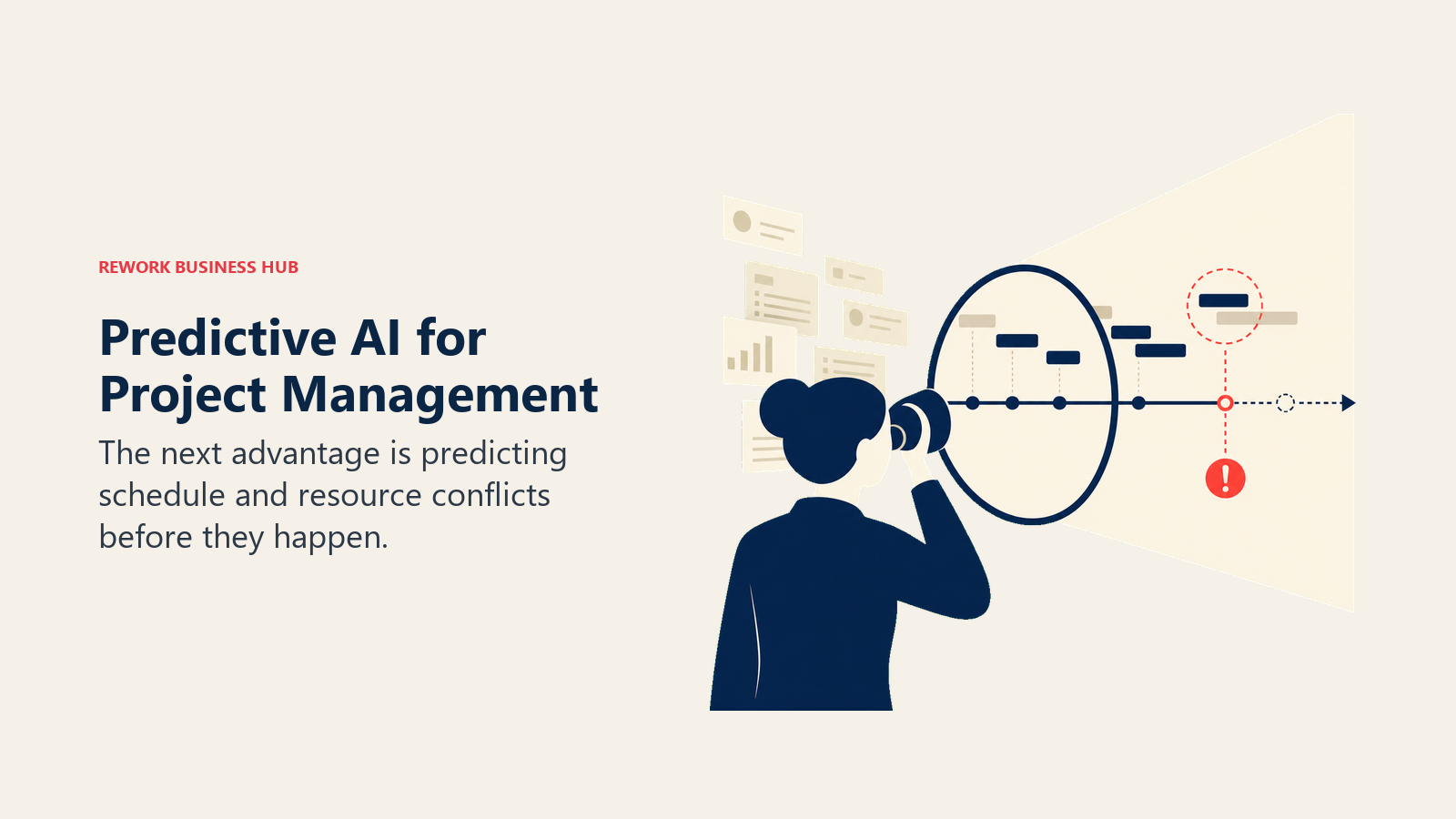
Adoption is real but uneven. PMI's research shows a wide gap between "Trailblazers" who use GenAI on most of their projects and everyone else still experimenting on the side, and the productivity difference between the two groups is stark, not incremental. Meanwhile the actual pain AI tools are chasing hasn't changed: Wellingtone's research shows most organizations still burn a half day or more every month just collating status updates, and only about a third consistently deliver projects on time. That's exactly the gap tools like Wrike's Work Intelligence and Asana's Smart status are built to close. Expect the next wave of competition to move past "does it summarize a status report" (table stakes now) toward whether the AI can actually predict a schedule slip or resourcing conflict before it happens, which is a genuinely harder problem most vendors are still only starting to solve.
Frequently Asked Questions about AI Tools for Project Managers
What is the best AI tool for project managers in 2026?
There's no single best tool. ClickUp Brain and Asana AI cover general planning and status reporting, Wrike AI and Jira with Atlassian Intelligence lead risk prediction for larger programs, and Motion and Float own AI scheduling and resourcing specifically. Match the tool to the specific job (planning, scheduling, resourcing, status, or risk) rather than picking one tool to do everything.
What happened to Height, the AI-native project management tool?
Height shut down on September 24, 2025, after roughly seven years in operation. Its founder announced the closure with a six-month transition window for users to migrate their data. This list replaces it with Float, which covers the AI-assisted resourcing use case Height was often recommended for.
Can AI actually predict project delays before they happen?
Some tools are getting closer. Wrike's Work Intelligence predicts project risk from historical delivery patterns, and Jira's Atlassian Intelligence surfaces backlog and sprint health signals. But per PMI's research, the biggest measurable gains still come from PMs who use AI extensively across most of their projects, not from any single predictive feature working in isolation.
Are there free AI tools for project managers?
Yes, with caveats. ChatGPT, Jira, ClickUp (without Brain), and Taskade all offer genuinely usable free tiers. Most PM-specific AI features (Asana AI, Notion AI, Wrike's Work Intelligence) require at least the entry paid tier, and Monday now requires a separate AI credit purchase even on paid plans.
Do I need a dedicated AI scheduling tool, or can my PM software handle it?
General PM tools like ClickUp, Asana, and Monday handle basic scheduling fine for most teams. Dedicated tools like Motion (daily auto-scheduling) and Float (resource capacity forecasting) exist because those two specific problems, personal calendar conflicts and team-wide staffing, are hard enough that a purpose-built tool consistently outperforms a general PM tool's bolted-on version.
Which AI tool is best for status reports and stakeholder updates?
Asana AI's Smart status generates a portfolio-level update directly from underlying project data, which is more reliable than a general assistant guessing at your numbers. ChatGPT and Notion AI are strong for drafting the narrative and formatting around that data once you have it.
Is my project data safe with AI project management tools?
Most vendors on this list, including Atlassian, Microsoft, Asana, and OpenAI, publish SOC 2 compliance details and standard data processing agreements. Ask any AI PM tool directly whether your project, resourcing, or client data is used to train models beyond your own account, and get the answer in writing before you commit sensitive client or budget data.
What to Do Next
Don't try to adopt all 12 of these at once. Pick the single job costing your team the most time right now, whether that's manually collating status updates, guessing at who has capacity for the next project, or re-arranging your calendar every time a meeting moves, and pilot one tool against it for two weeks with a real project, not a demo. If risk tracking is the gap, pair whichever tool you pick with a proper risk register and project risk management process; AI can flag a pattern, but it still needs a structured place to log and own the response. And if resourcing is the recurring fire drill, read up on resource allocation and capacity planning before you lean on Smart Assign or Work Intelligence to make the call for you. If you're building out your broader AI tool stack beyond project management specifically, Best AI Tools in 2026 covers the top picks across every function.

Principal Product Marketing Strategist
On this page
- What Changed in 2026
- Key Facts
- Quick Comparison Table
- How to Choose: Decision Framework
- Framework: By Job to Be Done
- 1. ClickUp Brain: Unified AI Across Roadmap, Tasks, and Docs
- 2. Asana AI: Structured Planning With Smart Status Built In
- 3. Monday AI: Visual Boards With Metered AI Automation
- 4. Wrike AI: Predictive Risk Flagging for Enterprise Programs
- 5. Jira + Atlassian Intelligence: AI for Engineering-Led Delivery
- 6. Motion: AI Scheduling That Actually Re-Plans Your Day
- 7. Float: AI-Recommended Resourcing and Capacity Forecasting
- 8. Microsoft Planner + Copilot: AI Task Tracking Inside Microsoft 365
- 9. Notion AI: PM Wiki and Doc Hub With AI Native to Every Page
- 10. Taskade: Lightweight AI Project Management for Small Teams
- 11. Forecast: AI-Driven Resourcing for Professional Services PMOs
- 12. ChatGPT: General AI Drafting for Status Reports and Stakeholder Updates
- Pricing at a Glance
- Where AI in Project Management Is Headed
- What to Do Next