Best AI Note-Taking Apps in 2026: 15 Tools Ranked by Fit
Turn this article into takeaways for your work.


Each assistant summarizes the article only for you and suggests best practices for your work.
Most people who search for an AI note-taking app already have a folder of half-abandoned notes apps behind them. Notion AI remains the default if you want notes, docs, and a database in one workspace. Obsidian is still the pick for anyone who wants to own their notes as plain text files, with free AI bolted on through plugins. NotebookLM is the one to reach for when you need an AI that only answers from the sources you gave it, not the open web. This guide ranks 15 tools by the job you're actually hiring a notes app to do: daily capture, structured research, meeting-adjacent notes, or a true second brain that resurfaces old ideas on its own.
This is a note-taking guide, not a meeting-transcription guide. If your main problem is "I need an AI to join my Zoom calls and write the recap," our best AI meeting assistants guide covers Otter, Fireflies, Fathom, Granola, and 10 more tools built specifically for that job. What follows here is for the notes you take between meetings: research, ideas, decisions, and the knowledge base you build over months, not the transcript of a single call.
This category moves fast: Notion folded its AI add-on into a higher tier, Google restructured NotebookLM into a full subscription ladder, and Evernote retired two of its four plans, all within the past year. If a number here looks off by the time you read it, re-check the vendor page before you buy.
Updated July 2026: What Changed
- Notion killed the standalone AI add-on. What used to be a $10/member/month add-on on any plan now requires the $20/user/month Business tier for the full AI suite (Notion Agent, AI search, AI meeting notes). Free and Plus only get a limited AI trial.
- Google folded NotebookLM into Google AI subscriptions. At Google I/O in May 2026, NotebookLM moved from a standalone free tool to a four-tier ladder (Free, Plus, Pro, Ultra) tied to the broader Google AI Plus and Pro plans.
- Evernote retired its Personal and Professional plans. Starter and Advanced replaced them, and the AI features (AI-powered search, semantic search, AI Edit) only ship on Advanced, not the entry-level Starter tier.
- Mem added a $99/month Proactive tier. It sits above the $12/month Pro plan and adds Mem Agent, which nudges you with relevant notes and maintains a running notebook without being asked.
- Microsoft retired the standalone Copilot Pro plan for new signups. Individuals now get equivalent AI note features bundled into Microsoft 365 Premium ($19.99/month); existing Copilot Pro subscribers can keep their plan until August 1, 2026.
Key Facts
- Employees spend an average of 1.8 hours a day, 9.3 hours a week, searching and gathering information they've already encountered once, per McKinsey Global Institute's The Social Economy report.
- That same McKinsey research found interaction workers spend close to 28% of the workweek managing email alone, on top of the time lost hunting for internal information.
- More than half of US knowledge workers say they can't find the information they need to do their jobs, per a national survey of over 2,000 knowledge workers commissioned by 8x8 and reported via Business Wire.
- People forget roughly 70% of new information within 24 hours if they don't write it down or revisit it, per a modern replication of Ebbinghaus's forgetting-curve research published in PLOS ONE.
- Half of US employees (50%) now use AI in their role at least a few times a quarter, up from 46% the previous quarter and more than double the share from three years ago, per Gallup's Q1 2026 workforce survey.
- 88% of surveyed organizations now use AI in some form, according to Stanford's 2026 AI Index Report.
Quick Comparison Table
| Tool | Best For | Starting Price | Key Strength | Key Limitation |
|---|---|---|---|---|
| Notion AI | Notes, docs, and databases in one workspace | Free; full AI needs Business $20/user/mo | Everything lives in one connected workspace | Full AI suite now gated behind the priciest tier |
| Obsidian | Owning your notes as local plain text | Free (core app); Sync $4/mo, Publish $8/mo | You own the files; AI plugins are free | No built-in AI; you assemble the stack yourself |
| Evernote | A mature, familiar notes archive catching up on AI | Free; Advanced $249.99/yr (~$20.83/mo) for AI | Deep web clipping and search history | AI features locked to the top paid tier only |
| Google NotebookLM | Research notebooks grounded only in your sources | Free; Plus $7.99/mo | Answers cite your sources, not the open web | Not built for daily capture or freeform notes |
| Craft | Beautiful personal notes and docs | Free; Plus $8.33/user/mo (annual) | Best-looking editor on this list | AI credits are capped even on paid tiers |
| Reflect | Encrypted, networked daily notes | $10/mo flat (no free tier) | End-to-end encryption plus built-in GPT | Single price point, no lighter entry tier |
| Mem | Chatting with your own notes like a second brain | Free; Pro $12/mo | AI chat answers pull from your real notes | Free tier caps at 25 AI chats a month |
| Tana | Structured supertags with AI woven into every node | Free; Plus $8/mo (annual) | Supertags make notes queryable like a database | Steep learning curve before it clicks |
| Roam Research | The original networked note-taking tool | $15/mo (no free tier) | Backlinks and daily notes pioneer, still solid | No native AI; you bolt it on yourself |
| Heptabase | Visual whiteboard research for writers and PhDs | 7-day trial only; Pro $8.99/mo (annual) | Whiteboard view for connecting ideas visually | No permanent free plan |
| Saga | Lightweight AI workspace for notes, docs, and tasks | Free; Standard $6/member/mo (annual) | Keyboard-first AI baked into every doc | Smaller ecosystem than Notion or Craft |
| Napkin AI | Turning written notes into visuals and diagrams | Free (500 credits/wk); Plus $12/mo | Text-to-visual is genuinely useful for recaps | Not a notes app; it's a companion to one |
| Amie | Calendar-first planning with AI notes bolted on | No free tier; Personal $6/mo (annual) | Calendar and AI meeting notes in one app | Mac/iOS-first; thin outside Apple devices |
| Microsoft Loop / OneNote Copilot | Teams already paying for Microsoft 365 | Loop is free in M365; AI needs Copilot $21/user/mo | Notes live where the rest of your work already is | Full AI notes require a separate Copilot license |
| ChatGPT | Ad hoc notes via chat and memory, not a filing system | Free; Plus $20/mo | Memory recalls context across every conversation | Not built to organize or browse notes at all |
How to Choose an AI Note-Taking App
Before comparing feature lists, answer three questions. They eliminate more options than any spec sheet will.
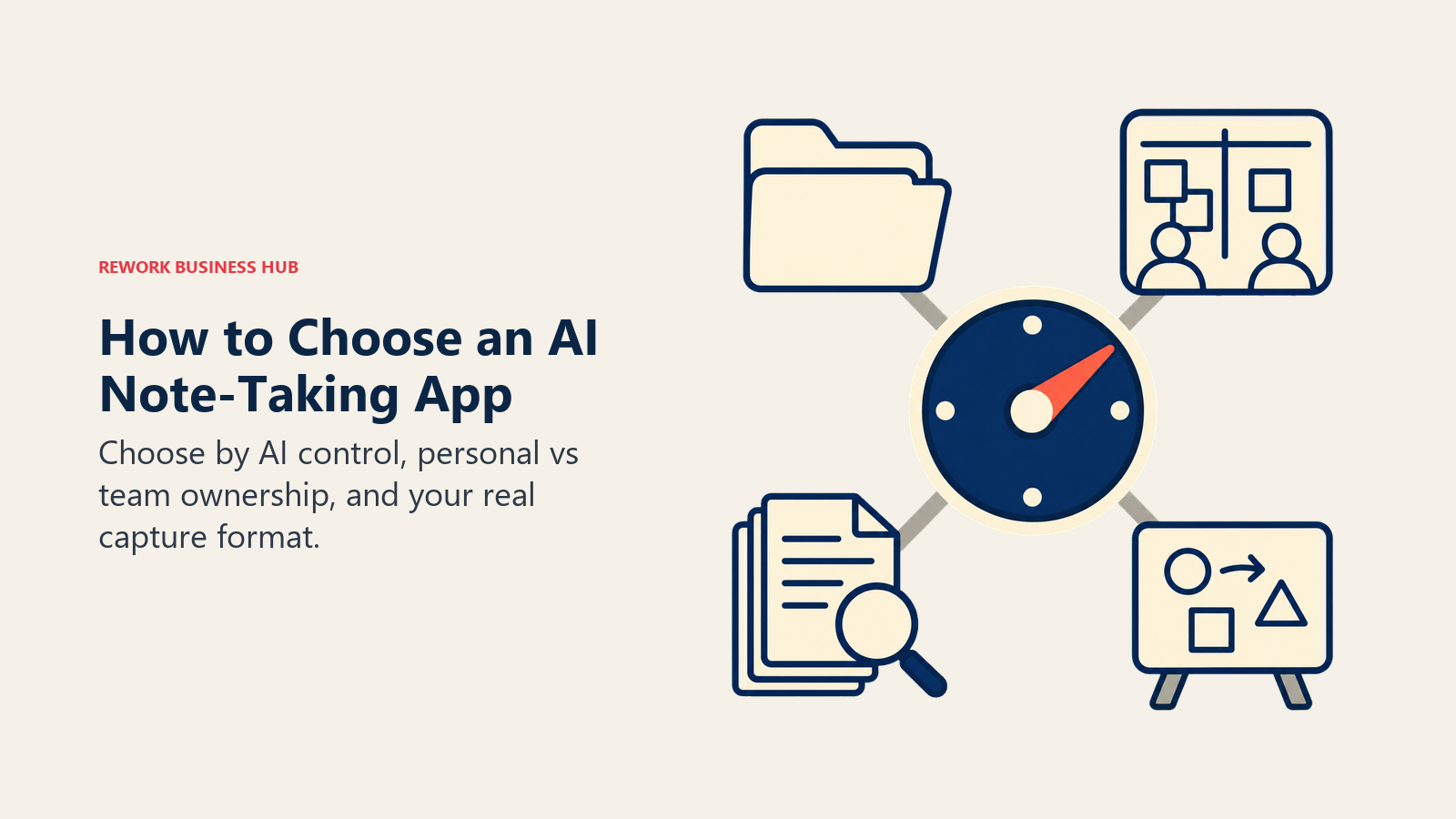
- Do you want AI built in, or AI you control? Notion, Craft, Mem, and Tana ship AI natively. Obsidian and Roam Research give you the raw notes and let you wire in whichever AI model you trust, at your own API cost.
- Is this personal or a team's shared knowledge base? A founder's personal second brain (Reflect, Heptabase, Craft) has different requirements than a company wiki that needs permissions and search across dozens of people (Notion, Saga, Microsoft Loop).
- What's the actual capture format? Freeform long-form writing, structured database-style notes, source-grounded research, or visual/diagram thinking are four different jobs, and the best tool for each looks nothing alike.
Framework: By Primary Use Case
| Use Case | What Matters Most | Best Fits |
|---|---|---|
| Team wiki + notes + docs in one workspace | Shared databases, permissions, search | Notion AI, Saga |
| Owning your notes as portable plain text | Local-first files, no vendor lock-in | Obsidian, Roam Research |
| Research grounded strictly in your own sources | No hallucinated citations, source grounding | Google NotebookLM |
| Encrypted personal journaling and daily notes | Privacy, backlinks, a single simple price | Reflect |
| Chatting with your notes like a second brain | AI that answers from your own history | Mem, Tana |
| Visual thinking and idea connection | Whiteboard canvas, spatial linking | Heptabase |
| Turning notes into shareable visuals | Text-to-diagram generation | Napkin AI |
| Calendar-first planning with light AI notes | Scheduling and AI meeting capture together | Amie |
| Already standardized on Microsoft 365 | Notes inside the tools your company already pays for | Microsoft Loop / OneNote Copilot |
| Quick capture without filing anything | Chat-based memory, zero organization overhead | ChatGPT |
Framework: By Team Size
| Team Size | What You Need | Best Fits |
|---|---|---|
| Solo / freelancer | Fast capture, low cost, no admin | Reflect, Craft, Obsidian, ChatGPT |
| 1-10 people | Shared workspace without heavy setup | Saga, Notion AI, Tana |
| 10-50 people | Permissions, search, and admin controls | Notion AI, Microsoft Loop, Evernote Advanced |
| 50-200 people | SSO, audit logs, enterprise search | Notion Enterprise, Evernote Enterprise, Microsoft 365 Copilot |
| Researchers and writers (any size) | Visual synthesis, source grounding | Heptabase, Google NotebookLM |
Free Tier Reality Check
Every "free" plan in this category hides a real limit somewhere. Comparing sticker price alone will mislead you.
| Tool | Free Tier Includes | The Real Limit |
|---|---|---|
| Notion AI | Full workspace, notes, and docs | Real AI (Agent, AI search) needs Business at $20/user/mo |
| Obsidian | The entire core app, unlimited notes, forever | Sync and Publish are separate paid add-ons |
| Evernote | 50 notes, 1 notebook | AI features require Advanced, two tiers up |
| Google NotebookLM | 100 notebooks, 50 sources each, 50 chats/day | Source and Deep Research caps rise sharply on paid tiers |
| Craft | 1,500 blocks, 1GB storage | Only 15 AI credits a month, Core/Fast models only |
| Mem | Unlimited notes | Capped at 25 AI chats and 25 PDF pages a month |
| Tana | Core editor, full features | 500 AI credits a month, no integrations |
| Napkin AI | Visual generation | 500 credits a week, roughly 1 credit per word generated |
| Reflect | None | 14-day trial only, then $10/mo flat |
| Roam Research | None | No free tier at all, $15/mo from day one |
| Heptabase | None | 7-day trial only, then $8.99/mo minimum |
| Amie | None | 7-day trial only, then $6/mo minimum (annual) |
1. Notion AI: Notes, Docs, and Databases in One Workspace
Notion's bet has always been that notes, project tracking, and documentation shouldn't live in three different tools. That's still true in 2026, and it's why Notion remains the default answer when someone asks "what notes app should our whole team use." A single page can hold freeform writing, a linked database, and an embedded task list, all searchable from one box.
The AI story changed meaningfully this year. Notion killed the old $10/member/month AI add-on and folded the full suite, Notion Agent, AI-powered search, and AI meeting notes, into the $20/user/month Business plan. Free and Plus users get a limited AI trial, not the real thing. If you're weighing Notion against a lighter alternative, our best AI writing tools guide covers where Notion AI's drafting stacks up against dedicated writing tools.
| What you get | What you don't |
|---|---|
| Notes, docs, wikis, and databases in one connected workspace | Full AI suite requires the $20/user/mo Business tier |
| Notion Agent can search and act across your workspace | Custom AI Agents run on a metered credit system on top |
| Massive template and integration ecosystem | Can feel like overkill for a single person's personal notes |
Pricing: Free; Plus $10/user/mo annual ($12 monthly); Business $20/user/mo annual ($24 monthly, includes full AI); Enterprise custom.
Best for: Teams that want notes, project docs, and a lightweight database in one workspace and are willing to pay for the Business tier to get real AI.
2. Obsidian: Own Your Notes as Local Plain Text
Obsidian's whole philosophy runs against the grain of everything else on this list. Your notes are plain Markdown files that live on your own disk, not locked inside a vendor's database. The app is free forever, with no note limit, no feature paywall, and no sign-up required to start. That ownership model is exactly why it has stayed the standard for the personal knowledge management community since before "AI notes app" was a search term anyone typed.
Obsidian ships with no native AI at all. Instead, a mature plugin ecosystem fills the gap: Smart Connections for semantic search and RAG-style chat, Copilot for Obsidian for ChatGPT-style conversations with your notes as context, Text Generator for prompt-based writing, and Ollama Chat for people who want to run a model entirely offline. The plugins themselves are free; you pay only for whatever LLM API you point them at.
| What you get | What you don't |
|---|---|
| Full app free forever, notes stored as local files | No built-in AI, you assemble your own plugin stack |
| Community AI plugins rival native AI in other tools | Setup takes real effort compared to a turnkey app |
| Sync and Publish are optional, not required | Mobile experience depends on your plugin choices |
Pricing: Core app free; Sync $4/user/mo annual ($5 monthly); Publish $8/site/mo annual ($10 monthly); optional commercial license $50/user/yr. AI plugins are free; you pay your own LLM API costs.
Best for: People who want full ownership of their notes as portable files and don't mind assembling their own AI stack from community plugins.
3. Evernote: A Mature Archive Catching Up on AI
Evernote was the original "save everything" notes app, and for people with a decade of clipped articles, receipts, and scanned documents already inside it, that archive is worth more than any competitor's fresh start. 2026 brought the biggest pricing shakeup in years: the old Personal and Professional plans were retired in favor of Starter and Advanced.
The catch is that AI, including AI-powered search, semantic search, and AI Edit, only ships on Advanced at $249.99/year. Starter, at $99/year, gets you more storage and notebooks but none of the AI tooling. Reviewers are split on whether the AI update itself is a genuine upgrade or has made search feel worse in some cases, so weigh that against the archive you'd be walking away from before switching.
| What you get | What you don't |
|---|---|
| Deep web clipper and a mature, searchable archive | AI features require the top Advanced tier only |
| Video, image, and audio transcription built in | Free tier caps at just 50 notes and 1 notebook |
| Slack and Microsoft Teams integrations at Advanced | Some reviewers report inconsistent AI search quality |
Pricing: Free (50 notes, 1 notebook, 1GB/mo uploads); Starter $99/yr ($8.25/mo, 1,000 notes, 20 notebooks, 5GB); Advanced $249.99/yr ($20.83/mo, unlimited notes, AI search and edit, Slack/Teams integration).
Best for: Long-time Evernote users with an existing archive who want AI search without switching apps, and are willing to pay for Advanced to get it.
4. Google NotebookLM: Research Grounded Only in Your Sources
NotebookLM solves a different problem than the rest of this list. Instead of freeform daily notes, you upload PDFs, transcripts, slide decks, and web pages, and NotebookLM answers questions and generates summaries using only those sources, with citations pointing back to the exact passage. For due diligence, competitive research, or digesting a stack of reports before a board meeting, that source-grounding matters more than open-ended chat.
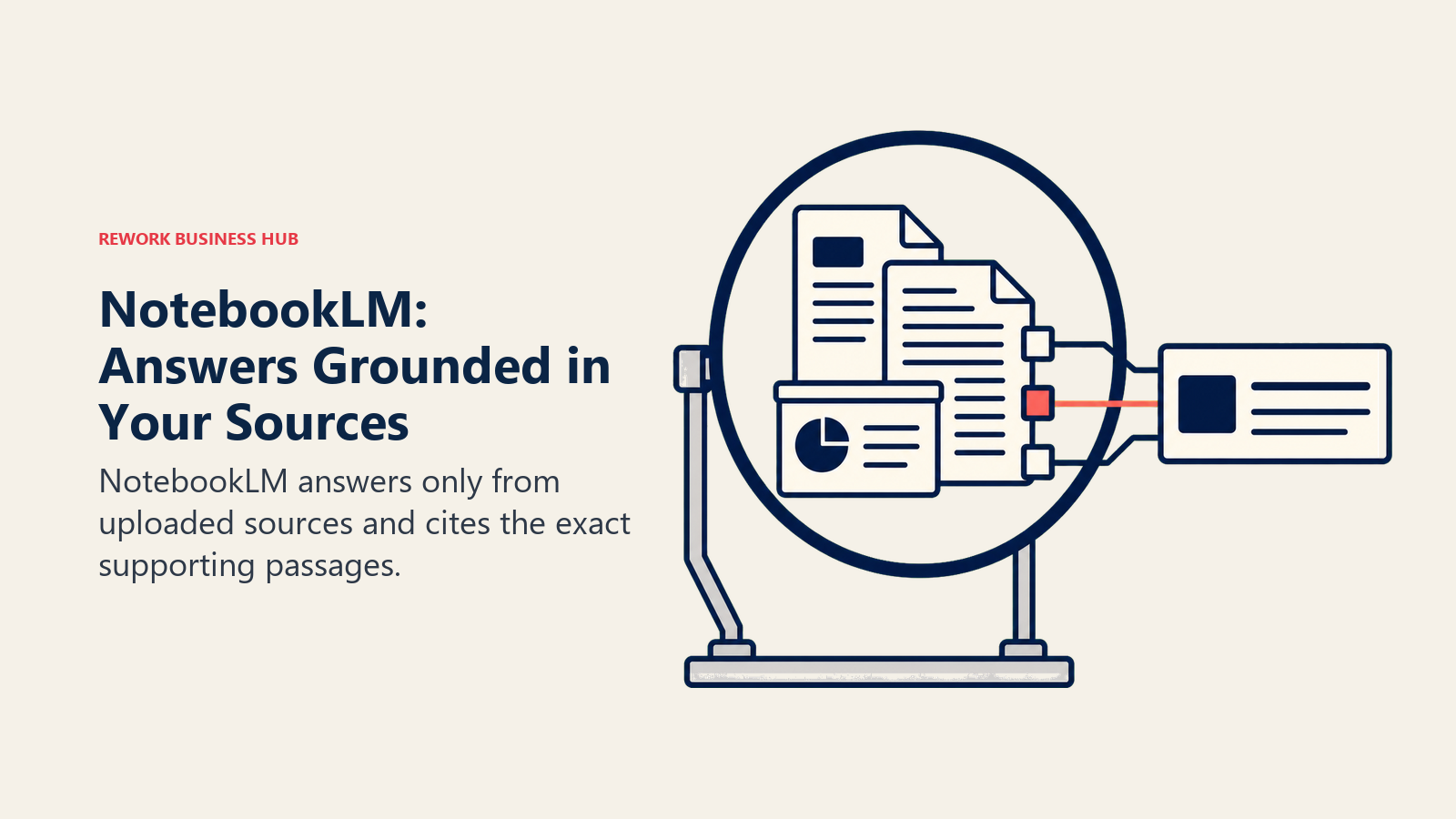
Google restructured the whole product at I/O in May 2026, folding what used to be a standalone free tool into a four-tier Google AI ladder: Free, Plus, Pro, and Ultra. The free tier is still genuinely useful (100 notebooks, 50 sources each, 50 chats a day), but heavier researchers who need more sources per notebook or Deep Research reports will land on Plus or Pro. If you're weighing it against other AI research tools, our Perplexity vs ChatGPT Search vs Gemini comparison covers how source-grounded research tools differ from general-purpose AI search.
| What you get | What you don't |
|---|---|
| Answers and Audio Overviews grounded in your own sources | Not built for daily freeform note capture |
| Genuinely useful free tier: 50 sources, 50 chats/day | Now tied to a broader Google AI subscription ladder |
| Flashcards, Quizzes, Mind Map, and Reports on every tier | Requires uploading sources; it doesn't browse the open web by default |
Pricing: Free (100 notebooks, 50 sources/notebook, 50 chats/day, 3 Audio Overviews/day); Plus $7.99/mo (Google AI Plus, 100 sources/notebook); Pro $19.99/mo (Google AI Pro, 300 sources, 20 Deep Research reports/day); Ultra $99.99/mo (highest limits, Cinematic Video Overviews).
Best for: Anyone who needs an AI that only answers from documents they actually gave it, especially for research, due diligence, or studying a specific source set.
5. Craft: Beautiful Personal Notes and Docs
Craft's whole differentiator is that it's simply the best-looking notes editor on this list. Smooth animations, real typography, and a card-based document structure make it the app people reach for when a note is going to be read again, not just filed away. For founders writing strategy docs or anyone who wants their personal notes to feel like a finished product rather than a scratchpad, that polish is the actual feature.
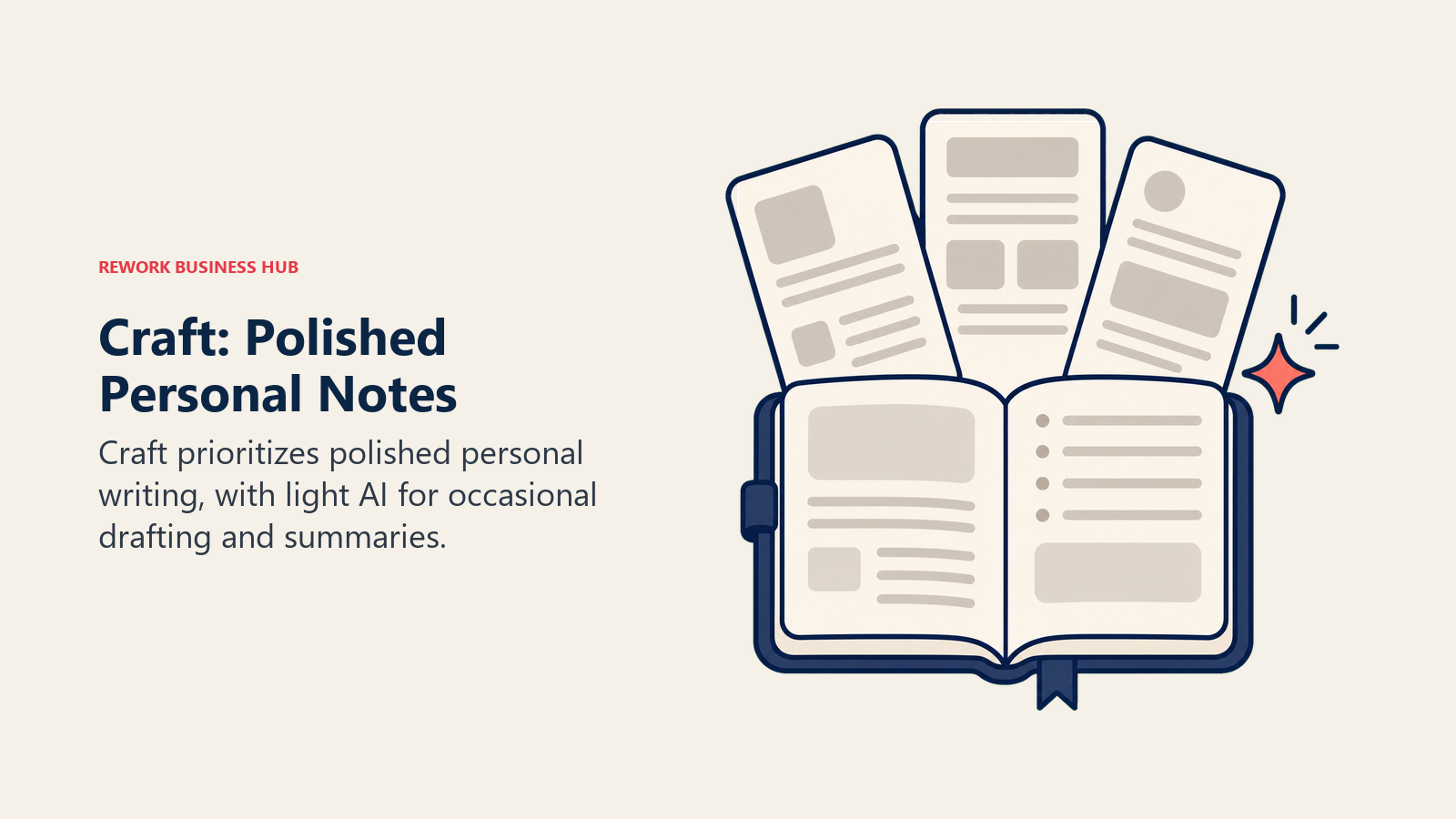
The AI layer is present but deliberately light. Free gives you 15 AI credits a month on Craft's Core and Fast models only; Plus raises that to 50 credits and unlocks the larger Max model. That's enough for occasional summarizing and drafting, not for running an AI-heavy workflow all day. Teams comparing early-stage tools more broadly should see our best AI tools for startups guide for where Craft fits alongside other founder-favorite picks.
| What you get | What you don't |
|---|---|
| The most polished writing and reading experience on this list | AI credits are capped even on the paid Plus tier |
| Family and Team bundles for shared spaces | Less structured for database-style organization than Notion |
| 30-day version history on Plus | No permanent free AI beyond a small monthly credit pool |
Pricing: Free (1,500 blocks, 1GB storage, 15 AI credits/mo); Plus $8.33/user/mo annual ($10 monthly, 50 AI credits/mo); Family and Team bundles available for shared spaces.
Best for: Founders and individuals who want the nicest-looking personal notes app on the market and only need AI occasionally, not constantly.
6. Reflect: Encrypted, Networked Daily Notes
Reflect's pitch is simple: one price, everything included, and your notes are actually private. End-to-end encryption means Reflect itself can't read your notes, which matters if you're writing about client work, deal strategy, or anything sensitive. The daily-notes structure with backlinks follows the same networked-notes philosophy as Roam and Obsidian, but with a cleaner, more opinionated interface and GPT-powered AI built directly into the writing flow.
There's no free tier and only one paid plan, which is either a relief (no tier-shopping) or a barrier (no way to try it without a trial) depending on how you look at it. Voice notes get transcribed with Whisper automatically, and one-click publishing turns any note into a public web page without a separate tool. For teams thinking about how documentation habits compound over time, our decision logs guide covers a lightweight habit that pairs well with a daily-notes system like Reflect.
| What you get | What you don't |
|---|---|
| End-to-end encryption on every note, every plan | No free tier, only a 14-day trial |
| Built-in GPT access and Whisper voice transcription | Single plan means no lighter or heavier tier option |
| One-click publish to a public web page | Less database structure than Notion or Tana |
Pricing: $10/mo or $100/yr, one plan, 14-day free trial.
Best for: Privacy-conscious professionals who want encrypted daily notes with AI built in, and don't need tiered pricing options.
7. Mem: Chatting With Your Own Notes Like a Second Brain
Mem's core idea is that a notes app should answer questions, not just store text. Mem Chat lets you ask something like "what did we decide about pricing last quarter" and get an answer pulled from your actual notes, not a generic AI response. Mem 2.0, released in early 2026, is noticeably faster and more stable than the original version, and the platform is actively developed, not a legacy product coasting on its early reputation.
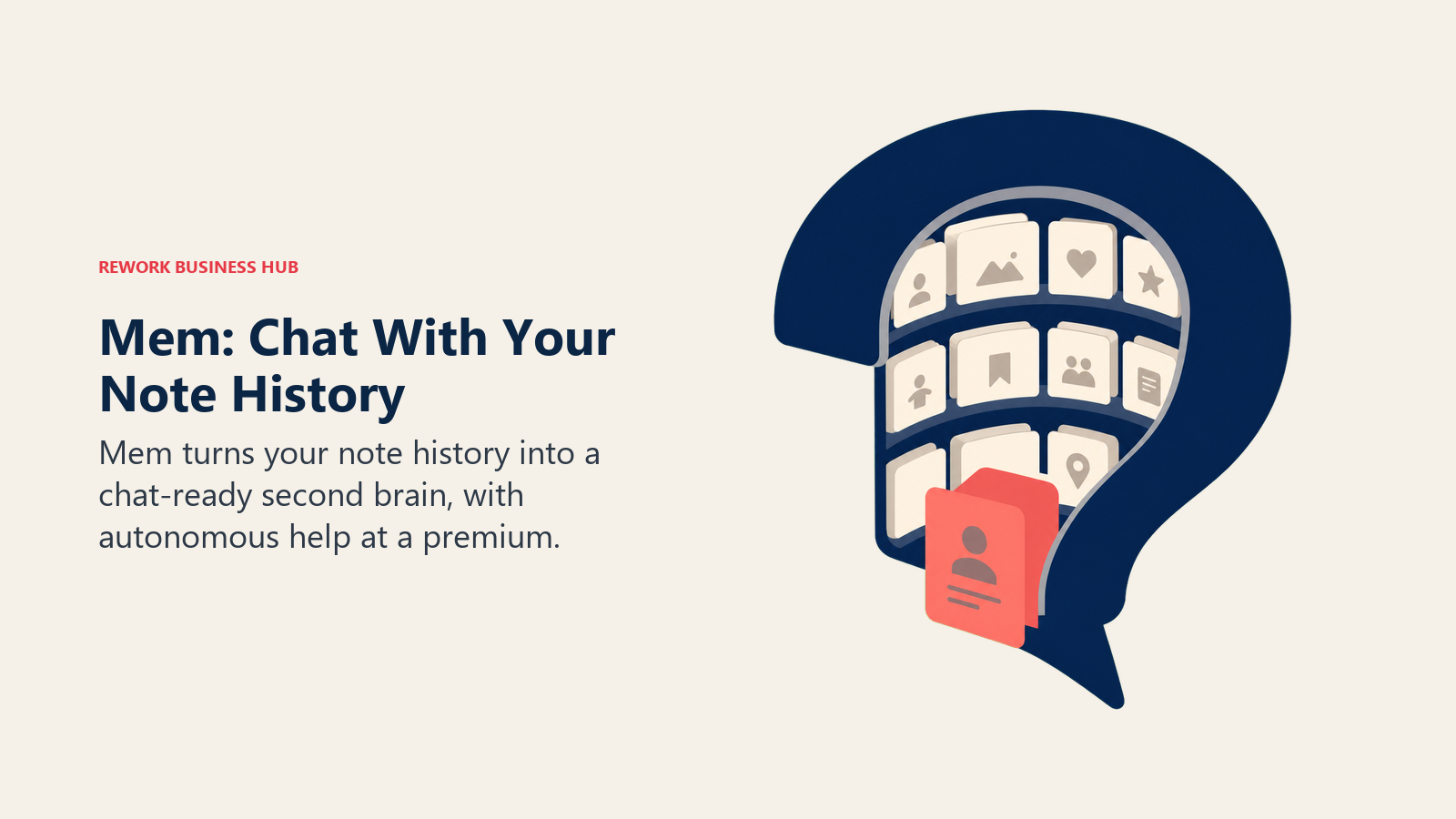
The pricing ladder got a new top rung this year. Pro at $12/month covers unlimited notes and AI chat for most people. Proactive, a new $99/month tier, adds Mem Agent, which surfaces relevant notes on its own and maintains a running notebook without you asking it to, closer to an autonomous assistant than a search tool. For teams exploring what autonomous knowledge agents look like more broadly, our AI knowledge base agent breakdown covers the pattern Mem Agent is built on.
| What you get | What you don't |
|---|---|
| AI chat that answers from your real notes, not the open web | Free tier caps at just 25 AI chats and 25 PDF pages a month |
| Mem 2.0 is meaningfully faster than the original version | The $99/mo Proactive tier is a steep jump from $12/mo Pro |
| PDF ingestion built into every paid plan | Smaller ecosystem and community than Notion or Obsidian |
Pricing: Free (25 AI chats/mo, 25 PDF pages/mo); Pro $12/mo (unlimited notes and AI chat); Proactive $99/mo (adds autonomous Mem Agent).
Best for: People who want to treat their notes archive like a chatbot they can interrogate, without building their own AI pipeline.
8. Tana: Structured Supertags With AI in Every Node
Tana takes the boldest structural bet on this list: every note is a node, and every node can carry a "supertag" that turns it into a structured, queryable object. A meeting note tagged #person automatically becomes part of a searchable people database; a tagged #decision shows up in a running decisions log. It's part outliner, part database, part AI assistant, and it takes longer to click than any other tool here.
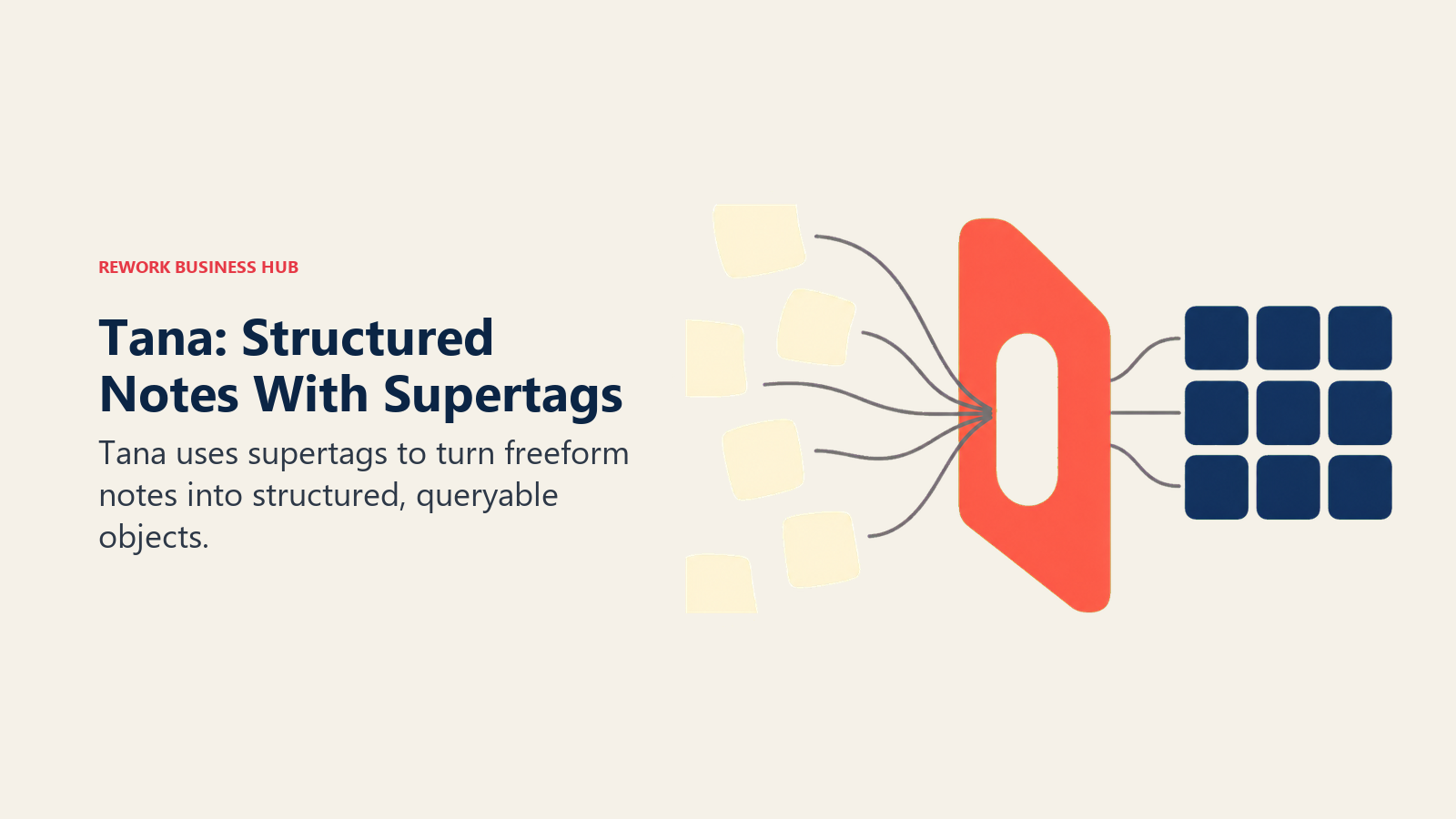
Once it clicks, the AI credit system rewards structured input. Free gives 500 AI credits a month; Plus jumps to roughly 2,000 and unlocks Google Calendar sync and workspace sharing; Pro's 5,000 credits add model selection inside AI chat and password-protected publishing. Teams weighing structured, AI-native tools for a small team should also see our best AI tools for startups guide, which covers where a steeper-learning-curve tool like Tana pays off.
| What you get | What you don't |
|---|---|
| Supertags turn freeform notes into a real, queryable database | Steep learning curve compared to a plain notes app |
| AI credits scale with your plan, not a flat cap | Fewer integrations than Notion's mature ecosystem |
| Google Calendar sync and command nodes on Plus | Overkill for someone who just wants a simple daily journal |
Pricing: Free (500 AI credits/mo); Plus $8/mo annual ($10 monthly, ~2,000 AI credits); Pro $14/mo annual ($18 monthly, ~5,000 AI credits, unlimited workspaces).
Best for: Power users who want their notes to behave like a structured database, and are willing to climb a learning curve to get there.
9. Roam Research: The Networked Note-Taking Pioneer
Roam Research popularized the bidirectional-linking, daily-notes structure that half the tools on this list borrowed from, and it's still a genuinely strong choice for anyone who thinks in interconnected ideas rather than folders. The backlink graph and block-level references remain some of the most elegant implementations of networked notes available.
The honest gap in 2026 is AI. Roam has no native AI assistant and no built-in ChatGPT-style chat over your notes; you have to bolt one on yourself through roam/js extensions or a Zapier workflow, which takes real setup effort most competitors have eliminated. If native AI matters more to you than the underlying note structure, Tana or Mem deliver a more turnkey version of the same networked-notes idea.
| What you get | What you don't |
|---|---|
| The original, still-elegant bidirectional linking system | No native AI assistant or built-in AI chat |
| Daily notes and block references done exceptionally well | No free tier at all, not even a limited one |
| A loyal, long-running community of power users | Reviewers note development has slowed against faster-moving rivals |
Pricing: Pro $15/mo ($13.75/mo if billed annually at $165/yr); Believer plan $500 one-time for 5 years access (~$8.33/mo equivalent); no free tier.
Best for: Networked-notes purists who want the tool that started the category and are comfortable wiring in their own AI.
10. Heptabase: Visual Whiteboard Research for Writers and Researchers
Heptabase's angle is spatial, not linear. Instead of a list of pages, notes live on an infinite whiteboard where you physically arrange cards, draw connections, and build "maps" of how ideas relate to each other. For PhD students, journalists, and anyone synthesizing a large research project, seeing the structure of your thinking laid out visually is the entire value proposition.
There's no permanent free tier, only a 7-day trial, which makes it a harder tool to casually test than most on this list. Pro at $8.99/month (billed annually) covers unlimited notes and collaborators but limits AI credits; Premium at $17.99/month adds unlimited PDF uploads, OCR for scanned documents, and full AI access, which serious researchers handling large source libraries will likely need.
| What you get | What you don't |
|---|---|
| Whiteboard canvas built specifically for visual synthesis | No permanent free plan, only a 7-day trial |
| Unlimited PDF uploads and OCR on Premium | AI credits are limited even on the Pro tier |
| Strong fit for long-form research and writing projects | Less useful for quick, linear daily note capture |
Pricing: 7-day free trial only; Pro $8.99/mo annual ($11.99 monthly); Premium $17.99/mo annual (unlimited PDF/OCR, full AI access).
Best for: Researchers, writers, and PhD students who think spatially and need to visually map connections across a large body of source material.
11. Saga: Lightweight AI Workspace for Small Teams
Saga's pitch is Notion's collaborative-workspace idea without Notion's complexity. Notes, docs, and lightweight task tracking live in one keyboard-first interface, with Saga AI woven into the editor rather than bolted on as a separate panel. For small teams that found Notion's database model more than they needed, Saga is a genuinely lighter alternative that still supports real collaboration.
Recent updates through March 2026 focused on making Saga AI faster to invoke from the keyboard and polishing the core editor, a sign the team is iterating on daily-use friction rather than chasing feature bloat. The free plan covers personal use and small teams; Standard and Business scale pricing per workspace member as a team grows.
| What you get | What you don't |
|---|---|
| Keyboard-first AI that stays out of the way until called | Smaller integration ecosystem than Notion or Craft |
| Free tier genuinely usable for small teams, not just solo use | Less database depth than Notion for complex project tracking |
| Per-member pricing scales predictably as a team grows | Smaller brand with a thinner enterprise track record |
Pricing: Free (personal use, small teams); Standard $6/member/mo annual (unlimited collaboration); Business $12/member/mo annual (larger orgs, advanced needs).
Best for: Small teams that want a lighter, keyboard-first alternative to Notion without giving up real collaboration features.
12. Napkin AI: Turning Written Notes Into Visuals
Napkin AI isn't a notes app in the traditional sense, it's a companion to one. You paste or write text, select a passage, and Napkin generates a visual, a diagram, a flowchart, an org chart, from the words, without you touching a design tool. For turning a wall of meeting notes into a one-slide recap or a strategy doc into a shareable diagram, it fills a gap none of the pure notes apps on this list address.
The credit system is the thing to understand before committing. Free gives 500 credits a week, roughly one credit per word selected for visual generation, which is enough for occasional use but not a daily habit. Plus at $12/month bumps that to 10,000 credits monthly; Pro at $30/month goes to 30,000. Pair it with whichever notes app you already use rather than expecting it to replace one.
| What you get | What you don't |
|---|---|
| Genuinely useful text-to-visual generation, no design skill needed | Not a notes app; you still need somewhere to write and file notes |
| Free tier is real, not just a trial | Credit consumption scales with how much text you select |
| Works alongside any existing notes tool | Per-seat billing applies to every team member who accepts an invite |
Pricing: Free (500 credits/week); Plus $12/person/mo (10,000 credits/mo); Pro $30/person/mo (30,000 credits/mo); Enterprise custom.
Best for: Anyone who wants to turn dense written notes into a quick visual or diagram without opening a separate design tool.
13. Amie: Calendar-First Planning With AI Notes Bolted On
Amie started as a calendar app, and it's still primarily a calendar app, just one that quietly picked up AI meeting recording and note-taking capabilities in 2026, putting it in more direct competition with dedicated meeting tools like Granola. If your actual workflow is "plan my day, then capture what happened in the meetings on that day," having both in one elegant interface has real appeal.
The tradeoffs are real, though. There's no free tier at all, only a 7-day trial, and the app leans heavily Mac and iOS, with thinner support elsewhere. If AI meeting notes are your primary need rather than a calendar add-on, our best AI meeting assistants guide covers tools built for that job first, calendar second.
| What you get | What you don't |
|---|---|
| Calendar, tasks, and AI meeting notes in one elegant app | No free tier, only a 7-day trial |
| Natural language event creation and AI scheduling suggestions | Mac and iOS-first, limited cross-platform support |
| A genuinely different workflow than a standalone notes app | Not built as a primary knowledge base or archive |
Pricing: No free tier, 7-day trial; Personal $6/mo annual ($10 monthly); Pro $15/mo annual ($20 monthly); Business $21/mo annual ($30 monthly).
Best for: People whose main problem is calendar chaos, who also want lightweight AI meeting notes without adding a second app.
14. Microsoft Loop / OneNote Copilot: For Teams Already on Microsoft 365
Buyers frequently underestimate how much of this category Microsoft already covers if a company is standardized on Microsoft 365. Loop, Microsoft's collaborative canvas for notes and components, ships free inside most Microsoft 365 business and enterprise subscriptions. OneNote, the older and more traditional notes app, gets the same AI layer once Copilot is attached.
The gating is the part to get right before budgeting. Copilot features in either Loop or OneNote require a Microsoft 365 Copilot license: Business runs $21/user/month annual (a promotional $18/user/month rate is in effect through September 30, 2026), and Enterprise runs $30/user/month. Individuals who want the equivalent without a business license get it bundled into Microsoft 365 Premium at $19.99/month, since standalone Copilot Pro stopped taking new signups in late 2025.
| What you get | What you don't |
|---|---|
| Notes live inside the Microsoft stack your company already uses | Full AI notes require a separate Copilot license on top |
| No new vendor relationship for Microsoft-native organizations | Weak fit for teams not already inside the Microsoft ecosystem |
| Loop itself is included at no extra cost on most M365 plans | Copilot pricing has shifted twice in the past year |
Pricing: Loop included free with most Microsoft 365 subscriptions; Copilot in Loop/OneNote requires Microsoft 365 Copilot Business $21/user/mo annual (promotional $18/user/mo through Sept 30, 2026) or Enterprise $30/user/mo; individuals get equivalent AI via Microsoft 365 Premium $19.99/mo.
Best for: Organizations already paying for Microsoft 365 who want AI notes without adding a new standalone vendor.
15. ChatGPT: Ad Hoc Notes Through Chat and Memory
ChatGPT isn't a notes app, and it's worth saying that plainly rather than stretching the category to fit it. But a real slice of people use it as one anyway: pasting in meeting recaps to summarize, asking it to remember a decision for later, or using Projects to keep a running thread of context on an ongoing piece of work. Memory now persists useful context across conversations without you re-explaining it every time, which is the closest thing ChatGPT has to a notes archive.
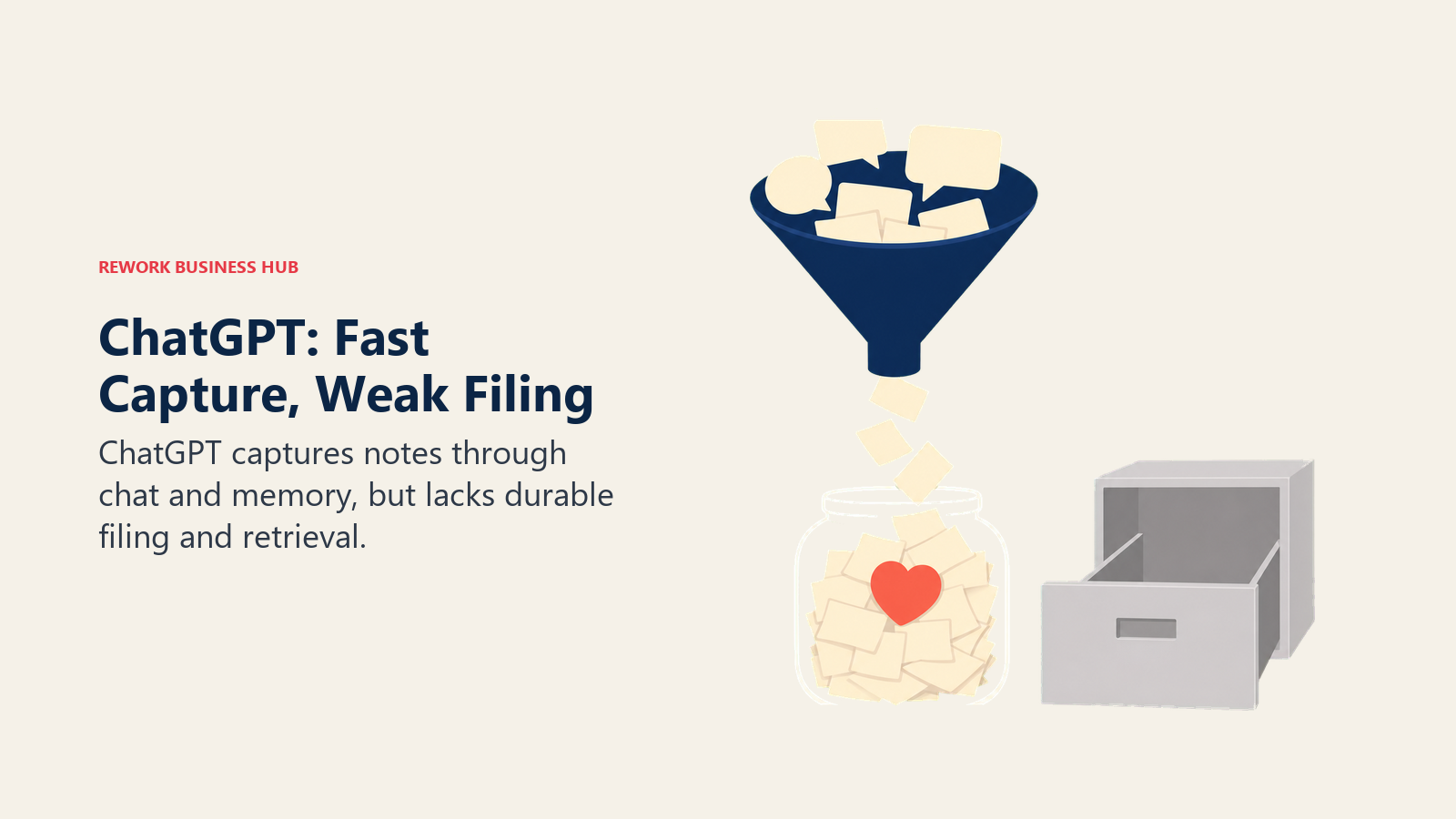
The honest limitation is that there's no real filing system. You can't browse a folder of notes, tag them, or build backlinks the way you can in Notion or Obsidian. For people who genuinely prefer chatting to filing, that's a feature, not a bug, but it breaks down fast once you have more than a handful of things to keep track of. See our Claude vs ChatGPT vs Gemini comparison if you're deciding which general-purpose assistant to use for this kind of ad hoc capture, or our best AI chatbots guide for a broader look at the category.
| What you get | What you don't |
|---|---|
| Memory recalls context across every past conversation | No folders, tags, backlinks, or real organization |
| Projects keep a running thread of context on one topic | Not searchable or browsable the way a real notes app is |
| Zero setup, works the moment you start typing | Breaks down once you have more than a handful of things tracked |
Pricing: Free (GPT-5.5, limited); Go $8/mo; Plus $20/mo (GPT-5.6, expanded memory, Projects); Pro $100/mo and $200/mo (higher usage caps); Business $20/seat/mo annual ($25 monthly, 2-seat minimum).
Best for: People who want ad hoc AI-assisted capture without adopting a dedicated notes app, and don't need to browse or organize what they've saved.
AI Note-Taking App Buying Mistakes to Avoid
| Mistake | What It Looks Like | What to Do Instead |
|---|---|---|
| Judging tools by "free" alone | Picking Mem's free plan for daily use, then hitting the 25-chat cap in week one | Read the free tier's real limit (credits, chats, storage), not just the price |
| Assuming AI is included at every tier | Buying Notion Plus expecting Notion Agent, only to find it needs Business | Confirm which specific plan unlocks the AI feature you actually want |
| Picking a tool for features you'll never use | Buying Tana for its supertag database when you just want a daily journal | Match the tool's structure to how you actually think, not its ceiling |
| Ignoring where your notes actually live | Building a year of notes in a proprietary format with no export path | Check export options and file portability before you commit long-term |
| Confusing a meeting tool for a notes tool | Buying Amie or Granola expecting a full personal knowledge base | Use a dedicated meeting assistant for call recaps, a notes app for everything else |
| Skipping the setup cost of "free" AI plugins | Installing Obsidian's AI plugins and being surprised by an LLM API bill | Budget for the API cost behind free plugins, it's rarely actually $0 |
| Not testing collaboration before rolling out to a team | Choosing a personal notes app, then trying to onboard 20 teammates onto it | Pilot with 2-3 teammates first if the tool will become a shared workspace |
Poor documentation habits compound the same way poor CRM hygiene does: small gaps become expensive months later. A lightweight habit like a decision log or a consistent weekly status update matters more to whether a notes app actually gets used than any AI feature on this list.
Decision Framework
The best fit depends on whether you prioritize ownership, source grounding, structured knowledge, visual thinking, or team scale.
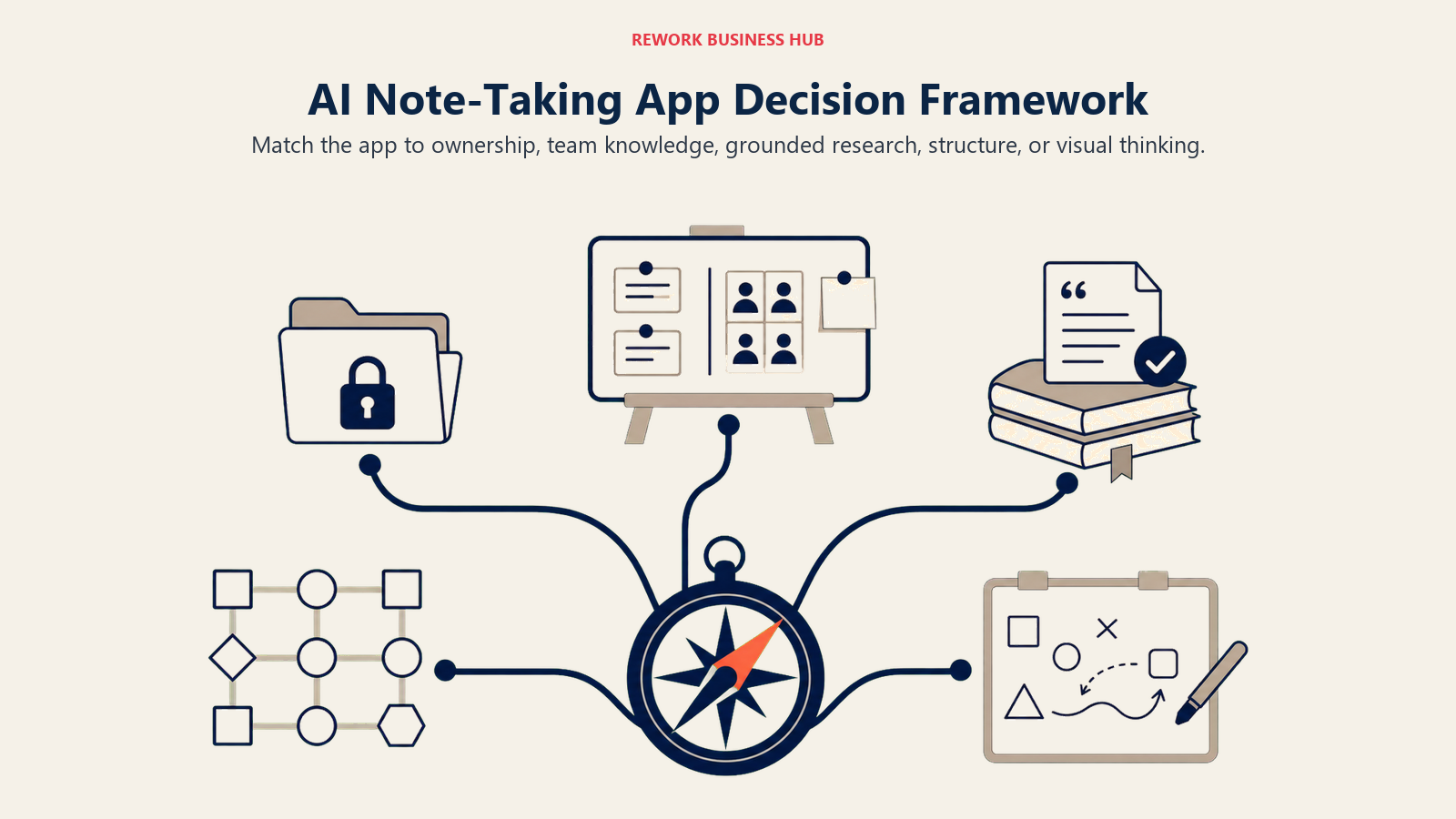
| If you need... | Pick... | Why |
|---|---|---|
| Notes, docs, and a database in one connected workspace | Notion AI | Full AI on Business; the most complete all-in-one option |
| To own your notes as portable local files | Obsidian | Free forever, plain-text files, free AI via plugins |
| An AI that only answers from your own sources | Google NotebookLM | Cited answers grounded in what you actually uploaded |
| A second brain you can literally chat with | Mem | AI chat pulls answers from your real note history |
| Notes that behave like a structured, queryable database | Tana | Supertags turn freeform notes into real objects |
| Encrypted, private daily notes at one flat price | Reflect | End-to-end encryption, GPT built in, no tier-shopping |
| Visual, spatial research synthesis | Heptabase | Whiteboard canvas built for connecting ideas visually |
| The most polished personal notes and docs editor | Craft | Best-looking editor on this list, light AI included |
| A lighter, keyboard-first team workspace than Notion | Saga | Real collaboration without Notion's database complexity |
| Turning notes into shareable visuals | Napkin AI | Genuinely useful text-to-diagram, pairs with any notes app |
| A team already standardized on Microsoft 365 | Microsoft Loop / OneNote Copilot | Notes live inside the stack you already pay for |
| Ad hoc capture without a dedicated notes app | ChatGPT | Memory and Projects work as a loose, chat-based archive |
What to Do Next
Pick your job first, not your tool. If you need a shared team workspace, start with Notion AI or Saga. If you want to own your notes outright, start with Obsidian. If your problem is research synthesis rather than daily capture, start with Google NotebookLM or Heptabase. Then run your top two picks side by side for two weeks of real notes, not a demo, before you commit to migrating a year of accumulated knowledge into a new system.
And if the actual problem you're trying to solve is capturing what happened on a call rather than organizing ongoing knowledge, don't force a notes app to do that job. Our best AI meeting assistants guide covers the tools built specifically for that instead.

Principal Product Marketing Strategist
On this page
- Updated July 2026: What Changed
- Key Facts
- Quick Comparison Table
- How to Choose an AI Note-Taking App
- Framework: By Primary Use Case
- Framework: By Team Size
- Free Tier Reality Check
- 1. Notion AI: Notes, Docs, and Databases in One Workspace
- 2. Obsidian: Own Your Notes as Local Plain Text
- 3. Evernote: A Mature Archive Catching Up on AI
- 4. Google NotebookLM: Research Grounded Only in Your Sources
- 5. Craft: Beautiful Personal Notes and Docs
- 6. Reflect: Encrypted, Networked Daily Notes
- 7. Mem: Chatting With Your Own Notes Like a Second Brain
- 8. Tana: Structured Supertags With AI in Every Node
- 9. Roam Research: The Networked Note-Taking Pioneer
- 10. Heptabase: Visual Whiteboard Research for Writers and Researchers
- 11. Saga: Lightweight AI Workspace for Small Teams
- 12. Napkin AI: Turning Written Notes Into Visuals
- 13. Amie: Calendar-First Planning With AI Notes Bolted On
- 14. Microsoft Loop / OneNote Copilot: For Teams Already on Microsoft 365
- 15. ChatGPT: Ad Hoc Notes Through Chat and Memory
- AI Note-Taking App Buying Mistakes to Avoid
- Decision Framework
- What to Do Next