DMS Integration Best Practices: Connecting Your Dealership Technology Stack - 2026 Guide
Turn this article into takeaways for your work.


Each assistant summarizes the article only for you and suggests best practices for your work.
Automotive DMS integration connects your Dealer Management System to the CRM, digital retailing, marketing, and website tools your team uses daily, so customer and inventory data flows automatically instead of being re-keyed by hand. Done well, it kills duplicate data entry, prevents selling sold vehicles, and gives every department one accurate view of the customer.
Your DMS is the heart of dealership data, but it's only valuable when connected to the tools your team uses daily. Poor integration costs dealers $200+ daily in manual data entry and lost opportunities.
Think about how many times your team manually enters the same customer information across multiple systems. Sales consultant takes a phone up, writes info on a card, later types it into CRM, then copies it into the DMS when creating a deal. Service advisor looks up a customer in DMS, then manually enters appointment details into the scheduler.
That's not just inefficient, it's error-prone. Phone numbers get transposed. Email addresses are misspelled. Customer history disappears between systems. McKinsey research on automotive customer experience emphasizes that successful dealerships must integrate customer data across all touchpoints, both digital and physical, to deliver seamless experiences.
This guide shows you how to build seamless integration between your DMS and the critical tools your dealership depends on, eliminating manual work while improving data accuracy and customer experience.
Understanding the DMS Ecosystem
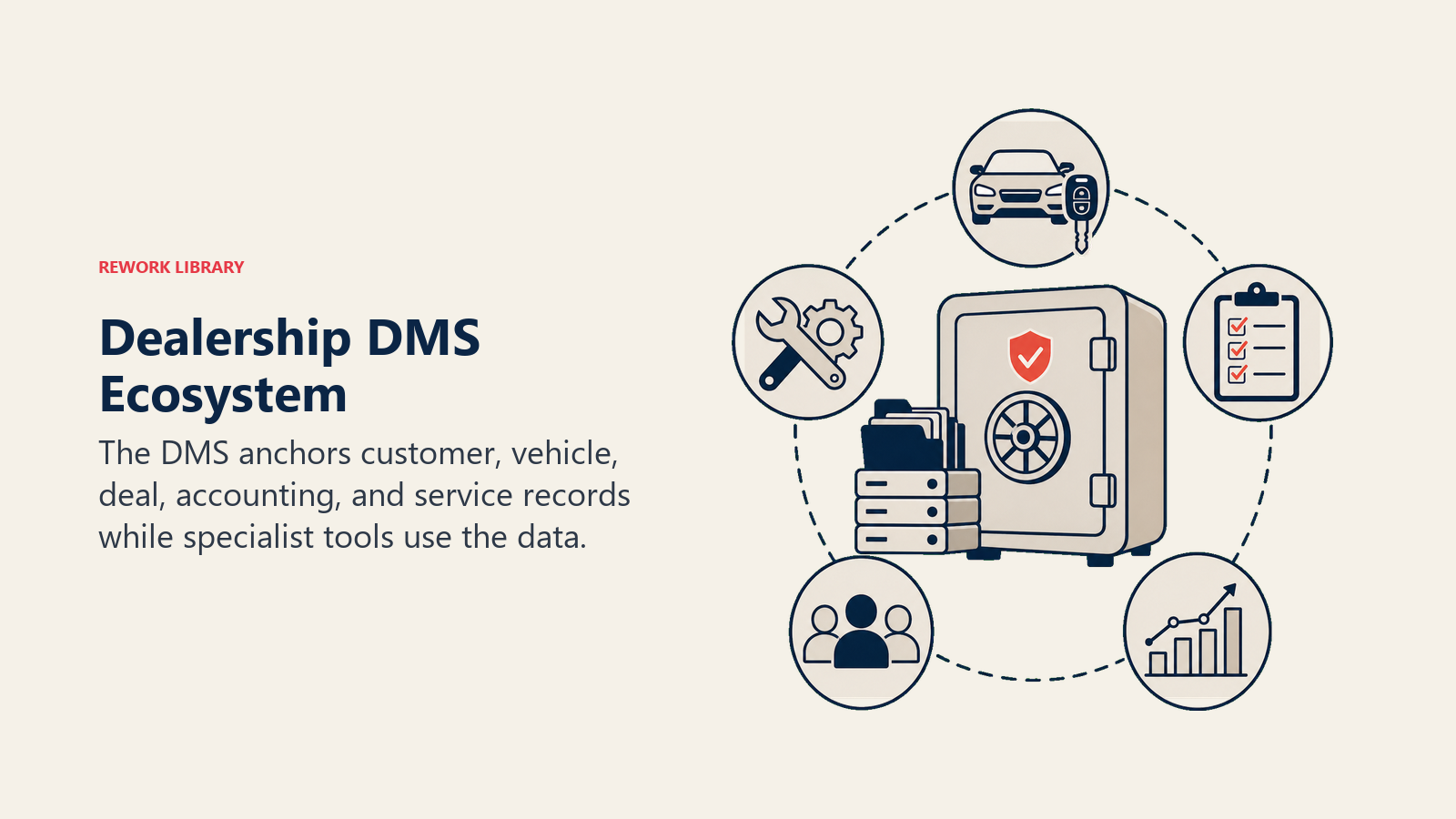
Your Dealer Management System is the central nervous system of dealership operations, but it wasn't designed to be a standalone island. Core DMS functions include:
- Accounting and financial reporting (sales, service, parts revenue and expenses)
- Inventory management (new, used, vehicle tracking, aging)
- Sales transactions (deals, F&I products, delivery documentation)
- Service operations (repair orders, technician time, parts usage)
- Parts management (ordering, pricing, bin location) But here's the problem: your sales team doesn't work in the DMS. They work in CRM. Your customers don't interact with the DMS. They interact with your website and digital retailing tools. Your marketing team doesn't pull campaigns from DMS. They use marketing automation platforms.
Major DMS providers (CDK, Reynolds & Reynolds, Dealertrack, DealerBuilt) each have different integration capabilities:
CDK offers CDK Integration Hub with pre-built connectors to popular third-party tools. Reynolds provides FORScan integration platform. Dealertrack has DMS Bridge. DealerBuilt emphasizes open API architecture. According to Gartner's best practices for CRM application integration, having a solid CRM integration strategy is now mandatory for modern digital organizations, with application leaders encouraged to use fully integrated CRM technologies to enable greater efficiency and a single view of the customer.
API capabilities and integration standards vary widely. Some DMS platforms provide robust, well-documented APIs. Others require middleware platforms to translate data. Some charge additional fees for API access.
Data ownership and access rights are often contentious. You own your customer data, but the DMS vendor controls access to it. Read your contract carefully. Some vendors restrict direct database access. Others charge per-API-call fees. Understanding these constraints upfront prevents surprises during implementation.
OEM requirements and restrictions add another layer of complexity. Manufacturers often mandate specific data reporting formats and submission schedules. Some require specific CRM platforms or integration approaches. Factor these into your planning.
Critical Integration Points
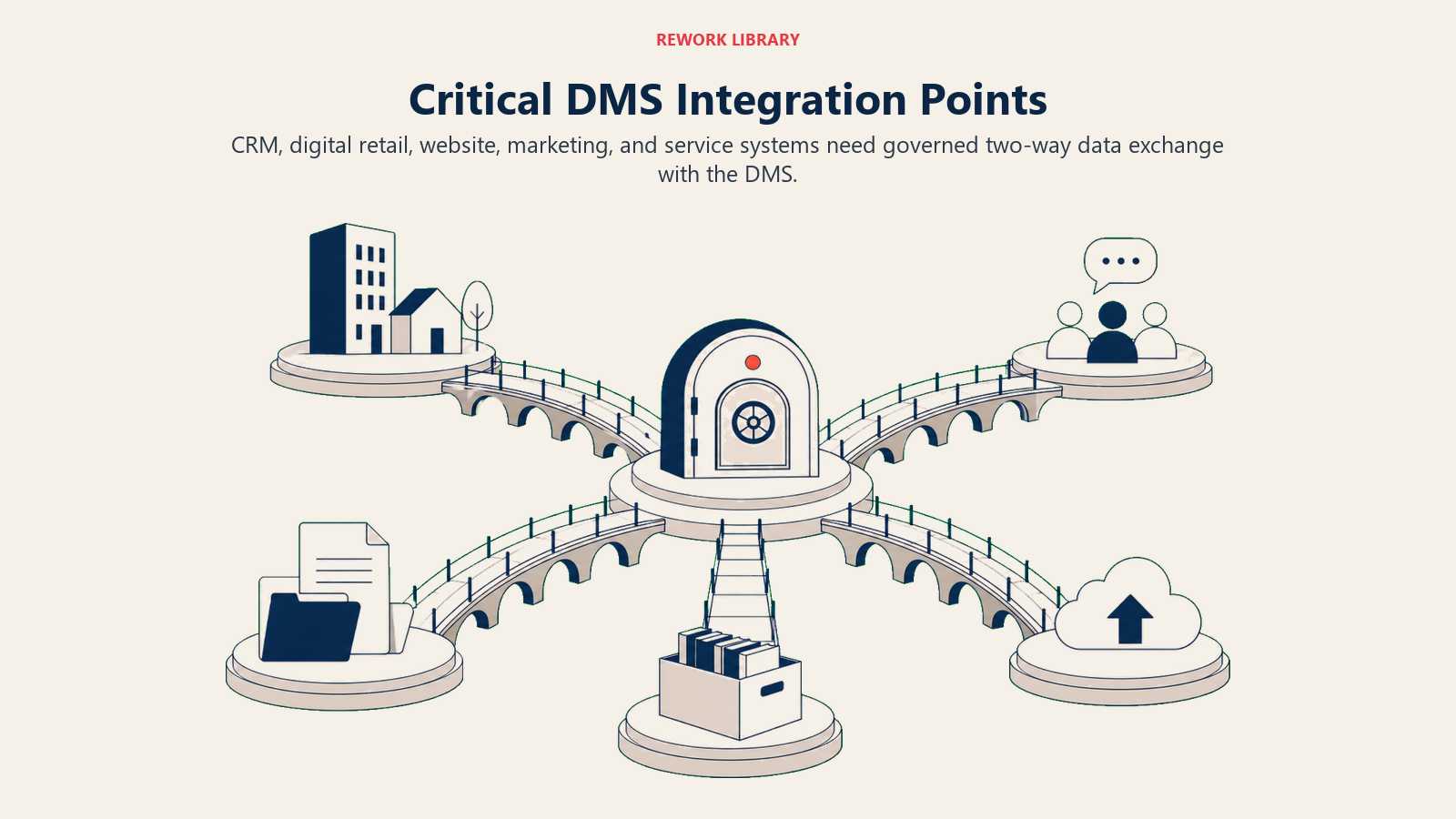
Not all integrations are equally important. Start with high-impact connections that drive revenue and eliminate manual work. CRM platforms need bidirectional integration with DMS:
- Customer data (names, addresses, contact info, vehicle ownership) flows from DMS to CRM
- Sales activities and lead status flow from CRM to DMS
- Service history syncs from DMS to CRM for service-to-sales opportunities
- Deal status updates flow bidirectionally Proper automotive CRM implementation depends entirely on this data sync working flawlessly.
Digital retailing tools require real-time data access:
- Available inventory (VINs, pricing, photos, specs) from DMS
- Credit application submissions flow to DMS and F&I systems
- Deal structures and payment calculations sync to DMS for deal creation
- Trade-in appraisals captured online integrate with DMS valuations
This enables seamless automotive digital retailing experiences that customers expect.
Marketing automation platforms need customer segmentation data:
- Customer database with purchase history and vehicle ownership
- Equity positions and loan payoff amounts for targeted equity mining campaigns
- Service history for retention and reminder campaigns
- Lease maturity dates for renewal campaigns
Without this integration, automotive marketing automation becomes generic blasts instead of targeted, personalized communications.
Website and inventory feeds must stay current:
- New and used inventory with pricing, photos, descriptions
- Specials and incentives
- Real-time availability (prevent customers inquiring about sold vehicles)
- Recently sold vehicles flagged for removal
This real-time sync is critical for dealership website optimization and customer trust.
Phone and communication systems log interactions:
- Inbound calls matched to customer records
- Call recordings linked to customer profiles
- Click-to-dial from DMS customer screens
- SMS conversations synced to customer communication history
Finance and compliance tools streamline deal processing:
- Credit application routing to lenders
- Deal structure data for compliance verification
- Document generation (buyers orders, contracts)
- E-contracting and signature capture
Data Mapping and Synchronization
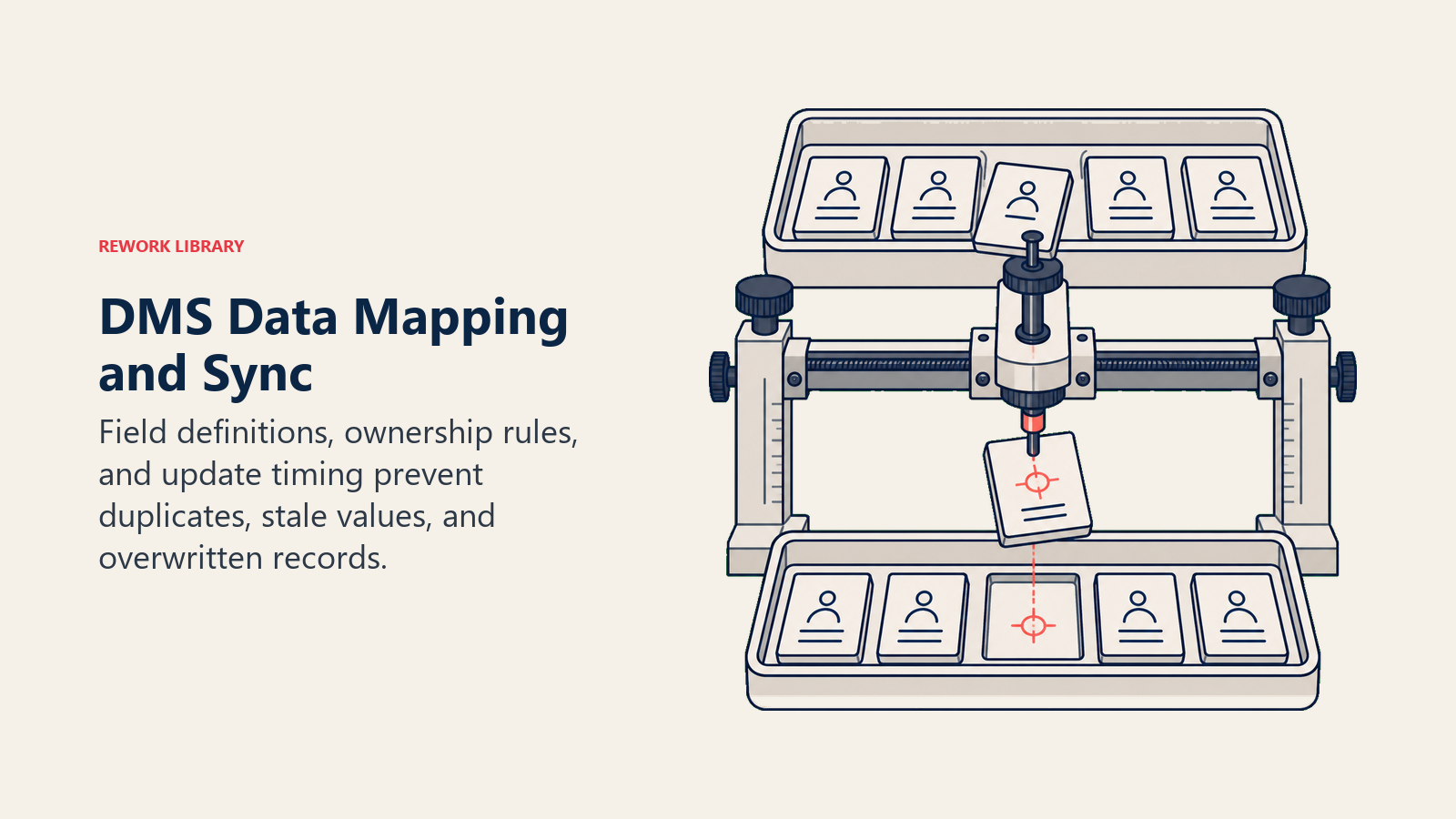
Integration isn't just connecting systems, it's ensuring data flows accurately between them. Customer record matching and deduplication is the foundation. When the same customer exists in DMS, CRM, marketing platform, and website, you need a single source of truth. Matching logic typically uses:
- Exact match: Email address or phone number (most reliable)
- Fuzzy match: Name + ZIP code or address (handles typos)
- Manual review queue: Uncertain matches flagged for human verification
Inventory data sync requires different strategies for new vs. used:
New vehicles: VINs, stock numbers, MSRP, factory options, photos from OEM feeds. Updates hourly or when vehicles are added/sold.
Used vehicles: VIN decoding, dealer-added photos, reconditioning status, pricing changes. Real-time updates when status changes (available → sold → delivered).
Service history and RO data transfer enables targeted marketing:
- Repair order details (date, mileage, services performed, parts used)
- Open recommendations (declined services, future needs)
- Customer pay vs. warranty work
- Last service date and predicted next service based on mileage
This data powers service marketing campaigns that bring customers back for maintenance and repairs.
Sales transaction data flow closes the attribution loop:
- Lead source through CRM to final sale in DMS
- Salesperson assignment and commission tracking
- F&I product penetration
- Delivery dates and customer satisfaction scores
Real-time vs. batch sync strategies:
Real-time sync (API-based) updates immediately when data changes. Best for:
- Inventory availability (prevent selling same vehicle twice)
- Appointment scheduling (avoid double-booking)
- Credit applications (immediate routing to F&I)
Batch sync (scheduled intervals) updates every 15 minutes, hourly, or nightly. Acceptable for:
- Customer database updates (addresses, contact info)
- Service history (historical data, not time-sensitive)
- Sales reporting and analytics
API Integration Approaches
Different integration methods have different tradeoffs in complexity, cost, and reliability. Native API integrations are ideal when available. Modern DMS platforms provide RESTful APIs with:
- Documented endpoints for customer, inventory, sales, service data
- Authentication via API keys or OAuth
- JSON or XML data formats
- Webhooks for real-time event notifications
The advantage? Direct connection, maximum control, lowest ongoing cost. The disadvantage? Requires technical expertise to build and maintain.
Third-party middleware platforms (Tekion, DealerSocket, AutoLeap) simplify integration:
- Pre-built connectors to major DMS platforms
- User-friendly configuration (no coding required)
- Data mapping and transformation tools
- Error monitoring and alerts
The advantage? Faster implementation, less technical skill required. The disadvantage? Ongoing subscription costs ($200-500+ monthly), dependency on third-party vendor.
Custom integration development makes sense when:
- Your needs are unique and pre-built solutions don't fit
- You have in-house technical resources
- Long-term total cost justifies upfront development investment
File-based transfers (FTP, SFTP) are the old-school approach:
- DMS exports data files on schedule (CSV, XML)
- Target system imports files and processes data
- Simple, reliable, widely supported
The advantage? Works with any DMS, low technical complexity. The disadvantage? Batch-only (no real-time), manual error handling, file format changes break integrations.
Security and authentication requirements are non-negotiable:
- API keys stored securely (not in public code repositories)
- Encrypted data transmission (TLS/SSL)
- Role-based access controls (systems access only needed data)
- Audit logging of integration activity
- Regular security reviews and credential rotation
CRM-DMS Integration Deep Dive
This is the most critical integration for sales operations. Get it right and everything else becomes easier. Customer database synchronization strategy: DMS is the source of truth for:
- Vehicle ownership history
- Purchase dates and deal details
- Service records
- Payoff amounts and equity positions
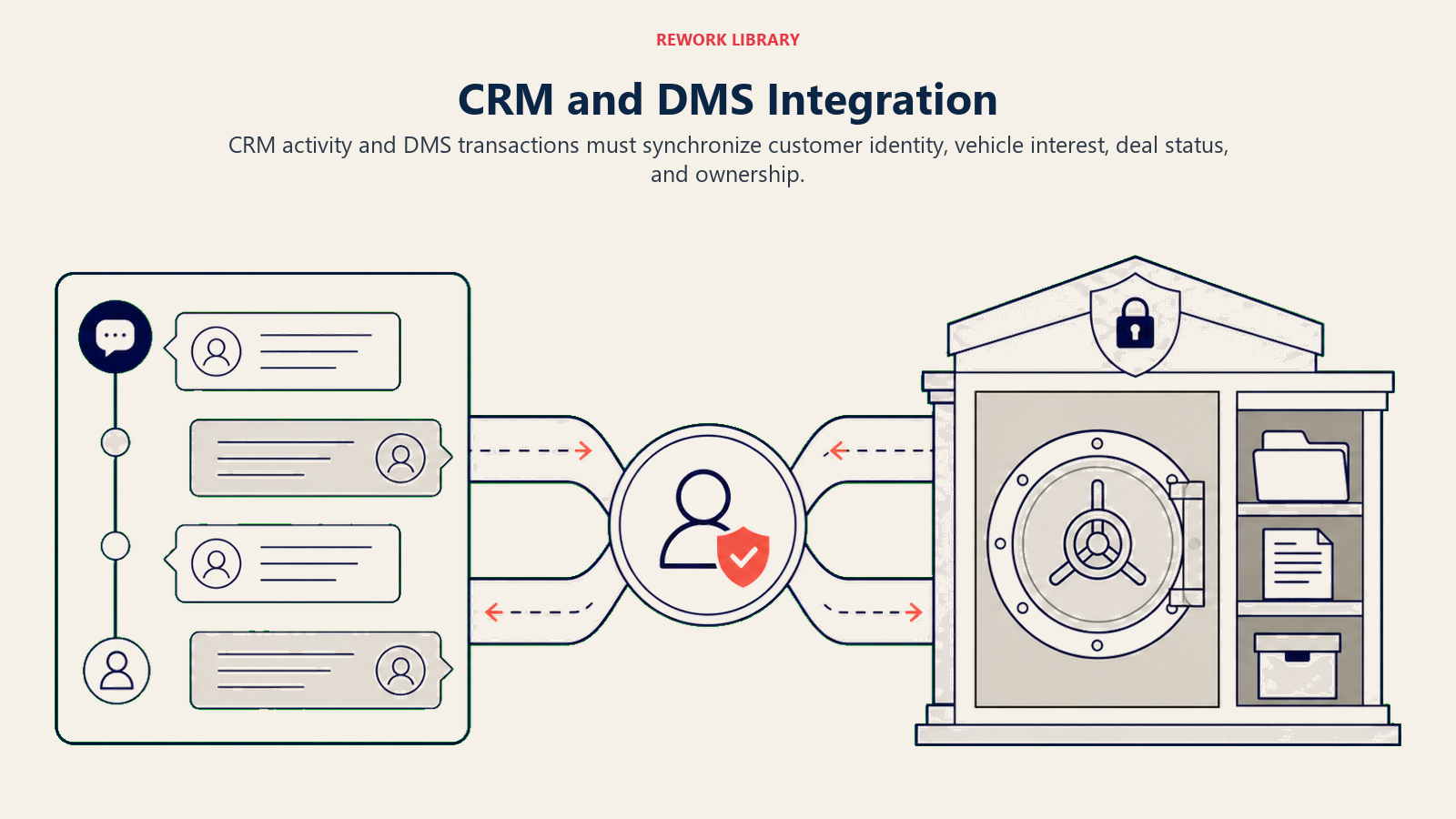
CRM is the source of truth for:
- Lead activity and communications
- Sales pipeline and opportunities
- Marketing campaign engagement
- Task completion and follow-up history
Both systems need access to both datasets. The solution:
- Nightly DMS → CRM sync for customer base and vehicle ownership
- Real-time CRM → DMS sync for new leads and deal status
- Conflict resolution rules (which system wins when data conflicts)
Lead-to-sale data handoff:
- Lead captured in CRM with source attribution
- Sales activity tracked in CRM through pipeline stages
- Deal created in DMS when negotiations begin
- CRM receives deal number and tracks to delivery
- Final sale attributes back to original lead source in CRM
Service appointment scheduling integration:
- Customer books appointment online or via CRM
- Appointment syncs to DMS service scheduler
- Technician assignment and RO creation in DMS
- Service completion updates CRM with service history
- Service-to-sales opportunities flagged in CRM
Parts and accessories order integration:
- Sales consultant adds accessories to deal in CRM
- Parts ordered and invoiced in DMS parts module
- Installation scheduled and tracked
- Gross profit from accessories attributes to salesperson
Trade-in and inventory matching:
- Trade appraisal completed in CRM or digital tool
- Appraisal syncs to DMS for used vehicle acquisition
- Trade becomes used inventory in DMS
- Reconditioning and retail pricing tracked in DMS
- Available trade inventory visible in CRM for sales matching
Website and Digital Retailing Integration
Customer-facing tools require the most reliable, real-time integration. Real-time inventory feeds and pricing:
- New vehicle inventory updates every 15-30 minutes
- Used vehicle inventory updates immediately when status changes
- Pricing reflects DMS pricing (including specials and pack)
- Photos from DMS photo library or third-party providers
- Vehicle details (VIN, stock number, mileage, features) accurate
Cox Automotive's inventory optimization research demonstrates that dealerships using integrated inventory management tools backed by powerful data and AI move vehicles faster and boost ROI through real-time pricing adjustments.
Accurate inventory drives success in vehicle merchandising and online shopping experiences.
Trade-in valuations and appraisals:
- Customer enters VIN or license plate on website
- Trade value pulled from third-party sources (KBB, Black Book)
- Actual cash value (ACV) estimate syncs to DMS appraisal
- Trade details pre-populate deal jacket when customer arrives
Credit application integration:
- Customer completes credit app on website
- Application syncs to DMS and routes to F&I manager
- Credit bureau pulls initiated from DMS
- Pre-approval status updates digital retailing tool
- Customer sees approved payment range online
Deal structuring and desking tool connections:
- Customer builds deal online (vehicle, trade, down payment, term)
- Deal structure sends to DMS for manager approval
- Real-time payment calculations use DMS lender programs
- Approved deals become pending in DMS
- Customer arrives and finalizes with minimal changes
Post-sale delivery and documentation:
- Deal completes in DMS
- Digital contract signing via integrated DocuSign or similar
- Document packets generated from DMS data
- Delivery checklists and vehicle orientation tracked
- Title and registration work initiated
Marketing Platform Integration
Marketing automation drives customer engagement, but only when it has accurate, current data. Customer segmentation data access:
- All customers with make/model/year ownership
- Purchase dates for lifecycle stage identification
- Customer type (conquest vs. repeat vs. service-only)
- Geographic and demographic data
- Communication preferences and opt-in status
Equity mining and lease maturity reports:
- Monthly equity scans (current payoff vs. market value)
- Customers with positive equity flagged for outreach
- Lease maturity dates from DMS contract data
- Pull-ahead program eligibility calculation
- Automated campaign triggers based on equity or lease status
Service history for retention campaigns:
- Last service date and mileage
- Declined recommendations and open opportunities
- Service visit frequency and spend patterns
- Warranty expiration dates
- Vehicle mileage progression for predictive reminders
Sales history for loyalty programs:
- Lifetime customer value calculation
- Number of vehicles purchased
- Referral history and quality
- VIP status based on spend and engagement
- Anniversary dates for loyalty recognition
Conquest vs. retention customer identification:
- First-time buyers (conquest) receive different messaging
- Repeat customers (retention) get loyalty appreciation
- Service-only customers targeted for vehicle sales opportunities
- Competitive brand owners identified for conquest campaigns
Data Quality and Governance
Integration only works if the underlying data is clean and well-managed. Data validation and error handling:
- Required fields enforced at entry (email, phone, address)
- Format validation (phone numbers, ZIP codes)
- Duplicate detection before creating new records
- Invalid data flagged for correction
- Integration errors logged and alerted
Clean data enables accurate dealership data analytics and reporting across all systems.
Duplicate record prevention:
- Pre-entry duplicate search (before creating customer)
- Post-entry deduplication (find and merge existing duplicates)
- Matching rules hierarchy (exact email > phone > name + address)
- Merge conflict resolution (which record's data to keep)
- Audit trail of merge actions
Data cleansing strategies:
- Regular data quality audits (monthly or quarterly)
- Bulk cleanup of missing or invalid data
- Standardization of formatting (addresses, names)
- Enrichment from third-party data sources
- Old/inactive record archival
Access controls and security:
- Role-based permissions (who can view, edit, delete)
- Field-level security (sensitive data restricted)
- API key management and rotation
- Integration service account logging
- Data export restrictions and monitoring
Audit trails and compliance requirements:
- Track who changed what and when
- Log all integration data transfers
- Retain records per regulatory requirements
- Data privacy compliance (GDPR, CCPA where applicable)
- Right to be forgotten procedures
Troubleshooting and Optimization
Even well-designed integrations require ongoing monitoring and refinement. Sync failures and resolution procedures:
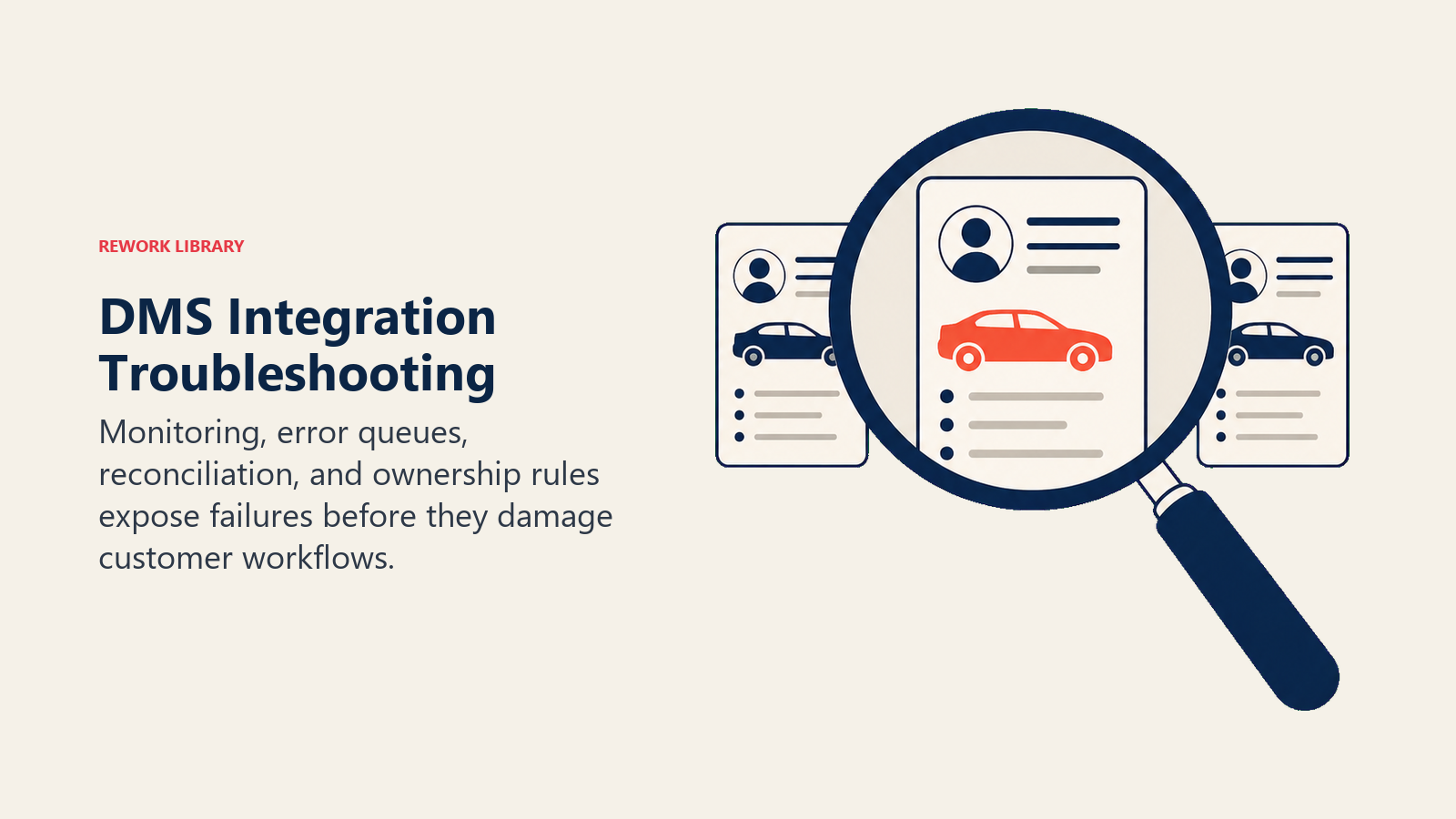
Symptom: Customer exists in DMS but not in CRM. Diagnosis: Check sync logs for errors. Verify customer record meets sync criteria. Look for data format issues. Resolution: Fix data quality issue. Manually trigger re-sync. Update sync rules if needed.
Symptom: Sold vehicle still showing as available on website. Diagnosis: Check inventory sync timing. Verify status change recorded in DMS. Look for API connectivity issues. Resolution: Immediate manual inventory refresh. Investigate sync delay or failure. Implement real-time webhook if available.
Symptom: Duplicate customer records appearing after sync. Diagnosis: Review matching logic. Check if email/phone changed in one system. Identify data entry inconsistencies. Resolution: Merge duplicates. Tighten matching rules. Improve data entry validation.
Performance issues and bottlenecks:
- Large data transfers slowing sync process → split into smaller batches
- API rate limits being exceeded → implement throttling and queuing
- Database queries timing out → optimize queries, add indexes
- Peak traffic overwhelming integration → schedule heavy syncs during off-hours
Vendor support coordination:
- DMS vendor blames third-party tool, third-party blames DMS
- Solution: Joint troubleshooting calls with both vendors
- Establish clear escalation paths and SLAs
- Document integration architecture and data flows for reference
Change management when systems update:
- DMS software updates can break integrations
- Test integrations after any DMS upgrade
- Maintain staging environment for testing before production
- Subscribe to vendor release notes and API change notifications
- Budget for integration maintenance and updates
Testing and validation processes:
- Pre-launch testing with sample data
- User acceptance testing (UAT) with real scenarios
- Parallel running (old and new process simultaneously)
- Gradual rollout to catch issues before full deployment
- Ongoing monitoring and automated testing
Key Takeaways
DMS integration success requires:
Start with high-impact integrations first, CRM and website/digital retailing deliver the most immediate value.
Prioritize data quality before integration. Clean DMS data prevents garbage from flowing to other systems.
Choose integration methods appropriate to your technical resources and budget. Native APIs offer control, middleware offers ease.
Implement robust customer matching and deduplication logic. One customer, one record across all systems.
Monitor integration health continuously. Sync failures should trigger alerts, not go unnoticed for days.
And invest in proper change management. Integrations require ongoing maintenance as systems evolve.
The dealerships winning today aren't those with the newest technology. They're the ones where all their technology works together seamlessly, giving customers a friction-free experience and employees the data they need to sell and service effectively.
Automotive DMS Integration FAQ
What is automotive DMS integration?
It's the process of connecting a dealership's Dealer Management System to other tools (CRM, digital retailing, marketing automation, website inventory feeds, phone systems) so data such as customer records, inventory, deals, and service history syncs automatically instead of being entered by hand in each system.
Which DMS integrations should a dealership do first?
Start with the highest-impact connections: CRM and website or digital retailing. CRM integration keeps sales and service data in sync, while real-time website inventory feeds prevent customers from inquiring about vehicles that have already sold. Both deliver immediate value before you tackle marketing and finance tools.
What are the main ways to integrate a DMS?
Four approaches: native APIs (direct, lowest ongoing cost, needs technical skill), third-party middleware (faster to set up, monthly subscription), custom development (for unique needs with in-house resources), and file-based transfers over FTP or SFTP (simple and reliable but batch-only, no real-time sync).
Why does DMS integration fail?
The most common causes are poor data quality (duplicate or malformed records), weak customer-matching logic, batch sync delays that leave sold vehicles showing as available, and DMS software updates that break existing connections. Clean data, strong deduplication rules, and testing after every DMS upgrade prevent most failures.
Related Resources:

Senior Implementation Consultant