Shopify Optimization: Advanced Apps, Themes, and Checkout Strategies
Turn this article into takeaways for your work.


Each assistant summarizes the article only for you and suggests best practices for your work.
Shopify optimization drives ecommerce growth by improving the three levers that move revenue: page speed, conversion-focused configuration, and a frictionless checkout. The fastest gains come from a lean app stack, a performance-tested theme, express payment options, and trust signals at checkout, all measured against your store's actual conversion and average order value data.
Shopify powers over 4.8 million stores globally, but most merchants barely scratch the surface of what the platform can do. The difference between a struggling store and a high-converting operation often comes down to configuration choices: which apps you install, how you customize your theme, and whether you've optimized the checkout experience.
This guide covers the technical and strategic decisions that separate amateur Shopify stores from professional operations. You'll learn how to select and configure apps that improve conversion without slowing your site, optimize themes for both performance and aesthetics, and implement checkout strategies that increase revenue.
Shopify's Competitive Advantage
Shopify dominates e-commerce platforms because it balances power with simplicity. Where WooCommerce requires constant maintenance and BigCommerce locks you into rigid templates, Shopify provides a middle path: solid out-of-the-box functionality with extensive customization options. The platform handles infrastructure automatically. Security patches, PCI compliance, server scaling, and uptime monitoring run in the background without merchant intervention. This removes the technical burden that plagues self-hosted solutions. When your store gets featured on major media or runs a successful ad campaign, Shopify's infrastructure scales instantly without configuration changes.
Built-in features vs custom development:
Shopify includes abandoned cart recovery, discount codes, multi-channel selling, and basic analytics without additional apps. These features work reliably and integrate seamlessly. Custom development becomes necessary when you need specific functionality like complex B2B pricing, subscription management beyond basic options, or advanced inventory rules across multiple warehouses.
The app ecosystem fills most gaps between built-in features and custom development. Over 8,000 apps provide solutions for specialized needs without code. Custom development typically costs $5,000-$50,000 for complex features, while comparable apps run $10-$300 monthly.
Total cost of ownership considerations:
A Shopify Basic plan at $39/month seems expensive compared to WooCommerce's "free" core, but factor in hosting ($20-$100/month), security plugins ($100-$300/year), performance optimization ($50-$200/month), and developer maintenance ($1,000-$5,000/year). Shopify's all-in pricing often costs less while providing better reliability.
Platform reliability translates directly to revenue. When WooCommerce sites go down during peak traffic, merchants lose sales. Shopify maintains 99.98% uptime with automatic failover and global CDN distribution. For a store doing $50,000 monthly, even one hour of downtime costs approximately $70 in lost revenue, making reliability worth the platform fees.
For detailed platform comparisons, see E-commerce Platform Selection.
Theme Selection & Customization
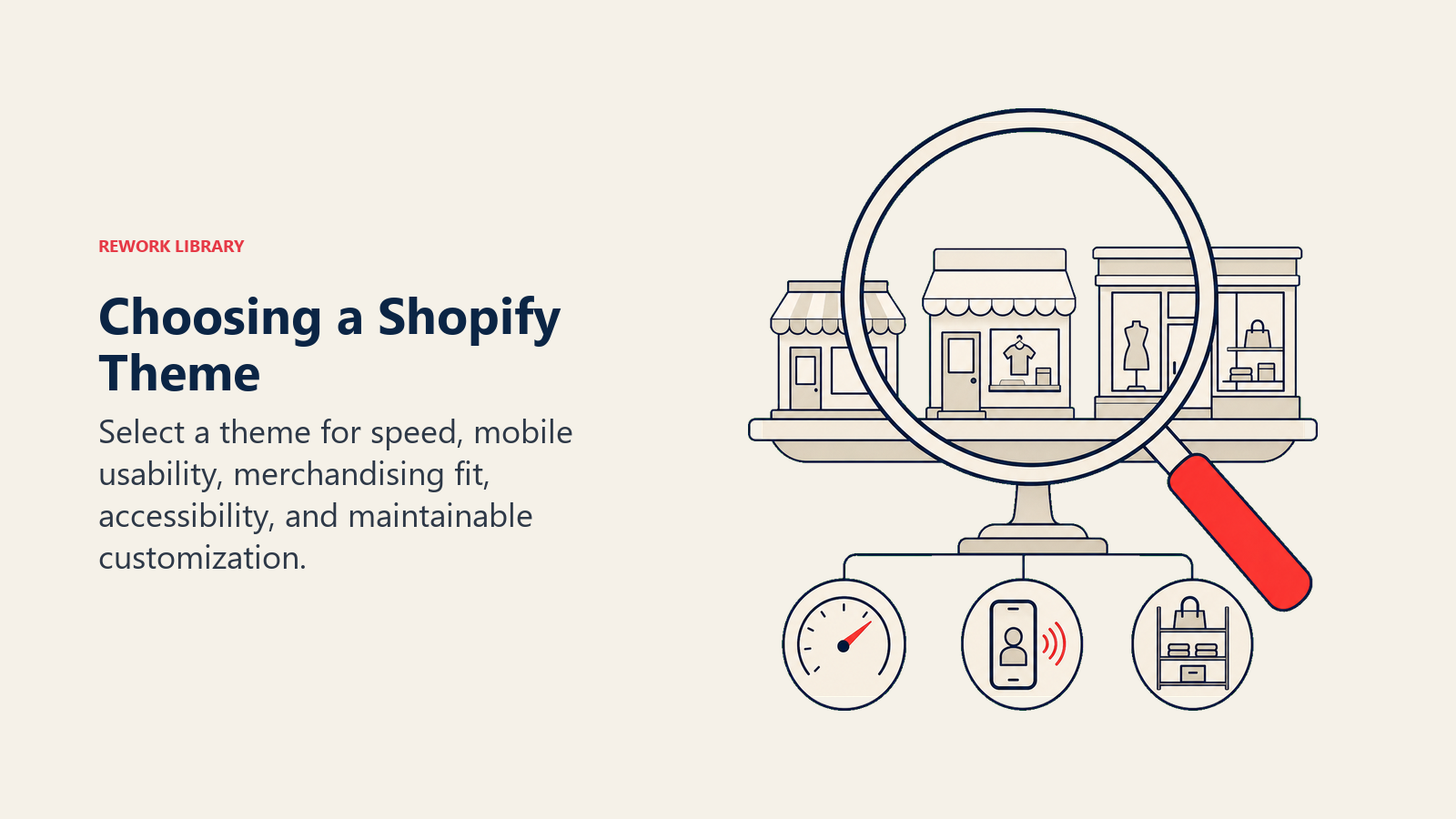
Your theme determines site performance, conversion rates, and customization complexity. The wrong theme choice creates technical debt that compounds over time, making future optimizations expensive and time-consuming. Premium vs free themes: Free themes like Dawn (Shopify's default) provide solid foundations with excellent performance. Dawn loads in under 2 seconds on mobile and scores 90+ on Lighthouse performance tests. It lacks advanced features like mega menus, sticky add-to-cart buttons, and sophisticated product filtering, but it's fast and reliable. Premium themes ($180-$350) add features that would cost $2,000-$10,000 to develop custom. They include built-in conversion optimization elements like countdown timers, cross-sell sections, advanced variant pickers, and promotional banners. The ROI calculation is straightforward: if a premium theme increases conversion rate by 0.5% on a store doing $100,000 monthly, it pays for itself in the first month.
Critical theme evaluation criteria:
Performance matters more than aesthetics. Before purchasing, test the theme demo with Google PageSpeed Insights and WebPageTest. Look for:
- Mobile speed score above 60 (higher is better)
- Time to Interactive under 3.5 seconds
- Total page size under 3MB
- Image optimization and lazy loading built-in
Responsive design goes beyond "mobile-friendly." Test the demo on actual mobile devices, not just browser emulation. Check touch target sizes (minimum 44x44 pixels), font readability without zooming, and navigation usability with one hand. Over 70% of Shopify traffic comes from mobile devices, so a theme that works poorly on mobile kills conversion.
Customization and Liquid templating:
Liquid is Shopify's templating language. Basic customization (changing colors, fonts, section layouts) happens through the theme editor without code. Advanced changes require editing Liquid files directly.
Common customization priorities:
- Product page layouts that emphasize key selling points
- Collection page filtering that matches how customers shop
- Homepage sections optimized for your specific products
- Custom cart drawer or page layouts
- Specialized landing page templates
When customizing, create a duplicate theme first. Test changes on the duplicate before publishing. This prevents breaking your live store during updates.
Theme migration best practices:
Switching themes seems simple but creates hidden complications. Products, collections, and blog posts transfer automatically. Custom sections, metafields, and app integrations do not.
Before migrating:
- Document all app integrations and their theme customizations
- Screenshot current homepage, product pages, and collection layouts
- List all custom code snippets added to the current theme
- Export theme settings if the new theme uses similar structure
- Test checkout appearance (some themes require checkout.liquid updates on Shopify Plus)
Set up the new theme on a development store or use Shopify's theme preview functionality. Build out all pages completely before publishing. This prevents the common mistake of pushing a half-configured theme live, confusing customers and dropping conversion rates.
For mobile-specific considerations, see Mobile Commerce Optimization.
Critical Apps for Growth
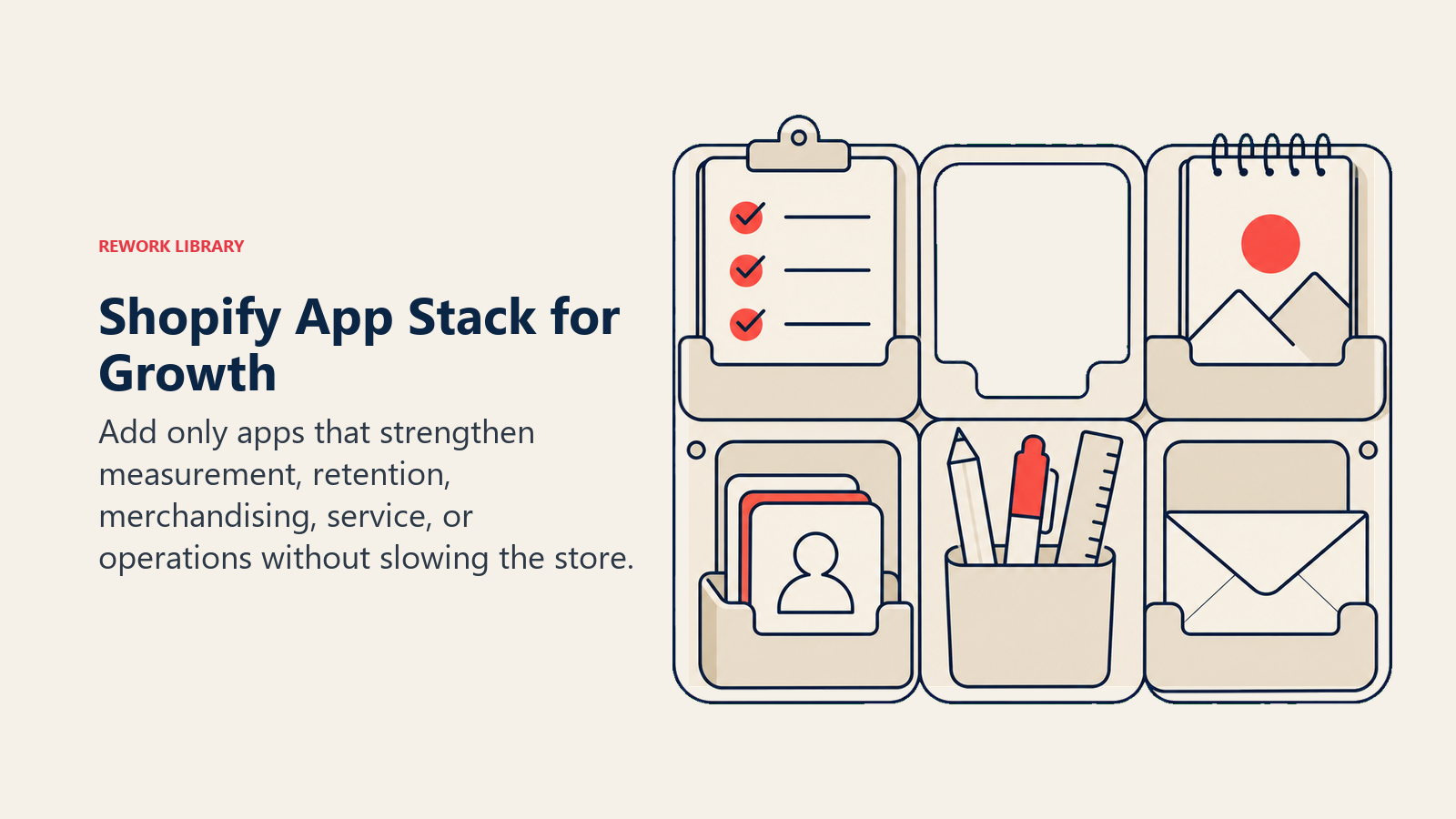
App selection determines whether your store runs smoothly or crawls under the weight of conflicting scripts. Every app adds JavaScript, makes API calls, and potentially slows page load. The goal is maximizing functionality while minimizing performance impact. Analytics and tracking foundation: Google Analytics 4 integration is mandatory, but Shopify's built-in analytics often provide better e-commerce insights. GA4 excels at cross-platform tracking and attribution; Shopify Analytics excel at sales data, customer behavior, and product performance. Install one server-side analytics app like Littledata or Elevar. These tools ensure accurate tracking even with ad blockers and iOS privacy restrictions. They typically increase trackable conversions by 20-30% compared to client-side tracking alone.
For complete tracking setup guidance, see Analytics & Tracking Setup.
Email and SMS marketing automation:
Klaviyo dominates Shopify email marketing for good reason: deep platform integration, sophisticated segmentation, and revenue attribution. It costs more than alternatives ($20-$1,500+/month based on contacts) but typically generates $40-$60 in revenue per dollar spent.
SMS marketing through Postscript or Attentive adds 15-25% incremental revenue for stores with strong email programs. SMS works for time-sensitive promotions, shipping updates, and abandoned cart recovery. Costs run $0.015-$0.03 per message, making it expensive for broad campaigns but effective for high-intent segments.
Product recommendations and personalization:
Shopify includes basic product recommendations. Third-party apps like LimeSpot, Wiser, or Rebuy provide AI-powered recommendations that increase average order value by 10-20%. They analyze browsing behavior, purchase history, and product attributes to suggest relevant items.
These apps cost $10-$300/month but generate measurable revenue. If your store does $50,000 monthly with a $75 average order value, a recommendation engine that lifts AOV by 12% generates $6,000 in additional monthly revenue. Even the most expensive plans pay for themselves within days.
Review and UGC collection:
Reviews increase conversion rates by 15-30% and provide social proof that marketing copy cannot replicate. Shopify's review system works adequately, but dedicated apps like Judge.me, Loox, or Stamped.io offer automated review requests, photo reviews, and Google Shopping integration.
The key metric is review generation rate: percentage of orders that convert to published reviews. Basic email requests generate 5-10% review rates. Apps with incentives (discount codes for reviews), optimal timing (7-14 days post-delivery), and multi-channel requests (email + SMS) achieve 20-30% rates.
Inventory management and operations:
Shopify's built-in inventory system handles single-location operations adequately. Multi-location inventory, purchase order management, and supplier integration require apps like Stocky (Shopify's own solution, free on Advanced plans), Cin7, or DEAR Inventory.
These systems prevent overselling, automate reordering, and provide demand forecasting. For stores managing 100+ SKUs across multiple locations, proper inventory management reduces stockouts by 40-60% and cuts excess inventory by 20-30%.
App performance impact assessment:
Every app loads resources on your store. Before installing, check:
- Does it load JavaScript on every page or only where needed?
- Does it make real-time API calls or use cached data?
- Can features be limited to specific pages?
- What's the file size of added scripts?
Use your browser's developer tools (Network tab) to measure page load before and after installing apps. If an app adds more than 200KB or increases page load time by over 0.5 seconds, evaluate whether the functionality justifies the performance cost.
For comprehensive performance strategies, see Site Speed & Performance.
Checkout Customization & Conversion
Checkout conversion rates average 65-75% for desktop and 50-60% for mobile. Even small improvements generate significant revenue. A store doing $100,000 monthly with 70% checkout conversion that improves to 73% gains $4,300 in monthly revenue, or $51,600 annually.
Checkout customization limits and workarounds: Shopify Basic, Shopify, and Advanced plans restrict checkout customization. You can modify colors, add trust badges, and customize the thank you page, but cannot remove fields, add custom sections, or significantly alter the flow. Shopify Plus unlocks checkout.liquid editing, enabling:
- Custom fields for delivery instructions or gift messages
- Upsells and cross-sells within checkout
- Custom shipping and payment method display
- A/B testing checkout variations
- Complete design control
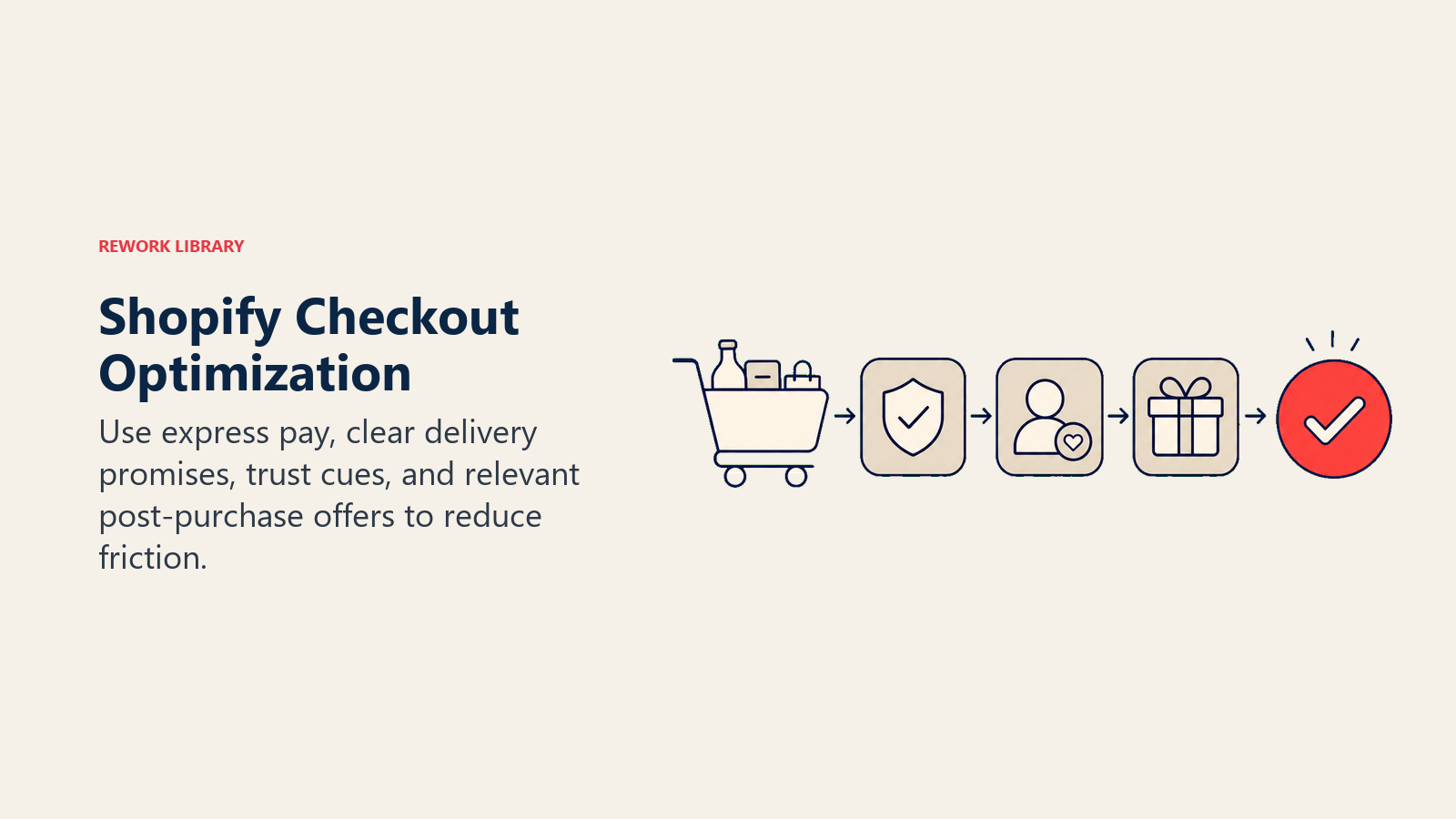
For merchants on lower-tier plans, optimize what you can control: checkout colors matching your brand, trust badges highlighting security and return policies, and express checkout buttons (Shop Pay, Apple Pay, Google Pay) prominently displayed.
Post-purchase pages and upsells:
The thank you page appears after payment completion. Customers are in a buying mindset but relaxed since the main purchase is complete. This creates the perfect moment for low-friction upsells.
Effective thank you page strategies:
- One-click upsells for complementary products at 10-20% discount
- Subscription options for consumable products
- Social media follow prompts with incentives
- Referral program invitations
- Shipping and delivery timeline confirmation
Apps like ReConvert, Zipify OCU, or Carthook handle thank you page upsells. They typically increase revenue per order by 5-12% without affecting main checkout conversion rates.
Payment gateway optimization:
Shopify Payments offers the lowest transaction fees (2.9% + $0.30 for Basic plan, decreasing on higher plans) and fastest fund transfers. Third-party gateways add 2% to Shopify's transaction fees plus their own processing rates.
Use Shopify Payments unless you need specific features like:
- Local payment methods not supported by Shopify Payments
- Existing merchant account with significantly better rates
- Advanced fraud detection tools beyond Shopify's built-in system
- Multi-currency processing with better exchange rates
Enable all express checkout options customers expect: Shop Pay (increases checkout speed by 4x), Apple Pay (50% of iOS users prefer it), Google Pay (40% of Android users use it), and PayPal (still preferred by 15-20% of customers despite slower checkout).
Shipping display and calculation:
Free shipping thresholds increase average order value when set strategically. Analyze your average order value and set the threshold 20-30% above it. If AOV is $60, set free shipping at $75. Customers adding $15 more in products to avoid $8 shipping creates profitable incremental revenue.
Real-time shipping rates increase transparency but can shock customers with unexpected costs. For high-shipping-cost products, build shipping into product pricing and offer "free shipping." Customers prefer $50 with free shipping over $42 with $8 shipping, even though the total is identical.
Display estimated delivery dates, not just shipping methods. "Arrives by Thursday, January 18" converts better than "Standard Shipping (3-5 business days)." Apps like Arrival Date or Shipping Rates Calculator provide delivery date estimates.
Trust signals and form optimization:
Checkout anxiety kills conversion. Add trust signals at every step:
- Security badges (Norton, McAfee, or SSL certificate icons)
- Money-back guarantee reminders
- Return policy links
- Customer service contact options
- "Your information is secure" messaging
Reduce form friction by:
- Enabling address autocomplete (built into Shopify)
- Removing optional fields (each field reduces conversion ~5%)
- Pre-filling information for logged-in customers
- Showing field validation in real-time, not just on submit
- Making error messages clear and actionable
For broader checkout optimization strategies, see Checkout Flow Optimization.
Performance Optimization
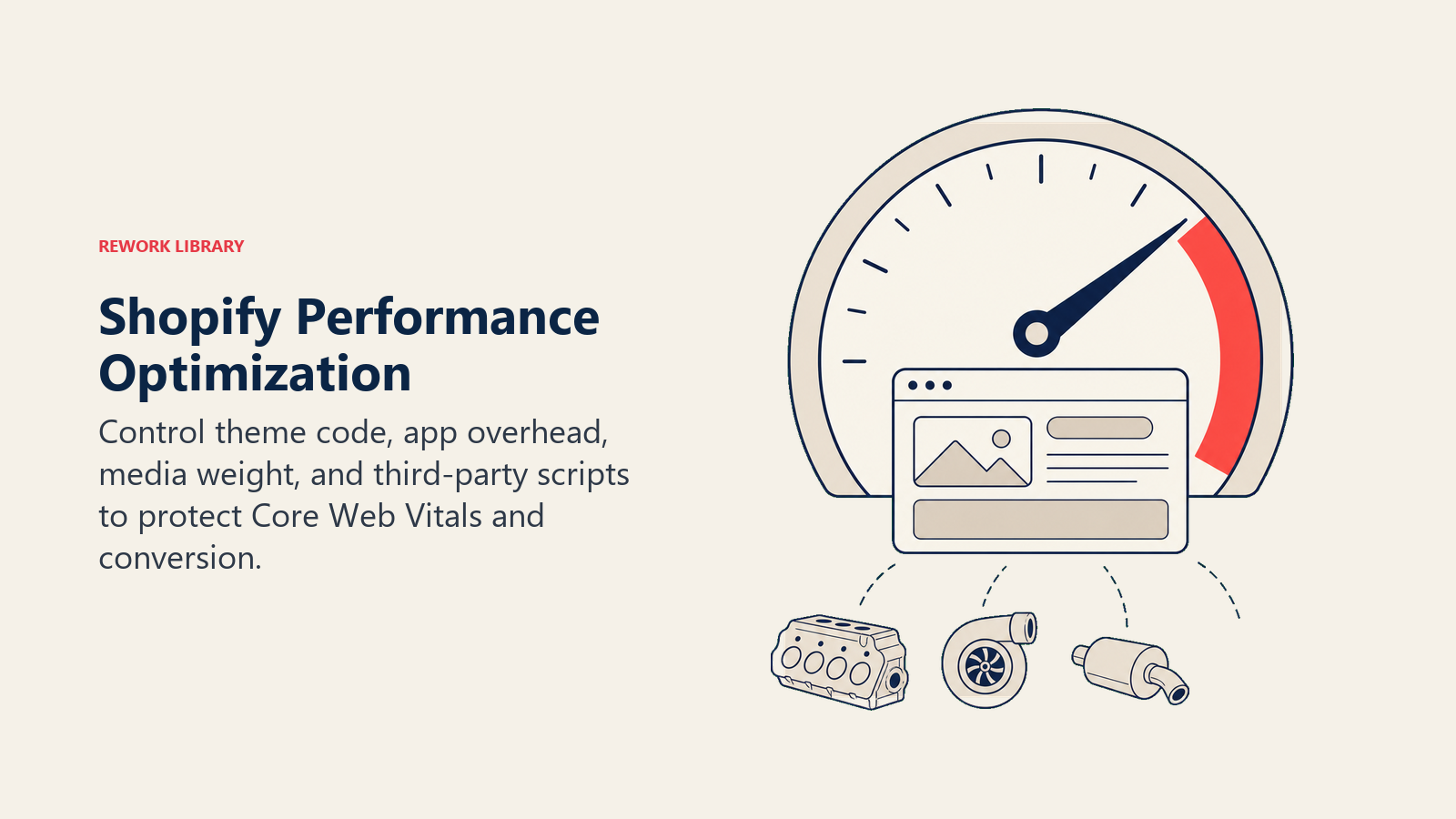
Store speed directly impacts conversion rates. Google found that as page load time increases from 1 to 3 seconds, bounce rate increases by 32%. From 1 to 5 seconds, it increases by 90%. For e-commerce, every second of delay costs approximately 7% of conversions. Core Web Vitals for Shopify: Google's Core Web Vitals measure user experience through three metrics:
- Largest Contentful Paint (LCP): Should occur within 2.5 seconds
- First Input Delay (FID): Should be less than 100 milliseconds
- Cumulative Layout Shift (CLS): Should be less than 0.1 Shopify themes generally perform well on FID since they use efficient JavaScript. LCP and CLS require optimization:
For LCP improvement:
- Preload hero images with
<link rel="preload"> - Use appropriately sized images (no 4000px images scaled down with CSS)
- Minimize render-blocking resources
- Use Shopify's CDN for all theme assets
- Defer non-critical JavaScript
For CLS improvement:
- Set explicit width and height attributes on all images
- Reserve space for dynamic content (reviews, recommendations)
- Avoid inserting content above existing content
- Use CSS aspect-ratio for responsive images
Image compression and modern formats:
Images typically comprise 50-70% of page weight. Optimization provides the highest ROI for performance work.
Shopify automatically serves images through a CDN and offers on-the-fly resizing via URL parameters. Use this instead of uploading pre-sized images:
image.jpg?width=600serves a 600px wide versionimage.jpg?width=600&height=400&crop=centercrops to exact dimensions
WebP format reduces image file size by 25-35% compared to JPEG without quality loss. Shopify's CDN automatically converts images to WebP for browsers that support it. AVIF provides even better compression (40-50% smaller than JPEG) but has limited browser support currently.
Always upload high-quality source images (2000-3000px wide for hero images). Shopify's CDN handles compression and resizing better than pre-compressed uploads.
Lazy loading implementation:
Lazy loading delays loading off-screen images until users scroll near them. This dramatically improves initial page load while maintaining full functionality.
Shopify themes built after 2021 include lazy loading by default using the loading="lazy" attribute. Verify your theme includes this on product images, collection images, and homepage sections.
Never lazy load:
- Hero images (above the fold)
- Critical product images on product pages
- Logo and navigation elements
CSS and JavaScript optimization:
Unused CSS and JavaScript slow page loads. Shopify themes often include code for features you don't use.
Optimization strategies:
- Remove unused theme sections from your theme settings
- Disable apps you're not actively using
- Combine similar apps (one abandoned cart app instead of three)
- Use Shopify's Script Editor (Plus plans) instead of multiple discount apps
- Minify custom CSS and JavaScript
App performance impact management:
Each app adds overhead. Measure performance impact before and after installation:
- Test page load time with WebPageTest or Google PageSpeed Insights
- Install the app and configure it
- Test the same pages again
- Calculate the performance cost
If an app adds more than 0.5 seconds to load time, evaluate alternatives or limit where it loads. Many apps include settings to load only on specific pages.
Caching and CDN utilization:
Shopify handles caching automatically for theme assets, product images, and static content. The global CDN serves content from servers geographically close to customers, reducing latency.
You can leverage browser caching for custom assets by:
- Hosting fonts and large media files on Shopify's file storage
- Using versioned URLs for custom JavaScript/CSS (style.v2.css)
- Setting far-future expiry headers on static assets
For third-party integrations, use server-side rendering when possible. Client-side JavaScript that fetches data on page load slows initial rendering. Apps that use Shopify's App Proxy feature or server-side rendering perform better than those loading content via client-side API calls.
Conversion-Focused Store Configuration
Technical performance matters, but conversion optimization drives revenue. Configuration choices, like how you display products, structure navigation, and present offers, directly impact whether visitors buy.
Product page optimization:
Product pages generate 40-60% of e-commerce traffic but often underperform due to poor configuration.
Essential elements:
- High-quality images showing product from multiple angles (minimum 5 images)
- Zoom functionality on desktop
- Swipe galleries on mobile
- Short, scannable descriptions using bullet points
- Trust signals (free returns, secure checkout, guarantees)
- Urgency indicators (low stock, limited time offers) when genuine
- Reviews prominently displayed above the fold
Variant display and selection:
Complex variant selection confuses customers. If you offer a product in 5 colors, 3 sizes, and 2 materials (30 combinations), make selection intuitive:
Use visual variant pickers for attributes customers need to see (color, pattern, style). Use dropdowns for functional attributes (size, material, capacity).
Show variant availability in real-time. Grayed-out or struck-through unavailable options prevent frustration better than error messages after selection.
Display variant-specific information:
- Price changes when selecting different variants
- Images that update to show selected variant
- SKU and barcode for customers who need them
- Inventory levels if using urgency tactics
For detailed product page strategies, see Product Page Optimization.
Collection filtering and navigation:
Collection pages often receive traffic from Google Shopping, social media, and paid ads. Poor filtering loses ready-to-buy customers.
Effective filtering includes:
- Price ranges (under $25, $25-$50, $50-$100, $100+)
- Product attributes (size, color, material, brand)
- Customer ratings (4+ stars, 3+ stars)
- Availability (in stock, pre-order, sale items)
- Sorting options (best selling, price, newest, rating)
Implement filtering through your theme's built-in options or apps like Boost Commerce, Searchanise, or FilterPro. These apps add faceted search and filtering without rebuilding collection pages.
Cross-sell and upsell placement:
Strategic product recommendations increase average order value without feeling pushy.
High-converting placements:
- Cart drawer: "Frequently bought together" bundles
- Product pages: "Complete your setup" complementary items
- Checkout (Plus plans): Last-chance accessories
- Post-purchase: One-click upsells for consumables or upgrades
Recommendations should be genuinely relevant. Random suggestions erode trust. Use apps with AI-powered recommendations or manually curate suggestions based on actual purchase patterns.
Cart drawer vs cart page:
Cart drawers (slide-out carts) keep customers on the current page while reviewing items. Cart pages require navigation away from product pages, breaking the browsing flow.
Cart drawers typically increase conversion by 8-15% compared to traditional cart pages. They enable:
- Adding multiple products without page reloads
- Quick cart review without losing browsing context
- Prominent checkout button always visible
- Upsells and cross-sells without disrupting shopping
Most modern themes include cart drawer options. Enable them and test against your cart page conversion rates.
Exit-intent and on-site messaging:
Exit-intent popups trigger when customers move their mouse toward closing the browser tab. Used strategically, they recover 2-4% of abandoning visitors.
Effective exit-intent offers:
- First-purchase discounts (10-15% off)
- Free shipping threshold reminders
- Email signup with incentive
- Cart abandonment savers
Limit frequency (once per session or once per week) to avoid annoying repeat visitors. Never show exit-intent to customers who have already converted.
For comprehensive conversion strategies, see Conversion Rate Optimization (CRO).
Analytics, Reporting, and Data Insights
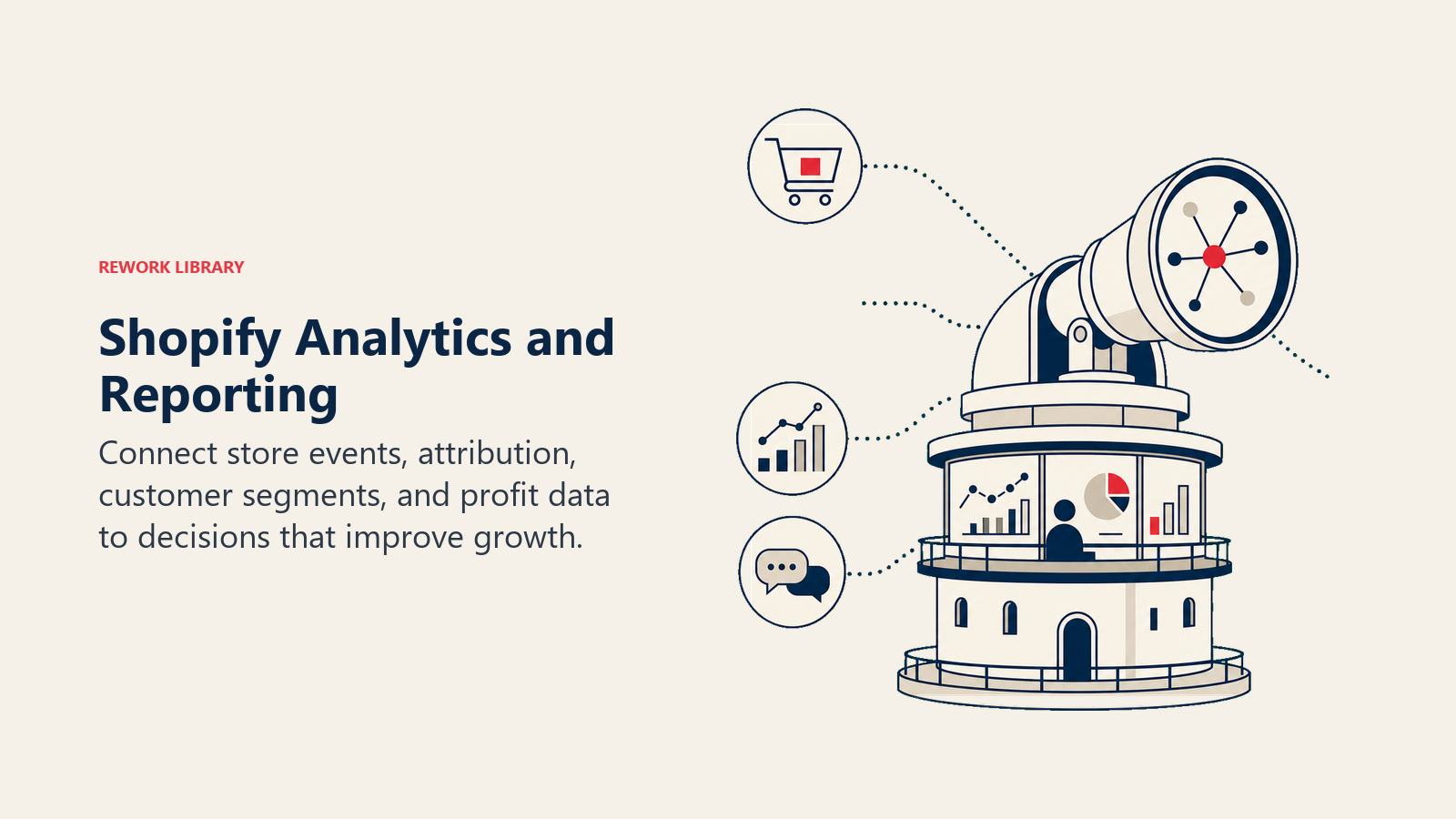
You can't optimize what you don't measure. Shopify provides robust analytics, but proper configuration and interpretation separate data from insights. Shopify Analytics dashboard: Built-in analytics track:
- Total sales, orders, and average order value
- Online store conversion rate
- Top products by units sold and revenue
- Traffic sources and their conversion rates
- Returning customer rate
- Sales over time with year-over-year comparisons Access analytics at Analytics > Reports in your admin. The default dashboard provides high-level metrics. Custom reports offer deeper insights.
Attribution modeling:
Attribution answers: "Which marketing channel deserves credit for this sale?" Shopify uses last-click attribution by default (the channel immediately before purchase gets full credit).
This undervalues awareness channels (social media, content marketing, display ads) that introduce customers who later convert through direct or branded search.
Multi-touch attribution apps like TripleWhale, Rockerbox, or Northbeam provide better attribution by crediting all touchpoints in the customer journey. They typically reveal that social media and content marketing drive 30-40% more value than last-click attribution suggests.
Segment creation and analysis:
Segmentation reveals which customer groups generate profit and which consume resources.
Valuable segments to analyze:
- First-time vs returning customers (returning customers typically convert 3-5x higher)
- High-value customers (top 20% of customers often generate 60%+ of revenue)
- Geographic segments (some regions may have higher AOV or lower return rates)
- Acquisition channel segments (customers from email often have higher LTV than paid social)
- Product category purchasers (buyers of category A often return; category B buyers don't)
Create segments in Shopify's customer section or use Klaviyo/Mailchimp for marketing-focused segmentation.
Custom reports and metrics:
Shopify's report builder (available on Shopify and higher plans) creates custom reports combining sales data, inventory, and customer information.
High-value custom reports:
- Product profitability (revenue minus product cost, shipping, discounts, returns)
- Customer lifetime value by acquisition channel
- Inventory turnover rates by product
- Return rates and reasons by product category
- Discount effectiveness (sales with discount vs without)
Export data to Google Sheets or Excel for analysis not possible in Shopify's report builder.
GA4 integration and event tracking:
Google Analytics 4 provides insights Shopify Analytics cannot, particularly cross-platform behavior and detailed user journey analysis.
Critical GA4 events to track:
- Product views, add to cart, begin checkout, purchase (e-commerce events)
- Search queries and results clicked
- Video plays on product pages
- Size guide opens
- Customer account creation
- Email signup
- Social share clicks
Install GA4 through Google & YouTube app in Shopify or manually via Google Tag Manager. Server-side tracking apps (Littledata, Elevar) improve accuracy by bypassing browser-based tracking limitations.
Pixel tracking and conversion events:
Facebook Pixel, TikTok Pixel, and Snapchat Pixel track conversions from paid social campaigns. Shopify's built-in pixel integration makes installation simple:
- Connect your Facebook/TikTok/Snapchat business account
- Enable the pixel in Shopify's Online Store > Preferences
- Configure events (PageView, AddToCart, Purchase) automatically
Server-side event tracking (via Shopify's Customer Events or Conversions API) improves accuracy 20-30% compared to browser-only tracking, compensating for iOS privacy restrictions and ad blockers.
Mobile Commerce Optimization
Mobile devices generate 70-80% of e-commerce traffic but only 55-65% of revenue. The conversion gap results from poor mobile experiences, not customer intent.
Mobile theme responsiveness:
Responsive design adapts layouts to screen sizes. All modern Shopify themes are responsive, but quality varies significantly.
Test your theme on actual devices (iPhone, Android phones, tablets) with different screen sizes. Browser developer tools show approximate responsive behavior but miss touch interaction issues and actual device performance.
Mobile-specific considerations:
- Minimum font size of 16px (prevents zoom on form inputs)
- Touch targets minimum 44x44 pixels (Apple's Human Interface Guidelines)
- Single-column layouts on phones
- Simplified navigation (hamburger menu vs mega menu)
- Sticky add-to-cart button on product pages
- Larger product images optimized for mobile data speeds
Touch-friendly navigation:
Mouse-based interactions don't translate to touchscreens. Hover states, small click targets, and nested menus frustrate mobile users.
Mobile navigation best practices:
- Primary navigation accessible within thumb reach (bottom 60% of screen)
- Search prominently placed (40% of mobile shoppers use search)
- Minimal top-level menu items (5-7 maximum)
- Subcategories accessible through taps, not hovers
- Back button or breadcrumb navigation on all pages
Mobile payment options:
Express checkout options dramatically improve mobile conversion. Shop Pay, Apple Pay, and Google Pay reduce checkout friction by 60-70%.
Shop Pay enables one-tap checkout for returning customers across all Shopify stores. First-time users save information, subsequent purchases complete in seconds. Stores using Shop Pay see 1.72x higher conversion rates on mobile.
Apple Pay and Google Pay use device-stored payment and shipping information. Customers complete purchase in 3-4 taps vs 10-15 for traditional checkout.
Enable all express options in Settings > Payments. Display them prominently on product pages and cart.
Progressive Web App capabilities:
Progressive Web Apps (PWAs) provide app-like experiences through web browsers: offline functionality, home screen installation, push notifications.
Shopify themes don't include full PWA functionality by default, but you can add:
- Service workers for offline browsing
- Web app manifest for home screen installation
- Push notifications for abandoned cart and promotional campaigns
PWA benefits for e-commerce:
- 50% faster repeat page loads through caching
- 30% higher engagement through push notifications
- Reduced friction (no app store download required)
Apps like Plobal Apps or Vajro convert Shopify stores to PWAs without coding. They cost $99-$500/month but can increase repeat purchase rates 15-25%.
Mobile-specific app considerations:
Apps optimized for desktop often perform poorly on mobile. Before installing:
- Test the app on mobile devices
- Check if it loads resources conditionally (mobile-only code on mobile)
- Verify touch interactions work smoothly
- Ensure popup sizing works on small screens
Exit-intent popups, chat widgets, and review apps frequently cause mobile usability issues. Configure them to display differently on mobile or disable entirely if they reduce mobile conversion.
Security, Compliance, and Maintenance
Security breaches, data privacy violations, and compliance failures destroy customer trust and generate legal liability. Proper security and maintenance practices prevent disasters.
SSL/TLS and PCI compliance:
Shopify includes SSL certificates for all stores automatically. Your store loads via HTTPS without configuration. The platform maintains PCI DSS Level 1 compliance (the highest security standard for payment processing).
This covers the Shopify checkout and any data stored in Shopify's system. Third-party apps and custom integrations create additional security considerations.
App security vetting:
Apps access your store data through Shopify's API. Before installing, review requested permissions:
- Read/write access to orders (necessary for order management apps)
- Read/write access to customers (required for email marketing)
- Read/write access to products (needed for inventory management)
Excessive permission requests signal potential issues. An abandoned cart app should not need write access to products. A review app should not need full customer data access.
Check app reviews for security complaints. Research the developer (established company vs individual). Verify regular updates (apps abandoned for 1+ year may have security vulnerabilities).
Regular updates and version management:
Shopify themes receive updates for bug fixes, security patches, and new features. Apps update automatically in most cases.
Theme updates require manual application:
- Check for updates in Online Store > Themes
- Review changelog for breaking changes
- Update a duplicate theme first
- Test all pages before publishing
- Apply customizations to updated theme if necessary
Shopify platform updates roll out automatically. You cannot control the update schedule. Thoroughly test your store after Shopify announces major updates to catch compatibility issues with apps or custom code.
Data privacy and GDPR compliance:
Shopify includes tools for GDPR compliance:
- Cookie consent banners
- Customer data request handling
- Right to deletion (customers can request data removal)
- Data portability (export customer data)
Configure privacy settings in Settings > Customer Privacy. Enable cookie consent for EU customers. Create privacy and data retention policies accessible from your footer.
Apps that collect customer data must also be GDPR compliant. Verify each app's privacy policy and data handling practices. Email marketing apps (Klaviyo, Mailchimp) include GDPR compliance features for EU subscribers.
Backup strategies and disaster recovery:
Shopify backs up store data automatically, but backups cover the platform database only. Theme customizations, app configurations, and custom code require separate backups.
Create manual backups:
- Export theme files monthly (Download theme from Themes section)
- Export product data (Products > Export)
- Export customer data (Customers > Export)
- Document app settings and configurations
- Save custom code snippets externally
Use version control (GitHub) for theme development. This provides complete history of changes and enables rollback to previous versions.
For disaster recovery, maintain documentation of:
- App list with configuration settings
- Third-party integrations and API keys
- Custom domain DNS configuration
- Email marketing segmentation and automation workflows
- Payment processor settings
Scaling Beyond the Platform
Shopify's built-in capabilities handle most stores up to $1M-$5M annual revenue. Beyond that, custom integrations, headless architecture, and advanced inventory systems become necessary.
API integration and customization:
Shopify's API provides programmatic access to all store data: products, orders, customers, inventory. This enables custom functionality beyond app capabilities.
Common API use cases:
- Custom order management systems
- ERP integration for complex inventory
- Custom reporting dashboards
- Automated pricing updates based on external data
- Integration with manufacturing or fulfillment systems
The REST API handles standard operations (creating orders, updating products). The GraphQL API provides more efficient data querying for complex operations.
Private app development:
Private apps (custom apps for a single store) implement functionality not available through public apps. Development costs $5,000-$50,000 depending on complexity.
When to build private apps:
- Unique business processes that no existing app supports
- Integration requirements with proprietary systems
- Performance-critical functionality (public apps may be too slow)
- Data security requirements (avoiding third-party app access)
Shopify Plus includes developer resources and support for custom app development. Basic, Shopify, and Advanced plans support private apps but with limited technical support.
Headless Shopify architecture:
Headless commerce separates the frontend (customer-facing website) from backend (commerce functionality). Shopify handles checkout, payment, and order management while custom frontends provide unique experiences.
Benefits of headless:
- Complete design flexibility
- Superior performance (optimized frontend code)
- Multi-platform consistency (website, mobile app, kiosk all use same backend)
- A/B testing without platform limitations
Drawbacks:
- Development costs ($50,000-$200,000 for initial build)
- Ongoing maintenance requirements
- Loss of Shopify's theme ecosystem and automatic updates
- Complex deployment and hosting
Headless makes sense for brands with unique UX requirements, multi-platform strategies, or technical resources to maintain custom frontends. Most stores benefit more from optimized Shopify themes.
Third-party inventory systems:
Shopify's inventory system handles single-warehouse operations effectively. Multi-warehouse, complex bundling, or manufacturing workflows require specialized systems.
Inventory management systems like Cin7, DEAR, or Brightpearl integrate with Shopify and provide:
- Multi-location inventory with automated allocation
- Purchase order management and supplier tracking
- Manufacturing and assembly tracking
- Demand forecasting and automated reordering
- Lot and serial number tracking
These systems cost $300-$2,000/month but prevent stockouts, reduce excess inventory, and improve operational efficiency for stores managing 500+ SKUs or multiple warehouses.
Multichannel synchronization:
Selling on Shopify, Amazon, eBay, and social media requires inventory synchronization to prevent overselling.
Shopify includes sales channels for Facebook, Instagram, Google, and Amazon. These sync inventory automatically but with limitations: they don't handle complex scenarios like bundles, consignment inventory, or warehouse-specific allocation.
Multichannel management apps like Sellbrite, Linnworks, or ChannelAdvisor provide:
- Real-time inventory sync across all channels
- Centralized order management
- Automated listing creation
- Price synchronization with channel-specific adjustments
- Performance analytics across channels
For detailed marketplace comparisons, see Shopify vs Marketplace.
Cost Optimization & ROI
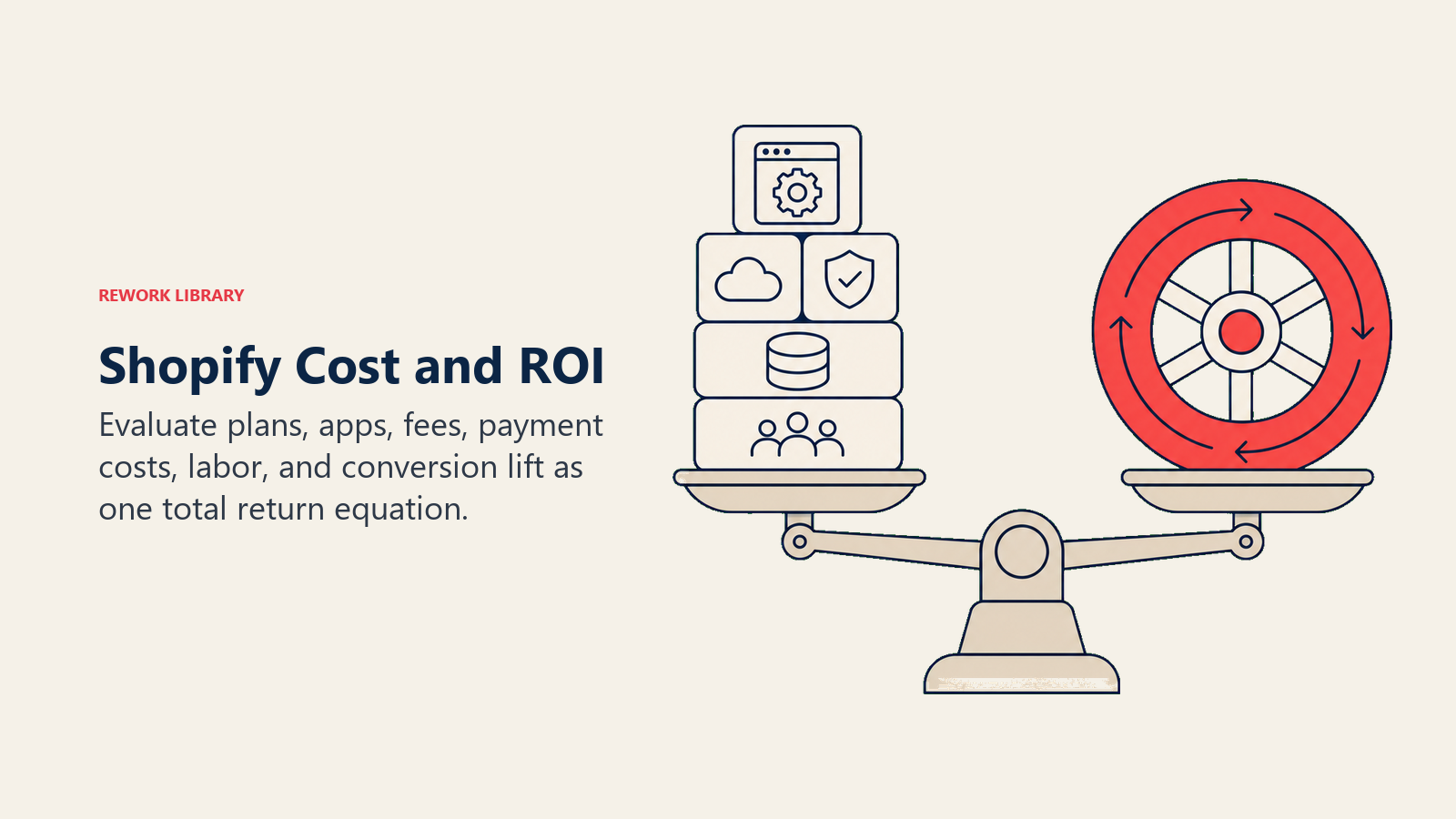
Shopify costs extend beyond the monthly platform fee. Apps, payment processing, and transaction fees compound quickly. Strategic cost management improves profitability without sacrificing functionality. Plan selection and upgrade strategy: Shopify offers four main plans:
- Basic Shopify: $39/month, 2.9% + $0.30 online transaction fee
- Shopify: $105/month, 2.7% + $0.30 transaction fee
- Advanced Shopify: $399/month, 2.5% + $0.30 transaction fee
- Shopify Plus: $2,300+/month, 2.15% + $0.30 transaction fee (negotiable) The break-even calculation depends on monthly sales volume:
At $10,000/month:
- Basic: $39 + $319 (fees) = $358 total
- Shopify: $105 + $299 (fees) = $404 total
- Basic plan saves $46/month
At $50,000/month:
- Basic: $39 + $1,495 (fees) = $1,534 total
- Shopify: $105 + $1,385 (fees) = $1,490 total
- Shopify plan saves $44/month
At $100,000/month:
- Shopify: $105 + $2,770 (fees) = $2,875 total
- Advanced: $399 + $2,530 (fees) = $2,929 total
- Shopify plan saves $54/month (Advanced becomes cheaper at ~$120,000/month)
Calculate your break-even point based on actual sales volume. Upgrade when the lower transaction fees offset the higher monthly cost.
App cost analysis:
Apps average $50-$200/month total for most stores. High-app-count stores spend $500-$1,000+/month.
Cost optimization strategies:
- Audit apps quarterly, removing unused ones
- Consolidate functionality (one app doing three jobs vs three apps)
- Evaluate free alternatives for low-impact features
- Negotiate annual billing (typically saves 10-20%)
- Test app impact on conversion before committing to paid plans
Calculate app ROI explicitly. If an abandoned cart app costs $30/month and recovers 5 extra orders monthly at $75 average order value, it generates $375 - $30 = $345 net monthly benefit (1,150% ROI).
Transaction fee minimization:
Shopify Payments eliminates the 2% transaction fee charged on third-party payment gateways. For most merchants, this makes Shopify Payments the lowest-cost option even if processing rates are slightly higher than alternatives.
At $50,000 monthly sales:
- Shopify Payments: $1,385 (2.77% effective rate)
- Third-party gateway at 2.5% + 2% Shopify fee + $0.30: $2,265 (4.53% effective rate)
- Savings with Shopify Payments: $880/month ($10,560/year)
Use third-party gateways only when:
- You need specific payment methods unavailable on Shopify Payments
- You have negotiated significantly better rates (typically requires $500,000+/month volume)
- You operate in a region where Shopify Payments isn't available
Payment processor comparison:
Beyond Shopify Payments, PayPal, Stripe, and specialized processors offer different rates and features.
PayPal: 2.9% + $0.30, widely trusted, slightly slower checkout Stripe: 2.9% + $0.30, excellent developer tools, global payment methods Square: 2.9% + $0.30, integrates with physical retail
All trigger Shopify's 2% transaction fee on lower-tier plans, making effective rates 4.9% + $0.30.
For high-volume stores ($100,000+/month), negotiate custom rates:
- Shopify Plus merchants can negotiate Shopify Payments rates to 2.0% + $0.30
- PayPal offers negotiated rates starting at 2.2% + $0.30 for high-volume merchants
- Stripe's custom pricing begins at similar volume thresholds
Hidden costs and budget planning:
Comprehensive Shopify cost analysis includes:
Monthly recurring:
- Platform fee: $39-$2,300+
- Apps: $50-$500+
- Email/SMS marketing: $50-$1,000+
- Multichannel integrations: $0-$300
Transaction-based:
- Payment processing: 2.5-2.9% + $0.30
- Shopify transaction fee (if using third-party gateway): 2.0%
- Currency conversion (for international sales): 1.5-2.5%
Occasional:
- Theme purchase: $180-$350 (one-time)
- Custom development: $2,000-$50,000+ (as needed)
- Professional photography: $500-$5,000 (quarterly or annually)
A store doing $50,000 monthly with typical costs:
- Platform: $105
- Apps: $200
- Email marketing: $100
- Payment processing: $1,385
- Total: $1,790 (3.58% of revenue)
Budget 3-5% of revenue for Shopify-related costs. High-volume stores with negotiated rates operate at 2-3%. New stores with lower volumes may hit 5-7% until they scale and optimize.
Common Mistakes & Solutions
Even experienced merchants make configuration mistakes that limit performance. Recognizing and fixing these issues unlocks significant improvements.
App overload and performance degradation:
Installing too many apps creates compounding performance issues. Each app loads JavaScript, makes API calls, and adds processing overhead.
Symptoms:
- Page load times increasing over months
- Lighthouse performance scores dropping
- Mobile performance significantly worse than desktop
Solution:
- Audit all installed apps (Apps section in admin)
- Remove apps you haven't used in 30+ days
- For remaining apps, test performance impact individually
- Consolidate functionality (use one comprehensive app vs three specialized ones)
- Limit apps to essential conversion, analytics, and operational tools
Aim for 10-15 total apps maximum. Stores with 30+ apps almost always suffer performance issues.
Neglecting mobile optimization:
Desktop-focused optimization ignores 70% of traffic. Stores that optimize only for desktop leave massive revenue on the table.
Symptoms:
- Mobile conversion rate 50%+ lower than desktop
- High mobile bounce rates (70%+)
- Customer complaints about mobile experience
Solution:
- Test your entire store on actual mobile devices weekly
- Enable all express checkout options (Shop Pay, Apple Pay, Google Pay)
- Use mobile-first theme or ensure current theme is truly responsive
- Optimize images specifically for mobile data speeds
- Simplify mobile navigation and reduce friction points
Poor checkout execution:
Checkout optimization requires attention to small details. Overlooking trust signals, adding unnecessary fields, or poor payment option display kills conversion.
Symptoms:
- Checkout abandonment rate above 30%
- High exit rates at payment step
- Support inquiries about checkout confusion
Solution:
- Add trust badges at checkout header
- Remove optional fields (company name, address line 2 if not needed)
- Display all payment options prominently
- Show security and return policy reminders
- Optimize for mobile checkout experience specifically
- Test checkout flow monthly on different devices and browsers
Inadequate analytics setup:
Many merchants install Google Analytics but never configure e-commerce tracking properly. They see traffic numbers but miss actionable insights.
Symptoms:
- Can't identify which channels drive profitable customers
- Unable to calculate customer lifetime value by source
- Don't know which products drive repeat purchases
- Can't measure impact of marketing campaigns
Solution:
- Enable e-commerce tracking in GA4
- Install server-side tracking app (Littledata or Elevar)
- Set up conversion tracking for Facebook, Google, TikTok pixels
- Create customer segments in Shopify for analysis
- Build custom reports for profitability metrics
- Review analytics weekly, not just when problems occur
Theme bloat and customization accumulation:
Over time, themes accumulate custom code, unused sections, and conflicting modifications. This creates technical debt that slows performance and makes future updates difficult.
Symptoms:
- Theme code contains dozens of unused sections
- Multiple developers added conflicting customizations
- Theme updates break custom functionality
- Page load time increased gradually over months
Solution:
- Audit theme code quarterly, removing unused sections
- Document all customizations with comments in code
- Consolidate similar customizations into single, reusable components
- Test theme on staging environment before major customizations
- Consider theme migration every 2-3 years for clean foundation
Shopify Optimization FAQs
What is the fastest way to drive ecommerce growth on Shopify?
Start with conversion, not traffic. Audit and remove unused apps, run a performance-tested theme, enable Shop Pay and other express checkouts, and set a free shipping threshold 20-30% above your average order value. These changes lift revenue from traffic you already have.
How many apps should a Shopify store run?
Aim for 10-15 total. Each app loads scripts and makes API calls that slow your store. Stores with 30+ apps almost always suffer performance and conversion issues, so consolidate functionality where one app can do the work of three.
Does Shopify checkout conversion really affect growth that much?
Yes. Checkout conversion averages 65-75% on desktop and 50-60% on mobile. A store doing $100,000 monthly that lifts checkout conversion from 70% to 73% gains about $4,300 a month, or roughly $51,600 a year, with no extra ad spend.
Which metrics tell me Shopify optimization is working?
Track online store conversion rate, average order value, Core Web Vitals (LCP under 2.5s, CLS under 0.1), and checkout completion rate. Improvements in these four signals usually precede sustained revenue growth.
When should I upgrade my Shopify plan to grow profitably?
Upgrade when lower transaction fees offset the higher monthly cost. Shopify becomes cheaper than Basic around $50,000 monthly sales, and Advanced becomes cheaper than Shopify near $120,000 monthly. Calculate the break-even from your real sales volume.
Shopify optimization is ongoing work, not a one-time project. The platform evolves, your product catalog changes, customer expectations shift, and competitive pressure increases. Merchants who treat optimization as continuous improvement outperform those who "set and forget."
Start with performance fundamentals: fast page loads, mobile-optimized experiences, and reliable checkout. Build on that foundation with strategic app selection, conversion-focused configuration, and data-driven decision making.
The stores that win on Shopify don't necessarily have the biggest budgets or most apps installed. They have clear strategies, measure what matters, and relentlessly optimize based on evidence. Apply these principles consistently, and your Shopify store will outperform competitors spending far more on marketing.

On this page
- Shopify's Competitive Advantage
- Theme Selection & Customization
- Critical Apps for Growth
- Checkout Customization & Conversion
- Performance Optimization
- Conversion-Focused Store Configuration
- Analytics, Reporting, and Data Insights
- Mobile Commerce Optimization
- Security, Compliance, and Maintenance
- Scaling Beyond the Platform
- Cost Optimization & ROI
- Common Mistakes & Solutions