Facebook & Instagram Ads: Meta Creative Strategy, Audience Targeting & ROAS Optimization
Turn this article into takeaways for your work.


Each assistant summarizes the article only for you and suggests best practices for your work.
Meta's advertising platform gives you access to over 3 billion monthly active users across Facebook and Instagram. But here's what trips up most e-commerce brands: they treat Meta ads like a performance channel when it's really a discovery platform. People aren't actively searching for products like they are on Google. They're scrolling through content, and your ad needs to stop that scroll, build interest, and create demand where none existed moments before.
This changes everything about how you approach campaigns. Success on Meta requires the right creative matched to the right audience at the right stage of awareness. Structure your campaigns wrong, target poorly, or serve bland creative, and you'll burn through budget with nothing to show for it. Get it right and Meta ads can be one of your most scalable, profitable acquisition channels as part of your overall traffic acquisition strategy.
This guide covers the complete Meta advertising strategy for e-commerce: campaign architecture, pixel implementation, and ROAS optimization. We'll focus on what actually works in 2026, not outdated tactics from 2019.
Why Meta ads work for e-commerce (when done right)
Meta's platform offers something Google can't: the ability to reach people who don't yet know they want your product. This makes it particularly valuable for new product launches, visual products (fashion, home goods, beauty, accessories), impulse purchases, and lifestyle brands where Instagram's visual format shines.
The targeting capabilities are what make it work. Meta knows what pages people like, what posts they engage with, what websites they visit, and what they purchase. You can target "women aged 25-34 who follow sustainable fashion brands, engage with eco-friendly content, and have purchased from similar brands in the last 30 days." It's hard to beat that level of specificity.
But there's a tradeoff. Meta traffic is colder than search traffic. Someone clicking your Google Shopping ad is actively looking for what you sell. Someone seeing your Facebook ad is just scrolling through their feed. This means you need stronger creative to grab attention, and your landing pages need to do more convincing work to convert that traffic.
Understanding Meta placements: Facebook and Instagram
Your ads appear across multiple placements, each with different user behaviors and creative requirements.
Facebook placements
Feed is the main scrolling experience on desktop and mobile. This placement typically gets the highest engagement but can also be the most expensive. Your creative competes with posts from friends and family.
Stories use full-screen vertical format between user stories. Short video and static images work here. Keep text minimal.
Marketplace is Facebook's buy-and-sell section. This placement works well for product discovery since people are already in a shopping mindset.
Instagram placements
Feed is the main scrolling experience. The most engaged placement on Instagram. Square images (1:1) or vertical (4:5) work best.
Stories are full-screen vertical ads between user stories. Use 9:16 ratio. Stories get high engagement but users move through them quickly, so your message needs to be immediate.
Reels is short-form video placement similar to TikTok. Native, authentic-looking video content performs best here. Polished ads that scream "advertisement" get scrolled past.
Most e-commerce brands see best results focusing on Facebook Feed, Instagram Feed, and Instagram Stories. Add other placements once you've mastered the core three.
Campaign structure for e-commerce
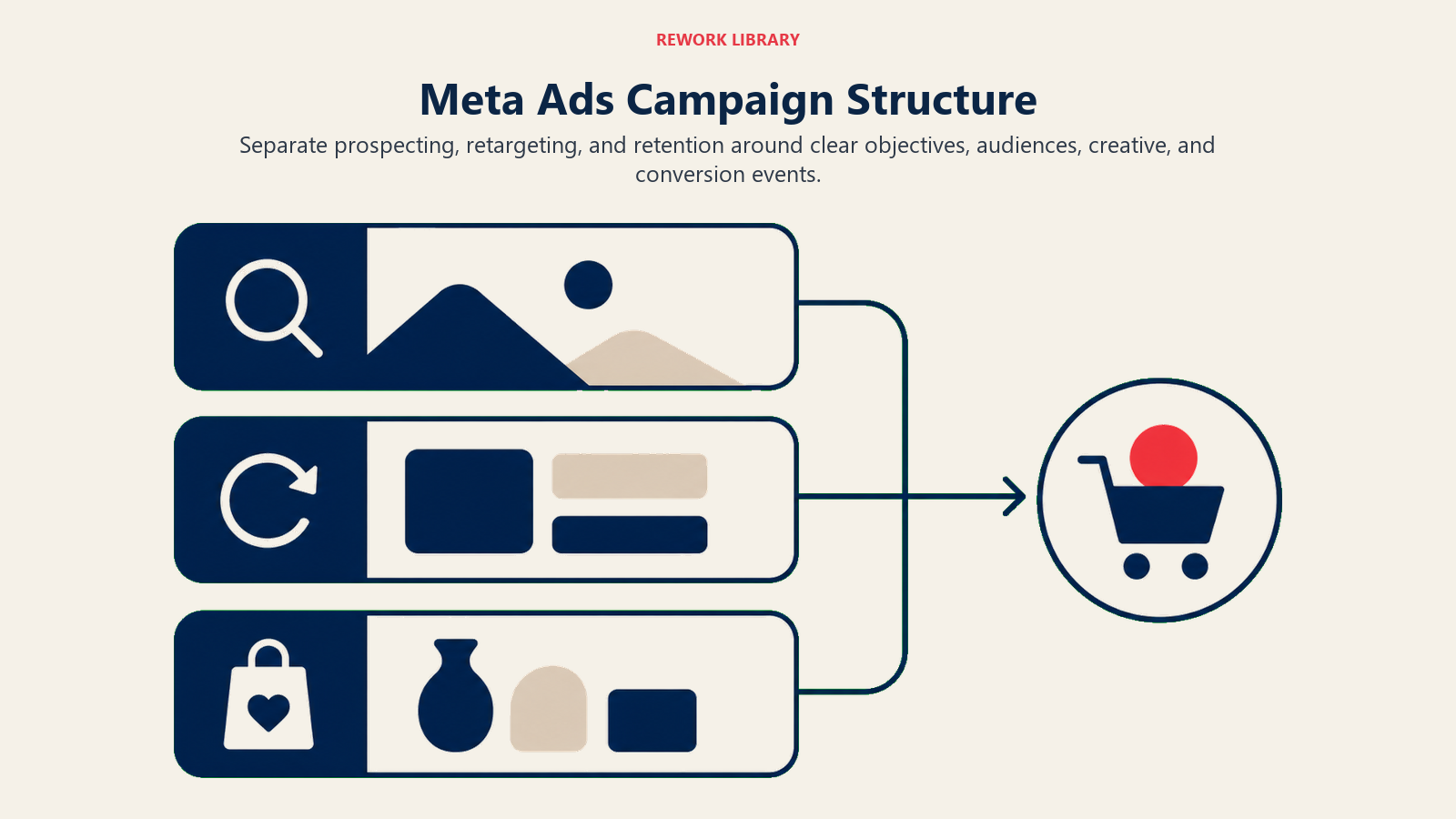
Meta's campaign structure has three levels: Campaign, Ad Set, and Ad. How you organize these levels determines how efficiently you can test, optimize, and scale.
Campaign objective selection
At the campaign level, you choose your objective. For e-commerce, you'll primarily use Sales (formerly Conversions) when your goal is direct purchases. This should make up 80%+ of your budget. The algorithm optimizes for purchases when you choose this objective, so you get better ROAS.
Traffic campaigns can work for top-of-funnel testing with cold audiences when you want to drive people to your website but aren't necessarily optimizing for purchases yet.
Ad set organization
Within each campaign, ad sets control targeting and budget. You can structure by audience type (lookalikes, interests, retargeting) or consolidate into fewer ad sets with larger budgets.
The current trend is toward consolidation. Meta's algorithm performs better with larger budget pools and more conversion data. Instead of 5 ad sets at $50/day each, one ad set at $250/day often outperforms. When you're testing, separation helps. Once you know what works, consolidate.
Creative rotation and testing
At the ad level, you upload creative (images, videos, copy). Best practice: run 3-5 ads per ad set with different creative variations. Meta will automatically optimize toward the best-performing ads. You need to keep testing new creative because winning ads fatigue as audiences see them repeatedly. Plan to refresh creative every 2-4 weeks depending on your spend level.
Audience targeting strategies
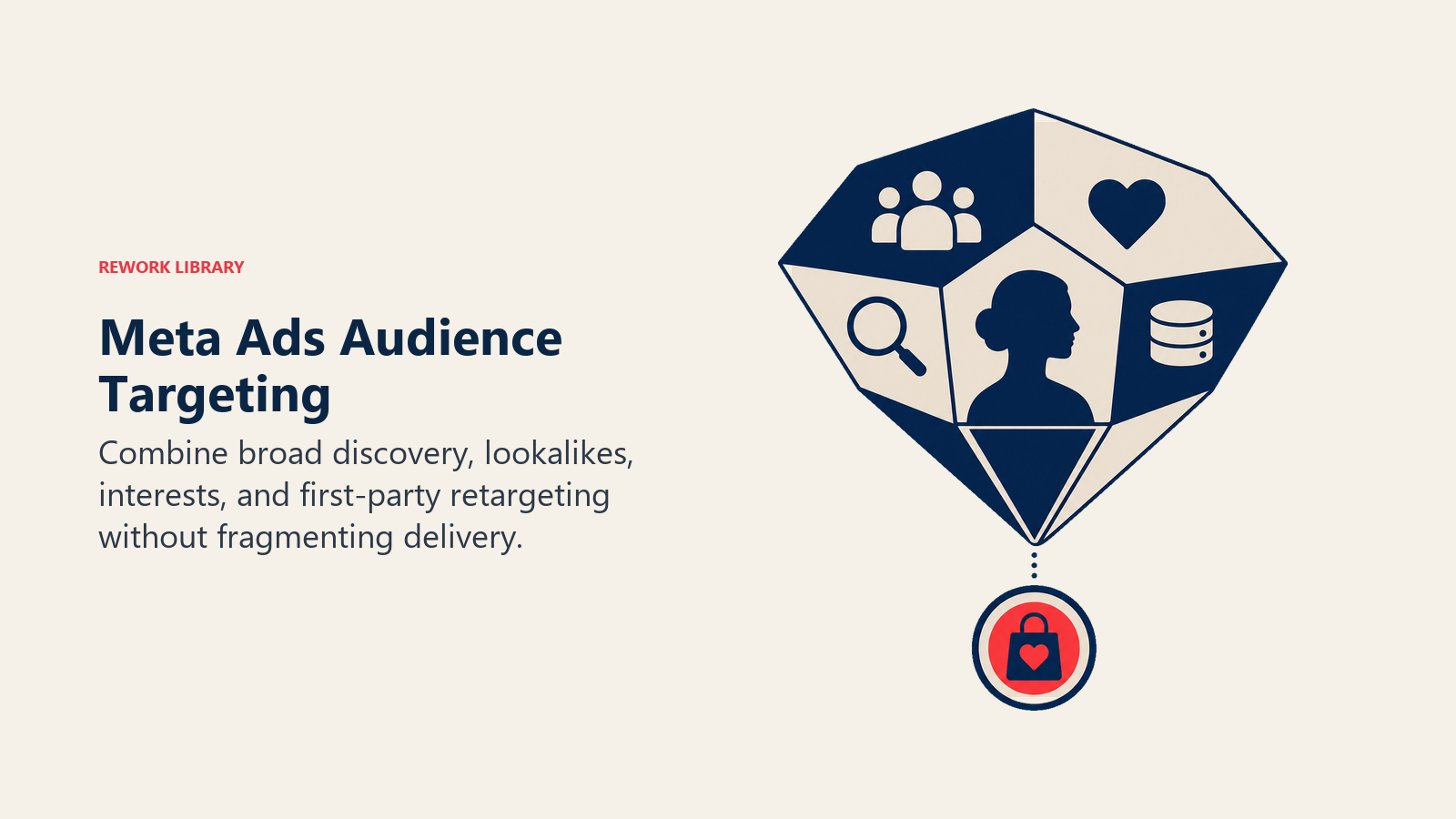
Targeting makes or breaks Meta campaigns. Too broad and you waste money on people who'll never buy. Too narrow and you limit scale potential.
Core audiences: interests, behaviors, and demographics
Core audiences let you manually target based on demographics (age, gender, location), interests (pages they like, content they engage with), and behaviors (purchase patterns, device usage).
Start with interests that match your ideal customer. Selling yoga apparel? Target people interested in yoga, Lululemon, Alo Yoga, meditation, wellness. Layer demographics on top, but don't over-constrain. A good starting audience size is 500,000 to 2 million people.
Lookalike audiences: cloning your best customers
Lookalike audiences are Meta's way of finding new people who resemble your existing customers. You provide a source audience (email list, website visitors, purchasers), and Meta builds an audience of similar people.
The best source is purchasers from the last 180 days (minimum 100 people, ideally 1,000+). These are proven buyers. When creating lookalikes, start with 1% (the closest match to your source). Once that's profitable, test 2-3% to scale reach while maintaining quality.
Pro tip: Use value-based lookalikes when possible. Upload customer lists with purchase values, and Meta will weight the lookalike toward people who resemble your highest-value customers.
Custom audiences: retargeting website traffic
Custom audiences let you retarget people who've already interacted with your brand. For e-commerce, the most valuable custom audiences are:
Add to cart (14 days): High intent. They were ready to buy but didn't complete purchase. Hit them with urgency messaging and potentially a small discount.
Initiated checkout (7 days): Even higher intent. They entered the checkout flow. Retarget aggressively with cart recovery messaging.
Product page viewers (30 days): People who looked at products recently. Show them the specific products they viewed using dynamic product ads.
Purchasers (30-180 days): Previous customers. Target with cross-sells, upsells, or new products. Exclude them from new customer acquisition campaigns to avoid wasted spend.
Retargeting audiences typically deliver your best ROAS because you're reaching warm traffic that's already familiar with your brand. For a complete guide to retargeting tactics, see our retargeting and remarketing strategies.
Advantage+ audience: letting the algorithm target
In recent years, Meta has pushed Advantage+ Shopping campaigns and Advantage+ audience expansion. Instead of specifying interests or lookalikes, you provide Meta with your pixel data (conversions), and the algorithm finds people likely to purchase based on billions of signals you can't manually access.
This can work well if you have consistent conversion volume (at least 50 conversions per week) and your product has broad appeal. It tends to struggle with niche products or low conversion volume. Test Advantage+ campaigns alongside manual targeting campaigns.
Creative strategy and best practices
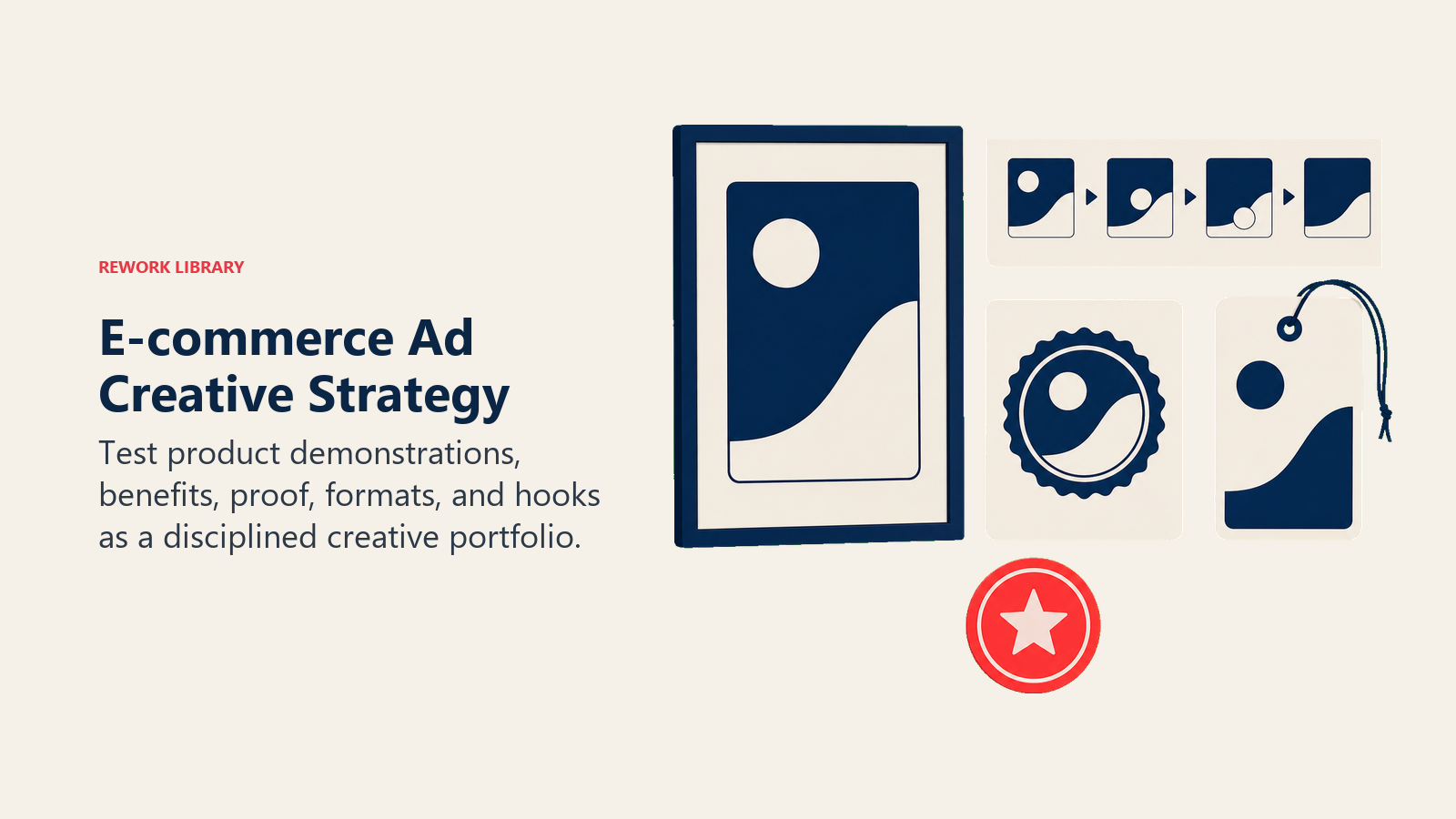
Your creative (images, videos, copy) determines whether someone stops scrolling and clicks. No amount of perfect targeting helps if your ad looks like generic stock photography.
Static image ads
Static images remain the workhorse of Meta advertising. They're easy to produce, load quickly, and work across all placements.
What works:
- Lifestyle imagery showing your product in use, not just product shots on white backgrounds
- User-generated content style photos that look native to the feed
- Bold, simple compositions that read clearly on mobile
- Faces and people (humans draw attention)
- Bright colors that stand out in the feed
What doesn't work:
- Busy, cluttered images
- Text-heavy images (Meta penalizes ads with more than 20% text)
- Stock photos that look like stock photos
- Low-resolution images
Test multiple image variations: same product, different backgrounds, angles, or contexts. A product photo might flop while a lifestyle shot of someone using the product converts like crazy.
Video creative
Video ads get higher engagement than static images, but they require more effort to produce.
Short-form video (15-30 seconds) works best for Stories, Reels, and feed ads. Get to the point fast. Hook in the first 3 seconds, show the product, make the offer, call to action.
Video best practices:
- Design for sound-off viewing (85% of people watch without sound). Use captions.
- Use vertical (9:16) or square (1:1) formats
- Hook immediately: show the product, show a problem being solved, show a surprising visual
- Keep it authentic: overly polished, corporate-looking video underperforms against casual, UGC-style content
- Include clear branding early
User-generated content style videos (shot on a phone, casual talking head reviews, unboxing videos) consistently outperform high-budget production on Meta. People trust content that looks like something their friend posted. Learn more about creating effective visual content in our guide to product photography and video.
Dynamic product ads
Dynamic product ads (DPAs) automatically show people the exact products they viewed on your website. You upload your product catalog to Meta, implement the pixel to track product views, and the algorithm handles the rest.
This is the easiest way to scale retargeting. Instead of creating individual ads for every product, you create one campaign template and Meta fills in the product image, name, and price based on what each person looked at.
Ad copy
Your ad copy shows up in two places: Primary Text (above the image) and Headline (below the image). On mobile, the primary text gets truncated after about 125 characters, so lead with your hook.
Primary text formula:
- Hook: Grab attention (question, bold claim, problem statement)
- Benefit: Why they should care
- Offer: What you're selling and any promo
- CTA: Tell them what to do
Example: "Your coffee tastes like burnt disappointment. We roast small batches every Monday so yours ships fresh every time. No stale beans, no bitter aftertaste. First bag 25% off. Taste the difference."
Short, punchy, direct. Don't waste words on fluff.
Test multiple copy variations against the same creative. A different angle can double your conversion rate.
Meta Pixel implementation
The Meta Pixel is a piece of code you install on your website to track visitor actions: page views, add to cart, purchases, and more. Without the pixel, Meta can't optimize your campaigns for conversions or build retargeting audiences.
Pixel setup and standard events
Install the base pixel code in the header of every page on your site. Most e-commerce platforms (Shopify, WooCommerce, BigCommerce) have one-click pixel integrations that handle this for you.
Then implement standard events on key pages:
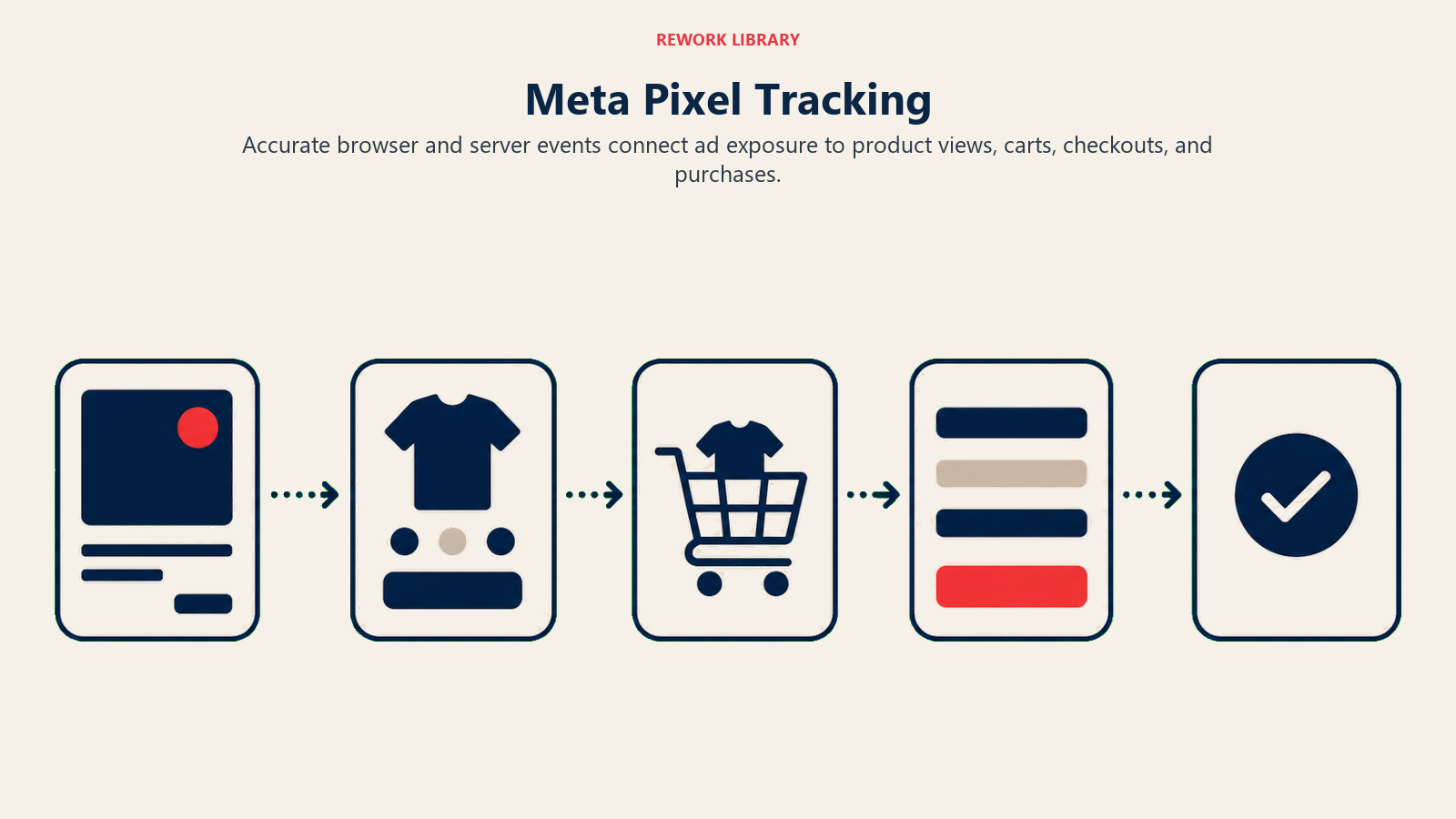
ViewContent: Product page views AddToCart: When someone adds a product to cart InitiateCheckout: When someone starts the checkout process Purchase: Successful order completion (include order value and product IDs)
These events tell Meta when valuable actions happen. The Purchase event is the most important because it's what Meta uses to optimize campaigns for sales and calculate ROAS.
Conversions API: server-side tracking
iOS 14.5+ privacy changes and browser tracking limitations have reduced pixel accuracy. Many conversions now go unreported because users opt out of tracking.
The Conversions API (CAPI) solves this by sending conversion data directly from your server to Meta, bypassing browser-based tracking. Most e-commerce platforms offer CAPI integrations now. Enable it alongside your pixel (use both, not one or the other). Meta uses both signals to deduplicate events and get the most accurate picture of conversions.
Better tracking means better optimization, which means lower costs and higher ROAS.
ROAS optimization and performance metrics
Return on ad spend (ROAS) is the metric that determines whether your Meta campaigns are profitable or burning cash.
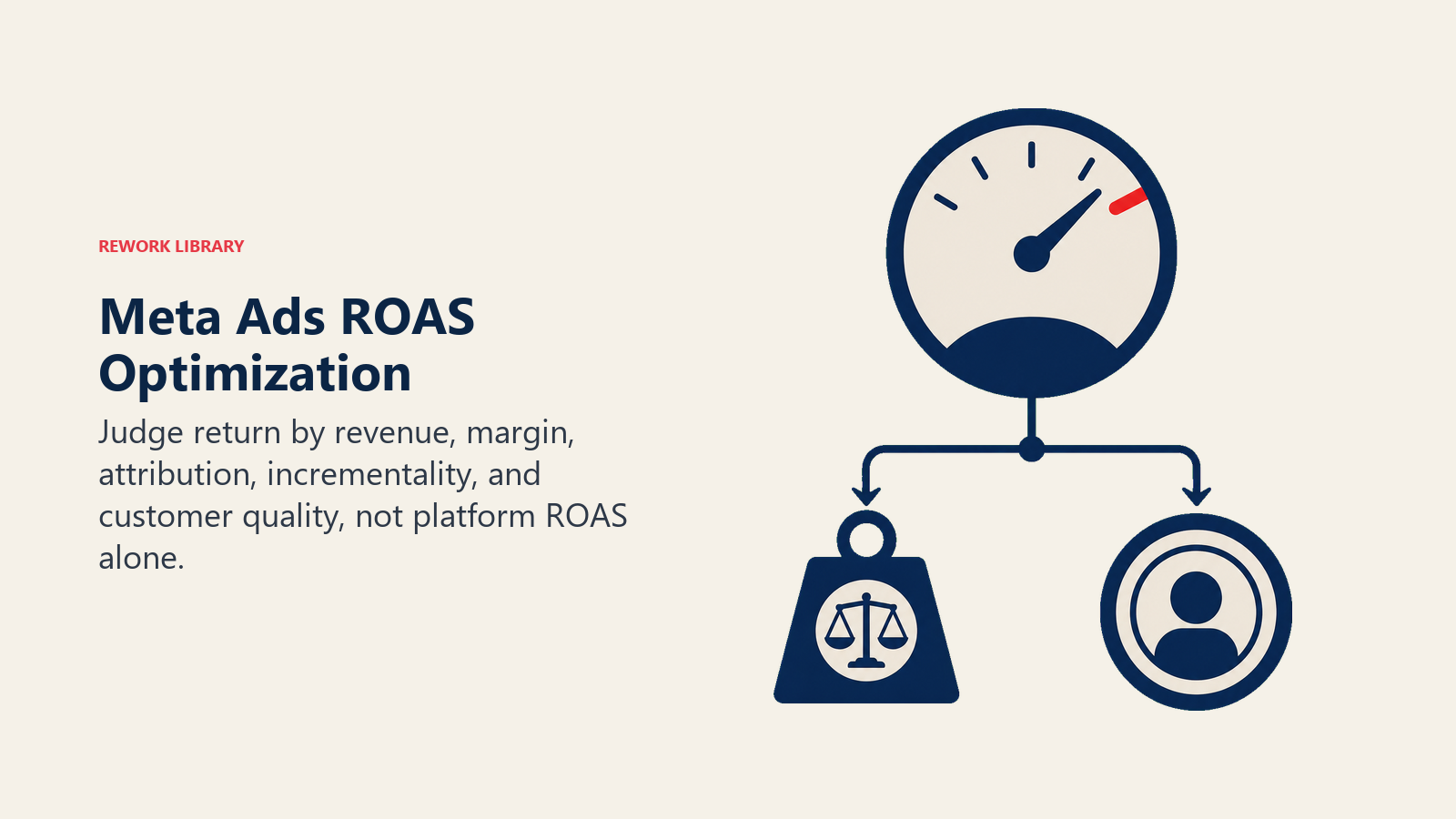
ROAS calculation: (Revenue from ads / Ad spend) × 100
A 3.0 ROAS means you generated $3 in revenue for every $1 spent on ads. Whether that's good depends on your margins.
Understanding your break-even ROAS
Before optimizing for higher ROAS, know your break-even point (the ROAS where you're not making or losing money). Understanding your unit economics for e-commerce is critical for setting the right ROAS targets.
Formula: 1 / (Gross margin %)
If your gross margin is 40% (you keep $0.40 of every dollar after product costs), your break-even ROAS is 1 / 0.40 = 2.5.
At 2.5 ROAS, you cover your product costs and ad spend but make no profit. You need a ROAS above 2.5 to be profitable.
Different products and campaigns should have different ROAS targets:
Cold prospecting campaigns: 2.0-3.0 ROAS can be acceptable because you're building your retargeting audiences and customer base
Retargeting campaigns: Should hit 5.0-8.0+ ROAS since you're reaching warm traffic
Overall blended ROAS: Combine all campaigns to see total account performance. Aim for at least 4.0+ for healthy profitability
Metrics that predict ROAS
Don't just stare at ROAS. Watch these leading indicators:
CTR (Click-through rate): The percentage of people who see your ad and click. Higher CTR usually means relevant, engaging creative. Aim for 1.5%+ on cold traffic, 2.5%+ on retargeting.
CPC (Cost per click): What you pay for each click. Lower is better, but don't optimize for cheap clicks if they don't convert.
Add to cart rate: Percentage of ad clicks that add to cart. If people click but don't add to cart, your landing page or product page needs work.
Purchase conversion rate: Percentage of ad clicks that purchase. Benchmark: 1-2% on cold traffic, 3-5%+ on retargeting.
If your ROAS is low, diagnose where the breakdown happens:
- Low CTR means creative problem
- High CPC, low CTR means targeting problem
- High CTR, low add-to-cart means landing page/product page problem
- High add-to-cart, low purchase means checkout friction or price objection
Fix the broken part instead of just increasing budget hoping ROAS improves. Systematic testing through A/B testing frameworks helps identify and solve these bottlenecks.
Attribution window and modeling
Meta defaults to a 7-day click attribution window, meaning if someone clicks your ad and purchases within 7 days, Meta counts it.
But iOS privacy changes mean Meta doesn't see all conversions anymore. Some purchases happen but aren't tracked. This makes reported ROAS look worse than reality.
Use your own analytics (Google Analytics, Shopify reports) to compare. If Meta reports $10k in purchases but your actual sales from Meta traffic are $15k, your real ROAS is better than what Meta shows.
Don't obsess over perfect attribution. Focus on directional trends: is ROAS improving or declining, and does turning campaigns on/off impact overall sales?
Budget allocation and bid strategies
How you allocate budget and choose bidding strategies affects how efficiently you scale.
Manual bidding vs. automatic bidding
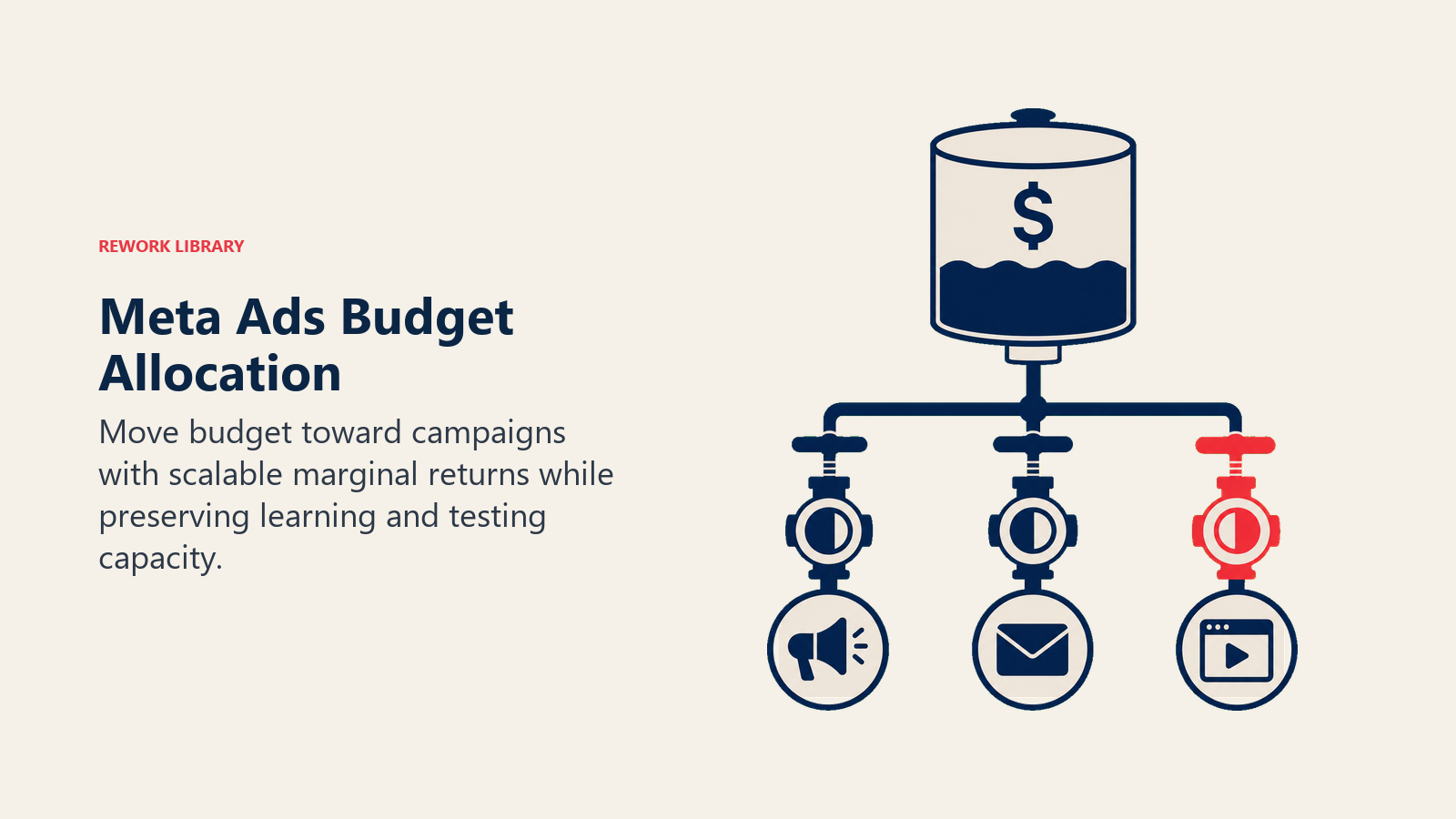
Lowest cost (automatic bidding): Meta spends your budget to get the most conversions at the lowest cost. The algorithm decides what to bid. This is the default and works well for most advertisers.
Cost cap: You set a target cost per conversion, and Meta tries to keep average cost at or below that number. Useful when you know your target CPA and want to maintain profitability as you scale.
Start with lowest cost. If you're hitting your ROAS targets and want to scale, stick with it. If costs are creeping up, test cost cap with a target CPA based on your customer value and margin.
Scaling campaigns without killing performance
You've got a campaign delivering 4.0 ROAS at $100/day. You want to scale to $500/day. How do you do it without tanking performance?
Gradual scaling: Increase budget by 20-30% every 3-4 days. Give the algorithm time to adjust. Jumping from $100 to $500 overnight resets learning and often spikes costs.
Duplicate successful campaigns: Instead of increasing budget on one campaign, duplicate it with a fresh budget. This gives you two campaigns in the learning phase but can help you scale faster.
Expand to new audiences: Add new ad sets with different lookalike percentages or interest targets instead of just increasing spend on existing audiences.
Refresh creative: Ads fatigue as audiences see them repeatedly. Introduce new creative variations to maintain performance at higher spend levels.
Watch frequency (how many times the average person sees your ad). If frequency climbs above 3-4, you're oversaturating your audience. Expand targeting or pause to let the audience refresh.
Common pitfalls and how to avoid them
Poor pixel implementation: Without accurate conversion tracking, Meta can't optimize. Verify your pixel is firing correctly before spending money.
Oversaturation and ad fatigue: Running the same ad to the same audience for weeks. Results decline as people get tired of seeing it. Rotate creative regularly.
Generic creative: Stock photos and bland copy blend into the feed. Test bold, specific, visually interesting creative.
Ignoring retargeting: Spending all budget on cold traffic when retargeting delivers better ROAS. Allocate at least 30-40% of budget to retargeting warm audiences.
Mismatched messaging: Your ad promises free shipping, but the landing page doesn't mention it. Make sure the experience is consistent.
Not testing enough creative: Running one ad per campaign and hoping it works. Test 3-5 variations minimum and keep introducing new angles.
Integration with your e-commerce funnel
Meta ads don't exist in isolation. They're part of your broader e-commerce strategy.
The traffic from your ads lands somewhere. If your landing pages are slow, confusing, or don't match the ad promise, conversions suffer. Match the landing page message to your ad copy and creative. Use fast-loading pages (especially on mobile). Include clear calls to action above the fold. Make sure product images are consistent with what was shown in the ad. Improving your conversion rate optimization directly impacts your Meta ad ROAS.
See Product Page Optimization for detailed tactics.
People coming from ads are often new to your brand and more price-sensitive. Reduce checkout friction by offering guest checkout, showing trust signals (security badges, return policy), and being transparent about shipping costs upfront. Social proof like customer reviews and user-generated content can significantly improve conversion rates for ad traffic.
Once someone buys, don't stop advertising to them. Create campaigns for cross-sells (related products they might like), replenishment (consumables they'll need to reorder), and new product launches. This is where you build customer lifetime value. See Cart Abandonment Recovery for retargeting strategies.
Measuring success and reporting
Track these KPIs beyond just ROAS:
Campaign level:
- ROAS (overall and by campaign type)
- CPA (cost per acquisition)
- Total revenue generated
- Conversion rate
Creative level:
- CTR (click-through rate)
- Engagement rate
- Frequency
Audience level:
- ROAS by audience type (cold vs. warm)
- CAC by audience segment
- Lifetime value of customers acquired
Set up a dashboard (Meta Ads Manager, Google Sheets, or a third-party tool like Triple Whale or Northbeam) to monitor these weekly. Run monthly reviews to identify trends and optimization opportunities. For comprehensive tracking across all channels, see our guide on e-commerce metrics and KPIs.
Don't get lost in vanity metrics (likes, comments, shares) unless engagement directly correlates with sales. At the end of the day, e-commerce Meta campaigns should drive profitable revenue.
The role of Meta ads in sustainable growth
Meta ads can scale revenue quickly, but don't treat them as your only growth engine. Ads are a lever you turn on and off with a budget. Once you stop spending, traffic stops.
Build Meta ads alongside organic strategies for long-term sustainability:
Organic social: Use organic content to build community and brand awareness. Amplify best-performing organic posts with ads.
Email and SMS: Capture emails from ad traffic and market to them directly (lower cost than repeat ads). Learn more about email marketing for e-commerce to maximize customer value.
SEO and content: Invest in organic search so you're not 100% dependent on paid traffic.
Referral and word-of-mouth: Great products sell themselves. Use ads to jumpstart momentum, but product quality and customer experience drive long-term growth.
Meta ads are a powerful acquisition channel, but they're most effective when integrated into a diversified traffic strategy. Use them to accelerate what's already working, not as a substitute for building a real brand.
Related resources
- Traffic Acquisition Strategy - Multi-channel traffic planning and budget allocation
- Google Shopping Ads - Compare search intent vs. discovery traffic strategies
- Retargeting & Remarketing - Advanced retargeting tactics across channels
- Conversion Rate Optimization - Turn ad traffic into customers
- Analytics & Tracking Setup - Proper tracking implementation for accurate attribution

Sales Operations Practice Lead
On this page
- Why Meta ads work for e-commerce (when done right)
- Understanding Meta placements: Facebook and Instagram
- Facebook placements
- Instagram placements
- Campaign structure for e-commerce
- Campaign objective selection
- Ad set organization
- Creative rotation and testing
- Audience targeting strategies
- Core audiences: interests, behaviors, and demographics
- Lookalike audiences: cloning your best customers
- Custom audiences: retargeting website traffic
- Advantage+ audience: letting the algorithm target
- Creative strategy and best practices
- Static image ads
- Video creative
- Dynamic product ads
- Ad copy
- Meta Pixel implementation
- Pixel setup and standard events
- Conversions API: server-side tracking
- ROAS optimization and performance metrics
- Understanding your break-even ROAS
- Metrics that predict ROAS
- Attribution window and modeling
- Budget allocation and bid strategies
- Manual bidding vs. automatic bidding
- Scaling campaigns without killing performance
- Common pitfalls and how to avoid them
- Integration with your e-commerce funnel
- Measuring success and reporting
- The role of Meta ads in sustainable growth
- Related resources