Change Order Process: Managing Scope and Budget Modifications in Professional Services
 Here's what kills professional services profitability: the slow bleed of scope changes you never billed for. A client asks for "just one more thing." Your team delivers because you want to be helpful. Then another small request comes in. Then another. Before you know it, you've done 30% more work than you quoted, and your margin on that project just went negative.
Turn this article into takeaways for your work.


Each assistant summarizes the article only for you and suggests best practices for your work.
Industry data shows unmanaged scope changes erode margins by 15-30% on average projects. That's the difference between a healthy 40% margin and barely breaking even. But here's the thing - change orders aren't the enemy. They're a business tool. When managed properly, they protect your profitability, create transparency with clients, and actually strengthen relationships by setting clear boundaries.
The problem isn't that scope changes happen. They always do. The problem is firms that either absorb every change (destroying profitability) or handle changes so poorly that clients feel nickel-and-dimed. The answer is a systematic change order process that treats modifications as normal business events, not conflicts.
The foundation: why change orders matter
A change order is formal documentation that modifies the original scope, timeline, or budget of a project. It's basically a mini-contract that says "we agreed to X, but now we're doing Y, and here's what that means for cost and schedule." Most firms think of change orders defensively - a way to avoid getting burned. But the best firms use them strategically. A well-handled change order is actually a negotiation opportunity. Your client has a new need that wasn't in the original scope. You have the expertise to deliver it. That's value creation, and value should be compensated.
Change orders create cost visibility. When everything gets lumped into the original engagement, clients have no idea what things actually cost. A detailed change order shows them "this modification requires 40 hours of senior consultant time at $250/hour because we need to redesign the workflow architecture." That transparency builds trust and educates clients on the real costs of the work.
They also create clear scope boundaries. Without change orders, project scope becomes fuzzy. Teams aren't sure what's included versus what's extra. Clients assume everything is covered. Change orders draw bright lines: this was the original agreement, and this is the modification.
The best part? Clients who understand your change order process actually respect you more. They see you're professional, organized, and clear about commitments. Firms that say yes to everything and then deliver late or over-budget look incompetent. Firms that manage changes systematically look like partners who understand project management.
Change identification and classification
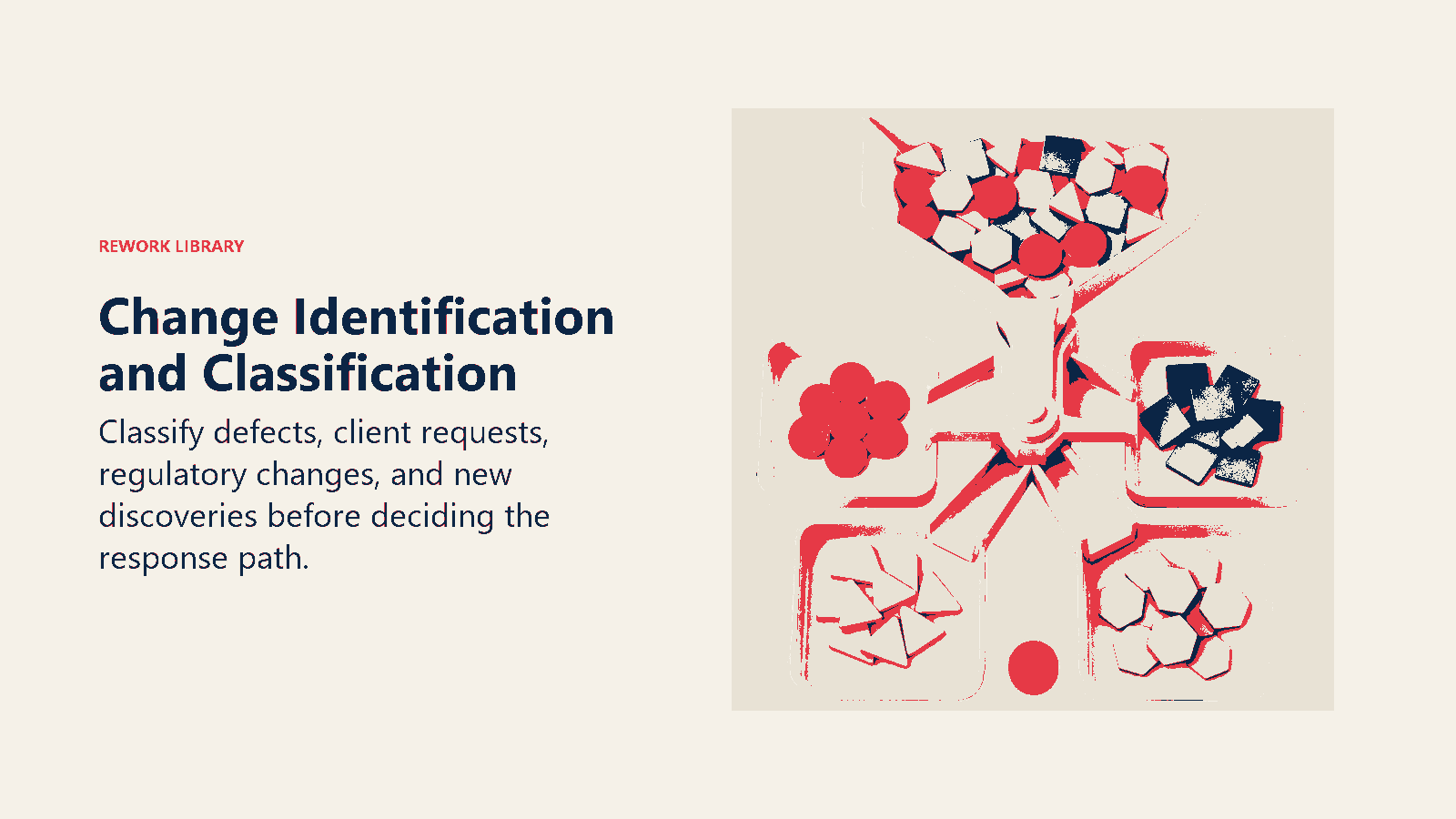
The first step is recognizing when something is actually a change versus just a scope clarification. This matters because misidentifying a clarification as a change makes you look like you're trying to upcharge for things that should have been included. Client-initiated changes are the most obvious. "We want to add two more locations to the rollout." "Can we include quarterly reporting instead of annual?" These are explicit requests for something different than the original scope. Document these carefully during your regular client communication cadence.
Technical changes happen when you discover requirements that weren't known at the start. "The integration with their legacy system is more complex than documented." "We need to build a custom API because the standard connector doesn't support their use case." These aren't scope creep - they're legitimate discoveries that change the work.
Environmental changes come from outside forces. "The regulation changed, so we need to add compliance reporting." "The acquisition they just made means we need to include the new subsidiary." Nobody's fault, but the work just expanded.
Scope clarification is different. If the SOW said "design customer onboarding process" and the client asks about welcome emails, that's probably included. If they ask for a 15-step automated nurture campaign, that's a change. The test: would a reasonable person reading the original SOW think this was covered?
Once you identify a change, classify it by type:
Functional changes add or modify deliverables. "Add mobile app support" when you quoted web only. "Include a training manual" when only live training was scoped.
Technical changes alter how you deliver the work. "Use a different technology stack." "Integrate with three systems instead of one." The deliverable looks the same to the client, but your technical effort changes.
Timeline changes compress or extend the schedule. "We need this three weeks earlier" might require overtime or pulling resources from other projects. "Can we spread this over 12 months instead of 6" affects resource planning and opportunity cost.
Resource changes modify who's working on it. "We need your partner on every call, not just the team" increases your cost. "Can we have dedicated resources instead of shared" might be doable but requires compensation.
Track the source and ownership. Who requested the change? Your project team discovering a gap? The client's executive changing direction? A third-party vendor creating new requirements? This context matters for how you position and price the change.
Impact assessment framework
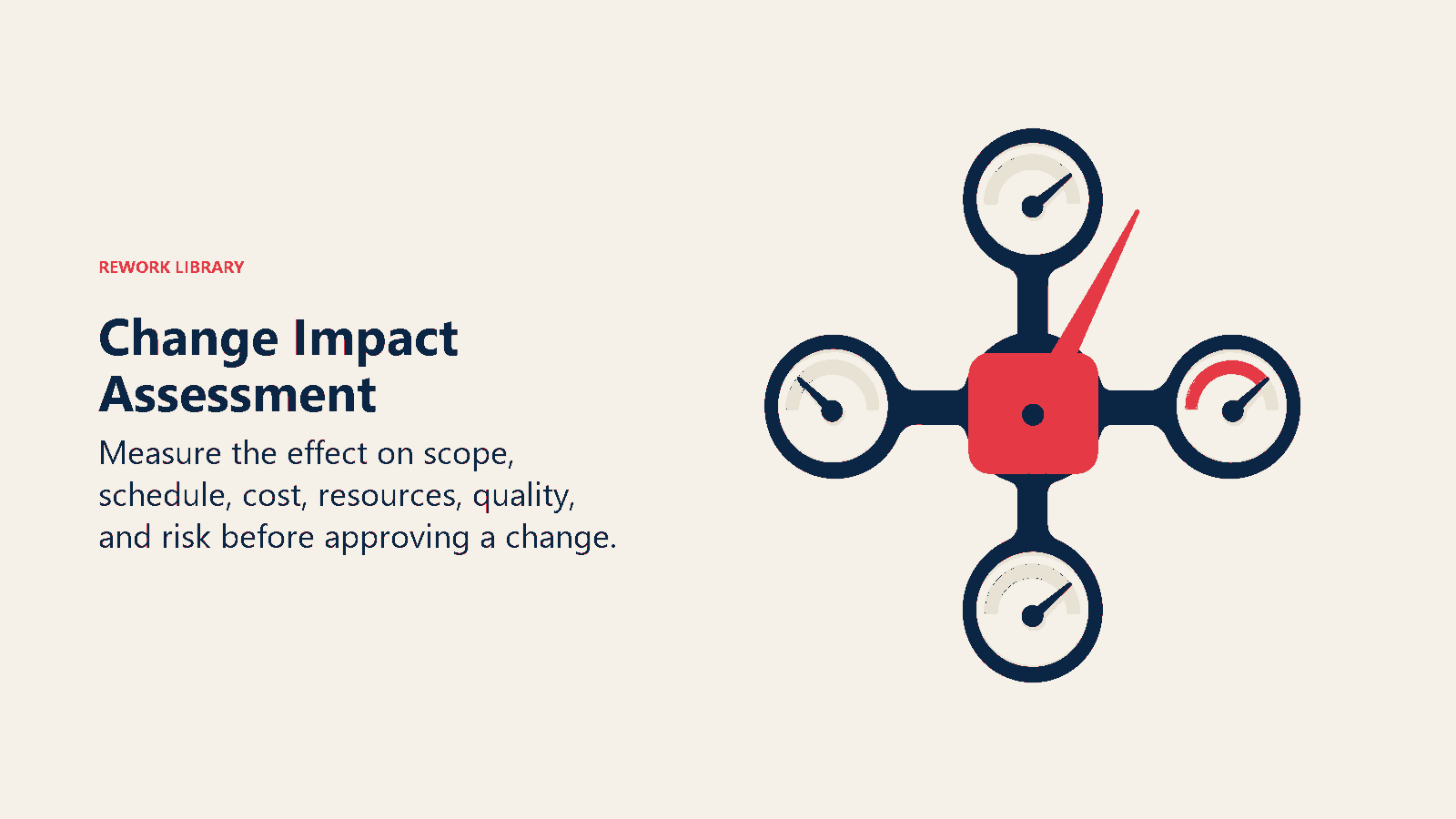
Before you can price a change, you need to understand its full impact. Most firms underestimate changes because they only look at direct labor hours and ignore ripple effects. Schedule impact - How does this change affect the timeline? If you're adding features, does that push back the delivery date? If the client wants it sooner, what other work gets delayed? Look at the critical path. A change to a task on the critical path delays everything downstream. A change to a parallel track might have zero schedule impact.
Resource impact - Who needs to work on this, and are they available? If you need your lead architect for 20 hours but they're fully booked for the next month, that's a constraint. You might need to pull them from another project (which creates issues there) or delay this change until they're free. Your utilization and capacity planning data helps you assess this quickly.
Quality and risk implications - Does this change introduce new risks? Adding integration with an unfamiliar system increases technical risk. Compressing the schedule increases quality risk. Those risks might require additional QA time, testing, or contingency buffers.
Budget and cost impact - Calculate the full cost, not just direct hours. Include:
- Direct labor (who works on it and for how long)
- Overhead allocation (if you have 30% overhead, a $10,000 labor cost becomes $13,000)
- Third-party costs (licenses, subscriptions, contractor help)
- Opportunity cost (if this delays revenue-generating work)
- Risk contingency (10-20% buffer for unknowns)
The mistake most firms make is using optimistic estimates. "This should take about 20 hours." No. What's the realistic estimate with normal interruptions, meetings, and rework? Probably 30 hours. Price based on reality, not best-case scenarios.
Build an impact assessment template that forces you to think through all dimensions. Don't skip this step just because a change seems small. Small changes add up, and the pattern of under-assessing creates a culture of unprofitability.
Change order documentation
Good documentation is what separates professional firms from amateur ones. Your change order should be a clear, concise document that captures everything needed to implement the change and manage client expectations. Change request intake - Start with a simple form that captures the request. Client name, project, date submitted, description of what they want changed, business justification (why they need it), requested timeline. This creates a paper trail and forces clients to articulate the request clearly.
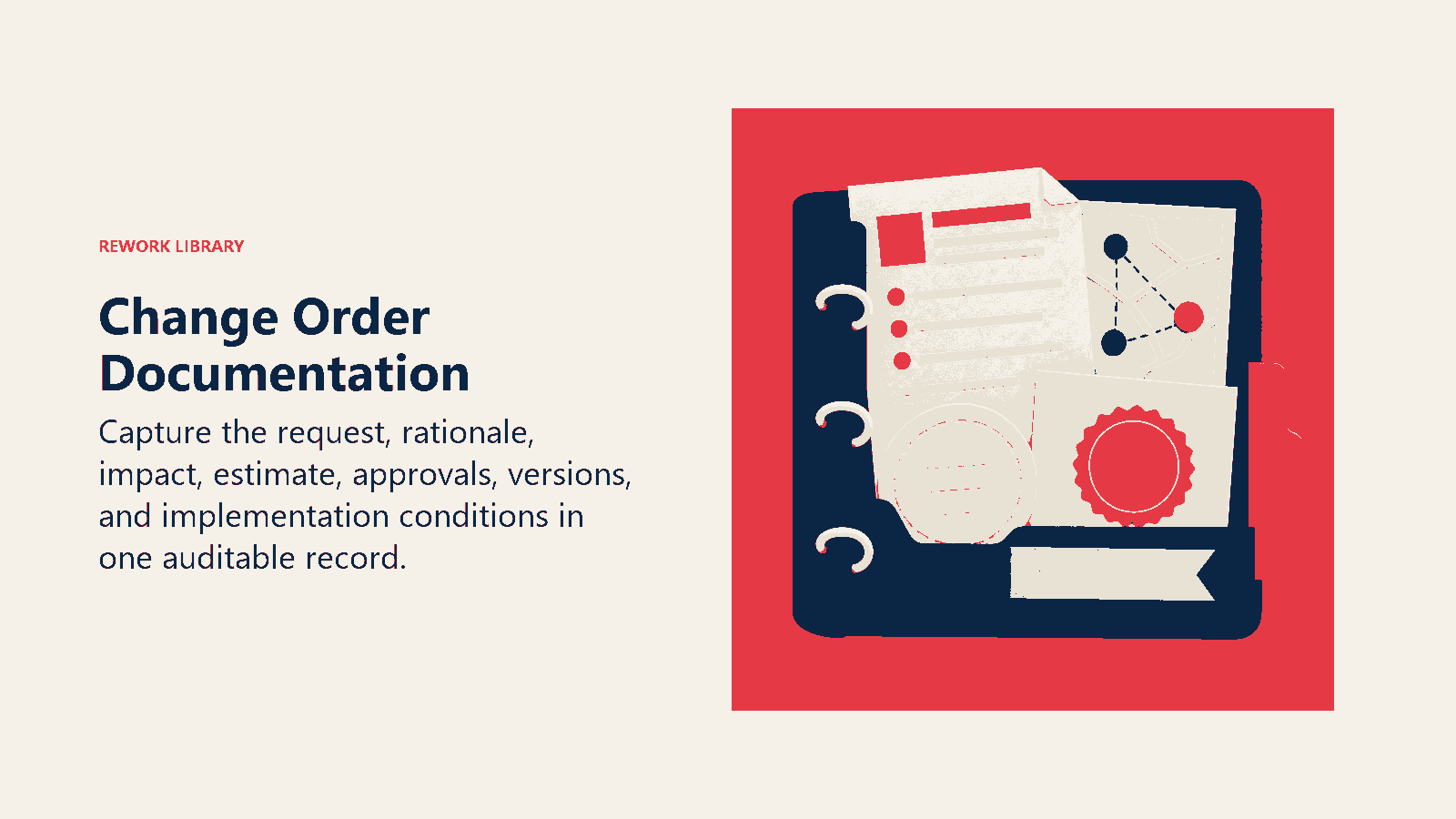
Documentation format - Your change order document should include:
- Header information - Project name, original SOW reference, change order number (sequential tracking), submission date, client contact, your project manager
- Change description - What's changing and why. Be specific. "Add integration with Salesforce to sync customer data in real-time" not "modify integration."
- Current state vs proposed state - Show what was originally agreed to and what's now proposed. This clarity prevents confusion.
- Impact analysis - The results of your assessment: schedule impact, resource needs, risks, dependencies
- Pricing breakdown - Line-item costs showing labor by role, third-party costs, overhead, total investment
- Options - Sometimes you can offer alternatives. "Option A: Full integration for $25,000. Option B: Basic sync for $12,000. Option C: Manual export/import process for $3,000."
- Terms - When payment is due, when work starts, what happens if additional changes are needed
- Approval section - Signature lines for client approval and your authorization
This isn't bureaucracy for the sake of bureaucracy. This level of detail protects both parties. The client knows exactly what they're getting and what it costs. You have clear authorization to proceed and a scope boundary for the new work.
Effective dates and timing - Be explicit about when the change takes effect. "Work begins upon signed approval and receipt of 50% deposit." "Schedule adjustments take effect immediately upon approval and may impact currently scheduled milestones."
Keep a master change order log for every project. Change number, description, amount, status (pending, approved, rejected, completed), submission date, approval date. This log becomes critical for understanding project profitability and client patterns.
Pricing and costing strategy
This is where most firms leave money on the table. They either under-price changes to avoid pushback or use arbitrary "feels about right" numbers instead of systematic costing. Cost estimation methodology - Build your estimate from the bottom up:
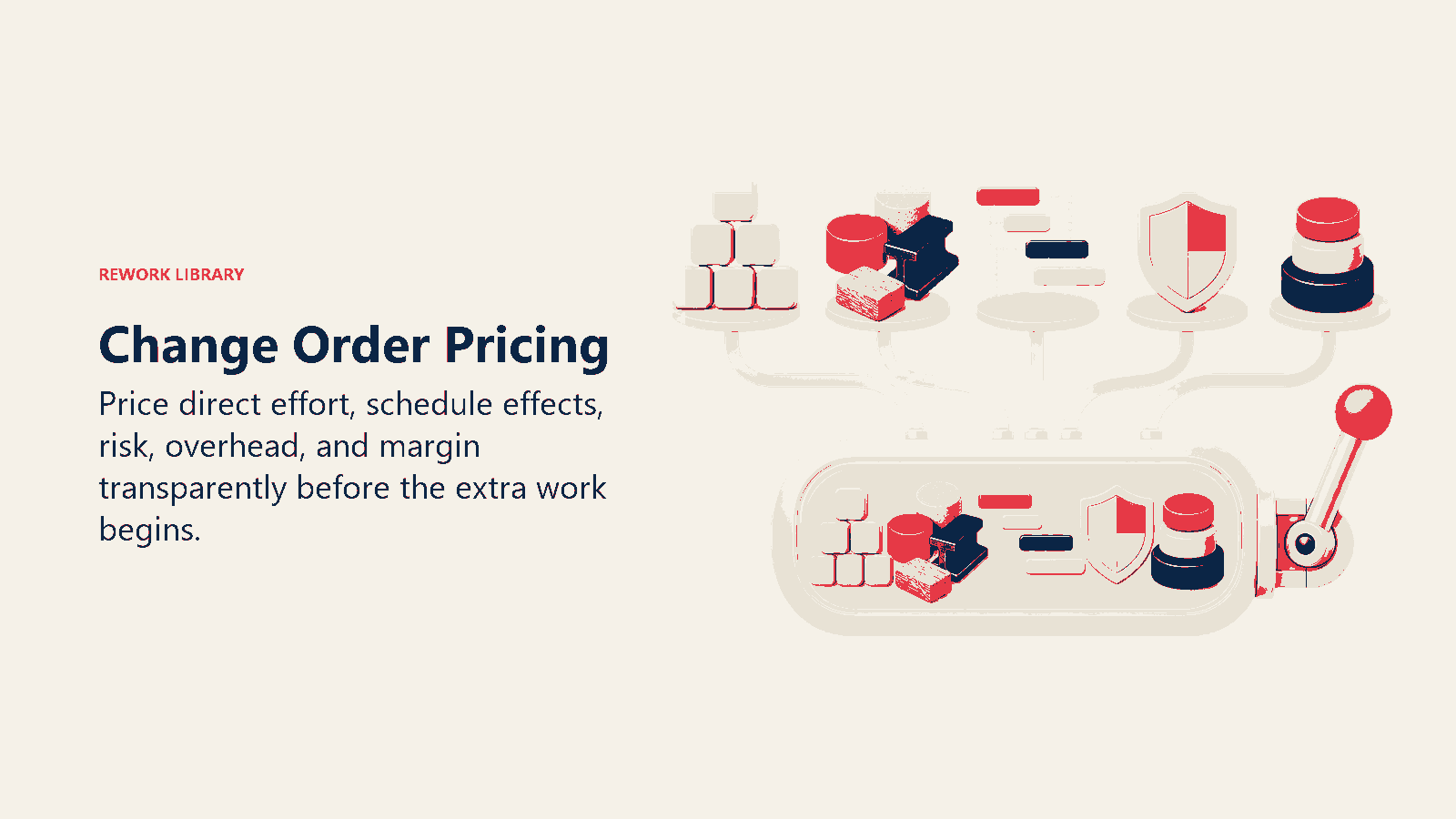
Direct labor - List each role needed and estimated hours. "Senior consultant: 40 hours at $250/hour = $10,000. Developer: 80 hours at $150/hour = $12,000." Don't use blended rates that hide the true cost structure.
Overhead allocation - If your firm has 35% overhead (facility, admin, benefits, etc.), multiply direct labor by 1.35 to get loaded cost. Your $22,000 in direct labor costs $29,700 when you include overhead.
Third-party costs - Any software, subscriptions, contractor help, materials. Include a 10-15% markup for your effort in managing these vendors.
Contingency buffer - Add 10-20% for unknowns, especially on technical changes where you're estimating something you haven't done before. This isn't padding - it's realistic risk management.
Pricing strategies by change type - Not all changes price the same way:
Time and materials works for exploratory changes where the scope is unclear. "We'll investigate the integration requirements at $200/hour and provide a fixed-price quote once we understand what's needed."
Fixed price works when you can define the change clearly. "Adding the dashboard feature will be $15,000 regardless of actual hours." This shifts risk to you but gives clients certainty.
Not-to-exceed caps the risk for both parties. "We estimate 40-60 hours at $200/hour for a range of $8,000-$12,000. We'll bill actual time up to $12,000 maximum."
Tiered options give clients choices. Basic, standard, premium versions of the change at different price points. This often gets you to a better solution than the client's original request.
Price sensitivity and transparency - Some changes are small enough that the administrative cost of a formal change order exceeds the value. Set a threshold - maybe changes under $1,000 or 5 hours can be approved via email without formal documentation.
But be careful with this. The danger is clients asking for lots of "small" changes that add up to major scope creep. One firm's rule: "First small change is free as a gesture of partnership. Second and subsequent small changes go through the formal process or we batch them into a single change order."
Standard rates and consistency - Don't negotiate your rates down for changes. If you charge $250/hour for senior consultants in the original engagement, charge the same for change work. Inconsistent pricing creates confusion and sets bad precedents.
Use historical data to improve accuracy. Track estimated hours versus actual hours for completed changes. If you consistently underestimate by 25%, that's a pattern to fix. Build that learning into future estimates.
Client approval and negotiation
You've documented the change and priced it. Now you need to get approval. How you present this matters enormously for client perception. Presenting change orders effectively - Schedule a conversation, don't just email the document. Context matters. "I wanted to walk you through the change request you submitted. Here's what we found in our analysis and how we recommend proceeding."
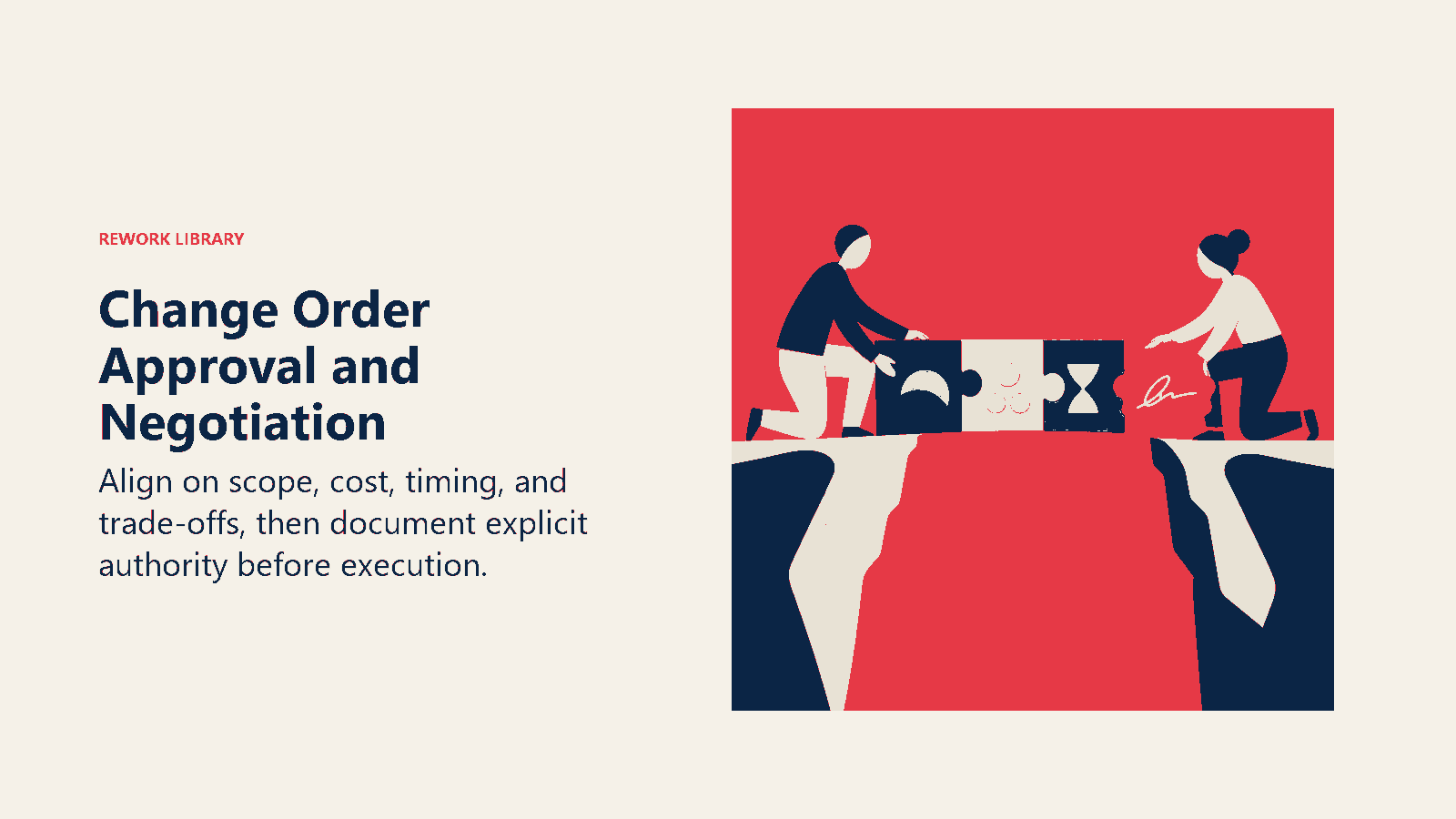
Frame it as problem-solving, not cost extraction. "You need X capability that wasn't in the original scope. Here are three options for how we can deliver that and what the investment looks like for each."
Show your work. Don't just say "$20,000 for the modification." Break it down. "This requires our senior architect to redesign the data model - that's 30 hours. Then implementation is 50 hours of development. Testing adds another 20 hours. Here's the breakdown by role and activity."
Managing client expectations - Be upfront about the fact that this is a change. "The original SOW covered A and B. What you're asking for is C, which is outside that scope. That's totally fine - we can add it. Here's what that looks like."
Address timeline impact clearly. "Adding this feature means the original delivery date of June 15th moves to July 1st. Alternatively, we can keep the June 15th date but deliver the new feature in a Phase 2 starting June 20th."
Negotiation and trade-offs - Clients often want to negotiate change orders. That's reasonable. Have some flexibility but know your boundaries.
You can negotiate on:
- Scope (reduce what's included to reduce cost)
- Timeline (spreading work over longer period might reduce rush charges)
- Payment terms (if they pay upfront, you might discount slightly)
- Options (maybe they take Option B instead of Option A)
Don't negotiate on:
- Your hourly rates (these are your rates)
- Eliminating your margin (you're running a business, not a charity)
- Absorbing cost overruns (if you estimated wrong, that's your lesson to learn, but don't make it a pattern)
Common negotiation scenarios:
"This should have been included in the original scope" - Pull out the SOW and show what was documented. "Here's what we agreed to. This new request goes beyond that in these specific ways." If they have a point, acknowledge it. "You're right, this was ambiguous. We'll split the cost 50/50 as a gesture of partnership."
"Can you just include this as part of the project?" - "I wish I could, but our original pricing was based on the original scope. Adding this work without additional budget means we're doing 30% more work for the same fee, which makes the project unprofitable. I don't think either of us wants that."
"We don't have budget for this right now" - "No problem. We can phase this as a future enhancement. Let's document it as a planned change for Quarter 3 when budget refreshes." Or: "We can reduce the scope to fit your budget. Here's what we could deliver for $X instead."
"Your price seems high" - "Let me walk you through the cost breakdown. This is what it takes to deliver what you've asked for. If the investment doesn't match the value, we might want to reconsider whether this change is necessary right now."
Approval workflows - Know who can approve what. Some changes might be within the project sponsor's authority. Others require executive sign-off or procurement review. Understanding the client's approval chain saves time.
Set deadlines. "We need approval by Friday to keep the current schedule. If we don't have sign-off by then, we'll continue with the original scope and revisit this change later."
Get signatures. Email approval is fine for small changes. Formal signature on a change order document for anything substantial. This protects you if people leave or memories fade.
Managing multiple changes
On long projects, you'll deal with dozens of changes. Managing them as isolated events creates chaos. You need a system. Tracking cumulative impact - Build a dashboard showing:
- Original contract value: $200,000
- Approved changes to date: +$45,000
- Pending changes: +$18,000
- Total project value if all approved: $263,000
- Change percentage: 31.5%
When change percentage gets above 25-30%, that's a signal. Either the original scope was poorly defined or the client's needs have evolved significantly. Time for a conversation about whether you should rebaseline the project instead of continuing to pile on changes.
Change prioritization framework - Not all changes are equal. Build a priority matrix:
Priority 1: Critical changes - Project can't proceed without these. Regulatory requirement changed. Technical blocker discovered. Approve and implement immediately.
Priority 2: High-value changes - Significant client benefit, reasonable cost. Fast-track approval and schedule.
Priority 3: Nice-to-have changes - Client wants them but they're not critical. Bundle these and review monthly. "You've submitted four nice-to-have changes. Let's evaluate them together and decide which ones provide the best ROI."
Priority 4: Defer or reject - Changes that fundamentally conflict with project goals, create unmanageable risk, or have cost way out of proportion to value. "We recommend deferring this to a Phase 2 project."
Batching and grouping - Instead of processing 15 small changes individually, batch them. "We received several modification requests this month. Here's a combined change order that includes all of them for a total investment of $X. Approving this single change order is more efficient than processing each separately."
This works well for ongoing changes in similar areas. "You've asked for five data model adjustments over the past three weeks. We recommend batching these into a single data model optimization change order."
Change control board - On large projects, establish a change control board that meets bi-weekly to review all proposed changes. Representatives from your team and the client team review together, discuss impact, make approval decisions. This creates structure and prevents ad-hoc change creep.
Implementation of approved changes
Getting approval is half the battle. Actually delivering the change properly is the other half. Implementation planning - Treat each significant change like a mini-project. What tasks are required? Who does them? In what sequence? What are the dependencies? Don't wing it.
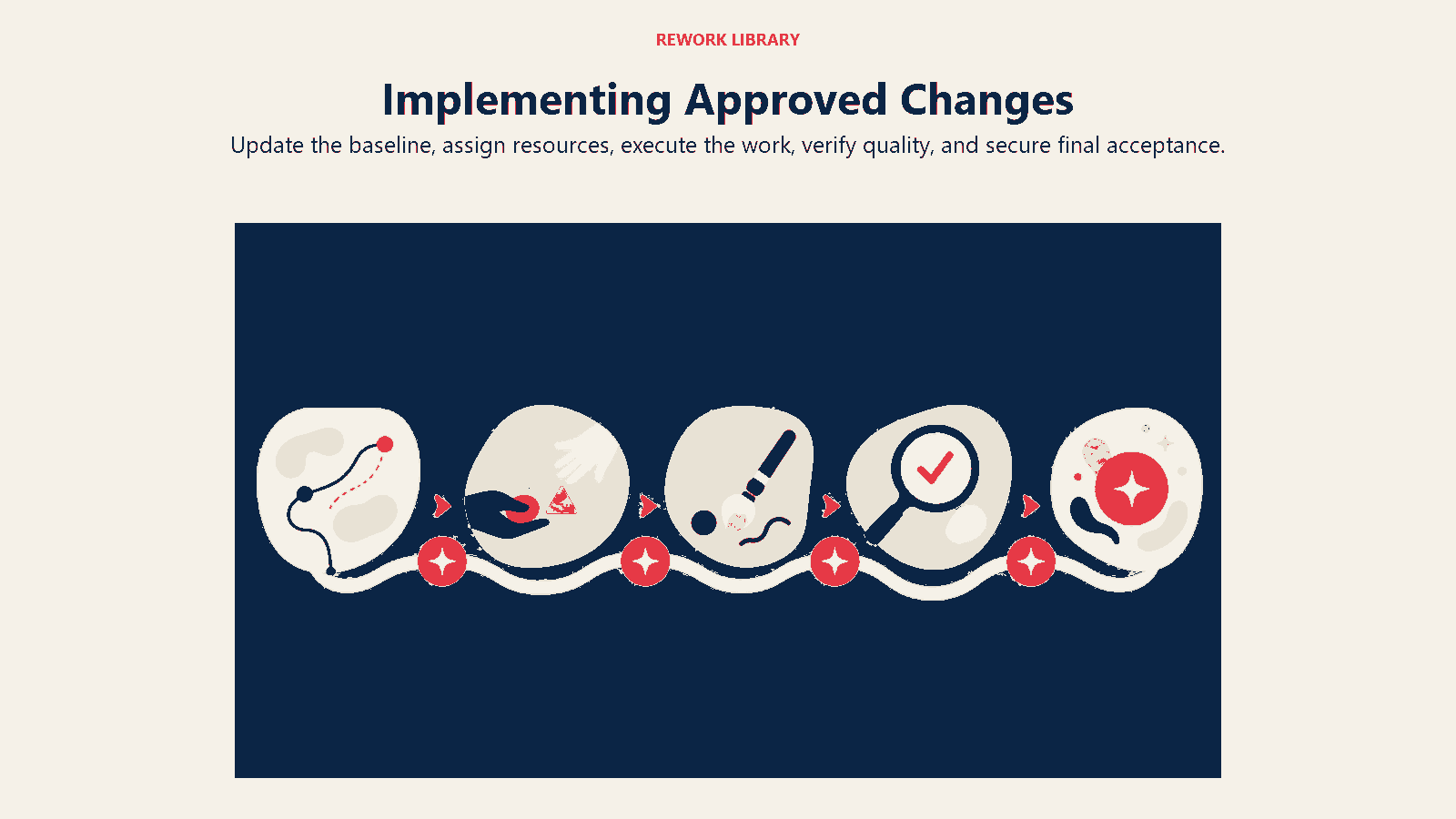
Build a micro-plan: "Week 1: Requirements detailing and design. Week 2-3: Development. Week 4: Testing and refinement. Week 5: Deployment and training."
Scheduling and coordination - Integrate the change work into your project schedule. If this delays other deliverables, communicate that clearly. "The original milestone 3 delivery of June 1 is now June 8 due to the approved change order #7."
Coordinate with your team. Make sure people know they're now working on the change and understand the new priorities. "The dashboard feature is now approved. Sarah, you're allocated 40 hours over the next two weeks for implementation."
Client communication during implementation - Keep clients updated on change order status just like regular project work. "Change order #4 (Salesforce integration) is 60% complete. We're on track for the July 15 delivery date we committed to."
If you discover new issues during implementation, communicate immediately. "We started work on the integration change and discovered the API has limitations we didn't anticipate. We need to discuss how to handle this." Don't let problems fester.
Quality assurance and testing - Change work needs the same QA rigor as original scope work. Apply your deliverable quality assurance standards consistently. Test thoroughly before delivery. Changes often introduce regression bugs that affect existing functionality. Plan for integration testing to catch those.
Documentation and knowledge transfer - Document what you changed. Update technical documentation, user guides, training materials. If the change modified system behavior, make sure client users know about it.
Build a change log that becomes part of the final project deliverables. "Here's everything we delivered in the original scope, and here's everything added via change orders." This creates a complete record.
Contract and legal considerations
Change orders have legal implications. Your original contract should establish how changes work.
SOW and change authority - Your master services agreement or engagement letter should include language like: "Any changes to the scope, timeline, or deliverables defined in this SOW require a written change order signed by both parties. Work performed without an approved change order may not be compensated."
This gives you legal grounding to refuse work without proper authorization. It also protects clients from your team adding unauthorized work and then billing for it.
Define who has authority to approve changes. "Client agrees that [specific role] is authorized to approve change orders up to $10,000. Changes exceeding $10,000 require approval from [executive role]."
Payment terms and invoicing - Specify when change orders get billed. Options:
- 50% upfront, 50% on completion
- Net 30 after approval (adds to next regular invoice)
- Milestone-based if it's a large change
- Time and materials billed monthly
Be clear about whether change order payment is in addition to regular payment schedule or modifies it. "Total project value is now $245,000 ($200,000 original + $45,000 in approved changes). Remaining payment schedule is adjusted accordingly."
Warranty and support implications - Does your warranty cover work added via change orders? It should, but be explicit. "All work delivered via change orders is covered by the same warranty terms as the original SOW."
What about ongoing support? If you're adding a new feature, does that feature get included in the standard support package or is there an additional support fee? Define this upfront.
IP and ownership considerations - Change orders create new deliverables. Make sure IP ownership is clear. "All work product created under this change order is governed by the same IP terms as the original agreement."
If a change involves using third-party tools or components, note any licensing restrictions. "Implementation of this change requires a license to [software] which Client must purchase and maintain."
Metrics and management
You can't improve what you don't measure. Track change order metrics to understand patterns and improve your process. Tracking and reporting metrics:
Change order volume - How many change orders per project? If you're averaging 8-12 changes per project, that might indicate your scoping process needs work.
Change value percentage - Total change order value divided by original contract value. Industry benchmarks are typically 10-20%. If you're consistently at 30-40%, you're either under-scoping initially or dealing with very volatile client needs.
Approval rate - What percentage of submitted change orders get approved? If it's under 50%, you're either overpricing or proposing changes that clients don't value.
Time to approval - How long from submission to approval? Long delays indicate client approval process issues or unclear documentation.
Change profitability - Are changes as profitable as original work? They should be - you're often dealing with unknowns and disruption. If change work has lower margins, your pricing is off.
Change drivers - Categorize why changes happen. Client-initiated scope additions? Technical discoveries? Requirements that weren't clear? This tells you where to focus improvement.
Estimation accuracy - Compare estimated hours to actual hours on completed changes. Persistent variance means your estimation process needs recalibration.
Analysis and trend identification - Look for patterns monthly or quarterly:
- Which clients generate the most changes? (Might indicate they need help defining requirements upfront)
- Which project types have the most changes? (Might need better templates or estimation models)
- What time in the project do most changes occur? (Early changes suggest poor scoping, late changes might be scope creep)
Benchmarking and standards - Establish internal benchmarks. "Our target is change orders under 15% of original contract value with 70%+ approval rate and less than 5 days to approval."
Compare across project types. Your software implementation projects might average 22% in changes (normal for custom development), while your strategy consulting projects average 8% (suggesting more stable scope).
Continuous improvement - Use change order data to improve your core processes:
- If you're constantly changing timelines, you need better project planning
- If clients always request the same types of additions, maybe those should be standard inclusions
- If technical discoveries drive changes, you need better technical discovery upfront
Quarterly retrospectives: "What did we learn from changes this quarter? How do we prevent similar issues on future projects?"
Common pitfalls and mitigation
Even with a good process, firms fall into predictable traps. Accepting changes without following process - Your project manager verbally agrees to a change to be helpful. Work starts. Later you try to get it approved and the client says "We never agreed to pay extra - your PM said it was included."
Mitigation: Train everyone that verbal approvals don't count. "I can start the change order process for that request" is the only acceptable response. No exceptions.
Underpricing to avoid conflict - You know a change costs $20,000 but you quote $12,000 because you're worried the client will push back on the real number.
Mitigation: Price based on cost, not client's perceived budget. If they can't afford the real cost, have that conversation. "Based on what you're asking for, the investment is $20,000. If that doesn't work for your budget, let's discuss how we might reduce scope or defer this to a later phase."
Incomplete impact analysis - You estimate direct hours but forget about schedule impact, resource constraints, or testing time. The change ends up costing 40% more than you quoted.
Mitigation: Use a standard impact assessment checklist that forces you to evaluate all dimensions. Don't skip steps even for "simple" changes.
Poor communication and documentation - Handshake agreements, email approvals buried in threads, verbal modifications that never get written down. When issues arise, nobody can prove what was agreed to.
Mitigation: Formal change order documents for anything significant. Email trail for small changes. Written approval required before work starts. No exceptions.
Scope creep without formal tracking - Lots of little changes that never get documented. The project balloons from 500 hours to 750 hours with no corresponding revenue increase.
Mitigation: Track everything. Even "quick changes" get logged. Set thresholds - three small changes trigger a bundled change order. Review hours weekly against baseline.
Over-documentation creating burden - Your change order process is so bureaucratic that it takes 4 hours to document a 2-hour change. The process cost exceeds the value.
Mitigation: Tiered process based on change size. Under $1,000: Email approval. $1,000-$10,000: Simplified change order form. Over $10,000: Full documentation and formal approval. Match rigor to risk.
Adversarial dynamics with client - Every change becomes a battle. Client thinks you're nickel-and-diming them. You think they're trying to get free work. Relationship deteriorates.
Mitigation: Frame changes as partnership problem-solving. Be generous occasionally - "This is technically a change, but it's small and we have some buffer, so we'll include it." When you do charge, explain clearly and justify transparently. Build trust by being consistent and fair. Strong client relationship management helps prevent these dynamics.
Building your change order system
Start simple. Don't build a complex system from day one. Here's a pragmatic rollout: Phase 1: Documentation - Create a basic change order template. Make sure every project has one person responsible for tracking changes. Start logging everything even if you don't charge for it yet. You need the data.
Phase 2: Pricing - Develop your costing model. Figure out loaded costs by role. Build estimation guidelines. Start pricing changes systematically instead of guessing.
Phase 3: Workflow - Establish the approval process. Who reviews change requests? How long does analysis take? Who presents to client? Who tracks status? Formalize these steps.
Phase 4: Metrics - Build the tracking dashboard. Start measuring volume, value, approval rates. Share metrics with project managers monthly. Use data to identify problems.
Phase 5: Continuous improvement - Quarterly reviews of change patterns. Update templates and pricing models based on what you learn. Train team on new approaches.
The goal isn't bureaucracy. It's profitability with transparency. Change orders should feel routine, not contentious. When clients understand your process and trust it's fair, changes become normal business events instead of relationship stress points.
Your change order process is a profit protection system. Every change you deliver without proper approval and pricing is profit you've given away. Every change you handle poorly creates client friction. Get this right and you turn what most firms see as a problem into a competitive advantage.
For related systems, see Scope Creep Management for preventing changes before they happen, Scope Definition and Statement of Work for better upfront scoping, Project Management Methodology for overall delivery frameworks, Negotiation for Services for change discussions, and Contract and Engagement Letters for legal foundations.

Sales Director
On this page
- The foundation: why change orders matter
- Change identification and classification
- Impact assessment framework
- Change order documentation
- Pricing and costing strategy
- Client approval and negotiation
- Managing multiple changes
- Implementation of approved changes
- Contract and legal considerations
- Metrics and management
- Common pitfalls and mitigation
- Building your change order system