Travel CRM Implementation - 2026 Complete Guide
Turn this article into takeaways for your work.


Each assistant summarizes the article only for you and suggests best practices for your work.
Your sales team spends 40% of their time searching for information that should be instantly accessible. Guest preference notes buried in email threads. Itinerary versions scattered across shared drives. Payment status unclear until someone manually checks the accounting system. This chaos isn't just inefficient. It kills conversions and damages guest experiences.
The right CRM transforms travel operations from reactive scrambling to proactive relationship management through effective travel sales process optimization. But here's the problem: most travel agencies either use generic CRMs that don't fit their workflow or get overwhelmed by specialized travel platforms that promise everything and deliver complexity.
Smart implementation starts with understanding what makes travel CRM different from every other industry.
Why Travel Needs Specialized CRM
Travel sales aren't simple. A couple planning their honeymoon isn't buying a single product. They're coordinating flights, hotels, transfers, tours, insurance, and possibly visas across multiple suppliers in different countries. Your CRM needs to manage this complexity without making your team's job harder.
Multi-traveler bookings create data challenges that standard CRMs handle poorly. A family of five has different passport details, dietary restrictions, room assignments, and special requests. Generic contact records can't structure this information logically. You end up with messy notes fields that nobody reads until something goes wrong.
Supplier coordination is invisible in most CRMs. But travel agents spend enormous time managing hotel confirmations, tour operator vouchers, transfer arrangements, and guide assignments. Your CRM should track these supplier relationships as first-class data, not afterthoughts in comment fields.
Document management becomes critical in travel. Passports, visas, insurance policies, travel vouchers, flight tickets, and hotel confirmations all need secure storage with version control. Travelers expect instant access. Your team needs to find documents in seconds, not hunt through email attachments.
And the communication complexity is staggering. Pre-trip planning involves dozens of email exchanges, phone calls, and document revisions. During trips, issues require real-time coordination. Post-trip follow-up nurtures the relationship. Every interaction should be logged and accessible to anyone helping the guest.
Travel CRM vs Generic CRM
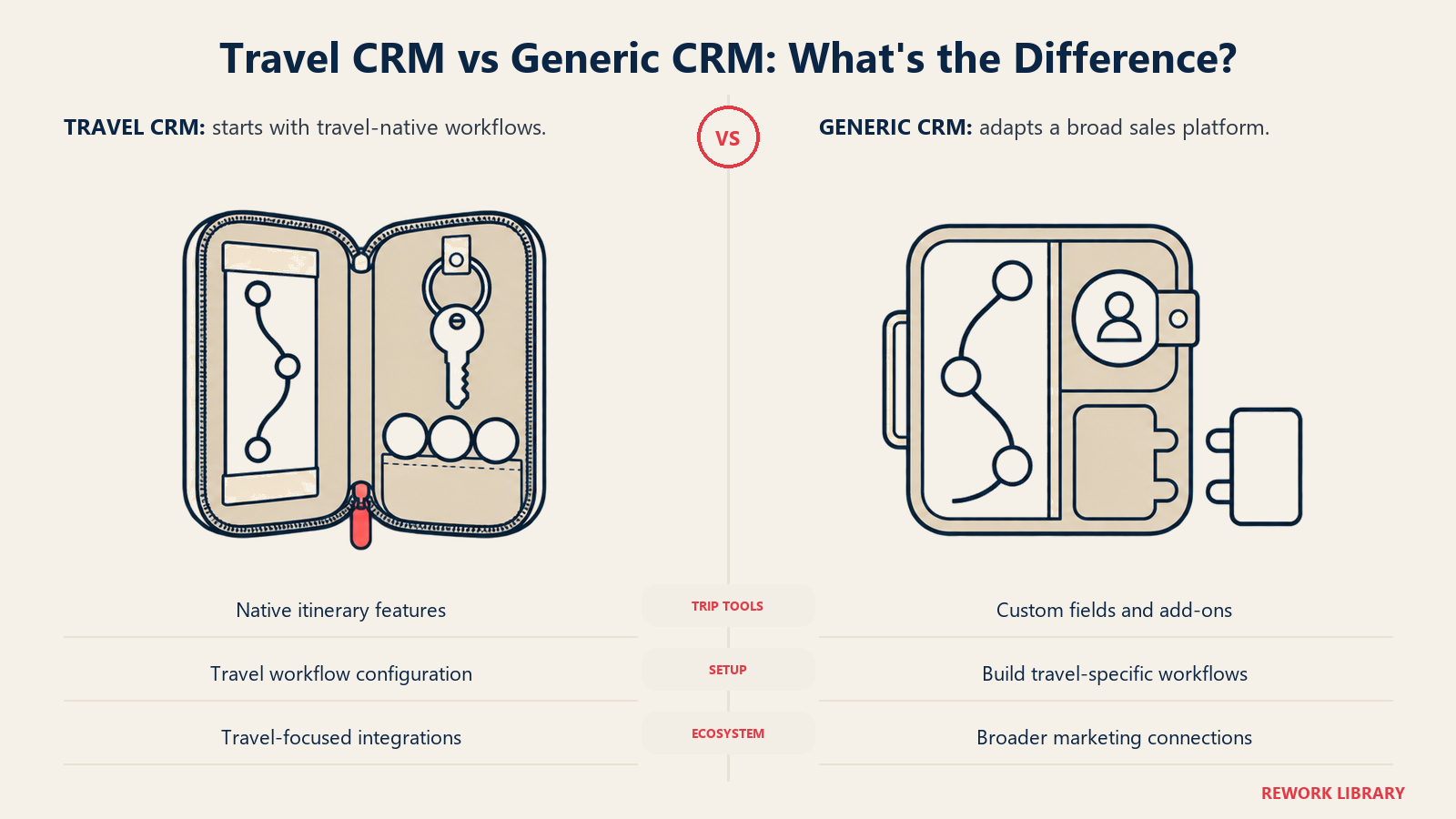
Specialized travel CRMs like TravelWorks, Tourwriter, and Travelogix are built around travel workflows. They include itinerary builders, supplier databases, document management, and booking tracking out of the box. The learning curve is steeper but the functionality matches how travel businesses actually operate.
TravelWorks excels at complex FIT (Free Independent Traveler) itineraries with multi-day, multi-destination planning. The visual itinerary builder lets agents drag and drop services, see costs in real-time, and generate beautiful client-facing proposals. It connects directly to supplier inventories.
Tourwriter focuses on tour operators running group departures and packaged tours. It handles manifests, rooming lists, and group document management elegantly. The costing tools help price tours accurately including all supplier fees and margins.
Generic platforms like Salesforce and HubSpot configured for travel offer flexibility and integration advantages. They connect easily with marketing automation, email platforms, and analytics tools. You're not locked into a niche vendor's roadmap. But you're building travel functionality yourself through custom fields, workflows, and third-party apps.
HubSpot works well for smaller agencies focused on direct marketing and inbound leads. The marketing automation is excellent. The CRM is free to start. But itinerary building requires workarounds or integrations with external tools.
Salesforce provides enterprise-scale customization. Large DMCs and tour operators use it successfully. But implementation costs are significant. You need dedicated admins or consultants to configure and maintain it properly.
Essential CRM Features for Travel
Inquiry tracking through travel inquiry management should capture every potential booking from first contact. Where did they find you? What destinations interest them? What's their budget and travel timeline? Who else is traveling? All this context determines how you nurture the relationship.
Quote and itinerary builders save massive time using itinerary building presentation features. Instead of creating proposals in Word or Excel, build them in your CRM. Pull pre-loaded hotel descriptions, activity details, and pricing. Generate branded PDFs with photos, day-by-day itineraries, and terms. Version control shows quote evolution as clients request changes.
Booking management consolidates everything about a confirmed trip. Traveler details. Supplier confirmations. Payment schedule and status. Document repository. Communication log. Task list for pre-trip preparations. A single booking record should answer every question about that trip.
Payment tracking tied to booking records eliminates confusion. How much have they paid? When are future payments due? Which payment method did they use? Automated reminders before due dates reduce late payments and awkward collection conversations.
Document storage with access controls keeps sensitive information secure but accessible. Passport copies and credit card details need restricted access. Travel vouchers and itineraries need to be shareable with travelers and guides. Set permissions by document type.
Supplier management maintains your hotel, tour operator, guide, and transfer company relationships. Track preferred suppliers by destination. Store contact details, commission rates, payment terms, and performance notes. When building itineraries, your best supplier options are immediately available.
Communication history across email, phone, and chat gives context to every interaction. New team members can read the complete story. When guests contact you months later, you know exactly what was discussed previously.
CRM Selection Criteria
Booking system integration through booking system integration is non-negotiable for most travel businesses. Your CRM needs to connect with your booking engine, whether that's a GDS, OTA extranet, or proprietary system. Real-time availability and pricing data eliminates quote errors.
GDS connectivity matters if you book flights or hotels through GDS channel management. Some travel CRMs connect directly. Others require middleware. Understand the technical requirements and costs before committing.
Multi-currency support is essential for international travel businesses. Your CRM should handle multiple currencies in quotes, invoices, and payment tracking. It should convert accurately and update rates regularly. Commission calculations need to account for currency fluctuations.
Mobile access lets your team work from anywhere. Travel agents attend trade shows, meet clients at destinations, and work outside office hours. Mobile apps that provide full CRM functionality increase productivity and responsiveness.
Reporting capabilities through travel data analytics determine whether you can actually understand your business. How many quotes did each agent generate last month? What's your conversion rate by destination? Which marketing channels drive the most bookings? If the CRM can't answer these questions easily, you're flying blind.
Scalability matters even if you're small now. Can the system handle 10x your current booking volume? Does pricing scale reasonably? Will it bog down as your database grows? Choose systems that can grow with you or plan for future migration costs.
Implementation Planning
Data migration from your current system is the hardest part of CRM implementation. You're moving contact records, booking history, communication logs, and documents. Expect data quality issues. Old emails without structure. Incomplete contact information. Duplicate records.
Plan for data cleanup before migration. Decide which historical data is worth moving. Recent bookings and active inquiries definitely migrate. But do you need inquiry records from five years ago? Set criteria and trim ruthlessly.
Workflow customization transforms generic features into your specific process. Map your actual sales process from inquiry to post-trip. Identify required approvals, handoffs between team members, and trigger points for automated actions. Configure the CRM to match this workflow, not force your team into a generic process.
Team training determines adoption success. Most CRM implementations fail not because of technology but because teams revert to old habits. Invest in thorough training. Create video tutorials for common tasks. Designate CRM champions who can help others. Make CRM usage non-optional by eliminating alternative tools.
Integration setup connects your CRM to other systems using travel automation tools: booking engines, email platforms, accounting software, and marketing tools. Prioritize integrations by impact. Email integration probably matters most. Accounting integration prevents duplicate data entry. Marketing automation drives nurture campaigns.
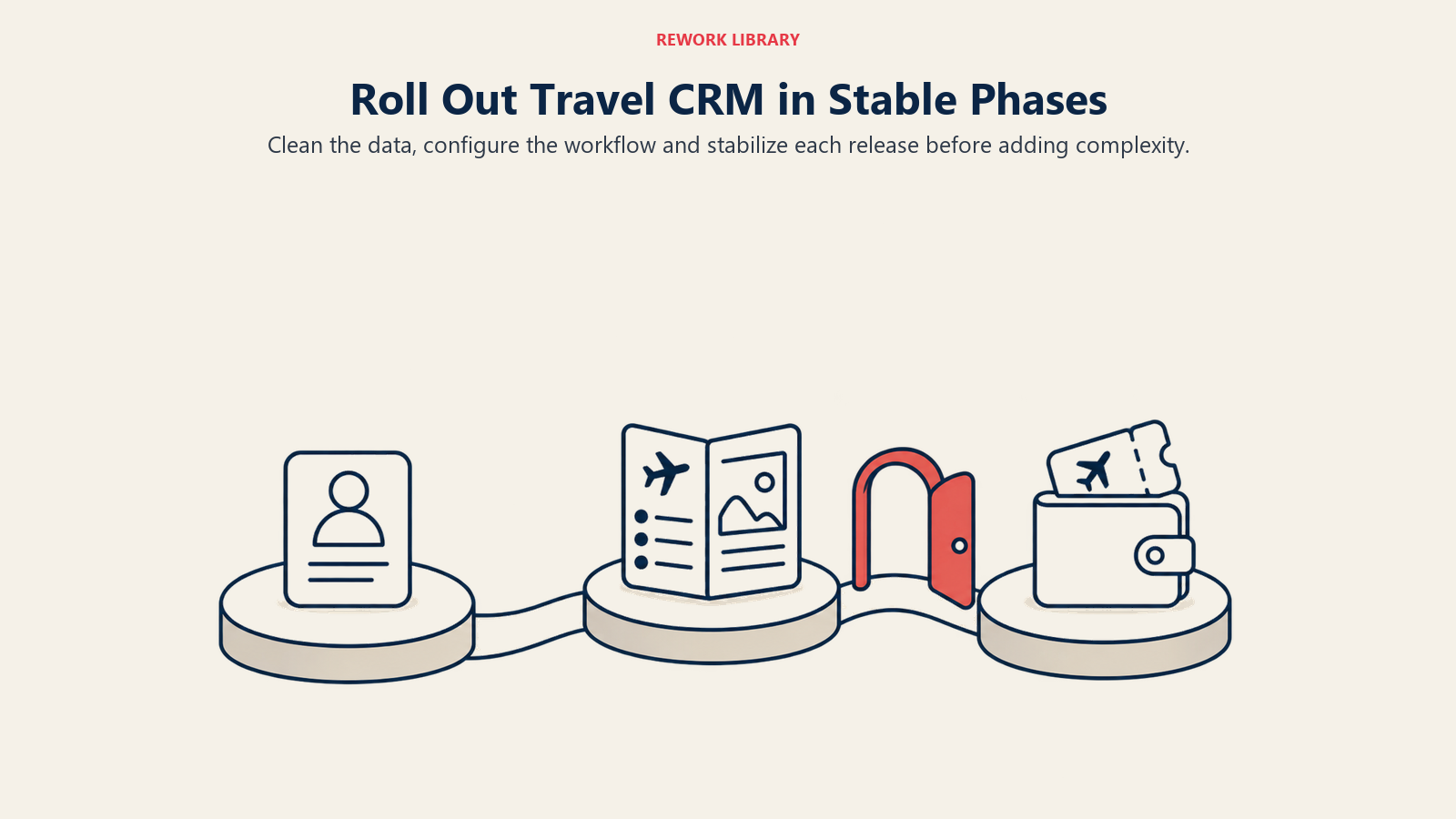
Phased rollout reduces chaos. Don't flip the switch on every feature simultaneously. Start with basic contact management and inquiry tracking. Add quote building next. Then booking management and payment tracking. Finally, advanced automation and reporting. Each phase should stabilize before adding complexity.
Data Structure & Customization
Contact fields need to capture travel-specific information beyond standard business data. Travel interests and preferences. Preferred trip styles (luxury, adventure, cultural). Important dates like anniversaries. Accessibility requirements. Past destinations. Referral sources. This context enables personalization.
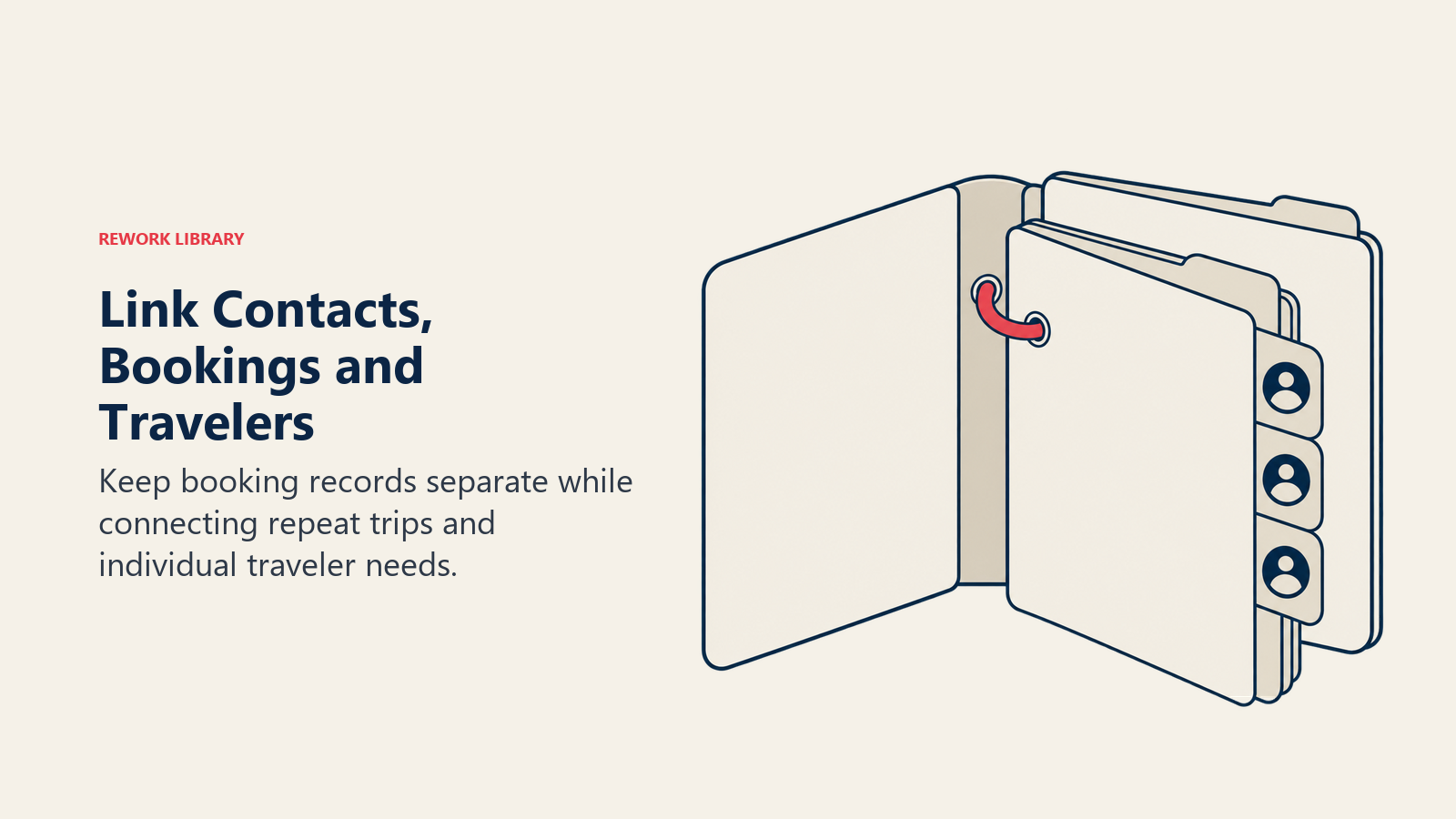
Booking records should be separate from contact records but linked. One contact might have multiple bookings over time. Each booking includes multiple travelers. The data structure needs to support these relationships cleanly.
Deal stages track progress through your sales pipeline. Typical stages: Inquiry → Qualified → Quoted → Negotiating → Booked → Paid → Traveled → Reviewing. Each stage should have clear entry and exit criteria. Automated workflows trigger when deals move between stages.
Custom properties for traveler preferences make recommendations relevant. If you know they prefer boutique hotels, dislike group tours, and need ground-floor rooms, you're delivering personalized service. Capture these preferences systematically and surface them when building itineraries.
Segmentation setup enables targeted marketing through travel customer segmentation. Group contacts by characteristics: past destinations, preferred trip styles, booking frequency, lifetime value. Send Thailand promotions to Southeast Asia enthusiasts. Market luxury safaris to high-value segments. Segment-based campaigns convert 3-4x better than generic blasts.
Integration Requirements
Booking engine connections keep availability and pricing current. When you quote a hotel or tour, you're showing real-time rates and confirming space actually exists. This integration prevents the embarrassment of quoting unavailable products or outdated prices.
Payment processor integration streamlines financial transactions. Send payment links directly from the CRM. Automatically update booking records when payments clear. Track outstanding balances. Trigger reminder sequences for upcoming installments.
Email platform integration logs all client communication in the CRM. Every email sent or received appears in the contact timeline. You can send templated emails from the CRM. Open and click rates feed back into contact records, showing engagement levels.
Accounting system integration eliminates double entry. Bookings created in the CRM sync to your accounting software. Invoices, payments, and refunds flow both directions. Reconciliation becomes automatic instead of manual monthly nightmares.
Channel manager integration matters for hotels and tour operators managing distribution across OTAs and direct channels. Bookings from all channels flow into your CRM, creating a unified view of reservations regardless of source.
Team Training & Adoption
Getting buy-in starts before implementation. Involve your sales and operations teams in CRM selection. Let them test options. Hear their concerns. When they have ownership, resistance drops.
Hands-on training beats slideshow presentations. Set up a sandbox environment with realistic data. Have team members complete actual tasks: create a contact, build a quote, process a booking, generate a report. Repetition builds muscle memory.
Create role-specific training paths. Sales agents need deep knowledge of inquiry management and quote building. Operations staff focus on booking management and supplier coordination. Managers need reporting and analytics training. Don't waste time training everyone on everything.
Video tutorials for common tasks become reference materials. Screen recordings showing exactly how to build an itinerary, process a payment, or run a report help team members when they're stuck. Build a video library indexed by task.
Make CRM usage mandatory by eliminating alternatives. If your team can still build quotes in Excel or track bookings in spreadsheets, they will. Remove those options. All client data goes in the CRM, period. Enforce this through management reviews and reporting requirements.
Celebrate early wins publicly. When someone uses the CRM effectively and closes a booking faster, share the story. When reporting reveals an insight that changes strategy, credit the CRM. Positive reinforcement drives adoption better than mandates.
CRM Workflows for Travel
Inquiry follow-up sequences engage prospects immediately. When a new inquiry arrives, automated workflows trigger: instant email confirmation, qualification questions, calendar invitation for consultation call, follow-up reminder if no response. Speed matters. Agencies that respond within an hour convert 7x better than those responding after 24 hours.
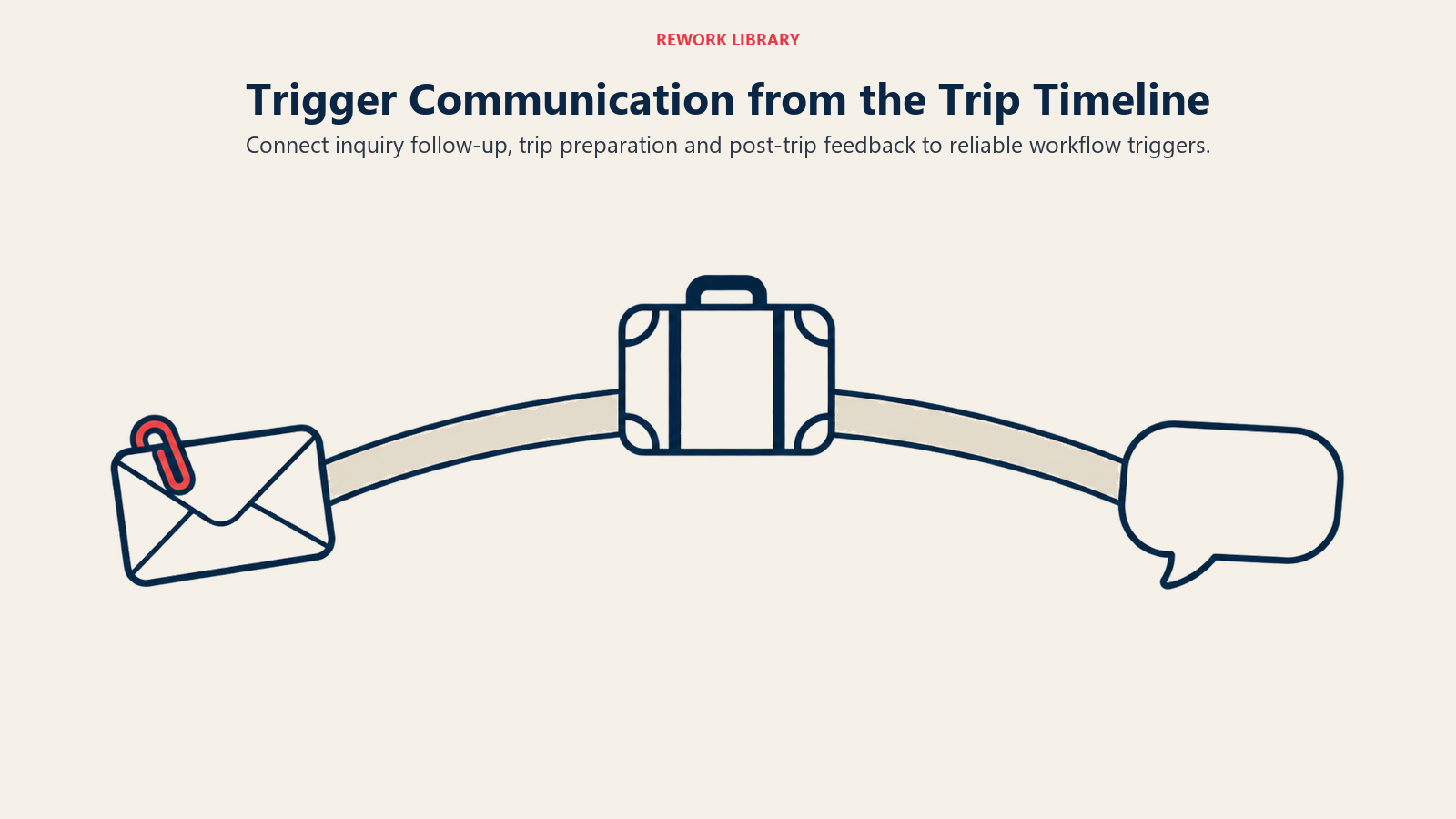
Pre-trip communication workflows through pre-trip communication ensure nothing falls through cracks. 90 days before departure: collect passport information. 60 days: send visa requirements. 30 days: share packing list and final itinerary. 7 days: send emergency contacts and travel documents. Automation makes this reliable.
Payment reminder sequences reduce late payments and awkward conversations. When an installment is due in 7 days, the system sends a friendly reminder. Day of payment, another reminder. Two days overdue, escalation email. Five days overdue, assign task to agent for personal follow-up. Professional and consistent.
Review request workflows capture feedback through guest feedback collection while the trip is fresh. Two days after return: send thank you email asking how the trip went. Five days after: formal review request with links to review platforms. Two weeks after: if no review received, send gentle reminder. Reviews flow in consistently.
Repeat booking nurture sequences keep you top-of-mind for future travel. Three months after return: share destination content related to their interests. Six months: seasonal promotion for destinations they'd enjoy. Anniversary of their trip: reminder with photo and suggestion for their next adventure. This turns one-time clients into repeat travelers.
ROI Measurement
Track efficiency gains quantitatively. How long did quote generation take before CRM versus after? How many bookings can each agent manage simultaneously? What's the average response time to inquiries? These metrics show operational ROI.
Conversion rate improvements often exceed 20% with proper CRM use. Better organization leads to faster response times. Complete information enables personalization. Automated follow-up prevents leads from going cold. Compare pre and post-implementation conversion rates by stage.
Team productivity increases when information is accessible. Agents spend less time searching for details and more time selling. New team members onboard faster because all knowledge is centralized. Measure bookings per agent before and after CRM.
Customer satisfaction scores typically rise with CRM implementation. Travelers notice when you remember their preferences and communicate proactively. Fewer errors occur when information is centralized. NPS improvements of 10-15 points are common.
Revenue per agent grows as productivity increases and conversion improves. Track this metric monthly. A successful CRM implementation should increase revenue per agent by 25-40% within a year while reducing stress and overtime.
Conclusion
Travel CRM implementation is an investment that pays returns through efficiency, conversion, and customer experience improvements. Choose systems that match your business model - specialized if your operations are complex, generic if you need flexibility and integration.
Success requires commitment beyond technology selection. Plan thorough migration, customize workflows to match your process, train teams completely, and enforce adoption consistently. The agencies that master their CRMs become more responsive, more organized, and more profitable than competitors stuck in email and spreadsheet chaos.
Related Articles:

Business Consultant