Booking Engine Optimization: Reduce Friction and Increase Booking Completion
Turn this article into takeaways for your work.


Each assistant summarizes the article only for you and suggests best practices for your work.
Forty percent of people who start your travel booking funnel process don't finish it. They select dates, choose a package, add their information, and then... abandon. That's not lost leads or uninterested browsers, these are qualified buyers ready to spend $2,000-5,000 who hit friction at the finish line and gave up.
If you generate $10 million annually with 40% booking abandonment recovery, you're leaving $6 million on the table. That's not market opportunity you need to create, it's revenue you're already generating that's leaking through preventable website conversion friction points in your booking engine.
The cause isn't one catastrophic problem. It's death by a thousand cuts: too many form fields, confusing pricing strategy, unclear next steps, technical errors, payment processing failures, and session timeouts. Each friction point causes 3-7% abandonment. Stack ten of them together and you lose half your would-be travel checkout optimization bookings.
Booking Engine Anatomy
Understanding the complete flow reveals where optimization opportunities exist.
Search and availability is entry. Users specify what they want: destination, dates, guest count, preferences. The system returns available options. Friction here comes from complicated interfaces requiring too many inputs before showing results, or search functionality that doesn't work as expected.
Package selection presents options and enables comparison. Users review available tours, accommodations, or packages and choose one. Friction emerges from unclear differentiation between options, pricing confusion, or overwhelming choice.
Customization and add-ons let users personalize their selection. Choose specific rooms, add excursions, purchase insurance, request special services. Friction appears when options are unclear, pricing for add-ons is hidden, or the interface is confusing.
Guest information collection captures names, contact details, travel documents, and preferences. This step has inherent friction because it requires effort, typing personal information isn't enjoyable. But unnecessary fields amplify friction beyond what's structurally required.
Payment processing completes the transaction. Users enter payment details and authorize charges. This is highest-anxiety moment, people worry about security, accuracy, and commitment. Any friction here kills conversions that survived all previous steps.
Confirmation and next steps provide booking confirmation and set expectations. Users receive confirmation numbers, receipts, and information about what happens next. Poor execution here doesn't prevent the booking, but damages satisfaction and increases cancellations.
Search and Discovery Optimization
The entry point sets expectations and determines whether users progress.

Search interface simplicity means minimal inputs to see results. Expedia famously tested and found that asking for too much information upfront reduced searches by 20%. Start with essentials: destination and dates. Make everything else optional travel inquiry management filters. Don't force people to specify room type, meal preferences, and activity interests before seeing any results.
Filter and sort options help users narrow options after seeing broad results. After displaying 20 available tours, let users filter by price range, activity level, trip length, or departure dates. But present unfiltered results first, requiring filter selections before showing anything creates mobile booking optimization friction.
Real-time availability display prevents the frustration of selecting something that's sold out. If a package is sold out for requested dates, mark it clearly or remove it from results. Nothing kills trust-building faster than letting someone customize a sold-out package for 15 minutes before telling them it's unavailable.
Calendar and date flexibility accommodates the reality that most travelers have flexible dates. Instead of requiring exact start date, show a calendar with pricing and availability across a range. Highlight cheapest dates, availability patterns, and sold-out periods. Let users shift dates easily to see how pricing changes.
Guest count and room configuration should balance simplicity with accuracy. "2 adults" works for most cases. But families need "2 adults, 2 children ages 8 and 10" and groups need multi-room configurations. Use progressive disclosure, simple default, expandable detail for complex needs.
Package Selection Experience
Helping users choose the right option determines whether they commit.
Comparison view design lets users evaluate 2-3 options side-by-side. Display key differentiators: duration, price, activity level, inclusions, ratings. Use visual hierarchy, make differences stand out more than similarities. Don't create comparison grids with 40 features where 35 are identical.
Pricing clarity and breakdown prevents surprise at checkout. Show total price prominently. Break down what's included: "Base tour $3,200 + Airport transfers $150 + Travel insurance $175 = Total $3,525." If pricing is per person with minimums ("$2,400 per person, minimum 4 travelers"), make that crystal clear. Hidden fees discovered at payment destroy trust and cause abandonment.
What's included visibility helps users understand value. Don't just list "$3,500 - 10 days." Show "10 days including all accommodations, 20 meals, ground transportation, guided activities, park fees, and local expert guides." Use icons for quick scanning: hotel, meals, transportation, activities. Make exclusions equally clear.
Differentiation messaging helps users choose between similar options. If you offer standard and deluxe versions, explain the difference: "Deluxe includes 4-star hotels vs 3-star, private transfers vs shared, and more included meals." Don't make people guess why one costs $800 more.
Upsell and cross-sell placement should be strategic, not spammy. After package selection is a natural time to offer relevant add-ons: "Add a 2-day extension to Machu Picchu for $650" or "Include travel insurance for $175." But don't interrupt the booking flow with aggressive pop-ups. Present add-ons as options, not obstacles.
Customization Flow
Personalization increases value but can introduce friction if poorly designed.
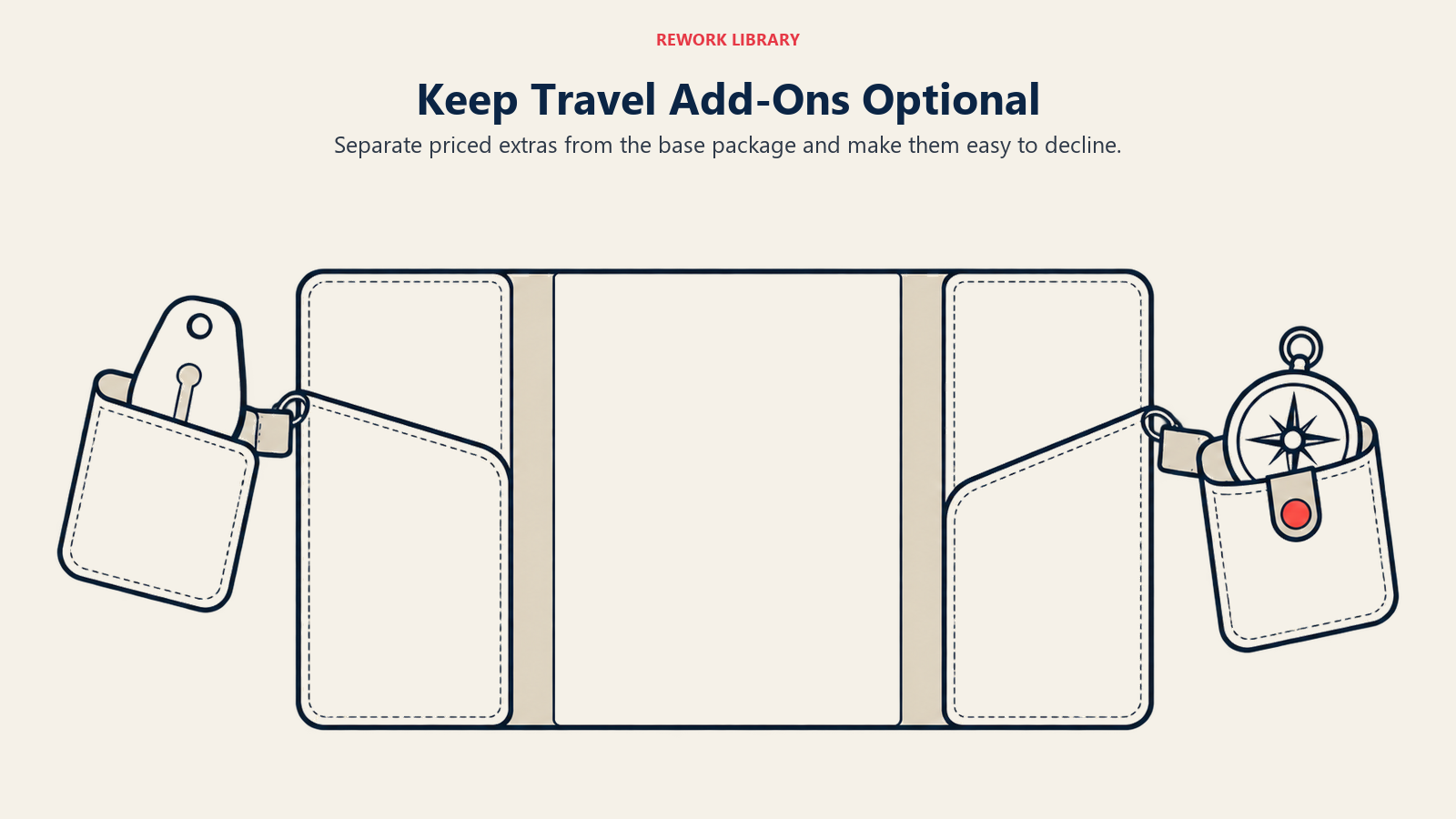
Optional add-on presentation should clearly distinguish base package from optional extras. Use categorization: "Included in Your Package" (green checkmarks), "Popular Add-Ons" (selectable with prices), "Not Included" (clear exclusions). This prevents confusion about what they're actually getting.
Room and upgrade selection needs visual clarity. Don't describe room categories in text paragraphs. Show photos of standard vs upgraded rooms with clear pricing. "$150 per night upgrade to Ocean View Room (total $1,500 for 10 nights)" makes the decision concrete. Include "Stick with Standard Room" as an active choice, not just absence of selection.
Activity and excursion booking should integrate seamlessly. If the base tour includes 5 activities and offers 3 optional excursions, display this in a daily itinerary view where users can click to add optional items. "Day 4: Included city tour in morning, optional wine tasting in afternoon (+$85)" makes the choice contextual.
Special request handling needs simple input without extensive requirements. A single text box for "Special requests or dietary restrictions" works better than 12 specific checkboxes forcing users to scan every possibility. But provide examples: "E.g. vegetarian meals, mobility assistance, anniversary celebration."
Insurance and protection offers are important revenue but annoying if pushed aggressively. Present insurance once, clearly explain coverage and cost, make it easy to decline. Don't keep re-prompting after they've said no. For international travel and adventure activities, insurance should be opt-out with clear reason to decline ("I have coverage through my credit card").
Guest Information Form
Every field you require reduces completion rate.
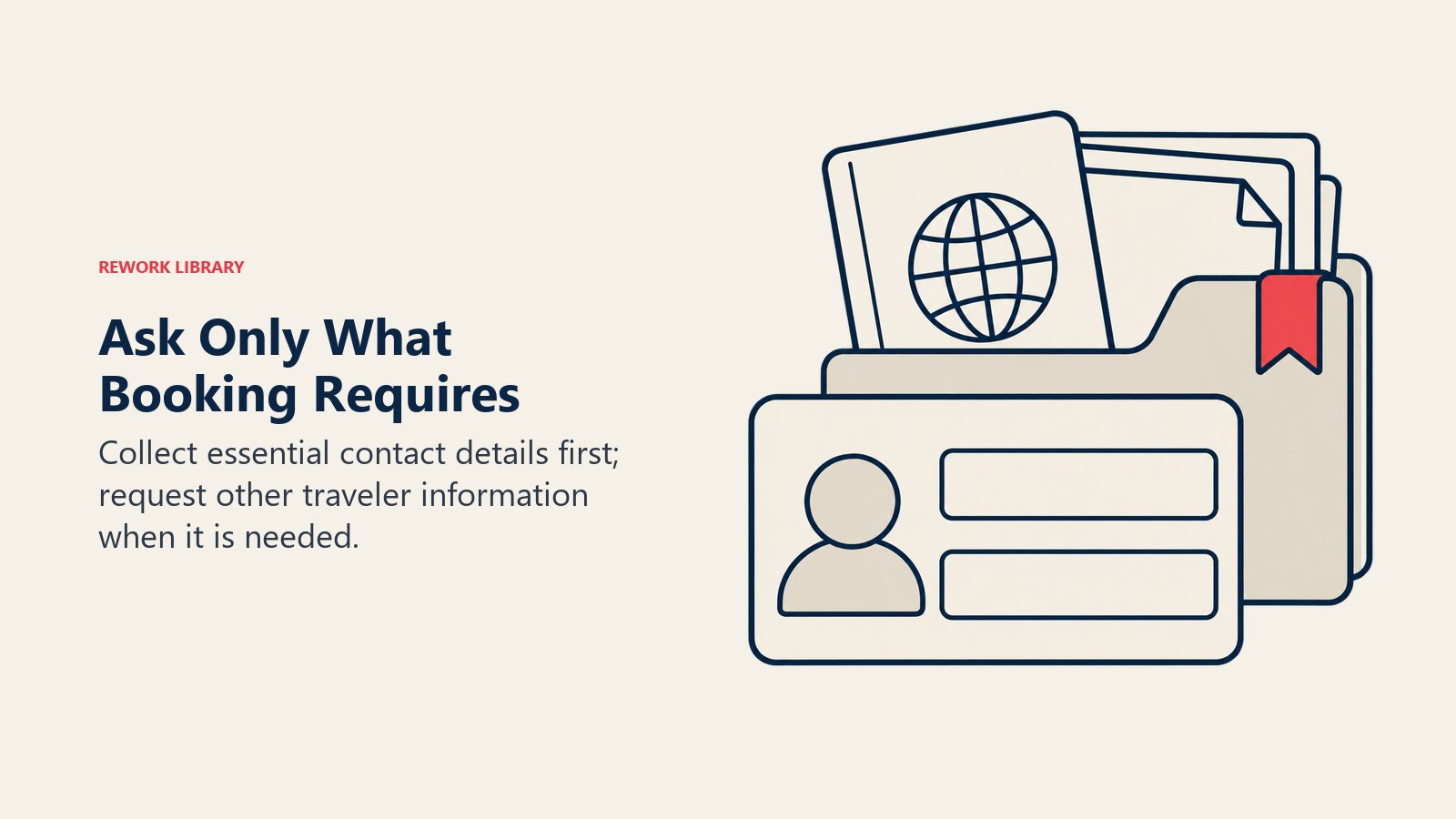
Field minimization is the highest-leverage improvement. Audit every field: Is this absolutely necessary before booking? Passport numbers, emergency contacts, dietary restrictions, these can be collected after booking. Name, email, phone, and payment information are sufficient for initial booking. Collect additional details in pre-trip communications.
Progressive disclosure breaks forms into manageable chunks. Step 1: Primary guest contact info (5 fields). Step 2: Additional travelers (expandable, name and age only). Step 3: Payment. This feels less overwhelming than a single page with 30 fields. Include progress indicators: "Step 2 of 3" reduces anxiety about how much more is required.
Auto-fill and smart defaults reduce typing. Use browser auto-fill for names, emails, addresses, and payment info. Default country to most common visitor geography. Pre-fill return date based on package length when they select departure date. Every field you can eliminate or auto-populate increases completion by 2-3%.
Guest versus passenger distinction prevents duplication. Primary guest provides detailed contact info. Additional travelers need only name and age. Don't ask for email addresses, phone numbers, and addresses for every person in a group of six, collect that once for the booking contact.
Document collection timing should be post-booking for most details. During booking, collect only information required to confirm and charge. After booking confirmation, send a "Complete Your Traveler Profile" email requesting passport details, emergency contacts, dietary restrictions, and medical information. This moves friction to after commitment when abandonment risk is lower.
Payment Processing
The final hurdle where many bookings die.
Payment method options should accommodate diverse preferences. Credit cards are standard, but also accept PayPal, digital wallets (Apple Pay, Google Pay), and bank transfers for international customers. Each additional payment method increases travel checkout optimization conversion 3-5% for the segment that prefers it.
Installment and payment plan offers reduce commitment anxiety for high-value bookings. "$4,500 seems expensive, but $750 down today and five monthly payments of $750" feels more manageable. Offering travel pricing strategy payment plans increases average booking value 15-20% by making premium options accessible.
Deposit versus full payment flexibility accommodates different customer lifetime value preferences. Some people want to secure with minimal deposit and pay balance later. Others prefer to complete the transaction entirely. Offer both: "Pay $500 deposit now, balance due 60 days before departure" or "Pay in full today." Don't force everyone into the same payment structure.
Currency and localization matters for international customers. Auto-detect location and display pricing in local currency. A European seeing prices in USD requires mental conversion adding friction. Display EUR, GBP, or other relevant currencies. Use payment processors that handle currency conversion seamlessly.
Security and trust-building for travel businesses signals prevent payment abandonment. Display "Secure Checkout" messaging, SSL padlock icons, PCI compliance badges, and payment processor logos (Visa, Mastercard, PayPal). Show "Your information is encrypted" near sensitive fields. Include money-back guarantee or booking protection messaging.
Technical Performance
Invisible friction kills conversions.
Page load speed targets should be under 2 seconds for every step of booking. Slow-loading forms, laggy interfaces, and unresponsive buttons create frustration. If clicking "Continue" takes 5 seconds to advance to the next step, users assume the site is broken and abandon. Optimize for speed as aggressively as for UX.
Session timeout prevention avoids losing bookings mid-process. If someone takes 20 minutes to complete booking (not unusual for families coordinating), don't log them out. Extend session timeouts to 60+ minutes for booking flows. Warning before timeout ("Your session will expire in 2 minutes. Click here to continue.") prevents loss of entered information.
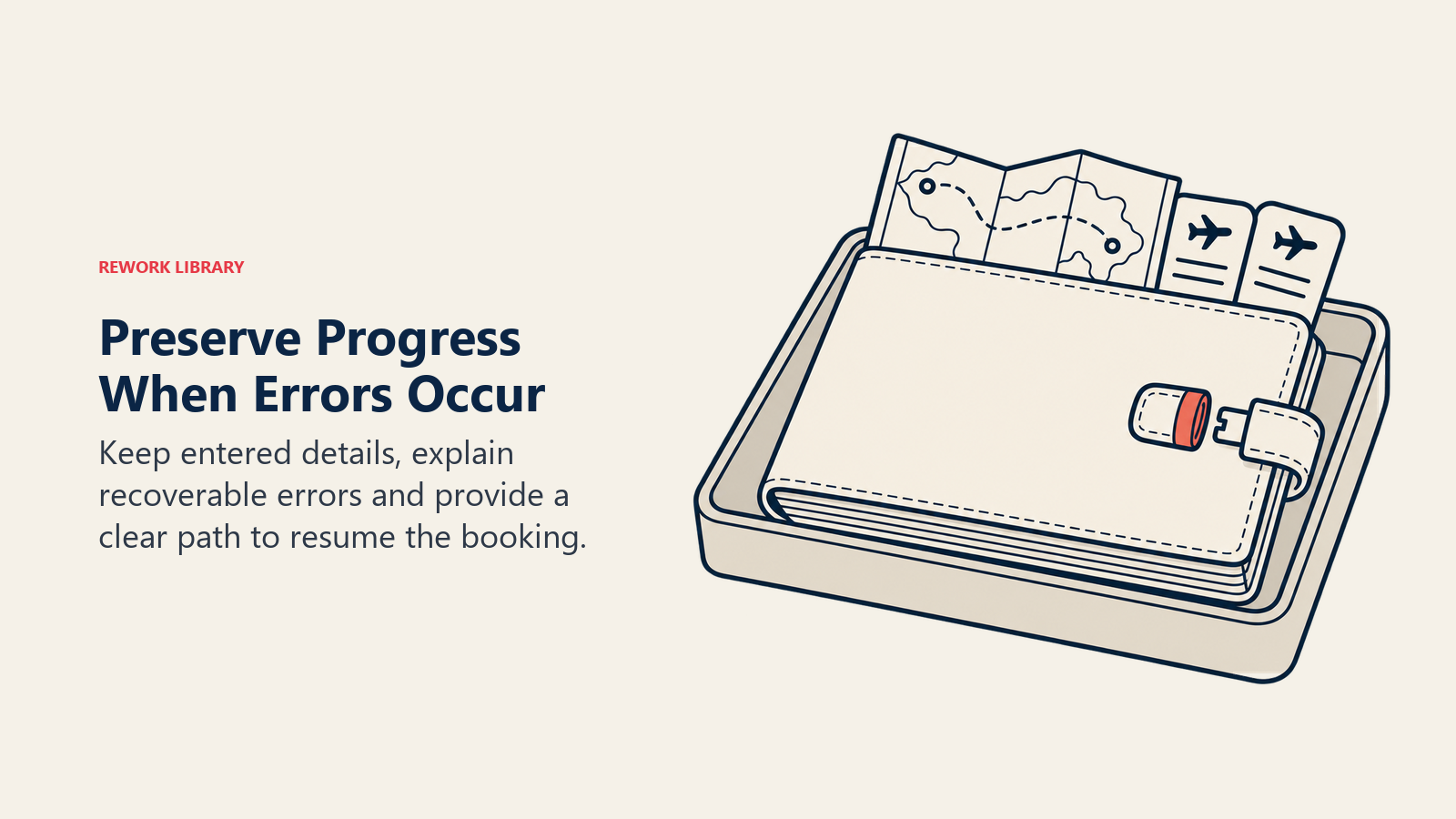
Error handling and recovery should be graceful and helpful. When payment fails, explain why ("Your card was declined. Please try a different payment method.") rather than generic "Error processing payment." If required fields are missing, highlight them clearly and explain what's needed. Save entered information when errors occur, don't make people re-enter everything.
Cross-device compatibility ensures the booking engine works on all devices and browsers. Test on iOS and Android, Chrome and Safari, desktop and mobile. A booking engine that works perfectly on desktop Chrome but fails on mobile Safari loses 30% of potential bookings.
Integration reliability with payment processors, availability systems, and email confirmation must be robust. If payment processes but confirmation email fails to send, customer panic and support burden increase. If availability system lags and someone books a sold-out slot, you've created a service recovery nightmare. Test integrations relentlessly.
Abandonment Indicators
Measure where and why people give up.
Rage clicking and frustration show when users click repeatedly on non-functional elements. Heatmap tools like Hotjar identify these patterns. If 40% of users click multiple times on an inactive "Next" button, it's not functioning as expected. These frustration patterns pinpoint specific problems.
Form field abandonment reveals which fields cause drop-off. If 25% of users abandon when reaching "Passport Number" field, that's a signal. Either remove the field, move it post-booking, or add explanation ("Required for international flights, we'll collect this securely after booking confirmation").
Payment page drop-off is the most expensive abandonment point. These users committed to booking but hit final-stage friction. Analyze: Are payment errors high? Is shipping address confusing for digital products? Are unexpected fees appearing? Fix payment page friction first, it has highest revenue impact.
Error message analysis identifies technical problems. If 15% of users see "Invalid date format" errors, your date picker is confusing or broken. If "Card declined" appears frequently, maybe your payment processor has issues with certain card types. Track all errors and fix the most common ones.
Recovery Mechanisms
Capture bookings that would otherwise be lost.
Save for later functionality lets users preserve progress without completing immediately. Someone researching at work might want to finalize at home with their partner. "Save This Booking" creates an account, stores selections, and emails a link to complete later. This recovers 8-12% of abandoners who intended to return but forgot details.
Cart abandonment email triggers when someone starts booking but doesn't complete. Wait 2-4 hours, then send: "You started booking our Iceland tour but didn't finish. Your selection is saved. Complete your booking now: [link]. Questions? Call us at [number]." Recovery rate is 10-15% of abandoners.
Live chat intervention can save bookings in real-time. If someone has been on payment page for 3+ minutes without completing, trigger a chat prompt: "Need help completing your booking? I'm here to assist." Many abandoners have simple questions that human help can resolve immediately.
Phone support handoff provides escape valve. Prominent "Need help? Call us" messaging with visible phone number lets frustrated users switch to human assistance. Some people start booking online but prefer completing by phone. Make the handoff seamless, have phone agents able to see what customer selected online and complete the transaction.
Conclusion
Your booking engine is where marketing expense converts to revenue or evaporates. Every dollar spent on advertising drives traffic that enters this funnel. If 40% abandon due to fixable friction, you're wasting 40% of your marketing investment.
Start by measuring abandonment rates at each step. Identify your biggest leak, it's probably payment page or guest information collection. Fix that one thing. Measure improvement. Then tackle the next leak. This iterative approach compounds into dramatic overall improvement.
The operators with 75% booking completion rates didn't get there by chance. They systematically identified friction, prioritized fixes by revenue impact, tested improvements, and iterated continuously. Their booking engines aren't perfect, but they're materially better than competitors losing customers at the finish line.
Related Articles: