Travel Checkout Optimization: The Final Mile to Booking Confirmation
Turn this article into takeaways for your work.


Each assistant summarizes the article only for you and suggests best practices for your work.
Thirty-five percent of people abandon at booking engine optimization checkout. They've selected packages, reviewed itineraries, chosen dates, and decided to book. They're 90% converted. Then they hit your payment page and... leave. That's not lost leads or casual browsers. These are qualified buyers actively trying to give you $2,000-5,000 who encountered final-stage travel booking funnel friction they couldn't overcome.
The financial impact is staggering. If you generate $12 million annually with 35% checkout abandonment recovery, you're losing $6.5 million in revenue that was moments away from completion. These aren't marketing failures, you already convinced them to buy. They're operational failures in your website conversion checkout process.
The good news: checkout optimization is highly measurable and improvable. Unlike brand building or top-of-funnel awareness, checkout conversion is a technical problem with technical solutions. Reduce form fields from 28 to 12. Add trust-building badges near payment buttons. Enable mobile booking optimization digital wallets. Show travel pricing strategy transparency. These tactical improvements compound into 20-40% checkout conversion increases.
Checkout Abandonment Analysis
Understanding why people abandon reveals what to fix.
Common reasons cluster into four categories. Unexpected fees (28%) appear when shipping charges, taxes, or service fees emerge at final step after users thought they knew total cost. This violates trust and triggers immediate abandonment. Complicated forms (23%) with too many fields, unclear requirements, or confusing layout exhaust users who abandon rather than figure it out. Payment concerns (21%) arise from security worries, unfamiliar payment processors, or card processing issues. Technical errors (15%) like slow loading, broken buttons, session timeouts, or validation problems physically prevent completion. The remaining 13% represents genuine hesitation, last-minute doubt, or price shopping.
Desktop versus mobile abandonment shows different patterns. Desktop checkout abandonment is 30-32%. Mobile is 40-45%. The gap comes from mobile friction, tiny form fields, difficult typing, payment info entry on small screens. This means mobile checkout needs different optimization than desktop.
International traveler challenges include currency conversion confusion, unsupported payment methods (many countries don't use credit cards as primary payment), address format mismatches (US-centric forms requiring state and ZIP when international addresses differ), and language barriers in checkout instructions.
Form field friction points measured through analytics and session recordings reveal where users struggle. Common pain points: passport number fields during booking (should be post-booking), emergency contact requirements (defer to pre-trip communications), confusing passenger versus guest distinctions, and billing address fields that don't auto-fill or accept international formats.
Guest Information Optimization
Every field you require costs you 3-5% conversion.
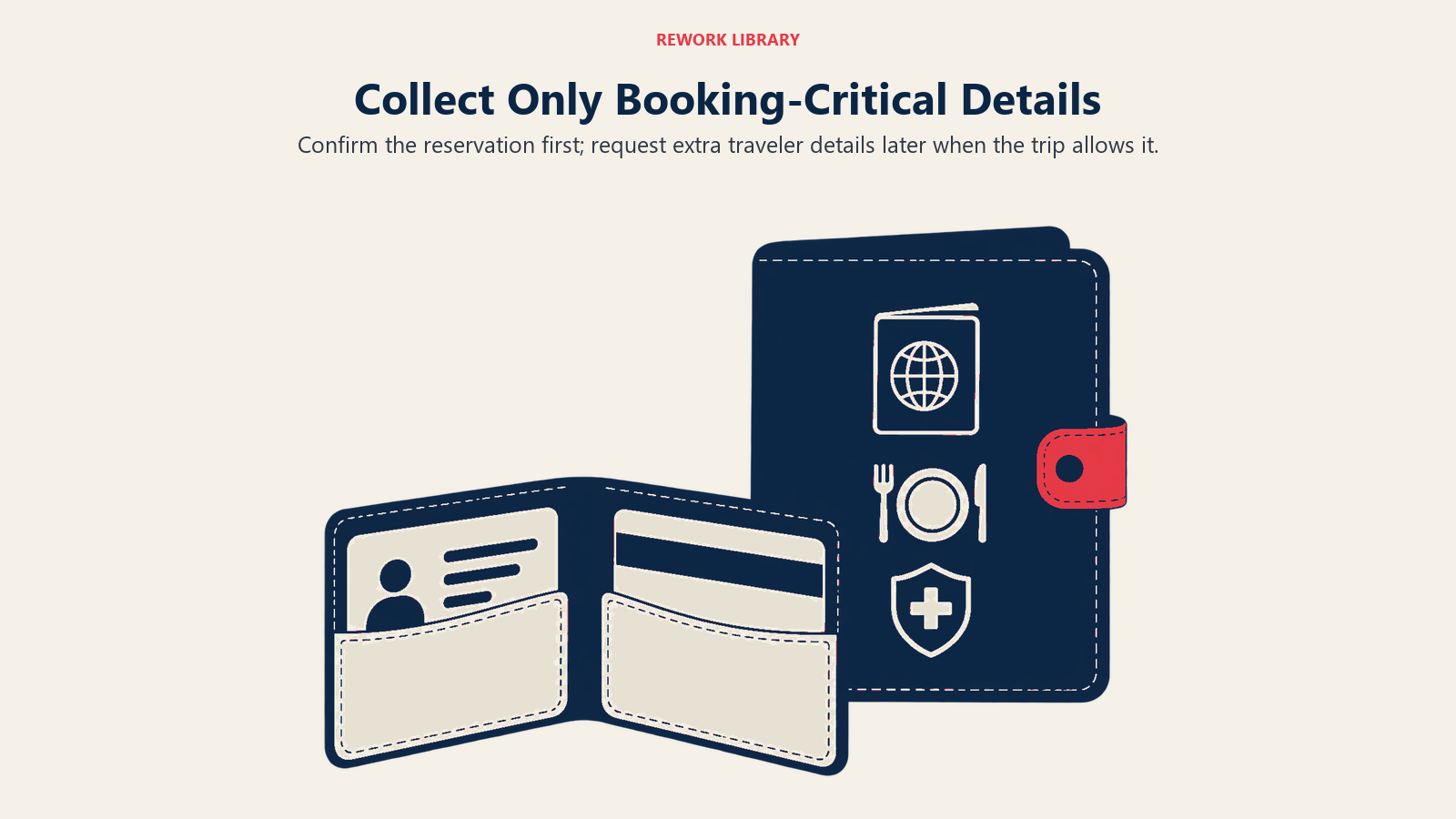
Required versus optional field distinction must be ruthless. During travel inquiry management checkout, collect only information absolutely needed to confirm booking and process payment. Name, email, phone, payment details, that's it. Everything else, passport numbers, dietary restrictions, emergency contacts, special requests, can be collected post-booking via email marketing follow-up.
Progressive form design breaks long forms into manageable steps. "Step 1: Traveler Details" (5 fields), "Step 2: Payment Information" (5 fields) feels less overwhelming than a single-page 15-field form. Progress indicators ("Step 2 of 3") reduce anxiety about how much remains. Each step should feel achievable.
Auto-fill and smart defaults eliminate repetitive typing. Browser auto-fill for names, emails, addresses, and payment information should work seamlessly. Default country selection to most common visitor geography. If 70% of bookings come from US, default to US and let others change. Pre-fill return date based on package duration when they select departure date.
Passenger information collection should distinguish lead traveler from additional guests. Lead traveler provides full contact details. Additional passengers need only name and age. Don't ask for phone numbers, email addresses, and billing addresses for every person in a family of six, collect detailed customer data management contact once.
Document upload timing should happen post-booking for most information. Passport details, visas, emergency contacts, dietary restrictions, medical information, none of this is needed to confirm a booking. Collect it via "Complete Your Traveler Profile" email sent after payment confirms. Moving this friction post-purchase prevents abandonment recovery checkout abandonment.
Pricing Transparency
Price surprises at checkout are conversion killers.
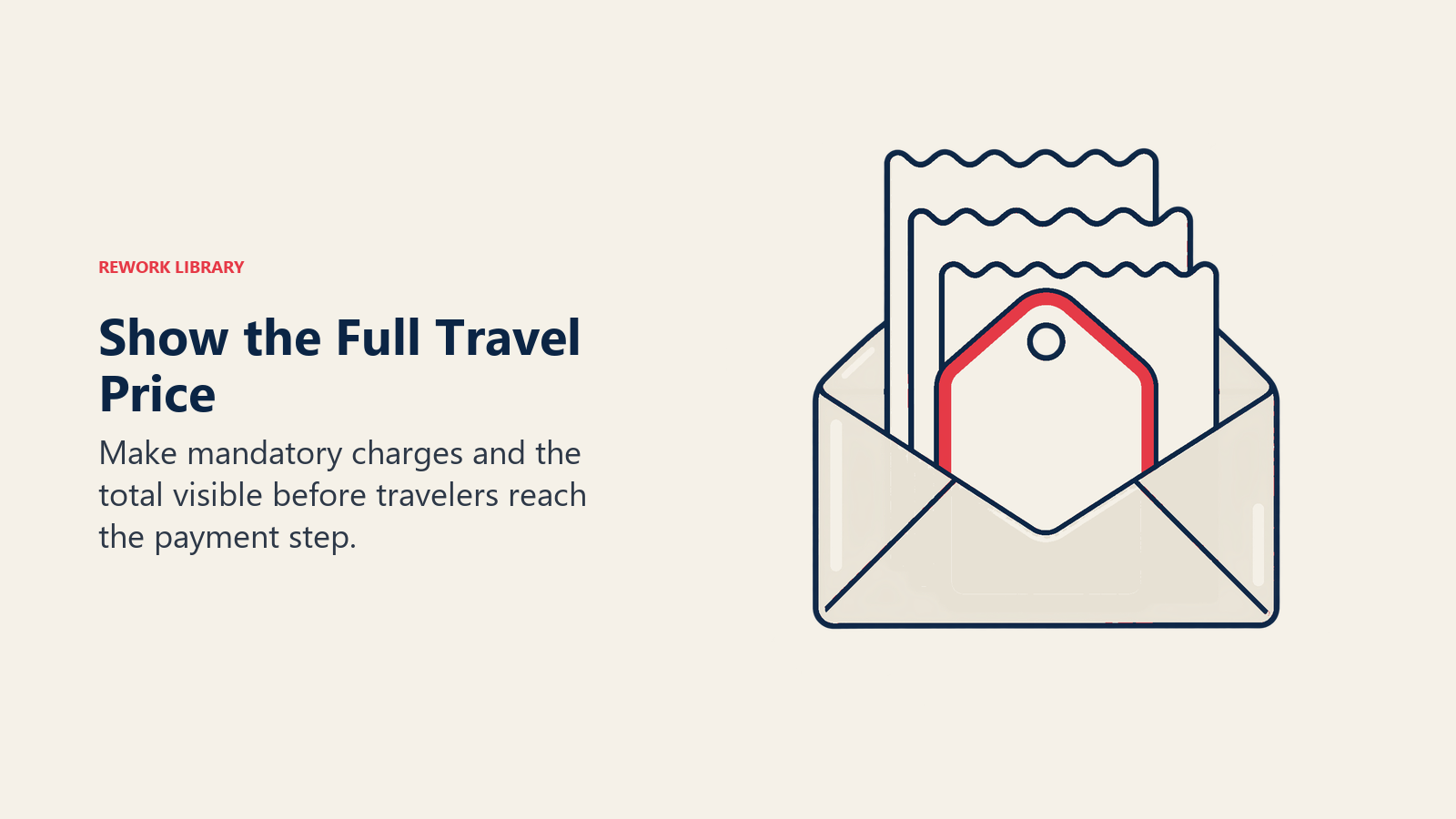
All-inclusive travel pricing strategy display means showing total cost upfront, not "from $2,299" that becomes $2,847 at checkout. If taxes, fees, or surcharges apply, include them in displayed price or itemize them clearly on package pages. Don't hide costs until payment step.
Fee breakdown clarity requires listing all components. Base tour $2,500, airport transfers $150, travel insurance $197, booking fee $50 = Total $2,897. Itemization feels fair even if total is same. Unexpected lump sum feels like deception. Trust-building transparency builds trust.
Tax and currency conversion should be automatic and clear. Auto-detect visitor location and display pricing in local currency with conversion rate shown. "€2,599 (approximately $2,850 USD at today's rate)." If taxes vary by buyer location, calculate and display them before checkout. Don't surprise Canadian visitors with 13% HST at final step.
Deposit versus full payment options accommodate different preferences. Some people want to minimize immediate outlay with small deposit. Others prefer completing transaction entirely. Offer both: "Pay $500 deposit now (balance due 60 days before departure)" or "Pay in full today." Don't force everyone into same payment structure.
Price guarantee messaging reduces comparison shopping during travel booking funnel checkout. "Best Price Guarantee - Find a lower price within 24 hours and we'll match it and give you $100 credit" removes the "should I check one more site?" hesitation that causes checkout abandonment. This keeps them moving forward rather than abandoning to comparison shop.
Payment Method Strategy
Limited payment options lose conversions.
Credit card optimization starts with accepting all major cards (Visa, Mastercard, Amex, Discover). Display card logos prominently so users know what's accepted before entering details. Use inline validation that confirms card number is valid format as they type. Auto-detect card type from first digits rather than forcing selection.
Digital wallet integration (Apple Pay, Google Pay, PayPal) dramatically improves mobile conversion. One-tap payment with saved credentials converts 3-4x better than manual card entry on small screens. Position digital wallets above manual card entry to encourage usage. These also improve desktop conversion but impact is most dramatic on mobile.
Buy now pay later options like Affirm, Klarna, or Afterpay make expensive purchases manageable. "$4,500 or 4 interest-free payments of $1,125" opens purchase possibility for customers with cash flow constraints. BNPL increases conversion 20-30% and average order value 15-25% because people book more expensive packages when payment is spread out.
Installment plans directly through your company avoid third-party fees. "Pay 25% deposit now, 25% in 30 days, 50% balance 60 days before departure." This requires trust in your collection ability but avoids BNPL processing fees. Works especially well for luxury and group segments with established relationships.
Multi-currency support serves international customers. Accept payment in EUR, GBP, CAD, AUD beyond just USD. Partner with payment processors that handle currency conversion seamlessly (Stripe, Braintree). Display checkout in customer's native currency to eliminate mental conversion math.
International payment methods like SEPA direct debit (Europe), Alipay (China), or bank transfer expand addressable market. Credit cards dominate in US but many countries prefer alternative methods. If targeting European market, SEPA support significantly improves conversion.
Security and Trust
Payment pages trigger maximum anxiety. Over-communicate security.
SSL certificate display means your checkout URL starts with https:// and shows padlock icon in browser bar. This is table stakes. But also explicitly mention security: "Secure checkout" headline, "Your information is encrypted" subtext near form fields. Redundant security messaging reduces anxiety.
PCI compliance badges signal you handle payments securely. Display Stripe, PayPal, or processor logos that carry trust. "PCI Compliant" badge (if true) shows you meet payment card industry standards. These badges mean little to technical users but reassure average customers.
Secure payment messaging near sensitive fields combats fear. "Your payment information is encrypted and never stored on our servers" under credit card fields. "We'll never share your information" near email address. Small reassurance text reduces abandonment from security concerns.
Data protection assurances especially for international customers concerned about GDPR and privacy. "We respect your privacy and protect your data per GDPR requirements" for European visitors. Link to privacy policy for those wanting details. Most won't read it, but its presence builds trust.
Cancellation policy clarity prevents booking hesitation. Display policy prominently on checkout page: "Free cancellation up to 60 days before departure." This removes "what if I need to cancel?" objection that causes people to abandon rather than commit. Clear, fair policies increase conversion by reducing perceived risk.
Error Prevention and Handling
Prevent errors before they happen; handle gracefully when they do.
Real-time validation catches errors as users type. Email address missing @ symbol? Flag immediately. Credit card number wrong length? Show error as they type, not after submission. Postal code invalid format? Prompt for correction. This prevents users from submitting incomplete forms and receiving generic "please fix errors" messages.
Clear error messaging tells users exactly what's wrong and how to fix it. Not "Payment failed" but "Your card was declined. Please try a different payment method or contact your bank." Not "Invalid address" but "Street address is required. Please enter your complete address." Specific, actionable error messages enable users to fix problems.
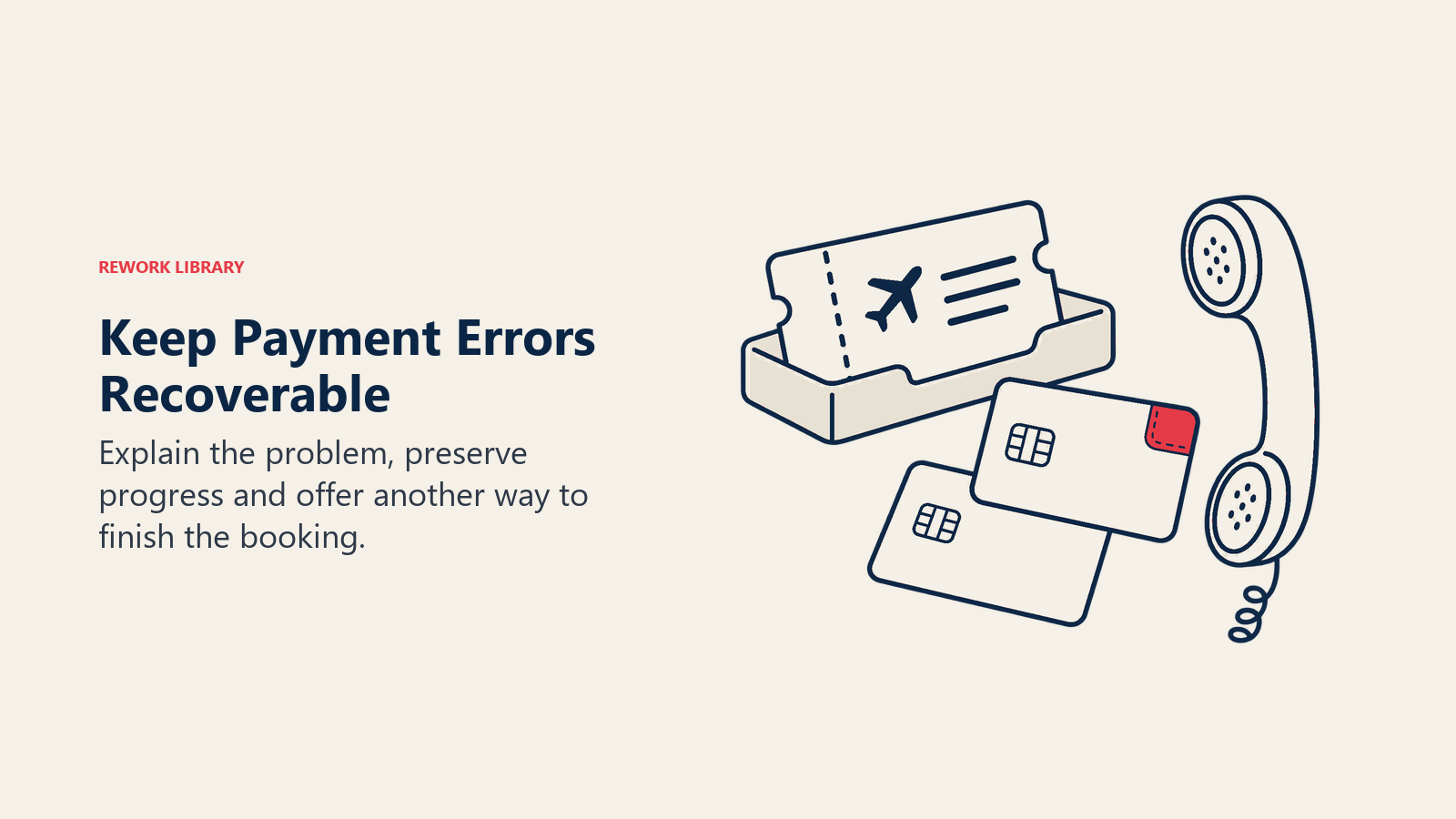
Recovery from payment failures provides alternatives. When card declines, don't just show error, offer "Try a different card," "Use PayPal," or "Call us to complete booking by phone: [number]." Give users paths to completion rather than dead ends.
Session timeout prevention extends checkout session duration. If someone takes 15 minutes to complete booking (consulting partner, finding credit card, reading terms), don't log them out. Extend session timeout to 30-60 minutes for checkout. Warn before timeout: "Your session will expire in 2 minutes, click here to continue."
Progress saving means if someone abandons checkout, their entered information isn't lost. Save incomplete bookings (if they provided email) and enable resuming. "Continue where you left off" link in abandonment recovery emails restores their selections and entered info. This reduces re-entry friction for returning abandoners.
Upsell and Cross-Sell in Checkout
Balance revenue opportunity with conversion risk.
Travel insurance placement is expected and converts 25-35% of bookings when presented properly. Display after package selection, before payment details. Clear explanation of coverage and cost. Easy to add or decline. Don't make it opt-out (pre-checked), that feels manipulative. Make it opt-in with clear value proposition.
Upgrade offers should be contextual and limited. "Upgrade to Ocean View room for $150 total ($15/night)" is relevant. "Add our New Zealand tour while you're at it" during Iceland checkout is distracting. Limit upsells to 1-2 directly related offers that enhance the current booking.
Activity add-ons work if they integrate naturally. During package checkout, showing "Add optional glacier hiking excursion - $125" makes sense. It's related, it's optional, and it's an obvious add-on. Present as enhancement, not requirement. Include "No thanks, just the base package" option.
Early check-in options and similar convenience upgrades convert well because they're small purchases ($25-75) that feel premium. "Guarantee early check-in for $35" or "Priority airport transfers for $50" appeal to luxury segment and add revenue without major checkout disruption.
Balance versus revenue optimization means knowing when upsells help versus hurt. High-intent customers ready to book may appreciate relevant add-ons. Hesitant customers on the edge might be pushed over to abandonment by aggressive upselling. Test what works for your audience.
Post-Purchase Experience
Confirmation page and immediate follow-up set the tone for customer relationship.
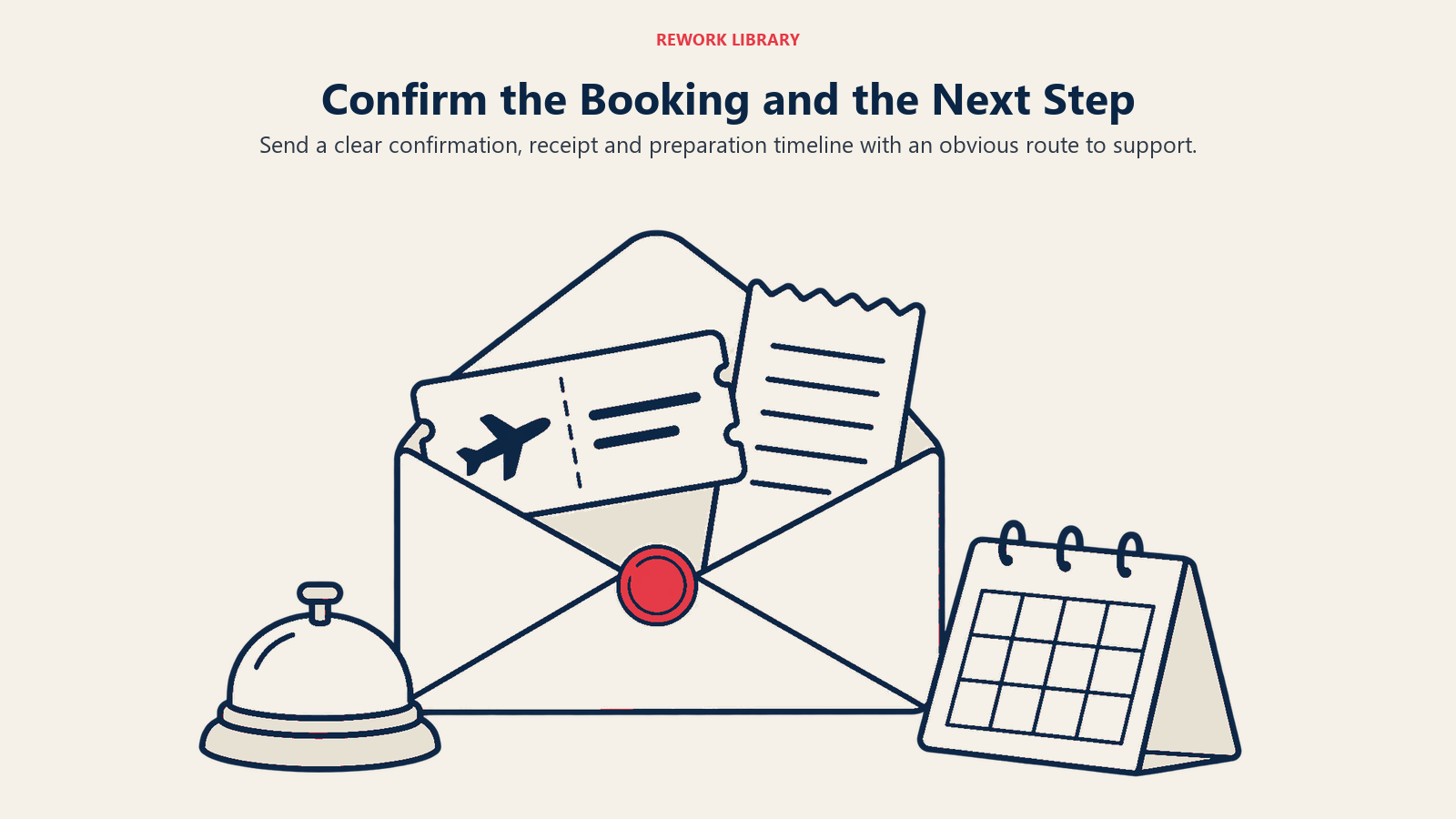
Confirmation page optimization means clear "Booking Confirmed!" headline, booking reference number prominently displayed, summary of what they purchased, next steps explanation, and customer service contact. Don't just show "Thank you", reinforce their purchase decision and set clear expectations.
Immediate email confirmation should arrive within 60 seconds. Delayed confirmations create anxiety and support calls. Include booking details, payment receipt, itinerary overview, and "What happens next" timeline. Attach PDF confirmation for their records.
Next steps communication eliminates confusion. "Within 24 hours you'll receive your detailed itinerary and pre-trip questionnaire. 60 days before departure we'll collect final payment and finalize details." This timeline prevents "what now?" questions.
Customer service access should be obvious. "Questions? Call us at [number] or email [address]. Our team is here to help." Prominent contact information builds confidence that support is available if needed. New customers are anxious, make them feel supported.
Social sharing prompts capitalize on booking excitement. "Share your excitement! Tell your friends where you're going:" with one-click social media sharing. Just-booked customers are enthusiastic and willing to tell friends. Facilitate this for organic marketing.
Testing and Optimization Framework
Continuous testing improves checkout conversion over time.
Form field testing identifies which fields create friction. Remove one field per test. Test 12-field checkout against 15-field version. Measure impact. Often removing non-essential fields increases conversion enough to offset value of data collected. Test ruthlessly.
Payment method testing compares options. Does adding Apple Pay improve conversion enough to justify integration? Does "pay in installments" increase conversion and average order value? Run A/B tests measuring conversion rate, average booking value, and payment processing costs.
Pricing display testing compares inclusive vs broken-down pricing. Does showing $2,999 all-inclusive convert better than $2,699 + $150 taxes + $150 fees = $2,999? Test how you present pricing and whether transparency helps or hurts.
Trust signal testing determines which badges and messaging work. Test checkout with security badges against version without. Test different badge placements. Test "Secure checkout" headline variations. Small trust signals often have outsized conversion impact.
Error rate monitoring identifies technical problems. If 8% of checkout attempts result in payment errors, investigate payment processor issues or form validation problems. High error rates indicate technical problems preventing completion, not user hesitation.
Conclusion
Checkout is where marketing investment converts to revenue or evaporates. Every improvement, removing unnecessary fields, adding payment options, displaying security badges, showing pricing transparency, compounds into measurably higher conversion.
Start by auditing current checkout. How many fields are required? Could any be collected post-booking? What payment methods are offered? Do you communicate security clearly? Are errors handled gracefully? Map the current state, identify friction points, prioritize fixes, and test improvements.
The operators with 70% checkout completion rates didn't get there by chance. They systematically eliminated friction, tested alternatives, and iterated based on data. Checkout optimization isn't sexy, but it's the highest-ROI improvement most travel companies can make. You've already paid to get users there. Don't lose them at the finish line.
Related Articles: