Solar CRM and Proposal Tools: Building a Tech Stack That Closes Deals
Turn this article into takeaways for your work.


Each assistant summarizes the article only for you and suggests best practices for your work.
Most residential solar companies are either over-tooled or under-tooled. The over-tooled ones have a CRM, a separate proposal builder, a standalone financing application portal, a communication tool, and a manual data-entry step connecting each of them. The under-tooled ones run everything in spreadsheets and email threads, then wonder why reps are showing up to appointments without knowing anything about the homeowner.
Neither setup wins. The goal is a connected tech stack where data flows from the first setter call through the close and into the install handoff, with no double-entry, no data gaps, and real-time visibility for managers.
This guide covers how to evaluate and configure the tools that matter most for the in-home consultative solar sale.
What Your Tech Stack Actually Needs to Do
Before comparing specific software, it helps to be clear about what work the stack needs to perform. In residential solar, the sales process moves through these stages:
- Lead capture from digital sources, canvassing, or referral
- Pre-qualification and appointment setting
- Appointment confirmation and prep
- In-home consultation and proposal generation
- Financing application and credit approval
- Close and contract signing
- Handoff to install coordination
Each stage involves information that the next stage needs. A tech stack that doesn't carry information cleanly from stage to stage creates friction at every transition. Reps arrive at appointments without lead context. Managers can't see where deals are stalling. Finance teams can't connect credit approvals back to specific proposals.
The two most critical tools in this chain are the customer relationship management platform (CRM) and the proposal builder. Everything else either feeds into them or outputs from them.
Key Facts
- The global CRM software market reached $128 billion in 2024, growing 13.4% year-over-year. (Gartner, CRM Market Share Analysis 2024)
- By 2027, an estimated 92% of large enterprises in North America will have adopted sales software. (Gartner, Forecast Analysis: CRM Sales Software)
- 78% of low-turnover field sales teams use a CRM or field sales platform, compared to only 54% of high-turnover teams. (SPOTIO, State of Field Sales 2026)
CRM Requirements for Solar Sales Teams
A CRM for solar isn't the same as a generic sales CRM. The in-home, consultative, high-ticket nature of the sale creates requirements that general-purpose tools don't always handle well.
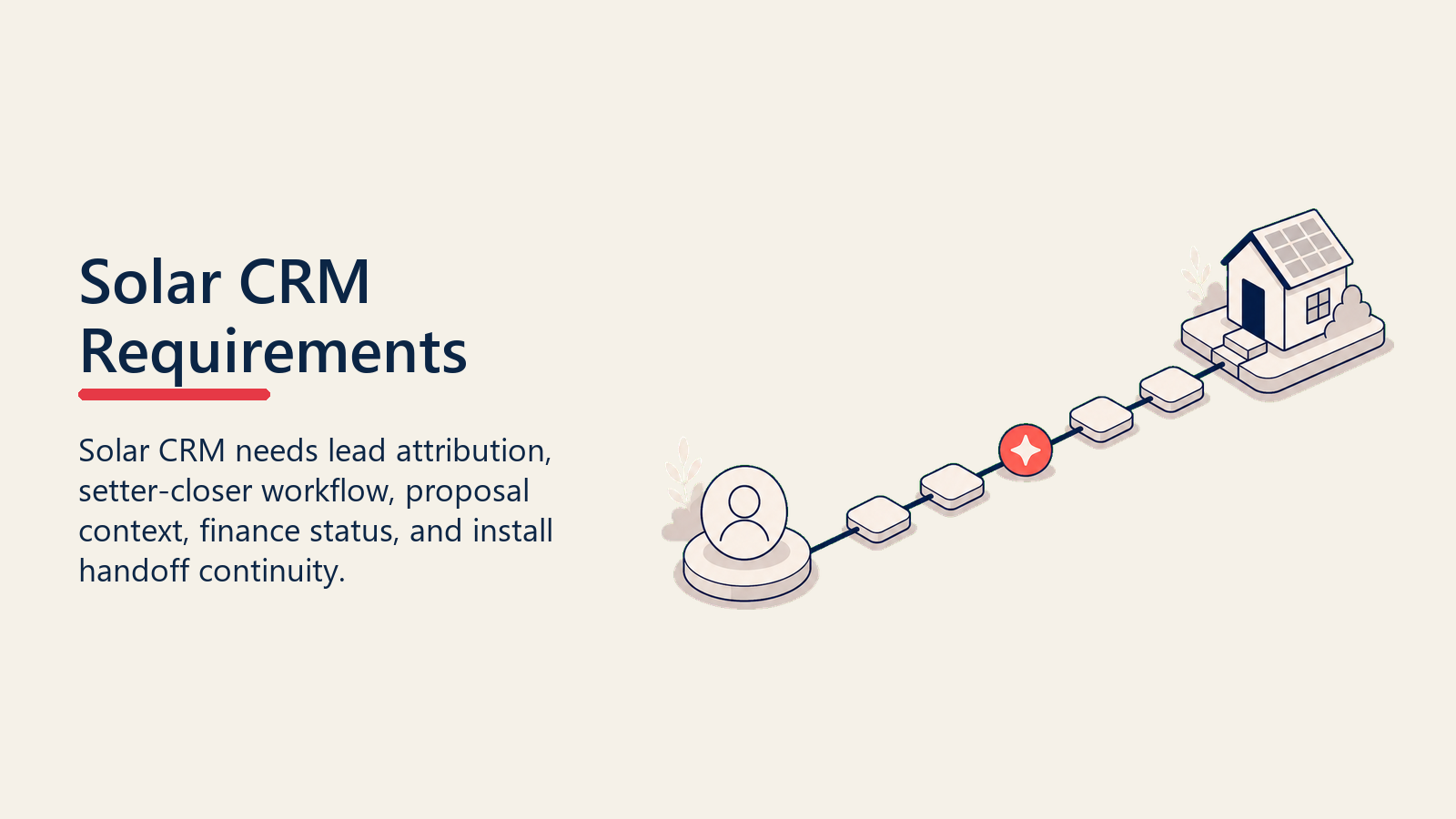
Lead source attribution. Solar teams generate leads from multiple channels: door-to-door canvassing, digital ads, referral programs, community events, and purchased lists. Your CRM needs to capture the original source at lead creation and carry it through to the closed deal so you can calculate true cost per acquisition by channel. This feeds directly into the decisions described in solar buying vs self-generated leads.
Setter-closer workflow. In most solar operations, one person sets the appointment and another runs it. The CRM needs to support this two-rep workflow explicitly, not just assign the lead to one person. The closer should be able to see everything the setter captured in the qualification call: utility bill amount, homeowner's stated goals, roof age, financing concerns, and who else will be at the appointment.
Appointment confirmation tracking. Show rates in residential solar average 60-75% without active confirmation processes. Your CRM should support multi-touch confirmation sequences (automated text plus rep call) and let you track whether each appointment was confirmed, by whom, and when.
Pipeline stage visibility. Managers need to see deals by stage in real time, not in a weekly report. This means the CRM has to be the actual system of record, which only happens if reps update it consistently. Stage definitions, required fields, and data hygiene rules are management decisions, not software decisions, but the tool has to support them.
Integration with proposal and financing tools. If the CRM and proposal builder don't connect, reps are entering the same customer data twice. That's not just annoying; it introduces errors that cost deals. A homeowner whose address is entered wrong in the proposal builder gets a system size that doesn't match their actual roof.
Common CRM choices in solar include Salesforce (with solar-specific add-ons), HubSpot, and solar-native platforms like Sunbase, Solar Success, and JobNimbus. Each has tradeoffs between configurability and out-of-the-box solar workflow support. With enterprise CRM adoption projected at 92% of large North American firms by 2027, the question for solar operators is no longer whether to use a CRM but which one to configure correctly for their specific sales motion.
Choosing Between a General CRM and Solar-Specific Software
This is the central platform decision for growing solar companies, and there's no universal right answer.
General CRMs (Salesforce, HubSpot) offer deep customization, strong integrations with other tools, and reporting capabilities that most solar-native platforms can't match. They're a better choice if your team has technical resources to configure them properly, if you're running complex multi-channel operations, or if you need tight integration with your marketing automation or ERP.
The tradeoff: general CRMs require significant setup to fit solar workflows. Out of the box, they don't know what a setter is, what a solar proposal looks like, or how to calculate kilowatt-hours. You're building the workflow, not using one.
Solar-native platforms come pre-configured for the common residential solar workflow. They often bundle appointment scheduling, proposal generation, and financing integration in a single package. They're faster to deploy and easier for reps to learn.
The tradeoff: they're less flexible when your process deviates from their assumptions, and their reporting and API capabilities are often weaker than enterprise CRMs. If you want to build custom dashboards or connect to external analytics tools, you may run into walls.
A practical framework for choosing:
| Company Stage | Recommendation |
|---|---|
| Pre-revenue or <10 reps | Solar-native platform; get to market fast |
| 10-30 reps with established process | Evaluate solar-native with strong reporting OR configure HubSpot |
| 30+ reps, complex ops | Salesforce or HubSpot with dedicated admin resource |
| Multi-channel, multi-product (solar + battery + HVAC) | Salesforce or HubSpot; solar-native tools don't handle multi-product well |
Proposal Tools: The In-Home Close Depends on This
The proposal is the moment in the sales process where everything either clicks or falls apart. A homeowner who sees a clear, professional, personalized proposal that shows exactly how their specific house will perform and what they'll pay month-to-month is in a very different mindset than one who's looking at a generic PDF with ballpark numbers.
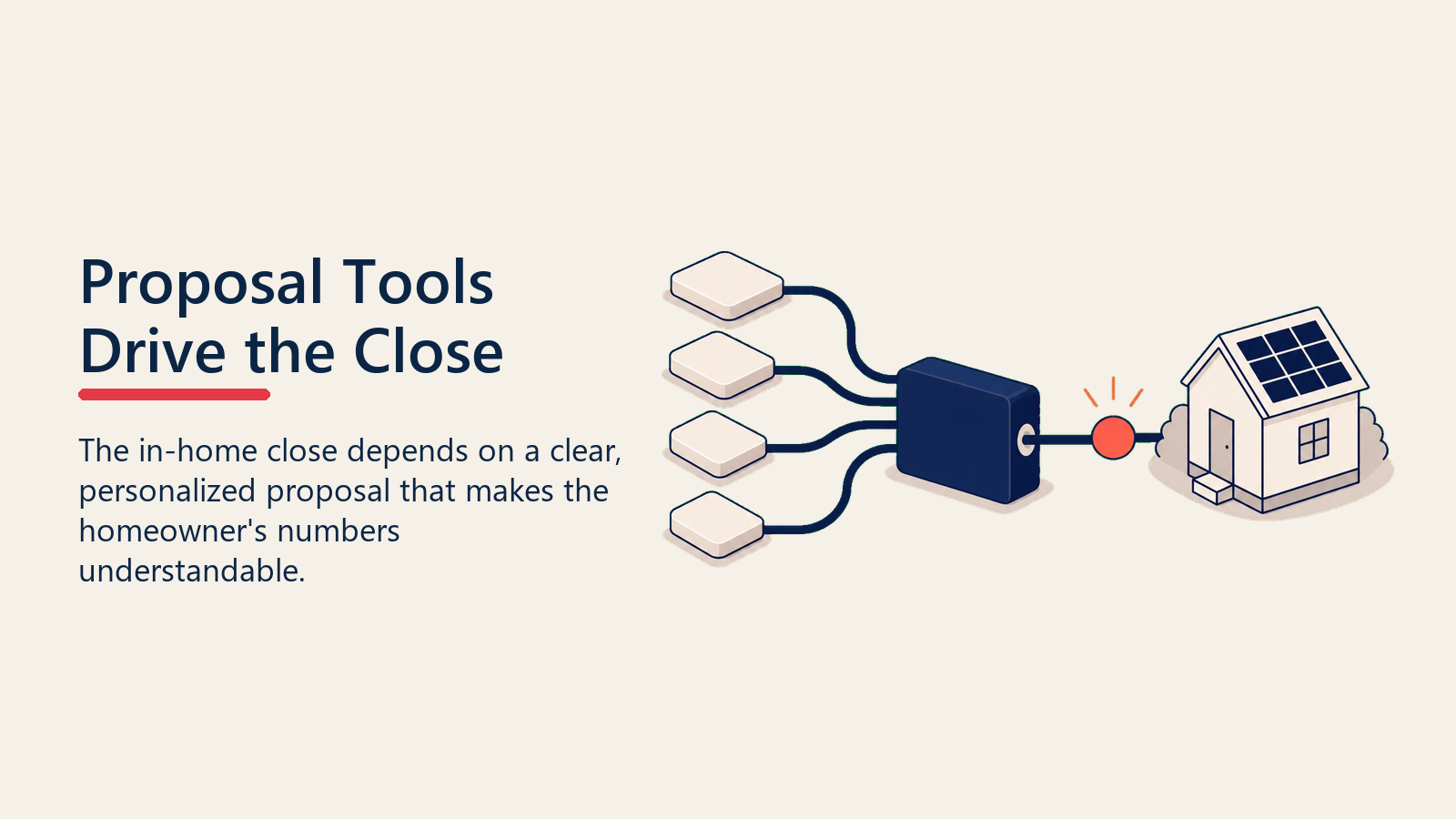
Proposal tools for solar serve several functions:
System design and sizing. Good proposal tools pull satellite imagery, calculate roof dimensions and shading, and recommend a system size based on the homeowner's actual usage history. This removes the guesswork from the rep's presentation and gives the homeowner something grounded to react to.
Utility bill comparison. The proposal needs to show, clearly, what the homeowner is paying now versus what they'll pay after going solar, including the loan payment. This is the core economic argument, and if it's buried in fine print or presented in confusing terms, the deal stalls.
Financing scenarios. Most residential solar is financed. Your proposal tool should be able to show multiple financing options side by side: different loan terms, payment amounts, and total savings projections. Reps who have to calculate these manually during the appointment lose control of the conversation.
Digital signature. The fewer steps between verbal agreement and signed contract, the better. Proposal tools with built-in e-signature capability let reps close the deal on a tablet without printing anything or sending a follow-up email.
Proposal sharing and tracking. When a homeowner wants to "think about it" and review the proposal at home, you want to know when they open it. Proposal tools that include document tracking let reps follow up at the right moment, not blindly a few days later.
Leading proposal tools in solar include Aurora Solar, Enerflo, OpenSolar, and Scoop Solar. Some solar CRM platforms bundle a proposal tool; others integrate with one or more of these.
Building the Integration Between CRM and Proposal Tool
If your CRM and proposal tool are separate products, the integration between them is critical. A broken or missing integration creates the double-entry problem, and it means data generated during the appointment (system size, proposal version, financing option selected) doesn't flow back into the CRM record.
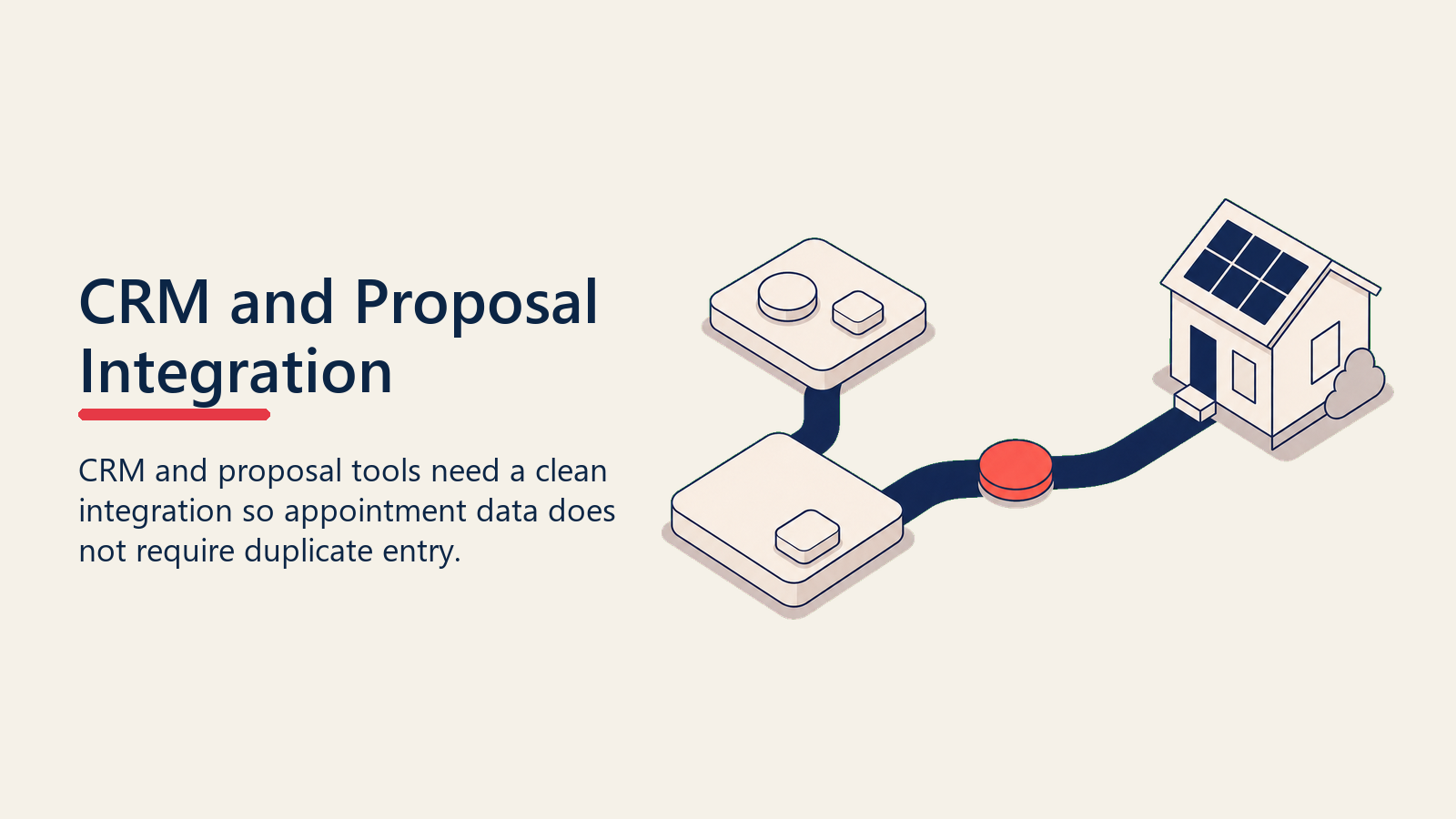
At minimum, the integration should:
- Create a proposal from a CRM lead record with one click, pre-filling customer name, address, and contact info
- Push the proposal status (sent, opened, signed) back to the CRM record automatically
- Create a CRM activity or task when a proposal is opened or signed, so the rep and manager see it in their dashboard
- Record which financing option was presented and which was accepted
Many solar companies build this integration using Zapier, Make (formerly Integromat), or a direct API connection if both tools support it. The cleaner the integration, the more useful the data.
Financing Tool Integration
Residential solar involves financed purchases in the $20,000-$60,000 range. The financing application process is a critical step in the close, and how it's handled in the app directly affects one-call close rates.
Reps who have to tell a homeowner "we'll send you a link later to apply" are giving the homeowner time to reconsider, talk to a skeptical neighbor, or find a competitor quote. Reps who can run a soft credit check and show a monthly payment amount during the appointment keep the momentum going.
Your tech stack needs to support:
- Soft credit check during the appointment (no hard inquiry until the homeowner agrees)
- Pre-qualification results visible in 2-3 minutes
- Financing option display tied to the proposal (so the monthly payment is shown in context of bill savings)
- Application-to-funding status tracking back in the CRM
Most residential solar financing partners (Mosaic, GreenSky, Sungage, etc.) provide integration capabilities. Evaluate lender integration quality alongside rate and term offerings when choosing financing partners.
For more on how financing structures affect the sales conversation, see solar financing models and sales.
Mobile-First Configuration for In-Home Appointments
Your rep is sitting in a homeowner's kitchen with a tablet. The CRM update they need to make, the proposal they're generating, and the financing application they're running all have to work smoothly on that device, in whatever cell service that neighborhood has.
This sounds obvious, but many CRM configurations are built for desktop use, then expected to work on mobile without adjustment. They don't.
When evaluating or configuring tools, test specifically for:
- Appointment update flow from a mobile device (can a rep mark an appointment complete and add notes in under two minutes on a phone?)
- Proposal generation time on a tablet with average cell connection
- E-signature flow on a 10-inch tablet
- Offline capability if the connection drops (does the app save data locally and sync when back online?)
Tools that fail on mobile will be avoided by reps, even if they're required by management. The result is data gaps and inconsistent CRM usage.
The Rep Adoption Problem (and How to Solve It)
The most common reason a CRM investment fails in solar isn't the technology. It's that reps don't use it consistently enough for the data to be reliable.
Reps avoid CRMs for predictable reasons: too many required fields, slow mobile performance, unclear benefit to themselves (as opposed to management), and the belief that the time spent updating the CRM is time not spent setting or running appointments.
Solving the adoption problem is partly a configuration issue and partly a management issue. SPOTIO's research on field sales teams found that low-turnover teams are 2.4 times more likely to run on one or two integrated systems rather than five or more, making CRM consolidation a retention variable as much as a productivity one. Reps who work in fragmented tool stacks spend more time on data entry and less time selling.
On the configuration side: reduce required fields to the minimum that actually matters for pipeline visibility. Each required field is a barrier to entry. Start with five: lead source, appointment status, proposal status, outcome, and close reason. Add more only after those are being filled consistently.
On the management side: make CRM data the basis for compensation conversations, not just reporting. If a rep's commission statement comes directly from what's in the CRM, they update it. If commissions are calculated from a separate spreadsheet, the CRM becomes optional in their minds.
Connect coaching to CRM data. When a manager opens a rep's pipeline in a 1:1 and asks about specific deals by name, reps learn that the CRM is the lens through which their work is seen. That shift in perception drives adoption faster than any training.
This connects directly to how you use your lead and setter performance dashboards: dashboards built on reliable CRM data drive behavior change. Dashboards built on unreliable data get ignored.
Good CRM data also sharpens opportunity qualification: when stage fields and required data are consistently filled, managers can look at any active deal and quickly judge whether it belongs in the pipeline or should be marked dead. Without that data quality, qualification reviews are guesswork.
Quotable Nuggets
"The most common reason a CRM investment fails in solar isn't the technology. It's that reps don't use it consistently enough for the data to be reliable." Configuration and management drive adoption; the software alone doesn't.
The CRM global market hit $128 billion in 2024, and by 2027, 92% of large North American enterprises will run on sales software. (Gartner) Solar operators who haven't standardized on a CRM are increasingly the exception, not the rule.
"Reps who have to tell a homeowner 'we'll send you a link later to apply' are giving the homeowner time to reconsider, talk to a skeptical neighbor, or find a competitor quote." Financing integration at the appointment is a one-call close enabler, not a nice-to-have.
Is Your Current Stack Actually Working? A Five-Minute Audit
The Lead-to-Install Data Flow Test: Trace a single deal from first contact to install handoff and count the number of times someone manually re-enters data. Every manual entry is a potential error and a process gap. A connected stack carries the lead record, proposal, financing approval, and signed contract through each stage with zero re-entry. Most solar companies find three to five points of manual re-entry on this audit. Fixing even two of them measurably shortens cycle time and reduces proposal errors.
If you already have tools in place, a quick audit helps identify whether the stack is working or creating hidden drag.
Ask these questions:
- Can a manager see every rep's pipeline in real time, by stage, in under two minutes?
- When a rep runs an appointment today, does the next rep or manager see those notes before the lead's next contact?
- Can you pull a report of close rate by lead source in under five minutes?
- How long does it take a rep to generate a proposal from scratch in a homeowner's home?
- When a homeowner signs, does the install team see it immediately, or does information travel by phone call or email?
If any of these answers is "no" or "longer than it should be," you've found a gap. Gaps at the data level translate to friction at the deal level.
The goal isn't to have the most sophisticated tech stack. It's to have a stack where information flows cleanly, reps can do their job efficiently in the field, and managers have the visibility they need to coach and decide. That's a simpler set of requirements than most tech vendors want you to think it is.
Getting the Most from What You Already Have
Before replacing tools, dig into whether your current stack is configured properly.
Most teams use 20-30% of their CRM's actual capability. Before buying a new tool, spend a month with a dedicated admin resource configuring pipeline stages, required fields, and automations properly. The ROI on better configuration often exceeds the ROI on new software.
Common high-value quick wins in solar CRM configuration:
- Add automated appointment confirmation texts triggered by appointment creation
- Build a stage-exit prompt that requires the rep to log a reason whenever a deal moves from "proposal sent" to "lost"
- Create a "manager review" flag that reps can set on deals where they want input, visible in the manager's dashboard without a conversation
These take hours to build and save weeks of manual follow-up over the course of a year.
A well-configured CRM also makes value selling more consistent across the team: when every rep logs which savings scenario they presented and how the homeowner responded, managers can identify which value framing actually closes deals in their market and coach the rest of the team to it.
Your CRM and proposal tools are the connective tissue of your sales operation. When they work well, information moves, deals close, and managers spend their time coaching, not chasing updates. When they don't, the friction is invisible but constant, and it shows up in your close rate month after month.
Frequently Asked Questions about Solar CRM and Proposal Tools
What CRM features matter most for a residential solar sales team?
The five non-negotiables for solar are: lead source attribution at the contact level (so you can track cost per acquisition by channel), a setter-closer workflow that gives the closer full visibility into the setter's qualification notes, multi-touch appointment confirmation tracking, real-time pipeline stage visibility for managers, and direct integration with your proposal tool. General CRMs like Salesforce and HubSpot support all five if configured correctly. Solar-native platforms often build them in by default but offer less flexibility.
Should a solar company use a general CRM or a solar-specific platform?
It depends on team size and operational complexity. Under 10 reps, a solar-native platform gets you to market faster without configuration overhead. At 10 to 30 reps with an established process, evaluate whether your solar-native tool's reporting can support manager dashboards and lead source analytics. At 30-plus reps or multi-product operations (solar plus battery plus HVAC), a general CRM with a dedicated admin resource typically wins on flexibility and integration capability.
What's the biggest mistake solar companies make with CRM configuration?
Too many required fields. Every required field a rep must fill to save a record is a reason to avoid opening the CRM at all. Start with the five fields that drive pipeline visibility: lead source, appointment status, proposal status, deal outcome, and close reason. Get consistent completion on those before adding anything else. Most teams that struggle with CRM adoption discover, on audit, that their configuration is optimized for reporting rather than for the rep's moment-to-moment workflow.
How does proposal tool integration affect one-call close rates?
Significantly. Reps who can run a soft credit check, display financing options, and generate a digital-signature proposal on a tablet during the appointment keep deal momentum alive. Reps who have to say "I'll send you the proposal and a link to apply" give the homeowner a window to reconsider. Every step that happens outside the appointment is a step where the deal can die. Proposal tools with built-in financing integration and e-signature are one of the highest-ROI investments a solar sales operation can make in the close process.
What should a CRM integration between the proposal tool and CRM actually do?
At minimum: auto-create a proposal from the CRM lead record with customer data pre-filled, push proposal status (sent, opened, signed) back to the CRM record automatically, trigger a rep or manager activity when a proposal is opened, and record which financing option was presented and selected. If any of those steps requires manual entry, you have a gap that will produce data errors and visibility blind spots.
How do you get reps to actually update the CRM consistently?
Tie compensation to CRM data. If a rep's commission statement comes from what's in the CRM, they update it. If it comes from a separate spreadsheet, the CRM is optional to them. Beyond comp, make CRM data the basis for 1:1 conversations: when a manager asks about specific deals by name during a pipeline review, reps learn that the CRM is how their work is seen. That shift in perception drives adoption faster than any training or required-field enforcement.
What does mobile performance have to do with CRM adoption?
Everything. Your rep is in a homeowner's kitchen on a tablet with variable cell service. If the CRM update flow takes more than two minutes on a mobile device, reps will skip it and backfill at the end of the day from memory. End-of-day backfill produces inaccurate timestamps, missing fields, and data that no longer reflects what actually happened. Test your entire CRM flow on a phone before rolling it out as a rep requirement, and fix any step that takes more than two taps to complete.

Senior Implementation Consultant
On this page
- What Your Tech Stack Actually Needs to Do
- CRM Requirements for Solar Sales Teams
- Choosing Between a General CRM and Solar-Specific Software
- Proposal Tools: The In-Home Close Depends on This
- Building the Integration Between CRM and Proposal Tool
- Financing Tool Integration
- Mobile-First Configuration for In-Home Appointments
- The Rep Adoption Problem (and How to Solve It)
- Is Your Current Stack Actually Working? A Five-Minute Audit
- Getting the Most from What You Already Have