Permitting, Interconnection, and the Solar Installation Timeline
Turn this article into takeaways for your work.


Each assistant summarizes the article only for you and suggests best practices for your work.
A customer signs a solar contract, excited about lower energy bills and a new system on their roof. Then they wait. For weeks. Sometimes months. And nobody tells them why.
Permitting and utility interconnection are the two biggest time sinks in residential solar, and they're largely outside your direct control. But how you communicate, track, and manage that wait is entirely up to you. Companies that master this process see far fewer cancellations, far better reviews, and stronger word-of-mouth. Companies that treat it as an operations problem the customer shouldn't worry about end up drowning in angry calls and "can I cancel?" emails.
This article breaks down what actually happens between contract signing and the moment a system goes live, what drives delays, and how to build a communication plan that keeps customers informed and confident.
What Happens Between Contract and Activation
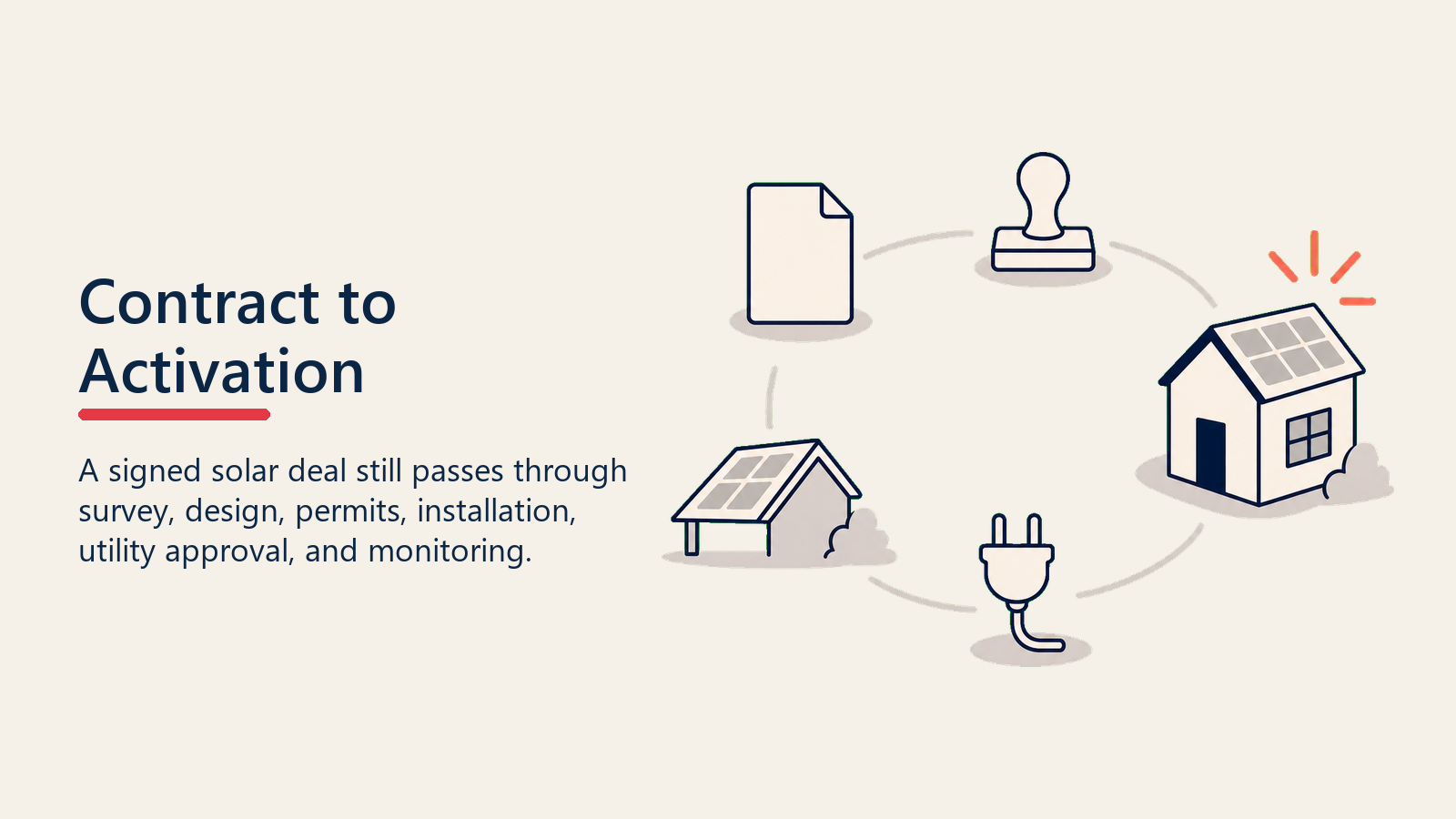
Most homeowners have no idea how many steps sit between signing a solar contract and flipping the switch. Walking them through the full picture at the time of close sets expectations and builds trust. Here's the typical sequence:
| Phase | Who's Responsible | Typical Timeframe |
|---|---|---|
| Site survey and system design | Solar company | 1 to 2 weeks post-close |
| Permit application filing | Solar company | 1 to 3 days after design approval |
| Permit approval | Local authority (AHJ) | 2 to 8 weeks (varies widely) |
| Equipment procurement and scheduling | Solar company | Running parallel to permitting |
| Physical installation | Solar company crew | 1 to 2 days |
| Utility interconnection application | Solar company or homeowner | Filed before or right after install |
| Utility inspection | Utility company | 1 to 6 weeks post-install |
| Permission to operate (PTO) issued | Utility company | 1 to 4 weeks after inspection |
| System activation | Solar company or homeowner | Same day as PTO |
From contract to activation, 60 to 120 days is the industry norm. In some markets with backlogged utilities or slow permitting offices, it stretches to 6 months. Customers who aren't told this upfront will assume something is wrong the moment week 4 passes without news.
Key Facts
- The median full permitting cycle (permit submission through passed inspection) takes 47.5 days through traditional processes, versus 33 days for jurisdictions using SolarAPP+, a difference of 14.5 business days, according to NREL's SolarAPP+ Performance Review (2023 Data).
- In 2023, SolarAPP+ eliminated over 150,000 business days of permitting-related delays across participating jurisdictions, per the same NREL report.
- SEIA estimates that each additional week of permitting or interconnection delay raises the client cancellation rate by 5 to 10 percentage points, according to SEIA's SolarAPP+ resource page.
The Two Major Delay Drivers
Local Authority Having Jurisdiction (AHJ) Permit Timelines
Every jurisdiction sets its own permitting rules and processing speeds. Some cities have electronic permitting that turns around in two to three business days. Others require paper submissions, in-person counter visits, and four to six weeks of review. A few require preliminary inspections before the permit is even issued.
Your operations team should maintain a live database of AHJ timelines by zip code. When a deal closes, pull the expected permit timeline for that jurisdiction and factor it into the customer-facing schedule. Don't give every customer the same "four to eight weeks" answer when you actually know that Sacramento processes permits in 10 days and Riverside takes five weeks.
Common permit delay triggers include:
- Structural calculations required for older roof types
- HOA approval letters missing from the application packet
- Utility service panel upgrades needed before solar can be approved
- Zoning variances in historic districts or deed-restricted communities
- Electrical plan review backlog at the city level
Your project coordinators should chase these proactively rather than waiting for a rejection letter. A call or portal check at day 7 and day 14 catches most problems before they become 3-week setbacks. For jurisdictions that have adopted it, SolarAPP+ from NREL automates the code-compliance check and can issue a permit instantly for compliant residential systems, cutting typical permit timelines by up to 14.5 days.
Utility Interconnection
Interconnection is the process where your customer's utility company reviews and approves the grid connection for their new solar system. It's required before any net metering credits can accrue and before the system can legally export power.
Most utilities follow one of two application tracks:
Simplified track (fast path): Systems below a certain size threshold, typically 10 to 25 kW, that don't require engineering review. Approval in 10 to 30 business days.
Standard track (engineering review): Larger systems, complex interconnections, or systems in areas with high existing solar penetration. Can take 60 to 90 days or more.
The problem is that utilities vary dramatically in responsiveness. Some have online portals where you can track status in real time. Others still process applications via fax and only respond to email. Your interconnection team should maintain a contact log for every utility in your service territory and know the name of the actual person handling applications when possible. The Interstate Renewable Energy Council's Connecting to the Grid resource explains interconnection standards in plain terms, including how states score on policy quality and what best-practice procedures look like, useful background for your ops team.
One practical move: file the interconnection application the same day as the permit application, or even before. There's no rule requiring you to wait for permit approval first in most jurisdictions, and running them in parallel can shave weeks off the overall timeline.
Building a Customer-Facing Timeline Tool
One of the best things you can do for your post-close experience is give customers a concrete, personalized timeline rather than a vague range. This doesn't have to be complex technology.
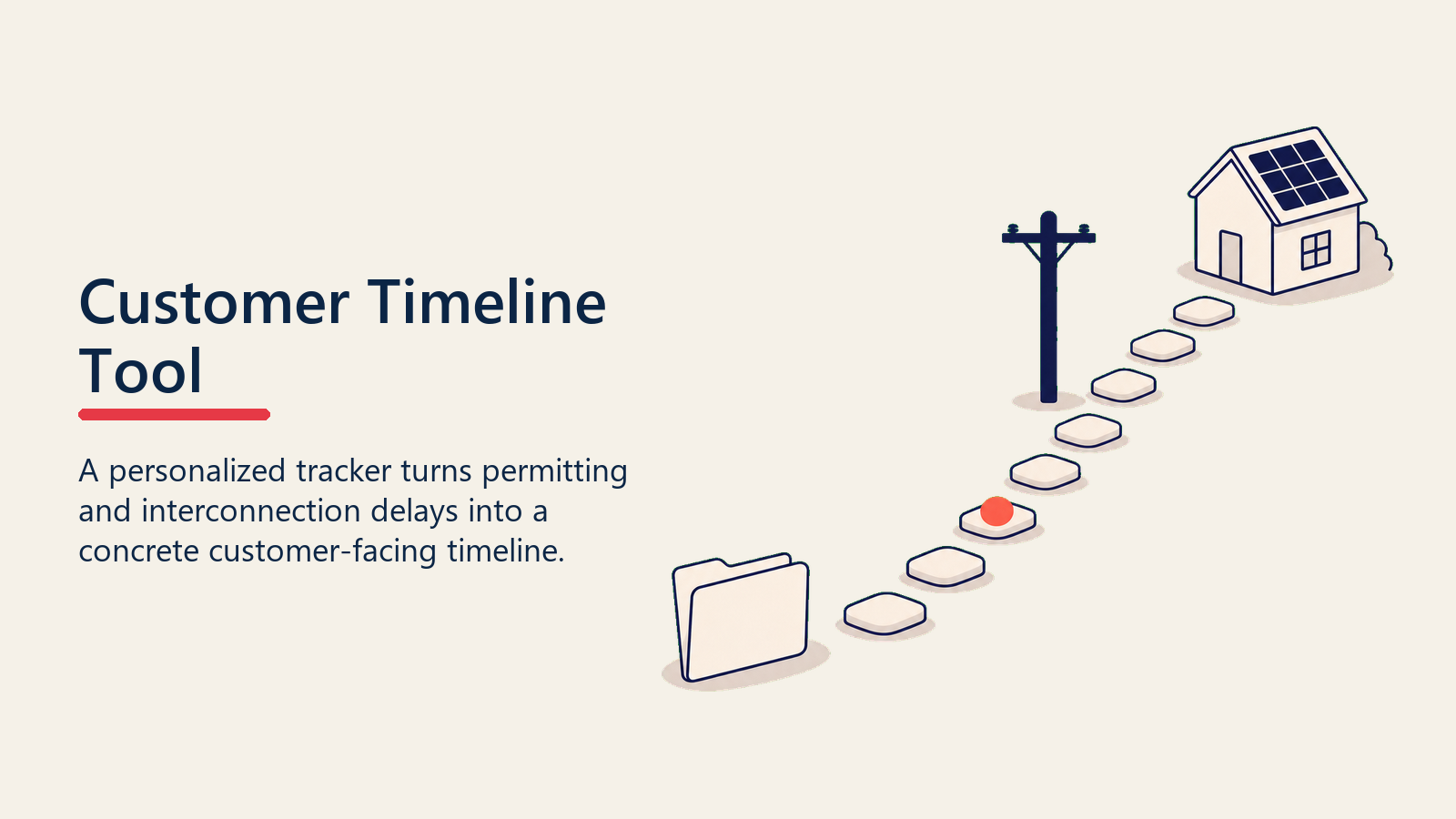
A simple project tracker, sent as a PDF or accessible via a link in your CRM, showing:
- Contract signed date
- Site survey scheduled date
- Estimated permit submission date
- Expected permit approval window (based on your AHJ database)
- Estimated install date range
- Expected interconnection submission date
- Expected PTO date range
Even with ranges rather than firm dates, this visual gives customers a sense of progress. They know where they are in the process and what's coming next.
Update this tracker at each milestone. When the permit gets approved, send a notification: "Great news, your permit was approved. Your installation is now scheduled for [date]. You're in the home stretch." That single touchpoint prevents weeks of anxiety.
See sales to install handoff for how to structure the transition from your sales team to your operations team so nothing falls through the cracks. But the tracker only helps if your ops team is actively watching what's moving and what isn't.
What Your Operations Team Should Track Daily
Strong solar companies treat their permit and interconnection pipeline like a sales pipeline. Every open permit application and interconnection request has a status, a next action, and an owner.
Your project coordinator dashboard should show, at minimum:
- All open permit applications with days since submission
- Applications approaching or past the expected AHJ review window
- All open interconnection applications with days since filing
- Any applications flagged with a deficiency notice or request for information
- All installs completed but awaiting inspection scheduling
For each item past its expected timeline, there should be an automatic task created and assigned. "Permit at 21 days, expected 15, call [City Name] building department today." That's proactive operations. Waiting for the customer to ask is reactive and costs trust.
Useful internal SLAs to establish:
| Checkpoint | Internal SLA |
|---|---|
| Site survey from contract close | 5 business days to schedule, 10 to complete |
| Permit application filed from design approval | 2 business days |
| First check on permit status | Day 7 after submission |
| Reconnect with customer if no permit in expected window | Day 3 past expected date |
| Interconnection application filed | Same week as permit application |
| Customer update after installation | Within 24 hours with inspection timeline |
SLAs set the floor. The question is what happens when something stays stuck past them.
How to Communicate Delays Without Losing the Customer
Delays happen. The permit took longer than expected. The utility has a backlog. The inspector can't get out for three weeks. How you communicate these delays determines whether the customer stays calm or starts asking to cancel.
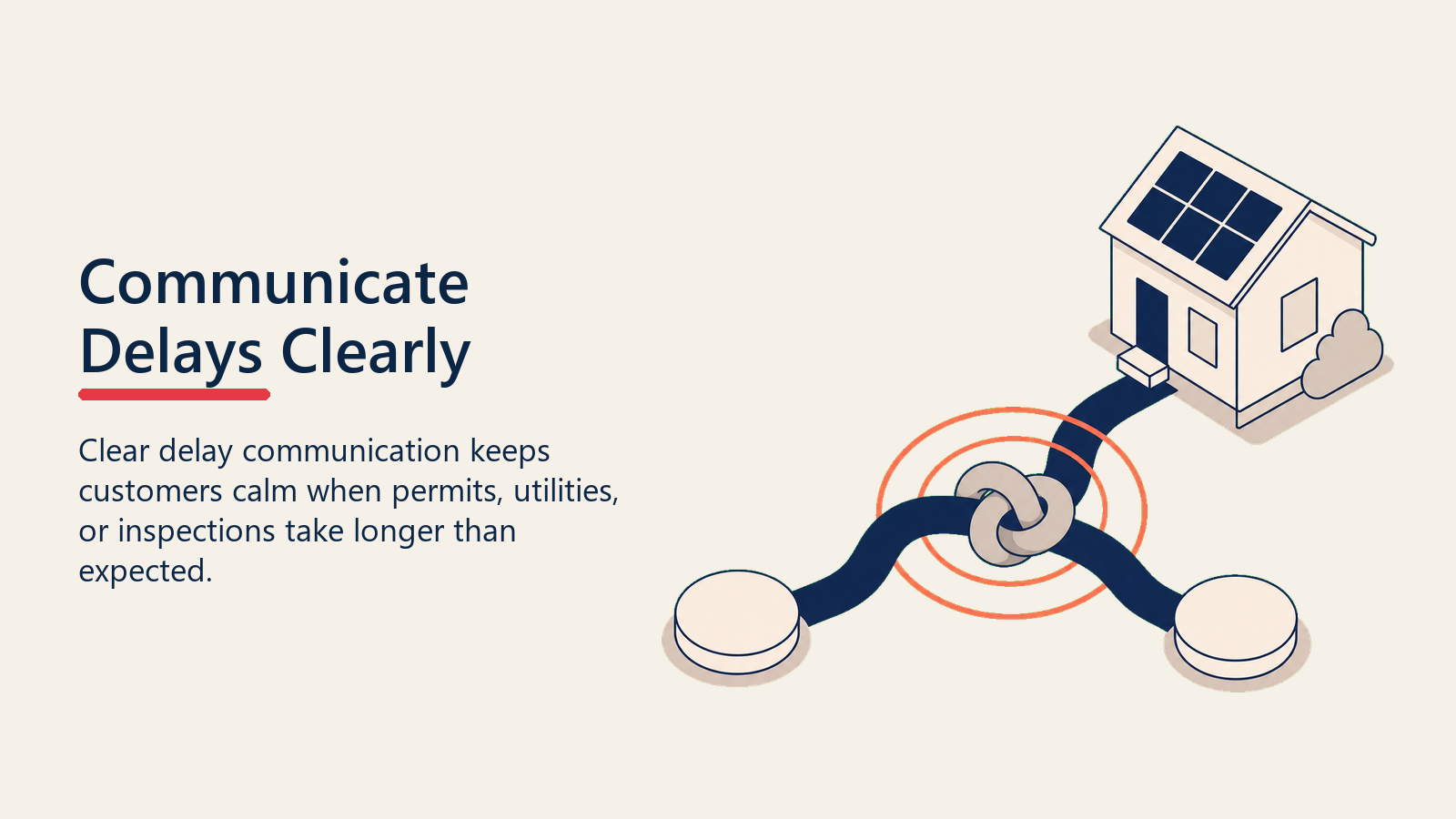
The worst approach is silence. When customers don't hear from you, they fill the void with worry, and then with calls and emails. By the time they've called twice without a response, they're telling their neighbors the company is unresponsive.
The better approach:
Lead with transparency: "Your permit is taking a little longer than we expected in [city]. The building department is running about two weeks behind right now."
Explain without deflecting: The delay isn't your fault, but the customer hired you to handle the process. Own the explanation.
Give a revised timeline: Don't just say it's delayed. Say "We expect your permit by [new date range] and we'll reach out as soon as it's in."
Check in proactively after a delay: If you've told a customer their permit will take two more weeks, call them at week one to update them. Don't make them wait for the full two weeks in silence.
See managing the install wait and cancellations for a full playbook on how to maintain customer confidence through the entire post-close wait period. The same sustained, value-adding contact that nurtures a prospect through a 30-day sales cycle works just as well through a 90-day permitting window.
AHJ and Utility Cheat Sheet: Building Your Internal Reference
Your operations team should build and maintain a reference document for every jurisdiction and utility in your service territory. At minimum, capture:
For each AHJ:
- Accepted submission method (online portal, email, counter, mail)
- Average current review timeline (update quarterly)
- Common rejection reasons in that jurisdiction
- Inspector contact or scheduling method
- Any special requirements (e.g., structural calculations, HOA letter, service panel photos)
For each utility:
- Application submission method and portal URL
- Interconnection team contact (email and phone)
- Average processing time by system size track
- Whether they allow parallel submission with permitting
- Net metering application process and required documents
- Common deficiency letter reasons
This reference pays for itself many times over. When a new project coordinator joins your team, they can work confidently from day one. When a delay occurs, they can troubleshoot the likely cause without escalating. The next section covers one delay that catches even experienced teams off guard.
Why Does the Panel Upgrade Keep Catching Companies Off Guard?
Many older homes need an electrical panel upgrade before solar can be installed. If this wasn't caught during the lead qualification or proposal stage, it surfaces as a nasty surprise during the site survey or permit review.
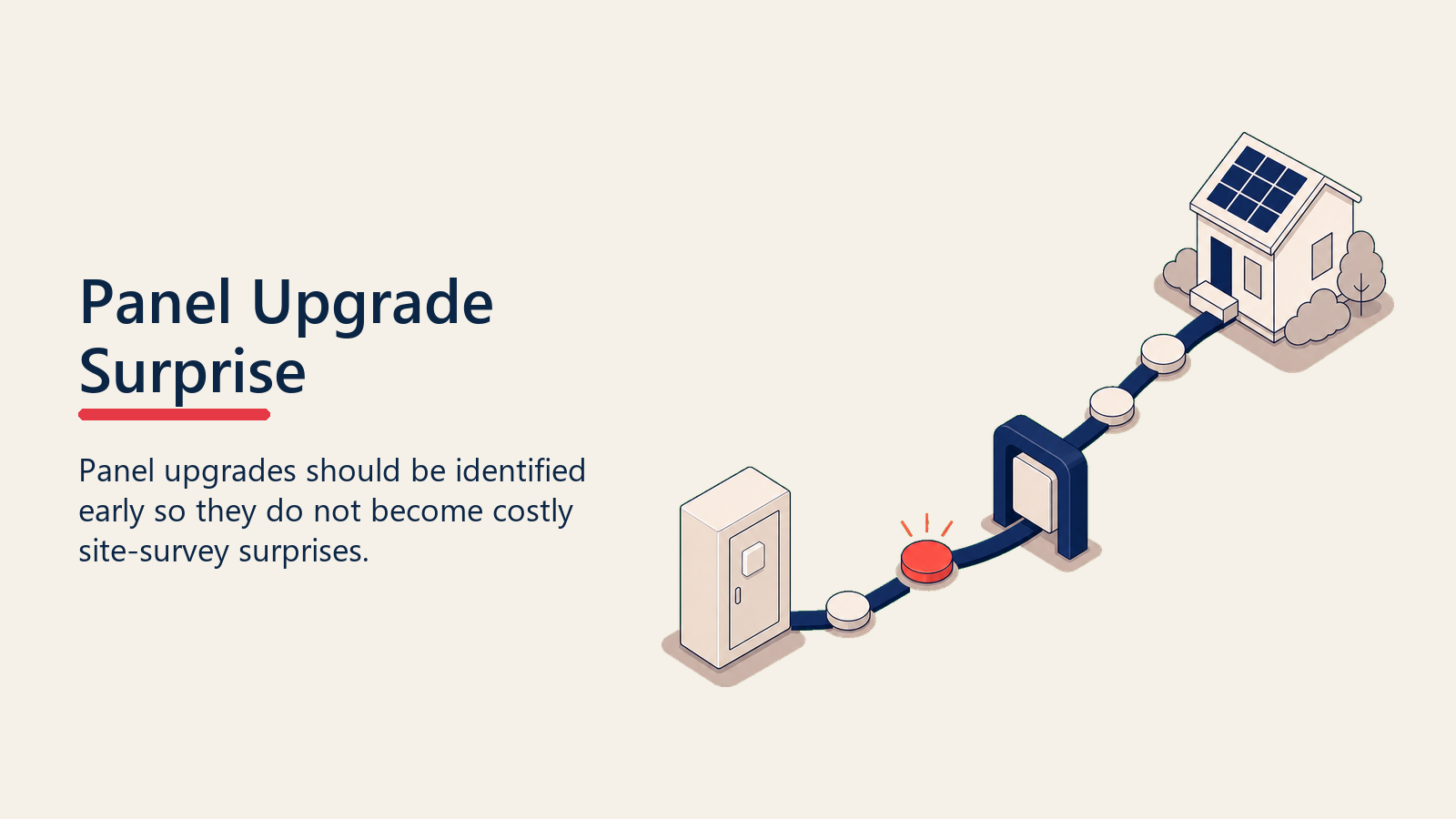
Panel upgrades add cost, time, and complexity. They require a separate permit, an electrician, and sometimes a utility company visit. They can add four to six weeks to a project and thousands of dollars in cost.
The best practice is to identify panel upgrade needs during the in-home consultation. See home energy needs assessment for how to conduct a thorough technical assessment before committing to a price. When you find a panel upgrade is needed, address it directly in the proposal rather than burying it in contract language the customer won't read until they're already signed.
If a panel upgrade surfaces after the contract is signed, your project coordinator should call the customer immediately and explain what it means for cost and timeline. Don't send a generic email. Don't let it sit in a queue. A missed discovery that surprises the customer during permitting is one of the most common triggers for cancellation requests.
Getting to PTO Faster
Permission to operate (PTO) is the final step that lets your customer actually turn on their system. It comes from the utility after they've verified the installation meets their standards. Here's what you can do to minimize the gap between installation and PTO:
- File the interconnection application early, ideally before or on installation day
- Submit high-quality documentation the first time (as-built drawings, photos, equipment specs)
- Follow up with the utility within five business days of submission to confirm receipt
- If the utility requires an in-person inspection, be proactive about scheduling it (don't wait for them to call)
- Make sure your installation crews use equipment on the utility's approved inverter list to avoid equipment review delays
Once PTO is issued, call the customer the same day. Walk them through turning on the system if needed. This call is a celebration, and it should feel like one. After weeks of waiting, the customer finally gets to see the result of their decision.
See post-install customer onboarding for what to cover in that activation call and how to structure the first 90 days of system ownership.
Connecting Permitting Operations to Sales Performance
Slow permitting and interconnection cycles don't just frustrate customers. They're a sales problem. Every week a customer waits is another week they might talk to a competitor, have second thoughts, or hear a bad story from a neighbor.
Your solar pipeline funnel analytics should include post-close cycle time as a tracked metric. Break it down by phase: days to permit, days to install, days to permission to operate (PTO). Benchmark these by market and AHJ. When you know a particular city consistently runs 8 weeks on permits, you can set the right expectation at close and plan your install crew schedule accordingly.
Operations and sales need to share a view of project status. When a sales rep knows their customer is stuck in a permit backlog, they can reach out proactively to maintain the relationship. When both teams work from the same data, the customer experience is far smoother.
Once the system activates, the real retention and referral opportunity begins. The communication habits you built during the permitting wait carry directly into that next phase.
Learn More
Quotable Nuggets
"Jurisdictions that have adopted SolarAPP+ cut their permitting-to-inspection cycle by 14.5 business days at the median. That time savings translates directly into fewer cancellations." (NREL, SolarAPP+ Performance Review 2023 Data)
"Operations teams that treat their permit and interconnection pipeline like a sales pipeline (every open application with a status, a next action, and an owner) close the gap between contract and PTO faster than companies that wait for problems to surface."
The Parallel-Track Protocol: Run permit and interconnection applications simultaneously from the moment design is approved. File both applications on the same day. Track both in your project coordinator dashboard as independent critical-path items with separate owners and SLAs. When one track is blocked, the other continues to advance. This single operational habit compresses the average contract-to-PTO timeline by two to four weeks in most markets without requiring any jurisdiction cooperation or software investment.

Senior Implementation Consultant
On this page
- What Happens Between Contract and Activation
- The Two Major Delay Drivers
- Local Authority Having Jurisdiction (AHJ) Permit Timelines
- Utility Interconnection
- Building a Customer-Facing Timeline Tool
- What Your Operations Team Should Track Daily
- How to Communicate Delays Without Losing the Customer
- AHJ and Utility Cheat Sheet: Building Your Internal Reference
- Why Does the Panel Upgrade Keep Catching Companies Off Guard?
- Getting to PTO Faster
- Connecting Permitting Operations to Sales Performance