Timeboxing: How to Use Fixed Time Limits to Finish Work
Turn this article into takeaways for your work.


Each assistant summarizes the article only for you and suggests best practices for your work.
Timeboxing is a planning technique that gives a piece of work a fixed amount of time and a hard stop. When the clock runs out, the work ends and the team reviews what got done. If more remains, scope changes. The deadline doesn't.
Key Facts
- The Agile Business Consortium defines timeboxing as a technique that fixes the time and manages scope through priority, rather than extending the deadline when more work appears.
- Delivery timeboxes in DSDM usually run 1 to 4 weeks, often 2 weeks, and Project Increment timeboxes typically run 6 to 12 weeks.
- For a one-month Sprint, the 2020 Scrum Guide timeboxes Sprint Planning to a maximum of eight hours, the Sprint Review to a maximum of four hours, and the Sprint Retrospective to a maximum of three hours. The Daily Scrum is 15 minutes.
- DSDM recommends no more than 60% Must Have effort and about 20% Could Have effort so a timebox has room to flex.
What is timeboxing?
A timebox is an allotted period of time in which a goal gets done. You pick the length first. Then you decide what fits inside it. That order is the whole idea.
Most plans work the other way around. Someone lists the work, estimates how long it will take, and the end date drifts to wherever the estimate lands. Timeboxing flips it. The team asks what the most valuable outcome is within the time available, instead of how long it would take to finish everything.
The technique shows up in two well-known places. In DSDM, the agile project framework maintained by the Agile Business Consortium, DSDM holds time, cost and quality constant and negotiates features. In Scrum, every event has a timebox, and the Sprint itself is a fixed length event of one month or less. Both rely on the same trade: the date holds, the scope bends.
That trade is also what separates timeboxing from a plain deadline. A deadline says "this must be done by Friday." A timebox says "we have until Friday, so let's decide what the best Friday looks like."
How timeboxing works
Three ideas hold the technique together.
Time is fixed. Once a timebox starts, you don't extend it because the work turned out to be bigger than expected. Extending is how a two-week task becomes a six-week task nobody remembers agreeing to.
Scope is the variable. Because time can't move, something else has to. DSDM ranks work with MoSCoW priorities: Must Have, Should Have, Could Have, and Won't Have this time. Must Haves are the minimum that makes the timebox a success. Could Haves are the contingency, and they're the first thing dropped when time gets tight.
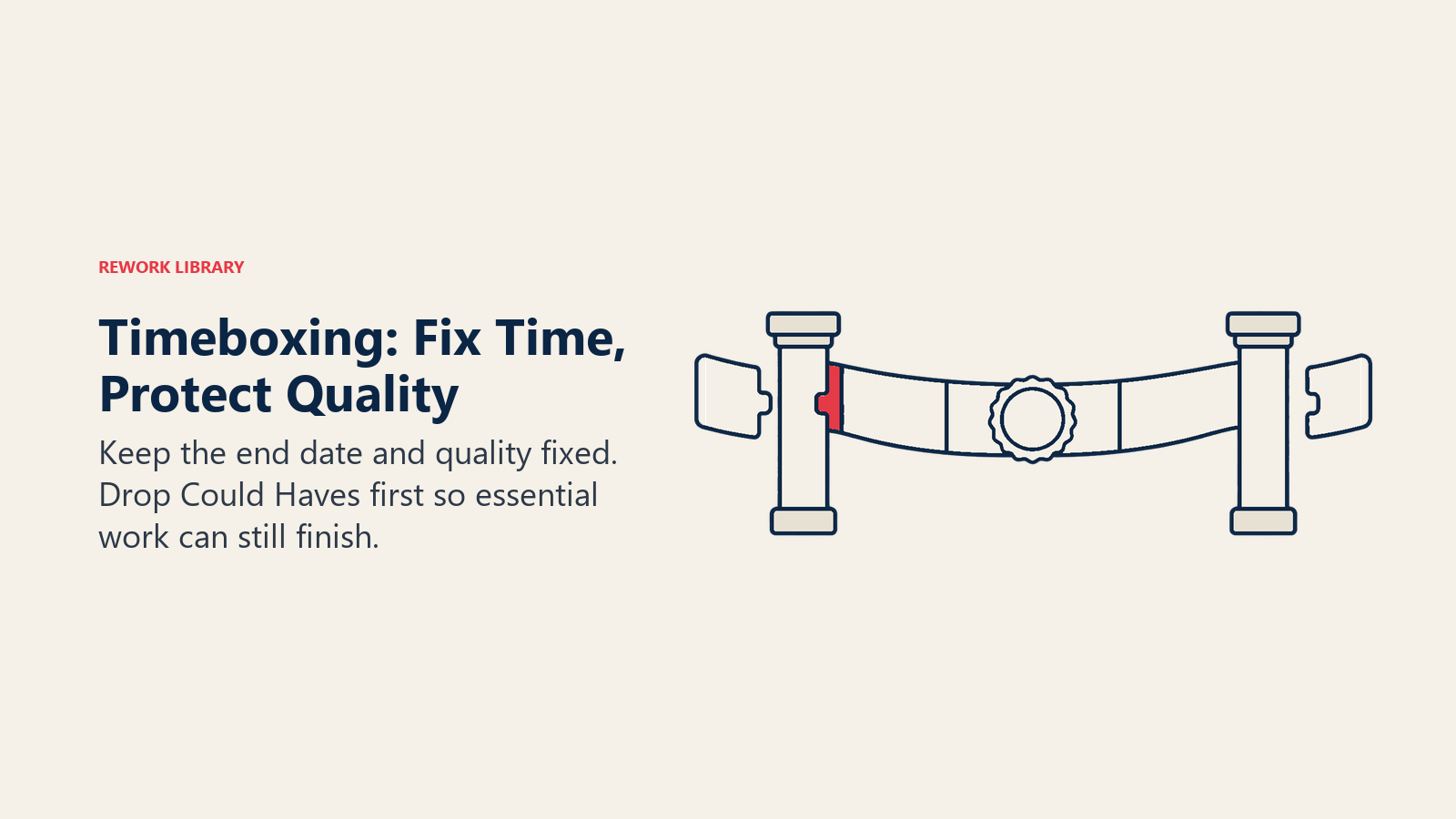
Quality is protected. The Agile Business Consortium's guidance is to fix the time, protect quality and use priority to manage scope. Cutting a feature is fine. Shipping every feature half-tested isn't.
The 60/20 rule of thumb
DSDM suggests keeping Must Have effort to typically no more than 60% of the timebox, with a Could Have pool of around 20% as contingency. These are guidance, not a law. The logic is simple, though. If everything in the box is a Must Have, there's nothing left to drop when a task runs long, and you're back to missing the date.
Nested timeboxes
Timeboxes stack. The Agile Business Consortium describes a project timebox containing project increments (typically 6 to 12 weeks), which contain delivery timeboxes (usually 1 to 4 weeks, often 2). Meetings and workshops get their own boxes too, anywhere from about 15 minutes to a few hours. Each layer gives the team a regular chance to inspect what's happened and adjust.
Timeboxing vs similar techniques
People often mix timeboxing up with other time-related methods. They overlap, but they answer different questions.
| Technique | What it fixes | What flexes | Level | Best for |
|---|---|---|---|---|
| Timeboxing | The end of a period | Scope inside it | Task, meeting, iteration or project | Finishing valuable work on a known date |
| Time blocking | Calendar slots for kinds of work | Which task fills the slot | Individual day or week | Protecting focus time on a personal calendar |
| Pomodoro | Short work intervals followed by breaks | The number of intervals a task needs | Individual task | Starting and sustaining focus on one task |
| Sprint (Scrum) | A one month or less iteration | The Sprint Backlog | Team iteration | Repeatable delivery cycles with regular feedback |
| WIP limits | The number of items in progress | How long items wait or take | Team workflow | Reducing multitasking and exposing bottlenecks |
| Deadline | A due date | Often nothing, which is the problem | Deliverable | Meeting an external commitment |
Time blocking is about where work lives on your calendar. Timeboxing is about how much time a piece of work is allowed to take. You can do both: block Tuesday morning on your calendar, then timebox the competitor review to 90 minutes inside that block.
A Sprint is a specific timebox with a specific set of rules. Timeboxing is the general technique, and Sprints are one application. For a closer look at how the Sprint opens, see sprint planning.
WIP limits and timeboxes pair well. A timebox caps how long you work, and a WIP limit caps how much you start. Together they stop teams from opening ten things and finishing none.
Timeboxes in the Scrum Guide
Scrum is the most visible place where timeboxing is written into the rules. The 2020 Scrum Guide sets these limits for a one-month Sprint:
| Event | Timebox |
|---|---|
| Sprint | One month or less, fixed length |
| Sprint Planning | Maximum of 8 hours |
| Daily Scrum | 15 minutes |
| Sprint Review | Maximum of 4 hours |
| Sprint Retrospective | Maximum of 3 hours |
For shorter Sprints, the guide says the events are usually shorter. A two-week Sprint doesn't need an eight-hour planning session, and most teams don't hold one.
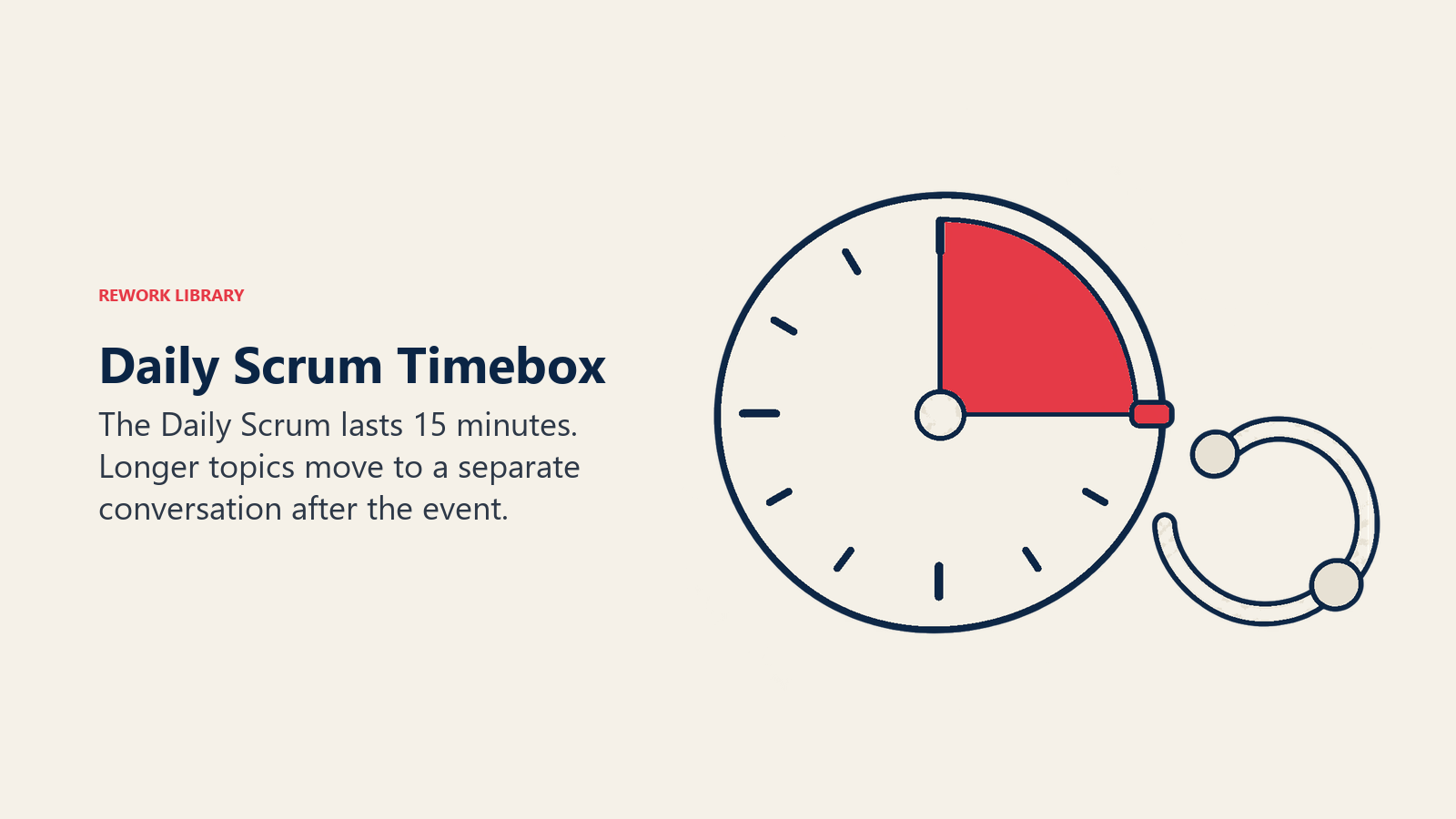
The Daily Scrum is the cleanest example. Fifteen minutes is the length, whether the team has three people or nine. If a topic needs more, it moves to a separate conversation after the event. If you want the day-to-day detail, read our guide to the daily standup and the broader Agile ceremonies overview.
How to timebox a piece of work
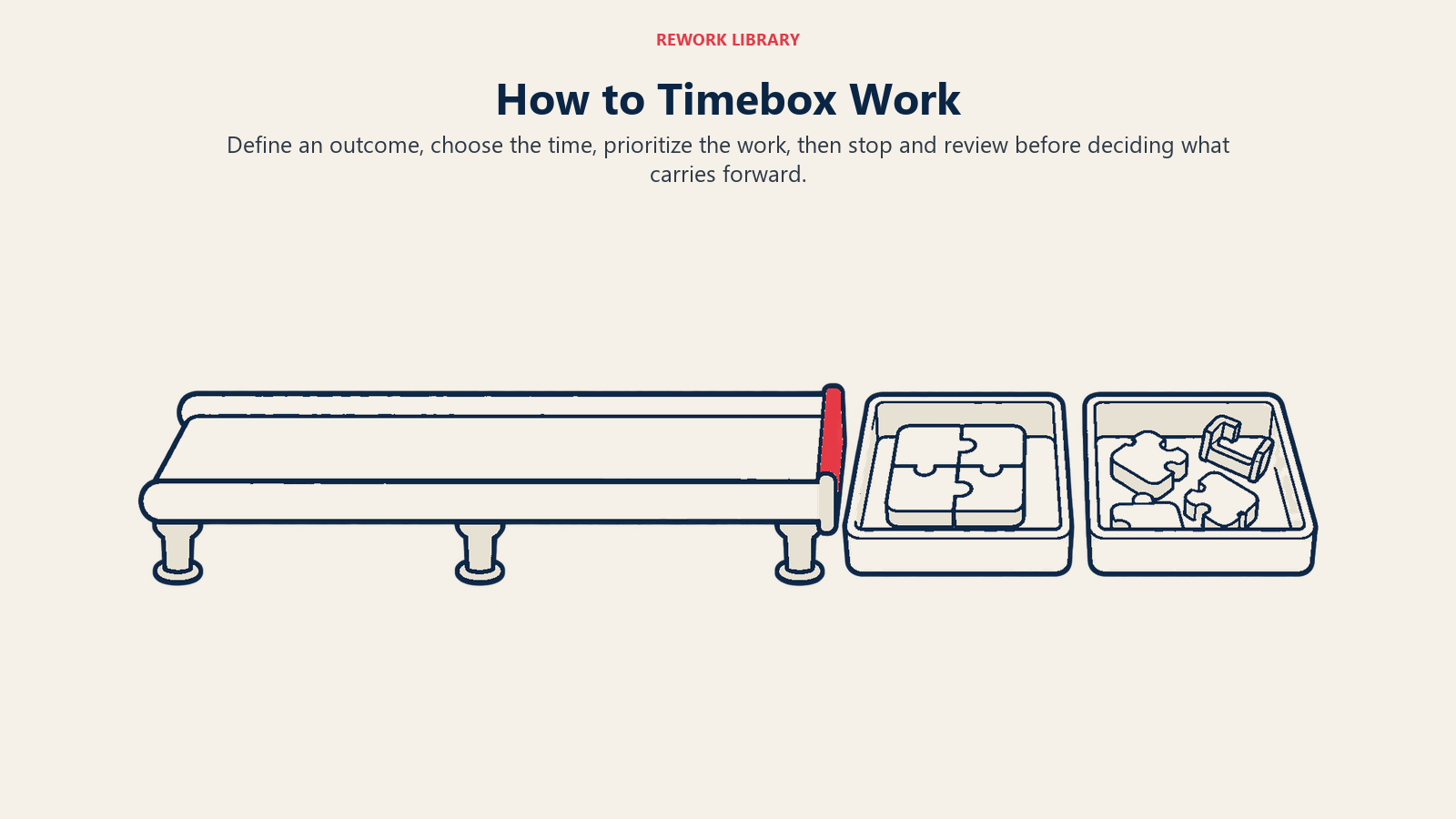
You can apply this to a two-hour workshop or a two-month release. The steps are the same.
Step 1: Define the outcome, not the task list
Write one sentence describing what "done" looks like. "Draft the Q4 onboarding checklist and get it approved by HR" is an outcome. "Work on onboarding" isn't. A clear outcome tells you what you're protecting when you cut scope.
Step 2: Choose the length of the box
Pick the time before you estimate the work. Base it on how often you need feedback and how long people can hold context. For a team, that's often one or two weeks. For an individual task, it might be 90 minutes. If the box feels too short, you've probably bundled several outcomes together. Split them.
Step 3: List the work and prioritize it
Put every candidate task on the table, then rank each one using MoSCoW. Be honest about Must Have. The test is simple: if this item isn't done, would the timebox count as a failure? If not, it's a Should or a Could.
Step 4: Check the load against the 60/20 guide
Add up estimated effort. If Must Haves take far more than 60% of the box, either the box is too small or the Musts are too many. Fix that before you start, not on the last day.
Step 5: Start the clock and make the end visible
Put the end date and time where everyone can see them: on the board, in the channel header, on the calendar invite. A timebox only works if people feel the edge.
Step 6: Check progress in short cycles
Use a brief daily or twice-weekly check. Ask whether the Musts are on track, and if not, which Coulds drop now. Deciding early to cut a Could Have is cheap. Deciding on the last afternoon is painful.
Step 7: Stop on time and review
When the timebox ends, stop. Demonstrate what's done, record what wasn't, and decide whether the leftover work earns a place in the next box. Then run a short retrospective: was the box the right length, and were the priorities honest?
Timebox planning template
Copy this table into a doc or spreadsheet and fill it in at the start of each box.
| Field | Your entry |
|---|---|
| Timebox name | Example: Pricing page redesign, week 1 |
| Owner | One named person |
| Start date and time | |
| Hard stop date and time | |
| Outcome (one sentence) | |
| Must Have items | |
| Should Have items | |
| Could Have items (first to drop) | |
| Won't Have this time | |
| Estimated effort split | Must ___% / Should ___% / Could ___% |
| Check-in schedule | Example: daily, 15 minutes |
| Decision rule if behind | Example: drop Could Haves first, then raise Should Haves with the owner |
| Review date | |
| Leftover work goes to | Next timebox / backlog / dropped |
Two fields do most of the work. The hard stop stops quiet extensions, and the decision rule settles the argument about what to cut before anyone is stressed.
Timeboxing examples by business function
| Function | Timebox | Must Have | Could Have (dropped first) |
|---|---|---|---|
| Software development | Two-week Sprint | Login flow works end to end | Animated transitions |
| Marketing | One-week campaign build | Landing page and two emails live | Third email variant |
| Sales | 90-minute account planning session | Top five target accounts with next steps | Full competitor teardown |
| HR | One-week onboarding revamp | Day-one checklist approved | New welcome video |
| Finance | Three-day month-end review | Reconciled accounts and variance notes | Extra trend charts |
| Operations | Two-week process fix | One bottleneck step redesigned and tested | Second process mapped |
| Customer support | One-day backlog sweep | Every ticket past its response target answered | Knowledge base clean-up |
Notice that each example names something that can be dropped. That's what makes it a timebox instead of a deadline in disguise.
A worked example
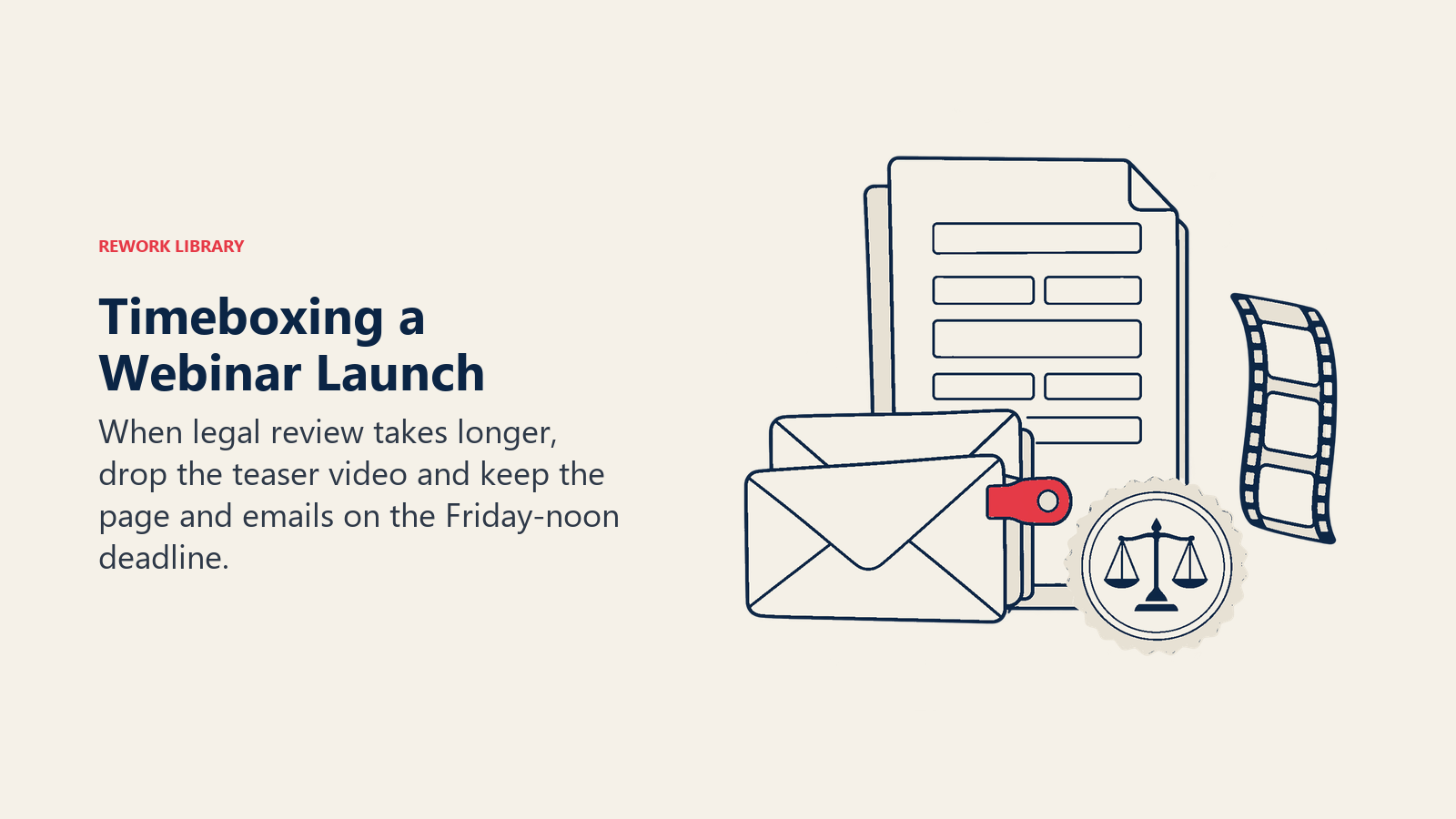
Say a marketing team has one week to ship a webinar launch. The outcome is "registration page and promotion live by Friday noon." The Musts are the page, the confirmation email, and one announcement email. The Shoulds are a reminder email and a social post. The Coulds are a speaker teaser video and a partner co-promotion.
On Wednesday, the page needs a legal review that takes a day longer than planned. The team doesn't move Friday. It drops the teaser video, keeps the rest, and ships on time. The video goes in the next box if it still looks worthwhile.
Timeboxing dos and don'ts
Do
- Set the length before estimating the work. The box defines the constraint. Estimates fill it.
- Make the Must Haves truly minimal. If the box survives without it, it's not a Must.
- Keep a visible Could Have list. It's your contingency, and everyone should know it exists.
- End on time, even if it's awkward. The first early stop teaches the team the box is real.
- Review at the end. A five-minute look at what slipped and why improves the next box.
- Combine with prioritization. A timebox without ranked scope is just a deadline. Read about MoSCoW prioritization before your first box.
Don't
- Don't extend quietly. One "just one more day" teaches everyone that the end is negotiable.
- Don't put everything in Must Have. That removes the flexibility the technique depends on.
- Don't cut quality to fit. Drop features, not testing.
- Don't use the box as a pressure tool. The Agile Business Consortium warns that using deadlines as pressure can encourage rushing or hidden quality problems.
- Don't let new work flow in mid-box unannounced. Treat additions like scope creep: swap something out or schedule it for the next box.
- Don't pick a length the work can't fit by design. If three outcomes are jammed into one box, split the box.
Common mistakes
Treating it as a stricter deadline. Teams hear "timebox" and think "work faster." The point isn't speed. It's choosing what matters most.
Boxes that are too long. A six-week box without checkpoints hides problems until week five. Nest shorter boxes inside it.
No owner. Someone has to call the cuts. If nobody owns the decision rule, scope arguments eat the clock.
Skipping the review. Without a look back, you won't learn whether your boxes are sized right, and you'll repeat the same misjudgment.
When timeboxing works best, and when it doesn't
It works best when the date matters more than the exact feature set: product iterations, campaigns, workshops, research, reports, and meetings that tend to run long. It also suits uncertain work, where you can't estimate reliably but can decide how much time the question deserves.
It fits less well when the scope is legally or physically fixed. A building inspection, a regulatory filing, or a contract with every clause mandatory leaves no Coulds to drop. In those cases, use the box for checkpoints inside the work, but accept that the outer constraint is scope. A work breakdown structure is the better tool there.
Frequently Asked Questions about Timeboxing
What is timeboxing in project management?
Timeboxing is a technique that fixes the time for a piece of work and manages scope through priority. The team picks the end date first, ranks the work, and drops lower-priority items if time runs short instead of extending the deadline.
How long should a timebox be?
It depends on the level. The Agile Business Consortium describes meetings and workshops from about 15 minutes to a few hours, delivery timeboxes of usually 1 to 4 weeks (often 2), and project increments of typically 6 to 12 weeks. A Scrum Sprint is one month or less.
What's the difference between timeboxing and time blocking?
Time blocking reserves calendar slots for types of work. Timeboxing limits how long a specific piece of work can take and cuts scope to meet that limit. Many people use both: block the time on the calendar, then timebox the task inside it.
What happens when a task doesn't finish inside its timebox?
The box still ends. The team reviews what's done, and the unfinished work is dropped, deferred to a later box, or reprioritized. In DSDM, lower-priority items such as Could Haves are removed first so the Must Haves are protected.
What are the Scrum event timeboxes?
For a one-month Sprint, the 2020 Scrum Guide sets Sprint Planning at a maximum of eight hours, the Sprint Review at a maximum of four hours, and the Sprint Retrospective at a maximum of three hours. The Daily Scrum is 15 minutes. Shorter Sprints usually have shorter events.
Is timeboxing the same as a Sprint?
No. A Sprint is one kind of timebox with its own rules in Scrum. Timeboxing is the broader technique and can be applied to a single task, a meeting, a research spike, or a whole project phase.
Can timeboxing work for non-software teams?
Yes. Marketing, finance, HR, sales and operations teams all benefit from a fixed end and ranked scope. The key requirement is having work you can reprioritize, with some items that can wait.

Senior Operations & Growth Strategist
On this page
- What is timeboxing?
- How timeboxing works
- The 60/20 rule of thumb
- Nested timeboxes
- Timeboxing vs similar techniques
- Timeboxes in the Scrum Guide
- How to timebox a piece of work
- Step 1: Define the outcome, not the task list
- Step 2: Choose the length of the box
- Step 3: List the work and prioritize it
- Step 4: Check the load against the 60/20 guide
- Step 5: Start the clock and make the end visible
- Step 6: Check progress in short cycles
- Step 7: Stop on time and review
- Timebox planning template
- Timeboxing examples by business function
- A worked example
- Timeboxing dos and don'ts
- Do
- Don't
- Common mistakes
- When timeboxing works best, and when it doesn't