Project Communication Plan: How to Create One (Template + Examples)
 A communication plan is the document that decides whether your project stakeholders stay informed and aligned or frustrated and surprised. Without one, the right information rarely reaches the right people at the right time, and most project problems can be traced back to exactly that gap.
Turn this article into takeaways for your work.


Each assistant summarizes the article only for you and suggests best practices for your work.
What is a project communication plan?
A project communication plan is a document that defines who needs what information, through which channel, how often, and who is responsible for sending it. It isn't a schedule of meetings. It's a deliberate mapping of every audience to every information flow that keeps them effective throughout the project lifecycle.
Think of it as the agreement the project team makes before the first status update is sent. When a sponsor asks why they weren't looped in on a scope change, or when a developer says they only heard about the new deadline through the grapevine, the root cause is usually a missing or ignored communication plan.
The plan sits alongside the project charter and the RAID log as a foundational governance document. It's created during project initiation and updated whenever the audience, delivery channel, or cadence changes significantly.
Key facts
- PMI's Pulse of the Profession report found that 56% of project budget at risk is attributable to poor communications.
- The same research found that organizations with effective communication practices complete more than three times as many projects on time and within budget compared to peers with poor practices.
- PMI also reports that high-performing organizations are 2.6x more likely to have formally documented communication plans as a standard practice.
The key elements of a communication plan
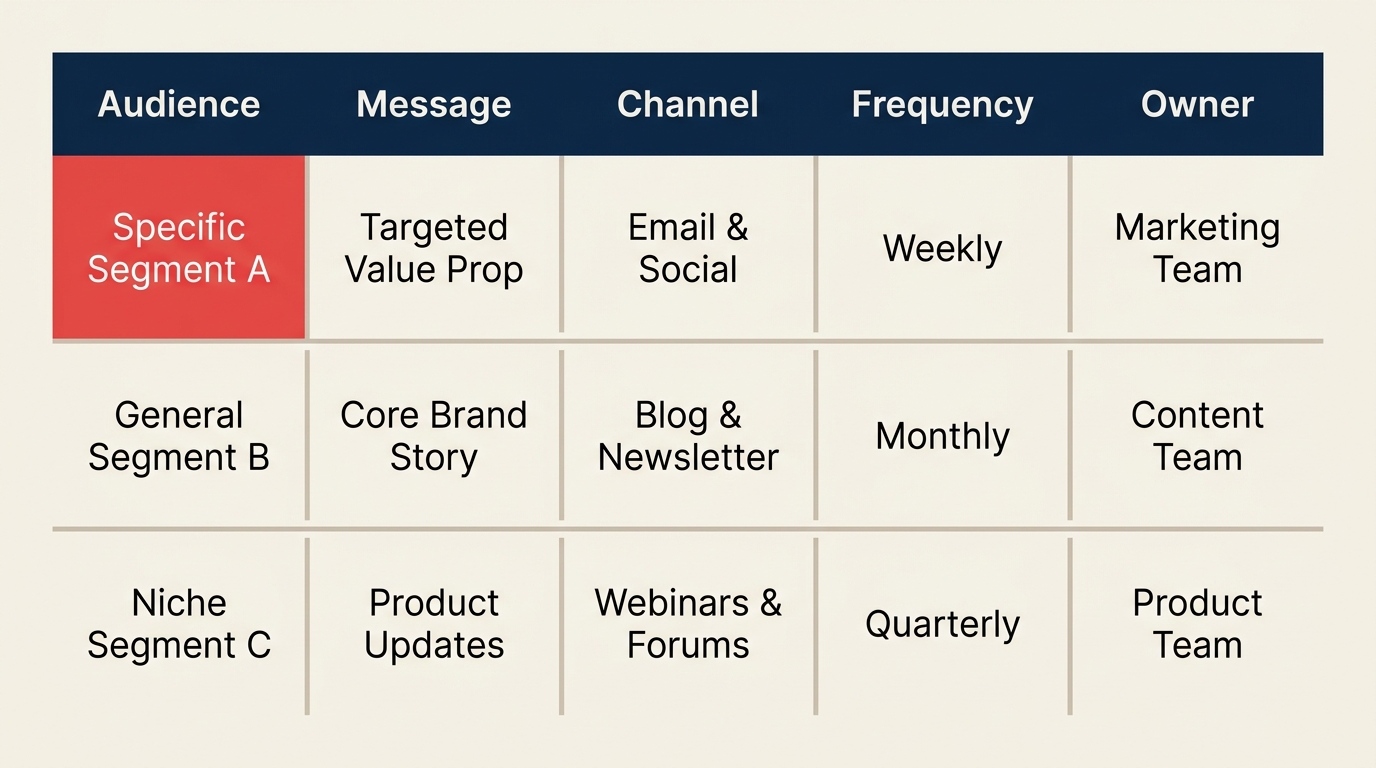
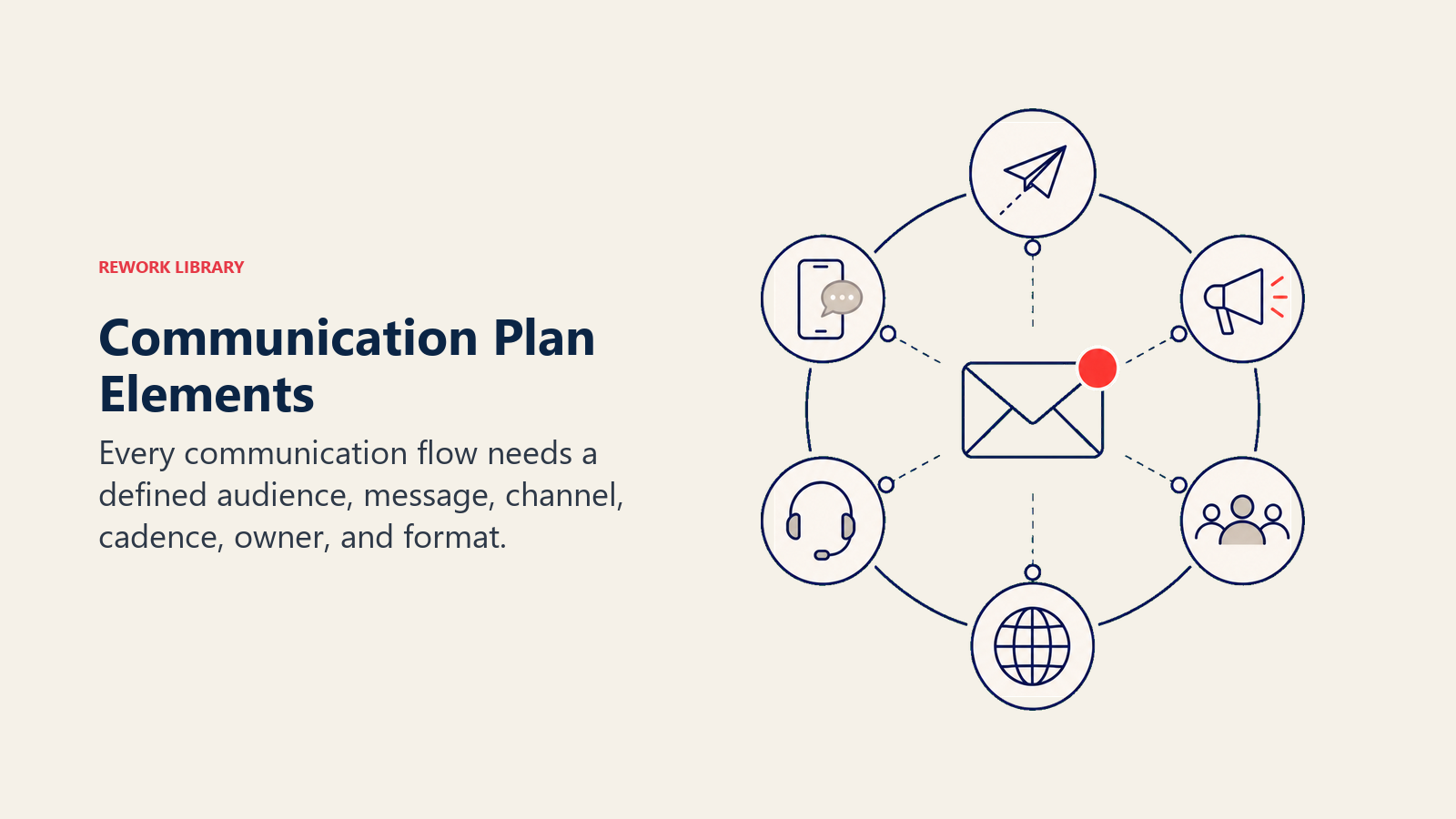
Every effective communication plan covers the same six dimensions, regardless of project size or industry. A table is the clearest format because it shows all six at a glance and makes gaps obvious.
| Element | Description |
|---|---|
| Audience / Stakeholder | Who needs this information? (name or role, not just department) |
| Message / Information | What specifically are they receiving? (status update, risk alert, decision request) |
| Channel | How does it reach them? (email, meeting, dashboard, Slack) |
| Frequency / Cadence | How often? (weekly, after each milestone, immediately on escalation) |
| Owner / Sender | Who on the project team is responsible for producing and distributing it? |
| Format | What form does it take? (written report, slide deck, verbal briefing) |
These six together answer every reasonable question about a given communication flow. If any one is missing, the plan has a gap.
Strong plans also include a communication escalation path (what happens when something urgent arises outside the normal cadence). For larger projects, add a feedback mechanism: how does each audience tell the project team when communication isn't working?
Communication plan example
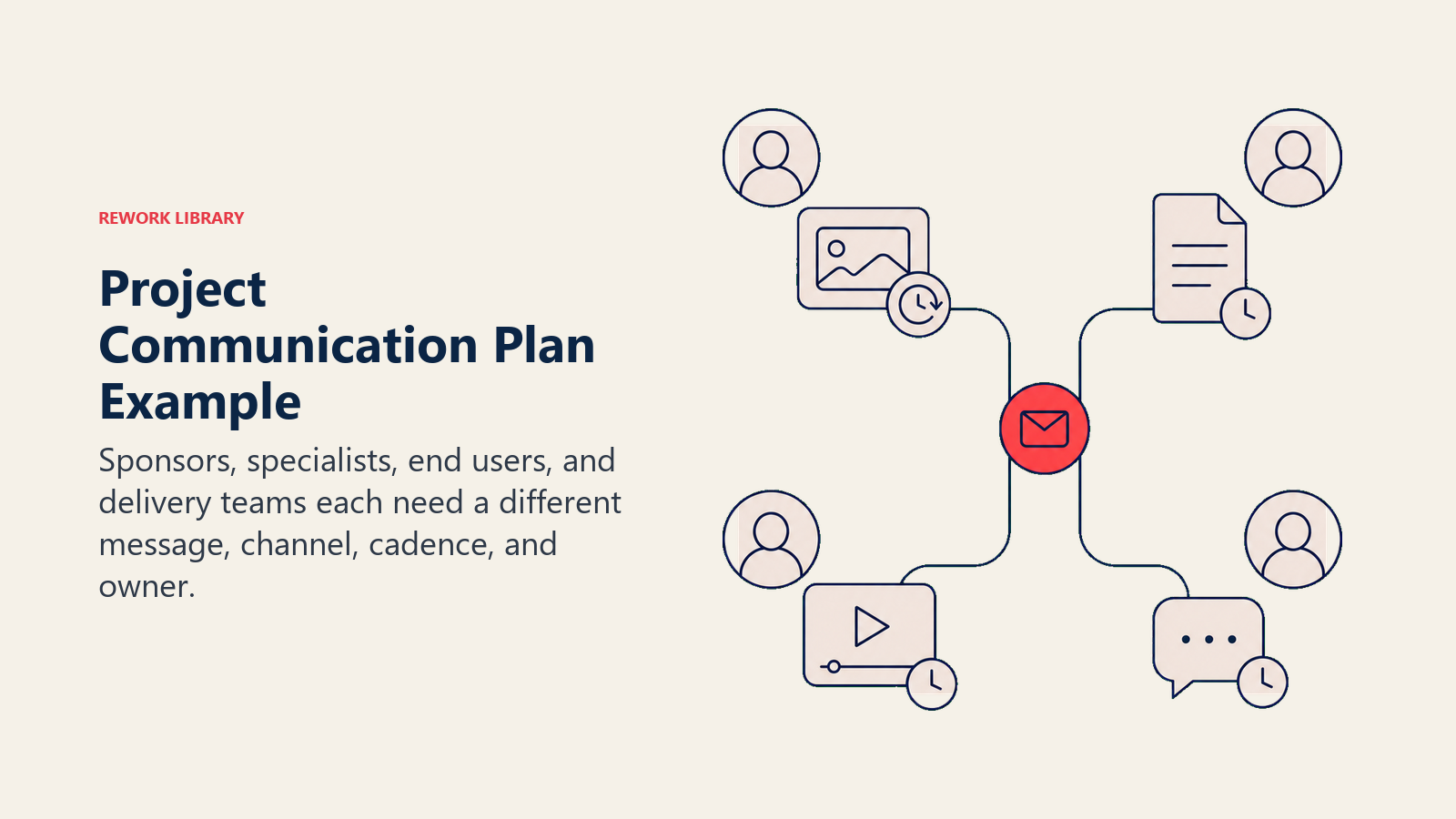
Below is a filled-in example for a mid-size software rollout project with a cross-functional audience.
| Stakeholder | Information | Channel | Frequency | Owner | Format |
|---|---|---|---|---|---|
| Executive sponsor | Project health, budget variance, key risks | Email + steering committee meeting | Bi-weekly | Project Manager | 1-page status report + 10-min verbal briefing |
| IT security lead | Technical change requests, deployment schedule | Email + Slack (#it-security) | As needed (2 business days notice minimum) | Tech Lead | Change request form |
| End users | Rollout timeline, training dates, what is changing | Company-wide email + intranet post | 4 weeks before go-live, then weekly in final week | Change Manager | Email announcement + FAQ page |
| Project team | Daily blockers, sprint progress, task updates | Daily standup + project tool (Rework) | Daily + as needed | Scrum Master | Verbal standup + task comments |
| Finance controller | Budget actuals vs. forecast | Monthly | Project Manager | Budget variance table (CSV or spreadsheet) |
Notice that each row is specific: the executive sponsor gets a bi-weekly email AND a ten-minute verbal briefing in the steering committee, not just "regular updates." That specificity is what prevents the "I didn't know about that" conversation three months in.
How to create a communication plan
Building a communication plan takes a few hours on a small project and a full day on a large one. The six steps below apply to both.
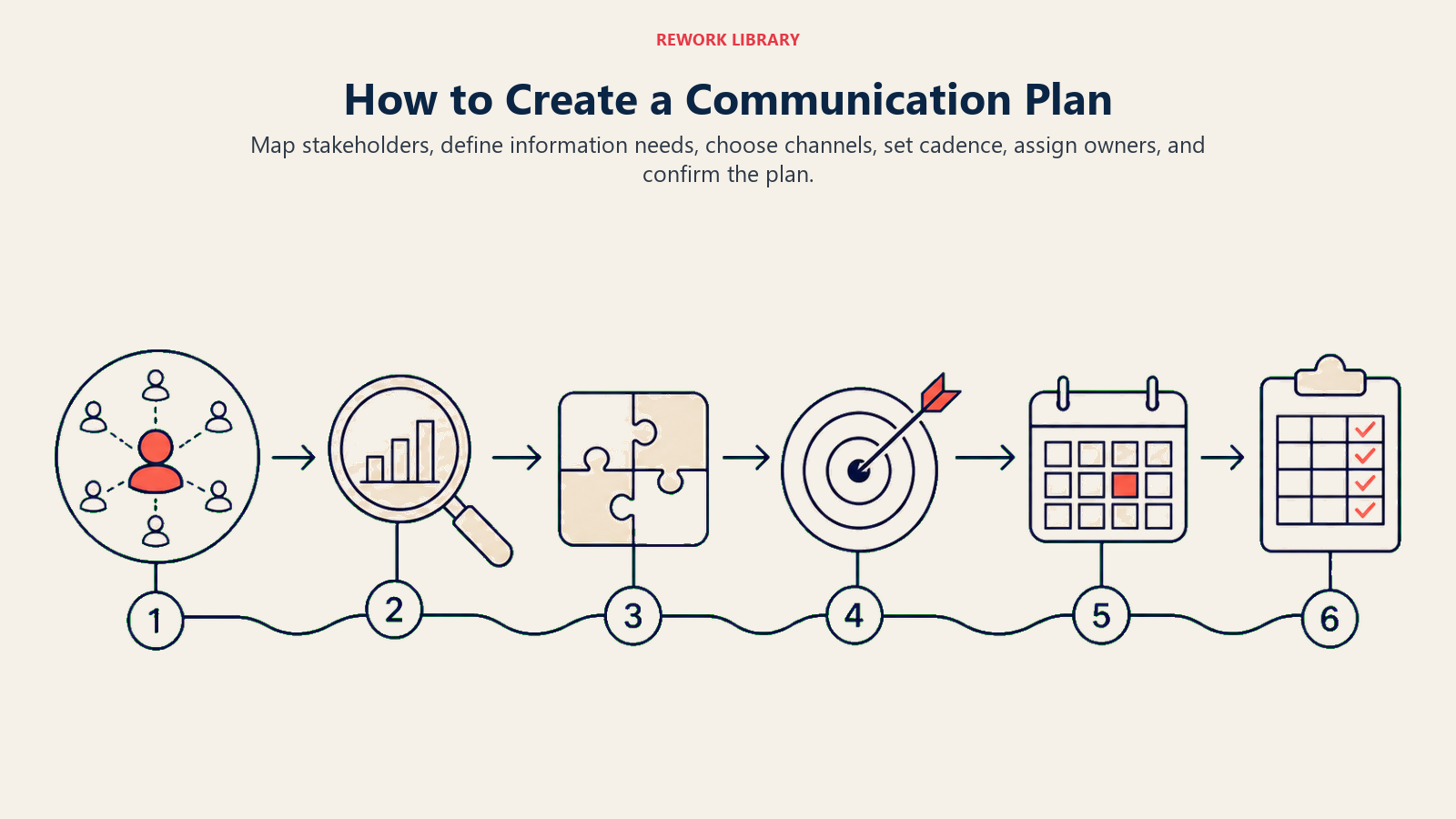
Step 1: Identify your stakeholders
You can't define communication flows without knowing who the audiences are. Start by listing every person, team, or group with a stake in the project. This is the same exercise as a stakeholder analysis matrix, and if you've already done that, use it as your source.
Sort stakeholders by their level of influence and interest. High-influence, high-interest stakeholders (typically sponsors and key decision-makers) need frequent, detailed communication. High-influence, low-interest stakeholders (executives who signed off but aren't day-to-day) need brief, exception-driven updates. Low-influence, high-interest groups (end users affected by the change) need regular, clear communication about what affects them.
Step 2: Define what each stakeholder needs to know
For each stakeholder, ask: what decisions do they make, and what information do they need to make those decisions well? An executive sponsor needs to know whether the project is on track and whether any risks require their intervention. A developer needs to know what they're building this sprint and when the spec is finalized. End users need to know what is changing, when, and what they need to do.
Write this out in plain terms. Avoid generic labels like "project updates" because they mean different things to different people. Specific is always better: "budget actuals vs. forecast" rather than "financial information."
Step 3: Choose the right channel for each flow
Channel choice is about matching the medium to the message and the audience's habits. The wrong channel is worse than no communication at all: an urgent risk alert buried in a weekly email digest is effectively no alert.
Use these principles:
- Time-sensitive and high-stakes: direct message, phone call, or a dedicated meeting
- Regular structured updates: email report or a standing meeting
- Reference information stakeholders pull when they need it: shared document, dashboard, or intranet page
- Team coordination: project tool task updates and a recurring standup
Be careful not to default to email for everything. Inbox overload is real. If stakeholders are already ignoring your emails, they'll ignore a new communication plan delivered by email.
Step 4: Set the cadence
Frequency matters as much as content. Too often and stakeholders start filtering your messages out. Too infrequent and they fill the vacuum by asking for ad hoc updates, which takes more time than a regular cadence would have.
Match frequency to what actually changes. A project status report to the sponsor makes sense weekly during execution and bi-weekly during quieter phases. A change alert to end users makes sense at major milestones, not on every minor task completion.
Anchor the cadence to your project's natural rhythms: sprint reviews, milestone gates, and project kickoff meetings are natural communication touchpoints to build around.
Step 5: Assign owners
Every communication in the plan needs a named owner: the person responsible for producing and distributing it on schedule. Without a named owner, "someone will send it" becomes "nobody sent it."
The project manager owns most external communications to sponsors and executives. The scrum master or team lead typically owns internal team communications. Subject-matter experts or department leads own technical communications to specific groups. Use the RACI matrix if ownership across communications is complex enough to warrant it.
Step 6: Review and maintain the plan
A communication plan written at kickoff and never updated is worse than no plan, because it creates false confidence. Schedule a review at each major milestone or phase gate. Ask:
- Has the stakeholder list changed?
- Are the chosen channels still working?
- Is the cadence right for where we are in the project?
- Are stakeholders actually reading and acting on what they receive?
Incorporate feedback from the project kickoff meeting and from retrospective conversations with key stakeholders. The plan is a living document, not a box to check.
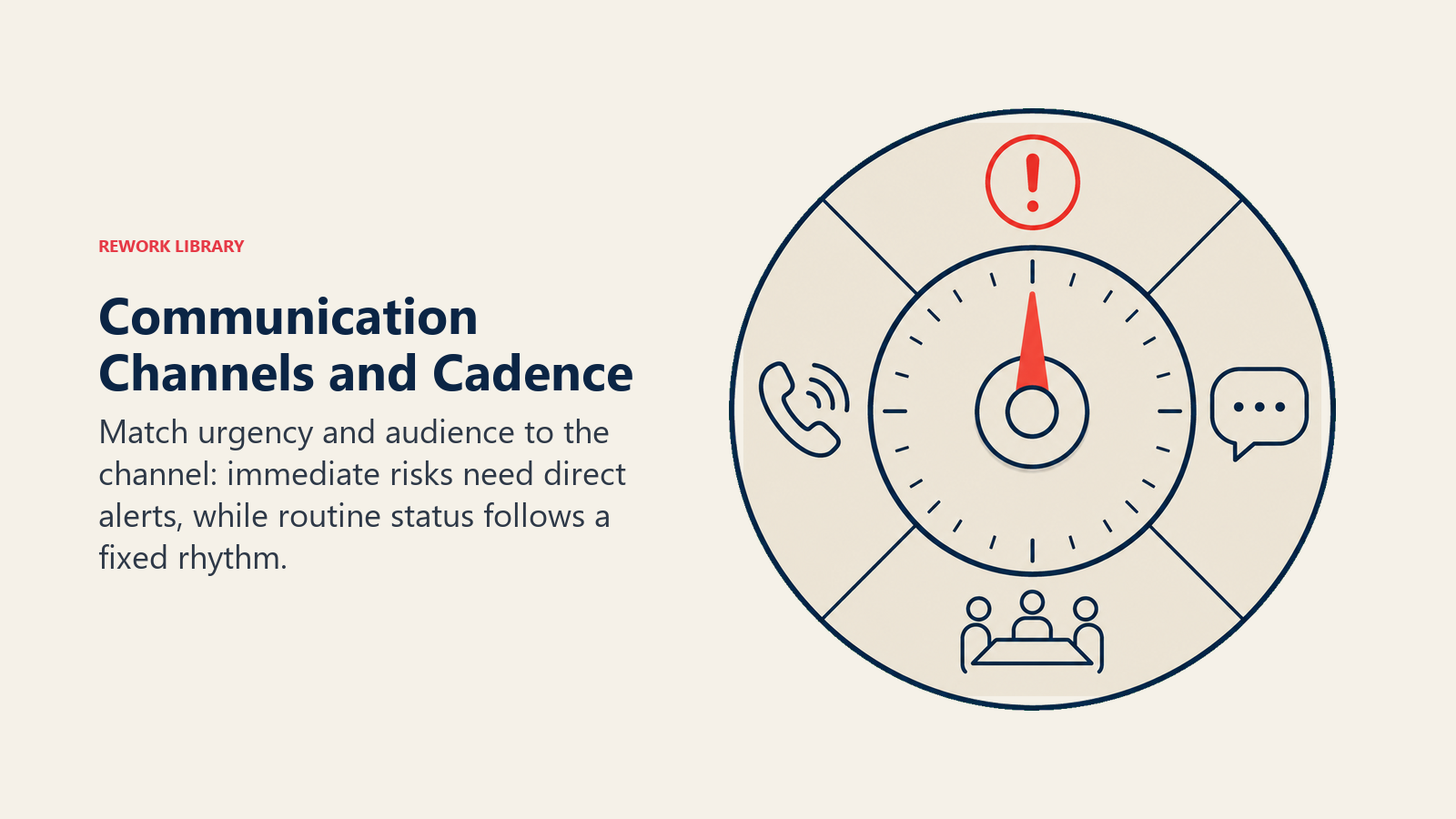
Communication channels and cadence guide
Different communication needs call for different channels and rhythms. Here's a quick reference for the most common project communication types.
| Communication type | Recommended channel | Typical cadence | Owner |
|---|---|---|---|
| Project status report | Email + shared document | Weekly (execution phase) | Project Manager |
| Daily standup | Video call or in-person | Daily (active sprints) | Scrum Master / Team Lead |
| Steering committee update | Formal meeting + slide deck | Bi-weekly or monthly | Project Manager |
| Risk and issue escalation | Direct message or call | Immediately on trigger | Risk owner or PM |
| Milestone announcement | Email + intranet post | At each milestone | Project Manager |
| End-user communication | Email + FAQ page | Per change schedule | Change Manager |
| Team task updates | Project management tool | As needed (real-time) | All team members |
The right cadence for any given channel depends on the project's pace. An agile sprint cycle drives a faster internal rhythm than a waterfall phase. Match your communication cadence to the project cadence, not to an arbitrary calendar.
Best practices
Write the plan at project initiation, not after. Communication problems compound over time. Every week a stakeholder goes without clear information is a week of assumptions building up.
Keep it short and scannable. A communication plan that nobody reads is useless. Use a table format. Avoid paragraphs of prose. The six-column table format in this article covers all the necessary elements without becoming a manual.
Separate regular cadence from triggered communications. Your plan should have two sections: scheduled communications (weekly reports, standups, steering committee meetings) and triggered communications (risk escalations, scope changes, go/no-go decisions). Both need owners and channels; they just don't share a calendar.
Get stakeholder sign-off at kickoff. Walk through the communication plan during the project kickoff meeting. Ask stakeholders whether the channel and cadence works for them. Their feedback often reveals practical constraints (the CFO doesn't check Slack, the technical lead prefers async over meetings) that make the plan far more likely to be followed.
Revisit when the team changes. When a stakeholder joins or leaves, or when a new risk surfaces that requires a new communication flow, update the plan. Treat it as a living document with a version number and a last-updated date.
Common mistakes
Confusing a communication plan with a meeting schedule. A plan maps every information flow, not just the meetings on your calendar. Status reports, dashboard access, Slack channels, and email announcements are all communication flows. If they're not in the plan, they'll happen inconsistently.
Using the same channel for everything. Defaulting to email for all communication creates inbox clutter and masks urgency. Differentiate channels by purpose. Urgent issues need faster channels. Reference materials need searchable, pull-based channels.
Forgetting the owner column. Plans that list what gets communicated but not who is responsible for doing it break down almost immediately. Every row must have a named person, not a role or a team.
Treating the plan as a one-time artifact. Projects change. Stakeholders change. Channels that worked in the planning phase don't always work in delivery. Schedule a communication plan review at every major milestone.
Overwhelming stakeholders with information they don't need. Not every stakeholder needs every update. Too much information leads to stakeholders filtering out all of your communications, including the critical ones. Segment your audience carefully and send each group only what is relevant to them.
Ignoring two-way communication. A plan that only pushes information out misses half the picture. Build in feedback mechanisms: a scheduled retrospective question, a standing agenda item for stakeholders to raise concerns, or a simple reply-to-this-email mechanism.
The communication plan doesn't live in isolation. It's the document that drives your weekly project status reports, informs the cadence of your stakeholder meetings, and feeds the record of what was communicated when into lessons learned. Get it right at the start, and the project information flows almost automatically. Get it wrong, and you'll spend the rest of the project chasing stakeholders with updates they should have already had.

Senior Operations & Growth Strategist
On this page
- What is a project communication plan?
- Key facts
- The key elements of a communication plan
- Communication plan example
- How to create a communication plan
- Step 1: Identify your stakeholders
- Step 2: Define what each stakeholder needs to know
- Step 3: Choose the right channel for each flow
- Step 4: Set the cadence
- Step 5: Assign owners
- Step 6: Review and maintain the plan
- Communication channels and cadence guide
- Best practices
- Common mistakes