Project Status Report: What to Include (Template + Examples)
Turn this article into takeaways for your work.


Each assistant summarizes the article only for you and suggests best practices for your work.
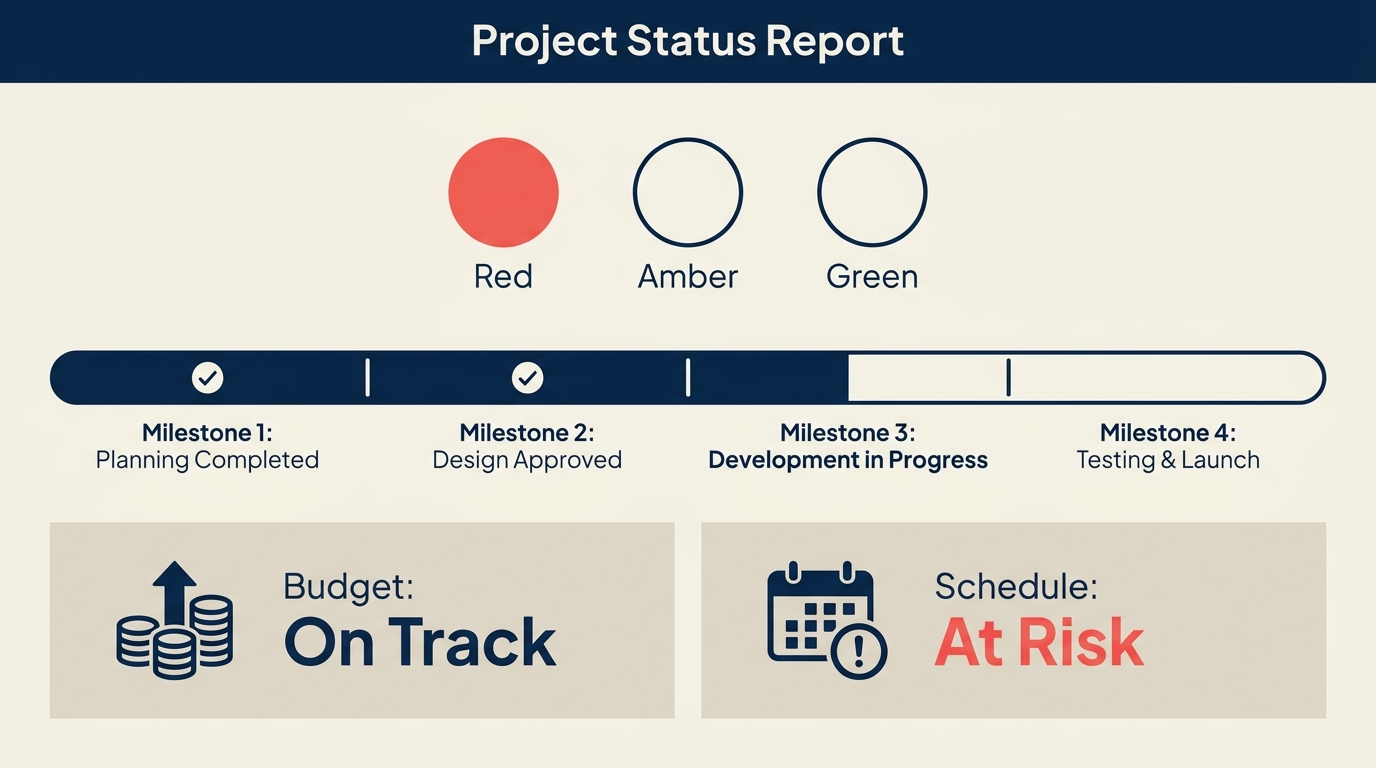
A project status report is a regular, structured summary of how a project is tracking against its plan: what's been accomplished, where things stand on scope, schedule, and budget, and what risks or decisions need attention. You send it to stakeholders so they always know the current state without having to ask.
Done well, it replaces a dozen ad-hoc email threads and keeps sponsors, steering committees, and team leads reading from the same page. Done poorly, it becomes "status theater", lots of words, no signal.
What is a project status report?
A project status report is a recurring communication artifact that summarizes project health at a point in time. It compares current state to the baseline plan and highlights variances, risks, and open decisions the reader needs to act on.
The report is not a work log or a task list. Its job is to answer three questions for a busy executive in under three minutes:
- Are we on track?
- If not, what's the problem and how serious is it?
- What do you need from me right now?
Most organizations issue status reports weekly or biweekly during active delivery, and monthly during planning phases. The audience, cadence, and level of detail vary, but the core structure stays the same.
Key facts
- Projects with effective communication plans are 2.5x more likely to succeed than those without, according to PMI's Pulse of the Profession research.
- PMI also found that poor communication is the primary contributor to project failure one-third of the time, ahead of undefined requirements, lack of resources, and scope creep.
- Organizations that follow standard reporting practices waste 28 times less money on projects than those that don't, per PMI's benchmarking data.
What to include in a status report
A well-structured status report covers these sections:
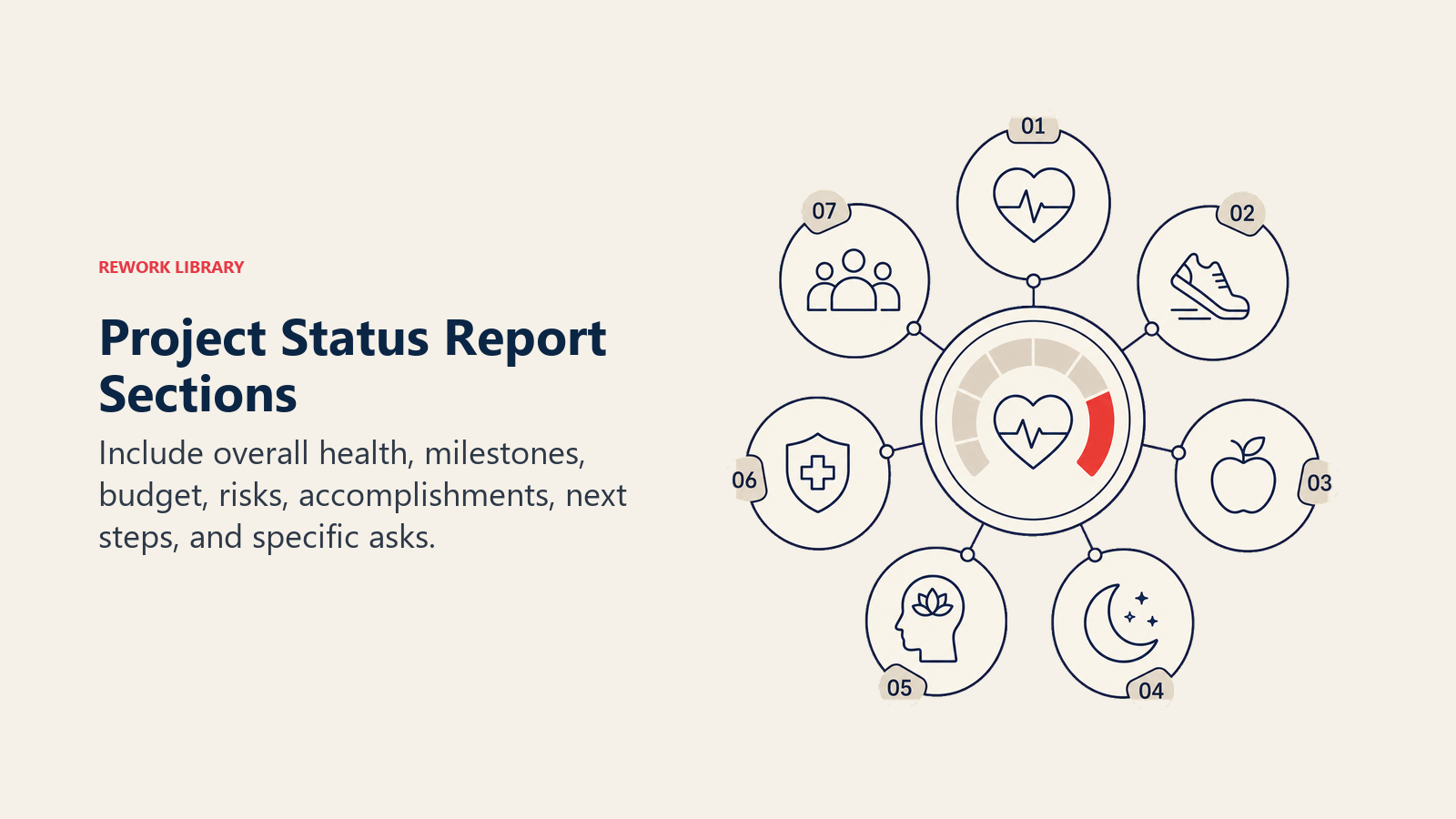
| Section | What it contains |
|---|---|
| Project summary | Name, PM, sponsor, current phase, reporting period |
| Overall RAG status | Red / Amber / Green rating with a one-line explanation |
| Milestones and schedule | Key milestones: completed, on track, delayed, and projected dates |
| Budget | Approved budget, actual spend to date, forecast at completion |
| Risks and issues | Top 3-5 active risks and any open issues blocking progress |
| Accomplishments | What was completed during the reporting period |
| Next steps | What the team will deliver in the next period |
| Asks and decisions | Specific requests for stakeholder action or approval |
Keep each section short. The accomplishments list should have 3-5 bullets, not 20. If you need to attach detail, put it in an appendix or link to the risk register or RAID log.
RAG status explained
RAG stands for Red, Amber, Green, a traffic-light system for communicating overall project health at a glance. Every status report should open with a single RAG rating so stakeholders know the punchline before they read anything else.
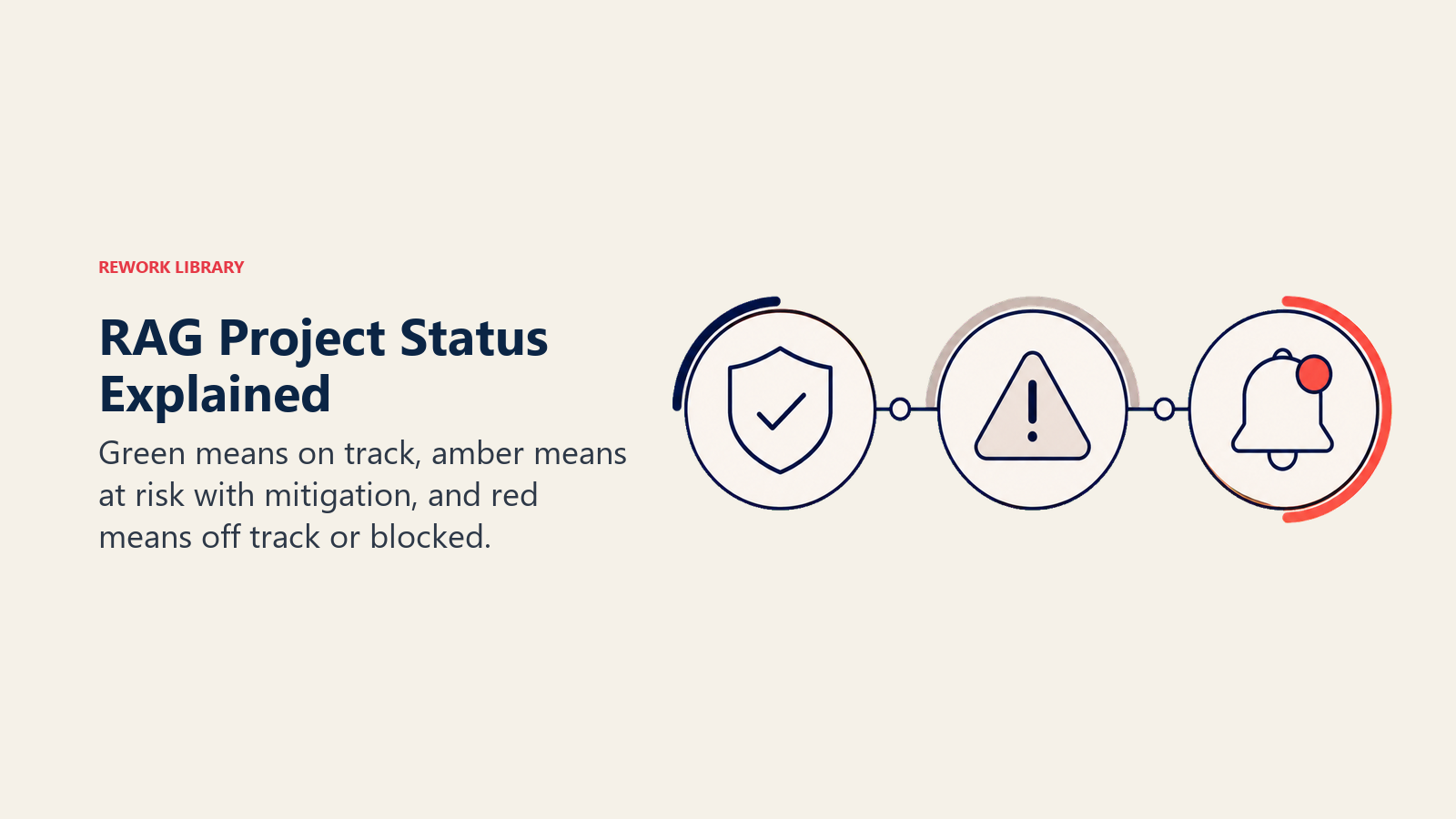
| Color | Meaning | Typical triggers |
|---|---|---|
| Green | On track | Milestones met, budget within 5%, no blockers |
| Amber | At risk | Schedule slippage of 5-15%, budget variance of 5-10%, unresolved issues with a mitigation plan in progress |
| Red | Off track | Major milestone missed, budget overrun above 10%, blocker with no clear resolution, scope change not yet approved |
A few rules of thumb: don't leave a project on Green when a significant risk just materialized. And don't leave it on Red for weeks with no escalation, Red means you need a decision, not just sympathy.
You can apply RAG at the overall project level and separately to individual workstreams or dimensions (schedule, budget, scope). That lets a project be Green overall but Amber on budget, which is a more honest picture than a single blended rating.
How to write a project status report
Step 1: Gather the data
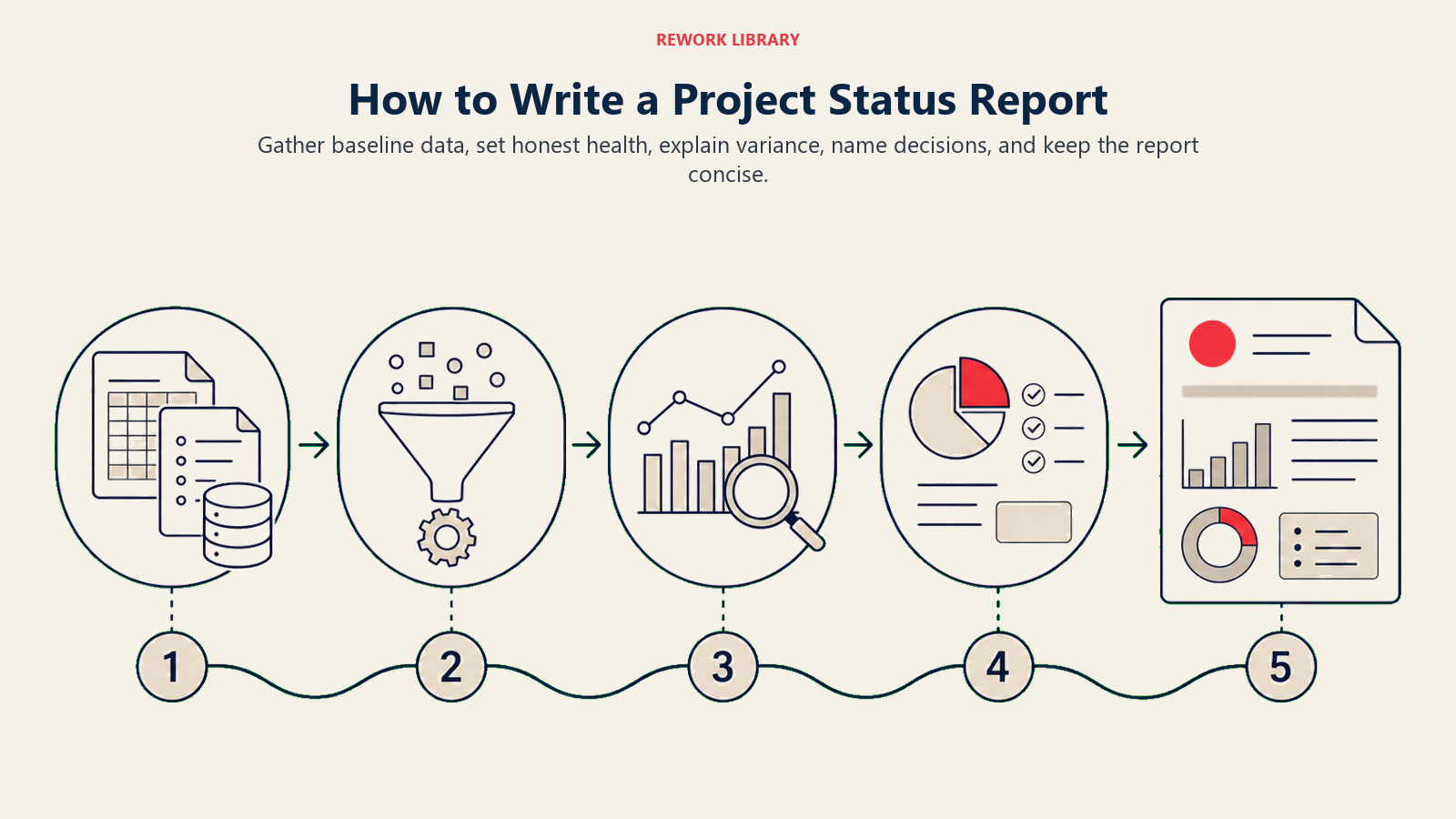
Pull numbers before you write anything. Check the schedule against the baseline, are milestones hitting their target dates? Pull actuals from your cost tracking tool and compare to the approved budget. Review your RAID log for any new risks or issues that have surfaced since the last report.
If you're using Earned Value Management, now is when you calculate Schedule Performance Index (SPI) and Cost Performance Index (CPI). These give you objective numbers to put behind your RAG rating.
Step 2: Set the RAG status
With data in hand, assign your RAG. The key discipline here is honesty. A lot of PMs drift toward Amber when they should call Red because they don't want to alarm stakeholders. But the point of the report is to surface the truth early, when there's still time to act.
If anything tips to Red, write a clear one-sentence explanation: what the issue is, what the impact is, and what decision you need. Don't make the sponsor hunt for it.
Step 3: Write the summary sections
Draft accomplishments first, it's usually the easiest section. Then write next steps. Together they show momentum and direction. Keep both lists tight: three to five bullets each.
For budget and schedule, use simple tables or percentage variances. Avoid narrative explanations of numbers; let the numbers speak.
Step 4: Flag risks and open asks
This is the most important section for senior stakeholders. List your top active risks (link to the full risk register for context) and state clearly what you need from each stakeholder. A status report with no asks is a missed opportunity.
The asks section should be specific and time-bound: "Need approval from the Steering Committee on the revised go-live date by June 10 to avoid further delays."
Step 5: Distribute on cadence
Send the report on a consistent schedule, the same day and time each week. Predictability builds trust. Your communication plan should already define the audience, format, and frequency for each stakeholder group. If it doesn't, define it now.
Steering committees typically want a higher-level view monthly; direct sponsors may want weekly. Tailor the depth to the audience.
Project status report example
Here's a compact example for a software launch project midway through delivery.
| Field | Value |
|---|---|
| Project | Customer Portal Redesign |
| PM | Sarah Chen |
| Sponsor | VP of Product |
| Reporting period | May 26 - June 1, 2026 |
| Overall RAG | Amber |
| RAG note | UAT phase delayed 5 days due to test environment outage; mitigation plan in place |
Milestones
| Milestone | Baseline date | Forecast date | Status |
|---|---|---|---|
| Design approved | May 2 | May 2 | Green |
| Dev complete | May 23 | May 23 | Green |
| UAT start | May 26 | May 31 | Amber |
| Go-live | June 20 | June 27 | Amber |
Budget: $380K approved. $210K spent to date. Forecast at completion: $395K (4% over, within contingency reserve).
Accomplishments
- Completed all development sprints on schedule
- Resolved 14 of 18 UAT defects identified in first test cycle
- Onboarded two new QA testers to accelerate remaining defects
Risks / Issues
- Test environment stability: likelihood Amber, impact High. DevOps team has applied patch; monitoring this week.
Asks
- VP of Product: Approve revised go-live date of June 27 by June 5.
Reporting frequency and cadence
How often you report depends on the audience and the project phase.
Weekly works best during active delivery. The team is moving fast, risks surface quickly, and stakeholders want to stay close. Keep weekly reports short, a one-page summary is better than a five-page document.
Biweekly is common for projects in a steady-state phase where the pace is predictable and there are few decisions pending.
Monthly fits longer programs, executive steering committees, and projects in early planning. Monthly reports can go deeper, trend data, budget forecasts over multiple periods, and strategic alignment checks.
Steering committee reports are often a separate format: fewer operational details, more focus on decisions required, strategic risks, and program-level health. Build this into your project kickoff meeting agenda so stakeholders know from day one what to expect and when.
Whatever cadence you choose, stick to it. Late or inconsistent reporting is worse than a slightly imperfect report on time.
Common mistakes
Status theater. The report is long, well-formatted, and entirely Green, week after week, right up to the point everything falls apart. Status theater happens when the PM treats the report as a marketing document rather than a communication tool. Use RAG honestly, and don't hesitate to call Amber when something is brewing.
No asks. If every status report ends with "next steps" and nothing for the stakeholder to do, you're managing expectations without managing the project. Every stakeholder interaction is a chance to unblock something.
Too much detail. A five-page status report signals that the PM hasn't prioritized what matters. Senior stakeholders don't read past page one. Cut anything that isn't directly relevant to current health, risks, or decisions. Push detail to linked documents like the RAID log or the risk register.
Inconsistent format. Changing the structure of the report from week to week forces readers to re-orient every time. Pick a template and stick to it. Your communication plan should document the agreed format so there's no ambiguity.
Reporting without a RACI matrix. If accountability for decisions and actions isn't clear, status reports surface problems without any clear owner to resolve them. Make sure your project has a defined accountability structure before you start distributing reports.
Close
Status reports are one of the most underrated tools in a project manager's kit. They keep sponsors informed, surface problems early, and create a paper trail of decisions that's invaluable when you hit a change request or a retrospective. The data in every status report feeds directly into the lessons-learned review at project close, so the more honest and consistent your reporting, the richer that final record will be.
Build the habit early. The project kickoff meeting is the right moment to align on format and cadence so everyone knows what to expect from day one.

Senior Operations & Growth Strategist
On this page
- What is a project status report?
- Key facts
- What to include in a status report
- RAG status explained
- How to write a project status report
- Step 1: Gather the data
- Step 2: Set the RAG status
- Step 3: Write the summary sections
- Step 4: Flag risks and open asks
- Step 5: Distribute on cadence
- Project status report example
- Reporting frequency and cadence
- Common mistakes
- Close