Requirements Traceability Matrix (RTM): Definition, Template, and Examples
Turn this article into takeaways for your work.


Each assistant summarizes the article only for you and suggests best practices for your work.
A requirements traceability matrix, or RTM, is the single document that proves every stakeholder requirement made it through design, development, and testing without getting lost, duplicated, or quietly dropped. If your project has ever shipped a feature nobody asked for, or missed one that everyone expected, a well-maintained RTM is the fix.
What is a requirements traceability matrix?
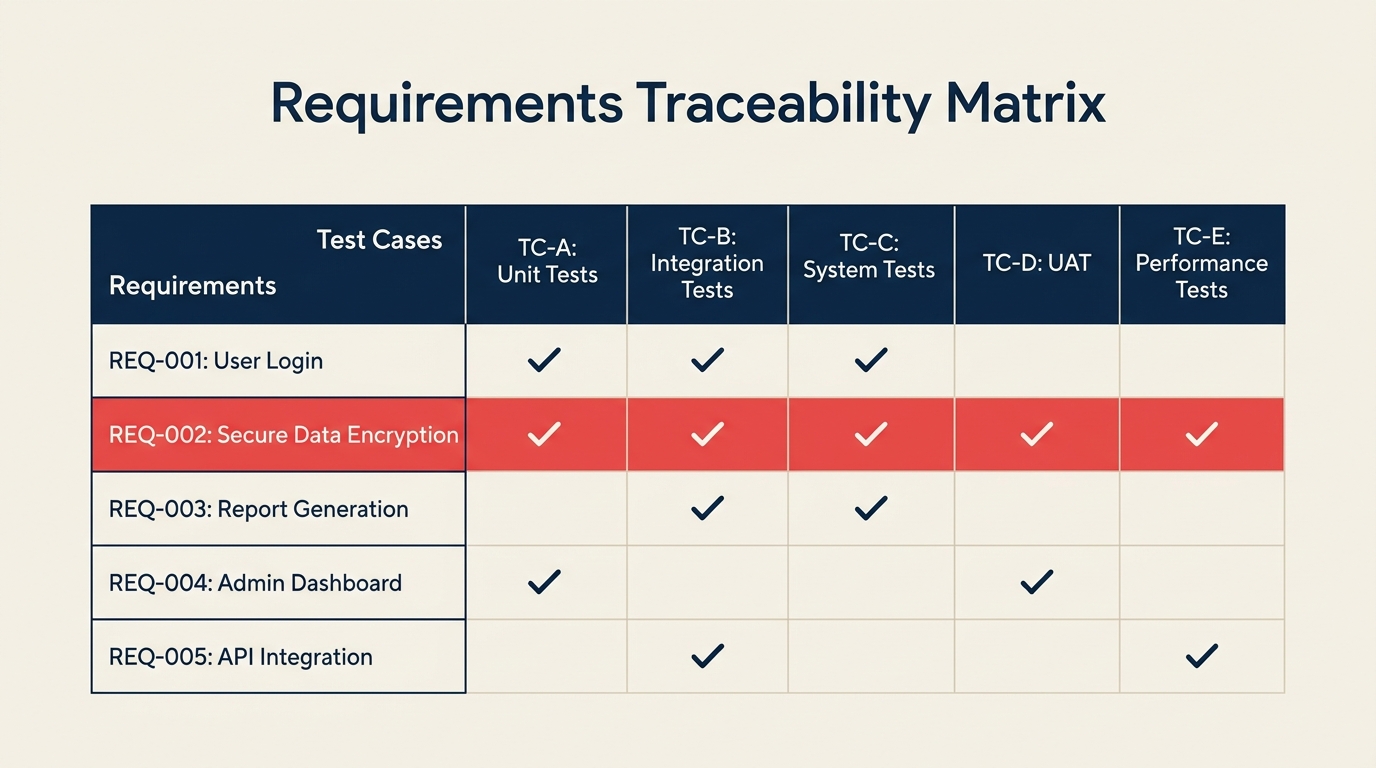
A requirements traceability matrix (RTM) is a structured document, typically a table, that maps each business or system requirement to the corresponding design specification, code module, and test case. The word "trace" is the key: you can follow any requirement forward to its test result, or trace any test case backward to the original business need, and confirm the connection is intact.
Think of it as a master ledger for your project scope statement. The scope statement defines what is in and out of bounds. The RTM tracks whether every in-scope item was actually built and verified.
Key terms to know:
- Requirement ID: A unique identifier assigned to each requirement (e.g., REQ-001).
- Source: The stakeholder, document, or regulation that generated the requirement.
- Traceability: The ability to follow the life of a requirement in both directions across the project lifecycle.
- Coverage: The percentage of requirements that have at least one linked test case.
Key facts
- The Standish Group CHAOS Report consistently finds that unclear or incomplete requirements are among the top three causes of IT project failure, contributing to cost overruns in more than 50% of troubled projects (Standish Group, 2023).
- PMI's Pulse of the Profession found that poor requirements management contributes to project failure for 37% of organizations that do not use mature practices (PMI, 2022).
- The IIBA BABOK Guide (v3) designates traceability as a core business analysis task, noting that it supports impact analysis, test planning, and change control throughout the project lifecycle (IIBA, 2015).
Types of requirements traceability
There are three commonly used traceability approaches. Most projects benefit from all three running simultaneously.
| Type | Direction | Purpose | Common use case |
|---|---|---|---|
| Forward traceability | Requirements to test cases | Confirms every requirement has a corresponding test | Verifying coverage before UAT |
| Backward traceability | Test cases to requirements | Confirms no test exists without a matching requirement (removes wasted work) | Scope review, budget audit |
| Bidirectional traceability | Both directions simultaneously | Gives full coverage in both directions; the gold standard | Regulated projects, large programs |
Most agile teams start with forward traceability and add backward coverage as the test suite grows. Regulated industries (medical devices, aviation, financial software) typically mandate bidirectional traceability from day one.
What goes in an RTM
The columns in your RTM depend on your project type, but this set covers most software or system delivery projects.
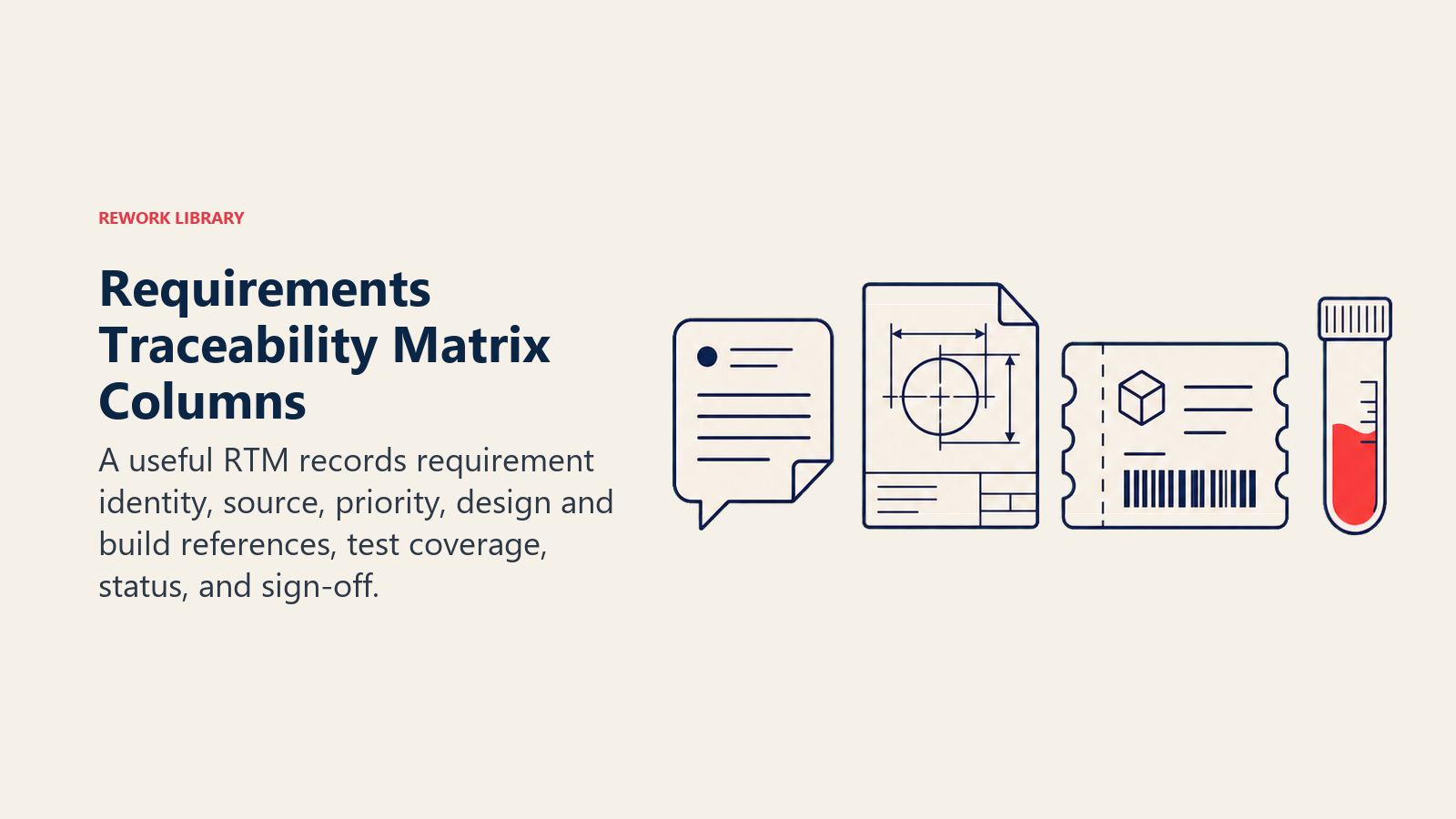
| Column | What to record |
|---|---|
| Requirement ID | Unique code: REQ-001, BRQ-004, SYS-012 |
| Requirement description | Plain-language statement of what is needed |
| Source | Stakeholder name, meeting date, or source document |
| Priority | High / Medium / Low, or MoSCoW label |
| Design reference | Spec document section or architecture component |
| Development reference | Code module, user story ID, or sprint ticket |
| Test case ID | ID of the test case that validates this requirement |
| Test status | Not started / In progress / Pass / Fail |
| Sign-off owner | Person responsible for approving the requirement as met |
You can trim columns for small projects or expand them for complex programs. The goal is that anyone picking up the RTM can answer two questions without asking anyone: "Has this requirement been tested?" and "Which test covers it?"
Why an RTM matters
It prevents scope creep
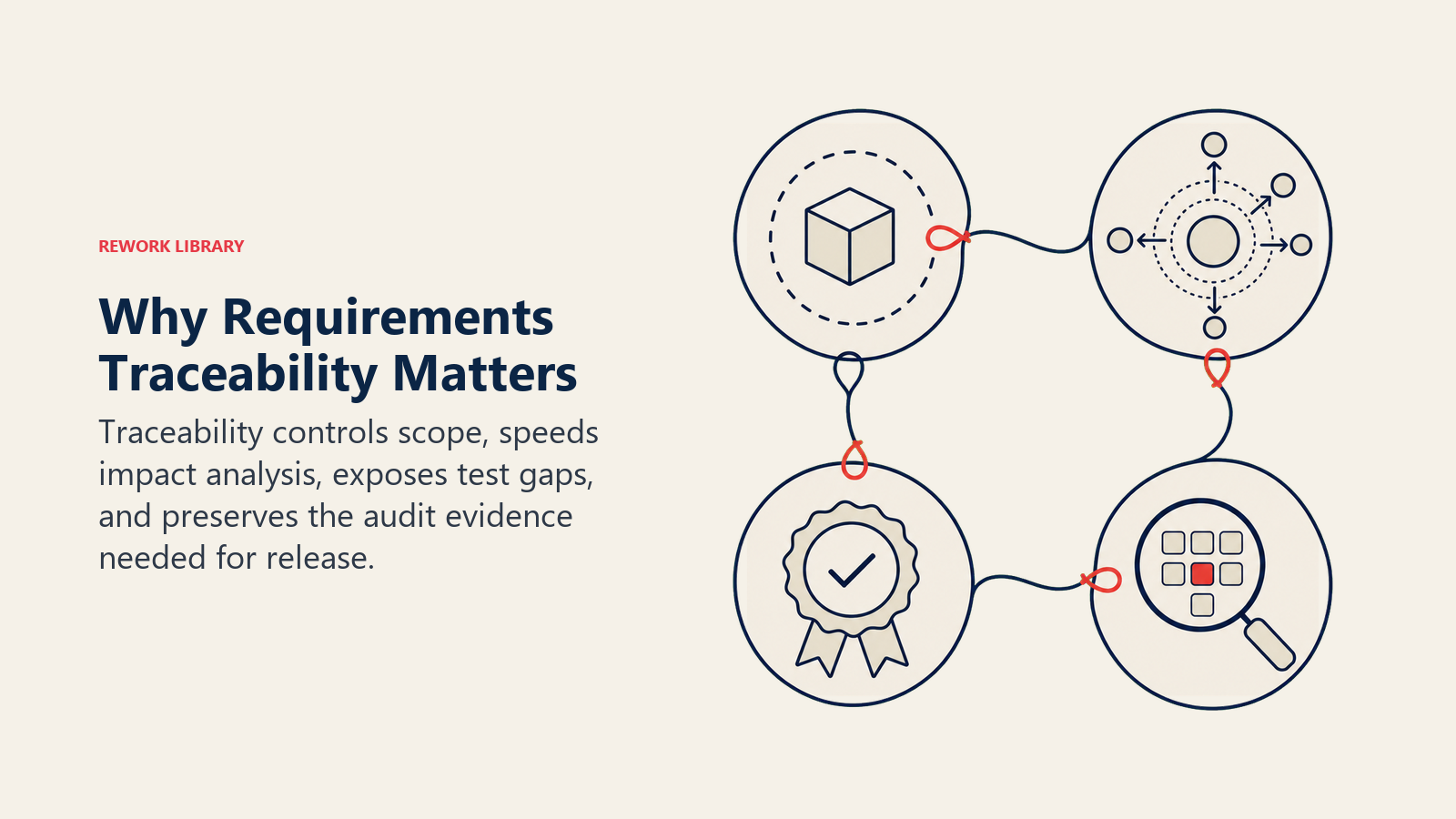
When every feature is linked to a documented requirement, it becomes much harder for new work to slip in unnoticed. The scope creep conversation changes from "should we build this?" to "which requirement does this map to?" That question alone kills a surprising number of half-baked requests.
It simplifies change control
When a stakeholder requests a change, the RTM shows exactly which test cases, design specs, and code modules are affected. Impact analysis that once took a day of meetings can take 20 minutes with a well-maintained matrix.
It supports testing and sign-off
Teams moving from development to user acceptance testing often discover gaps: requirements that were written but never tested. The RTM surfaces these gaps before UAT begins, not during it.
It provides an audit trail
In regulated industries, auditors want to see that every requirement in the approved specification has a corresponding test result. The RTM is that evidence. Without it, you reconstruct the trail from memory, which rarely goes well.
How to create a requirements traceability matrix
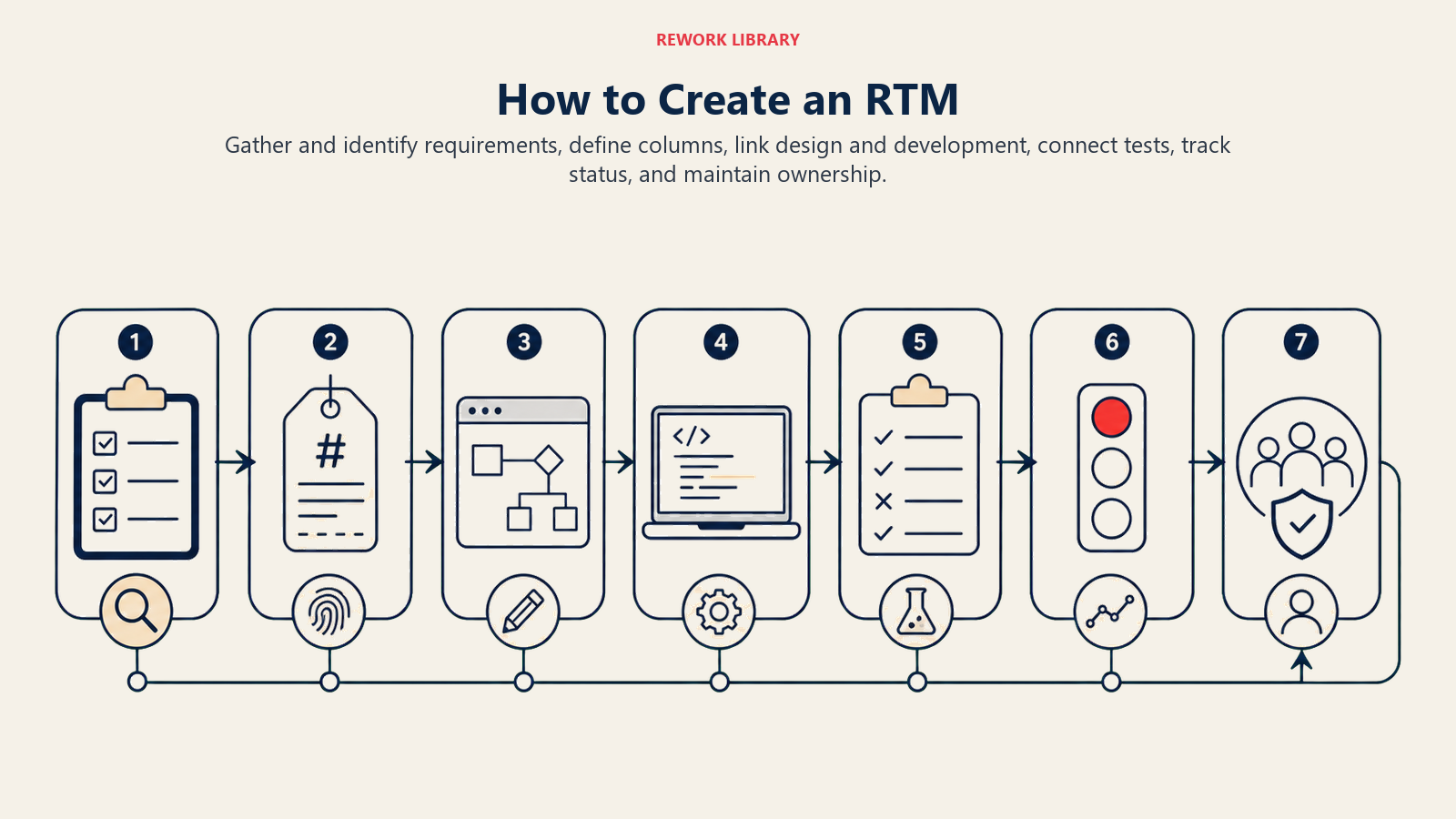
Step 1: Gather all requirements
Pull requirements from every source: the project scope statement, stakeholder interviews, regulatory documents, and signed-off user stories. Assign a unique ID to each one before you do anything else. If you skip the IDs, the matrix becomes impossible to maintain.
Step 2: Define your column structure
Pick the columns your team will actually fill in. Start lean. A six-column RTM that everyone maintains is more useful than a fifteen-column version that nobody updates. Requirement ID, Description, Source, Test Case ID, and Test Status cover the basics for most projects.
Step 3: Link requirements to design artifacts
For each requirement, record the design document section, architecture diagram reference, or technical specification that addresses it. If no design artifact exists yet, flag the row as "design pending." That flag is itself useful: it tells the project manager something is not ready for development.
Step 4: Link to development work items
Connect each requirement to the ticket, user story, or sprint backlog item where it is being built. Tools like Jira, Azure DevOps, or even a shared spreadsheet can carry these links. The work breakdown structure is a natural source for this mapping.
Step 5: Link to test cases
For each requirement, record the test case ID that will verify it. Check acceptance criteria here: the test case should directly test whether the acceptance criteria are met. If a requirement has no test case, it either has no coverage or it has been missed entirely.
Step 6: Track test execution status
As testing runs, update the Test Status column for each row. Many teams run a coverage report at the end of each test cycle: what percentage of requirements are in Pass status? What is still failing or not started? This becomes the go/no-go input for release decisions.
Step 7: Keep it current throughout the project
An RTM written at the start and never touched again is decoration. Assign a clear owner (usually the business analyst or project manager) and update it whenever a requirement changes, a test case is added, or a design decision affects scope. Treat it like a living register, not a one-time deliverable.
RTM example
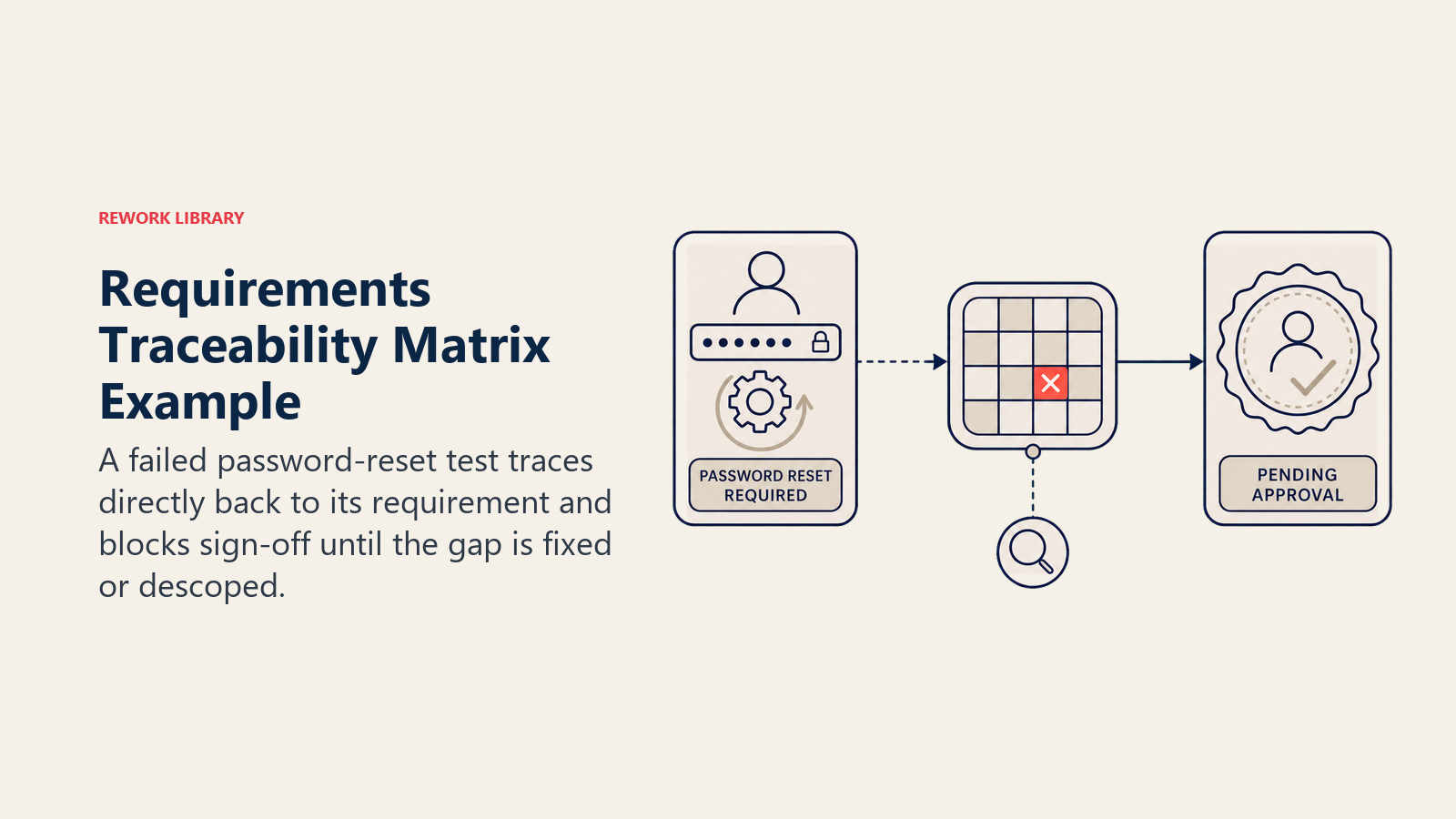
Here is a small worked example for a customer login feature.
| Req ID | Description | Source | Priority | Design ref | Test case ID | Test status | Sign-off |
|---|---|---|---|---|---|---|---|
| REQ-001 | Users must log in with email and password | Stakeholder workshop, 2026-01-10 | High | Tech Spec v2, section 3.1 | TC-101 | Pass | Product Owner |
| REQ-002 | Login must lock after 5 failed attempts | Security policy doc | High | Tech Spec v2, section 3.4 | TC-102 | Pass | Security Lead |
| REQ-003 | Users must receive a password reset email within 2 minutes | UX requirements doc | Medium | Tech Spec v2, section 3.6 | TC-103 | Fail | Pending |
| REQ-004 | Remember me option must persist the session for 30 days | Business requirements doc | Low | Tech Spec v2, section 3.7 | TC-104 | Not started | Pending |
REQ-003 failing means the release should not go forward until the email delivery issue is resolved or the requirement is formally descoped. The RTM makes that decision visible and documented.
Best practices and common mistakes
Best practices:
- Assign requirement IDs before writing the RTM. Numbering after the fact leads to gaps and duplicates.
- Use a shared tool rather than a local spreadsheet. When the RTM lives on one person's desktop, it dies when that person is on leave.
- Review the RTM at every sprint review or project stage gate. A 15-minute walkthrough catches drift before it compounds.
- Include non-functional requirements (performance, security, accessibility). These are the ones most often forgotten until they cause a production incident.
- Link to the acceptance criteria document for each requirement so testers know exactly what pass looks like.
Common mistakes:
- Writing requirements that are too vague to test. "The system should be fast" cannot be traced to a test case. "The system must return search results in under 2 seconds for 95% of requests" can.
- Treating the RTM as a one-time handoff document. It should be updated continuously, not completed once and filed away.
- Skipping backward traceability. Teams often track requirements forward to tests but never check whether any tests exist without a backing requirement. That check removes test cases for features that were descoped, saving time in every test cycle.
- Letting test status lag behind actual testing. A row that says "Not started" when the test has already run and failed gives a false picture of project health.
Frequently Asked Questions about Requirements Traceability Matrix
What is the difference between an RTM and a requirements register?
A requirements register lists and categorizes requirements with their attributes (ID, description, owner, priority). An RTM does all of that AND traces each requirement through design, development, and testing. The RTM is the register plus the traceability layer.
Does an agile project need an RTM?
Agile projects do benefit from traceability, though the format often differs. Instead of a formal spreadsheet, many agile teams use their project management tool (Jira, Azure DevOps) to link user stories to test cases and acceptance criteria. The RTM concept is the same; the artifact may look different.
Who owns the RTM?
Typically the business analyst or project manager owns the RTM, with contributions from developers and testers. Ownership means being responsible for keeping it current, not doing all the updates alone. In regulated environments, there is usually a named approver for the RTM as a whole.
When should you start building the RTM?
Start as soon as requirements are baselined, not after development begins. Building the RTM late means reconstructing links from memory, which is slow and error-prone. Ideally, you assign Requirement IDs during requirements elicitation and begin populating the matrix before any design work starts.
Can an RTM be used for non-software projects?
Yes. Construction, manufacturing, and product development projects all use traceability matrices to link specifications to testing or inspection results. The columns change (design drawing number instead of code module, inspection record instead of automated test case), but the logic is identical. A well-maintained requirements traceability matrix is one of the few project documents that saves time during both delivery and post-launch. It gives every team member a single source of truth for whether a requirement was built and verified, and it gives project leadership the evidence they need to make informed release decisions. Start simple, keep it current, and it will pay for the effort many times over.

Senior Operations & Growth Strategist
On this page
- What is a requirements traceability matrix?
- Key facts
- Types of requirements traceability
- What goes in an RTM
- Why an RTM matters
- It prevents scope creep
- It simplifies change control
- It supports testing and sign-off
- It provides an audit trail
- How to create a requirements traceability matrix
- Step 1: Gather all requirements
- Step 2: Define your column structure
- Step 3: Link requirements to design artifacts
- Step 4: Link to development work items
- Step 5: Link to test cases
- Step 6: Track test execution status
- Step 7: Keep it current throughout the project
- RTM example
- Best practices and common mistakes