Staff Scheduling for Salons & Spas: Optimizing Coverage & Productivity
Turn this article into takeaways for your work.


Each assistant summarizes the article only for you and suggests best practices for your work.
Most salons schedule by habit. The same people, the same days, the same hours, week after week, because that's how it's always been done and because changing it creates conflict. Then Saturday hits and there aren't enough hands on deck. Tuesday is overstaffed by two stylists who spend half the day wiping down already-clean stations. The manager fields a call-out at 8am and spends two hours trying to find coverage instead of running the business.
Demand-based scheduling fixes all of this. It isn't just more efficient. It's fairer to staff and less expensive for the business. Matching coverage to actual booking patterns means clients get the capacity they need, staff work when the business actually needs them, and labor cost as a percentage of revenue stays within a manageable range. Scheduling decisions also interact directly with stylist and therapist retention. How and when you schedule your team is one of the top drivers of whether they stay or leave.
Key Facts: Salon Scheduling
- Labor costs represent 40-50% of revenue for most salons, making scheduling the primary lever on this number
- Overstaffing on slow days costs the average mid-sized salon $1,500-$3,000 per month in unnecessary payroll
- Salons using demand-based scheduling report 15% lower labor-to-revenue ratios than those scheduling by habit (Professional Beauty Association)
The BLS Productivity and Costs by Industry release tracks unit labor cost trends across U.S. service industries, a useful external reference for benchmarking how your salon's hourly compensation growth compares to productivity gains, and whether your labor cost ratio is in line with the broader personal care sector.
Demand-Based Scheduling Fundamentals
Before you can schedule based on demand, you need to know what your demand actually looks like. Most booking software can generate this data, but most owners never pull it.
The data you need: bookings by day of week and hour of day, across the past 3-6 months. This produces a demand heatmap that shows exactly when clients want appointments and when they don't.
A typical salon demand pattern:
| Time | Mon | Tue | Wed | Thu | Fri | Sat | Sun |
|---|---|---|---|---|---|---|---|
| 9-11am | Low | Low | Low | Medium | High | Very High | Medium |
| 11am-1pm | Low | Medium | Medium | High | Very High | Very High | High |
| 1-3pm | Medium | Medium | Medium | High | High | High | High |
| 3-5pm | Medium | Medium | High | High | Very High | High | Medium |
| 5-7pm | Low | High | High | High | Medium | Low | Low |
Saturday and Friday afternoons are almost universally the highest demand windows. Monday and Tuesday mornings are almost universally the lowest. Yet many salons schedule full teams on both low and high demand days, paying for coverage that serves no client and paying for understaffing that turns clients away.
The common scheduling biases worth examining: scheduling staff based on their preferences rather than business need, keeping the same hours for a team member regardless of whether their client load justifies it, and avoiding schedule changes because of the uncomfortable conversations they require. The salon management software guide covers which platforms produce the most actionable demand reporting for scheduling decisions.
Peak vs Off-Peak Staffing
Once you have a demand heatmap, the scheduling model becomes clearer. The goal is to match service capacity (the number of stylists or therapists available) to the number of appointments the business can realistically fill.
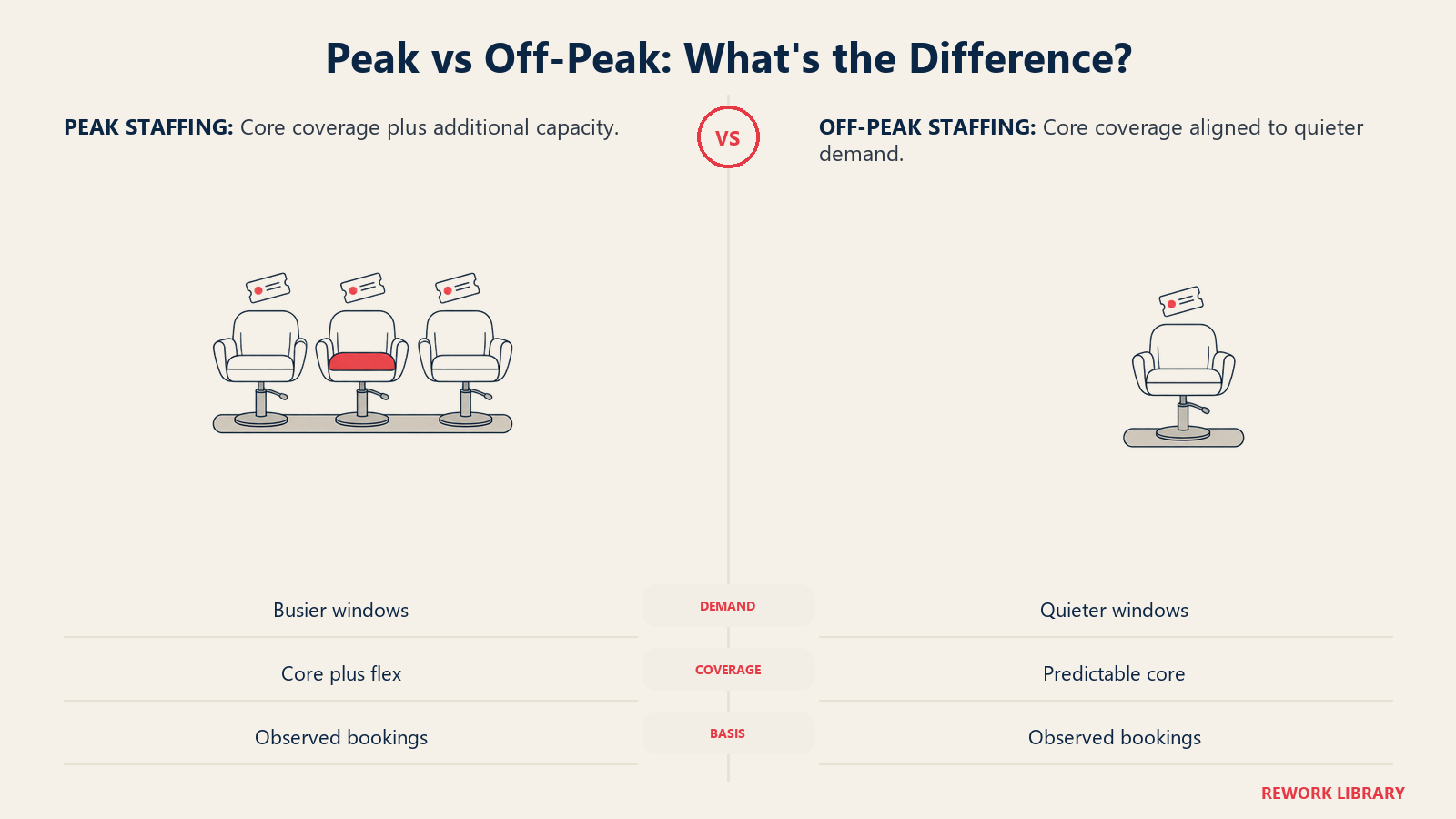
Core staff model: The team members who work consistent hours regardless of demand fluctuation. These are your full-time employees with established client bases. Their schedules need to be predictable for their own planning, and their client relationships are too valuable to manage with irregular availability.
Flex staff model: Part-time employees or contracted stylists who work during peak windows. They supplement core staff capacity on Fridays, Saturdays, and evening rushes without adding fixed payroll during slow periods.
The ideal ratio varies by business size, but a useful starting point is 70% core, 30% flex. If your Saturday requires 8 stylists and your Tuesday requires 4, a core team of 5-6 with flex coverage for peak days often costs 15-20% less than a full team scheduled uniformly.
For spas, the therapist scheduling challenge is slightly different. Treatment rooms are the constraint, not stylist chairs. Peak-hour optimization means ensuring enough therapists for every available room during high-demand windows, without scheduling excess therapists when rooms sit idle during slow periods. The commission structures for salons your business uses also affect scheduling design. Commission-only models require less payroll risk when overstaffed, while guaranteed hourly structures make accurate demand forecasting more critical.
Split Shifts and Flexible Models
Split shifts (where a staff member works morning hours, takes a break midday, and returns for the evening peak) can address demand curves more precisely than standard shifts. But they create their own complications.
When split shifts make sense:
- Evening demand peaks are genuinely high (6pm-8pm on weekdays)
- Staff can use the midday break productively (not just sitting in a waiting room)
- The business is in an area where staff can leave and return without a long commute
When they damage retention: Split shifts are consistently cited as one of the top reasons stylists leave salon employment for booth rental. According to the BLS Occupational Outlook Handbook for barbers, hairstylists, and cosmetologists, a significant share of beauty professionals are self-employed precisely because of the scheduling autonomy it provides, a dynamic that makes schedule flexibility one of the most direct retention levers available to employed-model salons. A stylist who works 9am-1pm and 5pm-8pm has effectively given up their entire day for the business. If the pay doesn't reflect that sacrifice, and if it happens frequently, they'll find a model that gives them more control of their time.
If you need split shifts, keep them to a maximum of 2 per week per team member, compensate them fairly (some jurisdictions require split shift premiums, so check your local labor law), and give staff as much notice as possible rather than making last-minute requests.
Handling Call-Outs
Call-outs are inevitable. The question is whether you have a protocol that handles them systematically or whether each call-out becomes a mini-crisis.
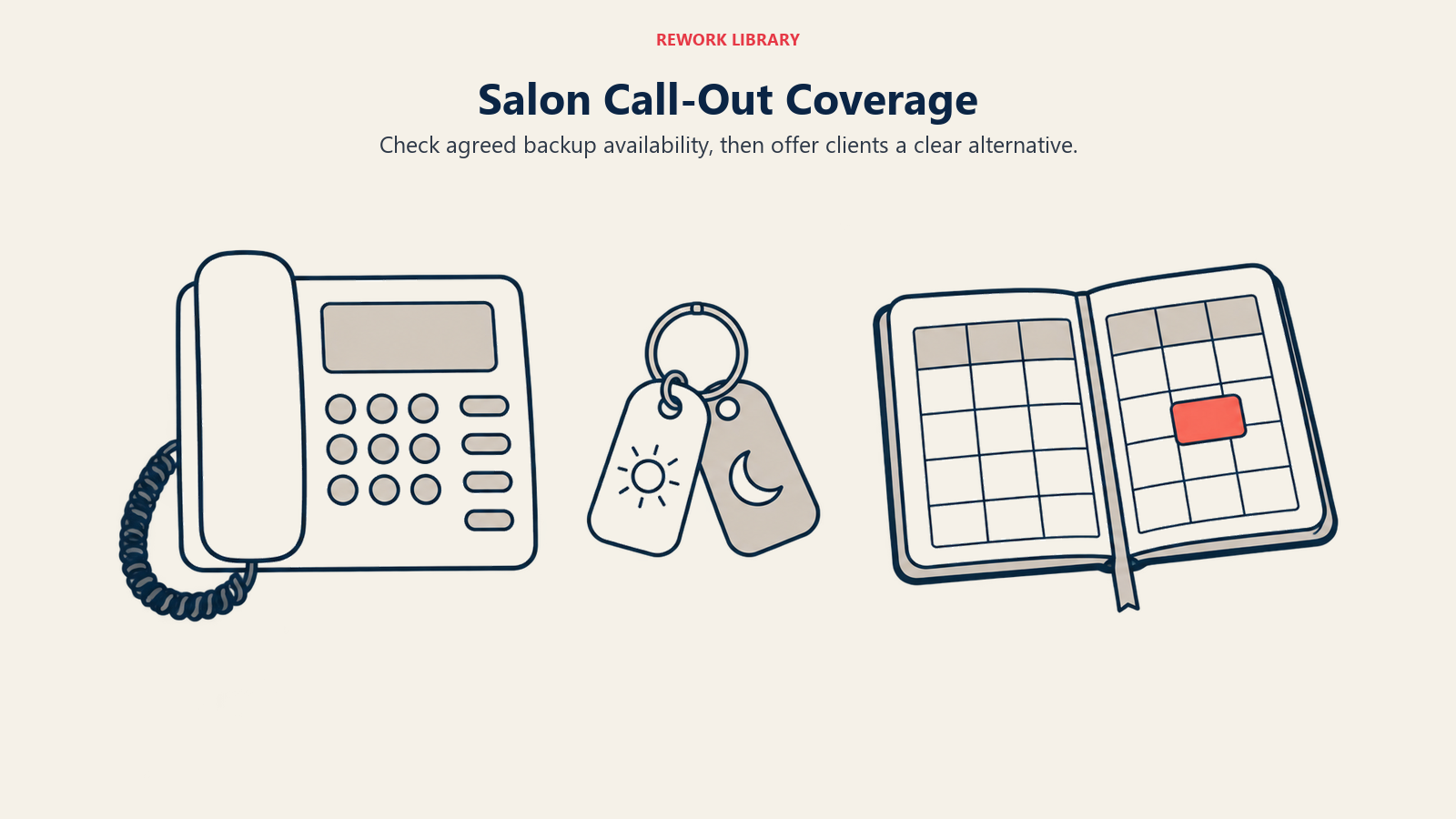
A call-out coverage protocol:
Step 1: The calling-out staff member notifies the manager (or designated contact) by phone, not text, at least 3 hours before their shift. SMS can be missed. A call creates an immediate conversation about coverage options.
Step 2: The manager checks the on-call list. This is a short list of staff (typically 2-3) who've agreed to be available for last-minute coverage on a rotating basis, for additional compensation.
Step 3: If on-call coverage isn't available within 30 minutes, the manager identifies which appointments can be rescheduled vs which can be moved to another stylist with capacity.
Step 4: Affected clients are notified immediately by SMS (not email) with a genuine apology, the name of the alternative stylist (if available), and a reschedule offer.
Preventing call-outs from cascading: the protocol needs to be fast. A call-out discovered at 8am for a 9am appointment gives you one hour to recover. That's enough time if the system is ready. Without a system, one call-out ruins the morning for everyone.
On-call list management: Rotating on-call availability is fair. Designating the same person as the perpetual backup is not, and it's usually the most capable staff member who gets saddled with it, contributing to their eventual burnout and departure. Managing these patterns is precisely where no-show and cancellation management and scheduling intersect. A waitlist that fills cancelled client slots reduces the pressure on any one stylist to absorb call-out fallout.
Scheduling Software: What to Look For
Scheduling tools for salons and spas have improved dramatically in the past five years. The best ones integrate scheduling with booking, payroll reporting, and performance analytics. The worst ones are just digital versions of a paper schedule and don't add much.
| Tool | Booking Integration | Shift Swapping | Mobile Access | Cost |
|---|---|---|---|---|
| Boulevard | Yes (native) | Limited | Yes | $$$ |
| Vagaro | Yes (native) | Yes | Yes | $$ |
| Fresha | Yes (native) | Limited | Yes | Free + transaction fees |
| Deputy | External booking needed | Yes | Yes | $$ |
| When I Work | External booking needed | Yes | Yes | $ |
For salons already using a booking platform like Boulevard, Vagaro, or Fresha, using the built-in scheduling module is almost always the right call. The integration means that when appointments are booked, the scheduling system automatically shows utilization rates per staff member, which makes overstaffing and understaffing visible in real time.
Staff shift-swapping features reduce manager involvement in schedule changes without creating accountability gaps. When a stylist needs to swap shifts with a colleague, they manage it through the app, the manager gets a notification for approval, and the schedule updates automatically.
Balancing Staff Preferences with Business Needs
Staff scheduling preferences are a retention issue, not just a logistics issue. Stylists and therapists who feel that their scheduling preferences are ignored or overridden without conversation are more likely to move to booth rental, which gives them full control over their hours.
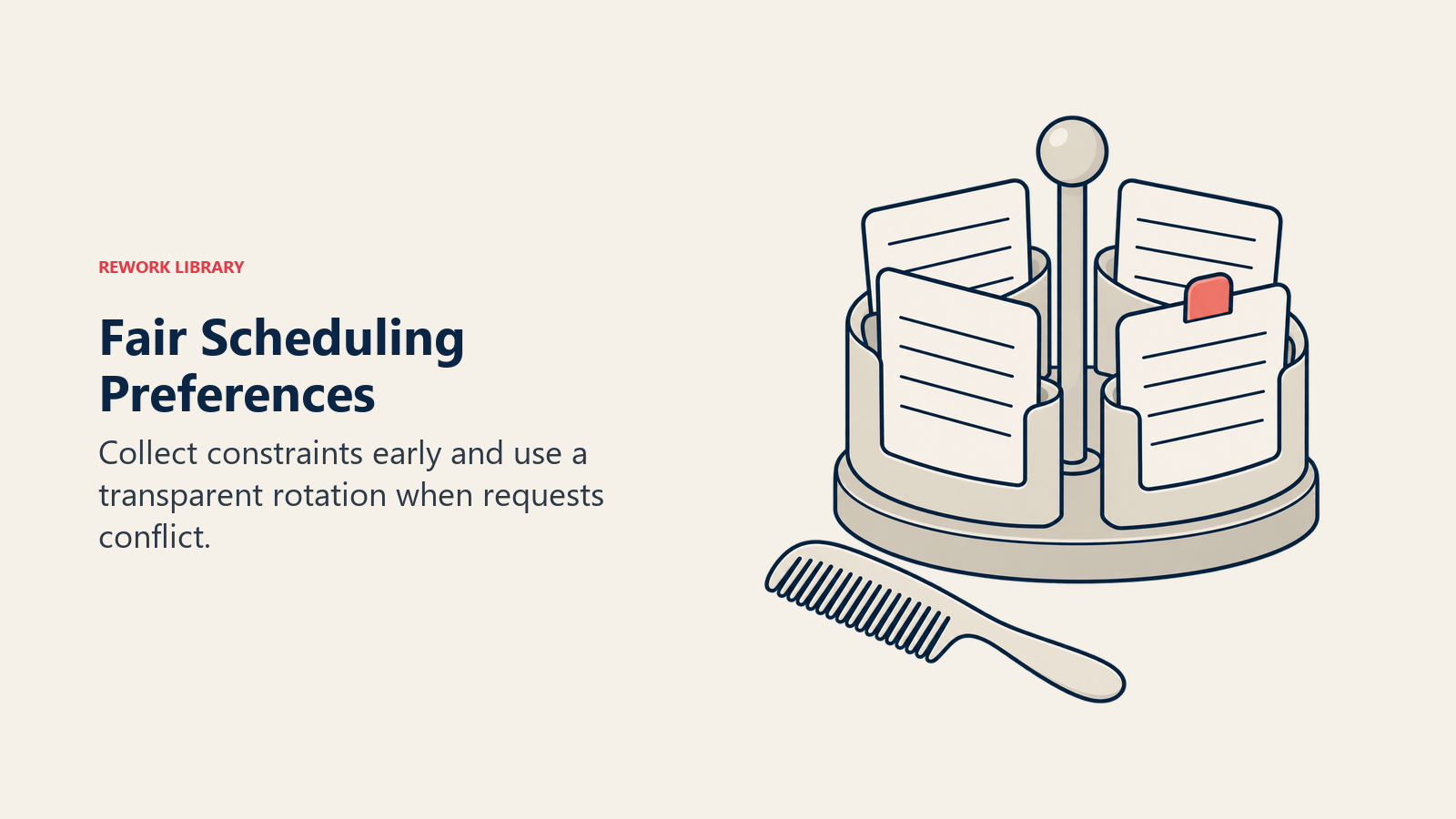
A preference-based scheduling system:
Once a month, staff submit their scheduling preferences for the following month: preferred days off, preferred start times, any constraints (childcare, school, second jobs). The schedule is built to accommodate as many preferences as possible while meeting business coverage needs.
When preferences conflict (and they will, especially around holidays and popular days off) a transparent rotation system is fairer than management discretion. Staff know the rules, they know when their preferred days off will be prioritized, and they can plan accordingly.
The seniority vs rotation question: pure seniority creates resentment among newer staff. Pure rotation ignores the fact that long-tenured staff have earned some scheduling priority. A hybrid approach works well: seniority applies to major holidays and vacation weeks, rotation applies to standard scheduling preferences. Pairing this with formal training programs for beauty staff gives newer team members a clear path to the seniority benefits they'll eventually earn, reducing resentment while maintaining the priority system.
Overtime Management
Overtime in a salon can be invisible until it shows up on payroll. A stylist who works 4 days at 9 hours each has racked up 36 hours before their fifth scheduled day even begins. Add a call-out shift they covered, and they're into overtime at 1.5x their hourly rate.
Preventing accidental overtime:
Set alerts in your scheduling software when any employee is approaching 38-39 hours in a given week. Most platforms can flag this automatically. When a manager sees the flag, they can redistribute the remaining work, offer the staff member a short day, or consciously decide to pay overtime because the business need justifies it.
Managing demand spikes without overtime:
Holiday periods and seasonal peaks are predictable. Plan 60-90 days ahead for these windows by pre-scheduling flex staff, adjusting full-time hours in advance, and implementing waitlists that let you manage demand rather than chasing supply. Seasonal promotions for beauty businesses are more profitable when the staffing plan is already in place before the campaign launches. A promotion that drives booking spikes without adequate coverage creates overtime, service delays, and poor client experiences.
Overtime guardrails:
- No more than 2 overtime shifts per staff member per month as a rule
- Overtime must be pre-approved (not retroactively approved after the fact)
- Overtime patterns by individual should be reviewed monthly. A staff member consistently running over 40 hours is a scheduling design problem, not just a one-off
Scheduling Review Checklist for Managers
Run through this checklist monthly to keep scheduling aligned with actual demand:
- Pull booking demand data by day and hour for the past 30 days
- Compare actual coverage to demand. Where was there overstaffing? Understaffing?
- Review labor cost as % of service revenue. Is it within target range (35-45%)?
- Check overtime hours by staff member. Are there patterns worth addressing?
- Review call-out frequency. Are the same staff calling out repeatedly?
- Collect next month's staff scheduling preferences
- Confirm on-call rotation for next 30 days
- Adjust schedule template based on demand shifts (seasonal changes, new service launches)
The one scheduling habit that consistently reduces both labor cost and staff turnover: Publishing schedules 3-4 weeks in advance instead of 1-2 weeks. The Professional Beauty Association's Elevating Salon Insights report tracks staffing and scheduling metrics across tens of thousands of U.S. salons, a practical benchmark for assessing whether your current labor structure is in line with peer businesses at a similar size and service mix. Staff who can plan their lives outside of work are less stressed, less likely to call out, and less likely to leave. And the manager who builds schedules a month ahead has time to solve coverage problems thoughtfully rather than reactively.
Learn More

Senior Operations & Growth Strategist