Salon Management Software Guide: Choosing the Right System for Growth
Turn this article into takeaways for your work.


Each assistant summarizes the article only for you and suggests best practices for your work.
A salon owner in Chicago switched booking software three times in 30 months. The first switch was from a spreadsheet system to an entry-level app that couldn't handle split payments. The second switch was from that app to a platform that handled payments but had no inventory tracking. The third switch to a full-featured system cost her $2,800 in data migration, 60 hours of staff retraining, and the loss of five years of client appointment history because the previous platform wouldn't export it.
She now runs a system that fits her business. But she got there the expensive way.
The pattern repeats constantly across the beauty industry. Salon owners select software based on price, or a recommendation from a colleague with a different business model, or because a salesperson called at the right moment. They underinvest in evaluation and overpay in migration costs when the wrong choice becomes obvious.
The right software selection process takes about three weeks and saves years of operational friction. The software you choose becomes foundational infrastructure for everything from automated appointment reminders to client relationship management, so the evaluation deserves proper time. McKinsey's research on personalized customer experience in retail found that businesses with integrated customer data platforms, the category salon management software falls into, consistently outperform those with fragmented tools on both retention and revenue per client.
Key Facts: Salon Software Adoption
- 67% of salon owners who switch software within 18 months cite "missing features" as the primary reason, features they didn't evaluate during initial selection (Salon Today Technology Survey)
- Salons using integrated management software (booking + POS + CRM + reporting) report 22% lower no-show rates and 18% higher average ticket compared to salons using disconnected tools
- The total cost of switching platforms, including data migration and staff downtime, averages $3,500-$6,000 for a 6-staff single-location salon
Essential Features: What Actually Matters
Before evaluating any specific platform, define the capabilities your business actually needs. Here's how the must-haves separate from the nice-to-haves:
Must-have modules:
Online booking with calendar management. Any platform you consider needs to allow clients to self-book 24/7 through your website and/or a booking link. The calendar management side needs to handle multiple service providers, room-based bookings if applicable, service duration blocking (including turn time for color services), and double-booking prevention. If the booking module can't handle your appointment complexity, nothing else matters.
Point-of-sale with tip and split-payment handling. Payment processing in a salon involves tip prompting, split-tender payments (partial gift card, partial credit card), and package redemption. Platforms without clean tip handling or split-payment capability create checkout friction that affects both client experience and staff satisfaction.
Inventory tracking. If you sell retail product, you need inventory counts, reorder alerts, and COGS tracking built in. Spreadsheet-based inventory adjacent to your booking system is a gap that produces shrinkage, stockouts, and unreconciled accounting.
Client CRM with visit history. Full service history, product preferences, allergy notes, and contact information in a searchable client profile. This is what enables the personalized experience that drives retention. A robust CRM for salons and beauty centers requires that the booking system feeds profile data automatically, without manual entry.
Staff performance reporting. Individual stylist metrics: service revenue, average ticket, retail sales, no-show rate, client retention. You can't coach what you can't see.
Financial dashboards. Daily, weekly, and monthly revenue summaries with breakdown by service category, staff member, and product line. The dashboard your manager checks every morning tells them what's happening without running a report.
Nice-to-have additions: AI-based scheduling optimization, marketing automation, multi-location dashboards, membership management, custom forms for intake/consent. These matter for specific business types but shouldn't drive selection decisions for a single-location salon under $1M in revenue.
Top Platforms Compared
| Platform | Starting Price | Best For | Weak Spots |
|---|---|---|---|
| Boulevard | $175/month | Mid-to-large salons wanting premium UX | Higher cost, fewer integrations |
| Vagaro | $30-90/month | Multi-service businesses, value seekers | Interface complexity for new users |
| Fresha | $0 + 2.19% transaction fee | Small salons, tight budgets | Limited reporting, marketplace dependency |
| Mindbody | $139-599/month | Studios, spas with memberships | Expensive, better for fitness/wellness |
| Square Appointments | $0-69/month | Solopreneurs, very small salons | Limited for multi-staff, retail reporting gaps |
| Booker (Mindbody) | Custom pricing | Multi-location, enterprise | Complex, requires onboarding support |
A few important caveats on this comparison: software evolves quickly, and pricing changes frequently. Validate current pricing directly with each vendor before making decisions. And recognize that the "best for" designations are generalizations. The right fit depends heavily on your specific service mix, staff size, and business goals.
The key data points to compare for your specific situation:
- Does it handle your specific service types (e.g. room-based spa treatments, multi-step color services, nail station management)?
- Does it integrate with the payment processor you use?
- Does it connect to your accounting software (QuickBooks, Xero)?
- What are the support hours and response time? After-hours outages happen.
Cloud vs. On-Premise
Cloud-based software dominates the modern salon market, and for good reason: automatic updates, remote access, no server maintenance, and subscription pricing that spreads cost rather than requiring large upfront investment. The Statista CRM software market forecast projects sustained double-digit growth in U.S. CRM and management software adoption through 2029, driven in large part by small and independent service businesses moving away from disconnected tools.
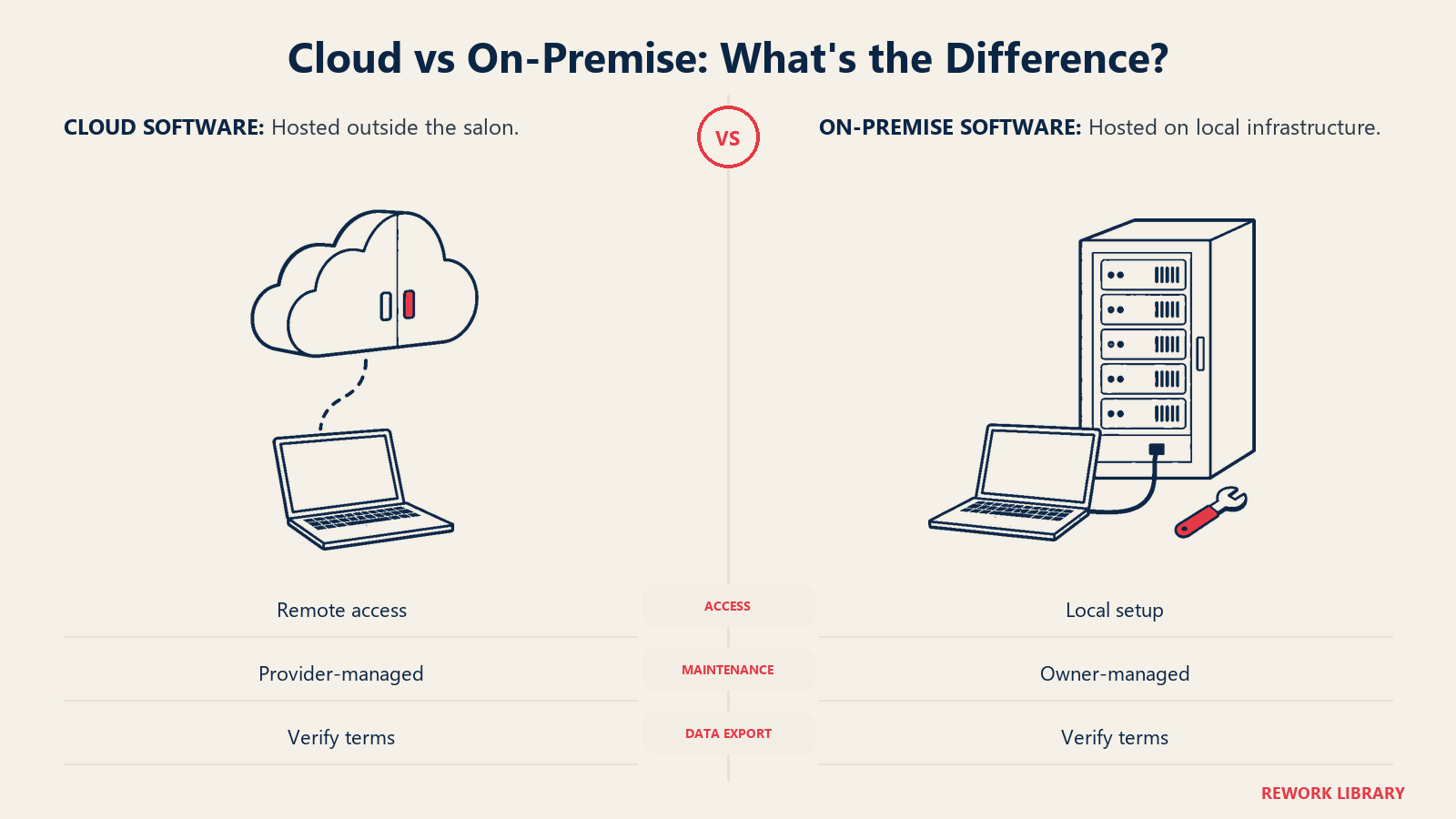
The specific scenarios where on-premise still makes sense are narrow:
- High-volume operations (100+ staff) with significant data security requirements
- Locations with genuinely unreliable internet connectivity
- Businesses with IT infrastructure already in place that makes on-premise cheaper at scale
For the vast majority of single and multi-location salons, cloud is the right choice. But cloud selection comes with an important question: who owns the data?
Your client list, appointment history, and client notes represent years of relationship-building. Before signing up with any platform, confirm:
- Can you export all client data in a standard format (CSV/Excel) at any time?
- Will you have access to appointment history if you cancel?
- Does the platform retain ownership of data generated on your account?
Platforms that lock in client data as a switching cost are a real risk. Fresha, notably, also positions itself as a consumer booking marketplace, meaning your clients booked through their platform can be marketed to other salons. Understand the business model of any platform you choose, not just the features. The Professional Beauty Association's salon profitability resources specifically address how client data ownership and portability affect the long-term valuation of a salon business, a consideration that gets overlooked during vendor selection.
Integration Requirements
Your salon software doesn't exist in isolation. Map out every tool it needs to connect with:
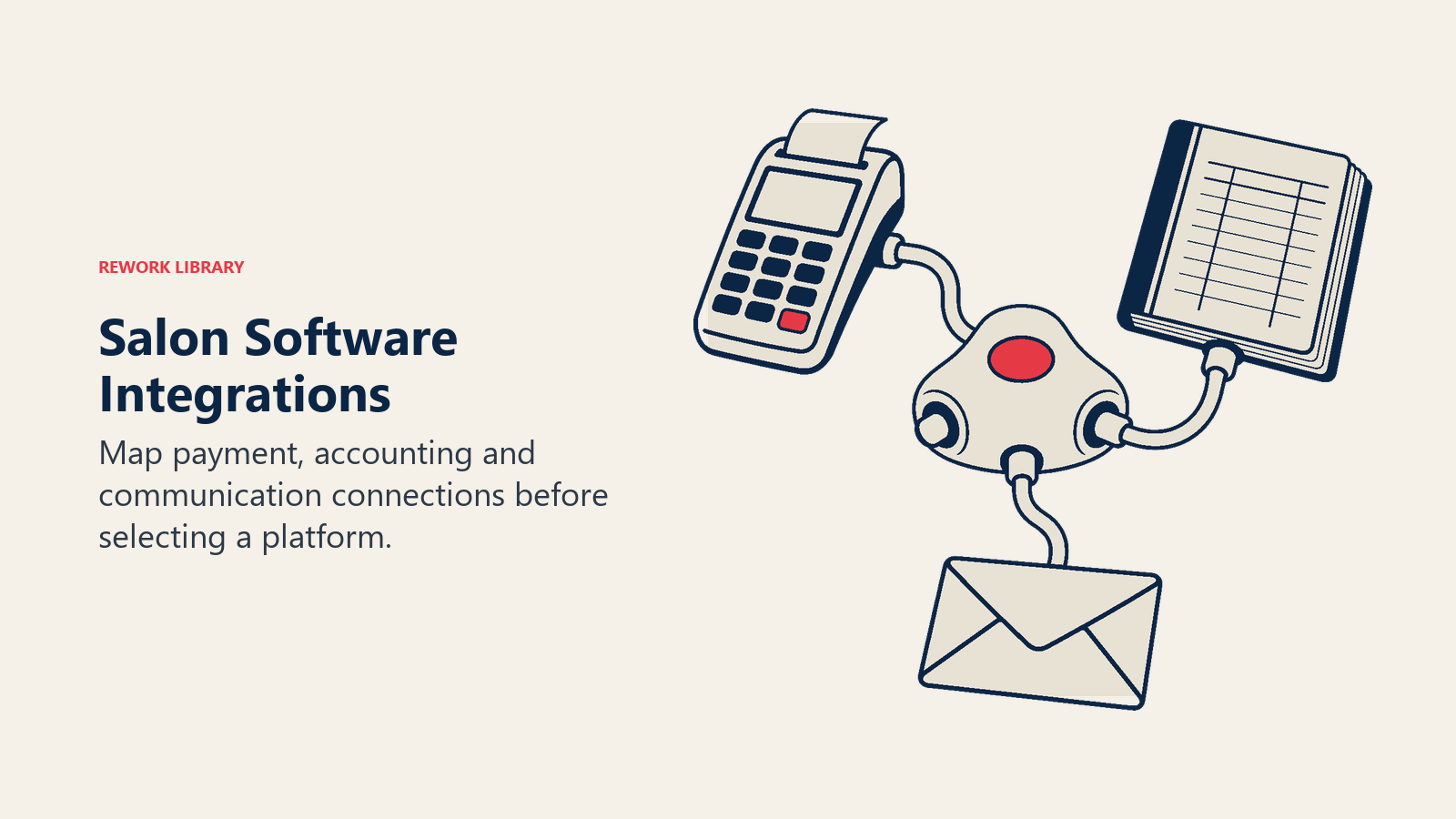
Payment processors: Stripe, Square, and Heartland are the most commonly integrated. Check whether your preferred processor is natively supported or requires a third-party bridge. Transaction fees vary by processor and platform. A 0.5% difference on $500,000 in annual card volume is $2,500 per year. The IBISWorld Hair Salons in the US industry analysis, tracking a $60.6 billion market, highlights digital booking integration and seamless payment processing as the leading operational differentiators between growing and stagnant salon businesses.
Marketing email platforms: Klaviyo, Mailchimp, and Constant Contact. If your booking platform has built-in email marketing, evaluate whether it's sufficient or whether you need a standalone tool. The key capability is client segmentation: the ability to send to "clients who haven't visited in 90 days" or "clients who booked a color service in the last 6 months."
Accounting software: QuickBooks and Xero integrations automate the revenue reconciliation that otherwise requires manual data entry. This single integration saves 3-5 hours per week for most operations.
Google and Instagram booking widgets: Many platforms offer direct integration that places a "Book Now" button on your Google Business Profile and Instagram bio. This reduces booking friction for new clients significantly. A fully optimized Google Business Profile for salons paired with direct booking integration captures intent at the moment a local client is searching.
If a platform doesn't natively integrate with a tool you depend on, ask about API access. Platforms with open APIs can be connected via tools like Zapier, but this adds setup complexity and ongoing maintenance.
Pricing Models Decoded
Salon software pricing structures are deliberately confusing. Here's how to calculate true cost:
Per-location pricing: You pay a flat rate per salon location. Simple and predictable. Common in Boulevard, Mindbody.
Per-staff pricing: You pay per active service provider. Works well for small teams, expensive at scale. Common in Square Appointments.
Transaction fee models: The platform is free or low-cost, but charges a percentage of every transaction processed. Fresha charges 2.19% on new client bookings made through their marketplace. At $500,000 annual revenue, 2.19% on marketplace-sourced bookings is meaningful cost.
Flat subscription tiers: Feature-gated tiers at increasing monthly prices. Most common structure. Evaluate exactly which features are in which tier before assuming the base plan is sufficient.
Total cost of ownership for a 6-staff single location (example):
| Cost Element | Annual Estimate |
|---|---|
| Software subscription | $1,800-5,000 |
| Payment processing fees (at 2.7%) on $600k revenue | $16,200 |
| Add-on modules (marketing, forms) | $600-1,200 |
| Staff training time (initial + ongoing) | $800-1,500 (opportunity cost) |
| Total annual cost | $19,400-23,900 |
Compare this against the operational value: reduced no-shows (worth $2,000-8,000/year), retail tracking accuracy, and the management visibility that prevents revenue leakage. The software pays for itself many times over when it's the right fit. Tracking the right KPIs through your software also supports data-driven decisions for salon owners, occupancy, average ticket, and retention all depend on clean, automated data capture.
Implementation Process
A successful software rollout follows a predictable pattern:
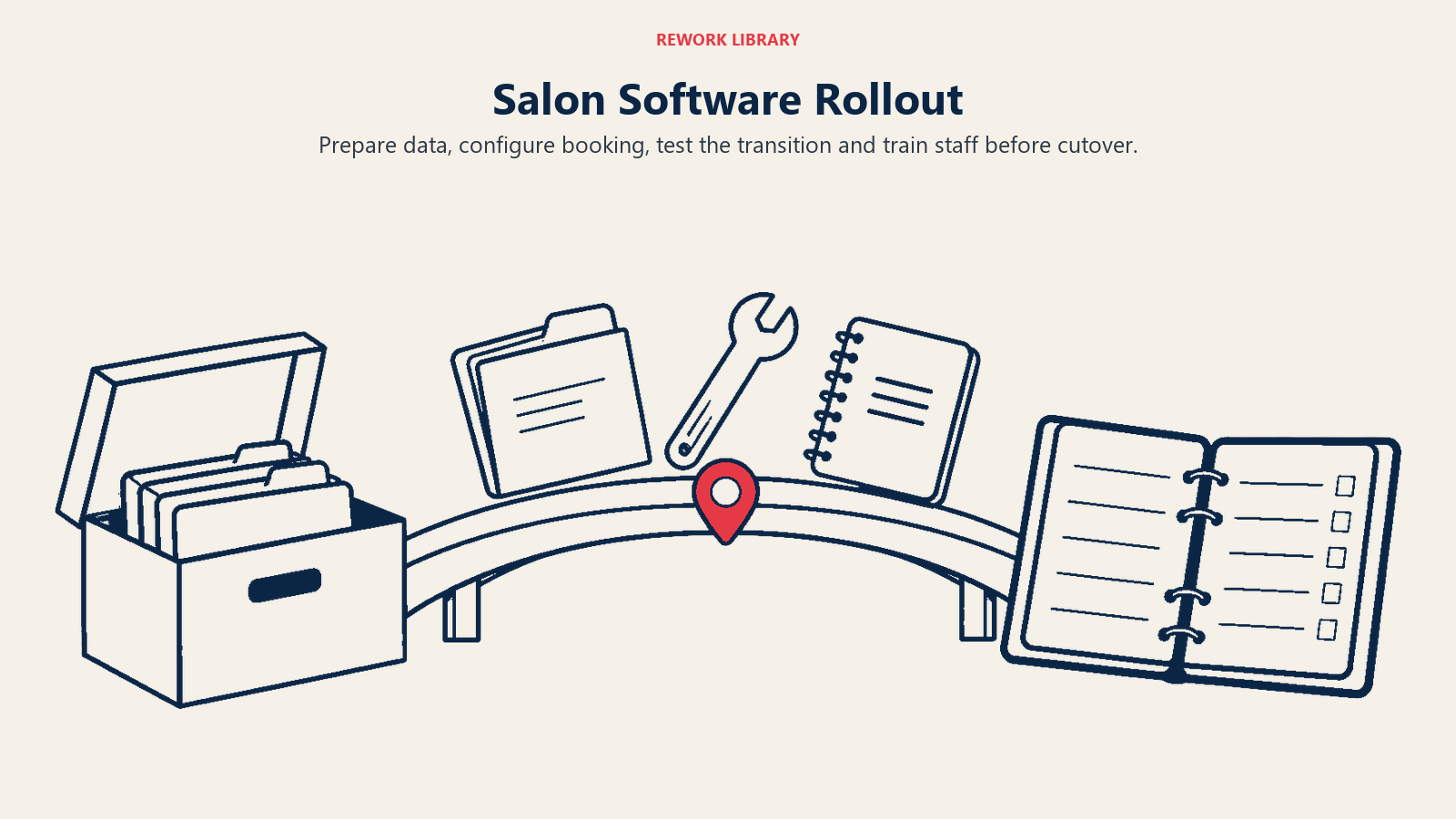
Weeks 1-2 (data preparation): Export client data from your current system, clean the data (remove duplicates, fill in missing contact details), and prepare it for import. This is the most tedious part, but doing it well means your new system starts with complete information.
Week 3 (configuration): Set up your service menu, staff schedules, rooms and resources, pricing, and online booking settings. Resist the temptation to configure everything at once. Focus on getting booking and checkout functional before setting up marketing automation.
Weeks 4-5 (parallel running): Run new and old systems simultaneously. New bookings go into the new system; existing appointments stay in the old system until completed. This eliminates the risk of losing appointments during cutover.
Week 6 (training): Full staff training on checkout, appointment management, and client profile updates. Front desk training is most critical, since they touch the system most frequently.
Week 7 (go live): Turn off the old system. Monitor closely for the first two weeks. Expect questions and small issues; have a staff member designated as the internal support contact.
Most platforms start paying for themselves in reduced admin overhead within 60-90 days of full implementation.
When to Switch Platforms
The cost of switching is real. But the cost of staying on the wrong platform is ongoing. These are the signals that switching is the right decision:
Missing features causing manual workarounds. If your team is maintaining spreadsheets alongside the software (for inventory, for tip tracking, for anything), you're already paying the cost of the gap. Specifically, inventory management for beauty centers should be handled inside your core platform, not in a separate spreadsheet.
Poor support response time. When something breaks on a Saturday morning, you need resolution in hours, not days. If your platform's support is consistently slow, the next outage will cost you in lost bookings.
No API or integration access. As your business grows, you'll want to connect marketing tools, accounting software, and analytics platforms. A closed system becomes a bottleneck.
Pricing that doesn't scale. If your software costs tripled when you added a second location or hired your fifth stylist, the pricing model isn't aligned with your growth. Model costs at 1.5x and 2x current size before committing.
When you do decide to switch, run the migration during a slow period (January or August are common choices), export everything possible from your current platform before canceling, and give yourself at least 90 days to complete the transition.
Choosing for Growth, Not Just Today
The right software selection process treats the decision as infrastructure, something you're building on for 5-7 years, not a monthly expense you can swap out without consequence.
The salons that choose well spend more time in evaluation, require vendors to answer hard questions about data ownership and integration, and choose platforms based on where their business is heading rather than where it is today. That discipline pays back many times over in operational efficiency, client data integrity, and the management visibility that enables real growth decisions. For businesses planning expansion, confirming multi-location growth capabilities during the evaluation phase prevents a costly forced migration later.
Learn More
