Automated Appointment Reminders: Reducing No-Shows by 50%+
Turn this article into takeaways for your work.


Each assistant summarizes the article only for you and suggests best practices for your work.
Run the numbers for a minute. A salon with 20 appointment slots per day and a 20% no-show rate loses four slots per day. At an average ticket of $75, that's $300 per day in unrecoverable revenue: $6,000 per month, $72,000 per year. The U.S. Bureau of Labor Statistics analysis of the personal care service industry identifies appointment reliability and booking consistency as key drivers of revenue recovery and stabilization for salon businesses.
Some of those slots get filled by walk-ins. But stylists sitting idle during no-show gaps still draw their guaranteed pay, the overhead keeps running, and the scheduling disruption affects morale in ways that don't show up in revenue figures but absolutely show up in staff retention.
The good news: a well-built automated reminder system typically cuts no-show rates by 40-60% within the first 30 days of implementation. The setup cost is under $100 per month. The payback period is often under a week.
This isn't a complicated problem. It's an execution problem. Most salons either don't send reminders at all, or they send one email reminder that clients ignore. The solution is a multi-touch sequence built around the channels clients actually respond to. A properly configured online booking optimization setup is the foundation, reminders only work when the underlying booking system captures accurate client contact information and appointment details.
Key Facts: No-Shows in the Beauty Industry
- Average no-show rates run 15-20% for salons and 10-15% for spas without automated reminders (Beauty Industry Report)
- SMS reminders achieve a 95-98% open rate compared to 20-35% for email (SimpleTexting Industry Data)
- Salons with automated two-way confirmation systems reduce no-shows by an average of 52% versus single-touch reminders (Vagaro platform data)
The Full Cost of No-Shows
The $75 in lost service revenue is the obvious cost. But it's not the only one.
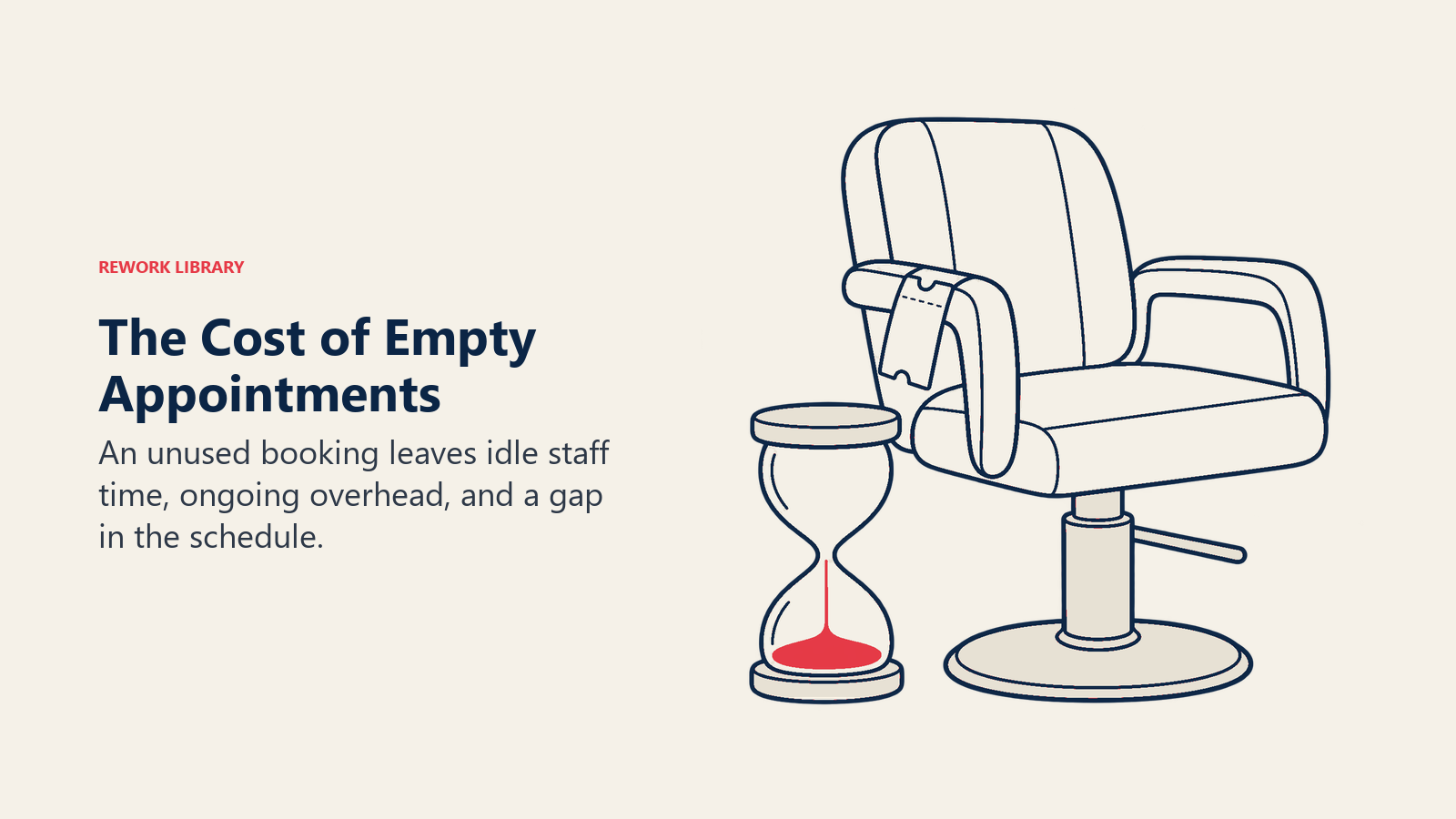
Stylist idle time. A commission-based stylist who hits a no-show still expects their guaranteed minimum or hourly floor, depending on your compensation structure. You're paying for time that generated no revenue.
Product waste. For color services, product is often mixed ahead of the appointment. A no-show on a color booking can mean $15-30 in wasted product per slot, costs that aren't tracked but accumulate. This waste also affects your inventory management for beauty centers, mixed and discarded product creates reconciliation problems that manual counts rarely catch.
Scheduling inefficiency. When a no-show happens on a 90-minute color appointment, the resulting gap is usually too short to fill with another 90-minute booking and too long to sit idle efficiently. The downstream scheduling impact ripples through the rest of the day.
Cash flow predictability. A salon with a 20% no-show rate can't reliably project daily revenue. This makes payroll planning, inventory purchasing, and investment decisions harder than they need to be.
No-show cost calculator example:
| Factor | Value |
|---|---|
| Daily appointment slots | 25 |
| No-show rate | 18% |
| Daily no-show count | 4.5 slots |
| Average ticket value | $80 |
| Daily revenue loss | $360 |
| Monthly revenue loss | $7,200 |
| After reminder system (52% reduction) | $3,456 savings/month |
| Annual savings from reminders | $41,472 |
At $60/month for an SMS platform, the ROI math isn't subtle.
Reminder Channels Compared
Different channels reach clients at different times, with different levels of engagement. Here's how the main options compare:
| Channel | Open Rate | Response Rate | Cost Per Message | Best Use |
|---|---|---|---|---|
| SMS | 95-98% | 45-55% | $0.01-0.05 | Confirmations, short reminders |
| 20-35% | 8-12% | $0-0.002 | Detailed prep info, longer content | |
| Push notification | 40-60% | 15-25% | $0 (app required) | Clients with your app only |
| 85-95% | 40-50% | $0-0.05 | International markets, millennial/Gen Z | |
| Voice call | 30-40% | 25-35% | $0.05-0.20 | Last-resort for high-value no-show risks |
SMS is the workhorse of appointment reminders. The open rate is unmatched, the response rate is high enough for two-way confirmation, and the cost is negligible. For most salons in the US, Canada, and Australia, SMS plus email covers 95% of your reminder needs. Statista data on SMS marketing popularity among U.S. consumers confirms that text-based business communications are now the preferred channel for a significant portion of consumers, particularly among the millennial and Gen Z demographics that form the core beauty client base. The client communication and follow-up framework extends this logic beyond reminders into the full client lifecycle.
WhatsApp deserves mention for salons in markets where it's the dominant messaging platform (much of Southeast Asia, Latin America, and parts of Europe). If your client demographic skews heavily toward populations who use WhatsApp as their primary messaging channel, prioritize it over standard SMS.
Email works for content that benefits from length: pre-appointment prep instructions for skin treatments (don't wax 72 hours before a laser treatment, arrive with no makeup), directions and parking information, or rebooking links after the appointment. It's not effective as a standalone reminder channel.
Timing Strategy: The Three-Touch Sequence
The most effective reminder systems use three touchpoints timed to serve different purposes:
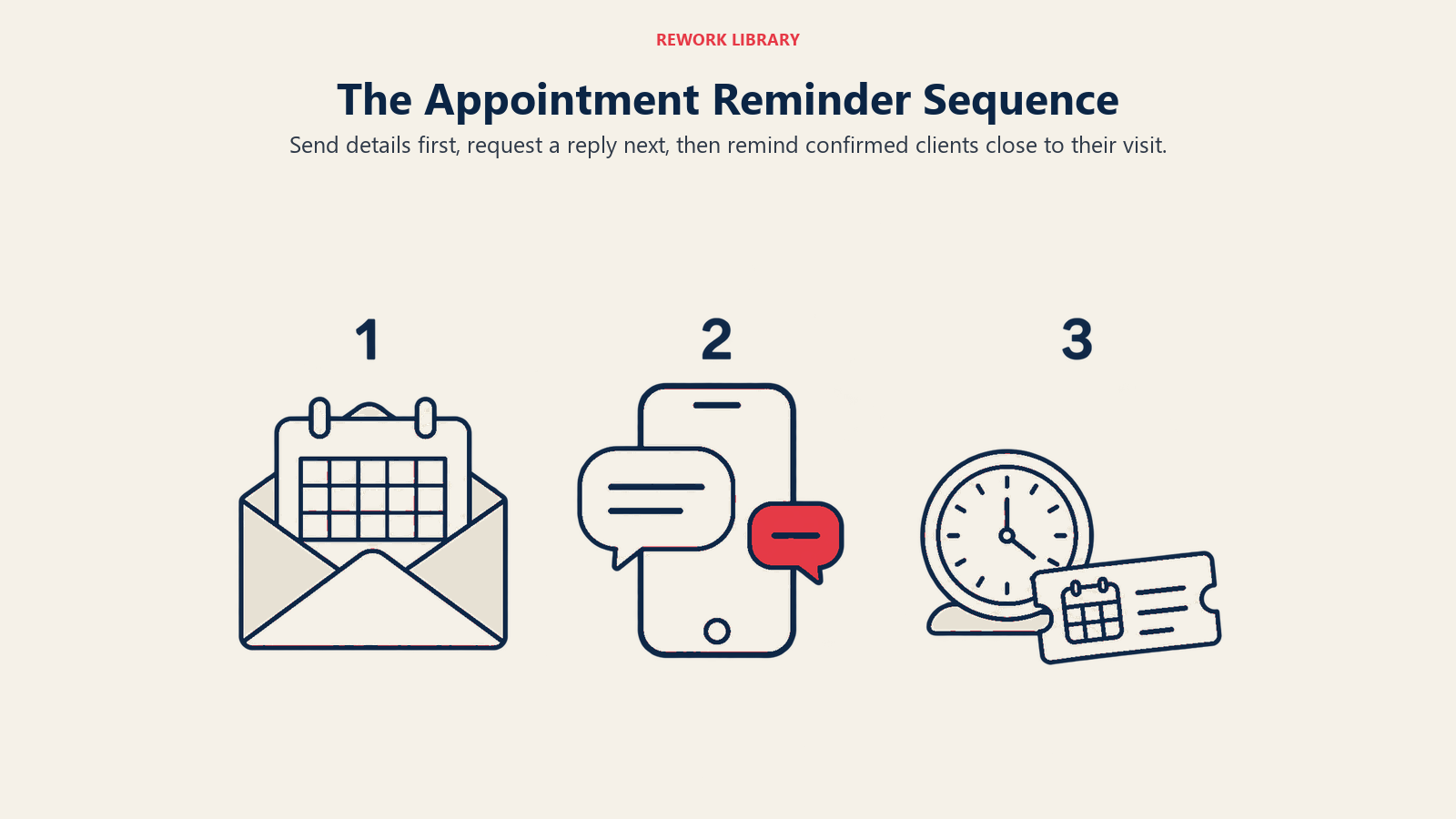
Touch 1: 48 hours before the appointment (Informational)
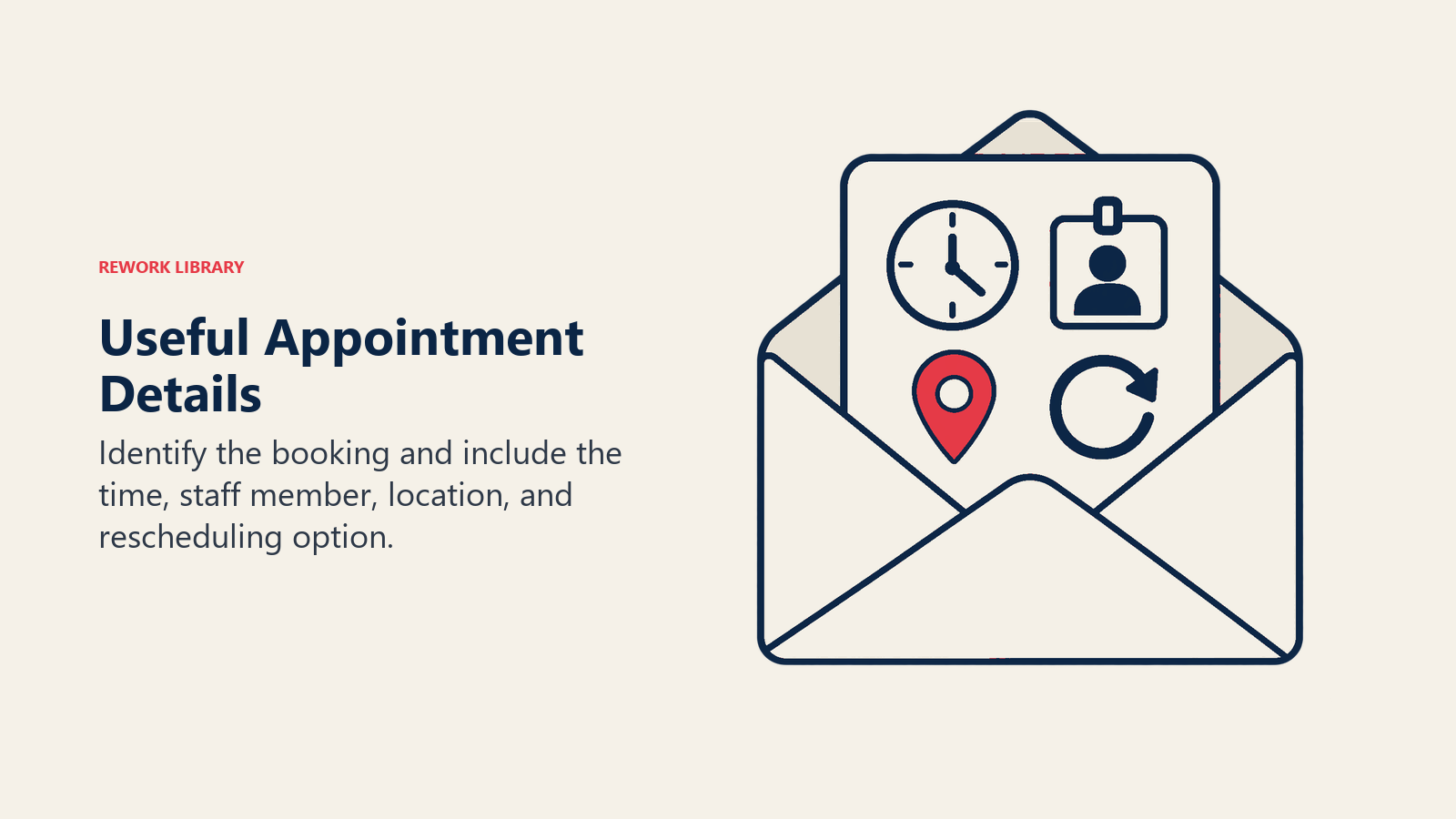
Channel: Email or SMS (or both) Purpose: Give the client enough time to cancel if they can't make it, so you have 48 hours to fill the slot. Content: Appointment details, stylist name, location, and a clear cancellation/rescheduling option.
Touch 2: 24 hours before the appointment (Confirmation request)
Channel: SMS Purpose: Request an active confirmation. This is the critical touchpoint. The shift from "reminder" to "confirmation" is what recovers appointments. Content: Brief, requires a response. "Reply YES to confirm or NO to cancel/reschedule."
Touch 3: 2-3 hours before the appointment (Final reminder)
Channel: SMS Purpose: Last-chance reminder for clients who confirmed but might have forgotten. Also catches last-minute no-shows. Content: Simple appointment reminder with your address and a parking note if relevant.
Adjustment for longer services: Color treatments and spa packages often run 2-3 hours and require advance prep (no product in hair, specific skin care restrictions). For these services, consider:
- Adding a 72-hour prep email with specific instructions
- Moving the confirmation request to 48 hours (instead of 24) to allow more rebooking time if they cancel
Confirmation vs. Reminder: The Critical Difference
Reminders tell clients about their appointment. Confirmations ask clients to take action.
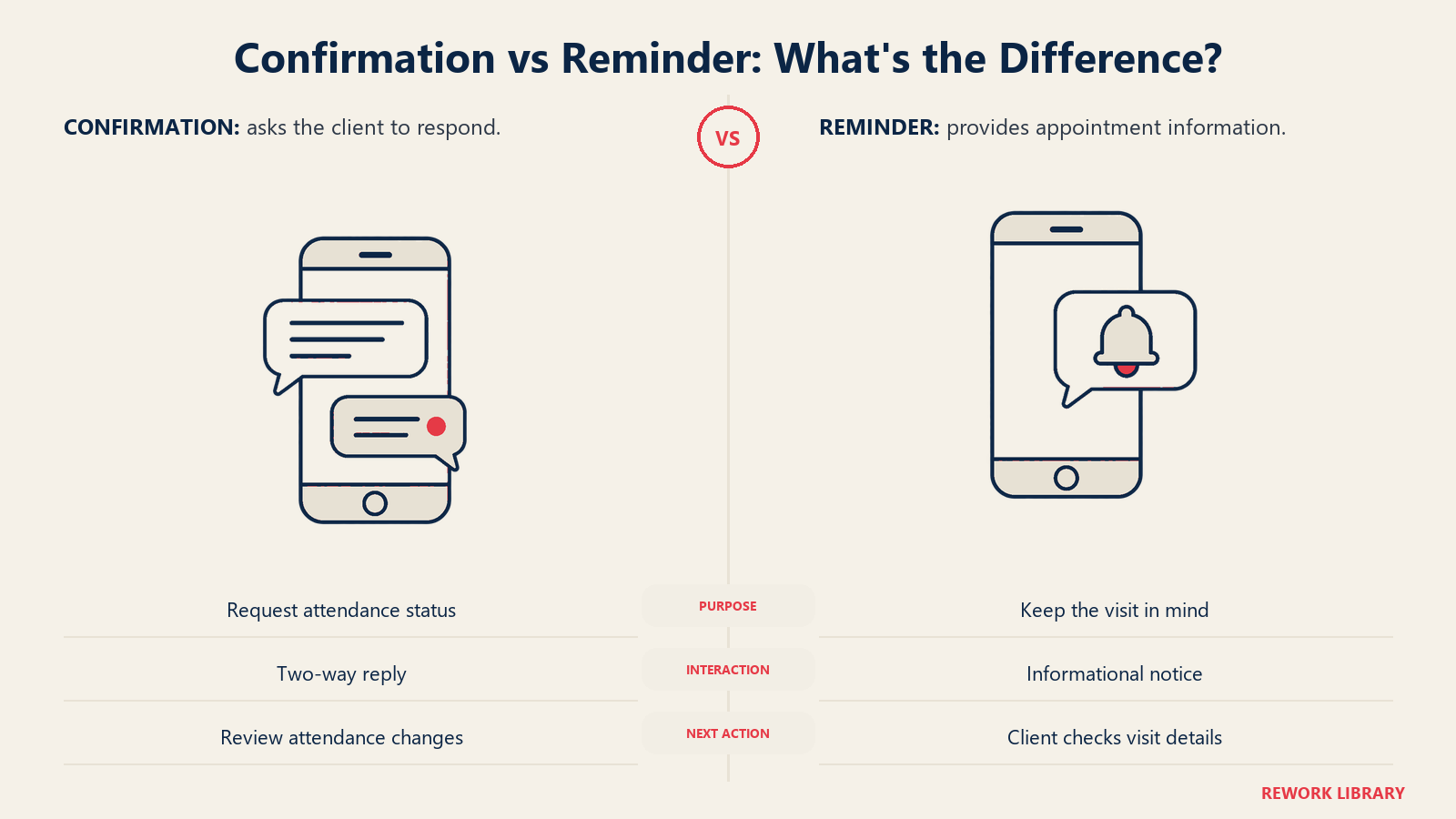
A reminder says: "Your appointment is tomorrow at 2pm." A confirmation says: "Your appointment is tomorrow at 2pm. Reply YES to confirm."
The difference seems small. The impact isn't. A confirmation request:
- Creates an active loop that requires a response
- Surfaces clients who won't make it (so they reply NO and you can rebook the slot)
- Creates psychological commitment in clients who reply YES, because they've said they're coming
The behavioral principle behind this is well-documented. HBR's research on smaller, more precise outreach increasing purchase intent points to the same mechanism: specificity and direct response requests drive higher commitment rates than passive communication.
Salons that implement two-way SMS confirmation and measure results typically see no-show rates drop 30-50% from this change alone, before any other system adjustments.
The mechanic is simple: send a confirmation request, handle the replies. Modern salon software handles automatic "YES" replies by marking the appointment confirmed. "NO" replies (or no response) should trigger a follow-up from reception during business hours to either rebook or release the slot. A complete approach to no-show and cancellation management covers what to do once the slot is released, including how to fill it from a waitlist.
Message Personalization
Generic reminder messages ("Your appointment is tomorrow") convert at lower rates than personalized messages. The specific elements that move the needle:
Client name: "Hi Sarah, your appointment is confirmed for tomorrow at 2pm."
Service type: Including the specific service ("your balayage appointment") reduces confusion about which booking is being referenced. Clients with multiple services or family appointments especially need this clarity.
Stylist name: "with Emma" adds the personal relationship element that generic booking confirmations lack.
Location and parking: For salons in urban areas or with tricky parking, a single line about parking removes a common attendance barrier.
Sample message templates:
48-hour reminder (email): "Hi [Name], just a reminder that your [Service] appointment with [Stylist] is on [Date] at [Time] at [Salon Name]. We're located at [Address]. If you need to reschedule, please click [link] or call us at [phone]. We'll see you soon!"
24-hour confirmation (SMS): "Hi [Name], your [Service] appt with [Stylist] is tomorrow at [Time]. Please reply YES to confirm or NO to cancel. [Salon Name]"
2-hour reminder (SMS): "See you soon, [Name]! Your [Time] appt is coming up. We're at [Address], with street parking on [Street]. [Salon Name]"
Keep SMS messages under 160 characters to avoid multi-part message fees and improve readability.
No-Show Benchmarks and Realistic Expectations
Before you implement and measure, calibrate your expectations against industry benchmarks:
Without automated reminders:
- Salons: 15-20% no-show rate
- Spas: 10-15% no-show rate
- Nail salons: 8-12% no-show rate
With single-touch automated reminders (email only):
- Typical improvement: 20-30% reduction in no-shows
- Salons: 11-16% no-show rate
With three-touch sequence including two-way SMS confirmation:
- Typical improvement: 45-60% reduction in no-shows
- Salons: 7-11% no-show rate
Timeline: Most of the improvement happens within 30 days of implementation. Clients quickly learn to expect the confirmation request and respond to it. The behavior change is fast.
Before/after example:
A 10-stylist salon with an 18% no-show rate (approximately 9 no-shows per day at 50 daily appointments) implemented a three-touch reminder sequence with two-way SMS confirmation. Within 45 days, no-show rate dropped to 8%, reducing daily no-shows from 9 to 4. At an $85 average ticket, that's 5 recovered appointments per day, $425 per day, $8,500 per month in retained revenue. The SMS platform cost: $65 per month.
Cost Analysis and ROI
Automated reminder platforms typically cost $20-100 per month depending on message volume and features:
| Monthly Appointment Volume | Estimated Monthly SMS Cost | Typical Revenue Recovery | Payback Period |
|---|---|---|---|
| Under 200 | $20-35 | $500-1,500 | 1-3 days |
| 200-500 | $35-60 | $1,500-4,000 | Same week |
| 500-1,000 | $60-100 | $4,000-9,000 | Same week |
| 1,000+ | $100-200 | $9,000+ | Under a week |
Most salon management platforms (Vagaro, Boulevard, Fresha, Mindbody) include automated reminders built into their subscription. If your current software doesn't, standalone SMS platforms like Podium, SimpleTexting, or EZTexting integrate with most booking systems via API or Zapier. Use the salon management software guide to evaluate whether your current platform's reminder features are sufficient or whether a dedicated SMS tool is worth the additional cost.
The one cost often overlooked: staff time to manage confirmation replies. A salon with 50 appointments per day will receive 30-40 SMS responses to the confirmation request. The IBISWorld Hair & Nail Salons industry analysis, covering a $90.9 billion U.S. market, specifically cites digital booking and appointment management tools as the primary operational investment separating high-growth operators from those stagnating on manual processes. Most are "YES" and auto-process. "NO" replies and non-responses require a human follow-up call during business hours. Budget 20-30 minutes per day for this. It's the part that converts "NO" responses into rebooked slots.
Building the System Once
The setup investment for an automated reminder system is real but one-time. Once configured, reminders run continuously without ongoing attention, adjusting only when your appointment types, pricing, or messaging needs updating.
The discipline is in monitoring the metrics monthly: what's your current no-show rate, and is it trending in the right direction? What's the confirmation response rate, and are there appointment types or time slots with disproportionate no-show rates? This is exactly the kind of operational data that feeds data-driven decisions for salon owners, no-show rate is a leading indicator of scheduling efficiency and client commitment.
A Saturday morning slot at 9am has a different no-show profile than a Tuesday afternoon slot at 3pm. Once your system is running, you'll have enough data to identify patterns and optimize timing or messaging for specific segments.
Set it up, let it run, and review the numbers quarterly. That's the full maintenance burden of a system that recovers thousands of dollars per month in revenue that used to walk out the door.
Learn More

Senior Operations & Growth Strategist