Google Business Profile for Salons: Dominating Local Search
Turn this article into takeaways for your work.


Each assistant summarizes the article only for you and suggests best practices for your work.
A Google Business Profile is the free listing that decides whether your salon appears in the local map pack when someone searches "haircut near me." Salons win that spot by keeping the profile complete, posting fresh photos weekly, responding to every review, and using the right categories. Treat it as an active channel, not a one-time setup.
When someone searches "haircut near me" or "nail salon open now," they're not going to your website. They're looking at the map pack: those three business listings with photos, ratings, and a call button that appear at the top of local search results. Your Google Business Profile determines whether you're in that map pack, and how strong your listing looks when you are.
Most salon owners set up their Google Business Profile once, forget about it, and wonder why they're not ranking. The salons that dominate local search treat it as an active marketing channel, updating it weekly, posting content, managing reviews, and monitoring which searches are driving traffic. It's free, it ranks for high-intent searches, and it converts better than almost any other digital channel because the people searching are actively looking to book right now. Your profile is only part of the picture. A complete local SEO strategy for beauty centers covers the full search presence beyond the map pack.
Key Facts: Local Search and Beauty Businesses
- 76% of people who search for a local business on their phone visit that business within 24 hours (Google, 2024)
- Google Business Profile listings with more than 100 photos receive 520% more calls than those with fewer than 10 photos
- Salons in the Google map pack receive 70% of the click-through traffic from local beauty searches
- The U.S. hair salon industry is valued at approximately $60 billion (IBISWorld, 2026). In a market this large, the difference between appearing in the local map pack and not can represent tens of thousands of dollars in annual revenue for a single location
Profile Setup and Completeness: The Foundation
Google's algorithm rewards completeness. A profile that answers every question a potential client might have outranks an incomplete one, all else being equal.
The Fields That Matter Most for Ranking:
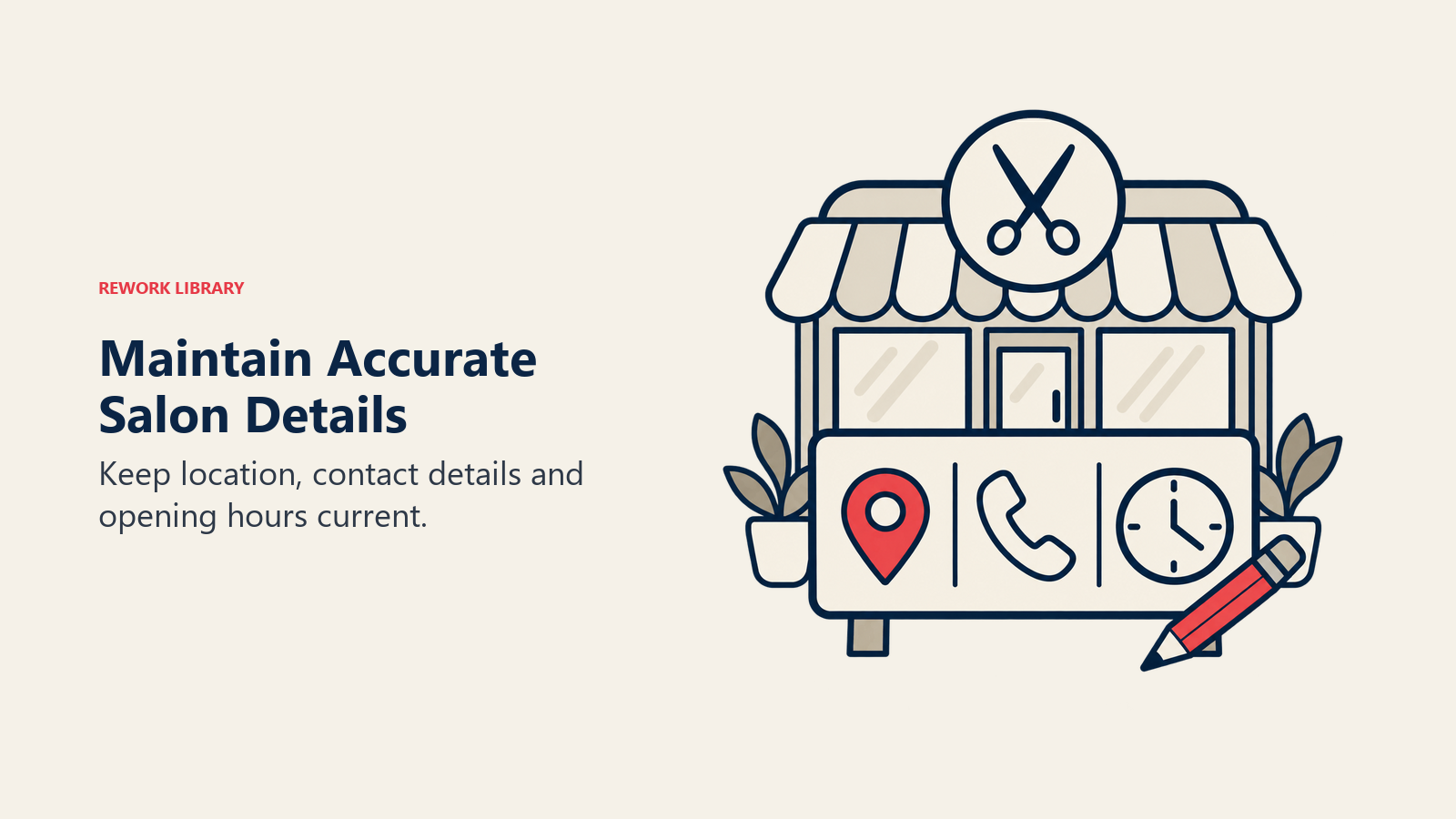
- Business Name: Use your exact trading name. Don't stuff keywords ("Best Hair Salon Miami Downtown Beauty Center") as this violates Google's guidelines and can result in suspension.
- Primary Category: This is your most important ranking signal. Choose the most specific category that describes your primary business. "Hair Salon" outperforms "Beauty Salon" for haircut-related searches. "Nail Salon" is more specific than "Beauty Salon." Pick the one that matches your primary revenue source.
- Address: Must match exactly what's on your website, social profiles, and any directory listings. NAP (Name, Address, Phone) consistency across the web is a ranking factor.
- Phone Number: Use a local number, not a forwarding number that changes.
- Website: Link directly to your homepage or your booking page.
- Hours: Keep these updated, including holiday hours. An incorrect "closed" status during business hours destroys trust immediately.
NAP Consistency Check: Google your business name and look at every directory listing: Yelp, Facebook, Tripadvisor, Yellow Pages. If any of them show a different address format, old phone number, or spelling variation of your business name, update them. Inconsistency across these citations suppresses local ranking. Inc.'s guide to getting your local business ranked in Google confirms that NAP consistency across all directory listings is one of the most reliable ranking levers available to local businesses. This citation audit is one part of a broader local SEO strategy for beauty centers that extends well beyond the Google profile itself.
Verifying Your Listing: If you haven't verified your profile, do it now. Unverified listings rank lower and can't access all features. Google typically verifies via a postcard to your business address with a code, though video verification is now available in some regions.
Duplicate Listings: Search your business name on Google Maps and check for duplicates, especially if you've moved, rebranded, or if someone else previously created a listing. Request removal of duplicates through Google's support process.
Category Selection: Getting Discovered for the Right Searches
Google allows one primary category and up to nine secondary categories. Use all of them.
For a Full-Service Hair Salon: Primary: Hair Salon Secondary: Hair Color Specialist, Beauty Salon, Barber Shop (if applicable), Waxing Hair Removal Service, Nail Salon (if you offer nails)
For a Spa: Primary: Day Spa Secondary: Facial Spa, Beauty Salon, Massage Therapist, Skin Care Clinic, Waxing Hair Removal Service
Each secondary category expands the range of searches your profile can appear for. A client searching "waxing near me" won't find your salon if waxing isn't listed as a category, even if waxing is on your service menu.
Photo Strategy: The Visual Decision Factor
Photos are one of the most powerful conversion tools in your Google Business Profile. Listings with 100+ photos get dramatically more views and contact actions than listings with minimal photos, not because Google rewards photo quantity directly, but because clients spend more time looking at profiles with strong visual content.
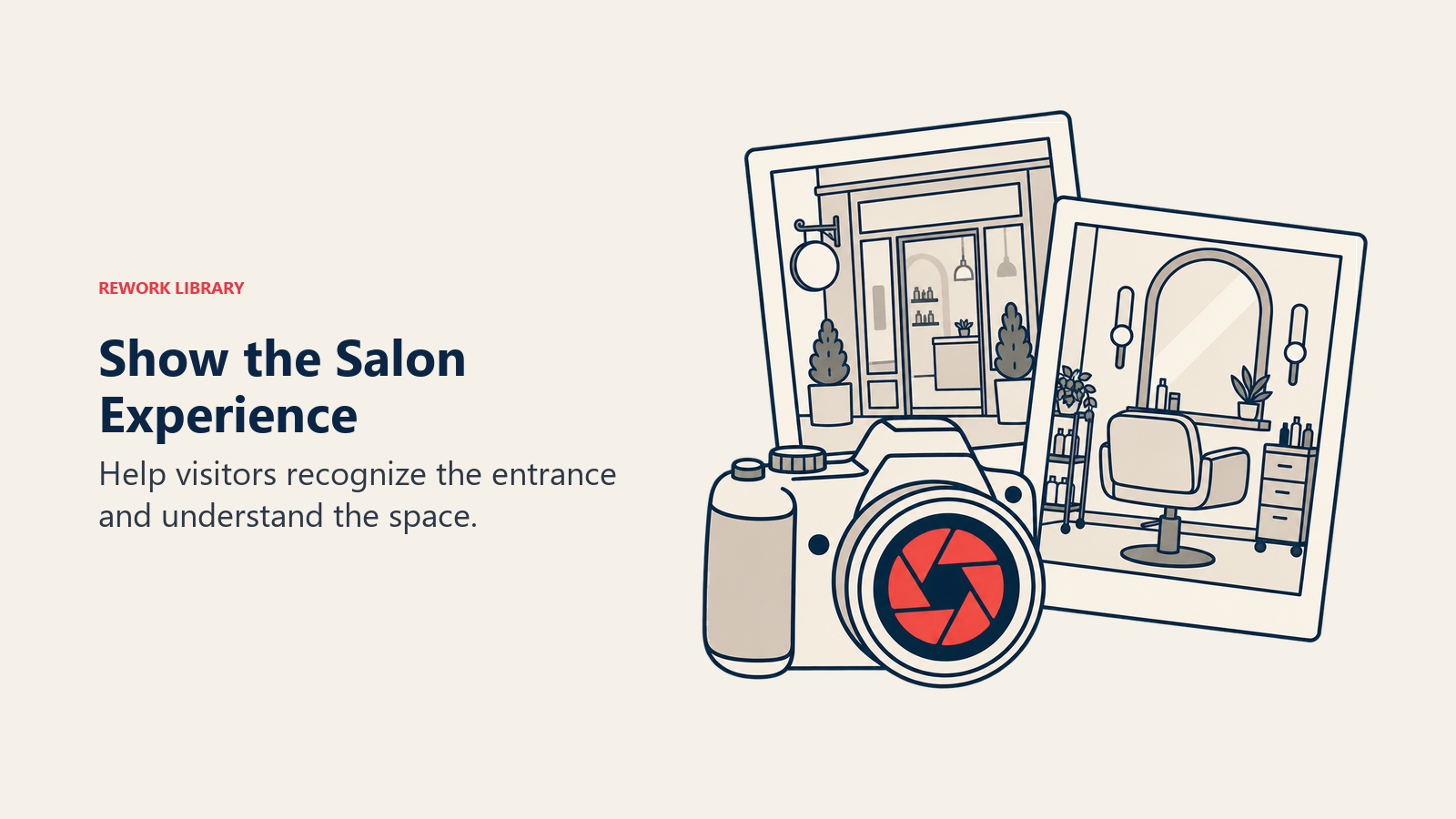
Photo Types That Perform:
- Interior photos: Show the salon environment: lighting, seating area, individual stations. Clients want to know what the experience will feel like.
- Work results: Before-and-after, close-up color work, nail art, skin treatment results. This is your proof of quality. The same photography standards that make before and after content marketing effective on social media apply here: consistent lighting and framing make the difference.
- Exterior photos: Help clients identify your location when arriving. Include the signage clearly.
- Team photos: Individual stylist photos with names build familiarity and help clients request a specific person.
- Product photos: If retail is a revenue line, photos of your retail display signal a full-service offering.
Photo Update Frequency: Add at least four to six new photos every month. Google's algorithm gives recency weight to profiles that are actively updated. A profile with 200 photos, all uploaded in 2021, ranks lower than one with 80 photos regularly added throughout the year.
Naming Convention: When uploading photos to your Google Business Profile, name the files descriptively before uploading. "hair-salon-balayage-miami.jpg" tells Google's image algorithm what the photo contains; "IMG_4872.jpg" tells it nothing.
Google Posts: Using the Built-In Content Tool
Google Posts appear directly in your business profile and can include images, text, and a CTA button. Most beauty businesses don't use this feature, which means the ones that do stand out.
Post Types Worth Using:
- Offers: A seasonal promotion, a limited-time add-on, a new client offer. Include an expiry date and a "Book Now" button.
- New Services: When you add a new service or bring in a new therapist specializing in a specific treatment, announce it via a Post.
- Events: If you host events (charity days, open houses, product launches), create a Post.
- Updates: Holiday hours, temporary closures, or operational changes that clients need to know about.
Posting Frequency: Aim for at least one Post per week. Posts expire after seven days unless they're set as "Offers" with an end date. Consistent posting contributes to profile engagement signals that correlate with ranking.
Post Format That Works: A strong image, a single clear point in the first 100 characters (the portion visible before "see more"), and a direct CTA button. Don't write paragraphs. Posts are seen at a glance.
Q&A Management: Owning Your Own FAQ
The Q&A section of your Google Business Profile can be populated by anyone, including potential clients asking genuine questions and occasionally competitors leaving problematic content. Most salon owners don't monitor it at all.
Seed Your Own Q&A: You can answer questions in the Q&A section as the business owner. Post and answer the questions clients actually ask:
- "Do you take walk-ins?"
- "How long does a balayage appointment take?"
- "Do you require a deposit?"
- "Is parking available nearby?"
- "Do you offer gift cards?"
Pre-populated, accurate answers to these questions reduce pre-booking friction and reduce the number of calls you receive asking the same questions repeatedly.
Monitoring: Set up Google Alerts for your business name or check the Q&A section monthly. When a client asks a question, respond within 24-48 hours. Unanswered questions signal neglect to both Google and potential clients. A consistent monitoring habit also feeds into your review management strategy for beauty businesses, and the same attentiveness that keeps Q&A current is what makes review responses timely.
Booking Integration: From Search to Confirmed Appointment
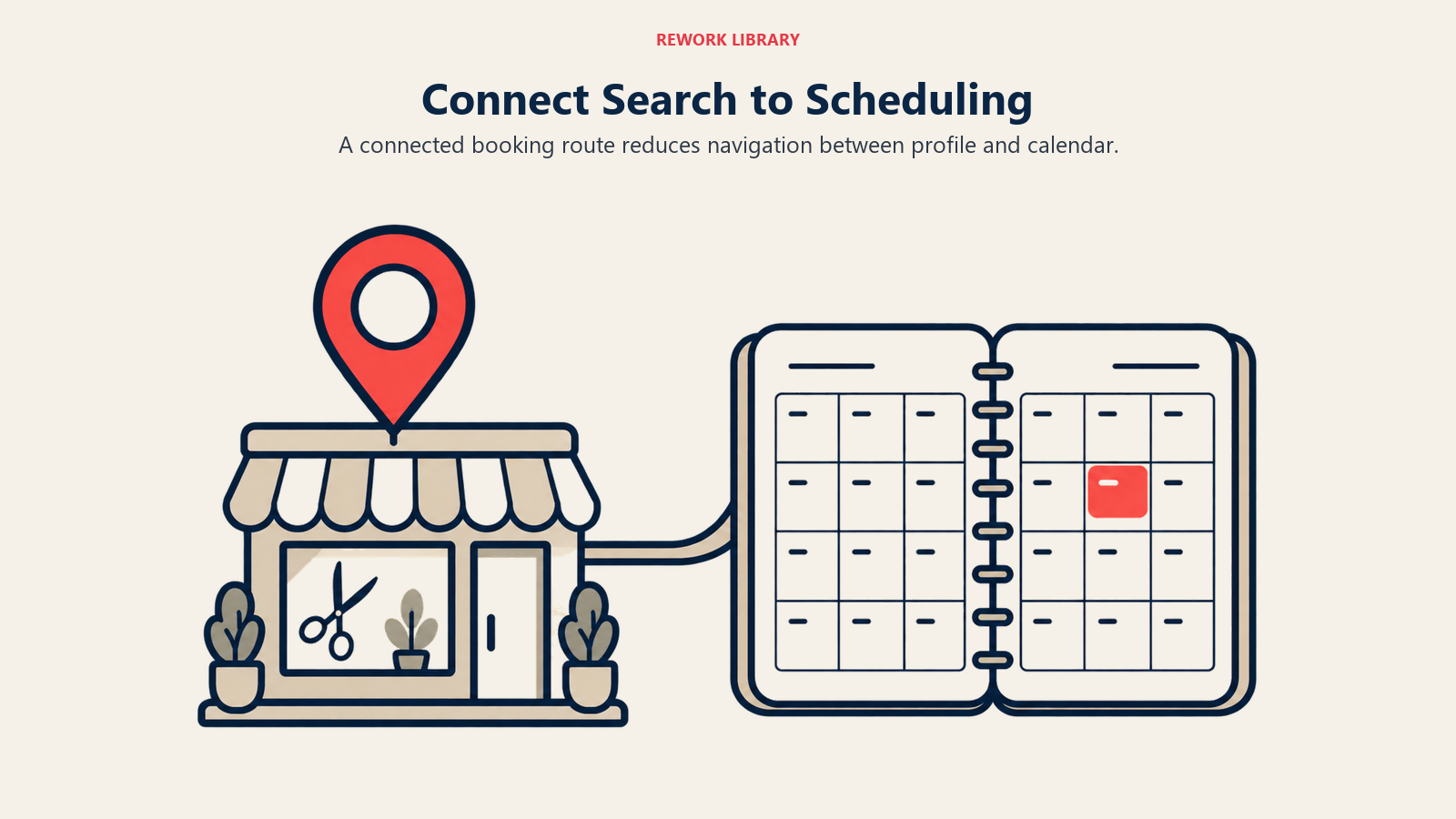
Google Business Profile integrates with a growing list of booking platforms. When this integration is active, a "Book" or "Reserve" button appears directly in your profile, removing the click-path from Google to your website to your booking platform.
Supported Integrations (as of 2026): Fresha, Booksy, Square Appointments, Vagaro, and others. Check Google's current list of supported scheduling providers in the Google Business Profile dashboard.
If your booking platform is on the supported list, connect it. The difference between a client who has to navigate three steps to book and one who clicks "Book" directly from the Google search result is meaningful for conversion. Once a client clicks through to book, the experience they encounter matters just as much. Online booking optimization covers the UX and service description details that complete the conversion.
Review Response Strategy
Your review response strategy is visible to every potential client who reads your profile. How you respond to both positive and negative reviews tells people more about how you run your business than the reviews themselves.
Responding to Positive Reviews:
- Respond to every positive review within 48 hours
- Use the client's name if they've included identifying information
- Mention the specific service or stylist they referenced
- Keep it personal, not formulaic
Example: "Thank you so much, Sarah! We're so glad your balayage turned out exactly how you imagined. Emma is wonderful with lived-in color and will be thrilled to hear this. We'd love to see you again soon!"
Responding to Negative Reviews:
- Respond within 24 hours. Speed signals professionalism.
- Acknowledge the experience without getting defensive
- Don't offer detailed rebuttals publicly. Take it to a private channel.
- Invite them to contact you directly
Example: "We're really sorry to hear your experience didn't meet expectations, [Name]. This isn't the standard we hold ourselves to and we'd love the chance to make it right. Please reach out to us directly at [email] and we'll do everything we can to resolve this."
What Not to Do: Never argue publicly with a negative review. Never offer refunds in public responses (offer to discuss privately). Never ignore negative reviews. The silence reads worse than almost any response.
Review Response and Google Ranking: Active response to reviews is a signal Google uses to assess profile quality. Salons that respond to reviews consistently outperform those that don't in local ranking, partly algorithmic and partly because higher engagement correlates with higher conversion, which feeds back into the ranking signal. The Professional Beauty Association tracks client satisfaction and review benchmarks across the U.S. salon industry, a useful external standard when evaluating whether your review volume and rating are competitive in your market.
Profile Insights: Using the Data
Google Business Profile provides an Insights dashboard showing:
- Search queries: The exact phrases people used to find your profile. This tells you what's driving discovery and whether you're appearing for the right searches.
- Views: How many people saw your profile in search results vs on Maps
- Booking clicks: If you have booking integration enabled, how many people clicked through to book
- Call clicks and direction requests: Strong indicators of conversion intent
Using This Data: If you see that "nail salon near me" generates 40% of your search views but you don't offer nail services, that's a category mismatch to fix. If "hair color specialist [city]" generates high views but low booking clicks, the issue is conversion: photos, reviews, or the booking flow.
Check Insights monthly. Let the data direct where to invest time: more photos, better category configuration, more posts, or a faster response to reviews. Connecting your profile insights to your overall acquisition picture is a core part of data-driven decisions for salon owners: knowing which channel is actually sending you clients shapes where to invest next.
Google Business Profile is one of the highest-ROI marketing investments a local beauty business makes, and it costs nothing except the time to maintain it actively. The BLS Occupational Outlook for barbers, hairstylists, and cosmetologists projects 84,200 new job openings per year through 2034, meaning more competition for the same local client base, and a well-maintained Google profile is one of the clearest differentiators available. Profiles that rank and convert aren't created once and left alone. They're managed the same way you'd manage any other marketing channel: with regular content, active engagement, and data-driven iteration.
Learn More

Senior Operations & Growth Strategist
On this page
- Profile Setup and Completeness: The Foundation
- Category Selection: Getting Discovered for the Right Searches
- Photo Strategy: The Visual Decision Factor
- Google Posts: Using the Built-In Content Tool
- Q&A Management: Owning Your Own FAQ
- Booking Integration: From Search to Confirmed Appointment
- Review Response Strategy
- Profile Insights: Using the Data
- Learn More