AI Writing Assistants Overview: Transform Content Creation at Scale
Turn this article into takeaways for your work.


Each assistant summarizes the article only for you and suggests best practices for your work.
Most companies hit the same wall: they know they need more content, but they can't produce it fast enough. Marketing needs blog posts, sales needs personalized emails, product teams need documentation, and customer success needs help articles. The demand is infinite, but your team isn't.
That's where AI writing assistants come in. But they're not magic content machines. They're tools that need proper implementation, quality control, and realistic expectations. If you're new to this category, start with our overview of what AI productivity tools are to understand the foundational concepts before diving into writing-specific applications.
What AI Writing Assistants Actually Do
Think of AI writing assistants as incredibly fast first-draft writers who need editorial oversight. They excel at specific tasks but struggle with others.
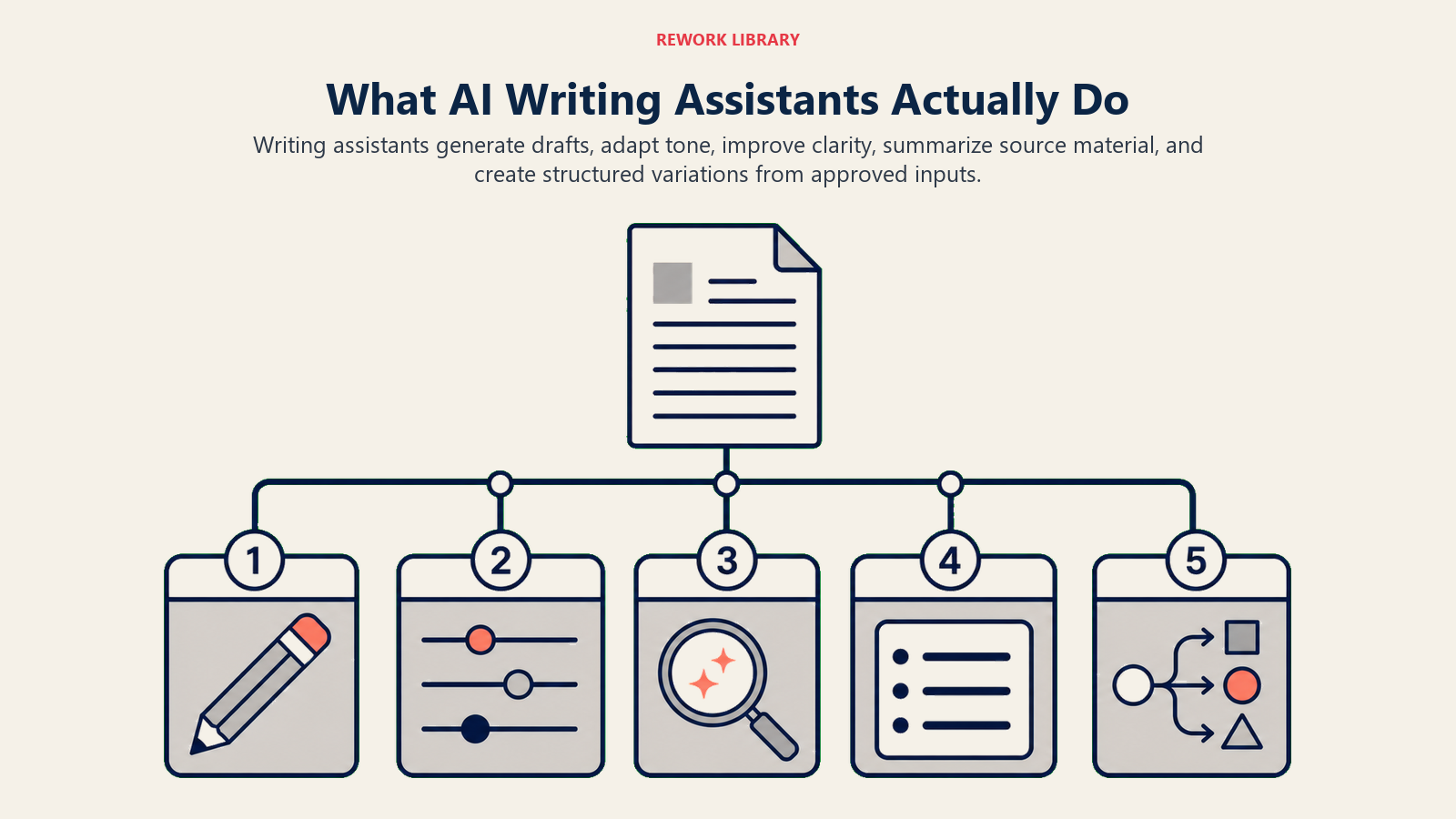
Text generation and completion is their core function. You provide a prompt or start typing, and they generate relevant text based on patterns learned from massive datasets. This works well for common content types (email responses, blog post outlines, product descriptions) where structure and language patterns are predictable.
Style and tone adaptation lets you adjust output for different audiences and purposes. Need to make something more formal? More conversational? More persuasive? AI assistants can rewrite content to match your target tone, though you'll need to verify it actually sounds like your brand.
Grammar and clarity improvement is where these tools really shine. They catch errors humans miss, suggest simpler phrasing, and identify unclear sections. This capability alone can cut editing time by 40-60% for many teams.
Content structure and organization helps turn messy ideas into logical flow. AI assistants can outline articles, reorganize sections for better readability, and suggest missing elements based on the content type you're creating.
What they can't do reliably? They can't fact-check themselves, understand your specific business context without training, or create truly original strategic thinking. They're assistants, not replacements.
Business Use Cases by Department
Different departments need different things from AI writing tools. Here's how they're being used effectively:
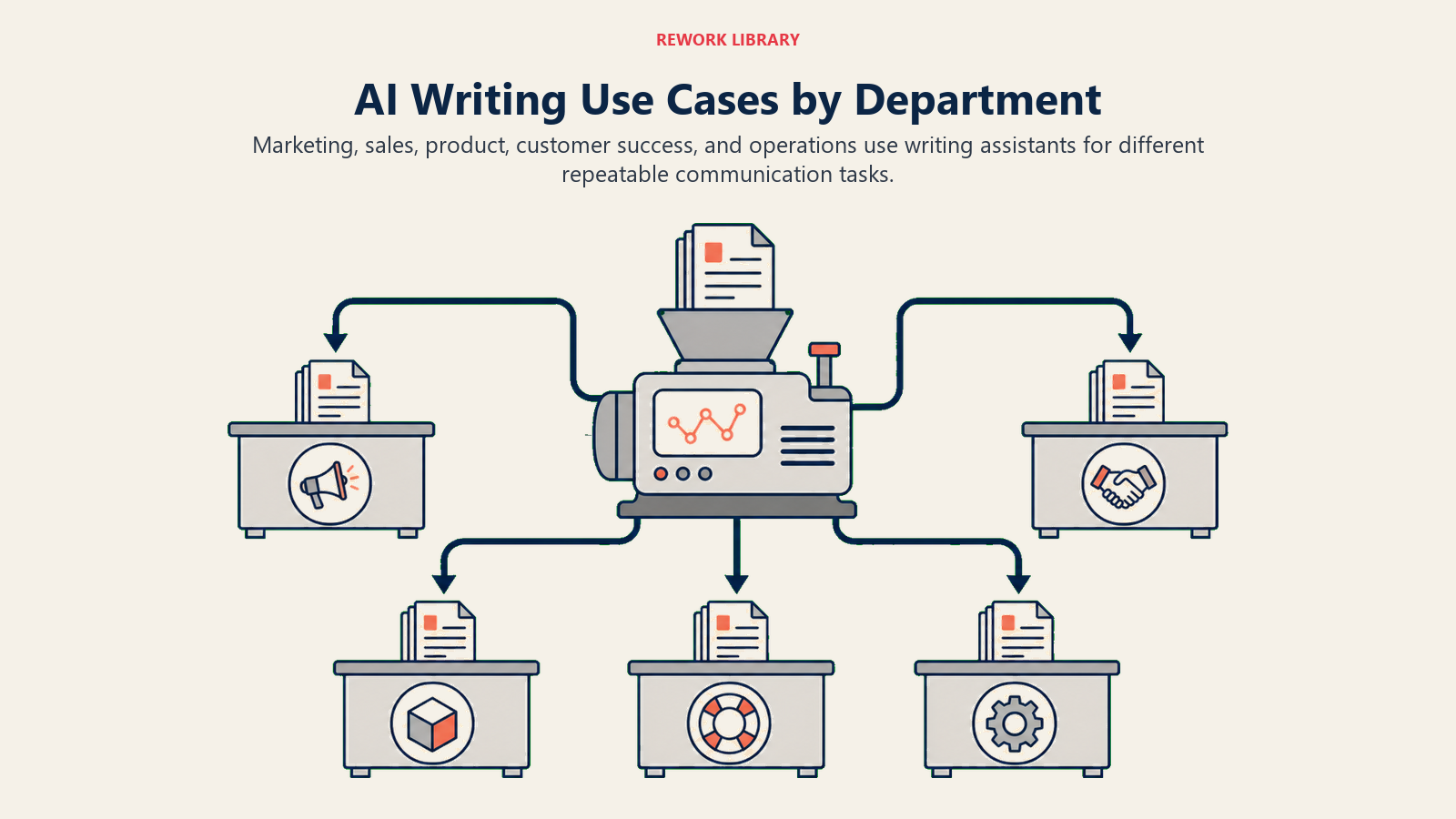
Marketing teams use AI writing assistants to scale content production dramatically. A typical use case: your content calendar says you need 12 blog posts this month, but you only have capacity to write 4. AI assistants generate first drafts for 8 more, which editors then refine. Same team, 3x output. For detailed strategies on scaling content operations, see our guide on AI content generation tools.
Social media benefits particularly well. Writing 50 unique social posts per week is tedious work that AI handles efficiently. You provide the key messages and brand voice examples, the AI generates variations, and your team selects and refines the best ones.
Campaign copy development gets faster too. Instead of staring at a blank page for ad headlines, you get 20 options in 30 seconds. Most won't be perfect, but several will be good starting points.
Sales teams use AI for email sequences that actually get personalized at scale. The old approach was simple: write one template, use mail merge for names. The AI approach? Generate genuinely different emails based on prospect details while maintaining your core message. Learn more in our guide on AI for email writing.
Proposal writing speeds up when AI handles boilerplate sections, letting sales reps focus on custom strategic content. A proposal that took 6 hours now takes 3. Same quality, half the time.
Presentation content creation benefits from AI's ability to expand bullet points into full narratives, though you'll want to verify the logic and flow.
Product teams use AI for documentation that actually gets written instead of remaining on the perpetual backlog. Feature documentation, API references, and technical specifications all have predictable structures that AI handles well. For comprehensive guidance on technical writing, explore AI documentation tools.
Release notes get generated from commit messages and ticket descriptions. Not perfect, but good enough for internal use with light editing for external release.
User-facing help content benefits from AI's ability to explain technical concepts in simpler language, though subject matter experts still need to verify accuracy.
Customer Success teams maintain knowledge bases that stay current instead of getting outdated. AI can take product updates and generate corresponding help articles, flag outdated content, and suggest new articles based on support ticket patterns.
Response templates for common questions get created faster. Instead of writing 50 different ways to explain the same thing, AI generates variations that your team can approve and deploy.
Internal Communications uses AI for announcements, memos, and reports that need to go out regularly. The CEO's monthly update still needs the CEO's strategic input, but AI can help structure it clearly and ensure consistent tone.
Meeting summaries and action items get generated from notes, saving someone from spending an hour after each leadership meeting typing up what was discussed.
Leading Platforms and Capabilities
The AI writing assistant landscape has three tiers:
General-purpose models like GPT-4 and Claude offer the most flexibility. You can use them through ChatGPT, Claude.ai, or API integrations. They handle any writing task but require more prompt engineering skill. Best for teams with technical resources who want maximum control.
These models don't understand your business out of the box, but they can maintain context within conversations and follow detailed instructions. The learning curve is steeper, but the ceiling is higher.
Specialized content tools like Jasper, Copy.ai, and Writesonic are built specifically for marketing content. They offer templates, workflows, and interfaces optimized for common content types. Less flexible than general models, but faster to get started.
These work well for teams who primarily need marketing copy and don't want to become prompt engineering experts. They cost more per word generated but require less technical overhead.
Integration-first solutions embed directly into your existing tools. Grammarly sits in your browser and documents. Notion AI works inside Notion. Microsoft Copilot integrates with Office 365. GitHub Copilot helps with code documentation.
The advantage is seamless workflow (you don't context-switch to a separate AI tool). The limitation is you're constrained by what the integration supports.
Most successful implementations use multiple tools: a general-purpose model for flexibility, specialized tools for high-volume needs, and integrations for reducing friction in daily workflows.
Quality Control and Human Oversight
Here's the reality: AI writing assistants produce content that ranges from "surprisingly good" to "obviously wrong." Without proper quality control, you'll publish things that hurt more than help.
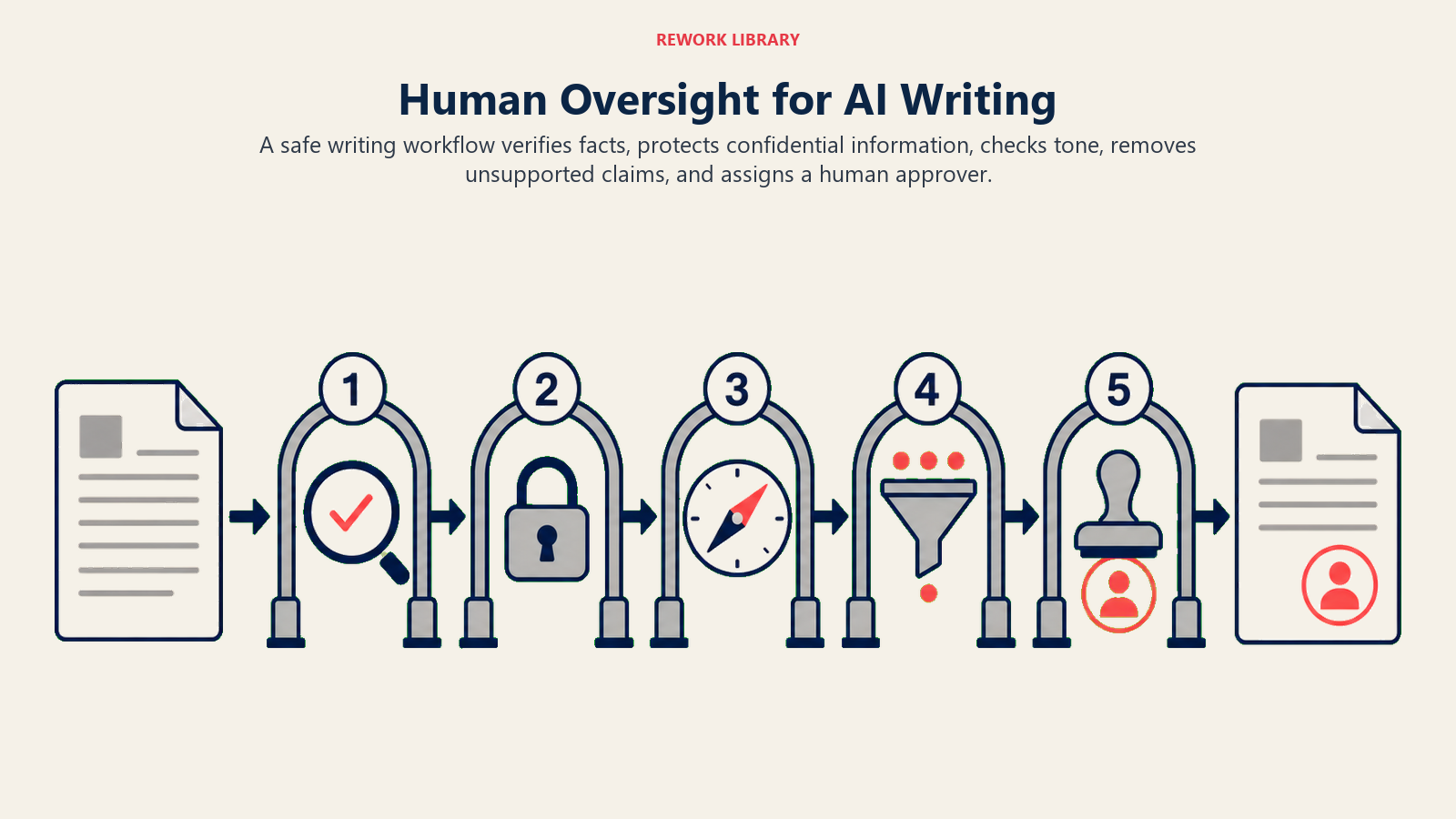
The editing requirement is non-negotiable. Every piece of AI-generated content needs human review. How much review depends on the stakes (a social media post needs less scrutiny than a legal document), but zero review is asking for trouble.
Plan for AI to save you 40-70% of writing time, not 100%. If a blog post took 4 hours to write and 1 hour to edit before, with AI it might take 1 hour to prompt and 2 hours to edit. That's still a significant savings, but not elimination of human work.
Brand voice consistency requires training and guidelines. AI doesn't inherently know your brand voice. You need to provide examples of good and bad content, create voice guidelines, and be specific in prompts about tone and style.
Some teams create "voice profiles" with examples of approved content, which they reference in prompts. Others fine-tune custom models on their existing content. Either way, expect several months before AI consistently matches your brand voice.
Fact-checking protocols need to be explicit. AI will confidently state incorrect information. It doesn't know it's wrong. It's predicting what text should come next based on patterns, not reasoning from facts.
For any content with factual claims, someone with subject matter expertise needs to verify. Create checklists for different content types specifying what needs verification.
Content Velocity Impact
Companies that implement AI writing assistants effectively see consistent patterns in results:
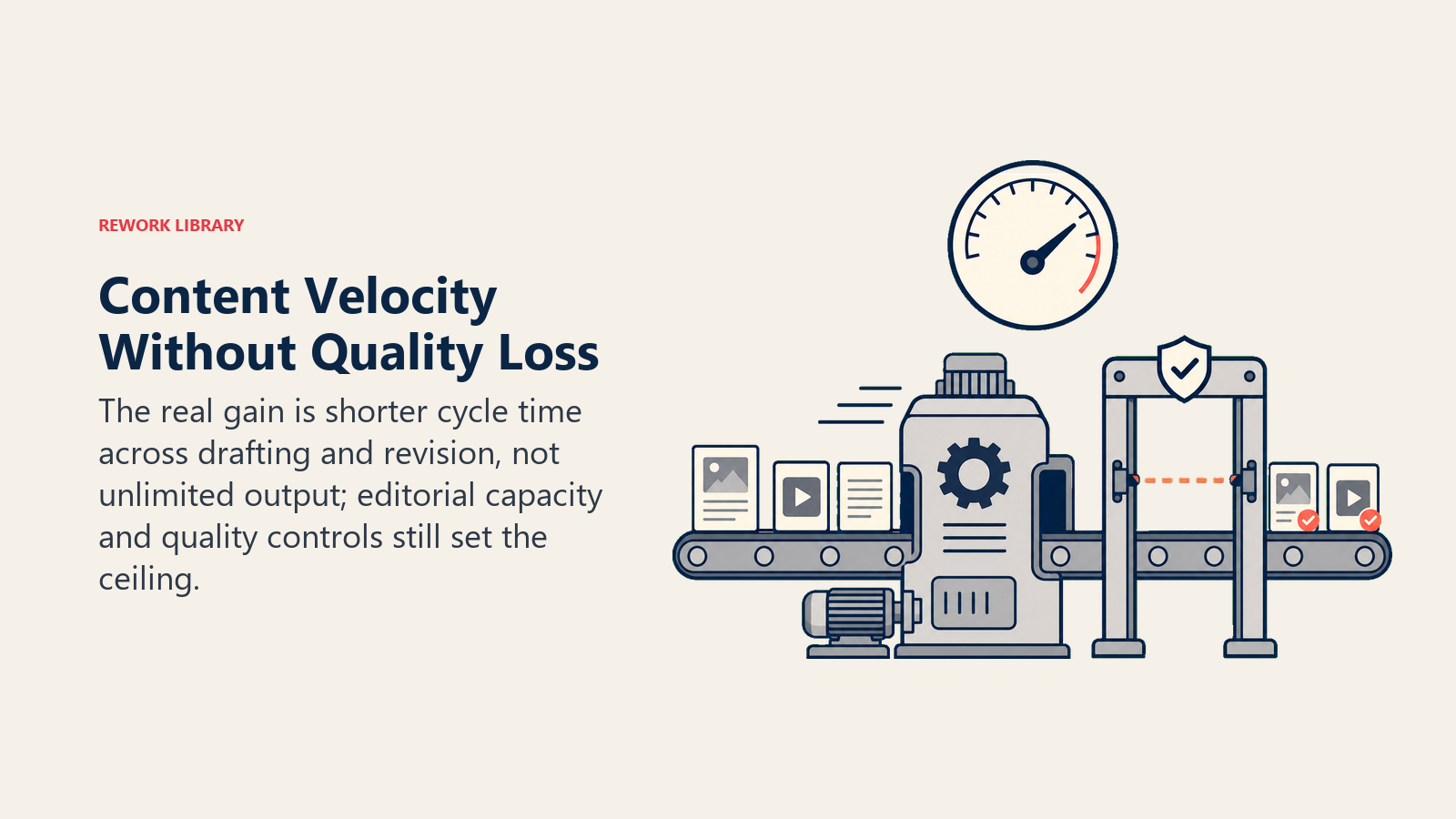
Content production typically increases 2-3x in the first year. Not because AI writes entire articles without human input, but because it eliminates the blank page problem and speeds up first drafts dramatically.
One B2B SaaS company went from publishing 8 blog posts per month to 24 with the same 2-person content team. The secret? AI generates 3 solid drafts per day, which editors refine into 1 publishable post. The bottleneck shifted from writing to editing, which is a good problem to have.
Time per piece drops 30-60% depending on content type. Simple content like product descriptions sees the biggest gains. Complex thought leadership sees smaller improvements, but they're still meaningful.
Email writing shows particularly dramatic improvements. Sales teams report spending 5-10 minutes per personalized email instead of 20-30 minutes. Over hundreds of emails per month, this adds up to recovered weeks.
Quality consistency improves because AI doesn't get tired, have bad days, or skip steps in your content process. It applies your style guide the same way every time (once you've trained it properly).
Implementation Approach
Rolling out AI writing assistants effectively requires planning:
Start with one use case, not everything at once. Pick something high-volume and lower-stakes like social media posts, email templates, or internal documentation. Learn what works before tackling mission-critical content.
Create clear guidelines for when to use AI and when not to. Some companies say: "AI for first drafts of anything under 500 words, human-first for strategic content and executive communications."
Train your team properly. "Here's a login, figure it out" doesn't work. Show them specific examples of good prompts, explain the editing workflow, and set realistic expectations about what AI can do.
Establish review processes that scale. You can't have the CMO reviewing every social post if you're generating 50 per week. Create tiered review: automated checks for obvious issues, peer review for routine content, senior review for high-stakes pieces.
Measure the right things. Track time savings, but also track quality metrics like engagement rates, error rates, and revision cycles. Fast content that doesn't perform is worthless.
Common Mistakes
Most AI writing implementation problems are predictable and avoidable:
Publishing without sufficient editing because "the AI output looks pretty good." It might look good, but it probably has issues that aren't obvious at first glance. Maintain rigorous review even as you get comfortable with AI quality.
Using AI for content that requires genuine expertise or original thinking. AI can't create truly novel strategic insights or make judgment calls about what your business should prioritize. Use it for execution, not strategy.
Failing to customize for your brand voice. Generic AI output sounds generic. You need to invest time in training the AI on your specific voice and style. Otherwise? Everything will sound like it came from the same bland content mill.
Expecting perfection immediately. There's a learning curve for both the humans and the AI systems. Plan for 2-3 months of iteration before you're getting consistently good results.
Not updating processes as AI capabilities improve. These tools get better monthly. What wasn't possible six months ago might work now. Regularly reassess what you can automate.
The companies seeing the biggest benefits from AI writing assistants treat them as team members who need onboarding, training, and management. Not magic boxes that work perfectly out of the box.
Moving Forward
AI writing assistants won't replace your content team. But they'll let your team produce significantly more content with the same resources. The key is implementation: clear use cases, proper quality control, realistic expectations, and continuous improvement.
Start small, measure results, iterate on your approach, and gradually expand to more use cases as you learn what works for your organization.
For more on specific applications, see AI Content Generation Tools for scaling production, AI Copy Editing and Proofreading for quality control, AI for Email Writing for communication efficiency, and AI Documentation Tools for technical content. Also check out Prompt Engineering Best Practices for getting better outputs from AI writing tools.
