AI Scheduling and Calendar Tools
Turn this article into takeaways for your work.


Each assistant summarizes the article only for you and suggests best practices for your work.
Every executive knows the pain. You need to schedule a meeting with five people. What follows is a soul-crushing exercise in email ping-pong that spans days and consumes hours. "Does Tuesday at 2pm work?" Someone's traveling. "How about Wednesday morning?" Conflicts with another meeting. By the time you find a slot that works, you've spent more time coordinating than the actual meeting will take.
The scheduling tax is real and it's expensive. Research shows that professionals spend an average of 5 hours per week on meeting coordination. For executives and their assistants, that number often doubles. That's 250+ hours per year just finding mutually available time slots. And that doesn't include the cognitive overhead of context switching between your actual work and calendar management.
Understanding what AI productivity tools can do starts with recognizing these time sinks. AI scheduling tools eliminate this overhead entirely.
AI scheduling tools eliminate this overhead entirely. They don't just make scheduling faster, they remove humans from the coordination loop completely. The result isn't incremental improvement. It's getting 5-10 hours per week back to do actual work.
How AI Transforms Calendar Management
Traditional calendar tools show you open time slots. AI scheduling tools go several steps further.
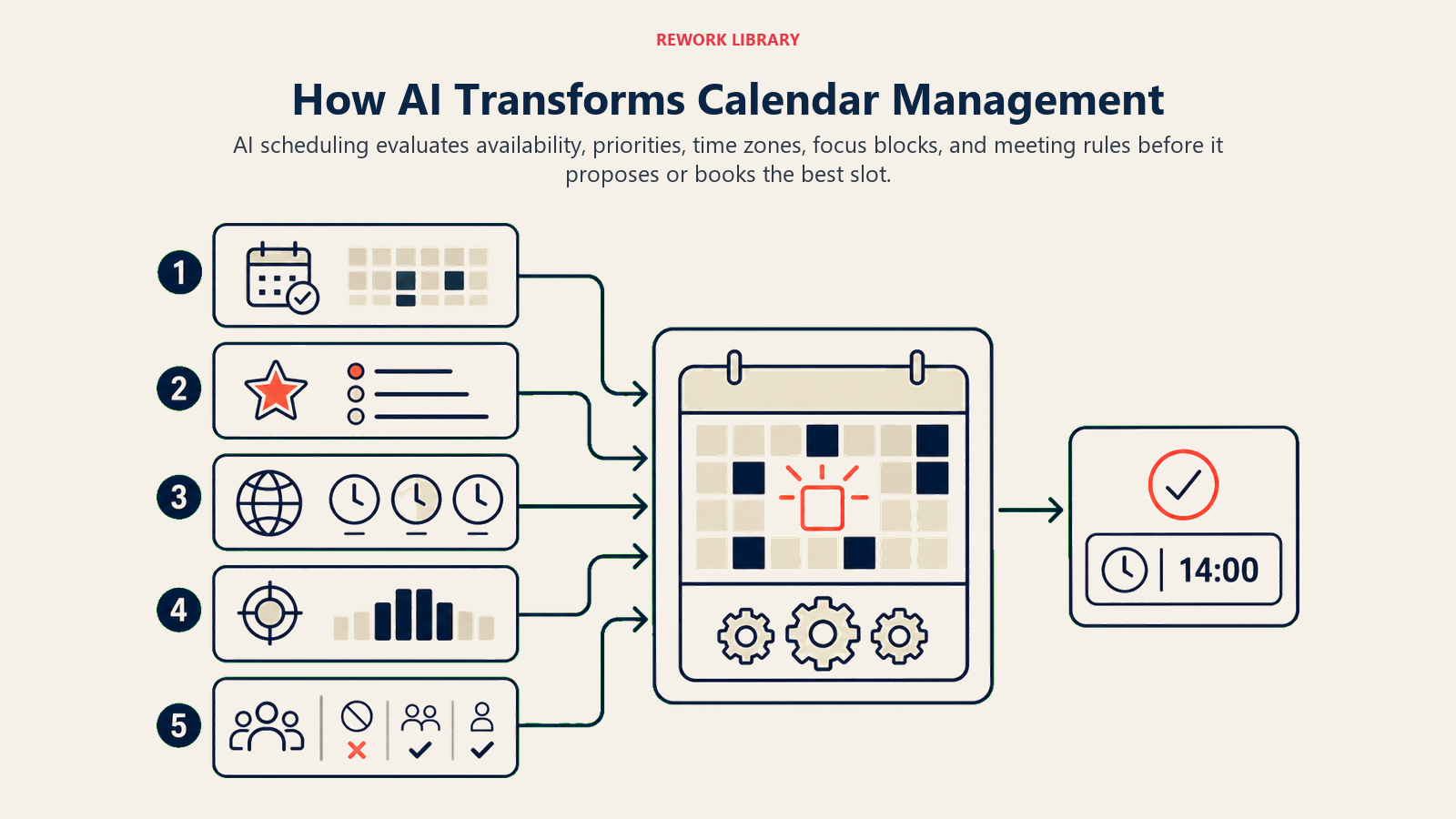
Automated meeting scheduling means no back-and-forth. You send a meeting request, the AI analyzes everyone's calendars, identifies available slots that meet specified criteria, and books the meeting. Done. What took 15 emails and three days now happens in 30 seconds.
Availability optimization looks beyond simple free/busy status. AI learns your patterns and preferences. It knows you don't schedule important meetings right after lunch when your energy dips. It recognizes that back-to-back video calls drain you and automatically buffers them. It sees that Mondays are your strategic planning days and protects that time.
Travel time consideration factors in physical logistics. If you have an in-person meeting across town, the AI blocks buffer time before and after for commuting. It won't schedule another in-person meeting 15 minutes later in a different location. This seemingly simple feature prevents the calendar chaos that comes from ignoring physical reality.
Meeting preparation connects scheduling to actual meeting success. The AI can automatically block 15 minutes before important meetings for prep time. It surfaces relevant documents, previous meeting notes, and participant backgrounds. You walk into meetings prepared instead of scrambling.
Smart rescheduling handles conflicts intelligently. When an urgent meeting comes up, the AI doesn't just show you options. It analyzes which existing meetings can move with minimal disruption, reaches out to participants automatically, and reschedules everything with one click.
Leading AI Scheduling Platforms
Different tools serve different needs. Here's what's actually working in the market.
Calendly with AI routing dominates external scheduling. Sales teams, recruiters, and customer success managers use it to let prospects and customers book time without coordination overhead. The Calendly AI routing feature sends different types of meetings to appropriate team members based on criteria like geography, specialization, or current workload. A sales demo request from an enterprise customer routes to a senior rep. An onboarding question goes to customer success. No human intervention required.
Reclaim.ai focuses on calendar optimization for knowledge workers. It doesn't just schedule meetings. It defends your calendar against meeting creep. You tell Reclaim.ai you need 10 hours per week for focused work, and it automatically blocks time, moving those blocks intelligently when meetings encroach. It syncs personal and work calendars so you don't get double-booked. And it creates flexible holds that can give way to higher-priority meetings while still protecting some focus time.
Clara functions as an AI scheduling assistant that communicates like a human. You cc Clara on an email thread, and it takes over the scheduling conversation entirely. It negotiates with participants via email, finds time that works, sends calendar invites, and handles rescheduling requests. Recipients often don't realize they're communicating with AI. For executives who want the "personal assistant" experience without hiring someone, Clara delivers.
x.ai's Amy and Andrew (now part of Bizzabo) pioneered conversational AI scheduling. Similar to Clara, these AI assistants handle scheduling via natural language. They've particularly strong at managing complex multi-person scheduling across time zones and integrating with event management platforms.
Microsoft Viva Insights brings AI scheduling directly into the Microsoft 365 ecosystem. It analyzes your calendar patterns, identifies problematic habits like too many small meetings or no focus time, and makes recommendations. The scheduling assistant suggests optimal meeting times based on participant locations, working hours, and historical availability patterns. For organizations already using Microsoft tools, the native integration eliminates another tool to manage.
Executive Calendar Optimization
Executives face unique calendar challenges. Their time is valuable and requests for it are endless. AI scheduling tools provide protection mechanisms that human assistants struggle to enforce consistently.
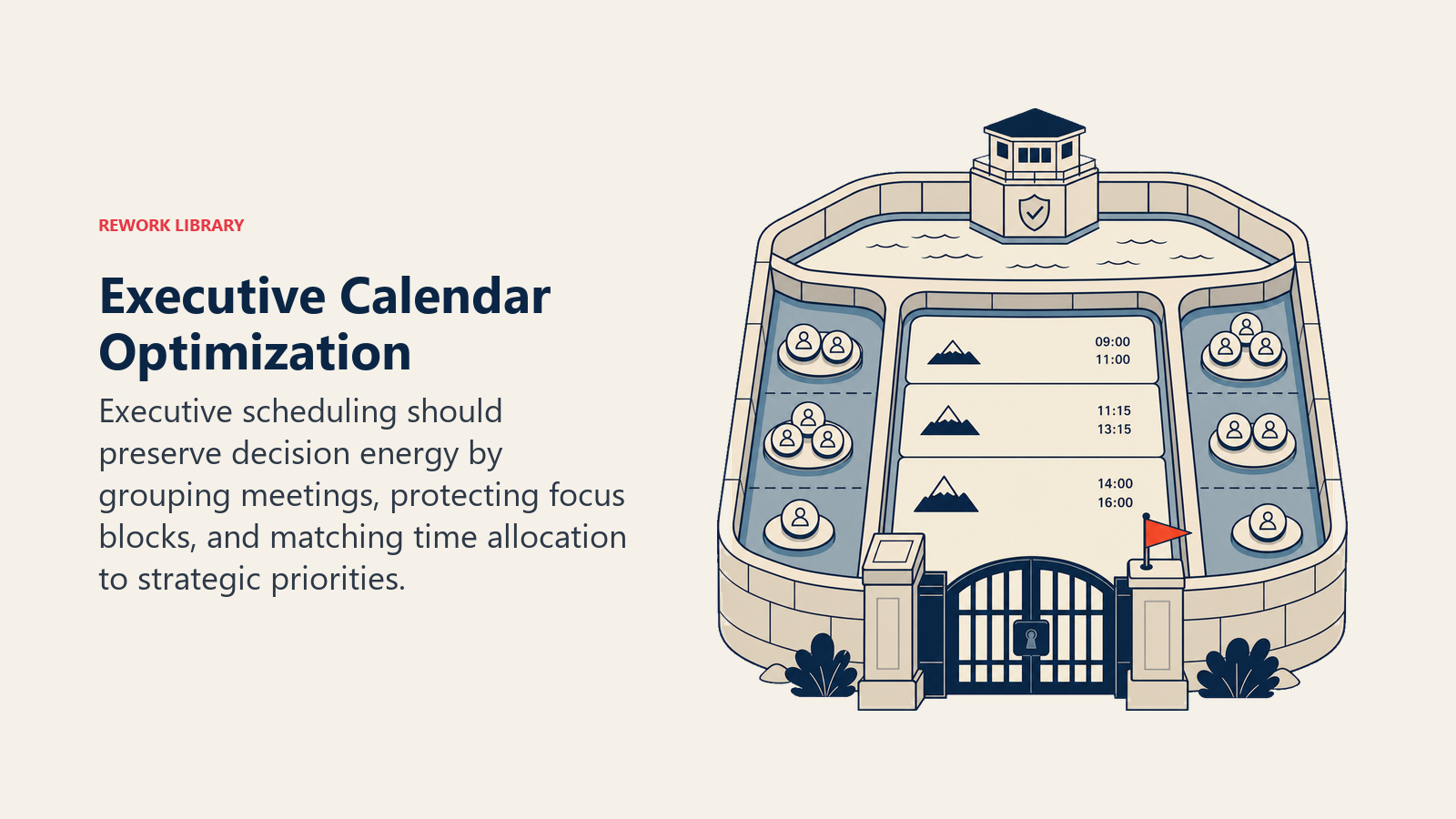
Focus time protection treats deep work as non-negotiable. You specify how much uninterrupted time you need weekly. The AI blocks it, preferably during your peak cognitive hours. When meeting requests come in during protected time, the AI automatically suggests alternative slots. This creates the discipline that's hard to maintain manually because saying yes to "just this one meeting" is always tempting.
Meeting batching groups similar meetings together. Instead of customer calls scattered throughout the week with context-switching overhead between each, the AI clusters them on Tuesday and Thursday afternoons. Internal 1-on-1s happen Monday mornings. Board-related meetings concentrate on Fridays. This batching reduces cognitive overhead and creates rhythm.
Priority-based scheduling ensures important things don't get crowded out by urgent things. You can designate certain meetings or work blocks as higher priority. When conflicts arise, the AI knows what can move and what can't. Your weekly strategy session with your leadership team is immovable. The internal status update meeting can flex.
Buffer time management prevents calendar Tetris where meetings stack back-to-back with no breathing room. The AI automatically adds 5-15 minute buffers between meetings. You get time to decompress, use the bathroom, grab coffee, or review notes for the next meeting. These buffers seem small but they're the difference between a functional day and a exhausting sprint.
Team Scheduling Use Cases
Beyond individual productivity, AI scheduling tools transform team operations in specific high-volume scenarios.
Sales demo scheduling needs to be frictionless for prospects while optimal for reps. Calendly or similar tools let prospects self-schedule from available slots. The AI routes based on criteria like company size, industry, or geography. It prevents clustering all demos on one day while leaving other days empty. And it can automatically send reminder emails, pre-meeting prep materials, and post-meeting follow-ups.
Customer success check-ins happen on predictable cycles but require coordination across hundreds of customers. The AI can automatically propose and schedule quarterly business reviews based on account anniversary dates, customer time zones, and CSM availability. What used to require a dedicated coordinator now happens automatically.
Recruiting interview coordination is notoriously painful. You're scheduling with external candidates who have limited availability, plus multiple internal interviewers with busy calendars. AI scheduling tools can send candidates a link to select from available time slots, automatically coordinating with all required interviewers. When someone cancels, the AI can reschedule everyone automatically.
Cross-team collaboration suffers when teams operate in different time zones or have different calendar norms. Engineering might protect mornings for coding while sales schedules calls all day. AI scheduling finds the intersection points and suggests meeting times that work for everyone's patterns and preferences, not just their free/busy status.
The AI Calendar Workflow in Action
Understanding how these tools work helps you implement them effectively.
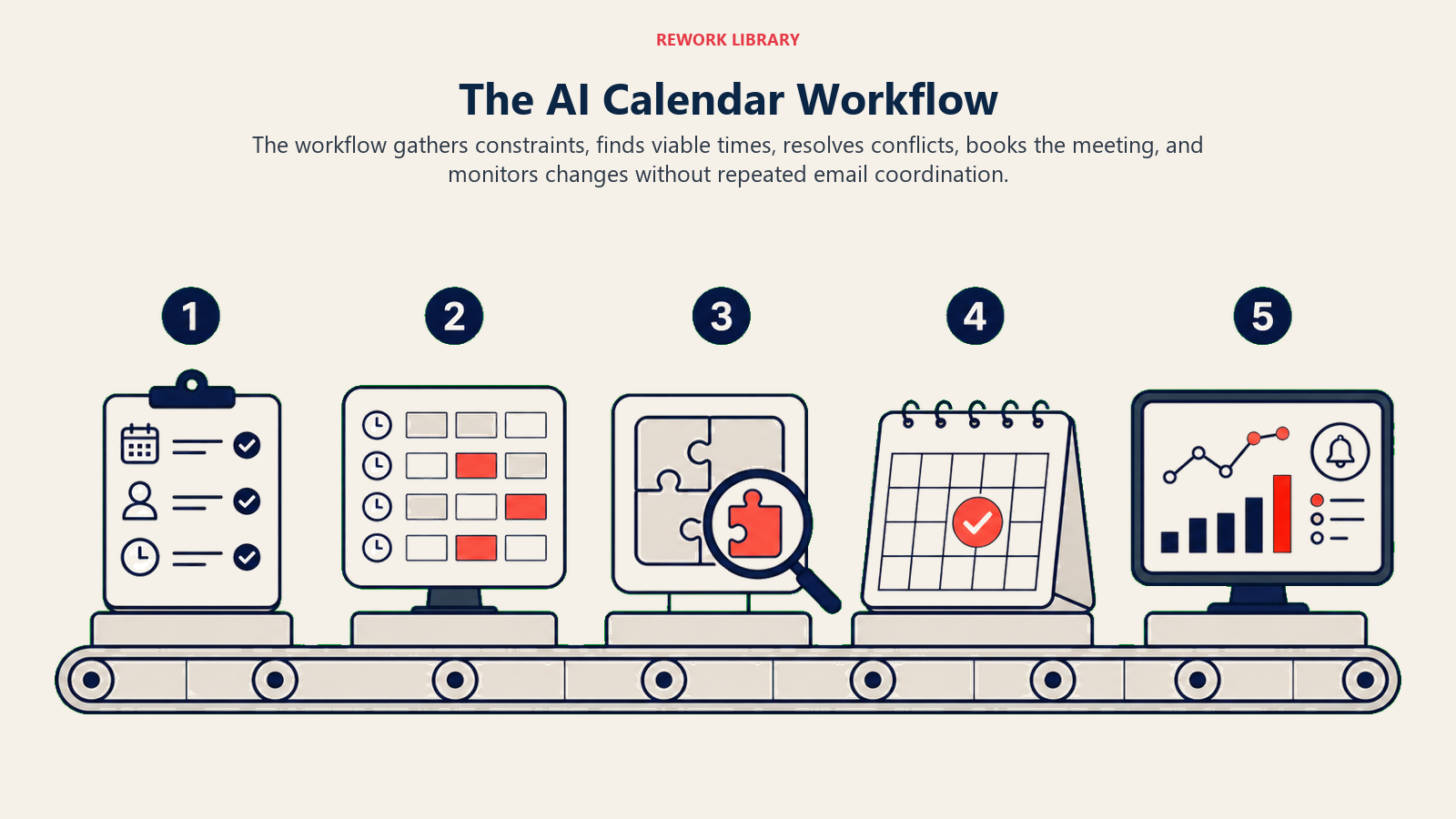
Preference learning starts when you first connect the AI to your calendar. It analyzes historical patterns. What times do you typically schedule 1-on-1s? When do you block focus time? How long are your meetings usually? What buffer time do you naturally create? This historical analysis creates an initial preference model.
Then the learning continues. When the AI suggests a time and you choose a different option, it learns. When you manually move meetings, it notices the pattern. Over weeks and months, the AI builds a detailed model of your actual preferences versus what you say you want.
Automatic booking removes you from the coordination process. Someone requests a meeting via email or Slack. The AI scans both calendars, identifies options that meet your learned preferences, proposes times, gets confirmation, and sends calendar invites. You're not involved unless there's a conflict requiring human judgment.
Conflict resolution is where AI scheduling really shines. When a conflict arises, the AI doesn't just notify you. It analyzes which existing meeting could move with minimal disruption. Maybe that internal brainstorm can shift to Thursday. It reaches out to participants, proposes the change, and if everyone agrees, updates calendars automatically. You make the yes/no decision, but the AI handles all coordination.
Meeting preparation pulls in relevant information automatically. The AI knows who you're meeting with and can surface previous communications, shared documents, or notes from past meetings. Some tools integrate with CRM systems to show customer history and account status. You get context without searching for it.
Integration Ecosystem
AI scheduling tools don't work in isolation. Their value comes from connecting your entire productivity stack.
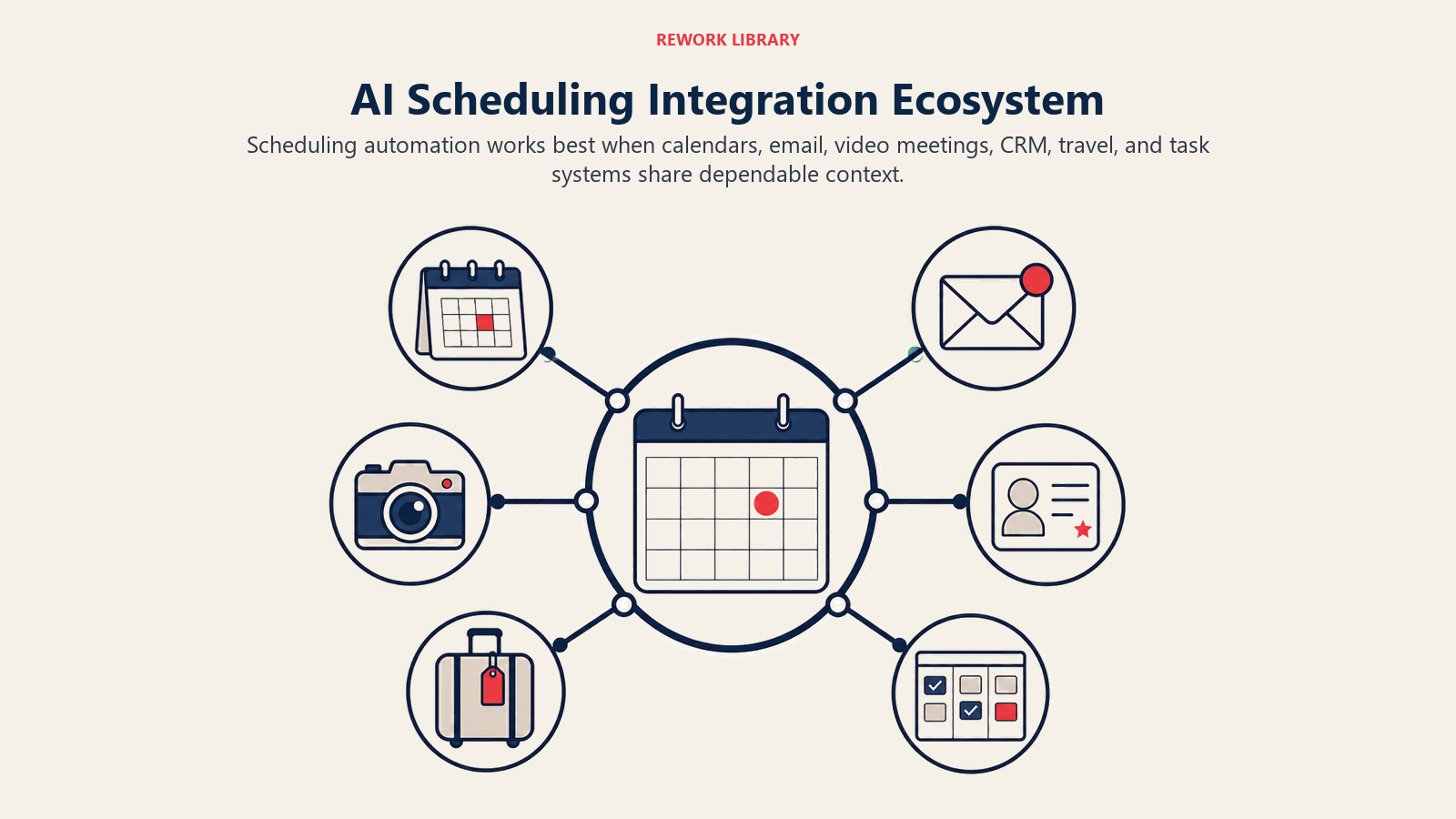
Calendar platforms are the foundation. Google Calendar, Microsoft Outlook, and Apple Calendar support is table stakes. The best AI scheduling tools sync bidirectionally and in real-time. Changes made directly in your calendar reflect immediately in the AI tool and vice versa. Multi-calendar support lets you manage work and personal calendars together without double-booking.
CRM systems integration transforms how sales and customer success teams operate. When a Calendly booking comes in, it automatically creates or updates the contact in Salesforce or HubSpot. Meeting notes link back to the account record. Follow-up tasks are created based on meeting outcomes. The calendar becomes a CRM data source instead of a separate tool.
Video conferencing platforms create meeting links automatically. You don't add Zoom or Google Meet details manually. The AI scheduling tool creates the link, adds it to the calendar invite, and includes it in confirmation emails. Some tools even customize the meeting link name or description based on the meeting type.
Task management tools like Asana or AI task management tools can trigger meeting scheduling. When a project reaches a milestone, automatically schedule the review meeting. When a task is marked complete, trigger the debrief. This closes the loop between project work and the meetings that govern it.
The integration ecosystem extends the AI's capabilities. It's not just scheduling meetings. It's orchestrating your entire AI workflow automation around those meetings.
Measuring Time Recapture ROI
AI scheduling delivers measurable returns. Here's how to quantify them.
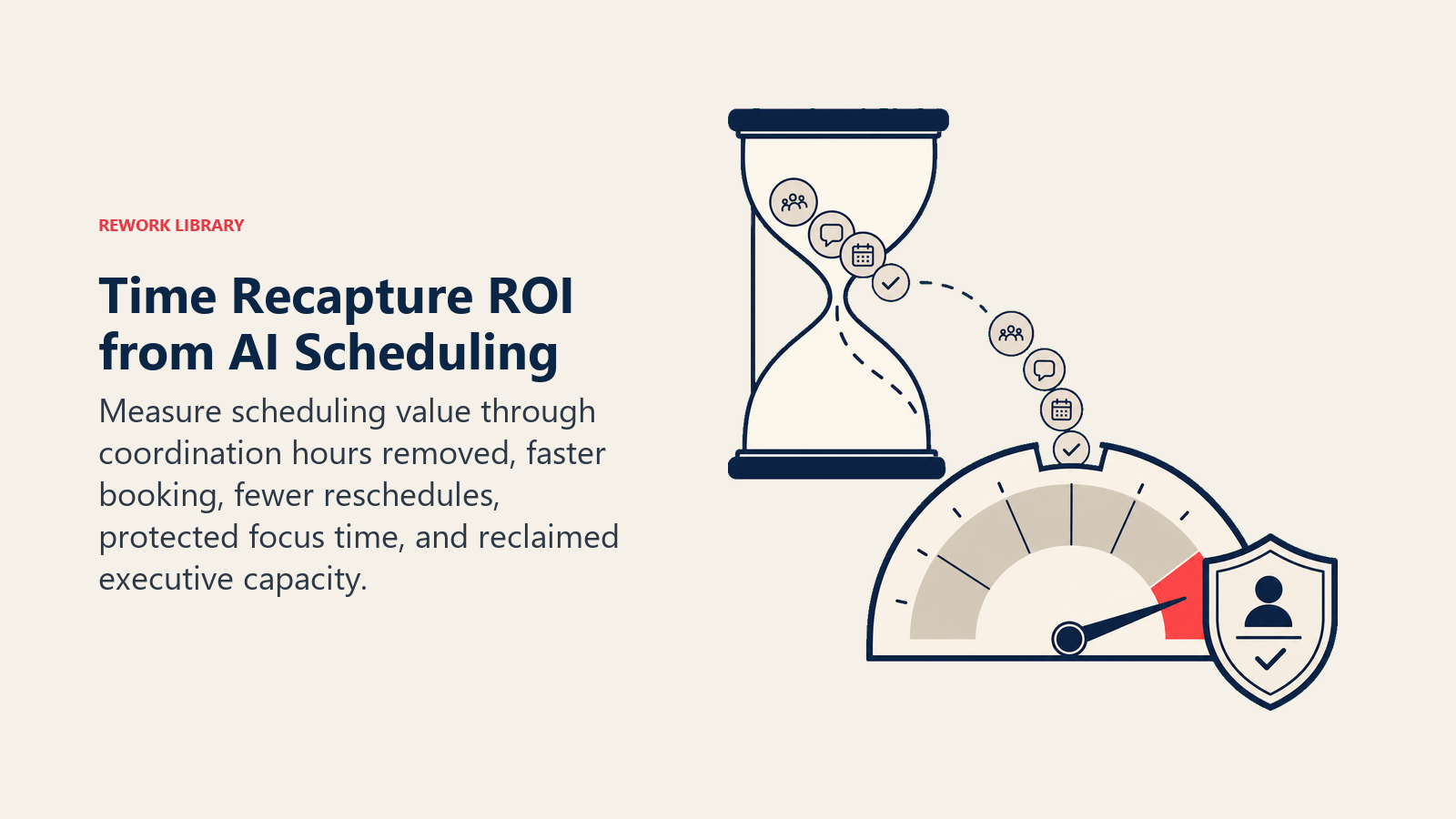
Coordination time saved is the most obvious metric. Track how many hours per week you spent on meeting coordination before AI scheduling. Compare to after. For most professionals, this is 3-5 hours per week saved. For executive assistants managing calendars for multiple people, it can be 10-15 hours per week.
Scheduling cycle time measures how long it takes from "we should meet" to actually being scheduled. Before AI: 2-3 days average with multiple email exchanges. After AI: often same-day, sometimes within minutes. This velocity matters for time-sensitive decisions and closing sales opportunities.
Meeting no-show rate drops when AI tools send automated reminders and make rescheduling easy. Traditional calendaring sees 15-20% no-shows for external meetings. AI scheduling tools with automated reminders reduce this to 5-8%. That's fewer wasted time slots and less revenue leakage for sales teams.
Calendar utilization improves when AI optimizes time allocation. Before AI, calendars often show either too many meetings (burnout) or too few (underutilization). AI scheduling balances meeting time with focus time based on your role needs. Executives might target 50% meeting time, 40% focus time, 10% buffer. AI maintains that ratio automatically.
The AI productivity ROI metrics framework provides a comprehensive approach to measuring these returns. The key is tracking before and after states, not just assuming value.
Implementation Considerations
Getting value from AI scheduling requires thoughtful implementation.
Start with the highest-pain use case. If executive calendar management is chaos, begin there. If sales demo scheduling is the bottleneck, tackle that first. Don't try to optimize everything at once.
Set clear preferences and constraints. Tell the AI your non-negotiables. No meetings before 9am. No more than four hours of meetings per day. Protect Tuesday mornings for strategic work. The clearer your rules, the better the AI performs.
Train your team and stakeholders. If you're using a tool that handles coordination via email, people need to understand they're communicating with AI. Set expectations about response times and capabilities. Consider comprehensive AI training and onboarding approaches that help teams adapt.
Connect it to your broader workflow strategy. Scheduling doesn't exist in isolation. How does it connect to your task management, communication, and documentation systems? The more integrated your tools, the more value each one provides.
Review and refine regularly. Check your calendar utilization monthly. Are you actually getting the focus time you specified? Are meetings happening at optimal times? Adjust the AI's parameters based on what's working and what isn't.
The Scheduling Freedom Mindset
The deepest value of AI scheduling isn't time saved. It's mental freedom.
When you're not constantly managing your calendar, you have attention available for actual work. The background anxiety of "I need to schedule that meeting" disappears. The cognitive overhead of "let me check five calendars to find a time" evaporates.
This creates space for the work that actually matters. Strategic thinking. Deep problem-solving. Creative innovation. The things you can't do while playing calendar Tetris.
AI scheduling tools paired with AI meeting notes and summaries create a complete meeting management system. You spend less time coordinating meetings and less time documenting them. More time on outcomes.
The coordination overhead that once consumed 5-10 hours per week gets compressed to near-zero. That time doesn't just vanish. It becomes available for high-value work that moves your business forward.
That's not a productivity improvement. That's a fundamental change in how you work. And it's available now, with tools that integrate into your existing systems and start delivering value from day one.
The scheduling time sink is over. The question is whether you're still bailing water manually or using the tools that make the problem obsolete.
