AI for Email Writing: Accelerate Communication Without Losing Authenticity
Turn this article into takeaways for your work.


Each assistant summarizes the article only for you and suggests best practices for your work.
The average professional spends 28% of their workday on email. For many roles (sales, customer success, executives), it's closer to 50%. That's not a communication problem. It's a productivity crisis.
AI email writing tools promise to solve this by generating emails quickly. But if those emails sound generic and robotic, you haven't saved time. You've just automated bad communication.
The companies getting real value from AI email tools aren't trying to eliminate human involvement. They're using AI to handle the mechanical parts of email writing so humans can focus on strategy and relationships. When properly integrated into your AI productivity tools stack, email assistants transform one of the most time-consuming daily activities.
Here's how to actually do that.
AI Email Writing Capabilities
Understanding what AI can and can't do with email helps you use it effectively.
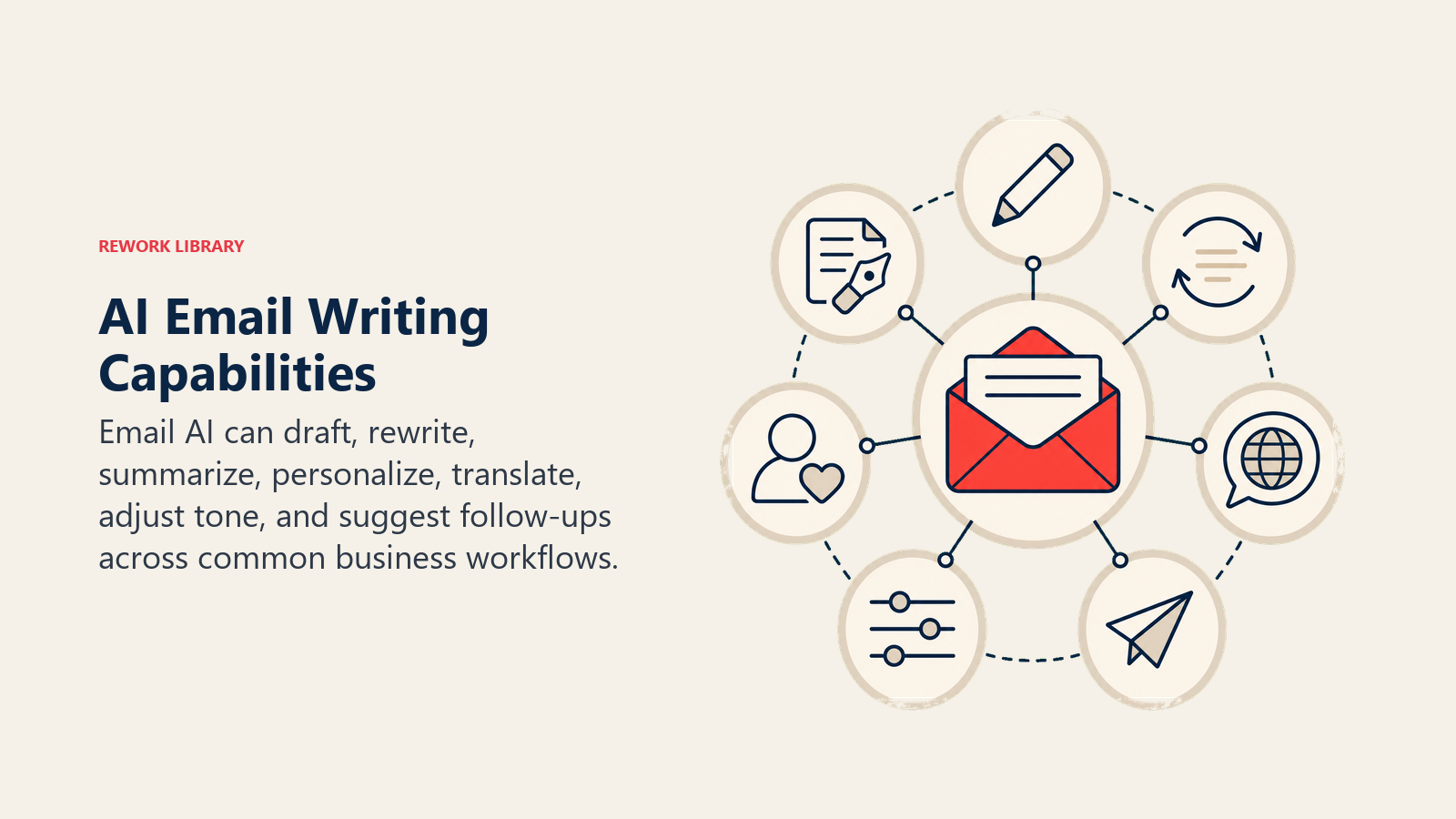
Response suggestions and completion work like advanced autocomplete. You start typing, AI suggests how to finish your sentence or provides full response options based on the email you received.
Gmail's Smart Reply and Smart Compose are the most familiar examples. Three suggested responses appear at the bottom of emails like "Thanks, I'll take a look," "Yes, that works for me," or "Can we reschedule?" For routine messages, one click sends an appropriate response.
Smart Compose goes further by predicting your next sentence as you type. It works well for predictable content like meeting scheduling, simple confirmations, and standard information sharing. It saves seconds per email, which adds up over hundreds of emails.
Tone adjustment lets you write quickly in whatever tone comes naturally, then adjust it for your audience. Wrote something too blunt? AI makes it diplomatic. Too wordy? AI makes it concise. Too casual for the context? AI makes it formal.
This is particularly useful when you're frustrated or rushed. Write what you actually want to say, then let AI smooth it into something professional.
Length optimization helps you match appropriate length to context. Some emails need detail, others need to be skimmable. AI can expand brief notes into full emails or condense verbose drafts into essential points.
Sales teams use this to create both short initial outreach emails and longer, more detailed follow-ups from the same core message.
Template generation and personalization is where AI adds real value. You provide key information about the recipient and context, AI generates a personalized email that doesn't read like a template.
This isn't mail merge with names plugged in. It's genuine adaptation of message to recipient based on available context.
Leading AI Email Tools
Different tools serve different needs.
Gmail Smart Compose and Smart Reply are built directly into Gmail and cost nothing extra if you're using Google Workspace. They're limited (only suggesting responses, not writing full emails from prompts) but they're seamless and require zero learning curve.
Best for: teams already on Google Workspace who want quick wins without changing workflows or adding tools.
Outlook AI features include similar capabilities for Microsoft 365 users. Suggested replies, predictive text, and increasingly sophisticated composition assistance built into the email client.
Like Gmail's features, these are limited but frictionless. You don't need to train people or change processes.
Superhuman AI writing offers more sophisticated email composition integrated into Superhuman's email client. It can generate full emails from brief prompts, adjust tone, fix grammar, and help with follow-ups.
The catch? You need to use Superhuman as your email client. It's expensive ($30/user/month) but popular among sales teams and executives who live in email.
Standalone tools like Lavender, Flowrite, and others work across email clients. They provide browser extensions or plugins that add AI writing capabilities to whatever email setup you use.
Lavender focuses on sales emails with features like email scoring, competitor detection, and personalization suggestions. Flowrite turns bullet points into full emails. Different tools for different use cases.
General-purpose AI models like ChatGPT and Claude work for email writing too. Copy the email you're replying to into the chat, explain what you want to say, and AI generates a response. Then copy it back into your email client.
More friction than integrated tools, but maximum flexibility for complex or unusual email needs. To get consistently high-quality outputs from general-purpose models, master prompt engineering best practices for email composition.
Use Cases by Role
Different roles need AI email assistance for different reasons.
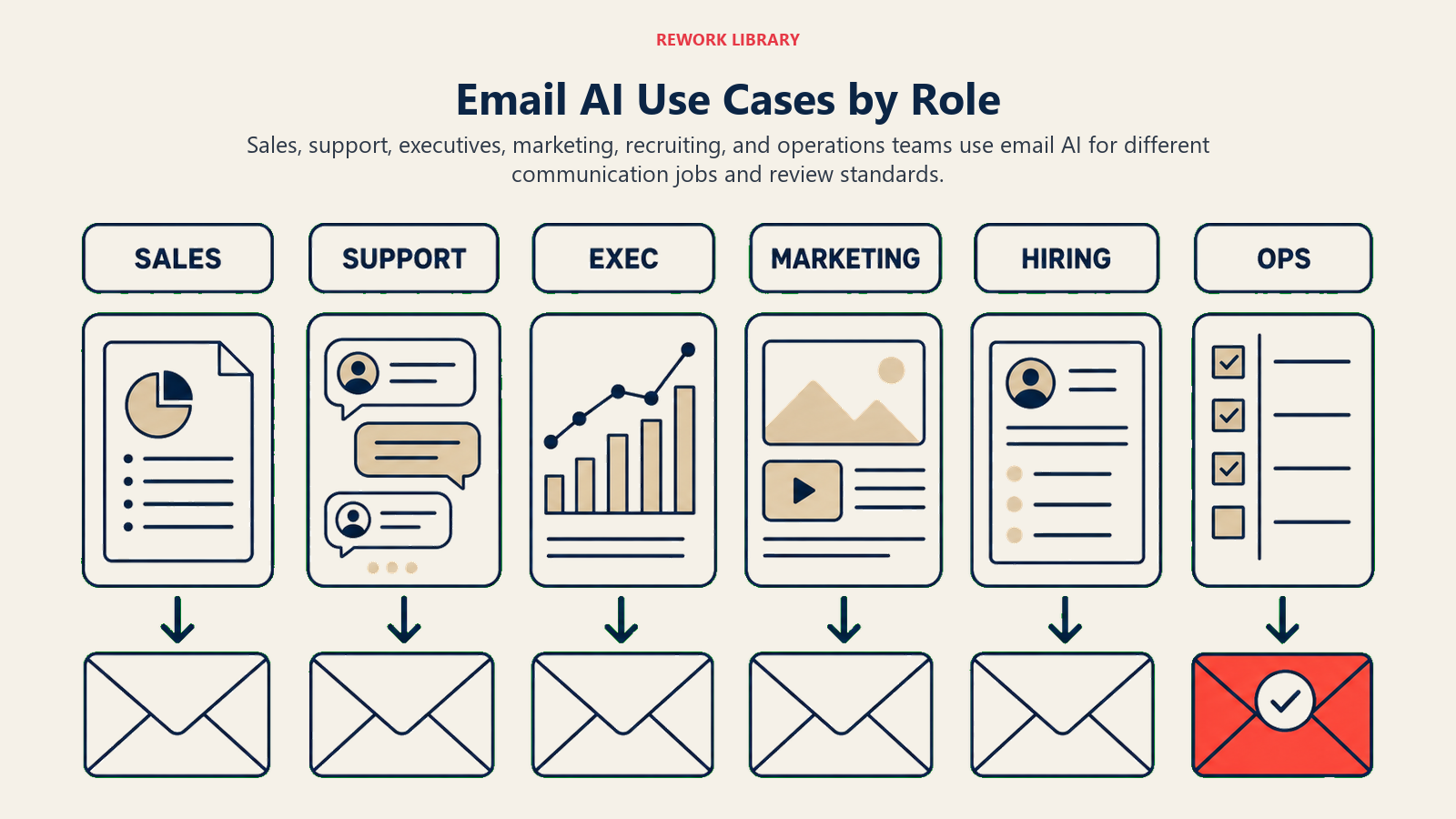
Sales teams send enormous volumes of personalized emails. The old approach: templates with mail merge fields. The AI approach: genuinely different emails based on prospect research.
Outreach emails benefit from AI's ability to incorporate specific details about the prospect's company, role, and likely pain points without making the sales rep research and write each email individually.
Follow-ups after no response get generated with appropriate persistence without annoyance. AI can adapt tone and content based on how many follow-ups you've already sent.
Objection handling responses can be generated from objection type, allowing sales reps to respond quickly with thoughtful, personalized replies rather than generic responses.
The key? AI does the writing, but sales strategy still comes from humans. What to say and when to reach out remains human judgment.
Customer Success teams handle repetitive but important communications. Check-ins, renewal discussions, support follow-ups, and onboarding sequences all have predictable patterns but need genuine personalization.
AI can generate check-in emails that reference the customer's specific usage patterns, product updates relevant to them, and appropriate next steps based on their lifecycle stage.
Support responses to common issues get drafted by AI based on ticket details, then reviewed and sent by support reps. This speeds up response time while maintaining quality.
Executives need to send high-quality emails but lack time to craft them carefully. Delegation instructions, stakeholder updates, and team communications all need appropriate tone and clarity but don't justify hours of composition time.
AI helps by taking bullet points of what needs to be communicated and turning them into well-structured emails. The executive provides strategic direction and key messages; AI handles the actual composition.
Meeting follow-ups and action item emails get generated from meeting notes, saving the post-meeting admin work that often delays important communication.
HR teams send high-volume, high-stakes communications where consistency matters. Recruiting outreach, offer letters, employee policy communications, and performance review scheduling all need appropriate tone and accurate information.
AI helps maintain consistent messaging while personalizing appropriately. Recruiting emails can reference specific candidate backgrounds without the recruiter spending 20 minutes crafting each one.
Sensitive communications still need human drafting, but routine operational emails can be AI-accelerated with human review.
Personalization at Scale
The difference between AI spam and AI-assisted communication is personalization quality.
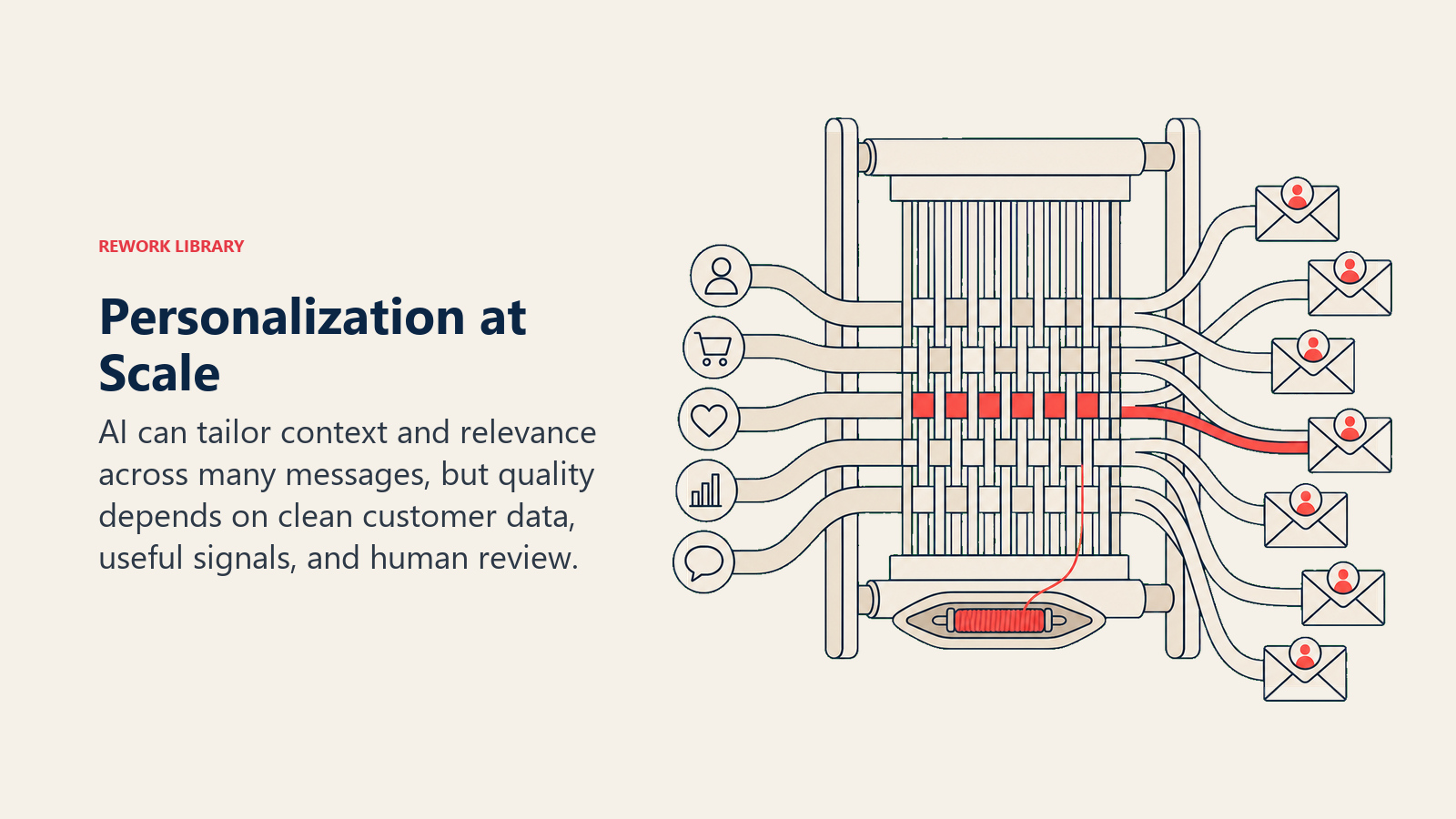
Variable insertion is basic personalization: plugging in names, company names, specific details. AI does this better than mail merge because it can adjust surrounding text to make insertions flow naturally.
But this alone isn't enough for effective communication.
Context awareness means AI considers the full context (previous email exchanges, relationship history if available, the specific ask or offer, and the recipient's likely perspective).
Better AI email tools can analyze the email thread and understand what's already been discussed, what's been agreed to, and what questions remain. They generate responses that acknowledge context rather than generic replies.
Recipient history consideration for email systems that integrate with CRM or previous communications. AI can reference past purchases, support tickets, product usage, or previous conversations to make emails genuinely relevant.
This requires integration work (AI needs access to context data), but the impact on response rates can be dramatic.
The companies doing this well aren't trying to make AI write perfect emails autonomously. They're using AI to draft emails that incorporate context, then having humans review and refine before sending.
The Authenticity Challenge
Here's the problem: AI-generated emails often sound AI-generated. And people are getting good at detecting them.
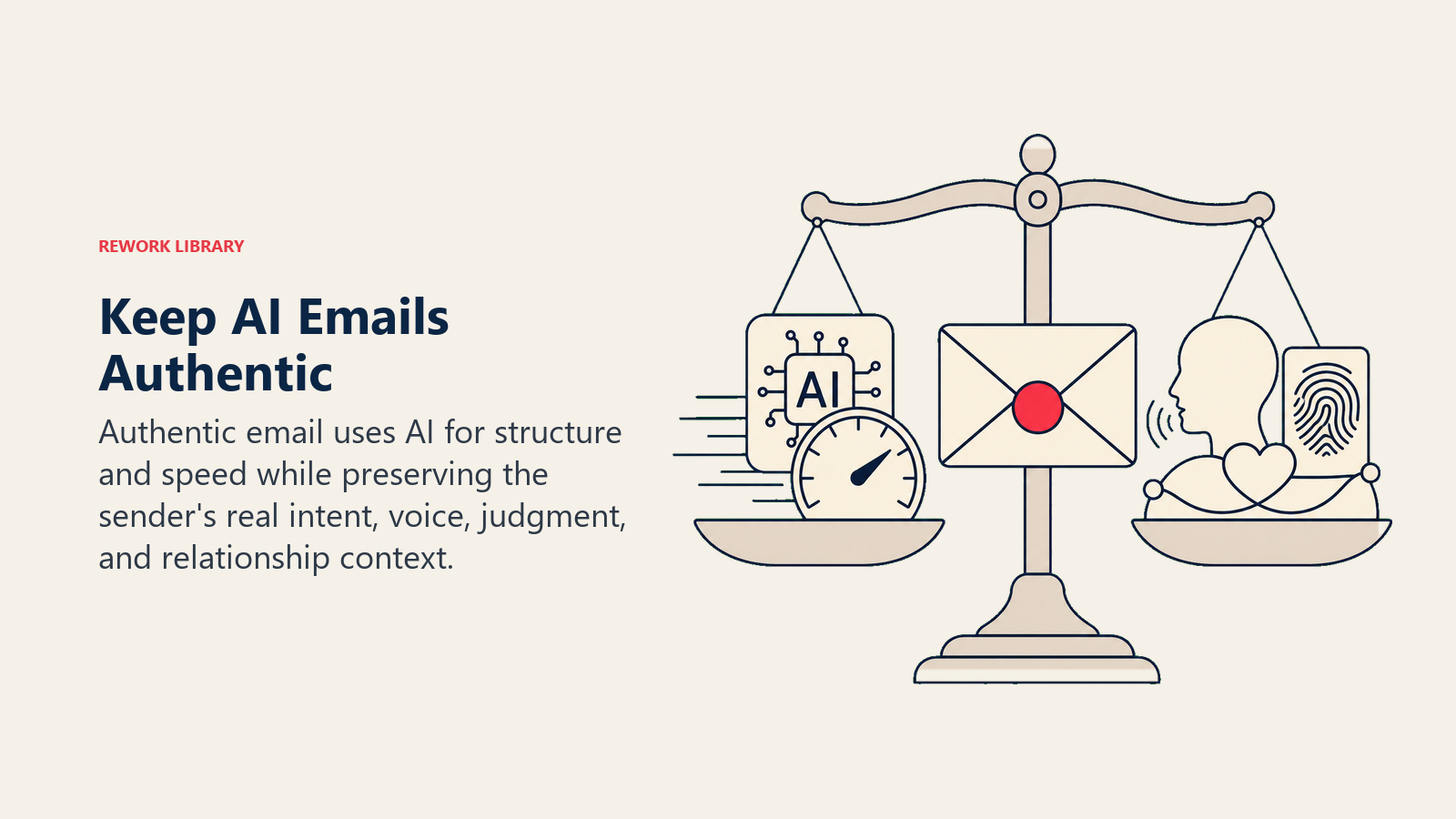
Generic phrases like "I hope this email finds you well" or "I wanted to reach out" are AI tells. So is overly formal structure, lack of personality, and absence of specific details that would require actual knowledge.
Maintaining authentic voice requires:
- Training AI on your actual sent emails so it learns your natural style
- Providing specific details only you would know
- Editing AI outputs to add personality and genuine touches
- Using AI for structure and polish, not wholesale generation
Sales reps who maintain best response rates with AI aren't sending AI outputs directly. They're using AI to speed up drafting, then adding personal touches that demonstrate genuine attention.
Relationship-appropriate personalization means understanding when to use AI and when to write from scratch. First email to an important prospect? Write it yourself. Tenth follow-up email in an existing conversation? AI draft with human review is fine.
The uncanny valley problem happens when emails are almost-but-not-quite natural. They're grammatically perfect but lack human rhythm and spontaneity. Sometimes a sentence fragment, informal phrasing, or conversational aside makes emails more effective, not less.
Don't let AI make your emails too perfect. Authentic communication has personality, including minor imperfections. Apply similar quality considerations you would use with AI copy editing and proofreading tools to preserve your authentic voice while improving clarity.
Measuring Email Efficiency
Track whether AI email tools are actually helping or just adding complexity.
Time per email reduction should be measurable. Track average time to compose emails before and after AI tools for:
- Simple responses (quick confirmations, basic answers)
- Medium complexity (explanations, coordinating meetings)
- Complex emails (proposals, sensitive communications)
Expect 60-70% time savings on simple responses, 40-50% on medium complexity, and 20-30% on complex emails. If you're not seeing meaningful savings, something's wrong with implementation.
Response rate improvement matters more than speed. If you're sending emails faster but they're getting worse responses, you've optimized the wrong thing.
Track response rates by email type before and after implementing AI. Watch for degradation. If response rates drop after implementing AI email tools, recipients are noticing and not engaging.
Reply time reduction to incoming emails affects both internal and external relationships. Faster, quality responses improve customer satisfaction and internal team coordination.
Measure average time from email receipt to response. AI tools should reduce this substantially, especially for emails that arrive outside work hours or during busy periods.
Email AI Best Practices
Successful users follow patterns:
When to use AI:
- Routine responses to common questions
- Email drafts when you know what to say but need help structuring it
- Tone adjustment when you've written something too blunt or casual
- Translation of bullet points into full emails
- Follow-up emails in existing threads
When to write from scratch:
- First email to important prospects or stakeholders
- Sensitive or emotionally charged communications
- Messages requiring specific expertise or judgment
- Crisis communications
- Anything where authenticity is paramount
Workflow best practices:
- Use AI for first draft, always review before sending
- Add specific personal details AI couldn't know
- Adjust tone and phrasing to match your natural voice
- Strip out generic AI phrases that don't add value
- Test AI outputs with small stakes emails before high-stakes ones
Quality control:
- Never send AI-generated emails without reading them fully
- Check that all facts and claims are accurate
- Ensure tone is appropriate for recipient and context
- Verify that emails actually answer the question or address the need
- Have team members spot-check each other's AI-assisted emails initially
Moving Forward
AI email writing tools save time (often dramatic amounts of time), but only if implemented thoughtfully. The goal isn't to eliminate human involvement in email. It's to eliminate the mechanical work of composition so you can focus on strategy, relationships, and high-value communication.
Start with low-stakes emails. Learn what works for your communication style. Build your prompt library and tone adjustments. Then expand to more use cases as you develop confidence in output quality. Organizations implementing multiple AI tools benefit from establishing clear AI tool selection frameworks to ensure consistency and integration.
Track both efficiency and effectiveness. Saving time doesn't matter if your communication quality suffers.
For related capabilities, see AI Writing Assistants Overview for broader writing context, AI Content Generation Tools for scaling written communications, AI Email Management and Filtering for inbox organization, and Prompt Engineering Best Practices for better AI outputs.
