AI Chatbots for Internal Operations
Turn this article into takeaways for your work.


Each assistant summarizes the article only for you and suggests best practices for your work.
Your IT team gets the same password reset request for the fifth time today. Your HR department answers yet another question about the PTO policy that's clearly documented in the handbook. Your operations team walks another employee through a process that hasn't changed in months.
This is the internal support bottleneck that costs companies thousands of hours every year. But there's a better way.
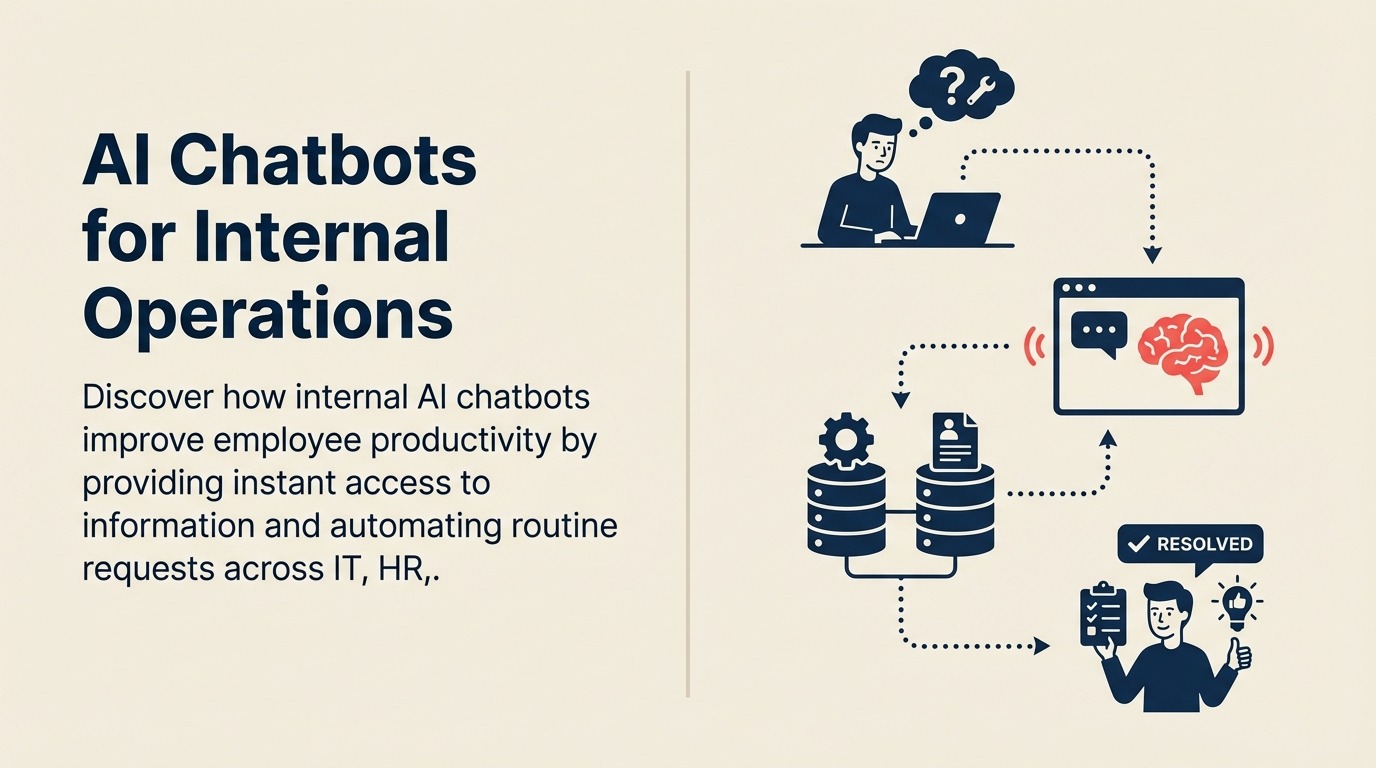
AI chatbots for internal operations transform how employees access information and get support. Instead of waiting for human responders or digging through documentation, employees get instant answers and automated assistance 24/7.
When evaluating types of AI productivity tools, internal chatbots sit at the intersection of knowledge management, automation, and employee enablement.
How Internal AI Chatbots Work
Internal chatbots act as intelligent assistants for your workforce, connecting employees to the information and processes they need without requiring human intervention.
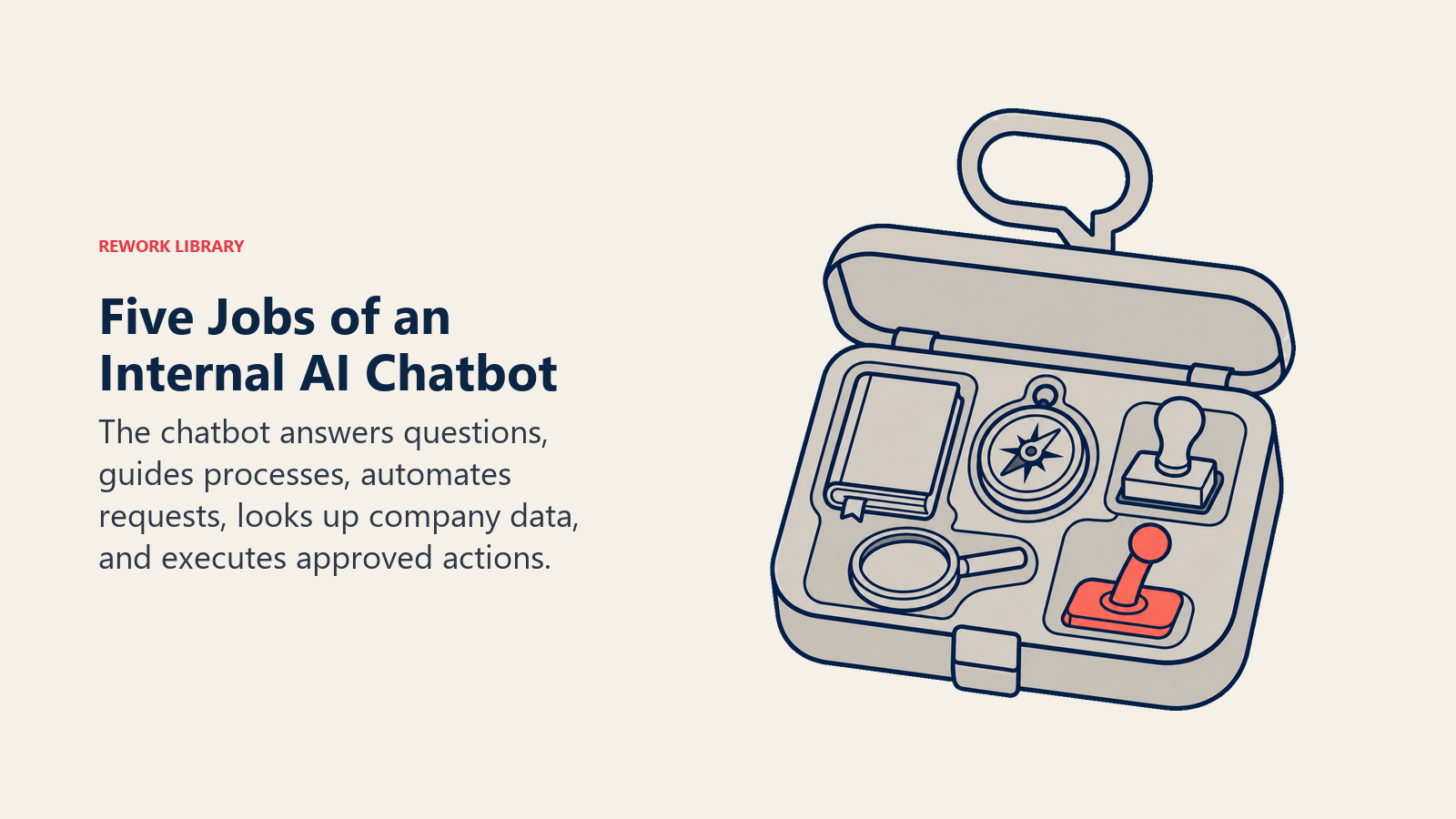
FAQ and knowledge base access allows employees to get instant answers from your internal documentation. The chatbot searches through policies, procedures, and knowledge articles to provide relevant information without requiring employees to know where documents are stored or how they're organized.
Process guidance and walkthroughs help employees complete tasks step-by-step. Instead of reading lengthy documentation, employees get conversational guidance through processes like submitting expenses, requesting equipment, or completing compliance training.
Request automation handles common internal requests without creating support tickets. Employees can reset passwords, request access to systems, submit time-off requests, or order supplies directly through chat without waiting for someone to process their request.
Data lookup capabilities give employees instant access to company information. They can find contact details, check policy information, locate resources, or verify approval status without searching through multiple systems.
Task execution enables employees to complete actions directly through conversation. They can approve requests, book meeting rooms, submit orders, or update information without switching to different applications.
Common Internal Use Cases
Different departments face unique support challenges that AI chatbots can address.
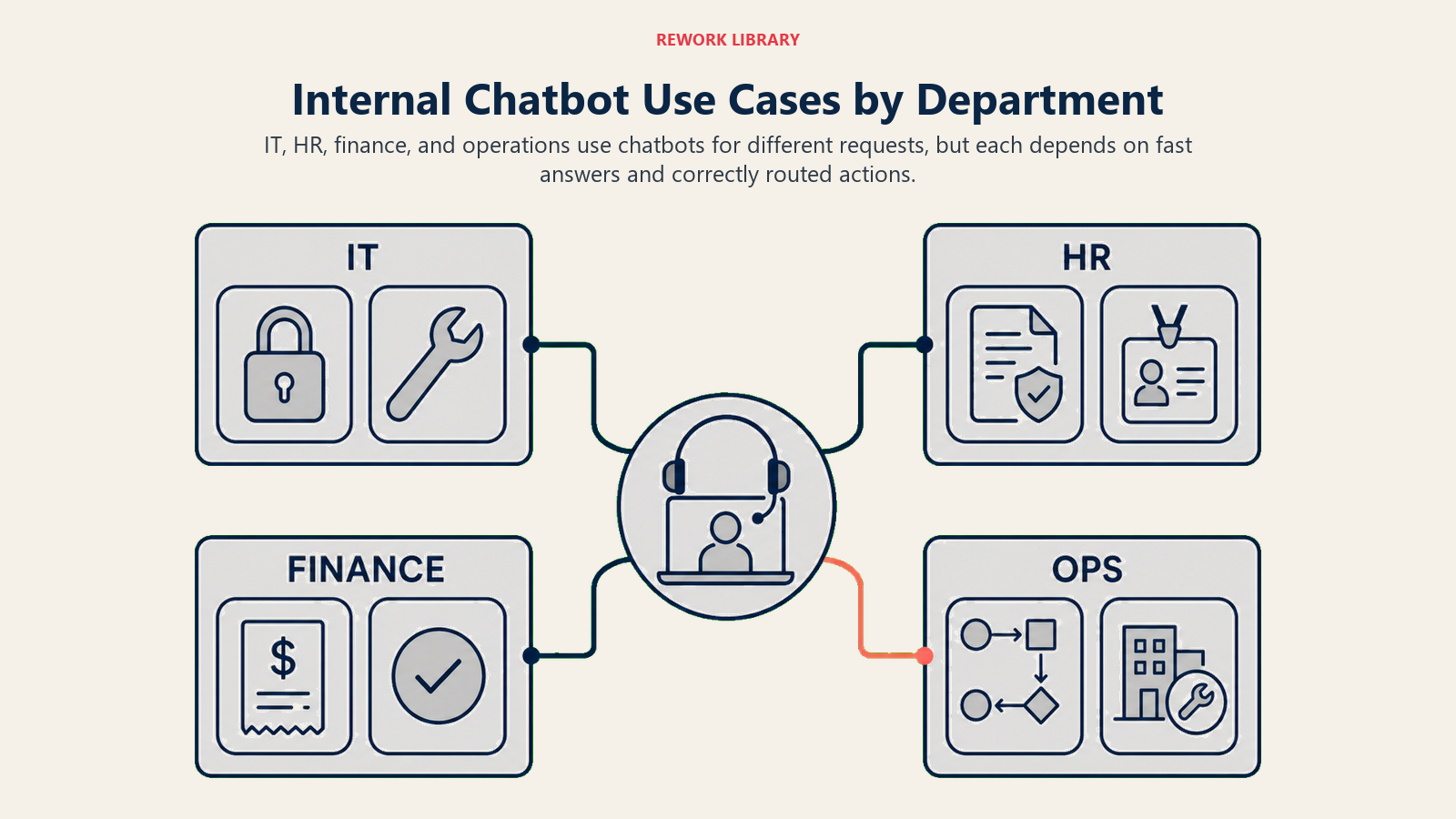
IT Support
IT teams spend enormous time on repetitive requests that chatbots can handle automatically:
- Password resets: Employees verify their identity and reset passwords without contacting the help desk
- Access requests: Chatbots route requests to appropriate approvers and automatically provision access once approved
- Troubleshooting: Common technical issues get resolved through guided walkthroughs
- Software installation: Employees get step-by-step instructions for standard software setups
- Equipment requests: Chatbots collect requirements and create tickets for hardware needs
HR Support
HR departments answer the same questions repeatedly about policies and processes:
- Benefits information: Employees get instant answers about health insurance, retirement plans, and other benefits
- Policy questions: PTO policies, dress codes, and workplace guidelines are available 24/7
- Time-off requests: Employees submit vacation requests and check approval status through chat
- Onboarding support: New hires get answers to common questions without bothering their manager
- Performance review processes: Chatbots guide employees through review cycles and deadlines
Finance Support
Finance teams field constant questions about expenses and approval processes:
- Expense policies: Employees verify what's reimbursable before submitting expenses
- Approval status: Real-time updates on expense approvals and payment timelines
- Budget information: Department managers check budget status and spending
- Invoice questions: Vendors get payment status updates without calling accounts payable
- Purchase requests: Chatbots route purchase requests through proper approval chains
Operations Support
Operations teams help employees navigate internal processes and systems:
- Process documentation: Employees get step-by-step guidance for operational procedures
- Form assistance: Chatbots help complete internal forms with proper information
- Vendor information: Quick access to approved vendor lists and contact details
- Facility requests: Booking conference rooms, requesting maintenance, or reporting issues
- Training resources: Finding and accessing required training materials
Leading Internal Chatbot Platforms
Different platforms offer varying capabilities for internal operations.
Microsoft Copilot for M365 integrates deeply with Microsoft's ecosystem, accessing information across SharePoint, Teams, and other M365 applications. It's ideal for organizations already invested in Microsoft tools who want AI assistance without adding new platforms.
Slack AI and workflow automation provides chatbot capabilities within Slack's communication platform. It excels at creating custom workflows and automating routine requests in companies that use Slack as their primary collaboration tool.
Custom GPT solutions offer maximum flexibility for organizations with specific requirements. Companies can build chatbots that integrate with their exact systems and processes, though this requires more technical investment.
Enterprise chatbot platforms like ServiceNow Virtual Agent and Moveworks provide purpose-built solutions for internal operations. These platforms offer pre-built integrations with common enterprise systems and sophisticated workflow capabilities, but come with higher costs and implementation effort.
Knowledge Base Integration
The real power of internal chatbots comes from connecting them to your knowledge sources.
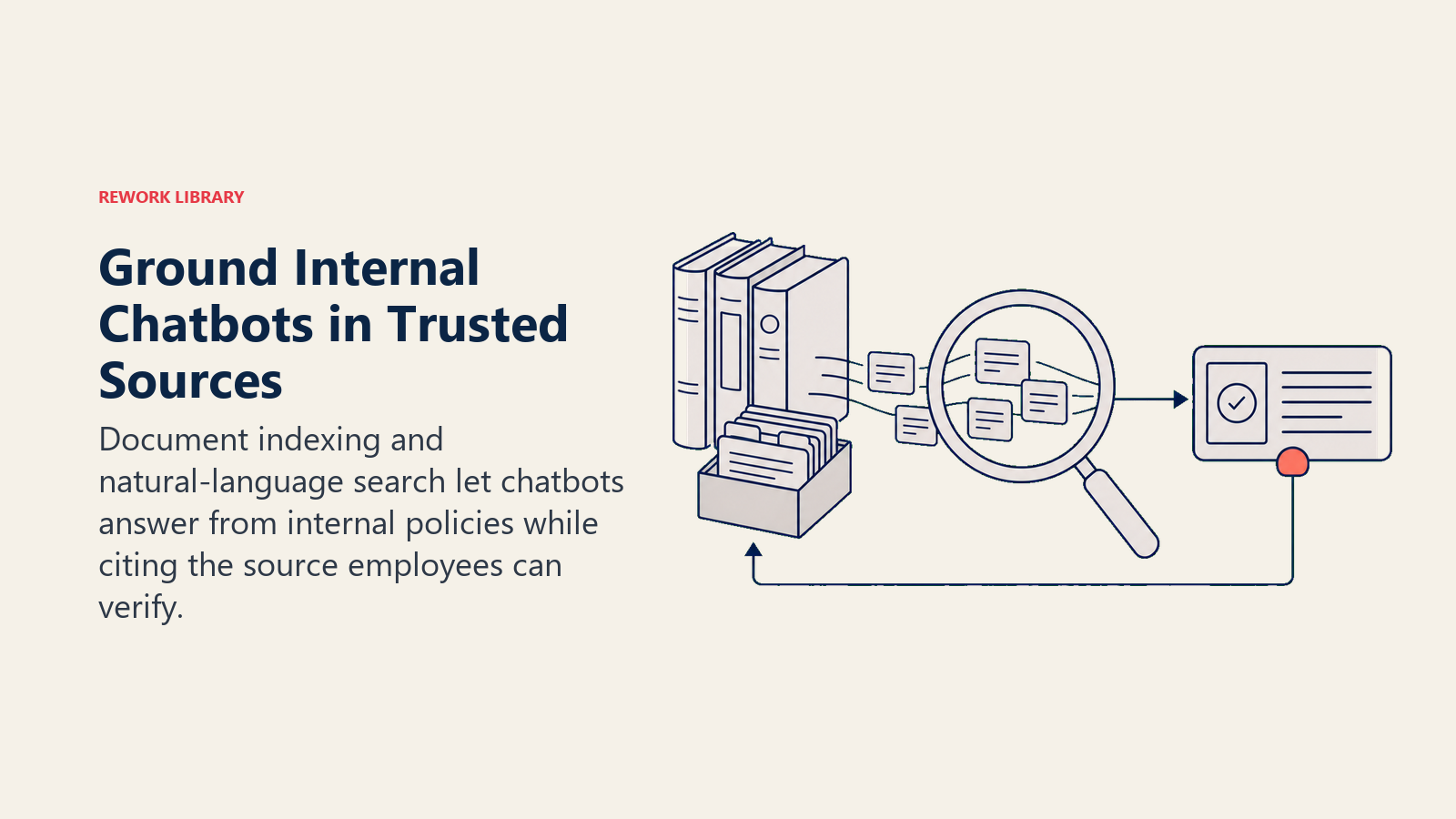
Document indexing processes your internal documentation to make it searchable through natural language. The chatbot reads through policies, procedures, and knowledge articles to build understanding of your content.
Natural language search lets employees ask questions conversationally instead of using exact keywords. They can ask "how much vacation do I get?" instead of searching for "PTO policy annual accrual rates."
Answer generation from internal docs means chatbots don't just find documents but extract relevant information and present it conversationally. Employees get direct answers instead of links to read through.
Source attribution maintains trust by showing where information comes from. When the chatbot provides an answer, it includes links to the source documents so employees can verify and read more detail if needed.
Workflow Automation Through Chat
Chatbots become even more valuable when they can execute actions, not just provide information.
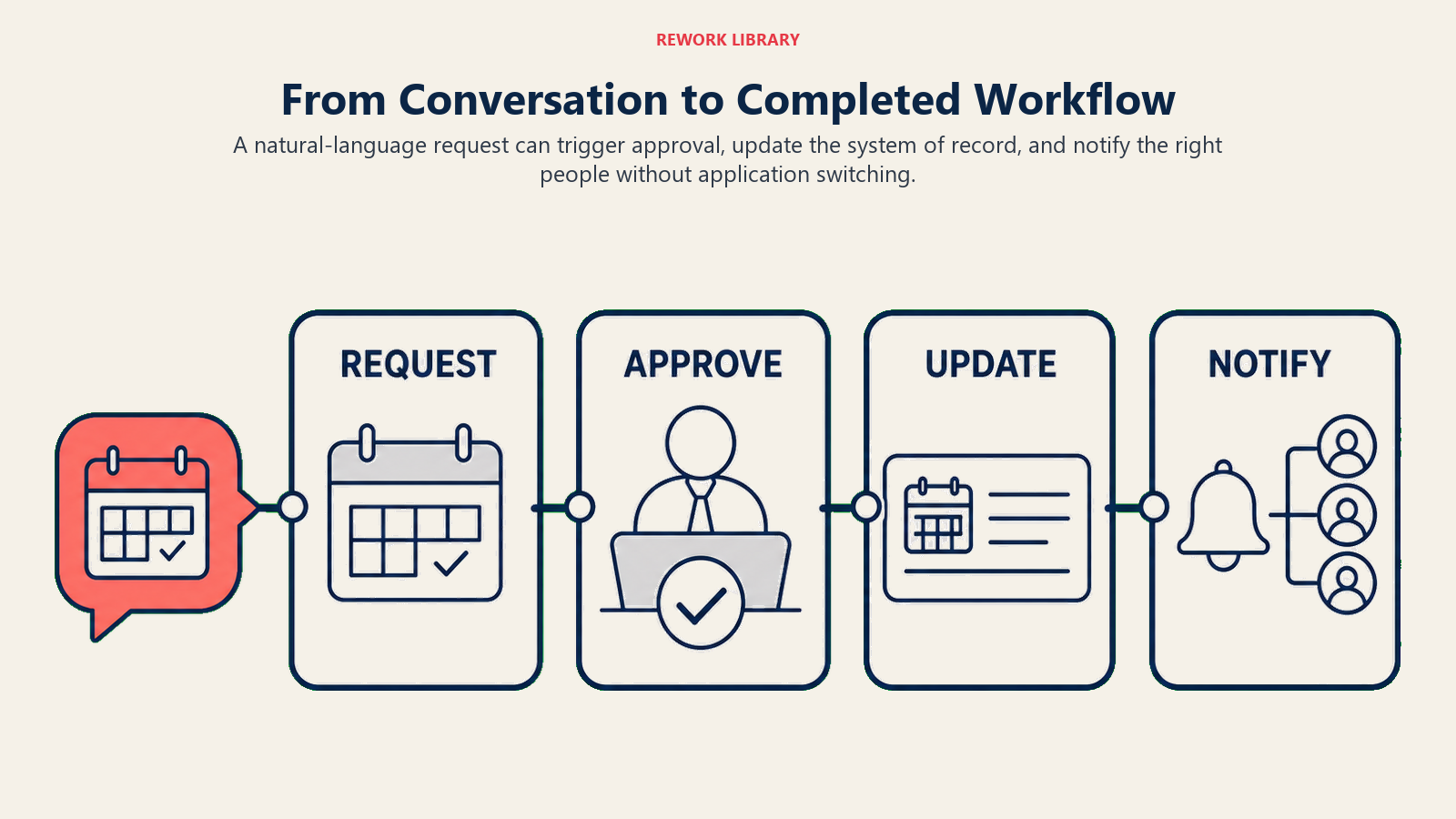
Triggering processes via conversation lets employees start workflows naturally. Saying "I need to request two days off next week" initiates the time-off approval process without opening a separate application.
This connects directly to AI workflow automation, where chatbots serve as the conversational interface to automated business processes.
Approval workflows can be completed entirely in chat. Managers receive approval requests, review details, and approve or deny directly in the conversation.
Data updates happen through natural conversation. Employees can update their contact information, change their direct deposit, or modify other personal data by talking to the chatbot.
Notifications and routing ensure requests reach the right people. The chatbot automatically determines who should handle a request and routes it appropriately with all necessary context.
Adoption and Training
The best chatbot is useless if employees don't use it.
Start with high-volume, low-complexity use cases that provide immediate value. Don't try to handle everything at once, focus on the most common requests where chatbots can provide fast wins.
Make the chatbot highly visible in places employees already work. Put it in Slack, Teams, or your intranet homepage where employees will encounter it naturally.
Train employees on what the chatbot can do, not just how to use it. People need to understand the types of questions and requests the chatbot handles before they'll think to use it.
Set proper expectations about chatbot capabilities. Make it clear when the chatbot will escalate to a human and how that handoff works.
Continuously improve based on usage data. Track which questions the chatbot can't answer, what employees are asking for, and where conversations break down. Use these insights to expand capabilities and improve responses.
Consider how chatbots fit into your broader AI tool implementation roadmap. They often serve as the entry point for employees to experience AI capabilities before expanding to other tools.
ROI Measurement
Internal chatbots deliver measurable value across several dimensions.
Support ticket reduction shows the most obvious impact. Track how many password resets, HR questions, or other requests the chatbot handles compared to ticket volume before implementation.
Response time improvement matters for employee productivity. When employees get instant answers instead of waiting hours or days for support responses, they can keep working instead of getting blocked.
Employee satisfaction improves when people can get help on their schedule. 24/7 availability means second-shift workers and remote employees in different time zones get the same quality of support.
Capacity recapture shows the real business value. Calculate the hours your support teams save by not handling repetitive requests. That capacity can be redirected to more complex problems or strategic projects.
A company with 500 employees might see:
- 200 password resets per month (15 minutes each = 50 hours saved)
- 150 HR policy questions (10 minutes each = 25 hours saved)
- 100 IT troubleshooting requests (20 minutes each = 33 hours saved)
That's 108 hours per month recaptured, or about $5,000 in labor cost savings for just those three use cases.
Getting Started with Internal Chatbots
Begin by identifying your highest-volume support requests. Look at your helpdesk tickets, HR inquiries, and common employee questions to find the best opportunities.
Choose a platform that fits your existing technology stack. Don't force employees to learn a new system when you can deploy chatbots in tools they already use.
Start with read-only capabilities before adding write actions. Get employees comfortable asking questions and receiving information before enabling the chatbot to make changes or execute processes.
Build iteratively based on feedback and usage patterns. Your first version won't be perfect, and that's fine. Learn from how employees interact with the chatbot and expand capabilities progressively.
Internal AI chatbots aren't about replacing your support teams. They're about eliminating the repetitive work that frustrates both employees seeking help and the teams providing it.
When employees can reset their own passwords, look up their own benefits information, and submit their own requests without waiting for support, everyone wins. Your support teams can focus on complex problems that require human expertise, while employees get faster, more convenient access to the help they need.
Related Articles:
