Workflow Automation: How to Automate Business Processes (With Examples)
Turn this article into takeaways for your work.


Each assistant summarizes the article only for you and suggests best practices for your work.
Workflow automation is the practice of replacing manual handoffs, routing decisions, and repetitive approvals with software rules that run automatically. When a trigger fires, conditions are evaluated, and actions execute across one or more systems. You don't click. The process just moves.
That's the idea. But making it work at scale requires understanding what automation actually does, where it fits against related technologies like RPA, and how to pick the right processes to automate first.
What is workflow automation?
Workflow automation is the use of software rules to move a sequence of tasks, approvals, and data handoffs from one step to the next without manual intervention.
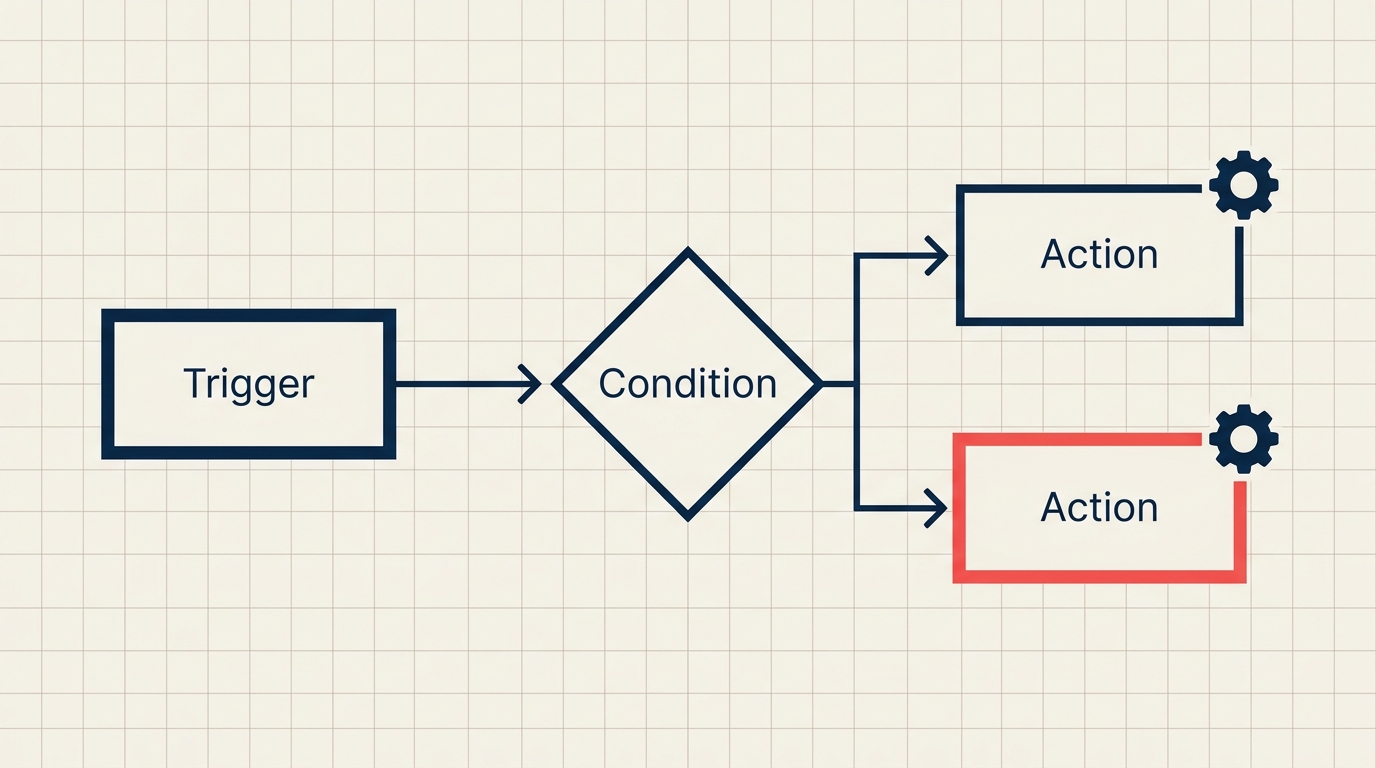
Three concepts define how every automated workflow works:
- Trigger: the event that starts the workflow (a form submission, a status change, a scheduled time, or an inbound API call)
- Condition: a logical check on data ("if deal value > $50,000") that routes the workflow down the right path
- Action: the operation the system performs (send an email, create a record, assign a task, call an API, update a field)
A single workflow chains these together. When a sales rep marks a deal "Closed Won," that trigger fires. The system checks the condition (is contract value above the threshold requiring legal review?). The action that follows is either auto-generating an onboarding task or escalating to the legal queue. No one has to remember to do that routing. It happens in milliseconds.
This is different from scripting or manual automation because the rules live in a system that persists, can be edited by non-engineers, and integrates directly with your existing apps through APIs or native connectors.
Key facts
- McKinsey estimates that roughly 45% of work activities can be automated using existing technology, with data collection and processing representing the largest portion of that opportunity.
- The global business process automation market was valued at approximately $14.2 billion in 2023 and is projected to grow at a CAGR of around 12% through 2030, driven by the expansion of no-code and API-native platforms.
- Forrester research found that companies deploying workflow automation for approval and routing processes reduced cycle times by 50-80%, with the highest gains in finance and HR departments where paper-based handoffs had been the norm.
How workflow automation works: triggers, conditions, actions
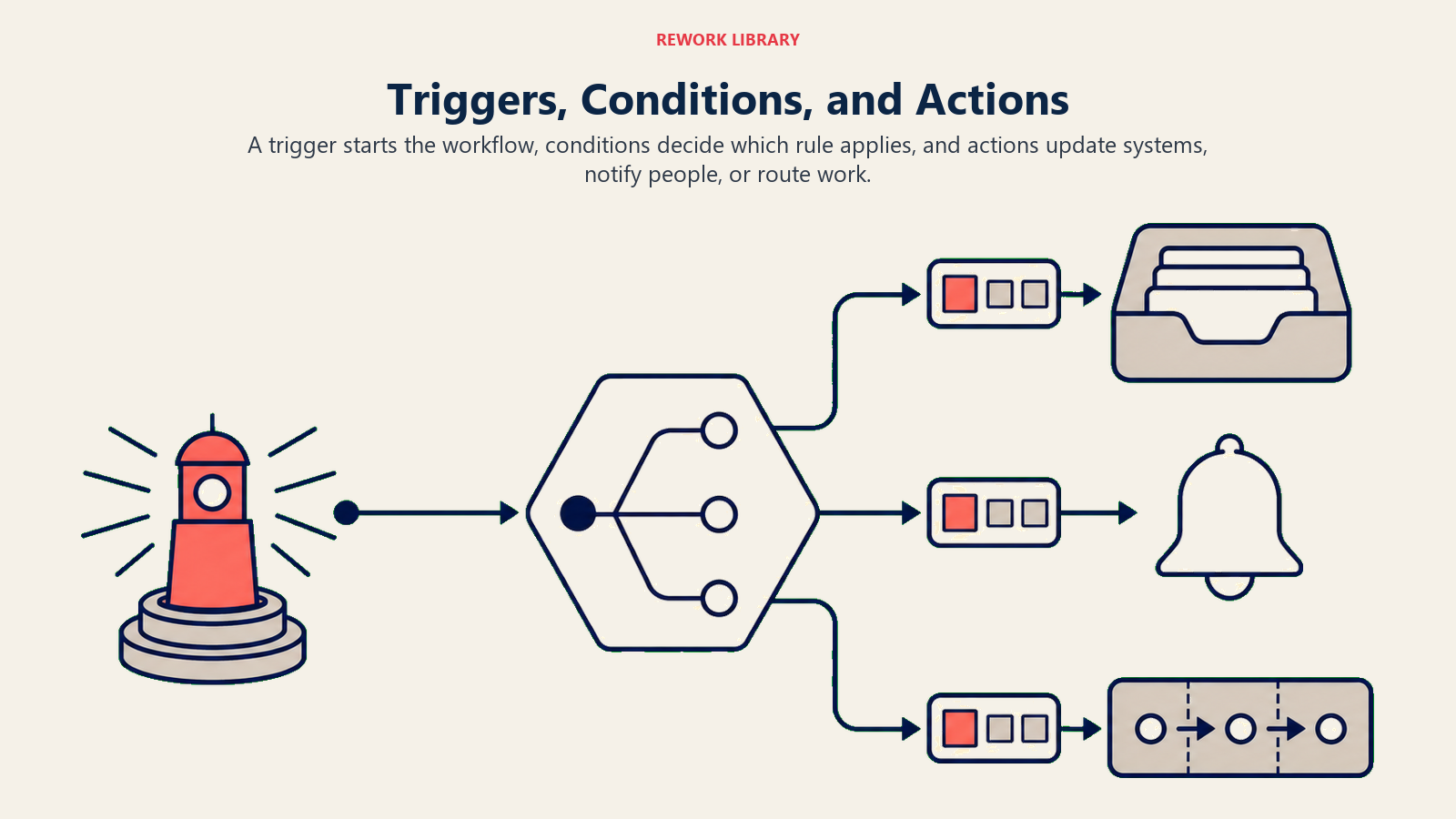
The trigger-condition-action model is the foundation of every workflow tool, from enterprise platforms to no-code builders. Understanding each layer helps you design automations that are both reliable and adaptable.
| Layer | What it does | Examples |
|---|---|---|
| Trigger | Detects an event that should start the workflow | Record created, form submitted, webhook received, field value changed, scheduled time reached |
| Condition | Evaluates data to decide which path to follow | If deal_stage = Proposal AND deal_value > 10000, else branch separately |
| Action | Executes an operation in a connected system | Send email, create task, update record, call external API, post Slack message, generate document |
Most workflow tools support branching conditions (if/else logic), loops (repeat an action until a condition clears), and parallel branches (split into two paths that run simultaneously). The more complex your process, the more you'll rely on branching and error-handling steps to make the workflow resilient.
Workflow automation platforms connect to your apps through APIs or pre-built connectors. Because integration happens at the data layer, automated workflows can orchestrate work across completely different systems: a CRM, an ERP, a ticketing tool, and a document storage platform can all participate in a single workflow without anyone manually copying data between them.
Workflow automation vs RPA
People often use "workflow automation" and "RPA" interchangeably. They solve related problems, but at different levels of the technology stack.
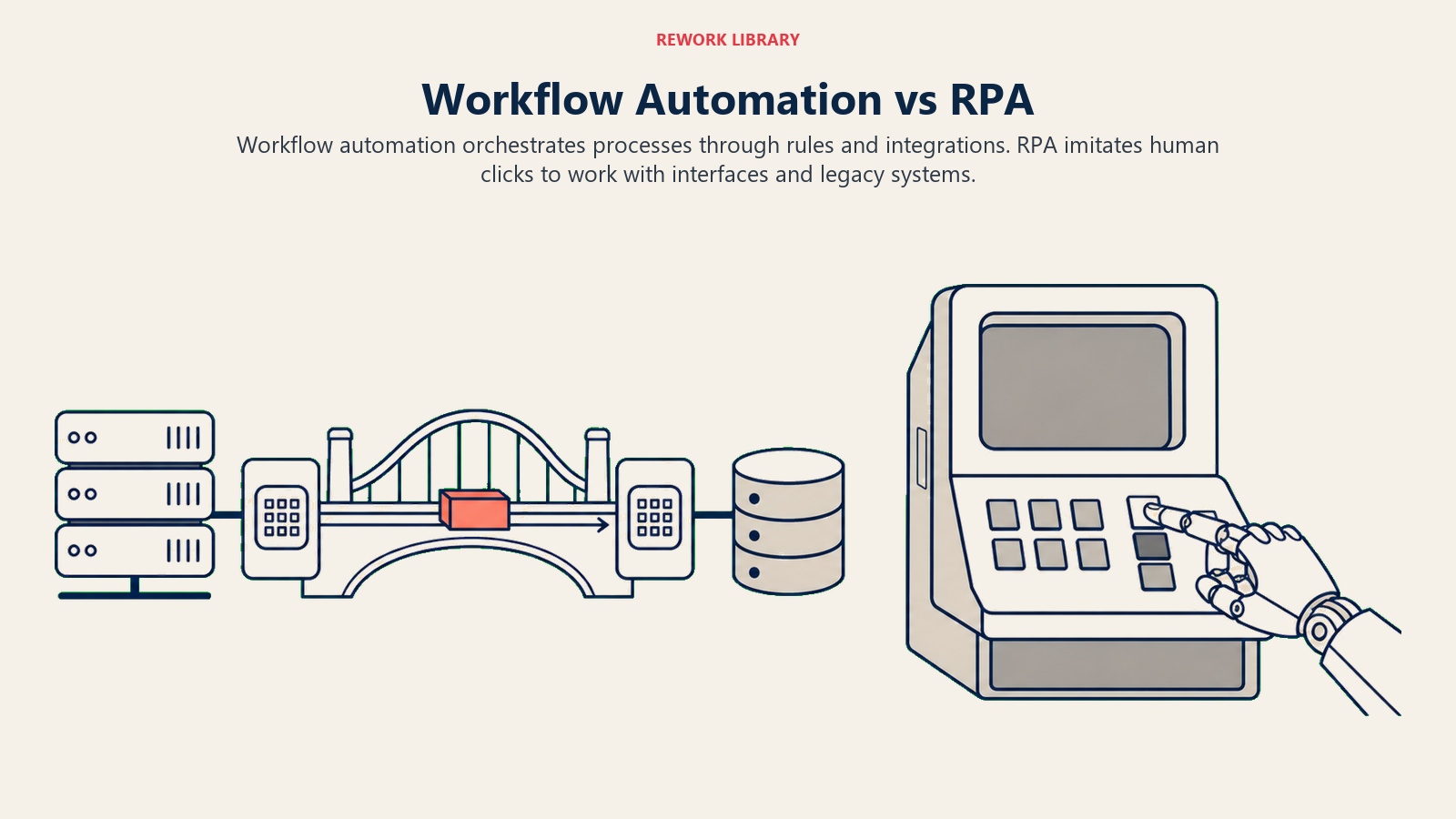
Robotic Process Automation (RPA) deploys software bots that mimic human UI interactions: clicking buttons, reading screen text, copy-pasting values. RPA works even when there's no API, because the bot interacts with the application's interface the same way a human does.
Workflow automation operates at the process-orchestration level, connecting systems through APIs and native integrations. It doesn't care about the UI at all.
| Dimension | Workflow automation | RPA |
|---|---|---|
| Operates at | Process / API layer | UI / presentation layer |
| Requires API? | Yes, or a native connector | No, works on legacy systems without APIs |
| Breaks if UI changes? | No | Yes, bots need maintenance when interfaces change |
| Best for | Cross-system orchestration, approvals, routing, triggers | Legacy application tasks, screen scraping, PDF extraction |
| Typical builder | Zapier, Make, n8n, Workato, native platform flows | UiPath, Automation Anywhere, Blue Prism |
| Speed to build | Hours to days with no-code tools | Days to weeks, plus ongoing bot maintenance |
The two technologies complement each other. A common pattern: an RPA bot extracts data from a legacy ERP (no API available), then passes the structured data to a workflow automation platform that routes it through approvals, updates the CRM, and notifies the relevant team. Neither tool alone covers the full process; together they do.
How to automate a workflow
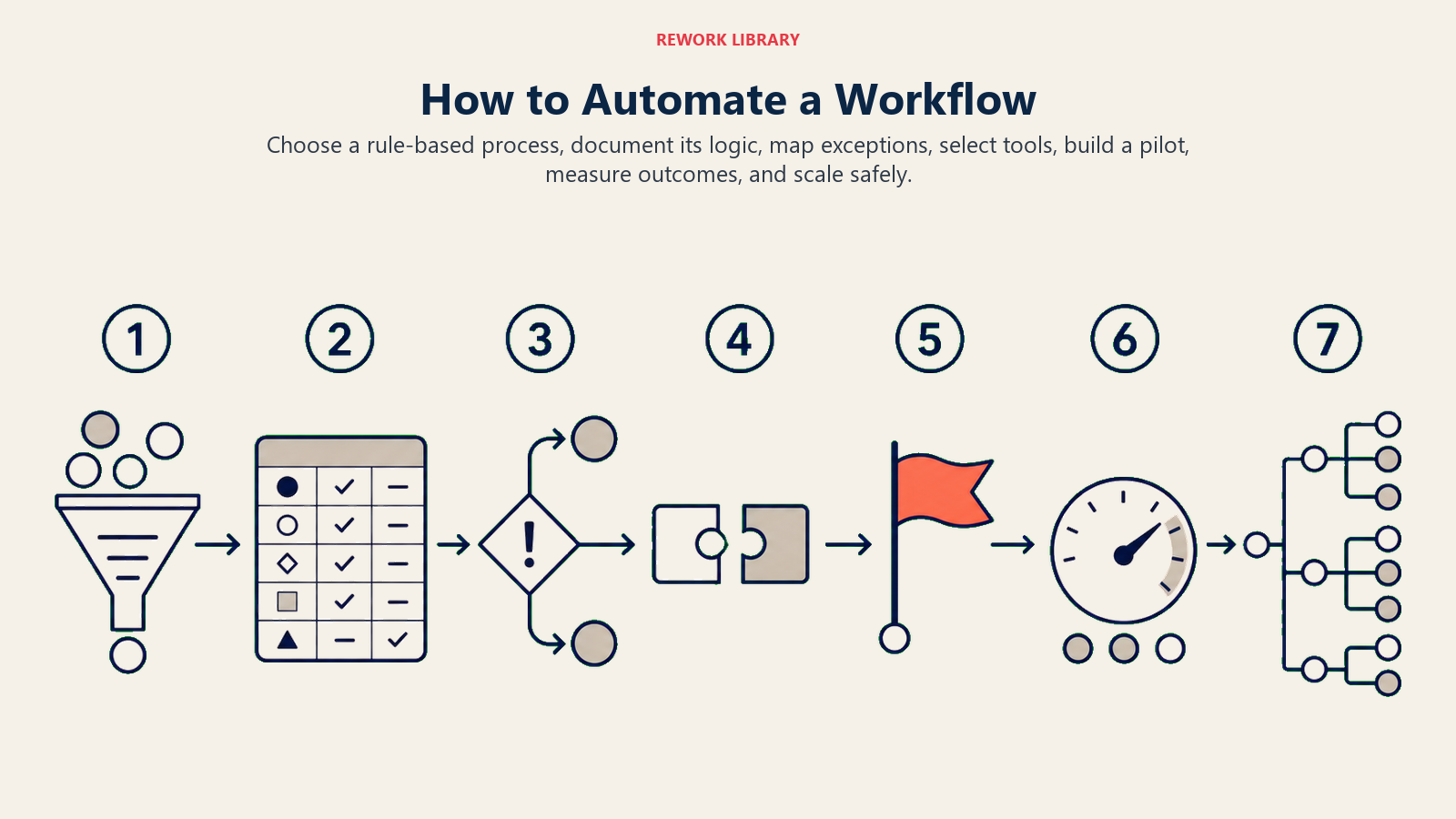
Automation projects fail most often for one of two reasons: teams automate a broken process and just make the errors happen faster, or they skip the design step and build something that works in testing but collapses under real-world variation. A disciplined sequence prevents both.
Step 1: Map the current process
Before automating, document exactly how the process runs today. Use business process mapping to capture every step, decision point, and handoff. Identify where work stalls, where data gets re-entered manually, and where errors tend to originate. If the process is complex enough, a BPMN diagram gives you a precise visual that can be reviewed by all stakeholders before you build anything.
Step 2: Pick the right candidate
Not every process is a good automation candidate. Prioritize processes that are:
- High frequency: they run daily or weekly, so the time savings compound quickly
- Rule-based: decisions follow explicit, documented criteria rather than judgment calls
- Stable: the underlying rules don't change often
- Error-prone when manual: data entry, routing decisions, and email-based approvals are common targets
Avoid automating processes that are in active redesign, heavily exception-driven, or depend on judgment that's hard to codify.
Step 3: Design the trigger-condition-action flow
For each process you've selected, define:
- What event kicks things off (a record update, a form submission, a daily schedule)
- What data fields the workflow needs to read to make decisions
- What branching logic applies (which conditions route to which outcomes)
- What actions the system should take in each branch
- What happens when an error or exception occurs
Write this out as a simple flowchart before touching any tool. The design phase is where you catch assumptions ("what happens if a required field is blank?") that would otherwise become bugs.
Step 4: Build with a trigger-condition-action tool
Choose a workflow automation platform that integrates with your existing apps. Configure your trigger, set up condition branches, and connect the action steps. Most modern platforms let you test each branch by feeding it sample data before activating the automation in production.
For more complex orchestration needs, business process management platforms add governance features like version control, audit trails, and role-based permissions on top of the automation engine.
Step 5: Test thoroughly before going live
Test with real-world variation, not just the happy path. Feed the automation edge cases: missing fields, unexpected values, duplicate records. Check that error branches route to a human review queue rather than silently failing. Get sign-off from the team that owns the process before activating in production.
Step 6: Monitor and improve
Automation isn't set-and-forget. Track key metrics: completion rate, error rate, processing time, and exception volume. Review exceptions regularly. When process rules change, update the automation before changing the human process, or you'll get a gap where the tool runs the old rules while people follow new ones.
Process mining tools can be useful at this stage. They analyze event logs from your systems to show where the automated process deviates from the intended flow in practice, surfacing friction points you wouldn't find by reading the configuration.
Examples by function
| Function | Process automated | Trigger | Key action |
|---|---|---|---|
| Sales | Lead routing and follow-up | New lead form submitted | Assign lead to rep based on territory and tier, send intro sequence |
| HR | Employee onboarding | Employee hire date set in HRIS | Create accounts in IT systems, assign training tasks, schedule orientation |
| Finance | Invoice approval | Invoice uploaded to AP system | Route to approver based on amount threshold, escalate if no response in 48h |
| IT | Helpdesk ticket triage | Ticket created in support tool | Tag by category, assign to specialist, set SLA clock |
| Marketing | Campaign enrollment | Contact meets lead score threshold | Add to nurture sequence, notify account owner, update lifecycle stage |
In each case, the automation handles the routing and status updates that would otherwise require a person to check a queue, make a decision, and take an action. The higher the volume, the larger the return.
Benefits and common pitfalls
Benefits:
- Speed: automated routing and approvals run in seconds rather than hours, which compresses cycle times across the entire process
- Consistency: rules apply the same way every time; there's no variation due to who happens to be handling a task on a given day
- Auditability: every step is logged automatically, which makes compliance reviews and post-incident analysis much easier
- Scalability: a workflow that processes 100 transactions per day handles 10,000 with no extra headcount, just infrastructure cost
Common pitfalls:
- Automating a flawed process: if the current process has quality problems, automation amplifies them. Map and fix the process first.
- Skipping error handling: workflows that fail silently create data quality problems that are hard to trace back. Build error branches and notifications into every automation from the start.
- Over-engineering early: building a complex multi-branch workflow when a simpler rule would handle 90% of cases leads to maintenance burden. Start simple and add complexity when edge cases actually appear.
- No ownership: automated workflows need an owner who monitors them and updates them when business rules change. Without ownership, workflows drift out of sync with reality.
Best practices
Start with a process that already works. Automating a process with known issues bakes those issues in. Your first automation project should run on a process that's stable and well-understood.
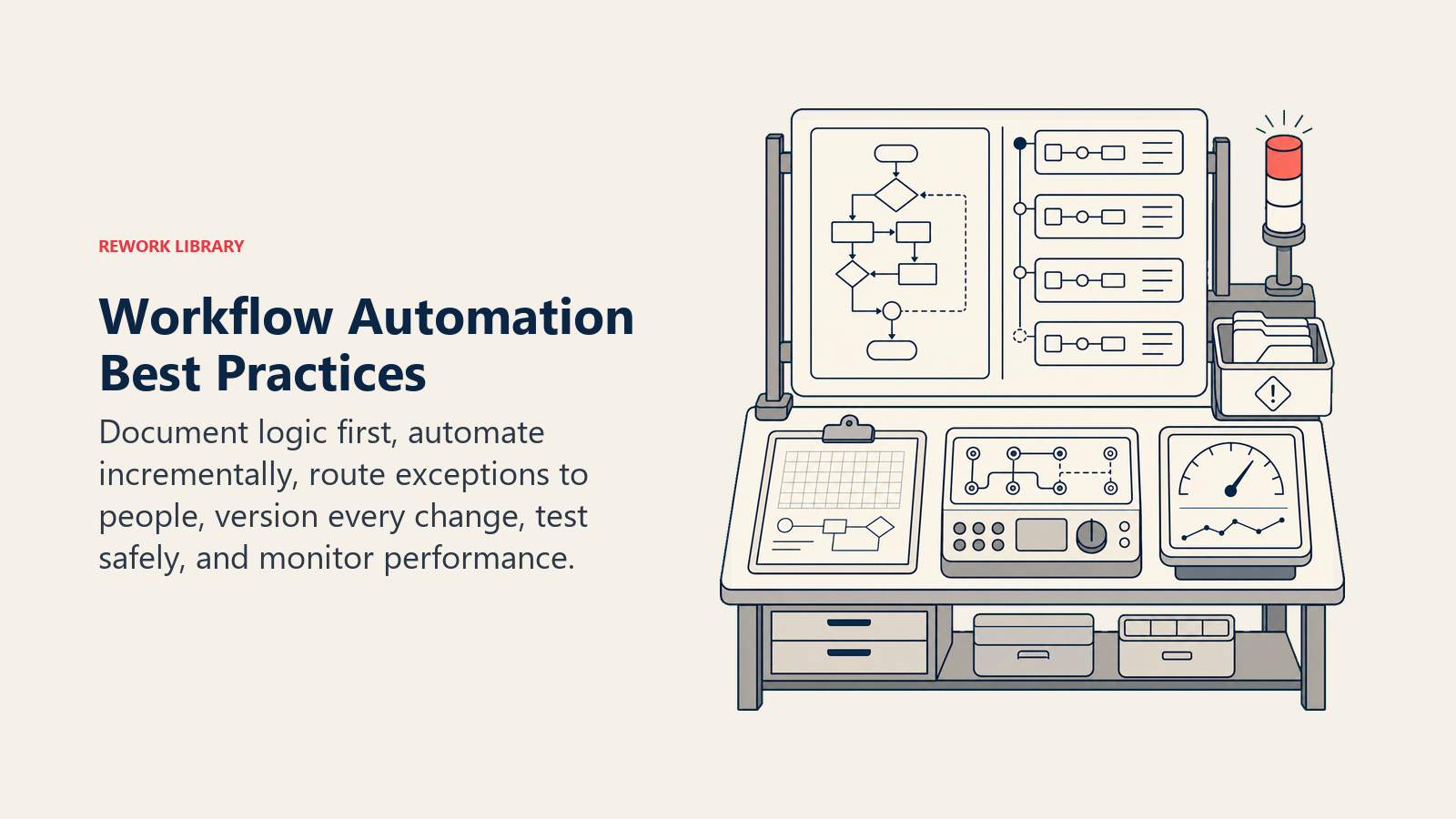
Document the rules before you build. If you can't write down the decision logic in plain language, you can't automate it reliably. The documentation step also surfaces disagreements about how the process actually works.
Use standard operating procedures as your automation spec. A well-written SOP maps directly to triggers, conditions, and actions. If your SOP says "when X happens, do Y unless Z applies," that's your automation design.
Build incrementally. Automate one step at a time, validate it, then extend. A fully automated end-to-end process built all at once is much harder to debug than one built and validated in stages.
Keep humans in the loop for exceptions. Good automation design routes clear-cut cases automatically and escalates ambiguous ones to a person. Trying to automate 100% of decisions in a complex process usually produces more errors than it prevents.
Treat the workflow as code. Version it, review changes before pushing to production, and maintain a test environment. Workflow tools increasingly support export-to-YAML or version history features that enable this.
Getting workflow automation right isn't about deploying the most sophisticated tool. It's about identifying where rule-based work is currently bottlenecked, designing clear trigger-condition-action logic, and building in the monitoring to keep automations accurate as your business changes. Start small, measure the impact, and expand from there.

Customer Success Operations Manager
On this page
- What is workflow automation?
- Key facts
- How workflow automation works: triggers, conditions, actions
- Workflow automation vs RPA
- How to automate a workflow
- Step 1: Map the current process
- Step 2: Pick the right candidate
- Step 3: Design the trigger-condition-action flow
- Step 4: Build with a trigger-condition-action tool
- Step 5: Test thoroughly before going live
- Step 6: Monitor and improve
- Examples by function
- Benefits and common pitfalls
- Best practices