Process Mining: How to Discover How Your Processes Really Run
Turn this article into takeaways for your work.


Each assistant summarizes the article only for you and suggests best practices for your work.
Process mining is a technique that uses event-log data from your IT systems to automatically reconstruct, visualize, and analyze how a business process actually runs, not how you think it runs. If you've ever documented a process in a workshop and then discovered the real workflow looks nothing like the diagram, process mining is the tool that closes that gap.
What is process mining?
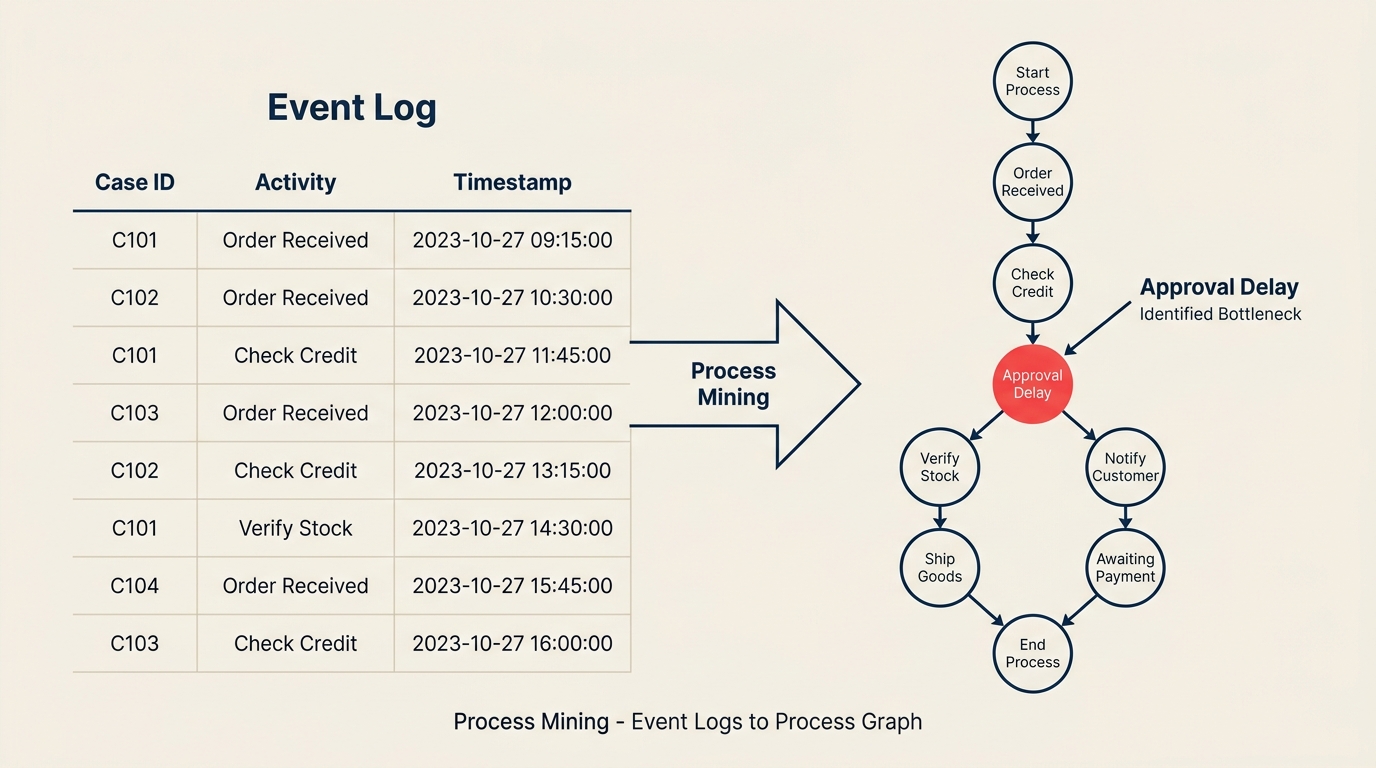
Process mining is a data-driven discipline that extracts evidence about real process behavior from the digital traces left in IT systems such as ERP, CRM, helpdesk, or order management platforms. Every time an employee creates a purchase order, resolves a ticket, or moves a deal through a pipeline, the system writes a timestamped record. Process mining collects those records, connects them into sequences by case, and produces a visual model of every path the process actually took.
The result is not a diagram someone drew in a workshop. It's a map computed from millions of real transactions, showing every loop, shortcut, and detour that occurs in practice. Variants are the distinct paths cases travel through the process. Conformance measures how closely those variants match your intended design. Bottlenecks appear as nodes or transitions where cases pile up waiting.
Three terms come up constantly in process mining:
- Event log: the structured dataset extracted from a system, containing one row per activity per case.
- Case: a single instance of a process, such as one invoice, one service ticket, or one customer order.
- Trace: the ordered sequence of activities for a single case from start to finish.
Key facts
- Gartner named process mining one of its top strategic technology trends and expects the market to reach $5.3 billion by 2027, growing at over 40% annually.
- According to Celonis research, over 80% of business transactions run through SAP or similar ERP systems, meaning most large organizations already have the raw event data they need to start.
- A 2023 Forrester survey found that organizations using process mining reported an average 15% reduction in process cycle time within the first year.
Process mining vs manual process mapping
Most process improvement initiatives start the same way: gather a group of subject matter experts, run a workshop, and draw a diagram of how the process should work. Business process mapping and BPMN are the two most common approaches to that manual work. Both are valuable for communicating an intended design and for training new staff. But they have a structural limitation: they capture what participants believe happens, filtered through memory and organizational politics.
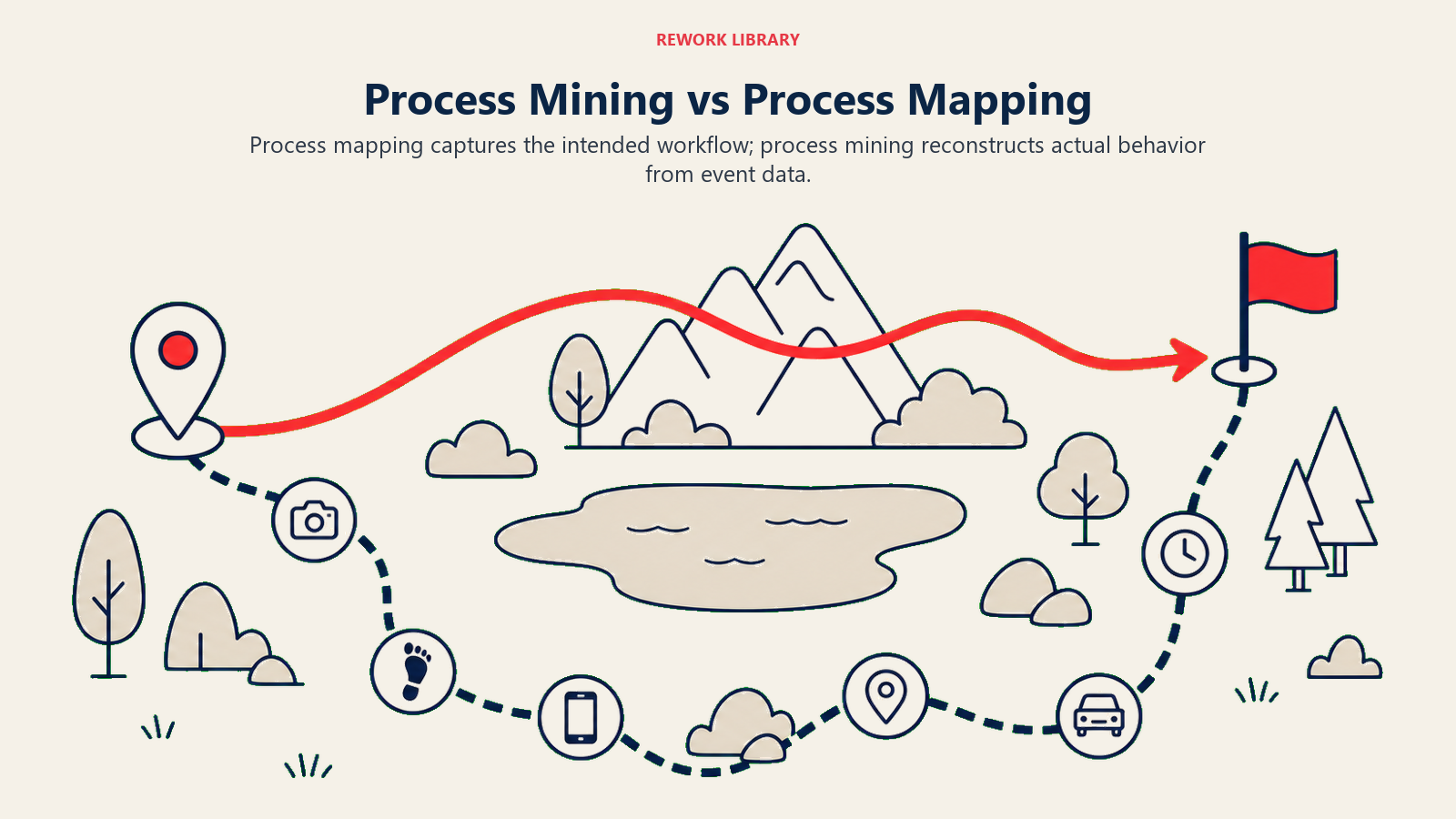
Process mining takes the opposite approach. Instead of asking people, it reads the system.
| Dimension | Manual process mapping | Process mining |
|---|---|---|
| Data source | Human recall and workshops | System event logs (ERP, CRM, ticketing) |
| Accuracy | Reflects intended or idealized behavior | Reflects actual recorded behavior |
| Effort to create | Days to weeks of facilitation and drawing | Hours to set up the extraction; analysis runs automatically |
| Scale | Covers the paths people describe | Covers every case, including rare and problematic variants |
| What it reveals | Agreed-upon process design | Deviations, rework loops, bottlenecks, and unauthorized shortcuts |
| Best for | Communicating target state, onboarding, compliance docs | Diagnosing performance gaps, audit prep, automation scoping |
The two approaches work well together. Use manual mapping to define the intended process design, then use process mining to measure how far reality has drifted from that design. If you haven't documented an intended design yet, read the business process mapping guide first.
The 3 types of process mining
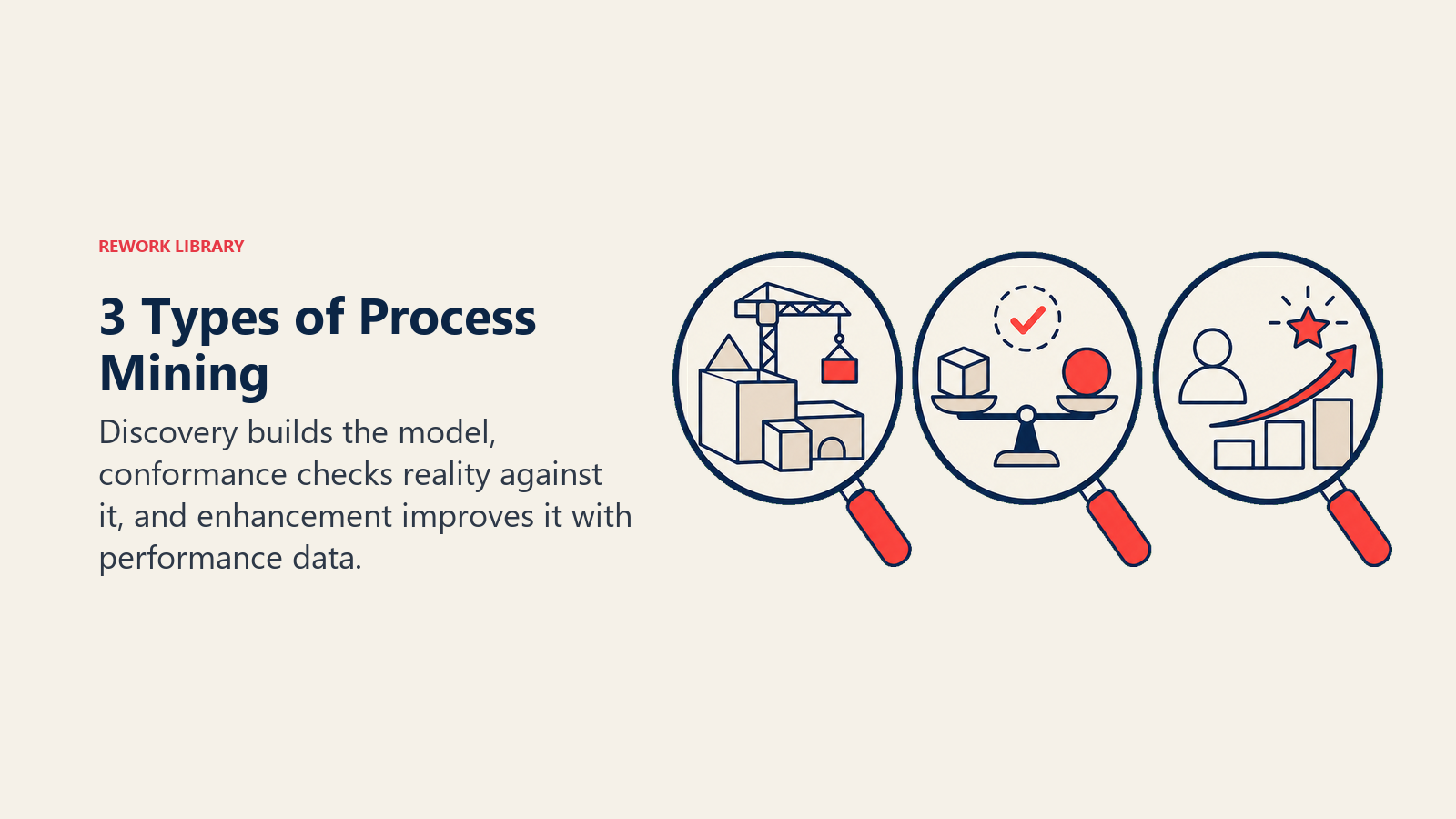
Discovery builds the model, conformance checks reality against it, and enhancement improves it with performance data.
| Type | What it does | Typical question it answers |
|---|---|---|
| Discovery | Builds a process model from scratch using only the event log, with no prior design to compare against | "What does our order-to-cash process actually look like?" |
| Conformance checking | Compares the discovered or observed behavior against a reference model to identify deviations | "How often does our purchase approval process skip the mandatory second review?" |
| Enhancement | Takes an existing process model and enriches it with performance data: cycle time, waiting time, frequency, resource load | "Where are cases waiting longest, and what does that cost us?" |
Discovery is often where organizations start, because they don't have a reliable reference model to check against. Conformance checking becomes critical for regulated industries where auditors need proof that controls were followed. Enhancement is where most ongoing improvement work happens once the process map is stable.
How process mining works
Extract events, create case timelines, discover variants, analyze bottlenecks, and prioritize improvements.
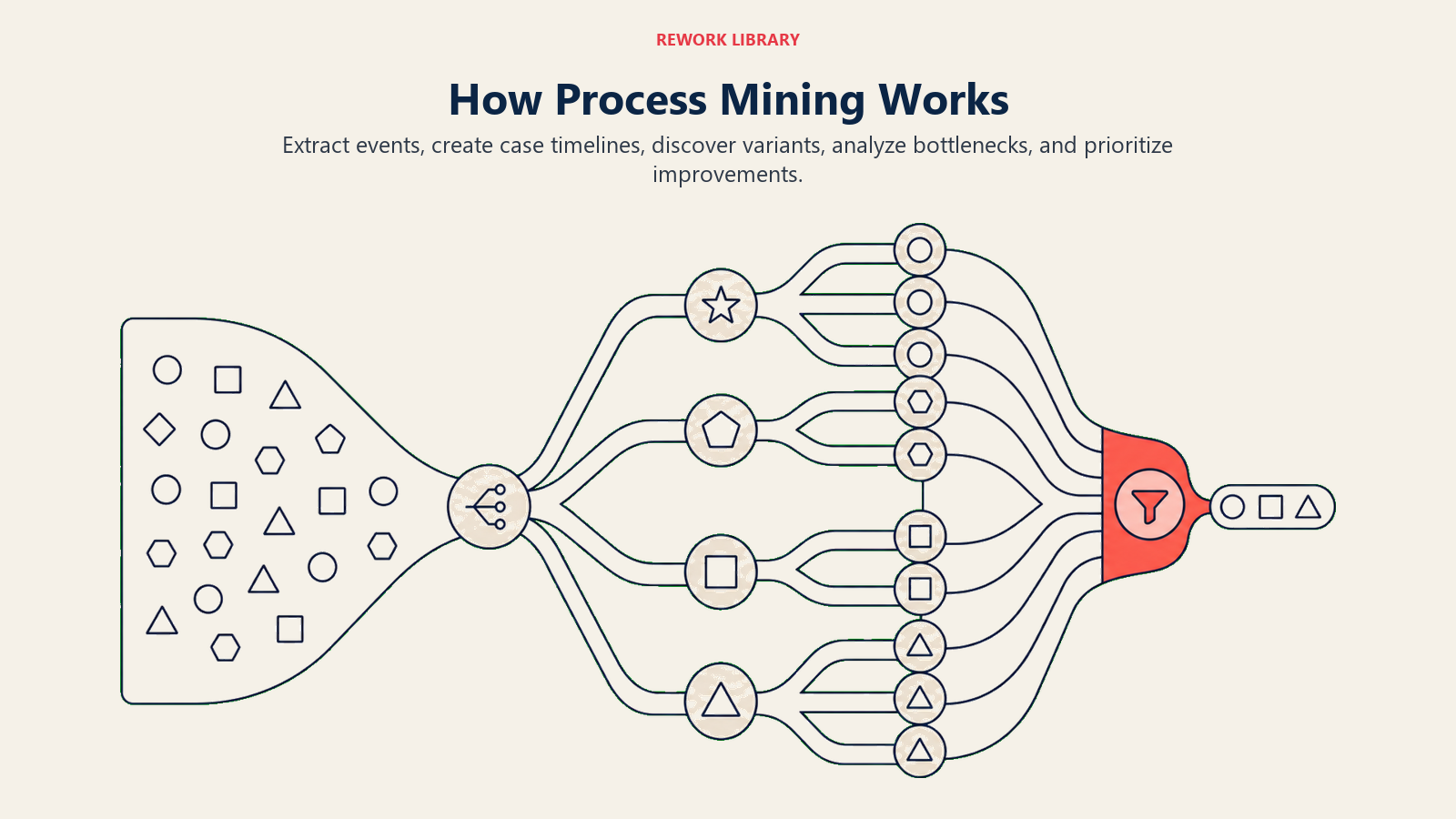
Step 1: Identify the process and the source system
Pick a single end-to-end process with a clear start and end event, such as "purchase requisition to payment" or "ticket opened to ticket closed." Identify which system holds the records for that process. In most organizations this is an ERP like SAP or Oracle, a CRM like Salesforce, or an ITSM tool like ServiceNow.
Step 2: Extract the event log
Export or query the system to produce a structured table with at minimum three columns: a case ID (the unique identifier for each process instance), an activity name (what happened), and a timestamp (when it happened). Most analyses also include a resource column (who or what performed the activity). The richer the log, the more the analysis can explain.
Step 3: Load the log into a process mining tool
Import the event log into a tool such as Celonis, ProM, Minit, or UiPath Process Mining. The tool groups rows by case ID, sorts activities by timestamp within each case, and constructs a trace for every case. It then applies a discovery algorithm to compute which activity sequences occur most often, producing a process graph.
Step 4: Analyze variants, conformance, and bottlenecks
Explore the resulting model. The "happy path" is the most frequent trace. Look at what percentage of cases follow it. Then examine the variants that deviate: cases that skip an activity, cases that loop back, cases that follow a path you didn't know existed. Check where waiting time accumulates. Run conformance checking if you have a reference model.
Step 5: Act on the findings
Use the analysis to set priorities. Bottleneck analysis often feeds process optimization initiatives. Conformance violations may point to training gaps or system misconfigurations. High-frequency repetitive activities are strong candidates for robotic process automation or workflow automation.
What an event log looks like
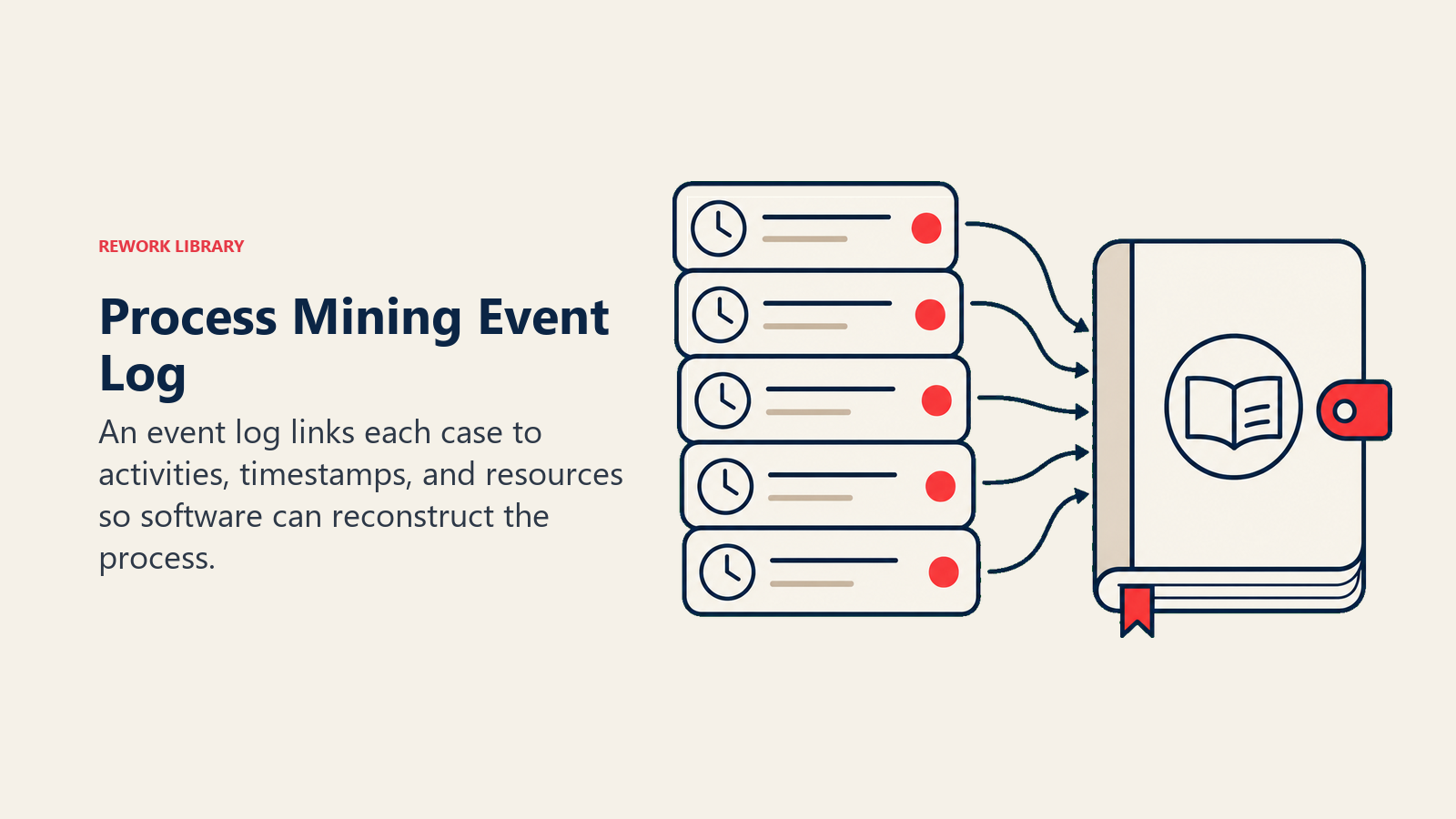
Here's a simplified example from an invoice processing workflow:
| Case ID | Activity | Timestamp | Resource |
|---|---|---|---|
| INV-1001 | Invoice received | 2026-05-01 09:14 | email-gateway |
| INV-1001 | Data entry completed | 2026-05-01 10:02 | finance-team |
| INV-1001 | Approval requested | 2026-05-01 10:03 | finance-team |
| INV-1001 | Approved | 2026-05-01 14:37 | sarah.m |
| INV-1001 | Payment scheduled | 2026-05-01 14:40 | finance-team |
| INV-1002 | Invoice received | 2026-05-01 09:55 | email-gateway |
| INV-1002 | Data entry completed | 2026-05-01 11:20 | finance-team |
| INV-1002 | Duplicate check flagged | 2026-05-01 11:21 | system |
| INV-1002 | Approval requested | 2026-05-03 08:05 | finance-team |
| INV-1002 | Approved | 2026-05-04 10:14 | james.k |
| INV-1002 | Payment scheduled | 2026-05-04 10:16 | finance-team |
INV-1001 followed the intended path and was processed in about five hours. INV-1002 hit a duplicate check, which added nearly three days before it reached approval. Process mining surfaces exactly this pattern across thousands of cases, showing how often it happens, which resources are involved, and what the cycle-time cost is.
Use cases and examples
Procurement and accounts payable. The purchase-to-pay process is one of the most common targets. Process mining reveals how often invoices are matched without a purchase order (maverick buying), how frequently the three-way match fails and triggers rework, and where approval bottlenecks sit. One European manufacturer found that 23% of its invoices triggered at least one rework loop before payment, costing an average of four extra days per case.
Order-to-cash. For sales operations teams, process mining maps every path an order takes from entry to revenue recognition. It identifies which order types are most likely to be manually adjusted, which customers consistently require credit holds, and where the handoff between sales and operations stalls.
IT service management. In a helpdesk context, every ticket is a case. Process mining shows which ticket categories are reopened most often (a proxy for poor first-contact resolution), which teams are handing work back and forth, and how SLA breaches cluster around specific agents or time windows. This connects directly to SLA management practice.
Customer onboarding. For B2B SaaS companies, onboarding is a business process with system-logged steps: contract signed, account provisioned, training scheduled, first login recorded. Process mining reveals which customers churn before completing onboarding and what their trace had in common compared with customers who activated successfully.
Benefits and limitations
Benefits
- Gives you a factual, not anecdotal, picture of process performance.
- Scales to any volume of data: a process mining analysis can cover 10 million cases as easily as 10,000.
- Identifies improvement opportunities with quantified impact, so you can prioritize the bottleneck that costs the most before touching the one that's just annoying.
- Provides an audit trail that regulators and external auditors can independently verify.
- Feeds directly into automation scoping, since it shows which activities are high-frequency and rule-based.
Limitations
- Only as good as the data. If your system doesn't log an activity, process mining can't see it. Heavily manual, paper-based, or informal processes leave little trace.
- Requires data access. Extracting event logs from enterprise systems often involves IT and may run into data governance policies or performance concerns.
- Produces a diagnosis, not a prescription. Process mining tells you where the problem is; you still need process optimization, lean methodology, or another improvement framework to fix it.
- Can overwhelm teams unfamiliar with process analytics. A process map with 300 variants is accurate but not immediately actionable without someone to interpret it.
Where process mining leads next
Process mining is most valuable when it's the start of something, not the end. Once you know which activities are slow, which variants are costly, and which steps consistently follow a rule-based pattern, you have a prioritized target list for improvement. The repetitive, structured steps become candidates for robotic process automation. The handoffs between teams become candidates for workflow automation. The entire process design becomes an input for business process management at the organizational level.
Think of process mining as the diagnostic scan before the surgery. The data tells you exactly where to cut.

Customer Success Operations Manager
On this page
- What is process mining?
- Key facts
- Process mining vs manual process mapping
- The 3 types of process mining
- How process mining works
- Step 1: Identify the process and the source system
- Step 2: Extract the event log
- Step 3: Load the log into a process mining tool
- Step 4: Analyze variants, conformance, and bottlenecks
- Step 5: Act on the findings
- What an event log looks like
- Use cases and examples
- Benefits and limitations
- Where process mining leads next