Robotic Process Automation (RPA): What It Is and How It Works
Turn this article into takeaways for your work.


Each assistant summarizes the article only for you and suggests best practices for your work.
Robotic process automation (RPA) is one of the fastest ways organizations cut operational busywork without touching their core IT systems. But what exactly is it, how does it differ from other types of automation, and which processes actually benefit from it?
What is robotic process automation?
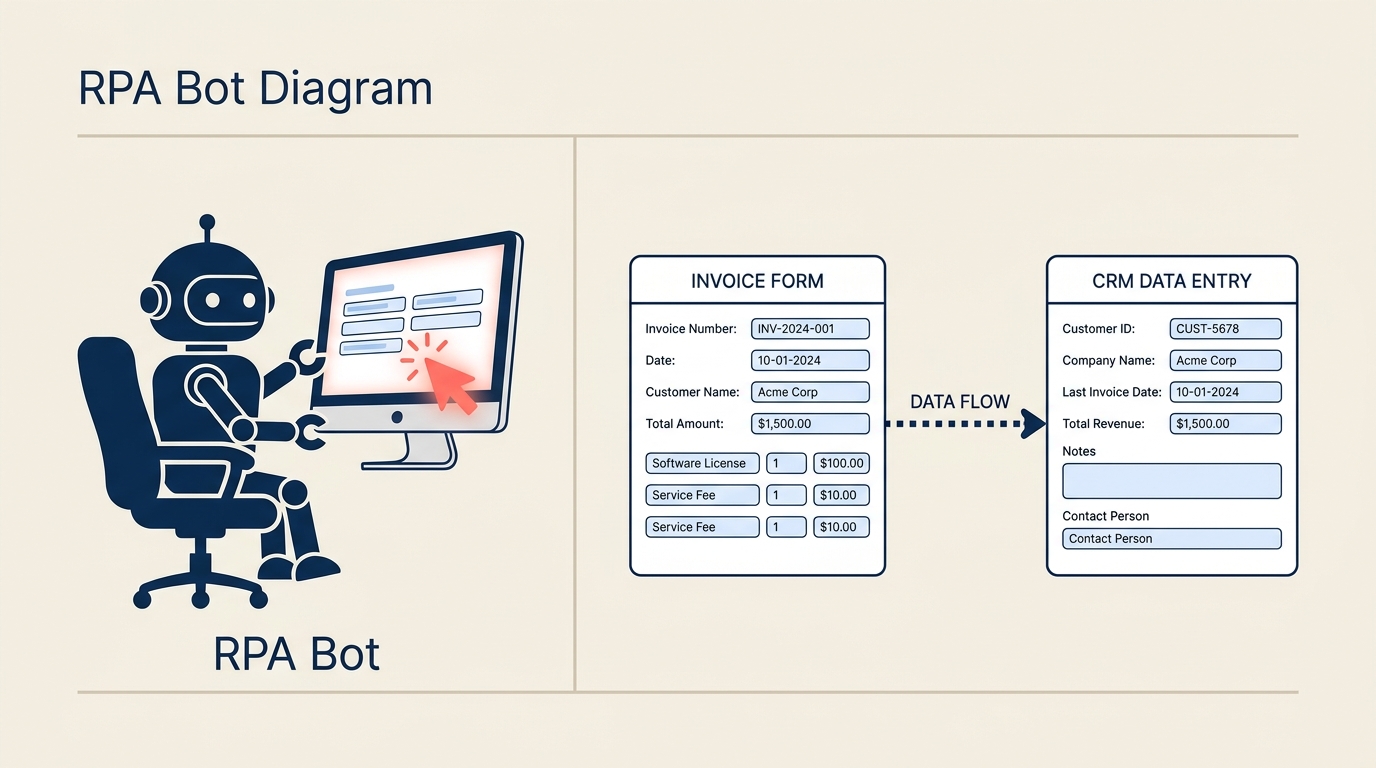
Robotic process automation (RPA) is software that mimics the actions a human would take on a computer. Bots log into applications, open files, copy data from one screen and paste it into another, fill in forms, click buttons, and extract information from documents, all by interacting with the user interface (UI) just as a person would.
The word "robotic" here refers to software robots, not physical robots. An RPA bot is a program that reads pixels and screen elements, triggers keyboard and mouse events, and follows a defined sequence of steps. It doesn't need a new API, a database connection, or any change to the underlying system. If a human can do it by clicking through an application, an RPA bot can do it too.
That last point is the key differentiator. RPA sits on top of existing software. It's particularly useful in environments where legacy systems are still in use but lack modern integration options. Finance teams copying bank statement data into an ERP, HR teams updating employee records across multiple platforms, operations teams generating the same weekly report by pulling from three different tools: these are classic RPA candidates.
Key facts
- Market size and growth: The global RPA market was valued at around $2.9 billion in 2023 and is projected to exceed $13 billion by 2030, reflecting a compound annual growth rate of roughly 24% (Grand View Research, 2024).
- Adoption rates: Gartner reported that by 2022, 80% of finance organizations had deployed or planned to deploy RPA, driven primarily by order-to-cash and procure-to-pay automation use cases.
- Return on investment: Deloitte's 2023 Global RPA Survey found that 91% of organizations that deployed RPA met or exceeded their expected ROI, with most implementations achieving payback within 12 months.
RPA vs workflow automation vs traditional automation
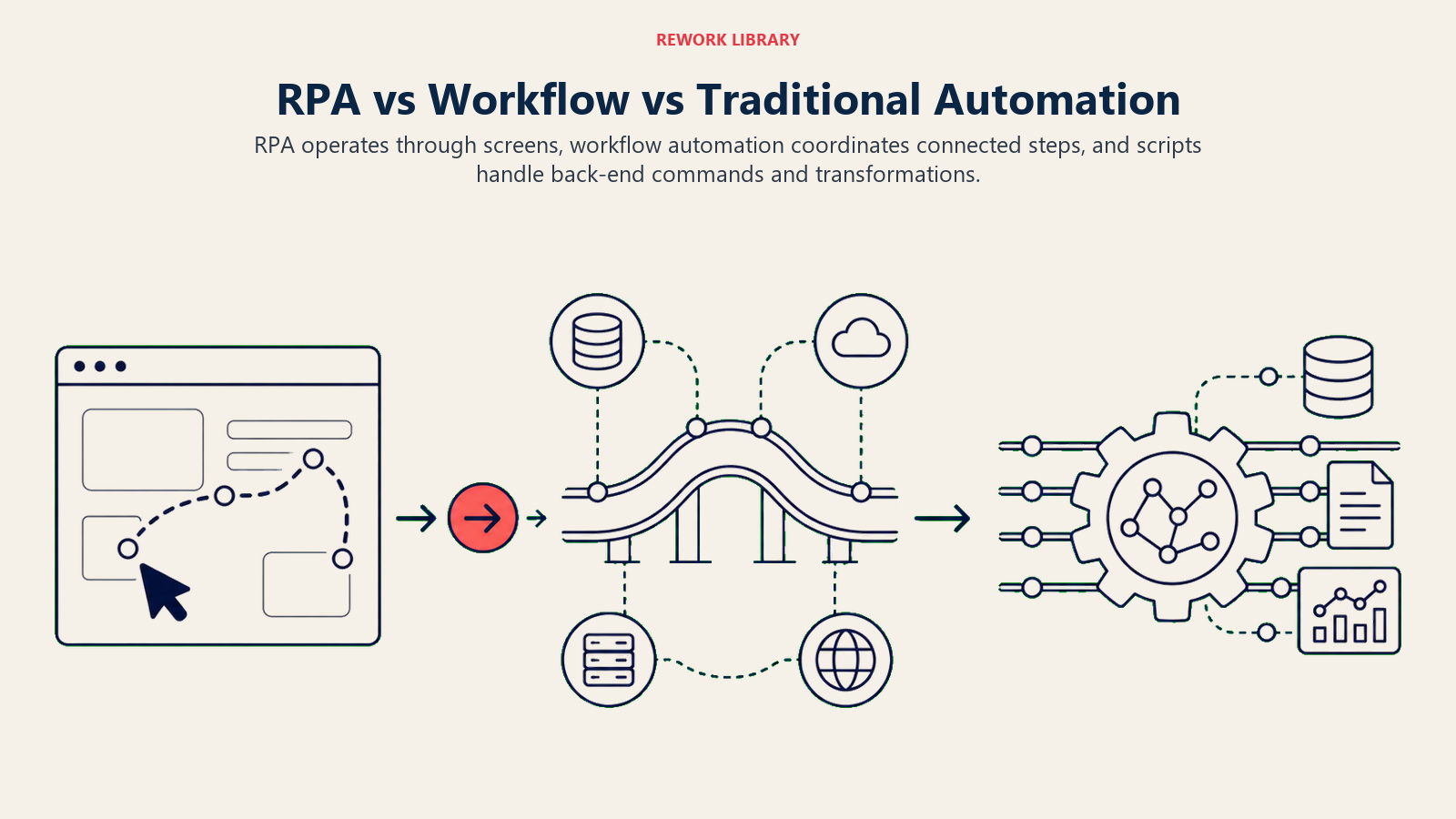
People often use "automation" as a catch-all term. But RPA, workflow automation, and traditional scripting solve different problems at different layers. Getting this distinction right matters, because choosing the wrong tool adds complexity instead of removing it.
| Dimension | RPA | Workflow automation | Traditional automation / scripting |
|---|---|---|---|
| What it automates | User interface actions (clicks, keystrokes, copy-paste) | Process steps, decisions, approvals, notifications | System commands, data transformations, batch jobs |
| Needs an API? | No. Works on any screen a human can see. | Usually yes. Connects systems via APIs or webhooks. | Depends. Often direct database or CLI access. |
| Where the logic lives | Inside the bot (recorded or coded step sequences) | In the workflow engine (rules, conditions, triggers) | In scripts or scheduled jobs |
| Best for | Legacy system tasks with no API; high-volume UI work | End-to-end process orchestration across systems | Back-end data processing; infrastructure tasks |
| Fragility | High. Breaks when the UI changes. | Low to medium. API contracts are more stable. | Medium. Breaks when schemas or CLI interfaces change. |
| Typical setup time | Days to weeks for a single task | Weeks to months for a full process | Hours to days for simple scripts |
Read the workflow automation deep dive for a fuller comparison of process-level orchestration tools.
The short version: RPA fills the gap where there's no API and a human is currently doing repetitive UI work. Workflow automation orchestrates the bigger process end-to-end. Many mature automation programs combine both: RPA handles the screen-scraping and data entry tasks, while a workflow engine coordinates the sequence and routing.
Attended vs unattended bots
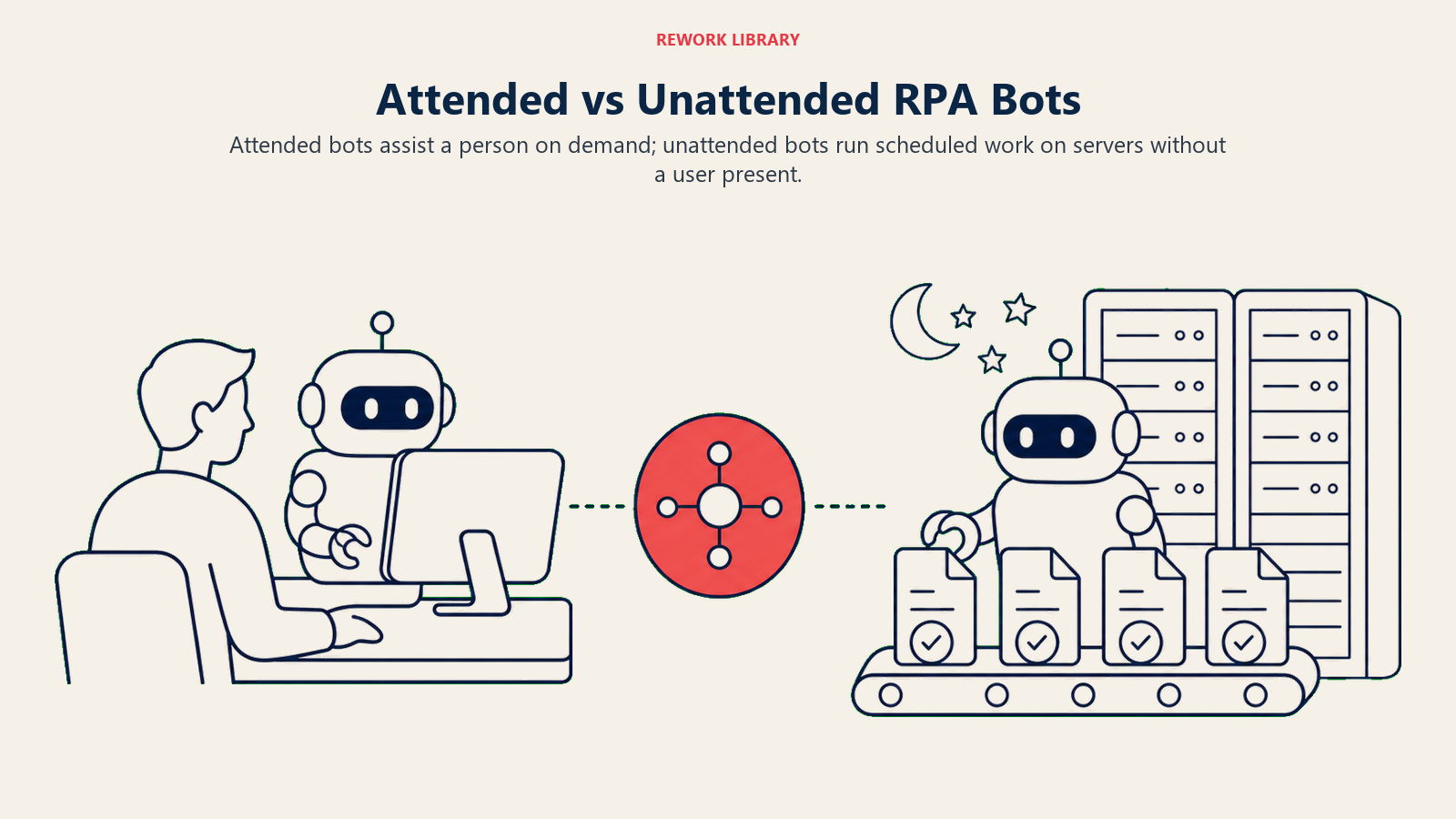
RPA deployments split into two operating modes, and choosing the right one depends on whether a human needs to stay in the loop.
| Mode | How it works | When to use it |
|---|---|---|
| Attended bots | Run on a user's desktop and are triggered by the user (a button click or a keyboard shortcut). The bot handles the repetitive steps while the human manages context and exceptions. | Customer service agents who need to look up and update multiple systems mid-call; tasks where judgment or customer interaction is required |
| Unattended bots | Run on servers or virtual machines, triggered by schedules or system events, with no human present. They execute end-to-end without interruption. | Overnight batch processing, invoice extraction, report generation, data migration jobs |
A third hybrid mode exists where a central bot orchestrator decides when to hand work off to an attended desktop bot. This is common in shared-services teams that handle large volumes of similar requests but still need a human to review and approve edge cases.
How RPA works
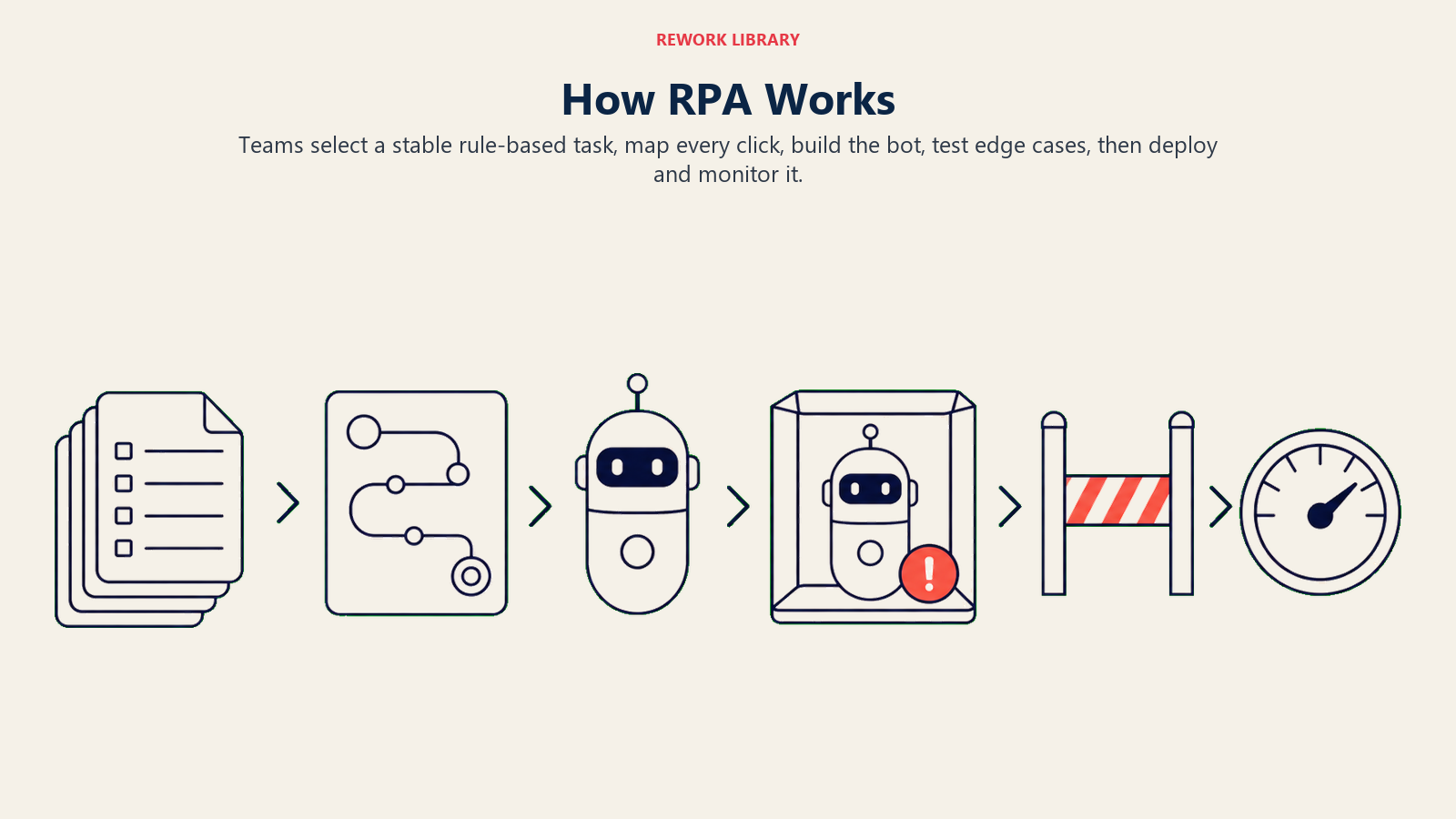
RPA turns a stable set of human interface actions into a repeatable bot sequence that can be tested and monitored step by step.
Step 1: Identify a rule-based, repetitive task
Start with a process that is high-volume, follows consistent rules, and uses structured data. Data entry from email attachments into a CRM, copying invoice line items from a PDF into an ERP, or pulling employee time records from a legacy HRIS to generate payroll reports are all good starting candidates. If a human follows the same click path more than 50-100 times a day, it's worth evaluating.
Step 2: Map every step in detail
Document the exact sequence: log into system A, navigate to the import screen, open file X, read cell B3, paste that value into field Y in system B, click save. Edge cases matter here. What happens if the file is missing? What if a field is blank? What if the screen takes longer than usual to load? RPA bots are literal: they do exactly what you tell them, which means the mapping has to be thorough.
Step 3: Build or record the bot
Most RPA platforms (UiPath, Automation Anywhere, Microsoft Power Automate Desktop, Blue Prism) offer two approaches. Low-code screen recording lets a developer record their actions and the platform generates the automation flow. Full development lets engineers write the logic using the platform's visual flow editor or scripting layer for more complex conditionals and exception handling.
Step 4: Test in a controlled environment
Run the bot in a test environment that mirrors production. Test the happy path first, then deliberately introduce the edge cases identified in Step 2. Check for timing issues (screens that load slowly), UI element recognition failures (the bot can't find a button), and data validation errors. This is the step most teams rush, and it's the one most responsible for production failures.
Step 5: Deploy and monitor
Move the bot to production and set up monitoring. Track run success rates, exception counts, items processed per run, and time saved. RPA bots degrade over time as applications get updated, UI elements shift, and business rules change. A regular maintenance cadence (typically quarterly) keeps bots running correctly.
What makes a good RPA candidate process
Not every repetitive task is a good RPA candidate. Use this checklist before committing to an automation project:
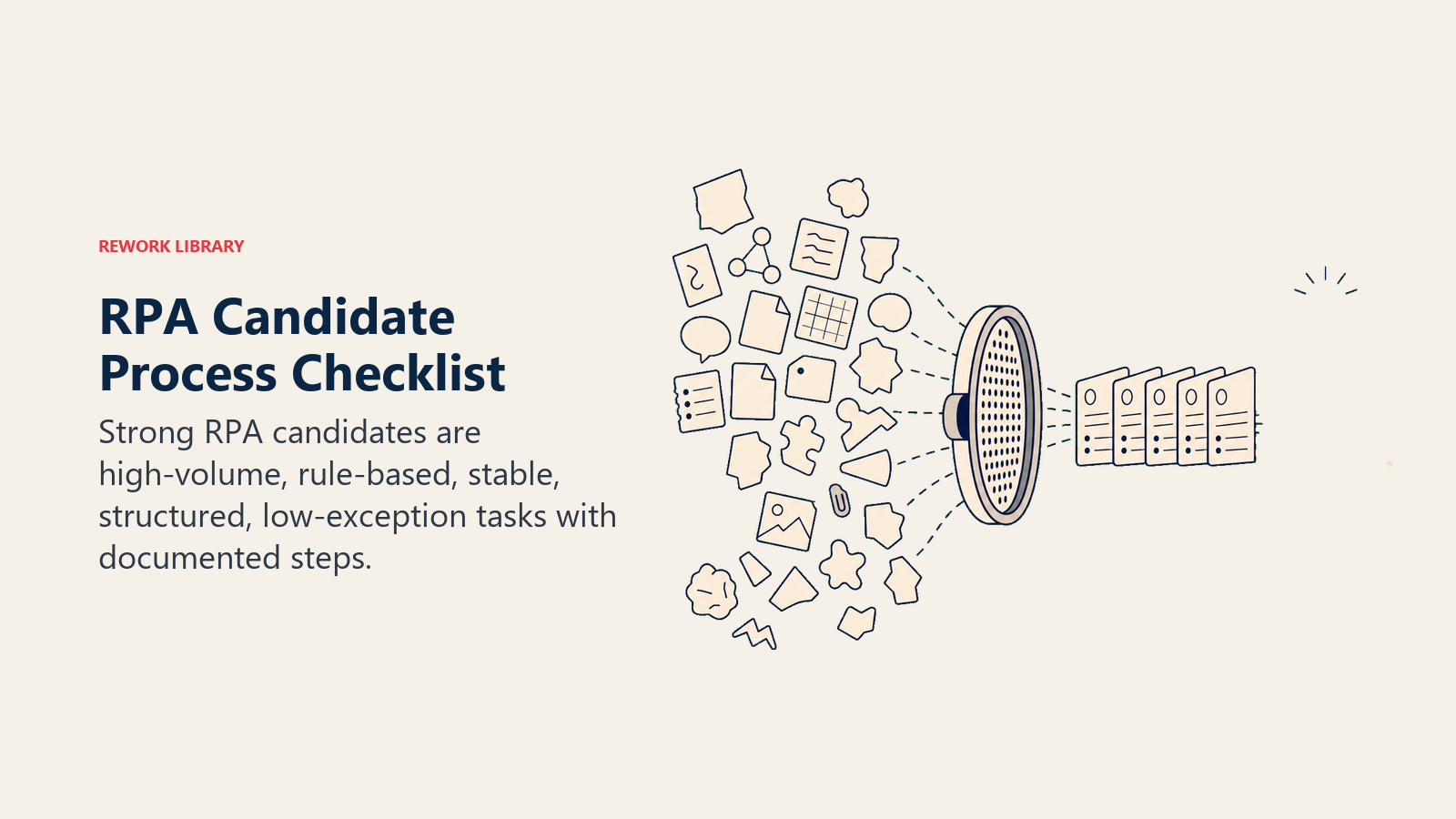
- High volume: The task happens frequently (dozens or hundreds of times per day or week). Low-volume tasks rarely justify the build and maintenance cost.
- Rule-based: The steps follow a clear, consistent logic with few or no judgment calls. If a human relies on intuition or context not visible in the data, RPA will struggle.
- Stable: The underlying applications and UIs don't change frequently. RPA is brittle by nature: a UI update can break a bot overnight.
- Structured data: The inputs are consistent and predictable (a standard invoice format, a fixed-column spreadsheet). Unstructured inputs like free-text emails or handwritten notes require additional AI processing before RPA can act on them.
- Low exception rate: More than 20-30% exception handling usually means the process isn't ready for automation yet. High exception rates shift effort from doing the task to managing the bot.
- Documented steps: If no one can describe exactly how the task is done, you can't build a reliable bot. RPA projects often surface hidden process variation that needs to be resolved before automation can work.
A useful internal reference point: business process mapping produces the documentation that RPA implementations need before build can start.
Use cases and examples
| Function | Process automated | What the bot does |
|---|---|---|
| Finance / AP | Invoice processing | Reads invoice PDFs, extracts vendor name and line items, logs them into the ERP, routes for approval |
| Finance / AR | Bank reconciliation | Downloads bank statements, matches transactions to open items in the accounting system, flags discrepancies |
| HR | Employee onboarding | Creates accounts in Active Directory, provisioning tools, and HRIS from a single intake form |
| HR | Payroll processing | Pulls hours from the time-tracking system, calculates adjustments, enters data into payroll software |
| Operations | Data entry | Copies order data from customer emails into the order management system |
| Reporting | Report generation | Pulls data from multiple systems, formats a weekly performance report, emails it to stakeholders |
| IT helpdesk | User provisioning / deprovisioning | Automates account creation and access removal across multiple platforms when an employee joins or leaves |
| Compliance | Audit trail compilation | Collects logs from multiple systems and compiles them into a single audit-ready report |
Benefits and limitations
Benefits
- Speed: Bots work around the clock without breaks. A process that takes a human two hours can often run in minutes.
- Accuracy: Bots don't make transcription errors. They copy exactly what they see and enter exactly what they're told to enter.
- No system changes required: RPA works on existing software without IT-intensive integration projects. This is the biggest draw for organizations with legacy systems.
- Fast deployment: A simple attended bot can be live in days. Even a complex unattended process typically ships in 4-8 weeks.
- Cost reduction: Labor cost savings are the most commonly cited benefit. Deloitte's RPA survey consistently shows 20-30% cost reduction in the automated function.
- Freeing up teams: Staff moved off repetitive tasks can focus on work that requires judgment, relationships, and creative thinking.
Limitations
- UI fragility: This is the most important caveat. Any change to an application's interface can break a bot. Buttons that move, labels that change, new pop-up dialogs, screen resolution changes: all of these cause failures. RPA bots require ongoing maintenance.
- Not intelligent: Standard RPA follows rules. It can't read a messy PDF, understand ambiguous instructions, or adapt to unexpected situations. Tasks with variability need additional tooling (optical character recognition, natural language processing, or AI models) layered on top.
- Process debt: Automating a bad process just makes bad things happen faster. RPA projects often reveal underlying process problems. Teams that skip process documentation and standard operating procedures before automating often rebuild their bots multiple times.
- Governance overhead: A fleet of unattended bots running overnight needs monitoring, version control, access management, and incident response. This overhead is easy to underestimate.
- Not a substitute for integration: Where a proper API integration is feasible, it's almost always more reliable than RPA. RPA makes sense when integration isn't available or isn't worth the investment.
What comes next: RPA, process mining, and AI agents
RPA started as a point solution for high-volume UI tasks. It's now one layer in a broader automation stack.
Process mining (see the process mining deep dive) analyzes event logs from business systems to surface which processes have the most variation, the most delays, and the best automation potential. Forward-thinking teams use process mining to prioritize their RPA backlog, not gut feel.
AI agents take automation further still. Where RPA follows fixed rules, AI agents can interpret unstructured input, make context-sensitive decisions, and adapt to situations they haven't explicitly been programmed for. The combination of a process mining layer (to identify opportunities), an RPA layer (to handle structured UI tasks), and an AI agent layer (to handle unstructured inputs and complex decisions) is what Gartner and others call hyperautomation: the broadest possible use of automation technologies to automate anything that can be automated.
For teams just starting out, RPA is still the best entry point. It's tangible, deployable quickly, and delivers measurable ROI. The rest of the stack can be built around it. Start by mapping your highest-volume, most rule-based processes using the business process management framework, identify your best RPA candidates, and build from there.

Customer Success Operations Manager
On this page
- What is robotic process automation?
- Key facts
- RPA vs workflow automation vs traditional automation
- Attended vs unattended bots
- How RPA works
- Step 1: Identify a rule-based, repetitive task
- Step 2: Map every step in detail
- Step 3: Build or record the bot
- Step 4: Test in a controlled environment
- Step 5: Deploy and monitor
- What makes a good RPA candidate process
- Use cases and examples
- Benefits and limitations
- Benefits
- Limitations
- What comes next: RPA, process mining, and AI agents