CRM Implementation: A Step-by-Step Rollout Plan for Real Estate Teams
Turn this article into takeaways for your work.

Each assistant summarizes the article only for you and suggests best practices for your work.
Buying a CRM and implementing one are two different projects. Buying takes an afternoon of demos and a signature. Implementing takes weeks of planning, a data migration nobody wants to do, training sessions people skip if you let them, and a 90-day stretch where the system either becomes muscle memory or gets quietly abandoned.
Most teams treat implementation as an afterthought to the purchase decision. That's backwards. Once you've done the work of selecting the right platform, the implementation is what determines whether that choice pays off. A well-implemented mediocre CRM beats a poorly-implemented great one every time, because a tool nobody uses generates zero value regardless of its feature list.
This guide walks through a phased implementation plan you can run whether you're a solo agent switching platforms or a team of fifteen rolling out a system for the first time.
Why CRM Implementation Fails More Often Than It Succeeds
Ask any broker how many CRMs their team has cycled through and you'll usually get an uncomfortable number. The tool wasn't the problem in most of those failures. The rollout was.
No implementation owner is the first failure point. Someone buys the CRM, then implementation becomes "everyone's job," which means it's nobody's job. Assign one person, agent, ops manager, or transaction coordinator, who owns the rollout timeline and is accountable for adoption.
Skipped data migration planning creates a system full of duplicates, dead leads, and missing fields from day one. Agents open the new CRM, see garbage data, and conclude the tool is broken. It isn't. The migration was rushed.
Training treated as optional guarantees uneven adoption. Some agents dig in and learn the system. Others open it twice, get frustrated, and quietly go back to spreadsheets and sticky notes. A CRM only works when everyone uses it the same way.
No defined workflows before go-live means each agent configures the system differently, which defeats the entire purpose of centralizing your data. If lead routing, stage definitions, and follow-up cadences aren't decided before launch, they never get decided consistently after.
Every one of these is a planning failure, not a software failure. That's actually good news, because planning failures are fixable.
Phase 1: Pre-Implementation Planning
Before anyone logs into the new system, map out the decisions that will shape everything downstream.
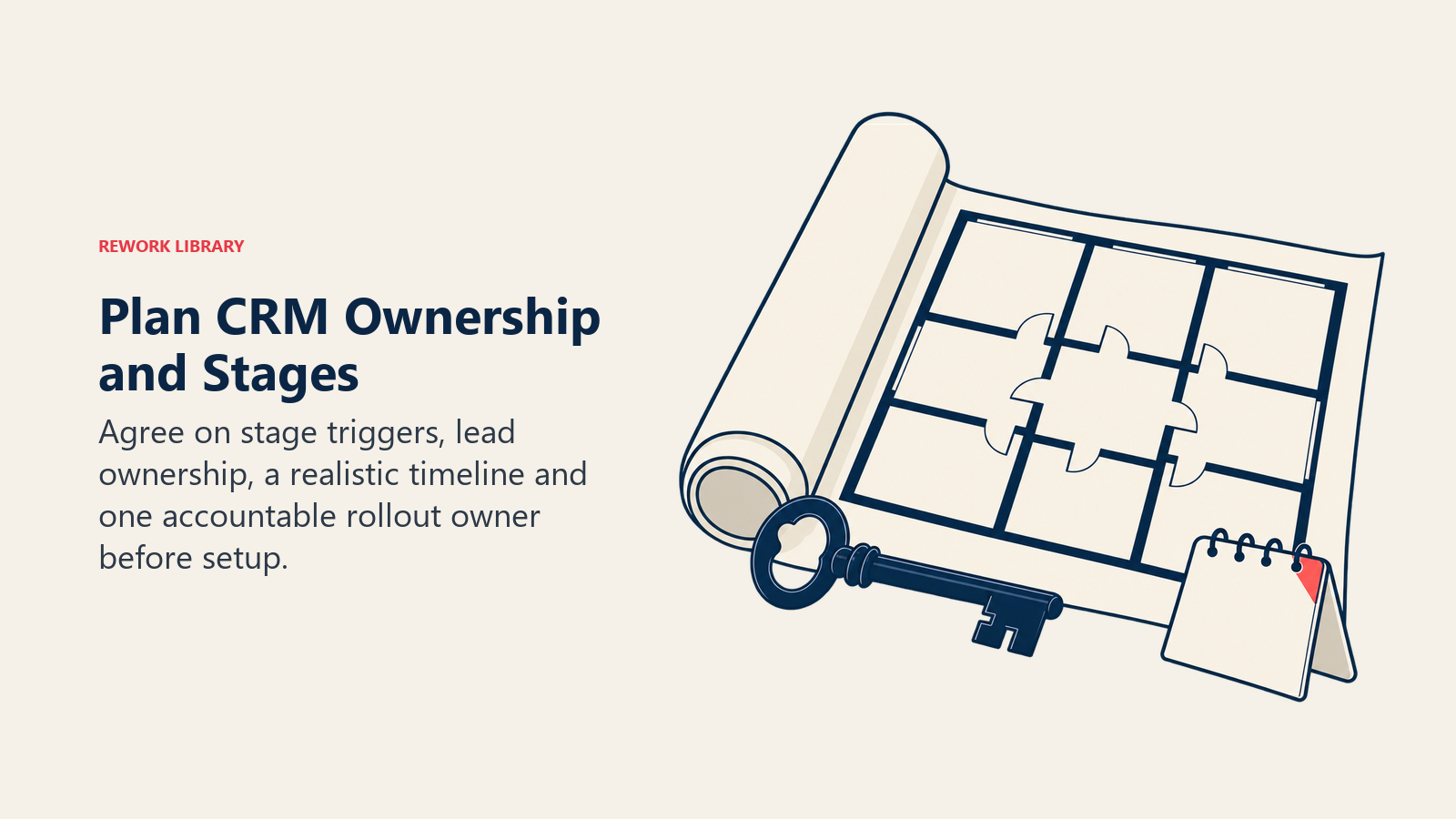
Define your pipeline stages. Walk through your real estate sales cycle and translate it into CRM stages: new lead, contacted, qualified, appointment set, active client, under contract, closed. Write down what triggers a lead moving from one stage to the next. Vague stage definitions are the number one cause of a pipeline nobody trusts.
Decide who owns what. If you're on a team, clarify who receives leads from which sources, how leads get distributed, and what happens when someone doesn't follow up in time. This should mirror your agent vs. team vs. brokerage model, not fight against it.
Set a realistic timeline. Full implementation, migration, configuration, training, go-live, typically takes 3 to 6 weeks for a small team and longer for a larger brokerage. Rushing this compresses corners that come back to bite you during adoption.
Assign an implementation owner. One person drives the project, sets deadlines, and is the point of contact for questions. This person doesn't need to be technical. They need to be organized and willing to hold people accountable to training deadlines.
Phase 2: Data Migration and Cleanup
This is the phase everyone wants to skip and the one that determines whether your team trusts the new system.
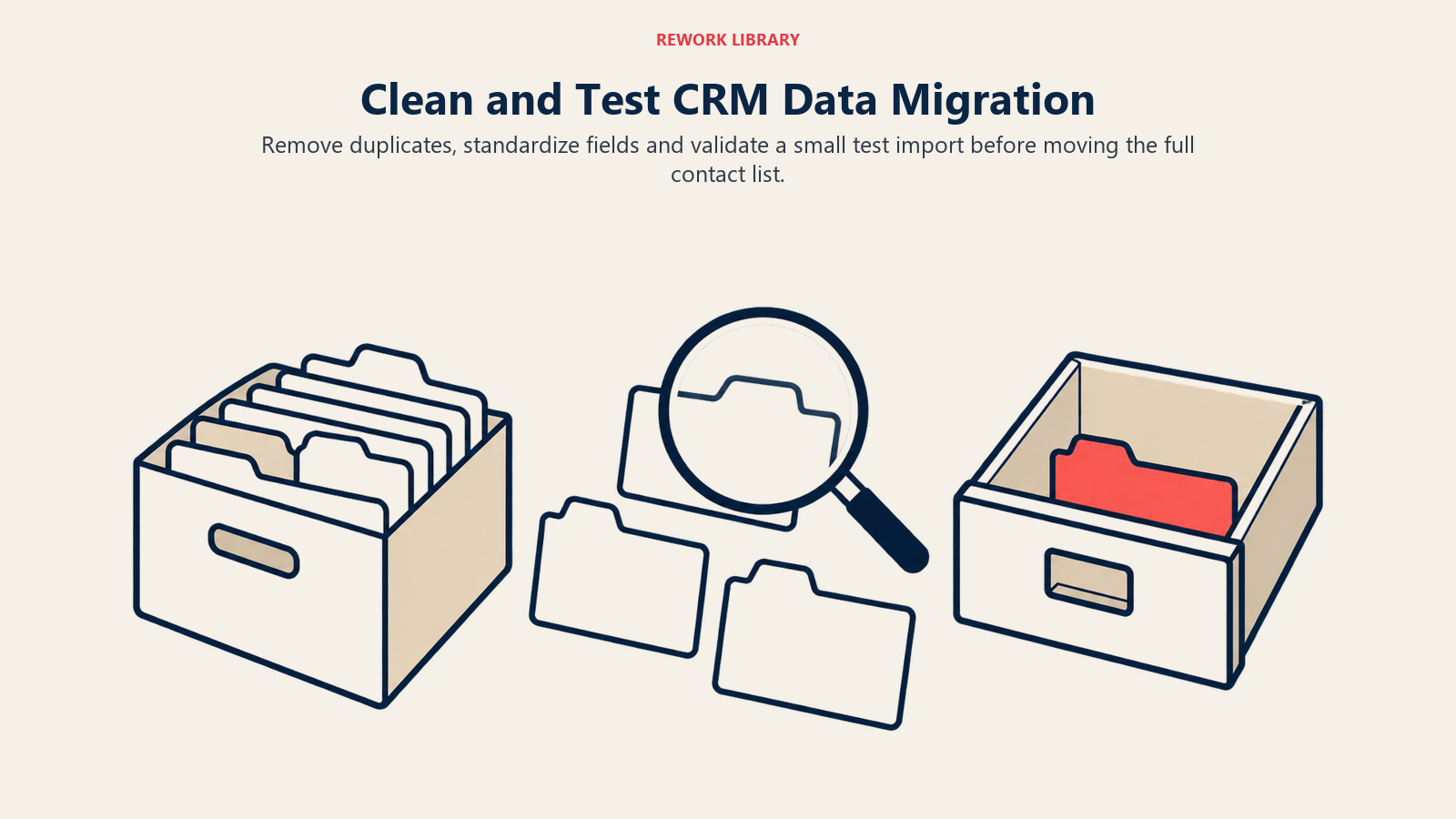
Audit before you export. Pull your existing contact list and look for obvious problems: duplicate entries, dead email addresses, contacts with no recent activity, and missing source attribution. Decide what actually needs to migrate. Not every contact from the last decade deserves a spot in your new system.
Standardize your fields first. If your old system had "Buyer," "buyer," and "BUYER" as three separate tags, clean that up before it imports into the new CRM. Inconsistent formatting multiplies once it's in a new system with its own field structure.
Map old fields to new fields. Most CRMs support CSV import, but the field names rarely match exactly. Spend time mapping "Lead Source" in your old system to whatever field the new CRM uses, even if it's a slightly different label.
Run a test import first. Import a small batch, 50 to 100 contacts, and check the results before you migrate everything. Catching a mapping error on 100 records is a five-minute fix. Catching it after migrating 5,000 records is a multi-day cleanup project.
Budget more time than you think you need. Data migration almost always takes longer than planned. If your gut estimate is two days, budget four.
Phase 3: Configuration and Workflow Setup
Once your data is clean and mapped, configure the system to match the workflows you defined in Phase 1. This is where you build out pipeline stages, automation rules, lead routing logic, and user permissions. It's detailed enough work that it deserves its own process. Our real estate CRM setup guide walks through the specific configuration checklist: stages, custom fields, automated reminders, and team permissions.
At minimum, before you move to training, confirm that:
- Pipeline stages match your actual sales process, not a generic template
- Automated follow-up reminders are active so leads don't go cold silently
- Lead source tracking is configured so you can measure ROI by channel
- Key integrations, email, your IDX website, and the MLS, are connected and tested (see our CRM integration guide for the full connection map)
- User permissions are set correctly if you're rolling this out to a team
Don't try to build every automation on day one. Start with the essentials, and add complexity once the basics are working reliably.
Phase 4: Team Training and Adoption
This is where most implementations quietly die. Software gets configured correctly, then training happens in a rushed 30-minute meeting, and adoption never fully takes hold.
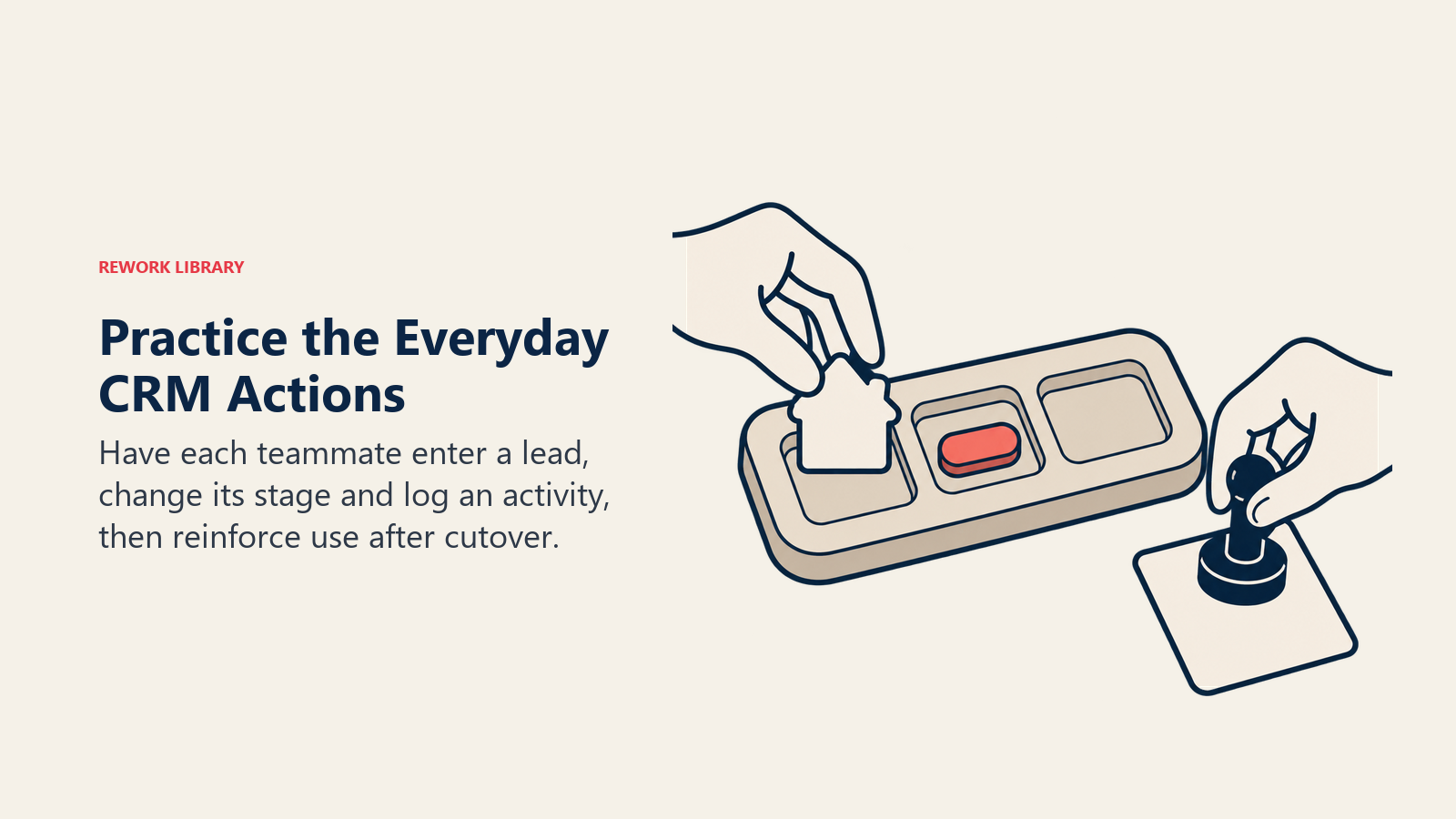
Hands-on training beats a walkthrough video. Have each team member actually enter a lead, move it through a stage, and log an activity during the training session, not just watch someone else do it. Muscle memory sticks better than passive observation.
Create a one-page cheat sheet. Document the 20% of features your team will use 80% of the time: adding a lead, updating a stage, logging a call, setting a follow-up task. Skip the advanced features nobody needs on day one.
Set a hard cutover date. Running two systems in parallel, the old spreadsheet and the new CRM, creates confusion about which one is the source of truth. Pick a date, migrate fully, and shut off access to the old system.
Assign an internal champion. Someone on your team who picks up the system fastest becomes the go-to person for quick questions, taking pressure off you or the vendor's support line.
Reinforce in the first two weeks. Check in daily during week one and every few days during week two. Small corrections early prevent bad habits from calcifying.
Phase 5: Go-Live and the First 90 Days
Go-live isn't the finish line. It's the start of the period that actually determines whether the CRM becomes infrastructure or shelfware.
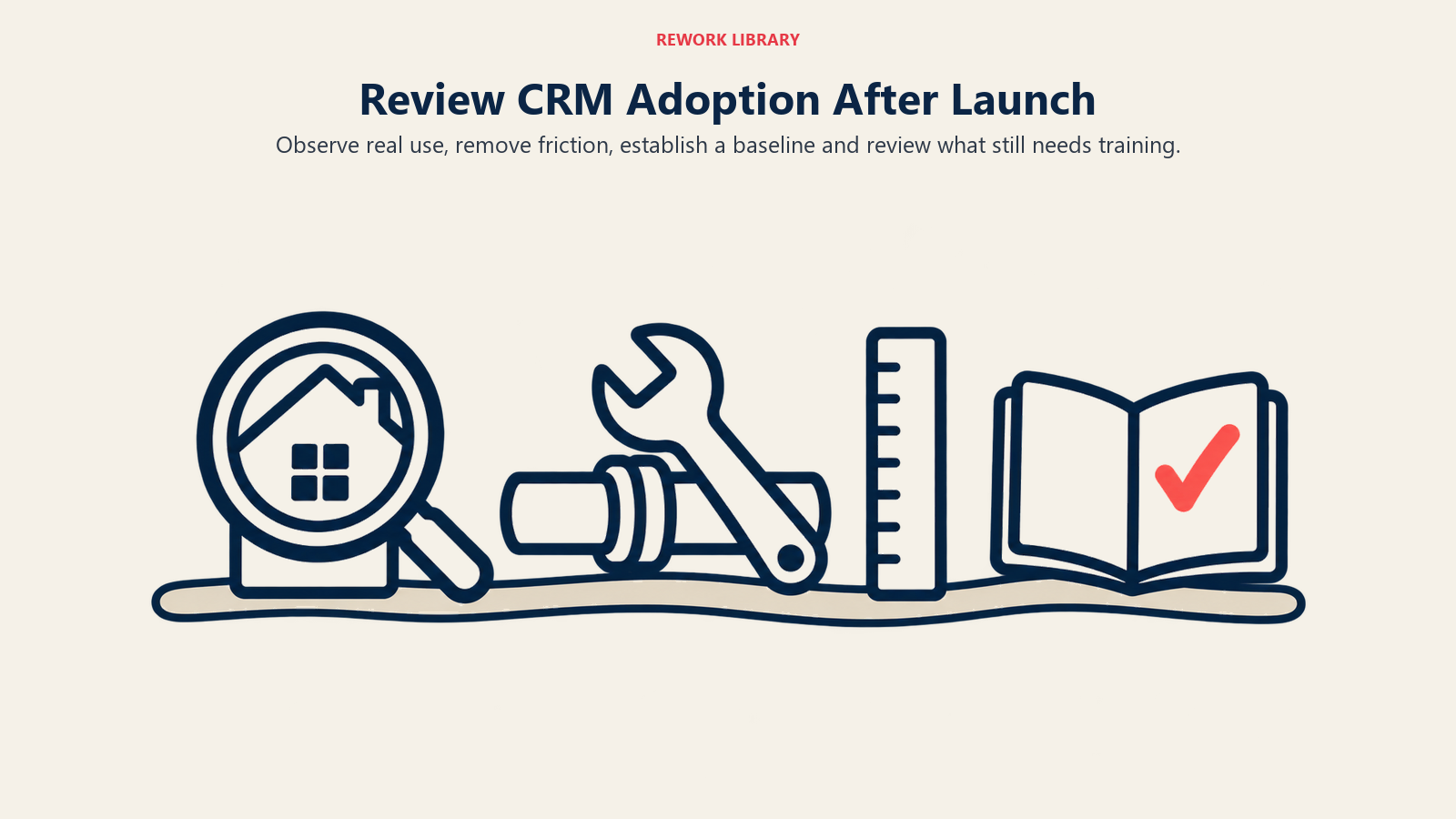
Week 1 to 2: Close supervision. Watch how the team actually uses the system versus how you designed it to be used. You'll spot gaps in your configuration, a missing field, a confusing stage name, that only show up under real use.
Week 3 to 4: Adjust based on real usage. Fix the friction points you identified. If everyone's manually re-entering a piece of data that should sync automatically, fix that integration now rather than living with the workaround.
Month 2: Measure baseline metrics. Track response time to new leads, how consistently follow-up tasks get completed, and whether leads are properly tagged by source. This is your baseline for improvement.
Month 3: Formal review. Sit down with your team and ask what's working, what's still clunky, and what needs more training. This is also the point to introduce more advanced automation, like a full drip campaign strategy, now that the fundamentals are solid.
Ninety days is roughly how long it takes a new workflow to stop feeling like extra work and start feeling like the way things are done. Push through that window rather than abandoning the system at week three because it feels slower than the old way.
Measuring Implementation Success
You'll know implementation worked when you can answer these questions with real data instead of guesses:
- Is every new lead entered into the CRM within minutes of arrival, or are some still landing in personal inboxes and texts?
- Are follow-up tasks being completed on schedule, or is the task list piling up unread?
- Can you pull a report showing which lead sources are actually converting?
- Are agents using the CRM to log activity, or maintaining a shadow system on the side?
If the answer to any of these is discouraging three months in, that's a signal to revisit training and configuration, not necessarily to switch platforms again. Most "the CRM doesn't work" complaints are actually "the implementation didn't stick" complaints in disguise.
Common Pitfalls That Undermine Implementation
Trying to migrate everything at once. Some teams try to import ten years of contacts, configure every automation, and connect every integration in the same week. Phase it. Get the core system running well before layering on complexity.
Skipping the data cleanup step. A CRM populated with bad data trains your team to distrust the system within the first week. Clean data first, always.
Under-communicating the "why." If your team doesn't understand why the switch matters, faster follow-up, better lead tracking, less manual work, they'll treat the new CRM as busywork imposed on them rather than a tool that makes their job easier.
No accountability after go-live. If nobody checks whether the team is actually using the system, usage quietly declines. Build in regular check-ins for at least the first quarter.
Real estate teams that treat CRM implementation as a real project, with an owner, a timeline, and a defined training plan, see dramatically better adoption than teams that treat it as "install and hope." According to NAR's 2025 Technology Survey, 23% of agents now cite their CRM as their highest source of quality leads, trailing only social media, and 21% are already using CRMs with AI-powered insights. Clients notice the difference, too: NAR reports that 82% of agents say clients respond positively when technology is woven into the transaction. That's real value on the table, but only for the teams whose implementation actually sticks.
Related Resources
- Real Estate CRM Selection - Choose the right platform before you plan your implementation
- Real Estate CRM Setup - The detailed configuration checklist for pipeline stages, fields, and automation
- Real Estate CRM Integration - Connect your CRM to the MLS, email, and other tools in your stack
- Speed to Lead Response - Use your newly implemented CRM to respond to leads faster
- Lead Distribution to Team - Configure fair, fast lead routing as part of your rollout
Frequently Asked Questions about CRM Implementation
How long does CRM implementation take for a real estate team?
A small team typically needs 3 to 6 weeks covering data migration, configuration, and training. Larger brokerages with more agents and more complex permissions structures should plan for longer, especially if migrating years of historical contact data.
What's the biggest mistake teams make during CRM implementation?
Skipping or rushing data migration and cleanup. Teams that import messy, duplicate-filled data see a cluttered system in week one, conclude the tool doesn't work, and abandon it, when the real problem was an unprepared migration.
Should we run our old system alongside the new CRM during rollout?
Only briefly, if at all. Running two systems in parallel creates confusion about which one is the source of truth. Set a hard cutover date, migrate fully, and shut off access to the old system once training is complete.
How do we know if our CRM implementation actually worked?
Check three things after 90 days: leads are entered within minutes of arrival, follow-up tasks are completed on schedule, and you can pull a report showing which lead sources convert. If those are happening consistently, the implementation stuck.
Who should own the CRM implementation project?
One person, an agent, operations manager, or transaction coordinator, should be accountable for the rollout timeline, training completion, and adoption. Without a single owner, implementation tasks get treated as optional and stall.

Senior Operations & Growth Strategist
On this page
- Why CRM Implementation Fails More Often Than It Succeeds
- Phase 1: Pre-Implementation Planning
- Phase 2: Data Migration and Cleanup
- Phase 3: Configuration and Workflow Setup
- Phase 4: Team Training and Adoption
- Phase 5: Go-Live and the First 90 Days
- Measuring Implementation Success
- Common Pitfalls That Undermine Implementation
- Related Resources