CRM Field Governance: How RevOps Keeps Revenue Data Usable
Every CRM field is a promise.
It promises that someone knows what the field means, when it should be filled, who owns it, and which decision depends on it. Most companies break that promise. They add fields quickly, forget the reason, and later wonder why reports are unreliable.
CRM field governance is how RevOps protects the CRM from becoming a graveyard of old requests, unused values, unclear definitions, and required fields that users complete only to move forward.
Field governance is not about saying no to every request. It is about making sure every field that enters the CRM earns its place and keeps earning it over time.
Forrester's RevOps technology alignment research is relevant because CRM fields shape workflows, dashboards, automations, integrations, and executive reporting. Forrester's RevOps responsibilities model also reinforces why field governance must sit across marketing, sales, customer success, finance, and systems.
Key operating facts
- Every CRM field should have a decision, workflow, report, or handoff reason.
- Required fields should appear when the user can know the answer.
- Field ownership is different from field completion. Owners maintain meaning and quality.
- Field retirement is part of governance, not cleanup.
- Poor field governance makes dashboards, automation, and AI workflows less trustworthy.
Why CRM fields decay
CRM fields decay because each request feels reasonable in isolation.
Turn this article into takeaways for your work.


Each assistant summarizes the article only for you and suggests best practices for your work.
Sales wants a field for deal risk. Marketing wants a field for campaign source. Finance wants a field for billing treatment. Customer success wants onboarding context. A manager wants a field for a special initiative. An executive wants a dashboard cut.
Six months later, users see crowded layouts, reports conflict, and nobody remembers which fields still matter.
Field governance exists to answer three questions before the field is added:
- What decision or workflow does this field support?
- Who owns the definition and quality?
- When should the field be required, if ever?
If those questions are not answered, the field should not be added yet.
The cost of weak field governance
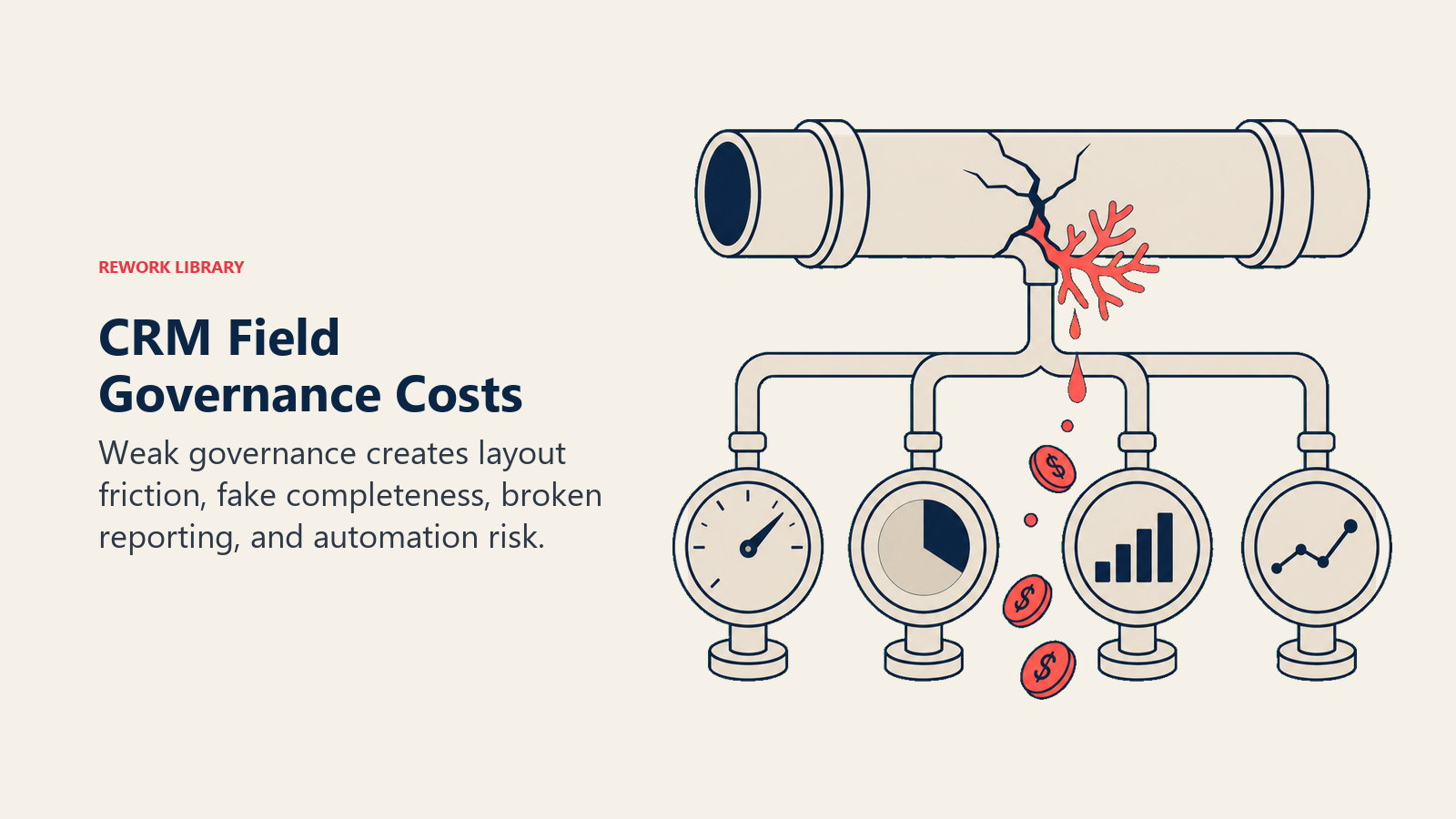
Weak field governance creates cost in places that are easy to miss.
| Cost | What users see | What leaders see |
|---|---|---|
| Layout clutter | Too many fields on the page | Slower CRM usage |
| Fake completeness | Required fields filled with placeholders | Reports that look complete but are not trusted |
| Definition drift | Teams interpret values differently | Metrics that do not reconcile |
| Automation risk | Workflows fire from bad inputs | Routing, alerts, and handoffs become noisy |
| Reporting debt | Dashboards depend on unclear fields | Meetings start with data debate |
| Maintenance burden | RevOps cleans old fields repeatedly | Systems work crowds out process improvement |
The hidden cost is trust. When users learn that many fields do not matter, they doubt the fields that do matter.
What field governance includes
Field governance is more than approval.
It includes:
- Field request intake
- Business reason review
- Object and field type selection
- Definition and allowed values
- Ownership
- Required-field timing
- Page layout placement
- Automation and reporting impact
- Integration impact
- Data dictionary update
- Monitoring after launch
- Retirement policy
This connects directly to revenue data dictionary, CRM change management, and CRM data hygiene.
Use a field request intake
Do not create fields from casual requests.
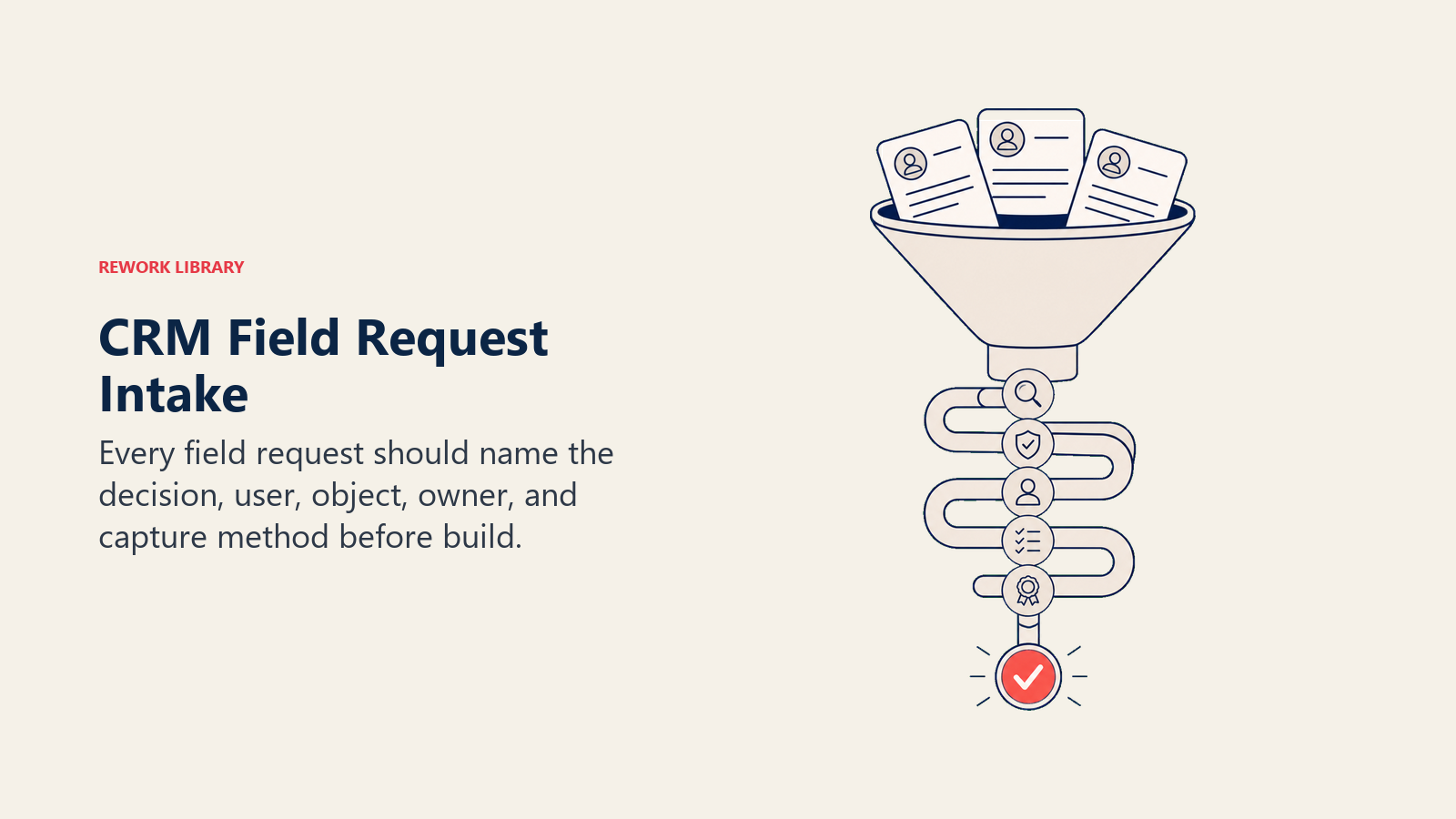
Use a short intake:
- What is the field name?
- Which object needs it?
- What problem does it solve?
- Who uses the data?
- Which decision depends on it?
- Can the data be captured from an existing field?
- Should it be a picklist, date, lookup, checkbox, number, formula, or text?
- When can the user know the answer?
- Should it be required?
- Who owns quality?
- What report or workflow will use it?
- What happens if the field is blank?
- What happens if users enter bad values?
Many field requests disappear when the requester has to define the decision. That is healthy. It means the CRM is not being used as a notebook for unresolved ideas.
Apply the field decision test
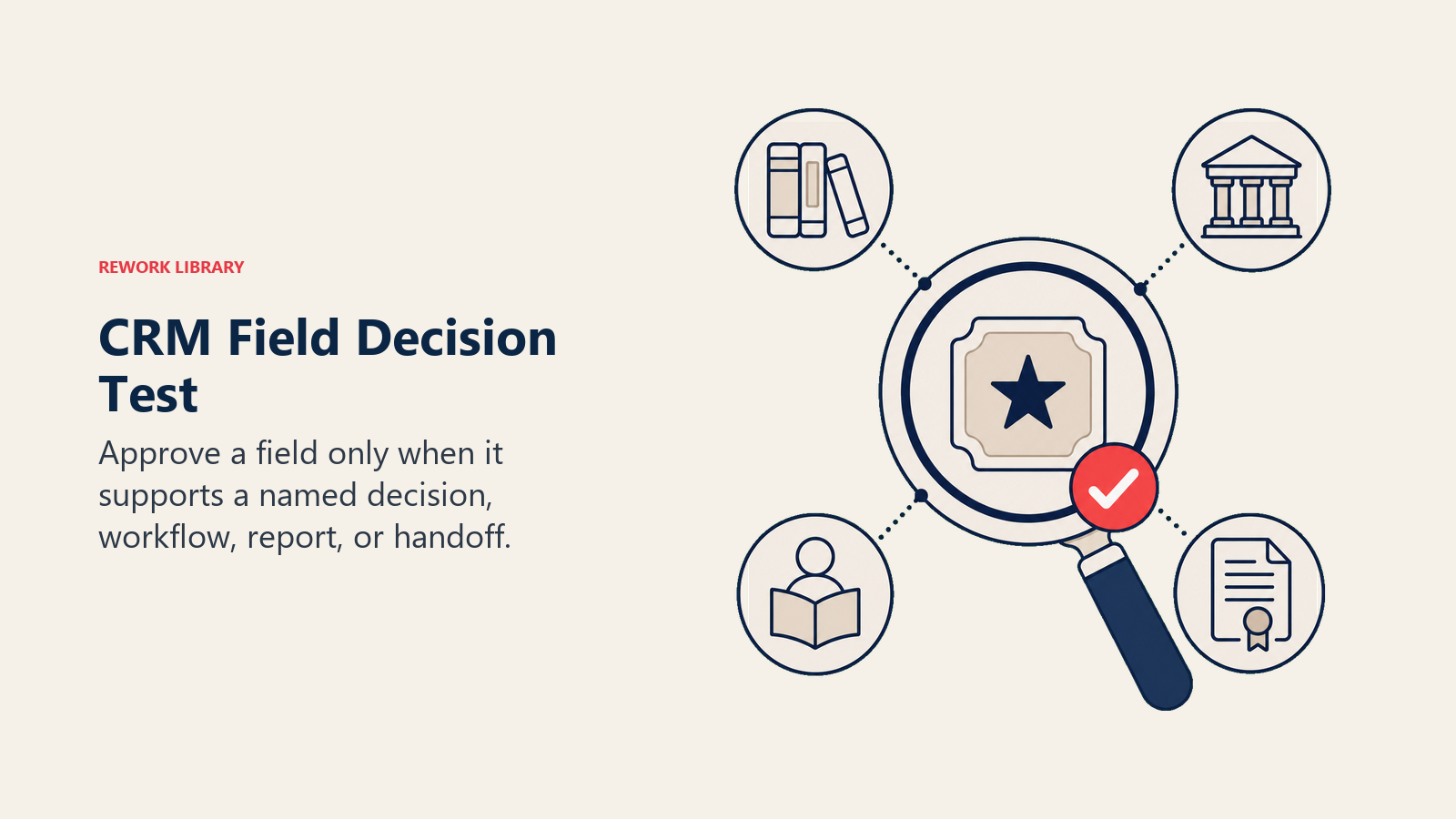
Before approving a field, RevOps should apply a simple test.
| Question | Good answer | Weak answer |
|---|---|---|
| What decision uses this field? | "Managers use it in late-stage deal review." | "Leadership may want it later." |
| Who owns the definition? | "Sales ops owns the values." | "Everyone will know what it means." |
| When can users know it? | "After proposal review." | "As early as possible." |
| What happens if it is wrong? | "Forecast risk is misstated." | "The report may be less complete." |
| Where will it appear? | "Opportunity close plan section." | "Somewhere on the page." |
| How will we review it? | "Monthly quality check by manager." | "RevOps can monitor it." |
If the request cannot pass this test, the answer is not always no. Sometimes the answer is "not yet," "use an existing field," "start with a report," or "define the workflow first."
Choose the right object
Field governance starts before field type. First, decide where the field belongs.
The same concept can belong on different objects depending on how the business uses it.
| Question | Likely object |
|---|---|
| Does this describe the person? | Contact or lead |
| Does this describe the company? | Account |
| Does this describe a buying motion? | Opportunity |
| Does this describe onboarding or renewal? | Customer, account, renewal, or case object |
| Does this describe a campaign touch? | Campaign member or attribution object |
| Does this describe a contract or invoice? | Contract, subscription, billing object |
Putting data on the wrong object creates reporting problems later. Example: implementation risk may feel like an opportunity field, but if customer success tracks it after close, the team may also need it on a handoff or customer object.
Choose field types carefully
Field type affects reporting, automation, user experience, and data quality.
| Field type | Best for | Risk |
|---|---|---|
| Picklist | Standard categories | Too many values or unclear labels |
| Multi-select picklist | Rare cases where multiple categories truly matter | Hard reporting and messy automation |
| Checkbox | Simple yes/no state | Oversimplifies complex status |
| Date | Timing and SLAs | Users enter guesses |
| Number | Amounts, scores, counts | Units may be unclear |
| Lookup | Relationships between records | Requires clean object model |
| Formula | Calculated values | Logic may become hidden |
| Text | Notes or context | Hard to report and standardize |
Free-text fields are tempting because they are flexible. They are also hard to report. Use them when nuance matters, not when the business needs consistent segmentation.
Govern picklists tightly
Picklists look simple, but they often create long-term reporting debt.
A good picklist needs:
- Clear value labels
- Definition for each value
- Owner
- Allowed "Other" path
- Retirement process for old values
- Mapping from import values
- Reporting usage
- Translation or regional handling if needed
Poor picklists create fake choice. Users choose the closest value, or overuse "Other," and reports become less useful.
Example: closed-lost reason should not have 35 values. It should have enough values to support loss analysis without forcing reps to interpret tiny differences that managers never inspect.
Time required fields to the workflow
Required fields are one of the fastest ways to damage adoption.
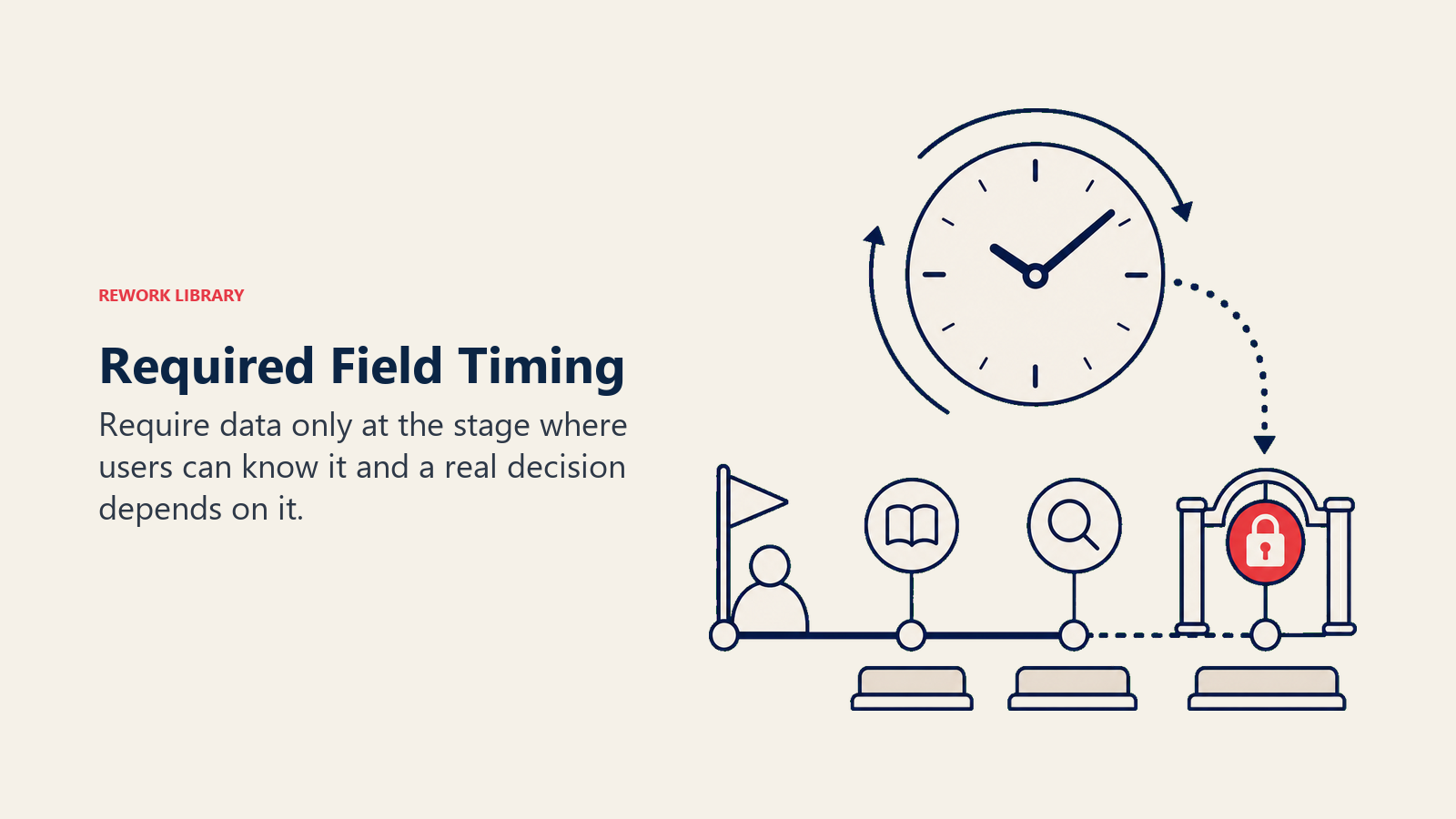
A field should be required only when:
- The user can reasonably know the answer
- The data supports a real decision
- The value is inspected
- The field has clear allowed values
- The user knows what good data looks like
- Exceptions have a path
Example: legal status may be required before a late-stage opportunity enters commit, but not during discovery. Implementation risk may be required before closed-won, but not when the opportunity is first created.
This is the heart of required fields vs useful fields. Required at the wrong time creates fake data. Required at the right time creates better process.
Define field ownership
Every important field needs an owner.
The owner is responsible for:
- Definition
- Allowed values
- Quality expectations
- Reporting use
- Change approval
- Retirement decision
- Exception handling
Ownership does not mean one person fills the field. It means one role is accountable for whether the field remains useful.
Example ownership:
| Field | Owner | Supporting roles |
|---|---|---|
| Lead source | Marketing ops | RevOps, sales |
| Opportunity stage | Sales leadership | RevOps |
| Forecast category | Sales leadership and RevOps | Finance |
| Closed-lost reason | Sales leadership | Marketing, product |
| Customer health | Customer success | RevOps |
| Renewal date | Customer success or finance | Systems owner |
| Billing status | Finance | RevOps |
| Implementation risk | Customer success or delivery | Sales |
Without owners, fields become shared clutter.
Document definitions before launch
A field definition should be written before the field goes live.
At minimum, document:
- Field label
- API name where relevant
- Object
- Definition
- Owner
- Allowed values
- Required timing
- Report or workflow usage
- Source system
- Update rule
- Retirement review date
This does not need to be a heavy process. But if the field affects shared reporting or automation, the definition must be clear before users see it.
Review reporting and automation impact
Before adding or changing a field, check where it will be used.
Does it feed:
- Dashboards
- Forecast packets
- Routing rules
- SLA workflows
- Customer handoff
- Board reporting
- Enrichment
- Integrations
- AI scoring
- Finance reconciliation
If the field feeds automation, be stricter. Bad field values can create bad workflow actions.
If the field feeds executive reporting, document the definition before launch. Leaders should not debate field meaning in the meeting.
Review integration impact
Fields rarely stay in one system.
A CRM field may sync to marketing automation, sales engagement, customer success, billing, data warehouse, or reverse ETL. It may be read-only in one system and editable in another. It may be created in one tool and reported from another.
Before launch, document:
- Which systems read the field
- Which systems write to it
- Which system wins if values conflict
- Whether historical values need backfill
- Whether blank values are allowed
- Who owns sync errors
Integration impact is where many "small" field changes become high-risk changes.
Create a field lifecycle
Fields need a lifecycle.
- Requested
- Reviewed
- Approved
- Built
- Documented
- Launched
- Monitored
- Revised or retired
Most teams do steps 1 through 4 and skip the rest. That is why CRMs decay.
After launch, RevOps should monitor:
- Completion rate
- Placeholder values
- Value distribution
- Report usage
- Manager inspection
- User questions
- Workflow impact
- Integration errors
If the field is not used, retire it or change it.
Monitor field quality
Field quality should be reviewed after launch.
Useful checks:
- Is the field being completed?
- Are users entering "Unknown," "Other," or placeholders too often?
- Are values distributed realistically?
- Does the field appear in reports people actually use?
- Does the field trigger automation correctly?
- Are managers inspecting it?
- Are users asking the same question repeatedly?
- Is the field duplicated elsewhere?
This is where field governance supports CRM adoption. Users trust fields more when weak fields are fixed or removed.
Retire fields intentionally
Field retirement is governance, not cleanup.
Before retiring a field:
- Check reports
- Check automations
- Check integrations
- Check historical analysis needs
- Check import templates
- Notify owners
- Archive definitions if needed
- Decide whether to hide before deletion
Some fields should be hidden before deletion. Others should stay for historical reporting but leave the active layout. RevOps should distinguish "not used anymore" from "needed for historical analysis."
Handle backfill carefully
When a new field is added, decide whether old records need backfill.
Some fields matter only going forward. Others affect historical reporting or active pipeline. If backfill is required, define who will do it, which records are in scope, and whether unknown values are allowed.
Do not make users clean years of old records unless the business needs that history.
Backfill without scope becomes hidden labor. Field governance should make that labor visible before launch.
Govern page layouts
Field governance also includes where fields appear.
Important fields should appear near the workflow that uses them. Low-value fields should not crowd the page. Required fields should be grouped around the stage or handoff where they matter. If every field appears everywhere, users stop seeing the important ones.
Page layout is adoption design. A clean layout tells users what matters. A crowded layout tells users the system has no priorities.
Use a field friction budget
Every team has a limited tolerance for CRM friction.
Each required field spends part of that budget. Each unclear value spends more. Each field that no one uses teaches users to doubt the next field.
Field governance protects the budget by making sure only useful fields stay visible and only necessary fields become required.
This does not mean the CRM should avoid hard asks. Some fields must be required. But the business should spend friction only where the data changes a decision.
Create a governance path
Small teams do not need a formal committee for every field.
Use three levels:
| Level | Example | Process |
|---|---|---|
| Low | Optional field, private view | RevOps review |
| Medium | Shared field, page layout, report field | Functional owner plus RevOps |
| High | Required field, automation field, executive metric | Cross-functional review |
This keeps the process light while protecting high-impact fields.
For high-impact fields, include the functional owner, RevOps, systems owner, and any downstream team that depends on the data. Finance, customer success, marketing, or sales leadership join only when the field affects their workflow or reporting.
Build a field dependency map
High-impact fields should have a dependency map.
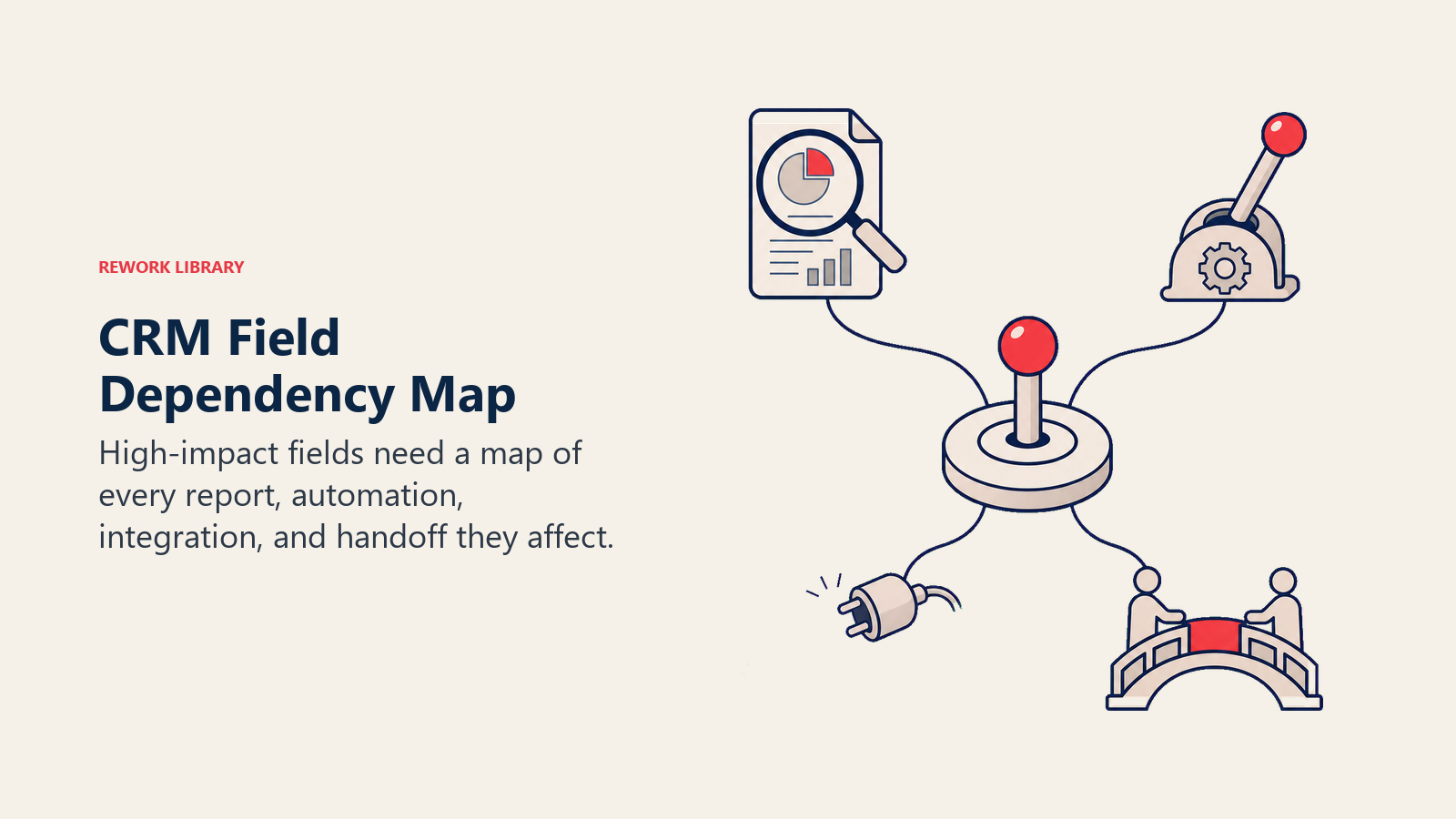
A dependency map shows what breaks when the field changes.
| Dependency | What to check |
|---|---|
| Reports | Dashboards, board views, manager scorecards, exports |
| Automation | Routing, tasks, alerts, approvals, handoff workflows |
| Integrations | Marketing automation, billing, customer success, data warehouse |
| Permissions | Who can view, edit, import, or overwrite the field |
| Data quality | Required timing, placeholder rate, validation, owner |
| Historical analysis | Trend lines, cohort reporting, old definitions |
This map is especially useful before changing picklist values, making a field required, retiring a field, or using a field in automation.
Without a dependency map, RevOps may fix one workflow and quietly break three others.
Tier fields by operating risk
Not every field deserves the same governance weight.
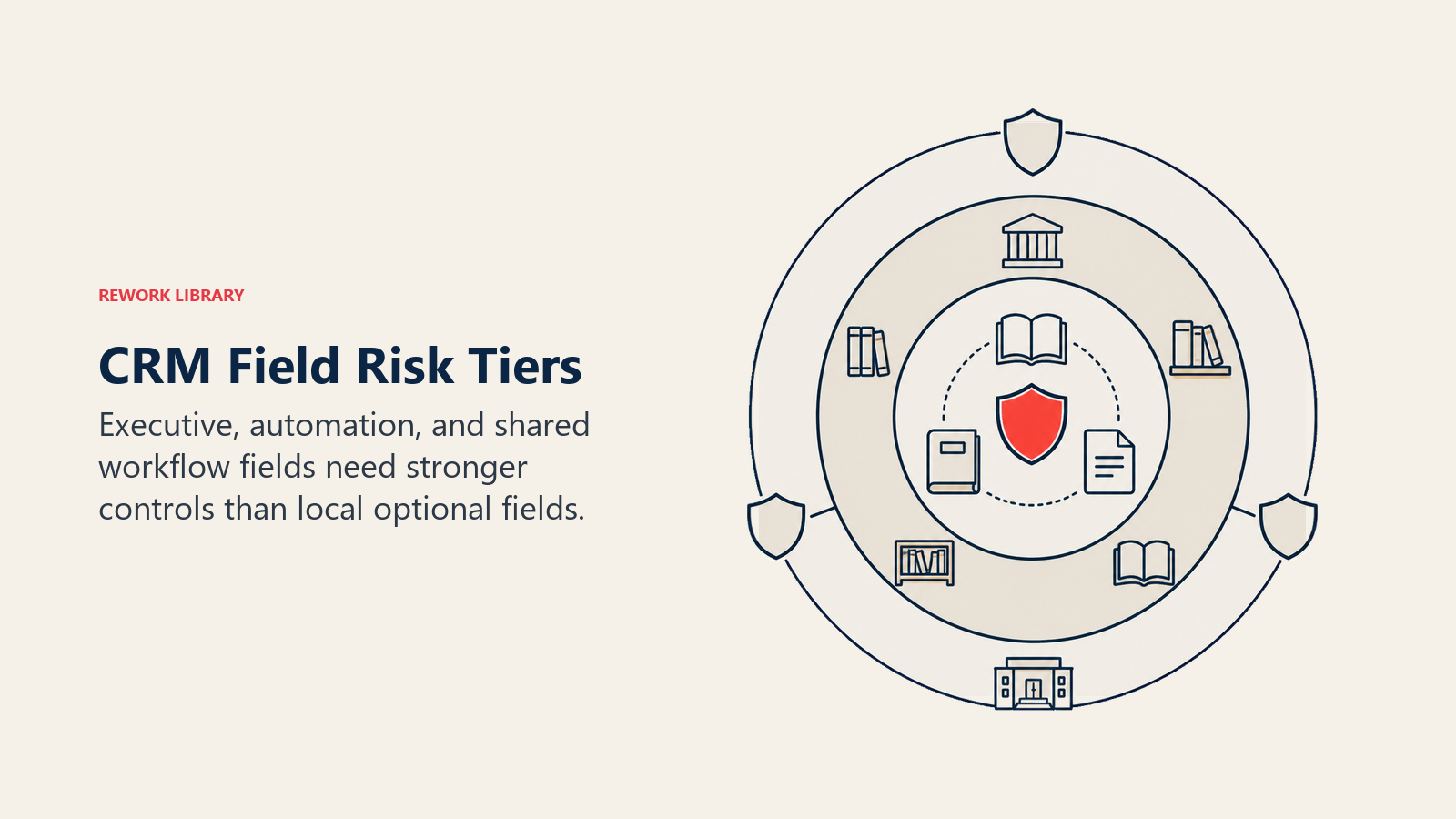
Create tiers.
| Tier | Field type | Example | Governance level |
|---|---|---|---|
| Tier 1 | Executive or automation field | Forecast category, customer status, original source | Owner, definition, change approval, monitoring |
| Tier 2 | Shared operating field | Next step, closed-lost reason, implementation risk | Owner, definition, quality check |
| Tier 3 | Team-specific field | Local campaign note, temporary initiative tag | RevOps review and retirement date |
| Tier 4 | Private or low-risk field | Personal view helper, optional notes | Minimal control |
Tiering prevents two bad outcomes.
First, it stops RevOps from over-governing small fields. Second, it stops high-risk fields from being treated like harmless admin requests.
Create a field launch checklist
Before a medium or high-risk field goes live, use a launch checklist.
| Checklist item | Pass condition |
|---|---|
| Business reason | Field supports a named decision, workflow, report, or handoff |
| Owner | Functional owner and RevOps owner are named |
| Definition | Meaning and allowed values are documented |
| Timing | Required point matches when users can know the answer |
| Layout | Field appears near the workflow that uses it |
| Reporting | Reports using the field are identified |
| Automation | Workflow impact is tested |
| Integration | Sync behavior is known |
| Backfill | Historical scope is decided |
| Launch note | Users and managers know what changes |
| Review date | First quality review is scheduled |
This checklist does not need a long meeting. It needs a real answer for each item.
Run a field governance cadence
Field governance should have a rhythm.
Weekly or biweekly:
- Review new field requests
- Approve low-risk changes
- Assign owners for medium and high-risk requests
- Check upcoming field launches
- Review urgent field quality issues
Monthly:
- Review required-field friction
- Inspect placeholder values
- Check fields tied to current operating cadence
- Review picklist values with high "Other" usage
- Confirm owners for new shared fields
Quarterly:
- Retire or hide unused fields
- Review Tier 1 and Tier 2 definitions
- Update field documentation
- Audit reporting and automation dependencies
- Review fields that affect executive metrics
This cadence keeps the CRM from changing quietly every day. It also gives stakeholders a predictable path for requests, which reduces back-channel field creation.
Use temporary fields carefully
Temporary fields are sometimes valid.
A team may need a field for a pilot, migration, one-time campaign, data cleanup, or short-term initiative. The mistake is letting temporary fields become permanent by neglect.
Temporary fields should have:
- Owner
- Purpose
- Start date
- End date
- Visibility rules
- Retirement date
- Reporting scope
If a temporary field still exists after the end date, RevOps should decide whether to retire it, promote it into governed status, or hide it from active layouts.
Temporary fields without expiration are one of the fastest ways CRMs become cluttered.
Example: adding a competitor field
Sales asks for a competitor field because managers want better competitive insight.
Without governance, RevOps adds a free-text field. Six months later, the CRM has "Salesforce," "SFDC," "sales force," "Hubspot," "HS," and blank values. Reporting is weak, and managers stop using the field.
With governance, RevOps asks which decision the field supports. If the goal is win-loss analysis, the field should use a controlled picklist, be required only at closed-lost or late-stage review, and have an "Other" path with review. The definition should live in the data dictionary, and sales managers should inspect it during loss review.
The same field can either create insight or clutter depending on governance.
Example: adding implementation risk
Customer success asks for an implementation risk field before closed-won.
This may be a good field, but only if the workflow is defined. Sales needs examples of risk values. Managers need to inspect the field before close. Customer success needs to use it in onboarding. RevOps needs to report handoff completeness.
If none of that happens, the field becomes another required box.
Field governance forces the business process to be clear before the CRM stores the data.
Example: adding an AI scoring input
A team wants to add a field because an AI scoring model might use it later.
That request needs extra scrutiny.
Before approving, RevOps should ask:
- Is the field defined clearly enough for a model?
- Will users fill it consistently?
- Is the field observed fact, manager judgment, or user guess?
- Does the field introduce bias?
- How will quality be monitored?
- Who can explain the field's meaning six months from now?
AI workflows make field governance more important, not less. If scoring, routing, forecasting, or account recommendations use CRM fields, unclear definitions become model noise.
Example: retiring an old campaign field
Marketing finds three campaign fields from past operating models. One is still used for original source. One was used for a retired report. One is visible on the lead layout but no longer has an owner.
RevOps should not delete all three at once.
First, map reports and integrations. Then hide the retired field from active layouts. Preserve the original source field if historical attribution depends on it. Update the data dictionary. Notify teams that the old visible field is no longer used.
Field retirement should reduce clutter without breaking history.
Common CRM field mistakes
Adding fields without definitions. Users interpret them differently.
Making fields required too early. Users guess or enter placeholders.
Using text when categories are needed. Reporting becomes inconsistent.
Keeping old fields visible. Layouts get crowded and users ignore important fields.
No owner. Nobody notices when values decay.
Changing values without communication. Reports break silently.
Letting every team create local fields. The CRM becomes a collection of disconnected needs.
Skipping retirement. Old fields keep consuming attention after their business reason disappears.
What good looks like
Good field governance makes the CRM feel simpler.
Users see fewer irrelevant fields. Required fields appear when the data is knowable. Managers inspect the same fields RevOps measures. Reports use documented definitions. New field requests are evaluated against business decisions, not added by default.
The CRM becomes easier to trust because every important field has a job.
Good governance also makes change faster. When fields have owners and definitions, RevOps can update workflows without rediscovering why the data exists.
Field governance maturity model
| Stage | Behavior | RevOps move |
|---|---|---|
| Field sprawl | Fields are added when requested | Add field intake |
| Basic control | RevOps reviews new fields | Add owners and definitions |
| Managed governance | Required fields, reports, and automations get impact review | Add lifecycle and retirement |
| Trusted data model | Fields support clear workflows, reporting, and automation | Maintain quarterly review and data dictionary |
Most teams can move from field sprawl to managed governance without a large program. The main shift is making fields prove their business reason before they go live.
Quarterly field review
Each quarter, review the fields that affect forecast, routing, attribution, handoff, customer health, and executive reporting.
Ask:
- Does the definition still match the business?
- Is the owner still correct?
- Is the field required at the right time?
- Do users trust the values?
- Do downstream teams still use the data?
- Are reports or automations still dependent on it?
- Should the field be hidden, revised, merged, or retired?
This review keeps field governance from becoming a one-time approval gate.
It also gives RevOps a moment to remove old complexity before new requests arrive.
That discipline protects adoption.
Field governance approval packet
Before approving a new CRM field, require:

- Field name and definition.
- Business decision supported.
- Object and stage where it applies.
- Owner.
- Allowed values.
- Required or optional status.
- Reports and workflows affected.
- Data entry source.
- Retirement date or review cadence.
This makes field creation harder in the right way. If a field cannot clear this packet, it is likely to become clutter.
Frequently Asked Questions about CRM Field Governance
Who should own CRM field governance?
RevOps should own the governance process. Functional teams should own the business meaning of fields in their area. System admins should own implementation quality and change control.
Why do CRM fields get messy?
Fields get messy when every request is treated as harmless. Each field adds cognitive load, reporting risk, and maintenance cost. Governance makes that cost visible before the field is created.
Should every field be in a data dictionary?
Every high-impact field should be documented. Low-risk private fields may not need full documentation, but any field used in reporting, automation, handoff, forecast, attribution, or executive metrics should have an owner and definition.
How often should fields be reviewed?
High-impact fields should be reviewed quarterly. Other shared fields can be reviewed every six to twelve months. New required fields should be reviewed shortly after launch to catch fake completeness and user friction.
Learn more

Senior Operations & Growth Strategist
On this page
- Why CRM fields decay
- The cost of weak field governance
- What field governance includes
- Use a field request intake
- Apply the field decision test
- Choose the right object
- Choose field types carefully
- Govern picklists tightly
- Time required fields to the workflow
- Define field ownership
- Document definitions before launch
- Review reporting and automation impact
- Review integration impact
- Create a field lifecycle
- Monitor field quality
- Retire fields intentionally
- Handle backfill carefully
- Govern page layouts
- Use a field friction budget
- Create a governance path
- Build a field dependency map
- Tier fields by operating risk
- Create a field launch checklist
- Run a field governance cadence
- Use temporary fields carefully
- Example: adding a competitor field
- Example: adding implementation risk
- Example: adding an AI scoring input
- Example: retiring an old campaign field
- Common CRM field mistakes
- What good looks like
- Field governance maturity model
- Quarterly field review
- Field governance approval packet
- Learn more