CRM Data Hygiene: The RevOps Foundation for Trusted Revenue Reporting
CRM data hygiene is not a cleanup project.
It is the operating foundation behind routing, scoring, forecasting, attribution, pipeline inspection, customer handoff, renewal planning, and board reporting. When CRM data is weak, every revenue process becomes slower and less trusted. Reps chase the wrong accounts. Managers inspect stale opportunities. Finance discounts the forecast. Marketing argues about source quality. Customer success starts onboarding without the context sales promised.
The visible symptom is a dirty CRM. The deeper problem is a revenue system that lets bad data enter, age, duplicate, conflict, and spread.
That is why CRM data hygiene should be treated as revenue infrastructure. It is not the cleanup work RevOps does after everyone else finishes "real work." It is the work that makes the revenue engine usable.
Forrester's RevOps technology alignment research is relevant because CRM hygiene depends on how systems and workflows connect. Gartner's forecast confidence research also shows why revenue teams cannot treat data quality as back-office cleanup when forecast trust is at stake.
Key operating facts
- CRM hygiene is a prevention system, not a cleanup queue.
- The highest-value hygiene work starts with fields that affect forecast, routing, attribution, and handoff.
- Every recurring data issue has a workflow, ownership, integration, or timing cause.
- Hygiene metrics should show recurrence, not only record completion.
- Data caveats are part of trustworthy reporting while the underlying system improves.
Why CRM hygiene matters
CRM hygiene matters because revenue teams make decisions from CRM data every week.
Sales managers use it to inspect pipeline. Marketing uses it to judge source quality. Customer success uses it to prepare onboarding and renewals. Finance uses it to reconcile bookings, forecast, and revenue timing. Executives use it to decide where to invest.
Bad data does not stay inside the CRM. It moves into meetings, plans, dashboards, handoffs, automation, compensation conversations, and board packets.
That creates four problems.
Work slows down. People spend time checking whether a record is real, current, duplicated, or complete.
Teams argue about definitions. Marketing, sales, finance, and customer success use different versions of the same customer or metric.
Automation becomes risky. Workflows route, score, notify, and report based on fields that may not be trustworthy.
Leaders lose confidence. The meeting shifts from "what should we do?" to "is this number even right?"
CRM hygiene is the operating work that keeps those problems from becoming normal.
What CRM data hygiene really covers
CRM data hygiene is the set of rules, habits, ownership, checks, and system controls that keep revenue records usable.
It includes:
- Duplicate accounts, contacts, leads, and opportunities
- Missing required fields
- Stale close dates
- Invalid email and phone data
- Old stage values
- Unclear source attribution
- Inconsistent picklist values
- Account ownership conflicts
- Enrichment drift
- Broken integrations
- Import errors
- Handoff fields that no one trusts
- Reports built on fields with unclear definitions
This is broader than "cleaning records." Cleaning fixes what is already broken. Hygiene prevents the same problem from returning.
Good hygiene asks two questions at the same time:
- What records are wrong right now?
- Why does the system keep producing wrong records?
The second question is where RevOps earns the improvement.
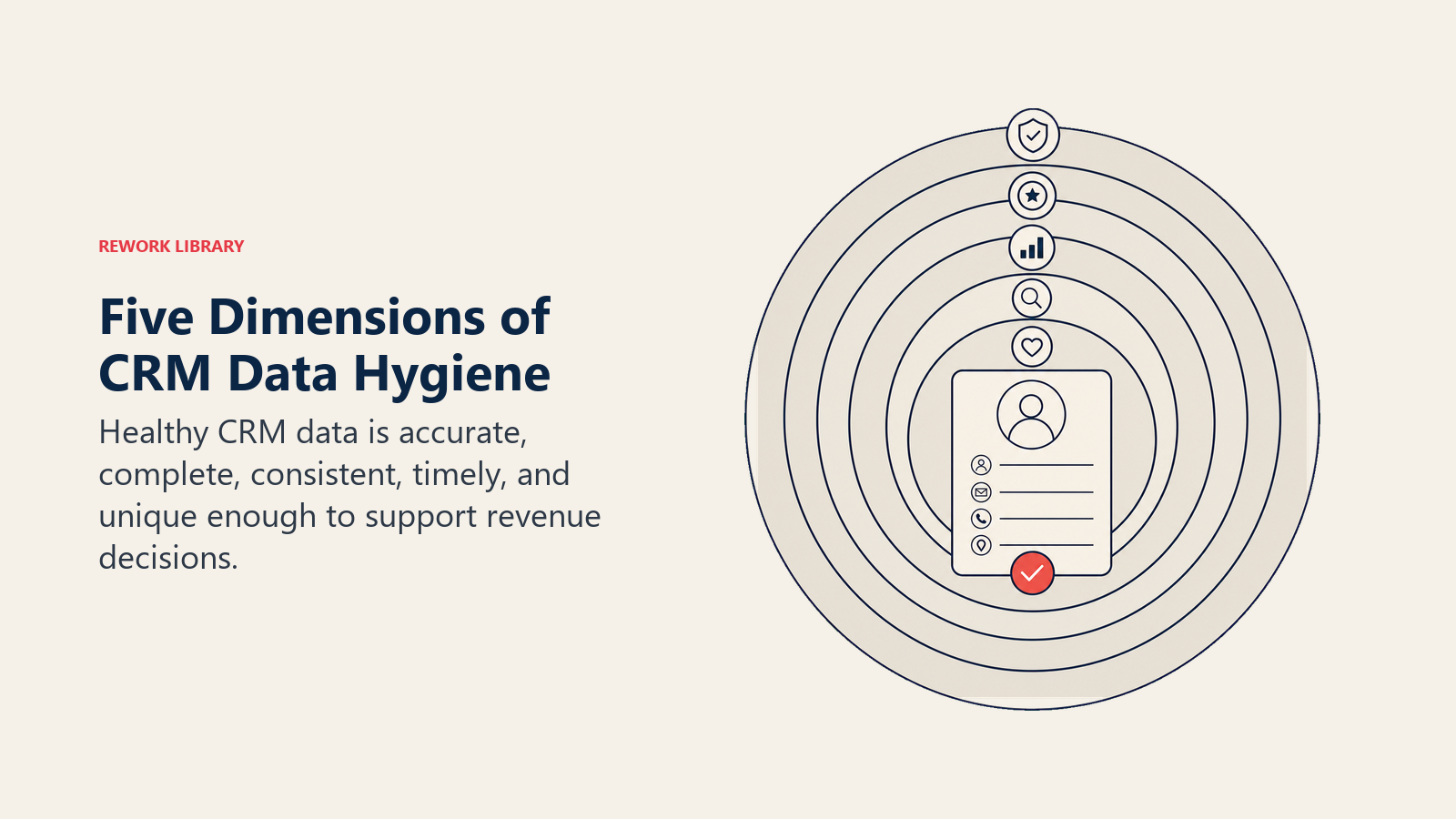
The five dimensions of CRM hygiene
Borrow the same mindset from strong data-management programs: quality is multi-dimensional.
Turn this article into takeaways for your work.


Each assistant summarizes the article only for you and suggests best practices for your work.
| Dimension | What it means | Common failure | Control |
|---|---|---|---|
| Accuracy | Data reflects reality | Wrong title, wrong company, wrong amount | Validation, review, enrichment checks |
| Completeness | Required data exists when needed | Missing close plan or source | Timed required fields and manager inspection |
| Consistency | Values mean the same thing across teams | Multiple versions of industry or source | Picklists, definitions, mapping rules |
| Timeliness | Data is current enough for decisions | Stale close date or old next step | Stale-record reports and cadence checks |
| Uniqueness | One real record exists for one entity | Duplicate account or contact records | Matching rules and merge governance |
Each dimension needs a different control. You cannot fix duplicates with required fields. You cannot fix stale opportunities with enrichment. You cannot fix source confusion with a dashboard.
Accuracy
Accuracy means the CRM reflects reality closely enough for the decision being made.
An accurate opportunity has the right amount, owner, account, stage, close date, source context, and next step. An accurate contact has the correct company, role, email, phone, and relationship to the account.
Accuracy fails when data is guessed, imported from weak sources, overwritten by enrichment, or left unchanged after reality moves.
The control is not "ask users to be better." The control is checking where inaccurate data enters and where it should be verified.
Completeness
Completeness means the data required for the next process step exists.
Not every field needs to be complete at every stage. Early-stage opportunities should not require late-stage procurement details. Closed-won deals should not move forward without handoff context that customer success needs.
Good completeness rules are tied to workflow timing. Bad completeness rules require data before users can know it, which creates fake completeness.
Consistency
Consistency means values mean the same thing across teams.
"Enterprise," "ENT," "Strategic," and "Large Account" may all describe similar accounts, but they break segmentation if they live in different fields or picklist values. "Partner," "Referral," and "Channel" may look similar until marketing, sales, and finance use them differently.
The control is definition. RevOps should document allowed values, owner, meaning, and reporting use for important fields in the revenue data dictionary.
Timeliness
Timeliness means data is current enough for the operating decision.
A contact title from two years ago may be fine for historical context but risky for outbound targeting. A close date from last month is not acceptable in a current-quarter forecast. A next step from six weeks ago should not survive a pipeline review.
The control is cadence. Stale data should be surfaced before the meeting where it matters.
Uniqueness
Uniqueness means one real customer, person, or deal is represented by one record.
Duplicates split activity, ownership, source, consent, deal history, renewal risk, and reporting. They also make automation dangerous because a system may act on the wrong copy.
The control is matching and merge governance. Automated matching helps, but strategic accounts and active pipeline usually need human review.
Why hygiene breaks in growing teams
CRM data usually decays for predictable reasons.
The first reason is speed. Teams add fields, sources, automations, imports, and integrations faster than they define ownership.
The second reason is incentives. Users are asked to enter data, but they do not see the value. If fields only feed executive reports, reps and managers treat them as administrative burden.
The third reason is timing. Some fields are required before the user can reasonably know the answer. That creates placeholder values and fake completeness.
The fourth reason is system spread. Marketing automation, enrichment tools, sales engagement, billing, customer success, and BI may all touch the same customer record. Without a clear source of truth, conflicts become normal.
The fifth reason is ownership drift. A field is added for a real reason, but the owner changes roles, the report is retired, and nobody removes the field.
CRM hygiene breaks when the company treats data quality as a user discipline problem instead of a system design problem.
Start with decision-critical data
Do not try to clean every field first.
Start with the fields that affect real revenue decisions:
- Account owner
- Lead source
- Lifecycle stage
- Opportunity stage
- Close date
- Forecast category
- Amount
- Next step
- Closed-lost reason
- Renewal date
- Customer health
- Handoff readiness
These fields feed forecast governance, pipeline inspection cadence, lead-to-revenue attribution, and board-ready revenue reporting.
If these fields are unreliable, leadership cannot trust the operating cadence.
Prioritize by revenue risk
When everything is dirty, prioritization matters.
Use a simple risk model:
| Data issue | Revenue risk | Priority |
|---|---|---|
| Commit deals with stale close dates | Forecast miss or surprise slip | High |
| Duplicate accounts with open pipeline | Owner conflict and inflated pipeline | High |
| Closed-won handoff fields missing | Poor onboarding and customer risk | High |
| Unknown lead source on active opportunities | Attribution and budget confusion | Medium |
| Old contacts on inactive accounts | Low near-term impact | Low |
| Unused optional fields | System clutter | Medium if visible, low if hidden |
This stops RevOps from spending a week cleaning old inactive records while current-quarter pipeline stays unreliable.
Build hygiene into the workflow
The strongest hygiene systems do not rely on quarterly cleanup.
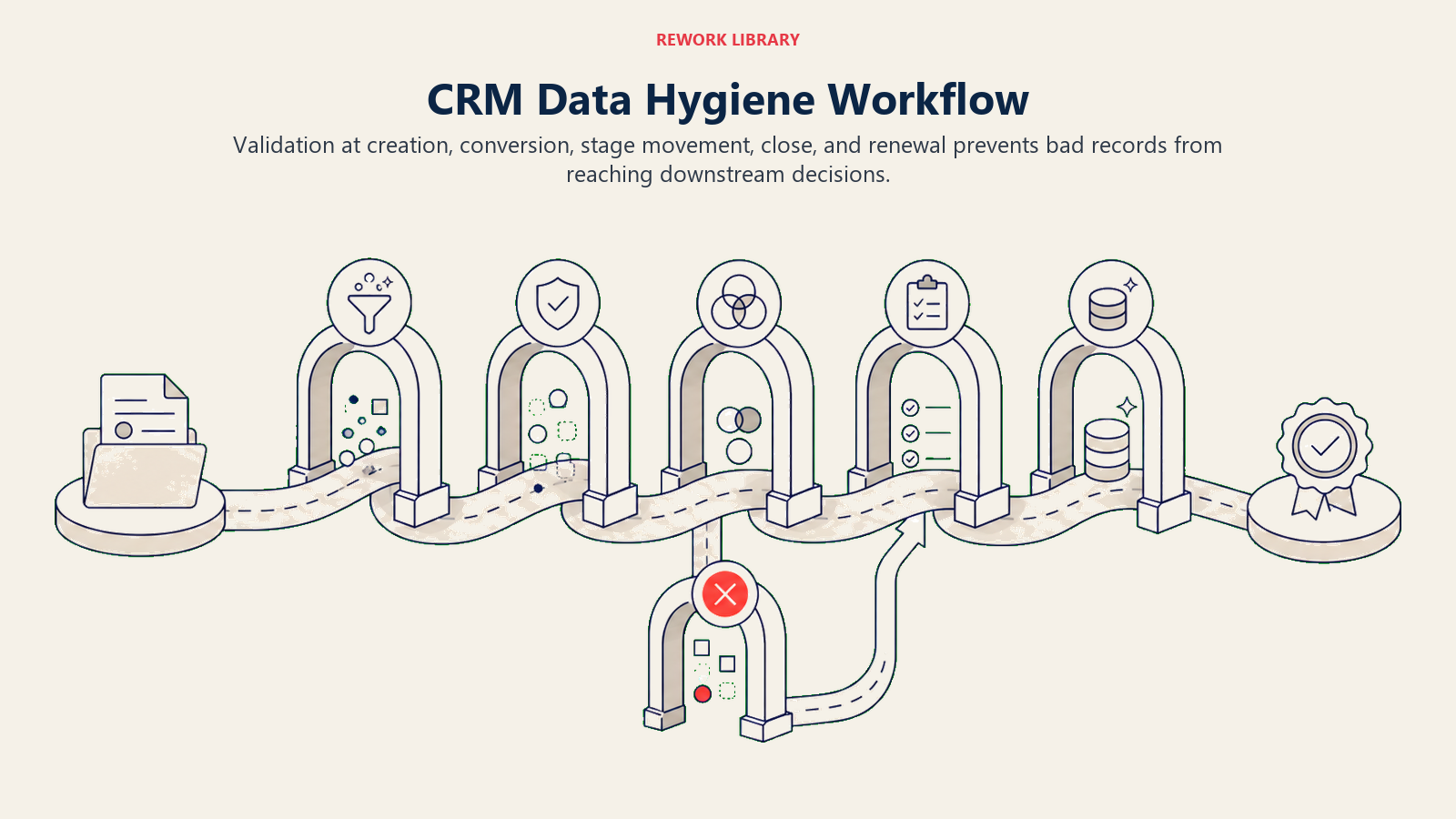
They put checks where the work happens.
At lead creation
Check email format, company name, source, duplicate match, region, and account ownership before routing. Bad lead data creates bad assignment and slow response.
The goal is not to ask for every field on the first form. The goal is to capture enough trustworthy data for routing, scoring, and first response.
At lead conversion
Lead conversion is a common place where data quality breaks.
Before conversion, check whether:
- The account already exists
- The contact already exists under another email
- Source should be preserved or updated
- Campaign influence should carry forward
- Owner should remain the same
- Lifecycle stage should change
If conversion rules are vague, duplicates and source confusion multiply.
At opportunity creation
Require only the fields needed to create a real opportunity: account, amount range, source or influence context, owner, and qualification basis.
Do not require late-stage details too early. If procurement status is required at opportunity creation, users will guess. That gives you a complete field and bad data.
At stage movement
Tie required fields to stage evidence.
For example, procurement status may matter late in the process, but not during discovery. Competition may be unknown at first meeting but should be clear by proposal. Implementation risk may not be visible until solution scope is understood.
At forecast review
Flag stale close dates, old next steps, missing forecast category, and commit deals without evidence before the forecast call.
The forecast call should not be the first time a manager notices poor hygiene. It should be where the team uses clean enough data to make decisions.
At closed-won
Require handoff fields that customer success, finance, and implementation actually use.
If a field is required but downstream teams ignore it, the field should be reviewed. A required field with no downstream usage creates friction and weakens trust.
Use required fields carefully
Required fields are one of the most overused hygiene tools.
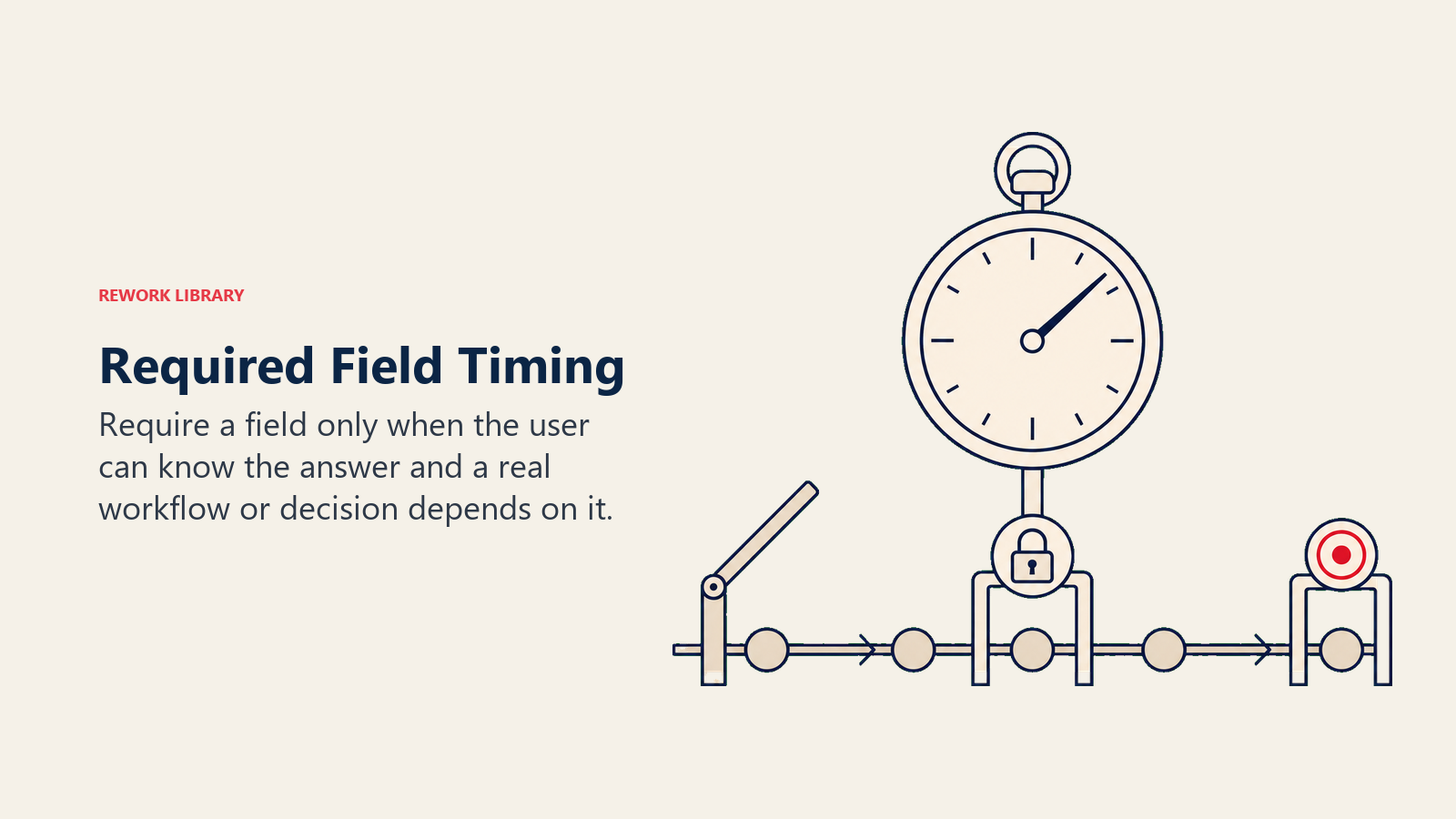
They can improve data quality when:
- The user knows the answer at that point
- The field affects a real workflow
- The allowed values are clear
- Managers inspect the field
- Exceptions have a path
They create bad data when:
- The user does not know the answer yet
- The field exists only for reporting curiosity
- "Other" or "Unknown" becomes the default workaround
- The field blocks valid work
- Nobody uses the value after collection
The best rule: require data when it becomes knowable and useful, not when someone wants it in a dashboard.
Standardize picklists and definitions
Free-text fields are useful for notes. They are usually weak for reporting.
For decision-critical fields, use controlled values:
- Lead source
- Industry
- Segment
- Region
- Stage
- Forecast category
- Closed-lost reason
- Churn reason
- Expansion type
- Implementation risk
Controlled values need definitions. If "No decision" and "Lost to no budget" overlap, reps will choose randomly. If "Partner" and "Referral" are unclear, source reporting will become political.
Good picklist governance includes:
- Allowed values
- Definition for each value
- Owner
- Reporting use
- Retirement rule
- Mapping from imported or integrated values
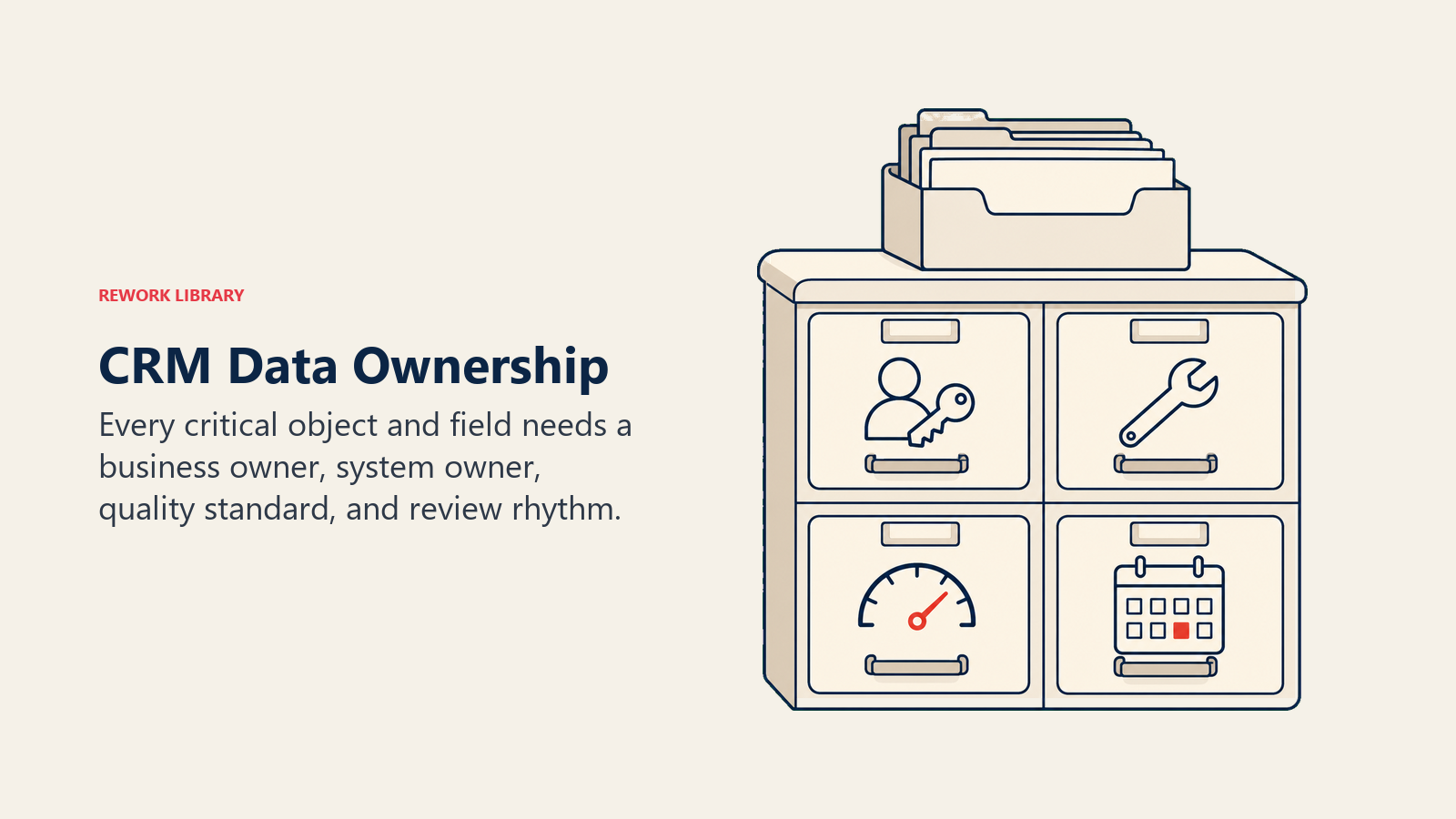
Define ownership by object and field
CRM hygiene needs owners.
| Area | Primary owner | Supporting owners |
|---|---|---|
| Account ownership | Sales leadership | RevOps, marketing ops |
| Lead source | Marketing ops | RevOps, sales |
| Opportunity stage | Sales managers | RevOps |
| Forecast category | Sales leadership | RevOps, finance |
| Customer health | Customer success | RevOps |
| Billing status | Finance | RevOps |
| Field definitions | RevOps | Functional owners |
Ownership does not mean one person cleans every record. It means someone is accountable for the rule, definition, and business use.
Without ownership, hygiene becomes a recurring rescue task for RevOps.
Manage duplicates as a hygiene system
Duplicates are not only a cleanup problem.
They are a design problem across capture, imports, enrichment, conversion, and integration sync.
Duplicate prevention should cover:
- Matching rules for accounts, contacts, leads, and opportunities
- Import checks before list upload
- Lead-to-contact conversion rules
- Domain and company-name normalization
- Ownership rules when duplicates are found
- Merge authority for strategic accounts
- Audit trail for merged records
Automated duplicate detection is useful, but automation should not blindly merge records that affect active deals, consent, billing, or customer history.
The goal is one operating record per real account or person.
Control imports before they enter the CRM
Bad imports can damage CRM hygiene quickly.
Before any list upload, require:
- Source of the list
- Purpose of import
- Field mapping
- Consent or compliance notes where needed
- Duplicate check
- Owner assignment rule
- Required fields
- Cleanup plan if the import is wrong
RevOps should reject imports that cannot explain why the records belong in the CRM. A large list can make database size look impressive while making the operating system less usable.
Watch enrichment drift
Enrichment can improve CRM data, but it can also overwrite good context with generic vendor data.
Common enrichment problems:
- Company size changes without explanation
- Industry values conflict with internal segmentation
- Contact title is overwritten by stale external data
- Account domain matching creates false matches
- Enrichment updates source fields that should be preserved
- Regional data conflicts with territory ownership
Use enrichment rules carefully:
- Decide which fields enrichment can update automatically.
- Decide which fields require review.
- Preserve original values when they are needed for audit.
- Track enrichment source and update date.
- Sample enriched records for quality.
Enrichment is not a substitute for governance. It is one input to a governed data system.
Keep integrations from fighting each other
CRM hygiene often breaks because multiple systems write to the same field.
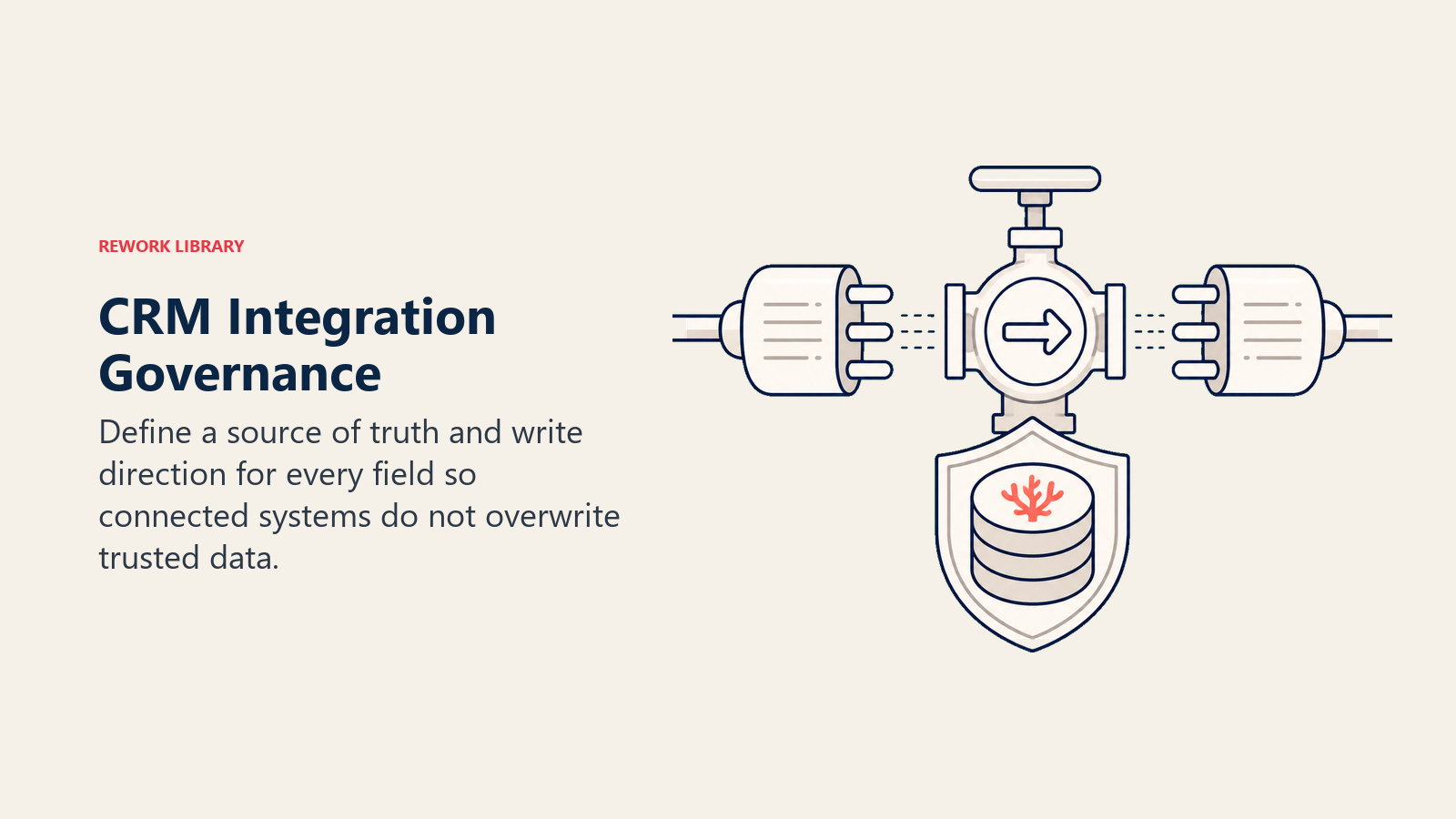
Marketing automation updates lifecycle stage. Sales engagement writes activity. Customer success updates health. Billing updates contract status. BI or data warehouse jobs may write back calculated fields.
The problem is not having many systems. The problem is not knowing which system wins.
For key fields, document:
- System of entry
- System of record
- Allowed update direction
- Sync frequency
- Conflict rule
- Error owner
- Audit field
Example:
| Field | System of entry | System of record | Conflict rule |
|---|---|---|---|
| Lead source | Marketing automation | CRM | Preserve original source after creation |
| Customer health | CS platform | CRM | CS platform updates active customer health |
| Billing status | Billing system | Billing system | CRM receives read-only status |
| Forecast category | CRM | CRM | Sales manager owns updates |
This is where hygiene intersects with architecture. If the sync model is unclear, cleanup will never last.
Measure hygiene with operational signals
A hygiene dashboard should not only show record completeness.
It should show whether data problems affect decisions.
Useful metrics:
- Duplicate rate by object
- Missing critical fields by stage
- Close dates in the past
- Opportunities with no next step
- Commit deals missing evidence
- Lead source unknown rate
- Account ownership conflicts
- Records not updated in 90 days
- Import error rate
- Integration sync errors
- Closed-won handoff completeness
Add trend lines. A one-time snapshot tells you what is dirty. A trend tells you whether the system is improving.
Build a hygiene scorecard
A scorecard helps managers and leaders see data quality as operating health.
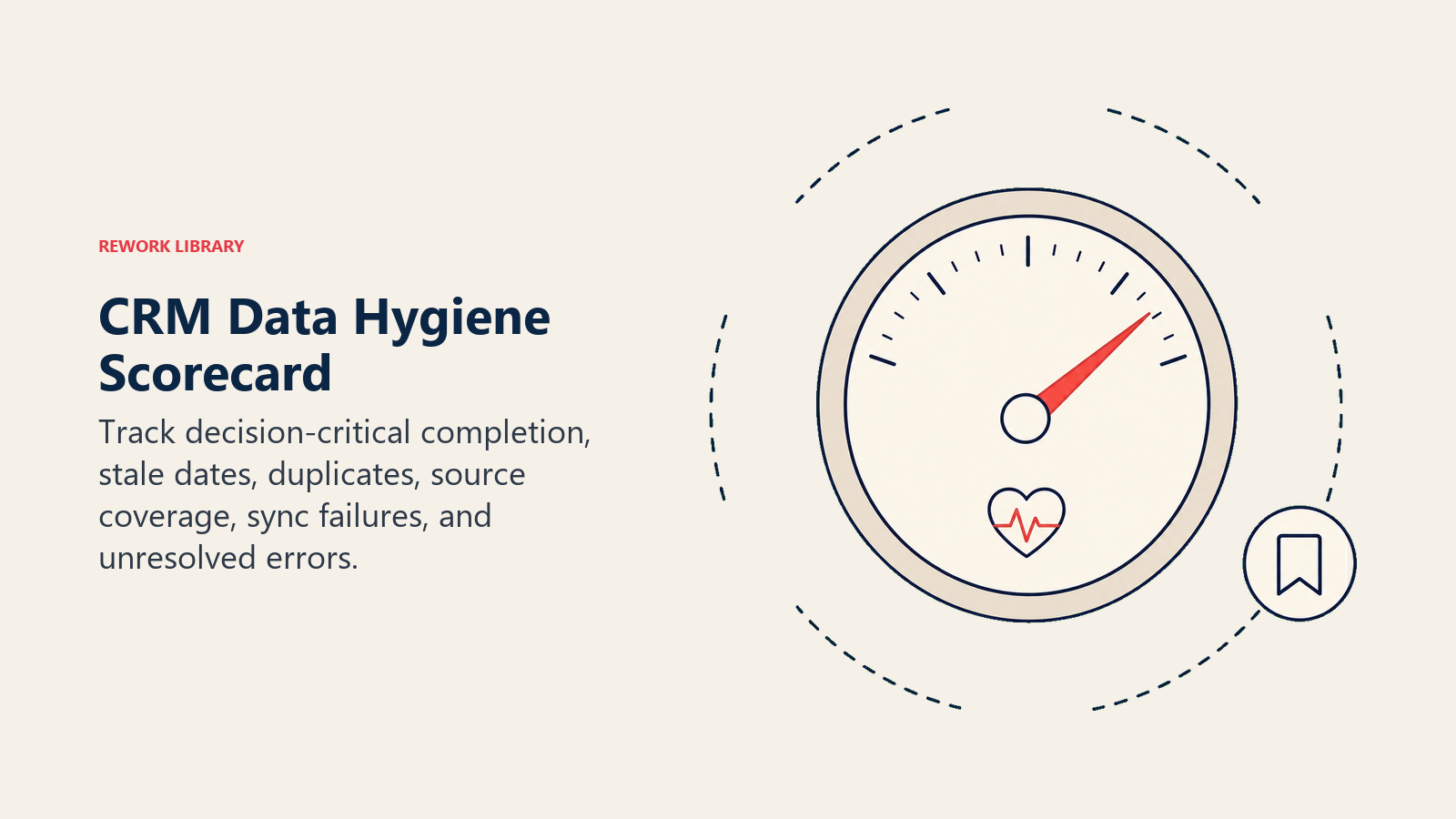
| Scorecard area | Example metric | Owner |
|---|---|---|
| Forecast hygiene | Current-quarter opportunities with close date in the past | Sales managers |
| Pipeline hygiene | Open opportunities with no next step | Sales managers |
| Source hygiene | Active pipeline with unknown source | Marketing ops and RevOps |
| Duplicate hygiene | Active duplicate accounts with pipeline | RevOps and sales ops |
| Handoff hygiene | Closed-won records missing onboarding fields | Sales and customer success |
| Integration hygiene | Sync errors older than 24 hours | Systems owner |
Scorecards should be reviewed where the behavior can change. A pipeline hygiene view belongs in manager inspection. A source hygiene view belongs in campaign and funnel review. A handoff hygiene view belongs in the sales-to-CS operating cadence.
Make prevention stronger than cleanup
Cleanup is still necessary, but it should not be the main operating model.
When RevOps finds a data issue, ask for the root cause:
- Did users not understand the field?
- Was the field required at the wrong time?
- Did an integration overwrite clean data?
- Did an import bypass validation?
- Did enrichment create conflicting values?
- Did managers ignore the field?
- Did the report use the wrong source?
Then add a prevention rule.
Example: if close dates are stale every month, do not only assign cleanup. Add a manager inspection step before the forecast call, a stale-date report, and a rule that commit deals with past close dates cannot stay in the packet without review.
Run hygiene as a cadence
CRM hygiene needs a rhythm.
Weekly hygiene should focus on active revenue risk:
- Current-period opportunities with stale close dates
- Commit deals missing evidence
- High-value records with duplicate risk
- New leads with routing errors
- Closed-won deals missing handoff fields
Monthly hygiene should inspect system patterns:
- Duplicate rate by source
- Required-field friction
- Source attribution gaps
- Integration failures
- Manager-level stage hygiene
- Handoff completeness
Quarterly hygiene should review governance:
- Field retirement
- Picklist cleanup
- Data dictionary updates
- Integration ownership
- Import policies
- Enrichment quality
This cadence keeps hygiene tied to operating decisions instead of isolated cleanup.
Use automation carefully
Automation can improve hygiene, but it can also spread bad data faster.
Good automation candidates:
- Duplicate warnings
- Stale close-date alerts
- Missing-field prompts
- Email validation
- Account matching suggestions
- Import validation
- Handoff task creation
- Integration failure alerts
Keep human review for:
- Merging strategic accounts
- Changing account ownership
- Overwriting source data
- Updating forecast category
- Editing billing or contract data
- Mass-changing historical records
Automation should make hygiene easier to sustain, not harder to trust.
Create cleanup campaigns when needed
Prevention is the goal, but some problems need cleanup campaigns.
Use campaigns for:
- Duplicate account cleanup
- Source normalization
- Closed-lost reason cleanup
- Stale opportunity cleanup
- Contact role refresh
- Field retirement
- Historical stage migration
A cleanup campaign should have a narrow scope, owner, rule set, sample review, and success metric.
Bad cleanup campaign: "Clean up the CRM."
Better cleanup campaign: "Reduce active duplicate accounts with open pipeline above $25K from 84 to fewer than 10 by the end of the month, with sales manager approval before strategic account merges."
Narrow campaigns finish. Vague cleanup work becomes background noise.
Example: stale close dates
Stale close dates are a hygiene issue with forecast impact.
If late-stage opportunities keep close dates in the past, the problem may not be simple user laziness. It may mean managers are not inspecting timing, stage exit criteria are weak, reps do not understand buyer process evidence, or forecast calls are happening before pipeline cleanup.
The prevention rule might include a weekly stale-date report, manager review before forecast submission, and a rule that commit deals with past close dates must be updated or removed from commit.
That is hygiene as operating design.
Example: unknown source
Unknown source is not just a marketing reporting issue.
If source is missing or unreliable, routing may be weaker, campaign ROI becomes harder to judge, and pipeline creation discussions become political. RevOps should inspect where the source is lost: form capture, list import, enrichment, CRM conversion, duplicate merge, or opportunity creation.
The fix may be a field rule, an integration repair, an import policy, or a merge rule. Assigning cleanup without finding the source of the source problem will not last.
Example: duplicate active accounts
Duplicate accounts become expensive when both copies have activity.
One account may have contacts and activity history. Another may have the open opportunity. A third may have renewal risk or billing context. Sales sees ownership conflict. Customer success sees incomplete history. Finance sees mismatched account names.
The cleanup should not start with "merge everything."
Start by deciding the master account, reviewing active opportunities, checking billing and contract fields, preserving activity history, and confirming ownership. Then update the matching rule that let the duplicate enter.
Data-quality caveats
When data is not yet clean, RevOps should use caveats rather than hide the weakness.
Examples:
- "Pipeline source is reliable after March 1, when the new source rule launched."
- "Renewal health data is missing for the legacy enterprise segment."
- "Close-date push count is underreported for opportunities created before the stage migration."
- "Partner-source pipeline includes manually corrected records before the import policy changed."
Caveats help leaders make decisions with the right level of confidence while the hygiene program improves the underlying system.
Common CRM hygiene mistakes
Cleaning without prevention. The same issue returns next month.
Measuring every field equally. A missing favorite-color field is not the same as a missing close date.
Requiring fields too early. Users enter fake data to move forward.
Letting integrations overwrite definitions. Systems fight over field values.
No field retirement. Old fields stay visible and confuse users.
No manager inspection. RevOps owns cleanup alone while behavior stays unchanged.
Automating merge decisions too aggressively. Strategic accounts and active pipeline need review.
Hiding caveats. Leaders make decisions with false confidence when data weakness is not named.
A practical first hygiene program
Start with a 30-day program.
- Pick the top 10 fields that affect revenue decisions.
- Measure completeness, accuracy, and staleness.
- Identify the top three recurring issues.
- Find the root cause for each.
- Add prevention rules.
- Create weekly hygiene views for managers.
- Update definitions and ownership.
- Review progress after one month.
Do not try to fix the entire CRM at once. Fix the data that drives the operating cadence first.
What good looks like
Good CRM hygiene is visible in meetings.
Forecast calls spend less time debating whether the data is current. Managers inspect deals from the same record. Marketing and sales argue less about source definitions. Customer success gets useful closed-won context. Finance can reconcile the rollup without rebuilding it.
The CRM becomes easier to use because users trust that the data they enter will be used.
Clean data also changes the tone of revenue discussions. Instead of asking whether the number is real, leaders can ask what action to take. Instead of debating whether pipeline coverage is inflated, they can inspect which segment needs pipeline creation. Instead of asking whether handoff fields are missing, customer success can start onboarding with context.
Hygiene maturity model
| Stage | Behavior | RevOps move |
|---|---|---|
| Cleanup | RevOps fixes bad records after complaints | Start recurring hygiene views |
| Reporting | Dashboards show data-quality gaps | Add owner, trend, and decision impact |
| Prevention | Validation, ownership, and manager review reduce recurrence | Tie controls to workflow moments |
| Operating trust | Leaders use CRM data confidently in cadence meetings | Maintain definitions, caveats, and retirement |
The goal is not a perfect CRM. The goal is trustworthy enough data for the decisions the revenue system has to make every week.
Data hygiene sprint packet
A data hygiene sprint should be scoped tightly.
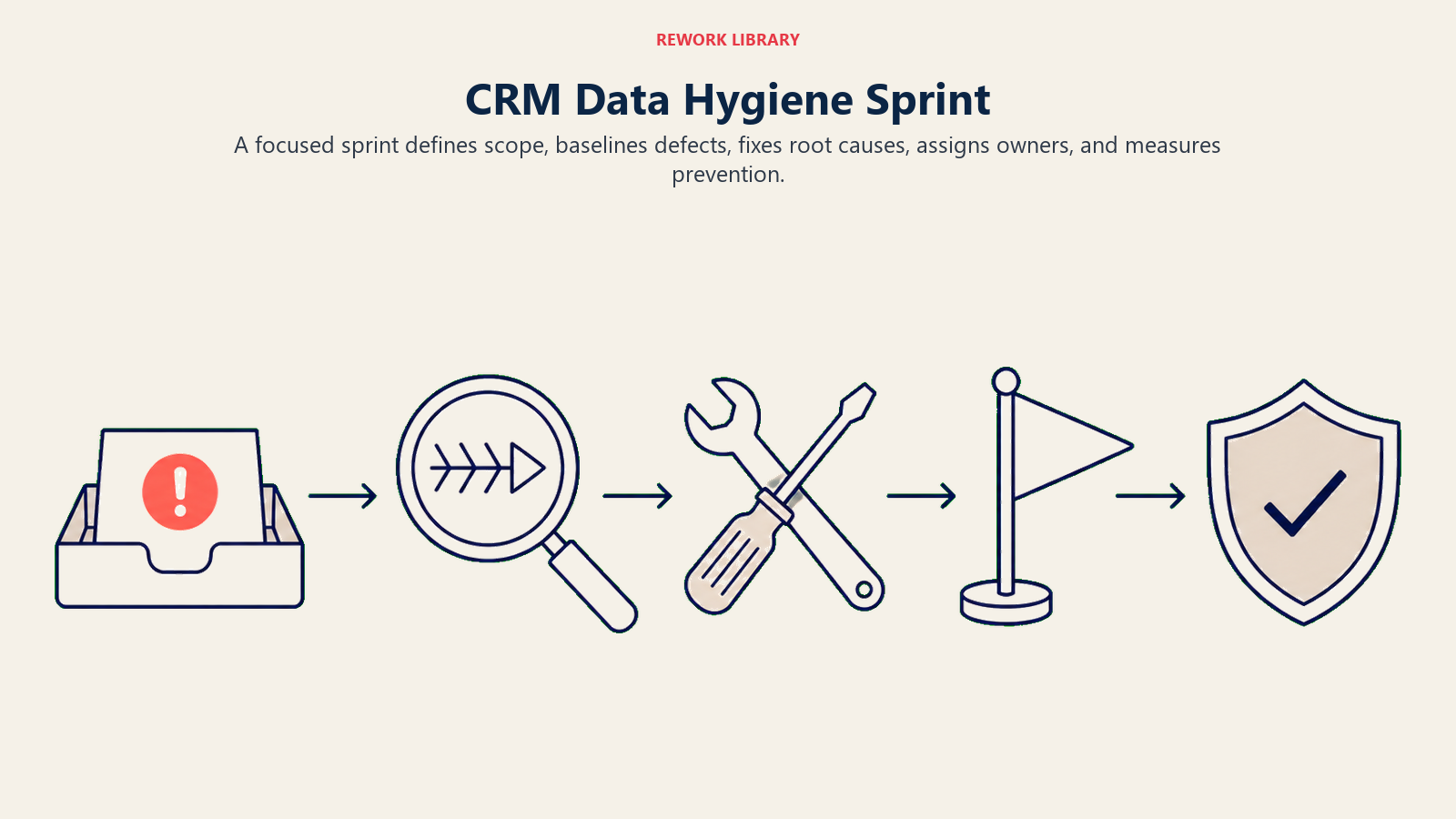
Define:
- Object or workflow in scope.
- Fields in scope.
- Business reason.
- Cleanup owner.
- Rules for correction.
- Automation or enrichment support.
- Records excluded.
- Success metric.
- Prevention rule after cleanup.
Cleanup without prevention is temporary. The sprint should end with a rule, workflow, or owner that keeps the same issue from returning.
Frequently Asked Questions about CRM Data Hygiene
Who owns CRM data hygiene?
RevOps owns the governance model. Managers own behavior in their teams. System owners maintain tools and integrations. Users own the records they touch. The mistake is assigning all hygiene work to RevOps while leaving workflow behavior unchanged.
How often should CRM cleanup happen?
Cleanup should happen continuously through workflow checks. Quarterly audits are useful, but they should confirm that prevention is working, not replace it.
What CRM data should be cleaned first?
Start with current-quarter pipeline, active duplicate accounts, lead routing fields, source attribution on active opportunities, and closed-won handoff fields. These data points affect near-term decisions.
How do you know CRM hygiene is improving?
Look for lower recurrence, not only cleaner snapshots. Fewer stale close dates, fewer duplicate active accounts, fewer missing handoff fields, and fewer report caveats are better signals than a one-time cleanup count.
Learn more

Principal Solution Architect
On this page
- Why CRM hygiene matters
- What CRM data hygiene really covers
- The five dimensions of CRM hygiene
- Accuracy
- Completeness
- Consistency
- Timeliness
- Uniqueness
- Why hygiene breaks in growing teams
- Start with decision-critical data
- Prioritize by revenue risk
- Build hygiene into the workflow
- At lead creation
- At lead conversion
- At opportunity creation
- At stage movement
- At forecast review
- At closed-won
- Use required fields carefully
- Standardize picklists and definitions
- Define ownership by object and field
- Manage duplicates as a hygiene system
- Control imports before they enter the CRM
- Watch enrichment drift
- Keep integrations from fighting each other
- Measure hygiene with operational signals
- Build a hygiene scorecard
- Make prevention stronger than cleanup
- Run hygiene as a cadence
- Use automation carefully
- Create cleanup campaigns when needed
- Example: stale close dates
- Example: unknown source
- Example: duplicate active accounts
- Data-quality caveats
- Common CRM hygiene mistakes
- A practical first hygiene program
- What good looks like
- Hygiene maturity model
- Data hygiene sprint packet
- Learn more