Duplicate Record Management: How RevOps Prevents CRM Fragmentation
Duplicate records do not just make the CRM look messy.
They split the customer truth. One account has the sales activity. Another account has the renewal risk. A third account has the billing contact. A lead sits outside the account even though the company is already in pipeline. Marketing counts three people. Sales sees two owners. Customer success misses the history.
Then the revenue system starts making decisions from fragmented context.
Duplicate record management is how RevOps keeps account, contact, lead, and opportunity data tied to one operating reality. It is not only a cleanup task. It is a control system for routing, scoring, reporting, ownership, handoff, customer experience, and revenue trust.
Forrester's RevOps technology alignment research is relevant because duplicates affect routing, reporting, automation, and customer context across the revenue engine. Forrester's RevOps responsibilities model also reinforces why duplicate policy must cross functions.
Key operating facts
- Duplicates are not record clutter. They split customer context.
- Account duplicates usually carry more risk than contact duplicates because they touch pipeline, billing, renewal, and ownership.
- Merge rules should be written before cleanup begins.
- Import, conversion, enrichment, and integration controls matter more than one-time dedupe projects.
- A falling duplicate creation rate is a stronger signal than a high merge count.
Why duplicate records are a revenue problem
Duplicate records create operational damage in five ways.
| Damage | What happens | Revenue impact |
|---|---|---|
| Split activity | Calls, emails, meetings, and notes sit on different records | Managers cannot see the full relationship |
| Broken ownership | Two reps believe they own the same account or contact | Follow-up conflict and territory disputes |
| Inflated reporting | Lead, account, and pipeline counts look stronger than reality | Leaders overestimate coverage and activity |
| Bad automation | Routing, scoring, tasks, and nurture run from incomplete context | Leads get mishandled or over-contacted |
| Poor customer experience | Customers receive duplicate outreach or repeat questions | Trust drops before or after the sale |
The most expensive duplicate is not always the obvious one. A duplicate account with no open pipeline may still be dangerous if it owns the renewal contact, support history, billing relationship, or source attribution.
That is why duplicate management belongs inside the same operating layer as CRM data hygiene and CRM field governance. Dedupe work is only sustainable when the fields, workflows, and ownership rules behind it are clear.
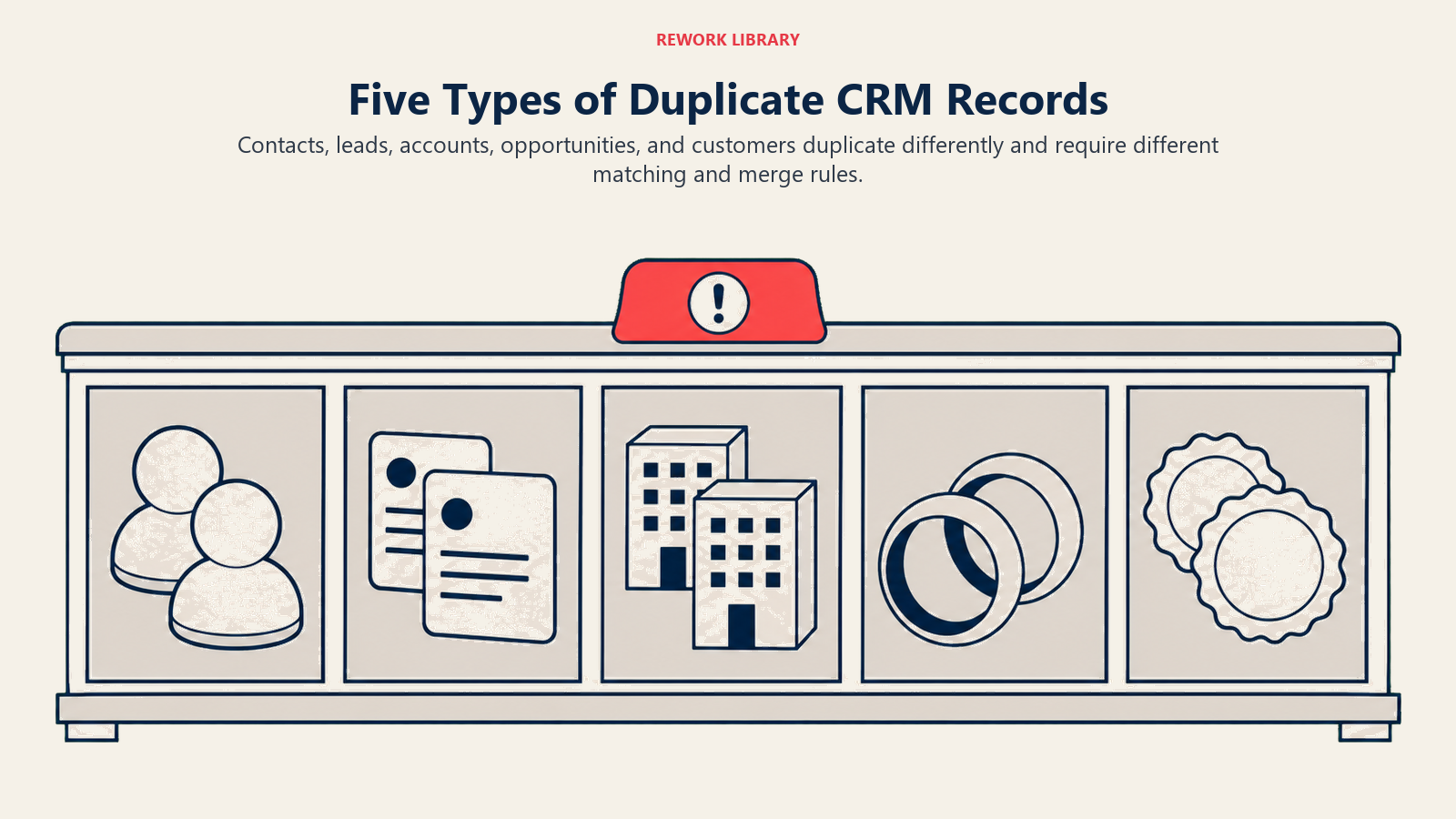
The main duplicate types
RevOps should define duplicate types before choosing rules.
Different duplicate types need different detection signals, business owners, and merge decisions.
Turn this article into takeaways for your work.


Each assistant summarizes the article only for you and suggests best practices for your work.
Lead to contact duplicates
A new lead enters through a form even though the person already exists as a contact. If the systems do not match them, the person may be routed as a new lead while an account owner already has the relationship.
This is common when:
- A known contact uses a personal email
- A contact submits a new form with a different domain
- Marketing automation creates leads without checking CRM contacts
- Lead conversion rules are incomplete
- Duplicate detection only checks exact email match
Lead-to-contact duplicates affect routing and response. They can also create awkward customer experiences when a person already in conversation with sales gets treated like a brand-new inbound lead.
Contact duplicates
The same person exists twice because of email variation, import history, enrichment, or manual creation.
Contact duplicates split activity history. One record has webinar attendance. Another has sales emails. Another has support notes. If marketing, sales, and customer success each see a different version, the team loses relationship memory.
Contact merge policy should preserve:
- Verified business email
- Alternate email where useful
- Consent and subscription status
- Activity history
- Campaign history
- Account relationship
- Contact role
Contact duplicates are often easier to merge than account duplicates, but they still need field survival rules.
Account duplicates
The same company exists as multiple accounts because of naming differences, domains, subsidiaries, regions, legacy imports, or billing structure.
Account duplicates are the highest-risk duplicate type for most B2B teams. They affect:
- Pipeline
- Forecast
- Territory ownership
- Account-based marketing
- Customer health
- Renewal risk
- Billing and contracts
- Support history
- Executive reporting
Merging account records without business review can damage context for years.
Opportunity duplicates
Two opportunities represent the same buying motion.
Opportunity duplicates inflate pipeline, confuse forecast, and make manager inspection harder. They often happen when multiple reps work different contacts at the same account, a renewal is confused with expansion, or an inbound request creates a second opportunity while an existing deal is active.
Opportunity duplicates require sales manager review because the decision is not only technical. The manager needs to decide whether there are truly two buying motions or one fragmented deal.
Cross-system duplicates
The CRM, marketing automation platform, customer success platform, billing system, and data warehouse may each represent the same customer differently.
These duplicates may not be visible from inside one system.
Example: CRM uses "Acme," billing uses "Acme LLC," customer success uses "Acme North America," and the data warehouse maps product usage to "acme.com." Each record may be defensible in its own system, but the revenue team cannot reconcile the customer without a shared identity model.
Cross-system duplicates are a source-of-truth revenue data problem, not only a CRM cleanup problem.
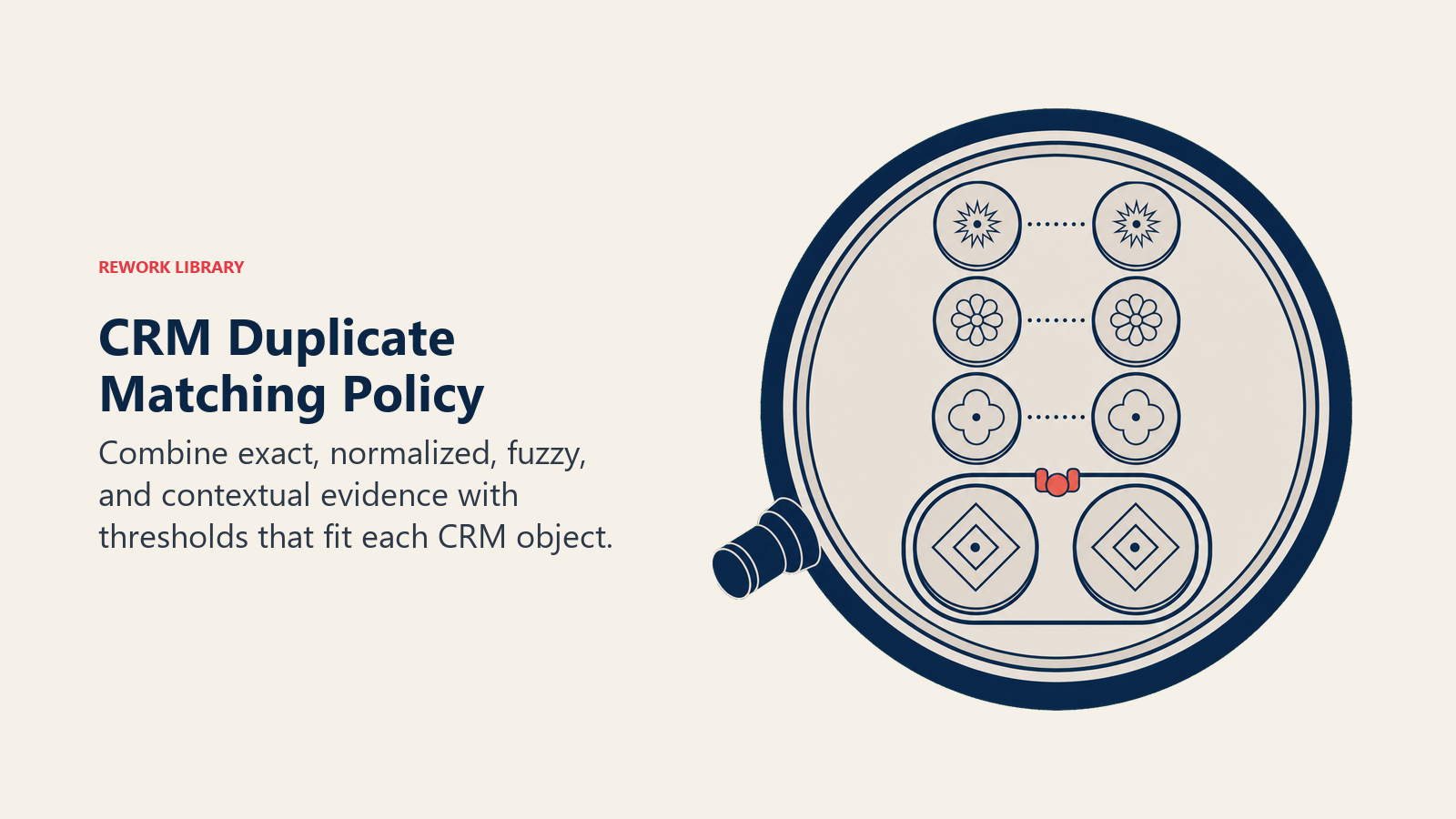
Build a matching policy
Duplicate management starts with matching rules.
Common matching signals:
- Email address
- Email domain
- Company website
- Company name
- Phone number
- LinkedIn profile
- Billing domain
- Account owner
- Country or region
- Parent account
- Tax ID or customer ID where available
Each signal has limits. Email is strong for a person, but weak when people use aliases. Domain is useful for B2B accounts, but weak for conglomerates, agencies, universities, resellers, and companies with multiple brands. Company name is necessary, but spelling and legal entity differences create noise.
Use confidence levels.
| Confidence | Example | Action |
|---|---|---|
| High | Same verified business email | Auto-flag or auto-match when safe |
| Medium | Same domain and similar company name | Human review |
| Low | Similar name only | Do not merge without evidence |
Do not let fuzzy matching become automatic merging for important records. Flag first, then review.
Match differently by object
The matching policy should not use one rule for every object.
| Object | Strong signals | Weak signals | Review rule |
|---|---|---|---|
| Lead | Email, domain, phone | First and last name only | Match to existing contact or account before routing |
| Contact | Email, LinkedIn, phone | Same name at same company | Preserve consent and activity history |
| Account | Website, billing domain, customer ID | Similar company name | Human review for active pipeline or customers |
| Opportunity | Account, product, close period, contacts | Similar deal name | Sales manager decides if one buying motion or two |
This distinction matters because a wrong contact merge is annoying, but a wrong account merge can corrupt pipeline, renewal, billing, and historical reporting.
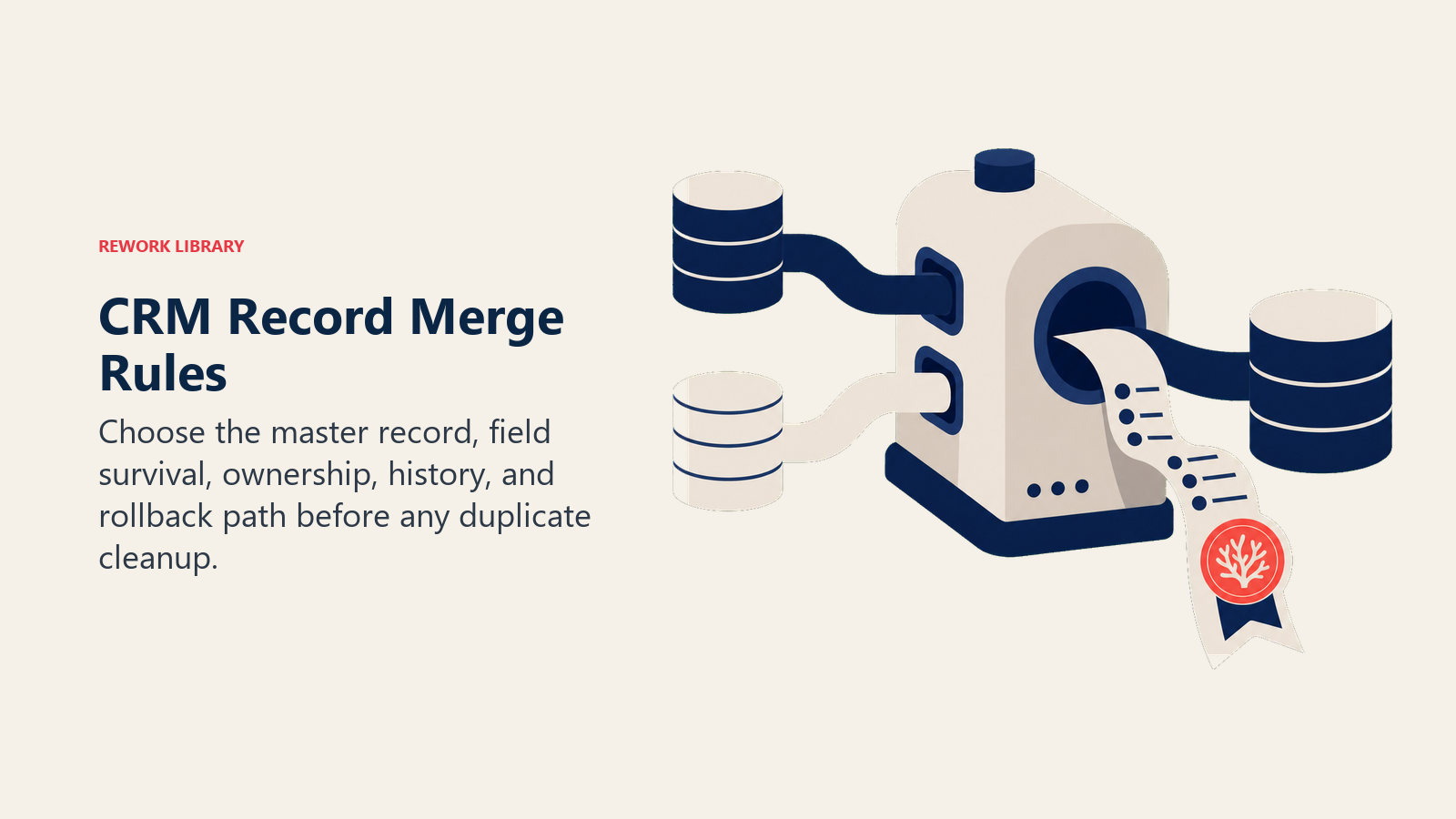
Define merge rules before cleanup
Merging records is not just deleting duplicates.
RevOps needs a field survival policy: which value survives when records conflict?
Examples:
- Account owner: keep active owner, not oldest owner.
- Lead source: preserve original source and store latest source separately.
- Lifecycle stage: keep the most advanced valid stage.
- Customer status: billing or subscription system may win.
- Contact email: keep verified business email.
- Activity history: preserve all activity when possible.
- Notes: append or preserve, do not overwrite.
- Consent: keep the most restrictive valid consent status.
- Forecast category: keep manager-approved current value.
If merge rules are unclear, cleanup can destroy context.
Use a field survival table
For high-risk merges, a field survival table prevents guesswork.
| Field | Survival rule | Owner |
|---|---|---|
| Original source | Preserve oldest known source | Marketing ops |
| Latest source | Keep most recent qualified source | Marketing ops |
| Account owner | Keep active owner unless manager approves change | Sales leadership |
| Customer status | Billing or subscription system wins | Finance or operations |
| Renewal date | Subscription system wins | Customer success and finance |
| Activity history | Preserve all history where possible | RevOps |
| Open opportunity | Keep manager-approved opportunity | Sales manager |
| Health score | Customer success platform wins | Customer success |
This table should exist before a cleanup sprint begins. Otherwise every merge becomes a new debate.
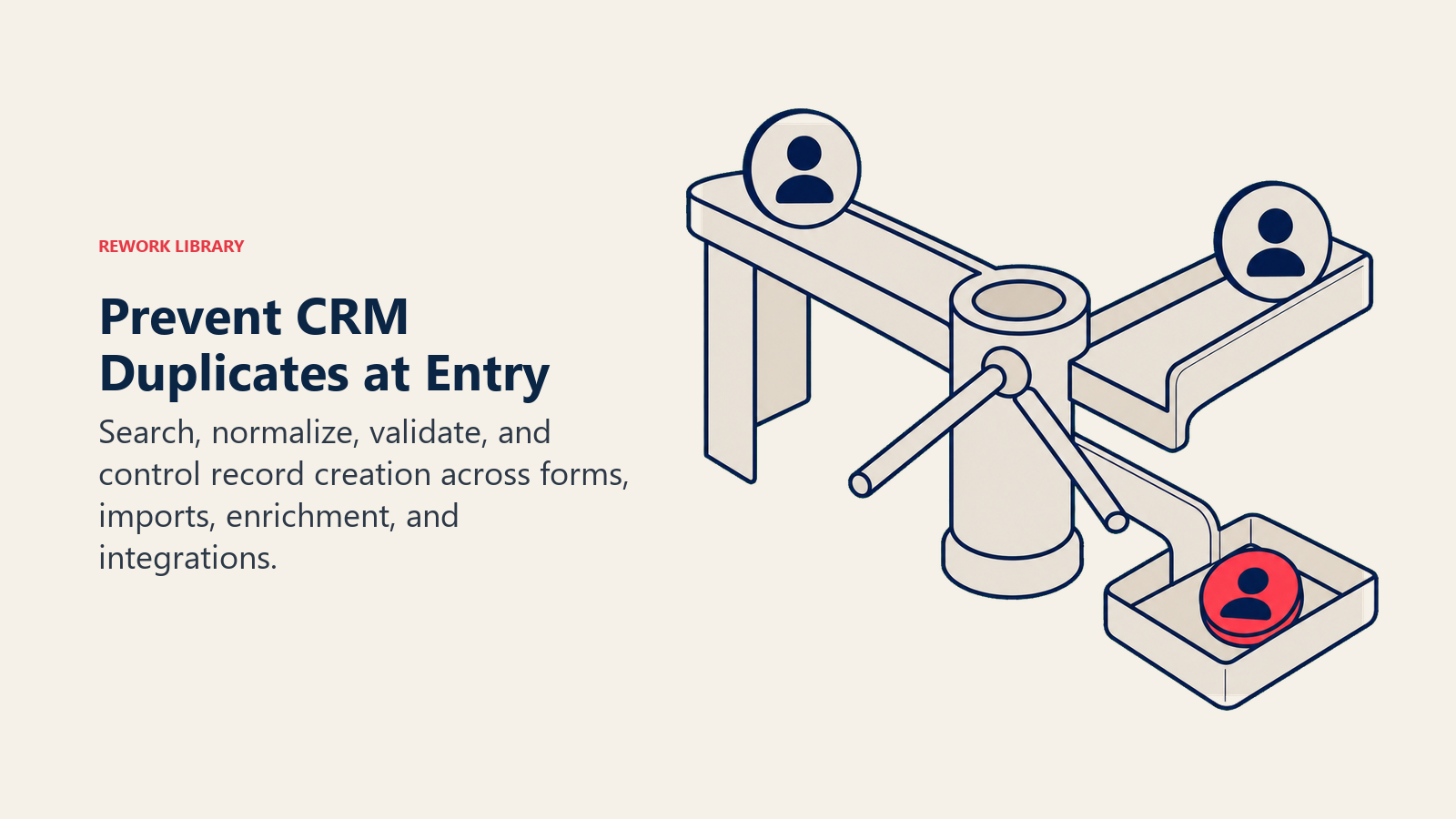
Prevent duplicates at the point of entry
The best duplicate program prevents duplicates before they enter the CRM.
Controls include:
- Form matching against existing contacts
- Account domain matching before lead creation
- Import validation
- Required domain or company website for account creation
- Duplicate warning on manual record creation
- Lead-to-account matching
- Account hierarchy rules
- Enrichment review before overwrite
- Conversion rules for known contacts
Prevention matters because cleanup alone cannot keep up with a system that keeps creating duplicates.
Control form capture
Forms create many duplicates because people do not always submit the same email or company name.
A good form capture process should:
- Validate email format
- Capture company website or domain when appropriate
- Preserve original source
- Match known contacts before new lead creation
- Flag personal emails for account matching
- Avoid creating a new account from every company-name variation
- Route uncertain matches to review
This matters most for high-intent forms such as demo requests, pricing requests, contact sales, partner inquiries, and customer support requests.
Control imports
Imports can create thousands of duplicates in minutes.
Before any list upload, require:
- Import owner
- Source of list
- Purpose of import
- Field mapping
- Duplicate check
- Existing-record update rule
- Consent or compliance note where needed
- Error rollback plan
Do not let "net new names" become the only import goal. A list that creates duplicates can make campaign volume look good while weakening the revenue system.
Control enrichment
Enrichment can help match records, but it can also create false matches.
Common enrichment-driven duplicate issues:
- Generic company domains mapped to the wrong account
- Subsidiaries merged into parent accounts without sales agreement
- Contact titles overwritten by stale data
- Account names normalized in a way that breaks existing hierarchy
- Personal emails matched to the wrong company
Use enrichment as a signal, not an unquestioned authority.
Control integrations
Integrations create duplicates when systems disagree about identity.
For every connected system, document:
- Which records it can create
- Which records it can update
- Which fields it can overwrite
- Which matching keys it uses
- What happens when no match is found
- Who owns sync errors
This belongs in the revenue operations system-of-record design. If systems do not agree on identity, duplicate cleanup will not last.
Handle account duplicates carefully
Account duplicates deserve extra care because accounts often connect to opportunities, contracts, tickets, billing, product usage, and customer success workflows.
Before merging account records, inspect:
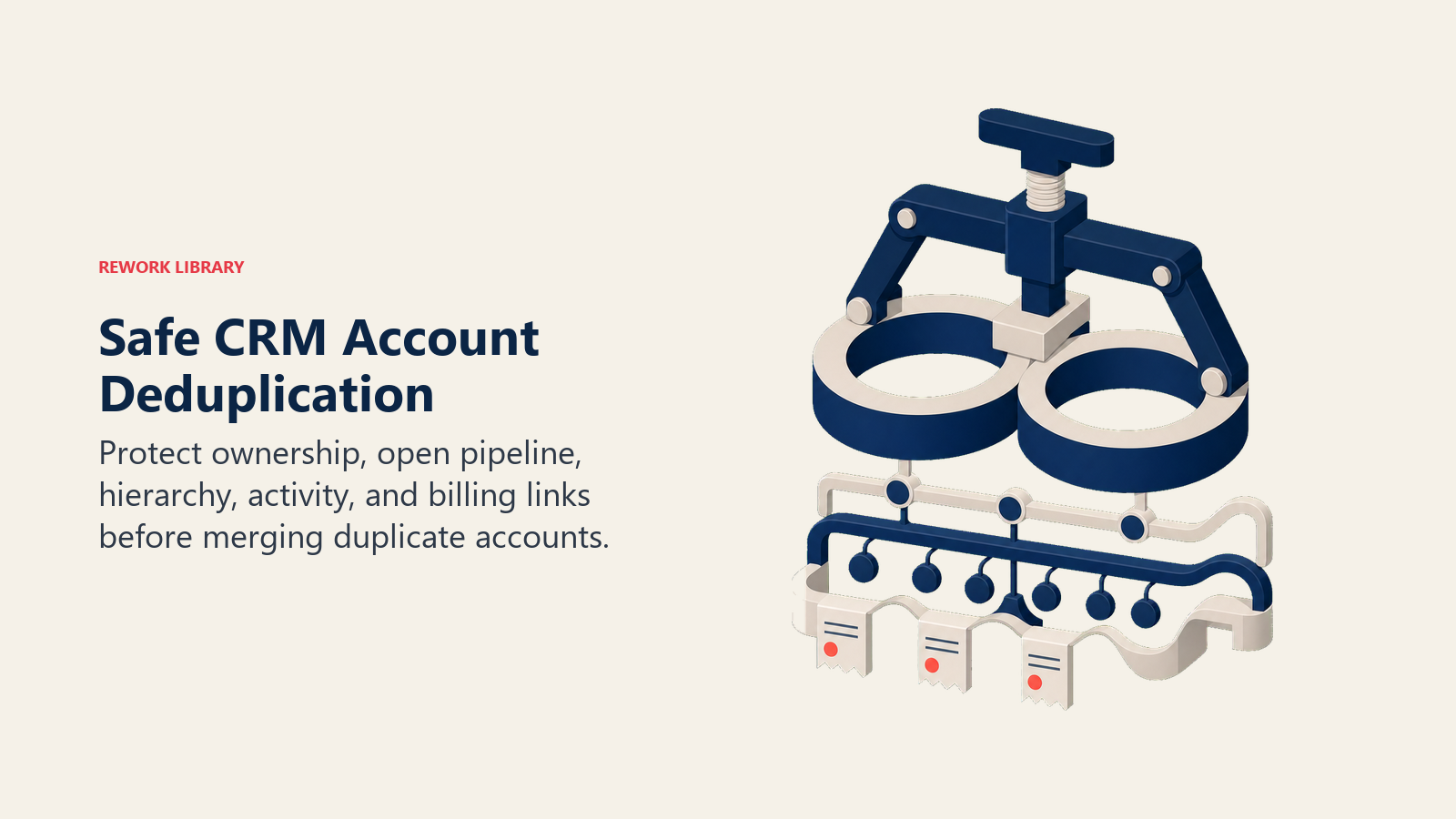
- Open opportunities
- Closed-won history
- Renewal date
- Billing relationship
- Customer status
- Parent or child account
- Account owner
- Support tickets
- Customer success health
- Active sequences or campaigns
- Product usage data
- Contract entity
For strategic accounts, require human review. A wrong merge can damage reporting and customer context for years.
Decide when not to merge
Some records look like duplicates but should stay separate.
Examples:
- Parent company and subsidiary with different buying teams
- Global account and regional business unit
- Partner record and end-customer record
- Agency and client account
- Two contacts with similar names at the same company
- Separate opportunities for different products or divisions
- Legal entity and brand entity where billing needs both
A strong duplicate program includes a "do not merge" policy. That policy matters as much as the merge policy.
Manage account hierarchy
Some duplicate problems are actually hierarchy problems.
Large accounts may need:
- Global parent account
- Regional child accounts
- Subsidiary accounts
- Billing entities
- Partner relationships
- Buying centers
- Product-line opportunities
If RevOps tries to force every related entity into one account record, the CRM may look cleaner while the operating model gets worse.
The question is not "Can these accounts be merged?" The better question is "What relationship should these accounts have so sales, customer success, finance, and reporting can all work?"
Review duplicates as an operating cadence
Duplicate cleanup should not wait for a quarterly panic.
Weekly review should focus on active risk:
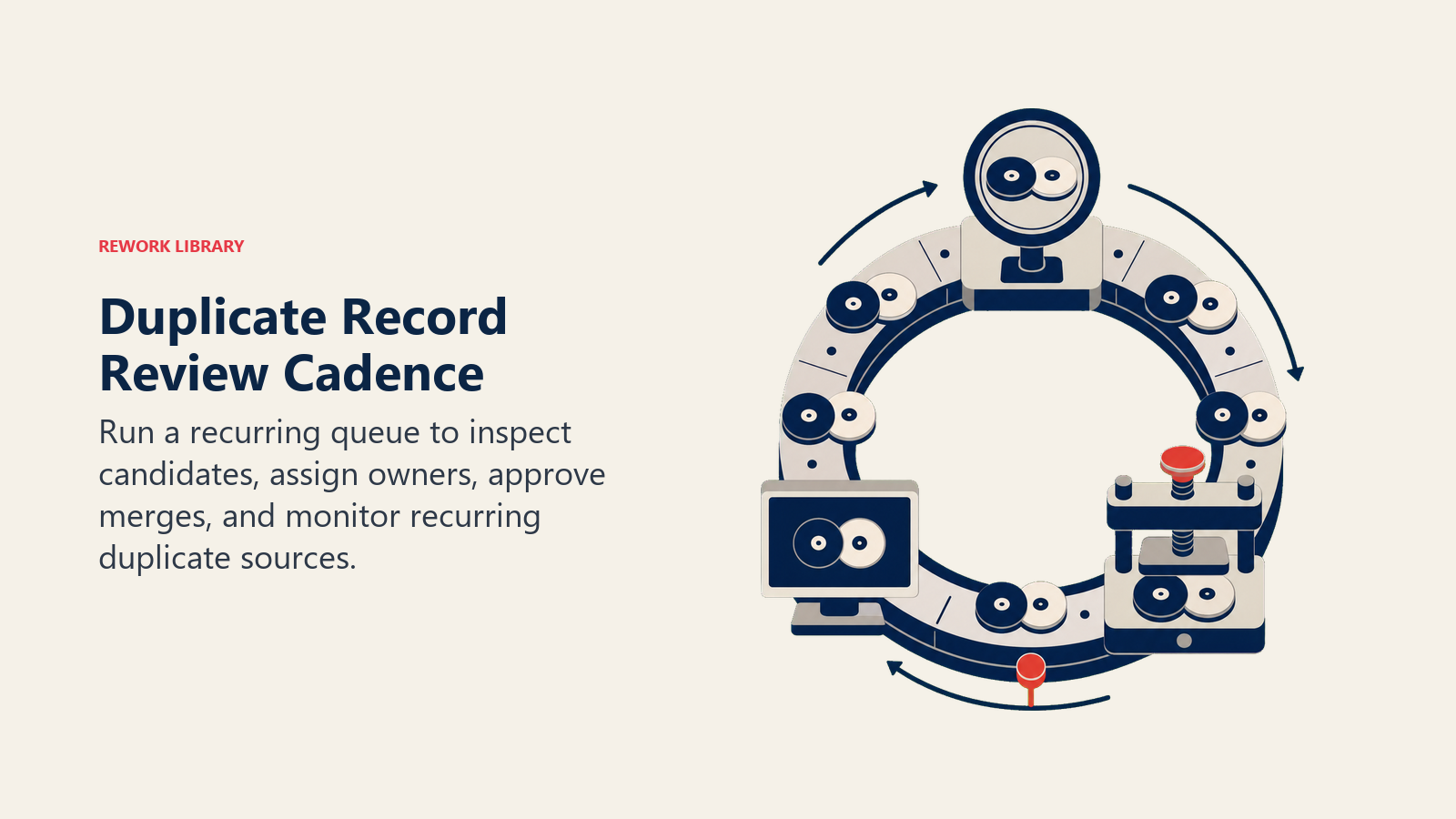
- New high-confidence duplicate leads
- Duplicate accounts with open opportunities
- Duplicate contacts in active sequences
- Duplicate opportunities in current forecast
Monthly review should inspect patterns:
- Duplicate rate by source
- Duplicate rate by import
- Duplicate rate by integration
- Duplicate rate by region or segment
- Merge errors
- Records created manually without matching
Quarterly review should update policy:
- Matching thresholds
- Field survival rules
- Account hierarchy standards
- Import rules
- Enrichment policy
- Admin permissions
Duplicates are a system behavior. Review the system, not only the records.
Duplicate scorecard
A useful scorecard includes:
- Duplicate rate by object
- New duplicates created per week
- Duplicates merged per week
- Duplicate source
- Average time to review duplicates
- Duplicate accounts with open pipeline
- Duplicate contacts in active campaigns
- Merge error rate
- Records blocked at import
- Strategic account duplicate backlog
The most important metric is not how many duplicates RevOps merged. It is whether duplicate creation is going down.
Build a duplicate review queue
Duplicate management works better when risky records flow into a review queue instead of sitting in scattered reports.
The queue should show:
- Duplicate type
- Confidence level
- Object affected
- Source of creation
- Owner
- Pipeline or customer status
- Last activity date
- Recommended action
- Reviewer
- SLA
This lets RevOps separate urgent duplicate risk from normal cleanup.
| Queue item | Review priority | Reason |
|---|---|---|
| Duplicate account with open opportunity | High | Forecast, owner, and customer context risk |
| Duplicate contact in active sequence | Medium | Outreach and consent risk |
| Duplicate lead from current customer | High | Routing and customer experience risk |
| Similar company name with no activity | Low | Low operating impact |
| Duplicate opportunity in commit forecast | High | Pipeline inflation and forecast risk |
The queue should not be owned only by the CRM admin. RevOps can run the queue, but business owners should resolve ambiguous records.
Triage before merging
Not every duplicate deserves immediate action.
Use triage:
- Is there active pipeline or customer status? If yes, review before merge.
- Is there billing, contract, or consent data? If yes, involve the owner of that data.
- Is the match high-confidence? If no, do not merge automatically.
- Will source or activity history be affected? If yes, preserve before merge.
- Do the records represent hierarchy rather than duplication? If yes, create a relationship instead of merging.
Triage protects speed and safety at the same time. Low-risk person duplicates can move quickly. Strategic account duplicates should slow down until the business context is clear.
Read the scorecard by source
Duplicate totals are useful, but source-level analysis is better.
| Source | What to inspect | Likely fix |
|---|---|---|
| Web forms | Known contacts re-entering as leads | Lead-to-contact matching |
| List imports | Repeated event or vendor lists | Import validation |
| Manual creation | Reps creating accounts without search | Creation permission and duplicate warning |
| Enrichment | False company matches | Enrichment review policy |
| Billing sync | Customer names differ from CRM accounts | Identity mapping |
| CS platform | Customer account hierarchy differs | System-of-record agreement |
This tells RevOps where prevention should improve.
A practical cleanup sprint
Run cleanup in stages.
- Segment duplicates by object and risk.
- Start with high-confidence person duplicates.
- Review account duplicates with open opportunities separately.
- Define merge rules before touching strategic accounts.
- Preserve source and activity history.
- Track unresolved ambiguous records.
- Identify how duplicates entered.
- Add prevention controls.
The cleanup sprint is not finished when duplicates are merged. It is finished when RevOps can explain what created them and what changed to prevent recurrence.
Example: duplicate account with open pipeline
Suppose Acme Inc. exists as two accounts. One record has the open opportunity. The other has three contacts, previous meeting notes, and a customer success risk note from a prior pilot.
A simple merge may look obvious, but RevOps should inspect ownership, opportunity history, source fields, activity, and account hierarchy before acting. If the wrong record survives, the team may lose attribution or historical context. If the opportunity owner changes silently, the sales manager may lose visibility.
The cleanup decision should include the business owner, not only the system admin.
Example: duplicate lead from an existing account
A VP from an existing target account submits a demo form with a personal email address. If the CRM does not match the record, the lead may enter a standard inbound queue. A new rep follows up, while the named account owner already has an active opportunity.
This is not only a duplicate problem. It is a routing, account ownership, and customer experience problem.
Prevention may require domain matching, personal-email handling, lead-to-account matching, and an exception path for strategic accounts. For teams with high inbound volume, this should connect to lead routing automation, because routing logic is only as good as the identity logic before it.
Example: duplicate opportunity
A current customer asks about a second product. One AE creates an expansion opportunity. A CSM logs the same buying motion as a renewal expansion. Marketing influence attaches to one opportunity, while forecast shows both.
The CRM now shows more pipeline than reality.
The fix is not a blind merge. The sales manager should decide whether this is one buying motion, two buying motions, or a renewal with expansion. RevOps should preserve activity and source context, then update the opportunity creation rules that allowed the split.
Duplicate opportunity cleanup should tie into the lead-to-opportunity process, especially where inbound demand creates pipeline for existing accounts.
Example: cross-system customer duplicate
A customer exists as "Northstar Health" in CRM, "Northstar Health LLC" in billing, and "Northstar Enterprise" in customer success.
Each system works locally. But the executive dashboard cannot reconcile bookings, renewal risk, and product usage without manual mapping.
This is not a normal CRM merge. It is a customer identity problem. RevOps needs a shared customer key, system ownership, and a process for legal entity, account hierarchy, and reporting entity decisions.
Duplicate management by lifecycle stage
Duplicate risk changes across the lifecycle.
| Stage | Duplicate risk | Control |
|---|---|---|
| Lead capture | Existing contacts re-enter as leads | Lead-to-contact matching |
| Qualification | Similar accounts are created manually | Account domain warning |
| Opportunity | Multiple buying motions become duplicate pipeline | Manager inspection |
| Closed-won | Billing and CRM account names diverge | Finance and RevOps review |
| Renewal | CS platform and CRM split account context | System-of-record mapping |
This is why duplicate management belongs in the RevOps operating model, not only in admin cleanup.
Policy decisions to document
RevOps should document the hard calls:
- Can leads auto-convert to existing contacts?
- Can contacts with different emails merge?
- Who approves strategic account merges?
- Which system wins for customer status?
- How are subsidiaries handled?
- Are regional accounts separate records or child accounts?
- What happens to source history after merge?
- Who reviews merge mistakes?
- Which fields require business approval before overwrite?
These decisions prevent every cleanup sprint from starting over.
Duplicate governance roles
Duplicate management needs clear roles.
RevOps should own the duplicate policy, matching thresholds, merge workflow, and scorecard. Sales managers should decide ambiguous ownership conflicts. Marketing ops should review lead-source and campaign history before merges that affect attribution. Customer success should review active customer accounts before account merges. Finance should review customer and billing records when subscription or invoice data is involved.
The system admin should not be forced to make every business decision alone. Admins can merge records. They cannot always decide which customer history, owner, or source value should survive.
Merge audit trail
High-risk merges should leave an audit trail.
Capture:
- Records merged
- Approver
- Reason
- Surviving owner
- Field survival decisions
- Source preservation
- Date
- Any downstream issue
This is not paperwork for its own sake. When a merge creates a reporting issue, RevOps needs to know what changed and why.
Common duplicate management mistakes
Auto-merging too aggressively. Fast cleanup can destroy context.
Ignoring source systems. Duplicates keep returning from imports or integrations.
No field survival rules. Merge decisions become inconsistent.
Treating all duplicates equally. A duplicate strategic account is not the same as a duplicate webinar lead.
Cleaning without prevention. The same issue returns next month.
No owner for ambiguous duplicates. Risky records sit unresolved because nobody can decide.
Forcing hierarchy into merge decisions. Parent, child, subsidiary, partner, and billing entities may need relationships, not one record.
Measuring only merge volume. A high merge count can hide the fact that duplicate creation is still rising.
What good looks like
Good duplicate management makes the CRM calmer.
Reps see one account. Managers inspect one pipeline. Marketing influence rolls up to the right record. Customer success gets a full history. Finance does not reconcile duplicate customer names. Automation fires from the right context.
The customer does not have to explain the same relationship twice.
Good duplicate management also creates fewer exceptions over time. The duplicate backlog shrinks, but more importantly, the duplicate creation rate falls. That means capture, import, matching, hierarchy, and system ownership are improving together.
Duplicate management maturity model
| Stage | Behavior | RevOps move |
|---|---|---|
| Cleanup | RevOps merges records after complaints | Segment duplicates by object and risk |
| Detection | Duplicate rules flag likely matches | Add review queues and field survival rules |
| Prevention | Forms, imports, conversions, and integrations reduce new duplicates | Track duplicate creation rate by source |
| Identity governance | Systems share customer identity and ownership rules | Maintain hierarchy, source, and system-of-record policy |
Most teams can move from cleanup to prevention by controlling imports, lead conversion, and account creation. Moving to identity governance takes longer because it requires alignment across CRM, marketing automation, billing, customer success, and BI.
Duplicate resolution packet
Duplicate cleanup should be governed, not handled as random admin work.
For each duplicate category, define:
- Matching rule.
- Confidence threshold.
- Fields that decide the survivor record.
- Fields that must never be overwritten automatically.
- Owner for review.
- Merge approval rule.
- Audit log requirement.
- Rollback path.
This protects account history, attribution, ownership, and forecast data while still reducing duplicate noise.
Frequently Asked Questions about Duplicate Record Management
Who owns duplicate management?
RevOps should own the policy and operating cadence. System admins maintain matching rules. Sales, marketing, customer success, and finance should own ambiguous decisions in their areas when business context matters.
Why are duplicates so damaging?
Duplicates split context. Once context is split, every workflow using that record becomes less reliable: routing, scoring, reporting, forecast, handoff, renewal, and customer communication.
Should duplicates ever be merged automatically?
Yes, but only when confidence is high and business risk is low. Exact person matches with verified email may be safe in many systems. Strategic accounts, active customers, open opportunities, billing records, and consent data usually need review.
What is the best duplicate metric?
Track new duplicate creation rate by source. Merge volume tells you how much cleanup happened. Creation rate tells you whether the system is getting healthier.
Learn more

Senior Operations & Growth Strategist
On this page
- Why duplicate records are a revenue problem
- The main duplicate types
- Lead to contact duplicates
- Contact duplicates
- Account duplicates
- Opportunity duplicates
- Cross-system duplicates
- Build a matching policy
- Match differently by object
- Define merge rules before cleanup
- Use a field survival table
- Prevent duplicates at the point of entry
- Control form capture
- Control imports
- Control enrichment
- Control integrations
- Handle account duplicates carefully
- Decide when not to merge
- Manage account hierarchy
- Review duplicates as an operating cadence
- Duplicate scorecard
- Build a duplicate review queue
- Triage before merging
- Read the scorecard by source
- A practical cleanup sprint
- Example: duplicate account with open pipeline
- Example: duplicate lead from an existing account
- Example: duplicate opportunity
- Example: cross-system customer duplicate
- Duplicate management by lifecycle stage
- Policy decisions to document
- Duplicate governance roles
- Merge audit trail
- Common duplicate management mistakes
- What good looks like
- Duplicate management maturity model
- Duplicate resolution packet
- Learn more