Required Fields vs Useful Fields: CRM Data Capture Without Rep Theater
Not every useful field should be required.
Required fields create friction. If the field does not support routing, qualification, forecasting, handoff, compliance, or delivery, forcing users to complete it often creates worse data.
Forrester's RevOps technology alignment research is useful here because field requirements are not local admin choices. They affect shared revenue technology and workflow. Gartner's forecast confidence research also shows why data quality and forecast trust matter.
Key operating facts
- A field should be required only when the business uses it to make a real decision or trigger a real workflow.
- Required fields should be stage-based. A field that is unreasonable at lead capture may be essential before opportunity creation or closed-won handoff.
- Useful fields can stay optional, be enriched automatically, be captured later, or move into manager review instead of rep data entry.
- Field governance should balance decision quality against user friction. Too many required fields often produce fake completeness rather than better data.
Field decision table
| Field type | Treatment |
|---|---|
| Required for workflow | Make required at the right stage |
| Useful for analysis | Keep optional or automate |
| Available from enrichment | Auto-fill where confidence is high |
| Rarely used | Remove or archive |
| Unclear owner | Do not add until ownership is defined |
Tie this to CRM Field Governance.
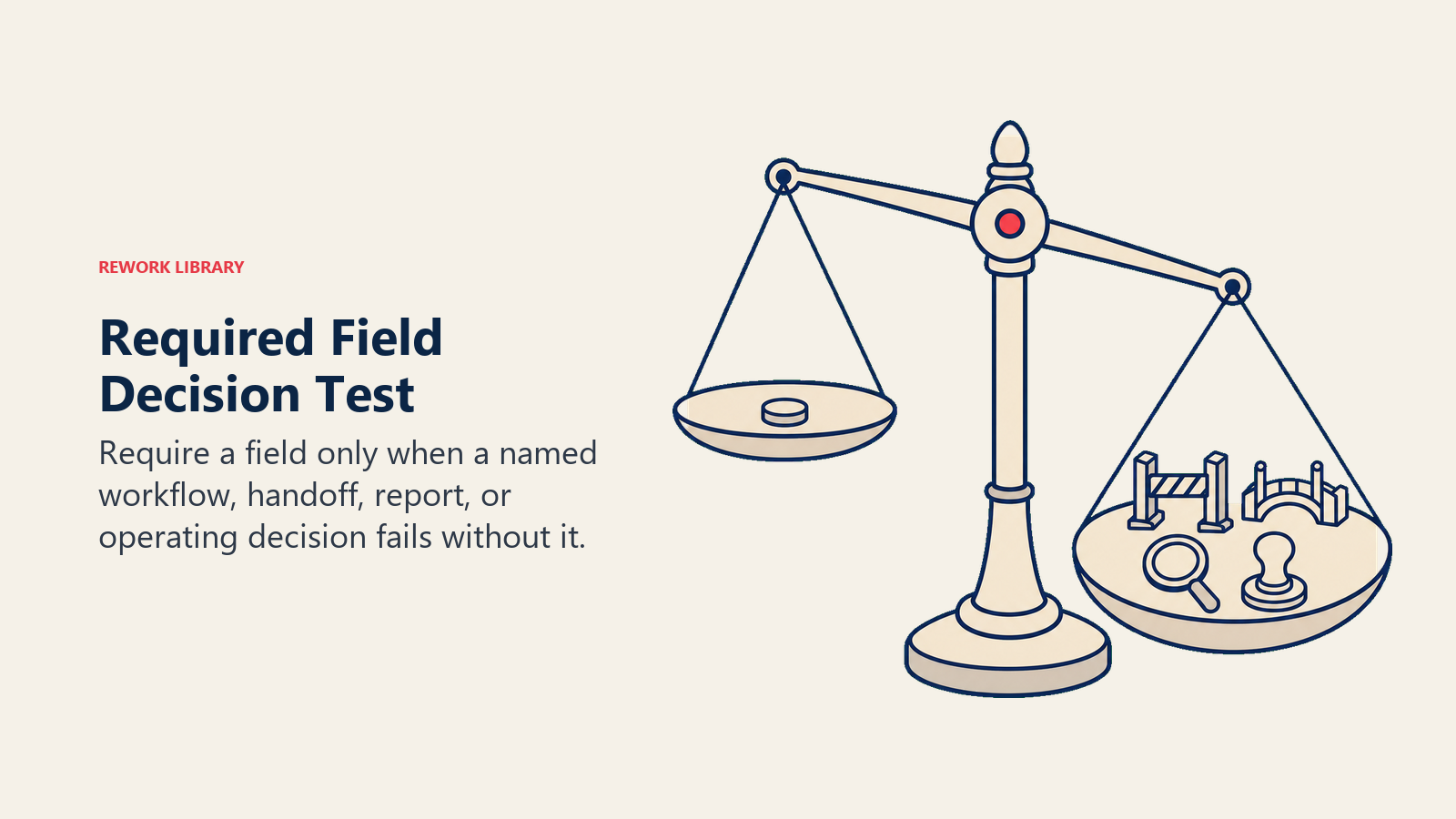
The decision test
Ask one question before requiring a field:
Turn this article into takeaways for your work.


Each assistant summarizes the article only for you and suggests best practices for your work.
What decision fails if this field is blank?
If the answer is clear, the field may deserve to be required. If the answer is vague, keep it optional, automate it, or remove it.
Good reasons:
- Route this lead
- Accept or reject this SQL
- Create an opportunity
- Inspect forecast
- Hand off a customer
- Start onboarding
- Escalate renewal risk
- Report to finance
Weak reasons:
- Someone might want it later
- It would be nice for analysis
- A dashboard template includes it
- A leader asked once
The decision test should be written into the field request process. If a requester cannot name the decision, owner, stage, and report or workflow affected, the field is not ready to become required.
This protects CRM usability. Reps and managers can tolerate required fields when the reason is visible: routing, forecast, handoff, billing, compliance, or customer delivery. They lose trust when fields feel like curiosity tax.
Required at the right stage
A field can be useful early but required later.
Examples:
| Field | Useful when | Required when |
|---|---|---|
| Industry | Lead creation | Routing or segment reporting |
| Use case | Discovery | Opportunity qualification |
| Economic buyer | Early opportunity | Commit or late stage |
| Success criteria | Discovery | Closed-won handoff |
| Renewal risk reason | Customer lifecycle | Renewal risk stage |
This prevents users from guessing before they know the answer.
Optional fields
Optional fields can still be valuable.
Use optional fields when:
- Data is useful but not needed for workflow.
- Data can be captured later.
- Data is too judgment-heavy.
- Data has low confidence.
- Data is only needed for occasional analysis.
Optional does not mean ignored. It means RevOps has chosen not to create friction before the field supports a decision.
Automation and enrichment
Some useful fields should be automated:
- Company size
- Industry
- Region
- Website
- Technology signals
- Funding data
- Usage thresholds
Automation should still have confidence rules. Low-confidence enrichment can create bad routing and bad reporting.
Rep theater
Rep theater happens when users complete fields only to satisfy the system.
Signals:
- "Unknown" becomes common.
- Picklist values cluster around the easiest option.
- Required fields are completed with placeholders.
- Managers ignore the field.
- Reports using the field are not trusted.
When this happens, remove the requirement or redesign the workflow.
Field review cadence
Review required fields quarterly.
Ask:
- Is the field used?
- Is it accurate?
- Does it support a decision?
- Is it required at the right stage?
- Can it be automated?
- Should it be retired?
Required fields should earn their place.
Readiness checklist
Before requiring a field:
- Decision is clear.
- Stage is correct.
- Owner is named.
- Allowed values are defined.
- Users know how to answer.
- Managers inspect quality.
- Reports use the field.
- Cleanup plan exists.
The best required fields feel obvious to users because the timing and purpose match the work.
Good required fields
Good required fields support a near-term decision: route this lead, accept this SQL, inspect this forecast, hand off this customer, or renew this account.
Bad required fields
Bad required fields exist because someone once wanted a report. If no one uses the data, the field teaches users that CRM work is theater.
That lesson is expensive. Once users believe the CRM asks for meaningless data, they stop trusting meaningful fields too.
Decision framework
Use four categories:
| Category | Treatment |
|---|---|
| Must-have now | Required at the stage where the decision happens |
| Useful later | Optional until the workflow needs it |
| Better automated | Enrich or calculate instead of asking users |
| Not worth it | Remove, archive, or reject |
This keeps the conversation practical. The debate is not whether a field is interesting. The debate is whether the business should ask a human to enter it.
Examples
Lead source. Required at creation because attribution, routing, and funnel reporting depend on it.
Use case. Useful during discovery, required before closed-won handoff because CS needs the context.
Competitor. Useful when competition is known, but often bad as an early required field.
Industry. Often better automated or enriched, then reviewed when segment reporting matters.
Expansion signal. Required when an expansion opportunity is created, optional before the signal is qualified.
Required field timing
Bad timing creates bad data.
If a field is required before the user can know the answer, the user will guess. If the field is required after the decision has already happened, the business loses control. The right timing is the moment when the data becomes knowable and necessary.
How to reduce friction
RevOps can reduce friction by:
- Using defaults carefully
- Automating known values
- Limiting required fields per stage
- Grouping fields by workflow
- Removing fields from page layouts when not relevant
- Using conditional requirements
- Training managers to inspect quality
The goal is not fewer fields at all costs. The goal is less meaningless entry.
Quality review
Review required fields by quality, not just completion.
Completion can be 100 percent while quality is poor. Watch for placeholder values, unknown values, repeated defaults, and values that managers do not trust.
If quality is poor, fix timing, allowed values, training, or ownership.
Governance questions
Before approving a required field:
- Who needs it?
- What decision depends on it?
- When can the user know it?
- What are valid values?
- Who checks quality?
- What happens if it is wrong?
- Can automation fill it?
If the answers are weak, do not make it required.
Governance rule
Required fields should protect decisions. Useful fields should support learning. Optional fields should not pretend to be controls. That distinction keeps CRM data usable.
Launch plan
Audit required fields by object.
For each required field, ask:
- What decision uses it?
- Which stage requires it?
- Who checks quality?
- What happens if it is blank?
- What happens if it is wrong?
- Can it be automated?
- Should it be optional?
Then sort fields into four groups:
| Group | Action |
|---|---|
| Keep required | Decision-critical and high quality |
| Move requirement later | Useful but required too early |
| Make optional | Useful but not control-critical |
| Remove or automate | Low value or better filled by system |
This audit often removes friction quickly.
Required field scorecard
Track:
- Completion rate
- Unknown rate
- Placeholder rate
- Manager trust score
- Reports using the field
- Workflow using the field
- User complaints
- Time spent entering data
Completion alone is not enough. A field can be complete and still useless.
Examples of stage timing
Lead stage:
- Required: source, owner, status
- Optional or automated: industry, employee count, enrichment details
Opportunity stage:
- Required: amount, close date, stage, next step
- Later required: economic buyer, decision process, risk
Closed-won:
- Required: success criteria, handoff notes, contract scope, renewal date
Renewal risk:
- Required: risk reason, owner, next action
This timing keeps data entry aligned with work.
Manager inspection
Managers should inspect required field quality.
If required fields are filled but managers never reference them, users will notice. The field becomes theater. When managers use the fields in pipeline, forecast, and handoff reviews, users understand why the data matters.
Automation caution
Automation can reduce entry but still needs governance.
Auto-filled fields should show confidence or source when used for important decisions. If enrichment data routes a lead to the wrong team, automation created the same problem as bad manual entry.
Automation caution checklist
Required field policy is healthy when:
- Users understand why each field matters.
- Fields are required at the right stage.
- Managers inspect quality.
- Automation fills what humans should not.
- Optional fields remain available for learning.
- Bad fields are retired.
The goal is fewer meaningless fields and better decision data.
Operating scenarios
Scenario: sales leadership wants "next step" required on every opportunity.
That is likely reasonable, but timing and quality matter. A next step should be current, specific, and tied to a customer action. If users enter "follow up" only to pass validation, the requirement is not working. Manager inspection is still needed.
Scenario: marketing wants persona required on leads.
If persona drives routing or nurture, it may be useful. If it is manually guessed from a form fill, it may create bad data. RevOps should decide whether enrichment, progressive profiling, or optional capture is better.
Scenario: CS wants success criteria required at closed-won.
That is usually a strong requirement because onboarding depends on it. But it should be required at handoff, not at early opportunity creation.
Field friction budget
Every workflow has a friction budget.
If a rep must fill ten fields to move a deal, quality will drop. If a CSM must complete long forms before every risk update, risk may be underreported. RevOps should reserve required fields for moments where the data is worth the friction.
Useful field strategy
Useful fields can be captured through:
- Automation
- Enrichment
- Optional manager prompts
- Call notes
- Customer forms
- Product usage
- CS notes
- Periodic cleanup
Not all useful data needs to interrupt the core workflow.
Retirement rule
If a required field is not inspected, reported, or used in workflow for a full quarter, review it. If no owner defends it with a real decision, remove the requirement.
Retirement rule warning
Required fields are a trust contract with users. When RevOps makes a field required, it is saying the business will use the answer. Breaking that contract makes future data programs harder.
Review examples
If "budget confirmed" is required too early, reps may guess. Better: make it optional in discovery, manager-reviewed in solution fit, and required before commit if the forecast process depends on it.
If "customer success risk" is required before closed-won, reps may not know. Better: require implementation risk and promises made at handoff, then allow CS to update customer risk after onboarding starts.
If "industry" is needed for segmentation, do not ask reps to type it manually when enrichment can fill it. Human entry should be reserved for things humans actually know better than systems.
Required field cleanup sprint
Run a cleanup sprint:
- List all required fields by object.
- Identify the business decision for each.
- Check completion and quality.
- Ask managers whether they inspect it.
- Move weak fields to optional or automated.
- Move early requirements to later stages.
- Update field descriptions and dictionary.
- Communicate the change.
This often improves adoption quickly because users feel the CRM getting lighter.
What good looks like
Good required field policy feels aligned with workflow. Users understand why the field appears. Managers use the answer. Reports depend on it. RevOps monitors quality. When a field stops meeting that standard, the requirement is reviewed.
Field friction rule
Do not confuse available data with required data. RevOps should collect enough data to run the business, not so much data that the system trains users to fake completeness.
Field cleanup checklist
Before a field becomes required, confirm:
- The field supports a real decision.
- The user can know the answer at that stage.
- The allowed values are clear.
- The owner is named.
- Managers will inspect quality.
- Reports or workflows depend on it.
- The field is documented in the dictionary.
- Automation was considered first.
If any answer is weak, pause the requirement. A useful optional field is better than a required field that teaches users to enter low-quality data.
The policy is healthy when users can predict why a field is required before RevOps explains it. That means the field appears at the right moment, supports a visible decision, and is inspected by managers who care about the answer.
That is the standard to keep.
Anything else creates avoidable friction.
Field lifecycle model
Fields should have a lifecycle. They are proposed, approved, launched, reviewed, and sometimes retired.
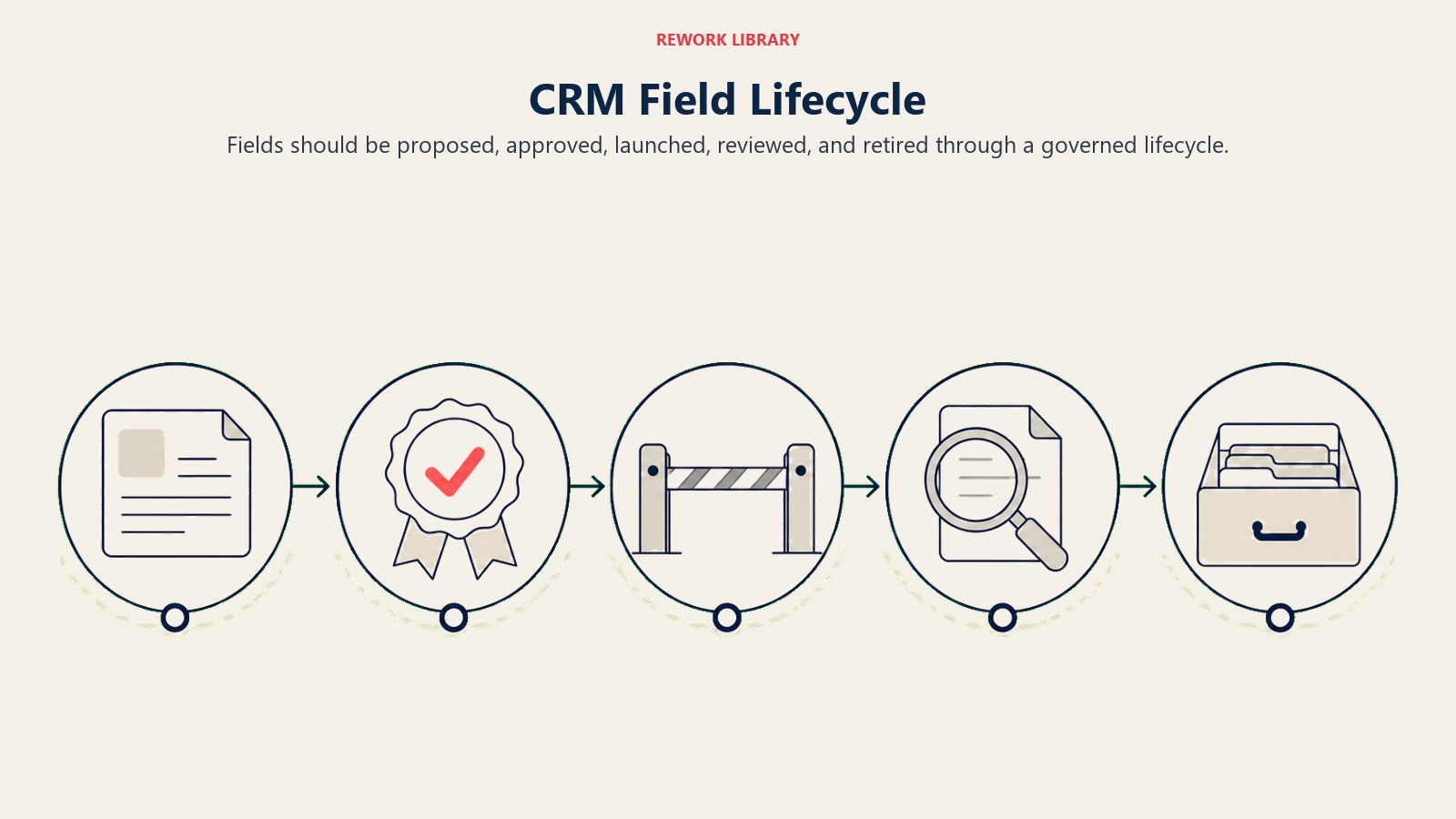
| Lifecycle step | Decision |
|---|---|
| Proposed | What decision or workflow needs this field? |
| Approved | Who owns the field, definition, and allowed values? |
| Launched | At which stage is it required, optional, or automated? |
| Reviewed | Is the field complete, accurate, and used? |
| Retired | Does any workflow or report still depend on it? |
This model prevents field sprawl. Many CRMs become hard to use because fields are easy to add and hard to remove. RevOps should make removal part of governance from the start.
The review step is especially important. A required field with high completion and low trust is not successful. Users may fill it because the system blocks them, while managers ignore the value because it is inaccurate. Track both completion and usage. If no one uses the field to make a decision, it should not remain required.
Field owner responsibilities
Every required field should have an owner.
The owner should define:
- Business meaning
- Allowed values
- Required stage
- Data-quality threshold
- Reports affected
- Workflow affected
- Review cadence
- Retirement criteria
RevOps can govern the process, but it should not invent business meaning alone. Sales should own sales process meaning. CS should own customer risk meaning. Finance should own planning and billing meaning. Marketing should own source and campaign meaning. RevOps makes those meanings consistent enough for the shared revenue system.
Required field examples by workflow
The best required fields appear at the moment the workflow needs them.
| Workflow | Field that can be required | Better timing |
|---|---|---|
| Lead routing | Country, company, email domain, account match | At capture or enrichment |
| Sales acceptance | Rejection reason, acceptance status | When sales accepts or rejects |
| Opportunity creation | Business problem, owner, source, expected value, next step | Before opportunity is created |
| Forecast commit | Close date, forecast category, risk, buyer evidence | Before deal enters commit |
| Closed-won handoff | Use case, success criteria, stakeholders, promises made | Before onboarding begins |
| Renewal risk | Renewal date, risk reason, owner, next action | When risk is flagged |
This timing avoids a common mistake: requiring everything at the first possible moment. Early requirements often create bad data because users do not know the answer yet. Later requirements can be much more accurate because the user has reached the point where the information is real.
For example, a rep may not know budget at first discovery. But before a deal enters commit, budget and procurement path may be essential. A CSM may not know churn risk at onboarding kickoff. But when a renewal is within a defined window, risk category and next action should be visible.
Required fields should follow evidence maturity.
Field decision packet
Before making a field required, answer:
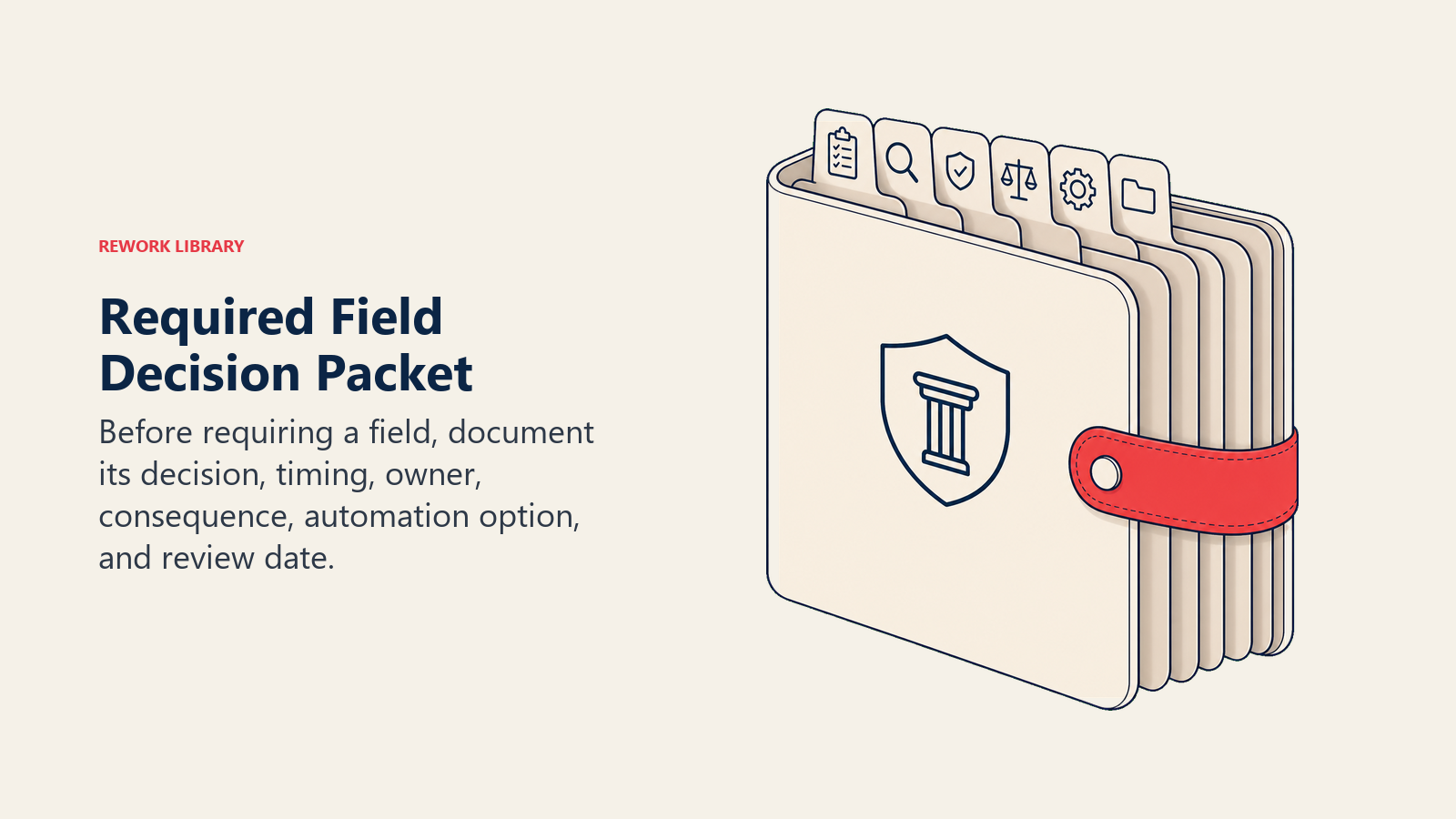
| Question | Required standard |
|---|---|
| What decision uses this field? | Name the workflow, report, or handoff |
| At what stage is it knowable? | Do not require it before the user can know it |
| Who owns quality? | Name the manager or function |
| What happens if it is missing? | Define the workflow consequence |
| Can automation fill it? | Avoid manual entry when system data is better |
| When will it be reviewed? | Retire fields that stop mattering |
This turns required fields from rep theater into operating design. If a field has no decision, owner, timing, or consequence, it should stay optional or be removed.
Frequently Asked Questions about Required Fields vs Useful Fields
Who decides required fields?
RevOps should govern the decision with input from the team that uses the field.
When should a field become required?
At the stage where the data becomes necessary, not earlier.
Learn more

Senior Operations & Growth Strategist
On this page
- Field decision table
- The decision test
- Required at the right stage
- Optional fields
- Automation and enrichment
- Rep theater
- Field review cadence
- Readiness checklist
- Good required fields
- Bad required fields
- Decision framework
- Examples
- Required field timing
- How to reduce friction
- Quality review
- Governance questions
- Governance rule
- Launch plan
- Required field scorecard
- Examples of stage timing
- Manager inspection
- Automation caution
- Automation caution checklist
- Operating scenarios
- Field friction budget
- Useful field strategy
- Retirement rule
- Retirement rule warning
- Review examples
- Required field cleanup sprint
- What good looks like
- Field friction rule
- Field cleanup checklist
- Field lifecycle model
- Field owner responsibilities
- Required field examples by workflow
- Field decision packet
- Learn more