CRM Change Management: How RevOps Rolls Out Process Changes
CRM changes do not fail because users hate systems.
They fail because users experience the change as surprise friction. A required field appears before closed-won. A sales stage changes without explanation. A routing rule starts assigning leads differently. A dashboard number moves because a definition changed, but nobody warned the managers who rely on that report.
Then the workaround begins. Reps put placeholder values in required fields. Managers export their own spreadsheets. Customer success asks for context in Slack because the handoff field is empty. Finance stops trusting the CRM rollup. The system technically changed, but the operating model did not.
That is the real job of CRM change management: make every field, workflow, automation, stage, and report change become usable behavior in the revenue process.
Forrester's RevOps operating model research is relevant because CRM change management belongs inside the operating model, not only the systems backlog. Forrester's RevOps technology alignment research also shows why technology decisions need cross-functional alignment across the revenue engine.
Key operating facts
- CRM changes affect behavior, reporting, automation, and trust at the same time.
- A low-risk field change can become high-risk when it feeds forecast, routing, handoff, or board reporting.
- Manager inspection is the adoption mechanism. Communication alone is not enough.
- Every medium or high-risk change needs an owner after launch, not only before launch.
- The best CRM change process protects users from surprise friction and protects leaders from silent metric drift.
Why CRM changes fail in revenue teams
Most CRM change failures are not technical failures.
The field was added. The automation ran. The report loaded. The validation rule worked. From an admin perspective, the change shipped.
But revenue teams do not live inside admin setup pages. They live inside handoffs, reviews, call blocks, pipeline meetings, forecast calls, renewals, and board reporting. A CRM change succeeds only when it fits those moments.
The common failure pattern looks like this:
- A stakeholder asks for a CRM change.
- RevOps builds the requested field, rule, workflow, or report.
- Users see the change without enough context.
- Managers do not inspect the new behavior.
- Users find shortcuts.
- Data quality drops.
- Leaders stop trusting the output.
- RevOps gets asked to clean it up.
That cycle is expensive because it creates two systems: the configured CRM and the real operating process people use to get work done.
Good CRM change management closes that gap. It turns a requested configuration into a managed operating change.
The change management problem RevOps actually owns
CRM change management is not release notes.
Release notes tell people what changed. Change management makes the change usable in daily work. RevOps has to connect the technical change to the behavior expected from sales, marketing, customer success, finance, and managers.
A CRM change can affect:
- Which fields users must complete
- Which records are created, merged, updated, or archived
- Which workflows fire automatically
- Which reports leaders trust
- Which handoffs carry enough context
- Which forecast rules managers inspect
- Which teams own exceptions
- Which definitions appear in executive reporting
The risk is not only user annoyance. A bad CRM change can break CRM field governance, weaken CRM data hygiene, damage source-of-truth revenue data, and make revenue operations dashboards less trusted.
The practical question is simple: if this change ships tomorrow, will the people who need to use it know what to do, why it matters, and how success will be checked?
What good CRM change management includes
Every meaningful CRM change needs six pieces.
| Piece | Question it answers | Why it matters |
|---|---|---|
| Business reason | What decision or workflow improves? | Stops local requests from becoming system clutter |
| Impact map | Who is affected and where does the data flow? | Prevents hidden reporting, integration, and handoff problems |
| Risk level | How much review does this change need? | Keeps small changes fast and large changes controlled |
| Test plan | How do we know the change works before launch? | Catches workflow issues before users find them |
| Rollout plan | How will users and managers understand it? | Turns setup into behavior |
| Post-launch owner | Who watches adoption, data quality, and side effects? | Prevents launch from becoming the finish line |
This is not bureaucracy. It is protection against changes that look small in the admin console but become large in the operating system.
Example: adding one required field before closed-won sounds minor. But it may affect rep workflow, manager inspection, customer success handoff, implementation staffing, closed-won reporting, and finance reconciliation. The change should not launch until those effects are understood.
Classify every change by risk
Not every CRM change needs the same process.
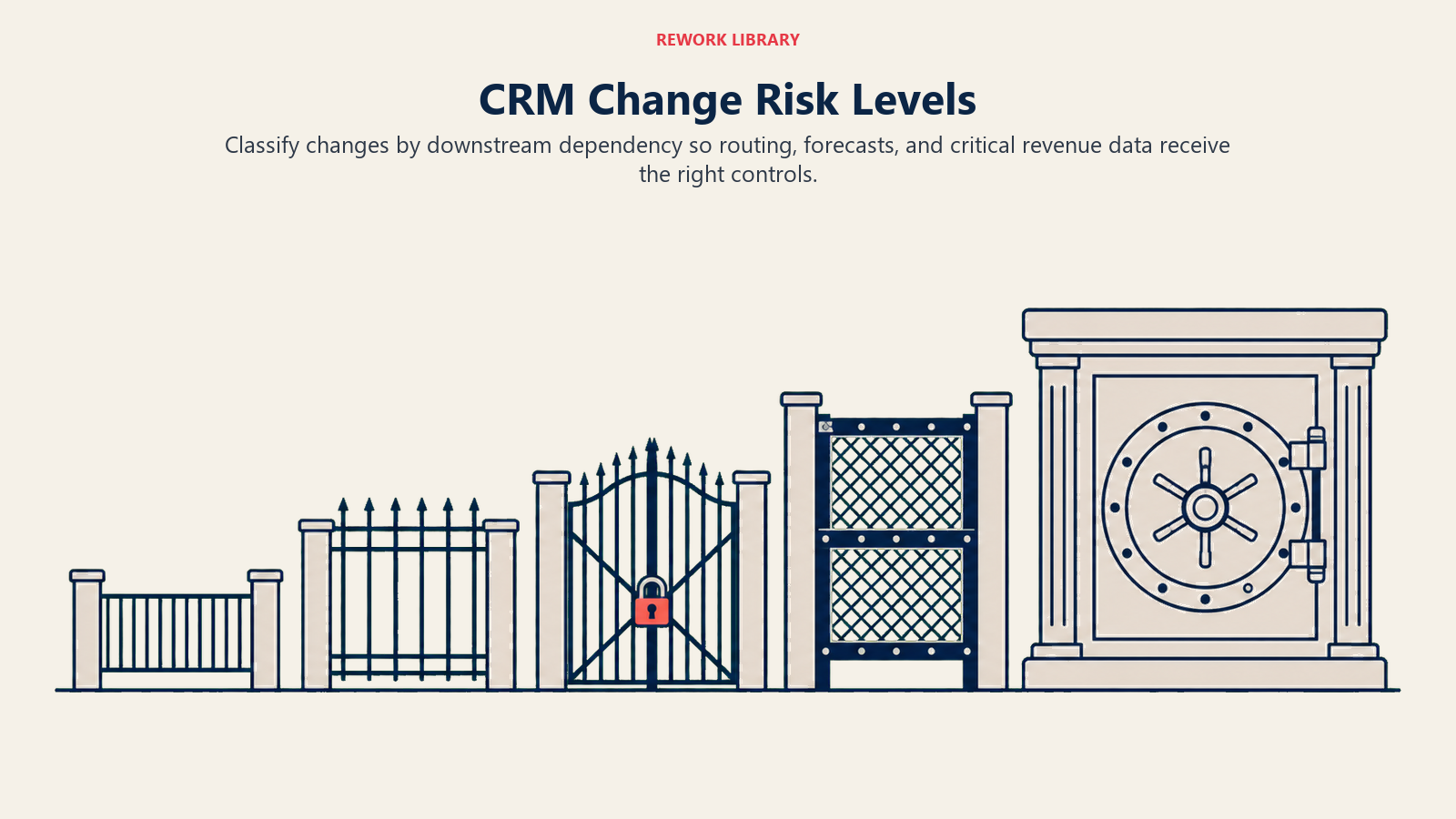
RevOps should classify changes by risk before deciding how much review is needed. The point is not to slow everything down. The point is to stop critical changes from going live with a low-risk process.
Turn this article into takeaways for your work.


Each assistant summarizes the article only for you and suggests best practices for your work.
| Risk level | Examples | Review needed | Launch style |
|---|---|---|---|
| Low | Rename a report, add optional field, adjust list view | RevOps owner review | Release note or manager note |
| Medium | Add required field, change page layout, update workflow task | Manager review and user notice | Scheduled change with adoption check |
| High | Change stage rules, routing logic, forecast category, source attribution | Cross-functional review, testing, rollout plan | Preview, launch window, post-launch review |
| Critical | Change system of record, merge logic, billing data, executive metric | Executive owner, rollback plan, finance or IT review | Formal change packet and controlled release |
The test is dependency, not effort. A change that takes 10 minutes to configure can still be high-risk if it affects reporting, routing, or handoff quality.
Low-risk changes
Low-risk changes are local, reversible, and unlikely to change behavior outside a small audience.
Examples include:
- Adding a private list view
- Renaming a dashboard widget for clarity
- Adding an optional note field for one team
- Updating help text
- Fixing a typo in a picklist label
Low-risk changes still need an owner. They do not need a committee.
Medium-risk changes
Medium-risk changes affect day-to-day usage but do not redefine the operating model.
Examples include:
- Adding a required field at a known stage
- Reordering page layouts
- Adding a new task automation
- Updating a manager dashboard filter
- Changing a picklist value used by one team
These changes need manager review because managers are the adoption channel. If managers cannot explain why the change exists, users will treat it as system noise.
High-risk changes
High-risk changes affect revenue interpretation or cross-functional process.
Examples include:
- Changing opportunity stage rules
- Adjusting routing logic
- Changing source attribution behavior
- Updating forecast category logic
- Changing handoff requirements between sales and customer success
High-risk changes need testing, examples, communication, and post-launch monitoring. They also need an owner outside RevOps who cares about the business outcome.
Critical changes
Critical changes affect the integrity of the revenue system.
Examples include:
- Replacing the system of record
- Changing account merge logic
- Rebuilding billing or contract fields
- Redefining a board metric
- Changing permissions for sensitive revenue data
Critical changes need rollback planning and executive awareness. They may also need finance, legal, IT, security, or data team review.
Start with the decision, not the field
Most CRM change problems begin with weak intake.
Someone asks for a field. Someone asks for an automation. Someone wants a dashboard filter. If RevOps accepts the request as written, the CRM fills with objects that solve local pain while creating shared complexity.
The first question should not be "What field do you want?"
The first question should be "What decision will this improve?"
That question separates operating needs from reporting curiosity.
| Request | Better intake question | Possible outcome |
|---|---|---|
| Add a competitor field | Which decisions will use competitor data? | Add picklist at late stage, not free text at lead creation |
| Make discount reason required | Who inspects discount reason and when? | Require at proposal, summarize in deal review |
| Add churn risk to account | Who owns the risk and what action follows? | Create account health process, not only a field |
| Add campaign influence filter | Which attribution model owns this? | Update attribution logic before report changes |
If the requester cannot explain the decision, the change may not belong in the CRM yet.
Use an intake brief
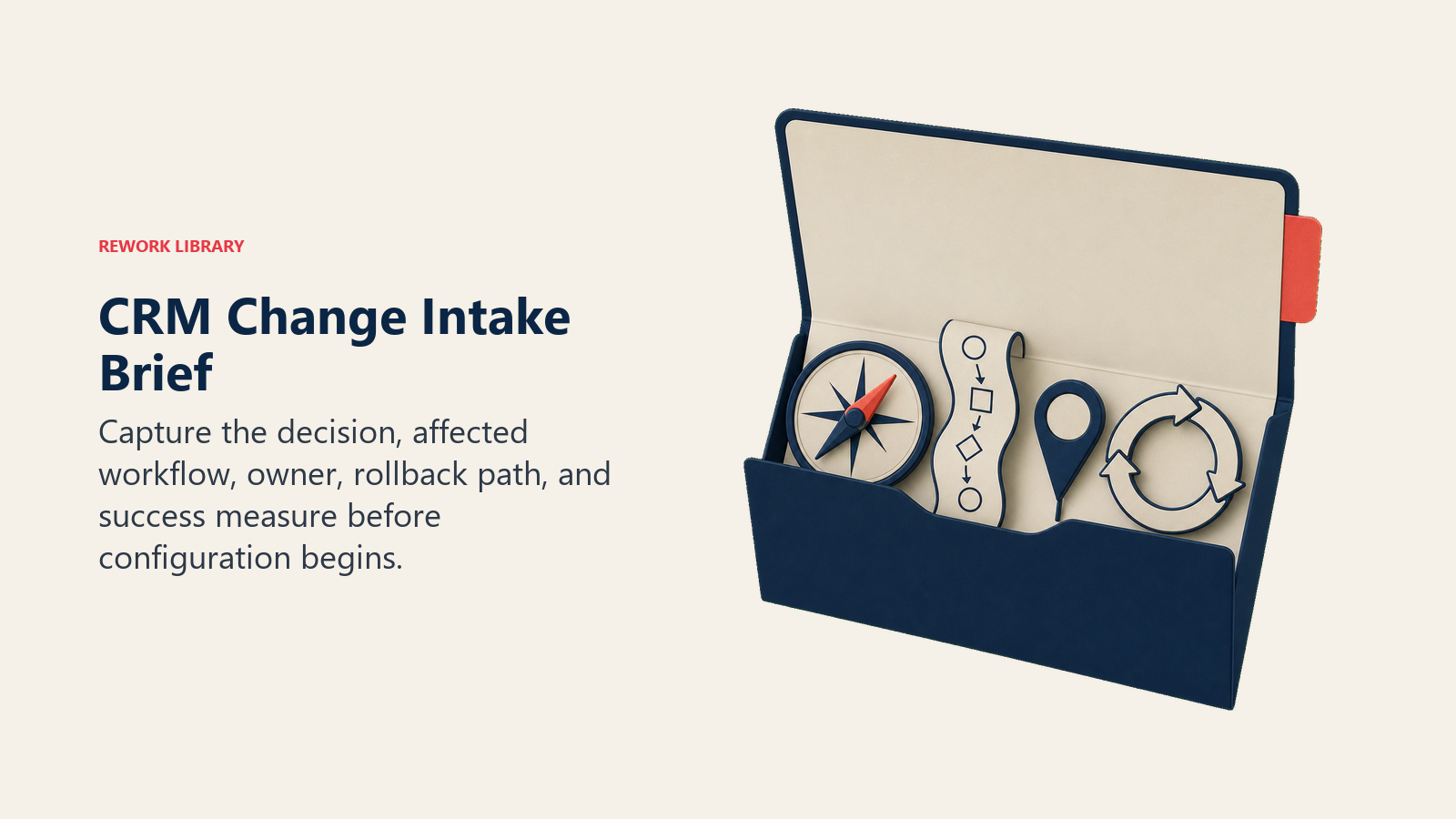
For medium, high, and critical changes, use a short intake brief.
It should answer:
- What problem are we solving?
- Who asked for the change?
- Which workflow changes?
- Which teams are affected?
- Which fields, reports, dashboards, or integrations depend on this data?
- Is this new data required, optional, calculated, or system-generated?
- At what point in the workflow can the user know the answer?
- What happens if users do not adopt it?
- What is the rollback path?
- How will we measure success?
This brief protects RevOps from building requests that are clear only to the requester. It also gives the team memory. Three months later, someone should still be able to understand why the change exists.
Map the downstream impact
CRM changes rarely stay inside one screen.
A new field may feed a dashboard. A dashboard may feed a board report. A stage rule may feed forecast categories. A routing change may affect sales capacity. A closed-won field may affect customer onboarding.
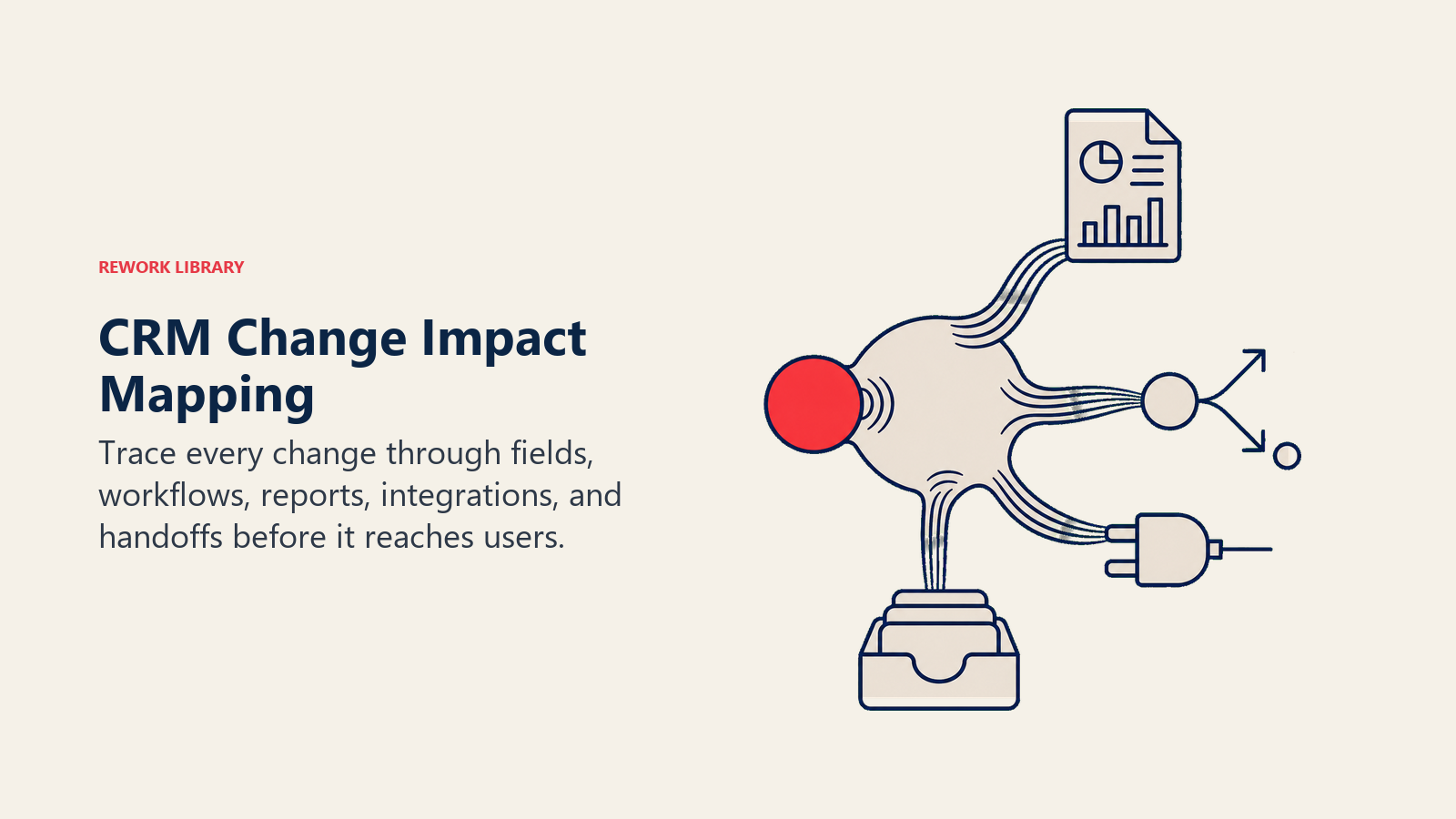
RevOps should map the downstream impact before launch.
Field impact
Check whether the field affects:
- Required-field rules
- Page layouts
- Automation
- Integrations
- Reporting
- Permission sets
- Import templates
- Historical records
- Data dictionary entries
If the field has no owner, no definition, and no decision tied to it, it will decay. The change may still be valid, but the owner must be named before launch.
Workflow impact
Check whether the workflow affects:
- Lead routing
- Opportunity stage movement
- Closed-won handoff
- Renewal tasks
- Forecast inspection
- Manager reviews
- Customer success onboarding
- Finance reconciliation
Workflow impact is where small changes become visible. A validation rule that blocks stage movement can be useful. It can also stop a real deal from closing if it appears before the user can know the answer.
Reporting impact
Check whether the change affects:
- Executive dashboards
- Forecast packets
- Pipeline coverage
- Attribution reports
- Sales performance reporting
- Board-ready revenue reporting
If a change touches reporting, RevOps should tell report owners before launch. Leaders should not discover a metric definition changed during a meeting.
Integration impact
Check whether the change affects:
- Marketing automation sync
- Sales engagement tools
- Customer success platforms
- Billing or subscription systems
- Data warehouse models
- Enrichment tools
- Reverse ETL jobs
- Workflow automation tools
Integration impact is easy to miss because the CRM screen can look correct while downstream systems fail quietly.
Define owners before building
CRM changes need more than a builder.
They need owners for the business decision, the data, the rollout, and the post-launch review.
| Role | Owns | Example responsibility |
|---|---|---|
| Business owner | Outcome | "We need implementation risk captured before closed-won." |
| RevOps owner | Process design | Defines timing, rules, test cases, and rollout plan |
| Systems owner | Configuration | Builds fields, workflows, permissions, and integrations |
| Manager owner | Adoption | Inspects records and coaches behavior |
| Report owner | Metric trust | Confirms dashboards and definitions still make sense |
| Data owner | Quality | Watches completeness, allowed values, and drift |
One person can hold more than one role in a small company. But the roles still need to exist.
The mistake is assuming RevOps owns everything. RevOps can own the process, but the functional leader must own the behavior. A sales stage change without sales leadership inspection will not stick.
Test the change like a revenue workflow
Testing should not stop at "the field appears" or "the automation ran."
Test the workflow end to end.
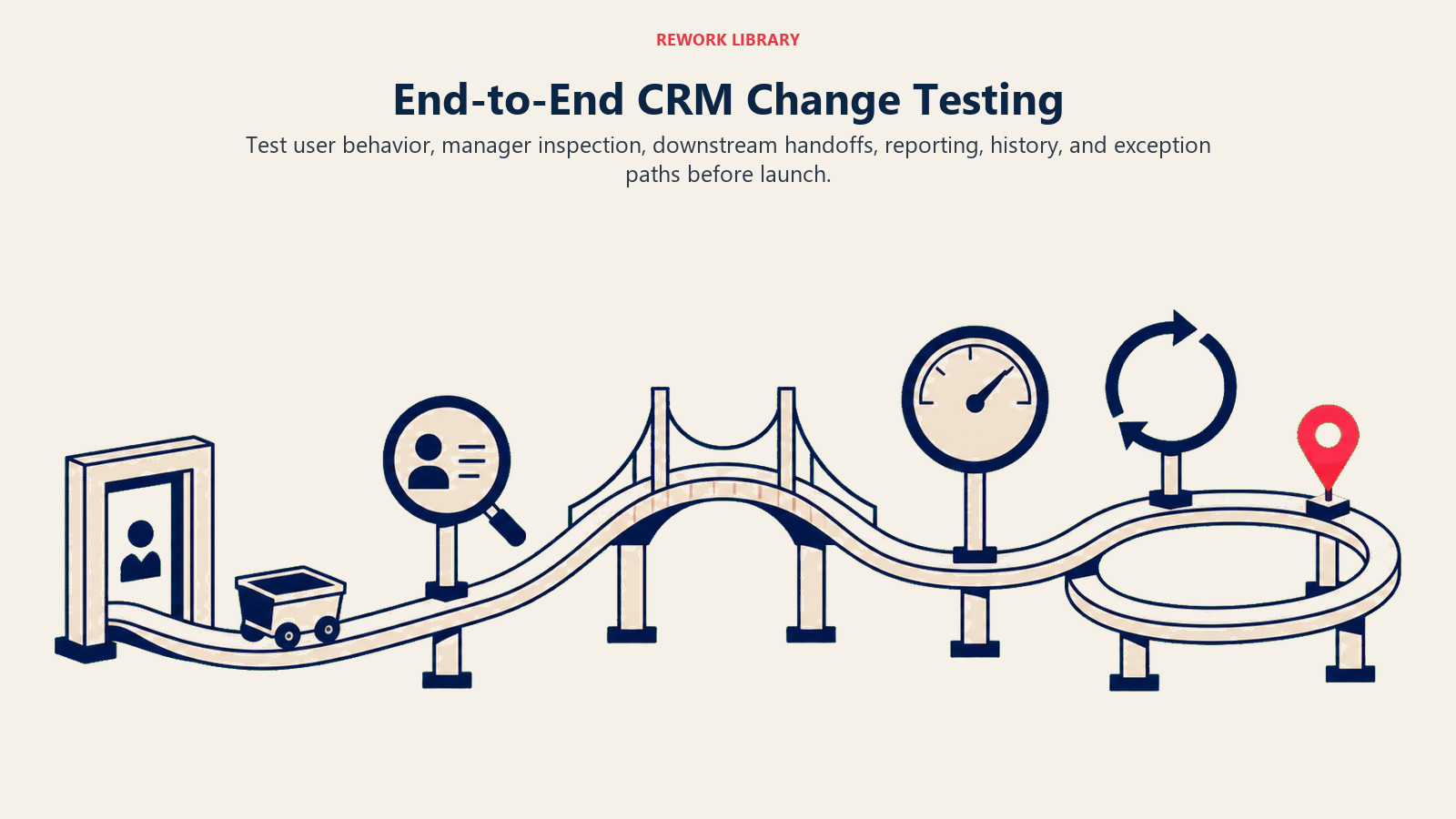
Example: required implementation risk field before closed-won.
Test cases:
- Rep can see and understand the field.
- Field is required only at the correct stage.
- Allowed values are clear.
- Manager knows how to inspect it.
- Customer success can see the value after handoff.
- Dashboard can report field completeness.
- Existing opportunities are not blocked unexpectedly.
- Exception path works for deals already in closing.
Testing should include edge cases. What happens if the deal is closed-won through an integration? What happens if a user lacks permission? What happens to old records? What happens if the field is blank in imported data?
Bad testing checks the admin setup. Good testing checks the operating behavior.
Use a test matrix
A test matrix keeps change review concrete.
| Test area | What to verify | Example |
|---|---|---|
| Visibility | Correct users can see the change | AEs see the new field, BDRs do not |
| Edit rights | Correct users can update the data | Manager can correct value after review |
| Timing | Requirement appears at the right moment | Required at proposal, not discovery |
| Automation | Workflow fires only when intended | Task created once, not every edit |
| Reporting | Metrics still reconcile | Pipeline report matches previous definition or has a documented break |
| Integration | Downstream sync works | CS platform receives closed-won field |
| Historical records | Old records do not break | Open opportunities can move forward |
| Exception path | Edge cases have a route | RevOps queue handles blocked deals |
This matrix does not need to be long. It needs to be real.
Communicate in operational language
Users do not need a technical changelog. They need to know what changes in their work.
A good message includes:
- What changed
- Why it changed
- Who is affected
- What users must do differently
- What managers will inspect
- Where to ask questions
- When the change goes live
Weak message: "We added a required implementation risk field."
Better message: "Starting Monday, every deal moving to closed-won must include implementation risk. Customer success uses this field to prepare onboarding, and managers will check it in deal review. Use 'None' only when there is no known delivery risk."
The second message explains the operating reason. That is what helps adoption.
Give managers a separate rollout note
Managers need more than the user announcement.
They need to know what to inspect, how to coach, and what weak data looks like.
Manager enablement should cover:
- What changed
- Why it matters
- Which records to inspect
- What good data looks like
- What weak data looks like
- How to handle exceptions
- What to do if users are confused
- Which metric RevOps will watch after launch
For any change that affects sellers, managers should see examples before launch. Show a good opportunity record, a bad record, and an edge case. That gives managers language they can use in coaching.
Use change templates, but keep them short
Templates help only when people actually use them.
A good user note can be short:
| Section | Example |
|---|---|
| What is changing | "Implementation risk is now required before closed-won." |
| Why it matters | "Customer success uses it to prepare onboarding." |
| What to do | "Pick None, Low, Medium, or High based on known delivery risk." |
| Manager inspection | "Managers will check this in late-stage deal review." |
| Launch timing | "This goes live Monday at 9 AM." |
| Help path | "Ask in the RevOps support channel if a deal is blocked incorrectly." |
The message should fit in a Slack post, email, and meeting note. If the explanation requires a long document, the workflow may be too unclear.
Roll out changes in a controlled sequence
A clean rollout has stages.
- Intake and business reason
- Risk classification
- Impact review
- Build or configuration
- Test cases
- Manager preview
- User communication
- Launch
- Post-launch adoption review
- Data-quality review
- Decision to keep, adjust, pause, or roll back
Small changes can move through these steps quickly. Large changes need more time. The point is not to make every change heavy. The point is to make every change complete.
Choose the right launch pattern
Different changes need different launch patterns.
| Launch pattern | Best for | How it works |
|---|---|---|
| Silent fix | Low-risk typo, broken filter, small permission correction | RevOps fixes and logs the change |
| Announced change | Medium-risk field, layout, or report update | Users get notice before launch |
| Manager-led rollout | Behavior change affecting reps or CSMs | Managers preview and reinforce in meetings |
| Pilot | High-risk workflow, routing, or stage change | One team tests before broad rollout |
| Controlled cutover | Critical reporting or system change | Launch window, rollback plan, executive owner |
The wrong launch pattern creates risk. A silent fix is fine for a typo. It is dangerous for source attribution, forecast logic, or handoff requirements.
Watch post-launch behavior
The first week after launch is where the truth appears.
RevOps should monitor:
- Field completion rate
- Placeholder values
- Support questions
- Workflow errors
- Automation failures
- Dashboard shifts
- Manager feedback
- User workarounds
- Data-quality warnings
If adoption is weak, do not jump straight to "users need training." The field may be unclear. The timing may be wrong. The workflow may be too heavy. Managers may not be reinforcing it. The change may be solving a reporting problem while adding user friction.
Post-launch review should produce a decision: keep, tune, pause, or roll back.
Measure change success with operating signals
Change success is not "we launched it."
Measure whether the change changed behavior and improved the intended workflow.
| Signal | What it tells you | Example target |
|---|---|---|
| Completion rate | Are users filling the new data? | 90% completion on required field after two weeks |
| Placeholder rate | Are users entering junk values? | Less than 5% "Unknown" or "Other" |
| Time-to-update | Is the workflow too slow? | Field completed before manager review |
| Exception volume | Is the rule blocking valid work? | Fewer than five blocked-deal tickets per week |
| Report variance | Did a metric shift unexpectedly? | Explained variance in forecast or pipeline report |
| Manager inspection | Are managers reinforcing the change? | New field appears in weekly deal review |
| Downstream usage | Is another team using the data? | CS references risk field during onboarding |
Metrics should match the business reason. If the business reason was better customer handoff, do not only measure field completion. Measure whether customer success uses the field.
Example: changing opportunity stage rules
Suppose sales leadership wants to tighten opportunity stages because pipeline quality is weak.
The admin change may be simple: update stage definitions, add required fields, and adjust page layouts. The operating change is larger.
RevOps should check:
- Which current opportunities need migration
- Whether reps need examples of deals that should move backward
- Whether managers understand the new evidence required at each stage
- Whether forecast reports will shift after stage cleanup
- Whether pipeline coverage will look smaller for one or two cycles
- Whether stage exit evidence should be documented in stage exit criteria
If the change launches without context, users will see it as arbitrary friction. If the change launches with examples and manager inspection, the team learns the new standard.
Example: changing source attribution
Attribution changes are risky because they affect marketing, sales, finance, and executive reporting.
Before changing source fields, RevOps should document:
- Which source is original
- Which source is latest
- Which source can be overwritten
- Which source appears in board reporting
- Which campaign touchpoints count as influence
- Which team owns source corrections
- How historical reports will be handled
Marketing should know how campaign influence will be measured. Sales should know whether routing changes. Finance should know whether historical trend lines break. The CRM configuration may take one afternoon. The trust work takes longer.
This is where CRM change management connects directly to lead-to-revenue attribution. If the definition changes without a rollout plan, the data may be cleaner technically but less trusted operationally.
Example: changing forecast categories
Forecast category changes create two types of risk.
The first risk is behavioral. Managers and reps may not know what qualifies as commit, best case, or pipeline under the new rules.
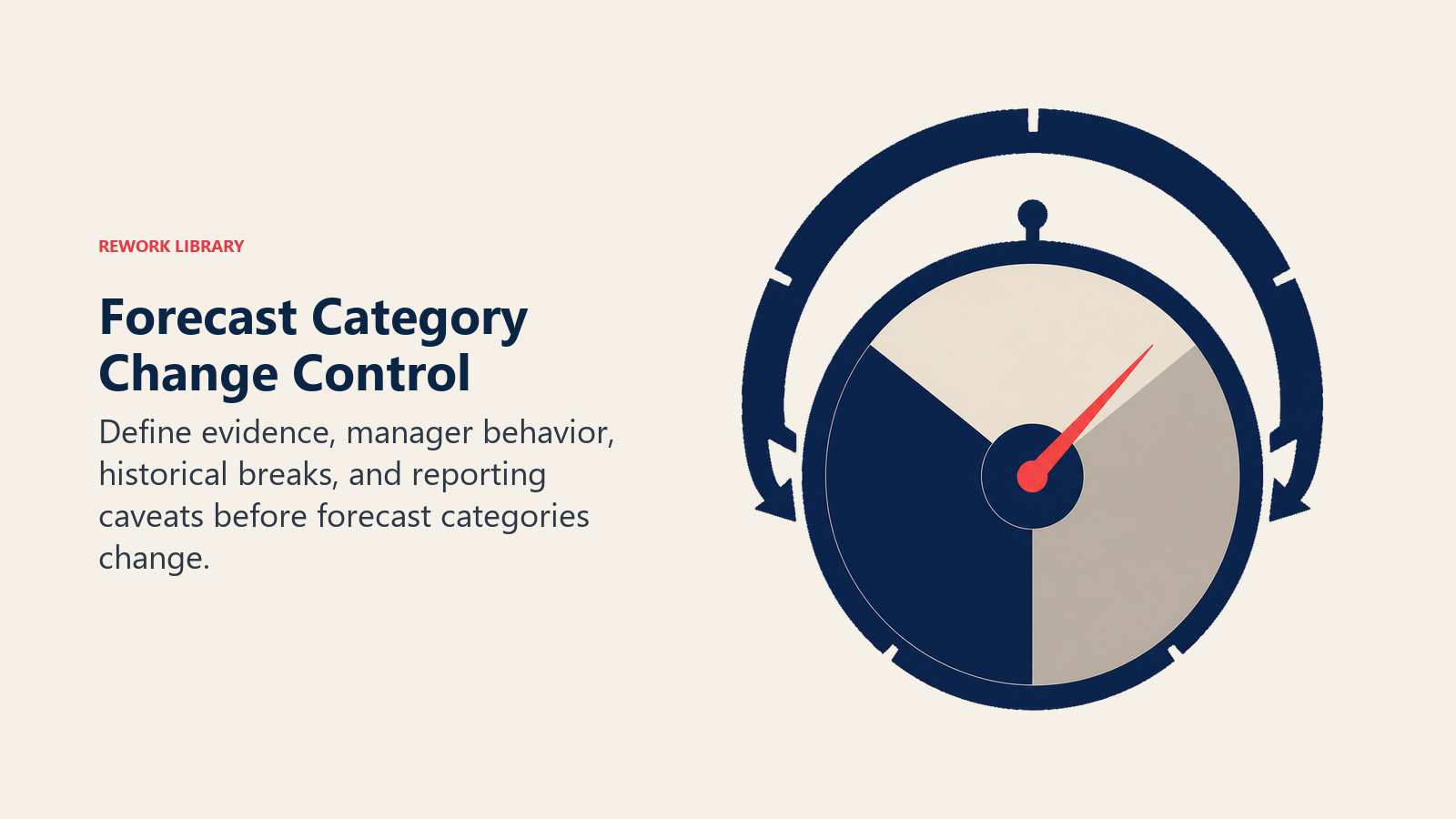
The second risk is historical. Forecast trend lines may shift even when business reality did not change.
Before launch, RevOps should:
- Document the new definitions
- Review examples with managers
- Compare old and new forecast views for at least one cycle
- Decide whether historical records will be migrated
- Add notes to dashboards where definitions changed
- Prepare the forecast call owner for questions
This kind of change should be tied to forecast governance, not treated as a private CRM admin update.
Example: changing routing or SLA rules
Routing changes feel operational until they create fairness, capacity, and response-time problems.
Before changing routing logic, RevOps should inspect:
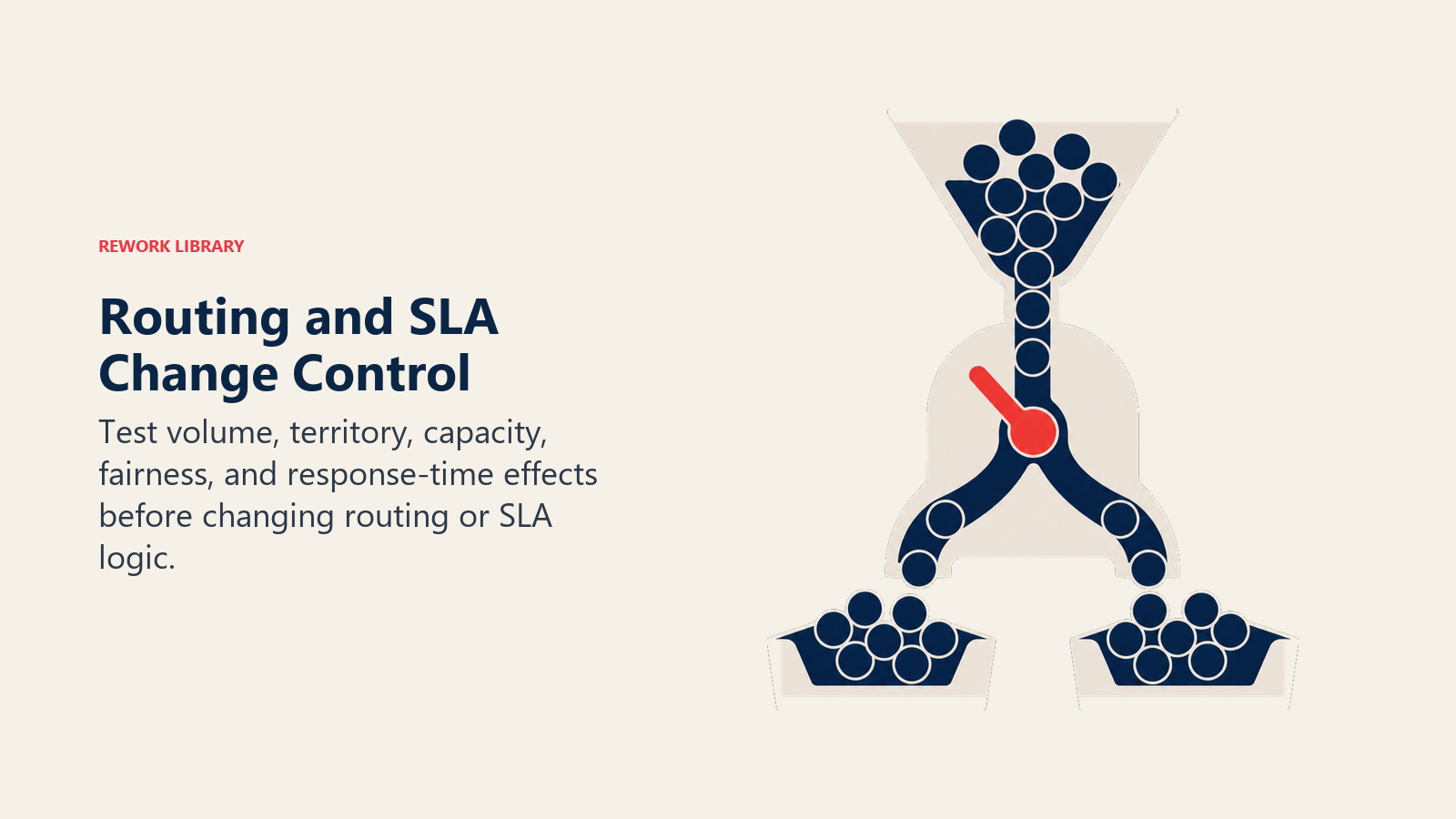
- Which teams will gain or lose lead volume
- Whether territories still match coverage
- Whether capacity rules are current
- Whether after-hours routing behaves correctly
- Whether managers understand exception queues
- Whether SLA reports will change
The rollout should include before-and-after examples. Show what would happen to a lead under the old rules and what will happen under the new rules.
This avoids the most common routing complaint: "Why did I get this lead?" When users understand the logic, they are more likely to trust the assignment.
Build a change cadence
CRM change management works better as a cadence than as a pile of tickets.
For most growing teams, a weekly or biweekly CRM change review is enough. It should be short and decision-focused.
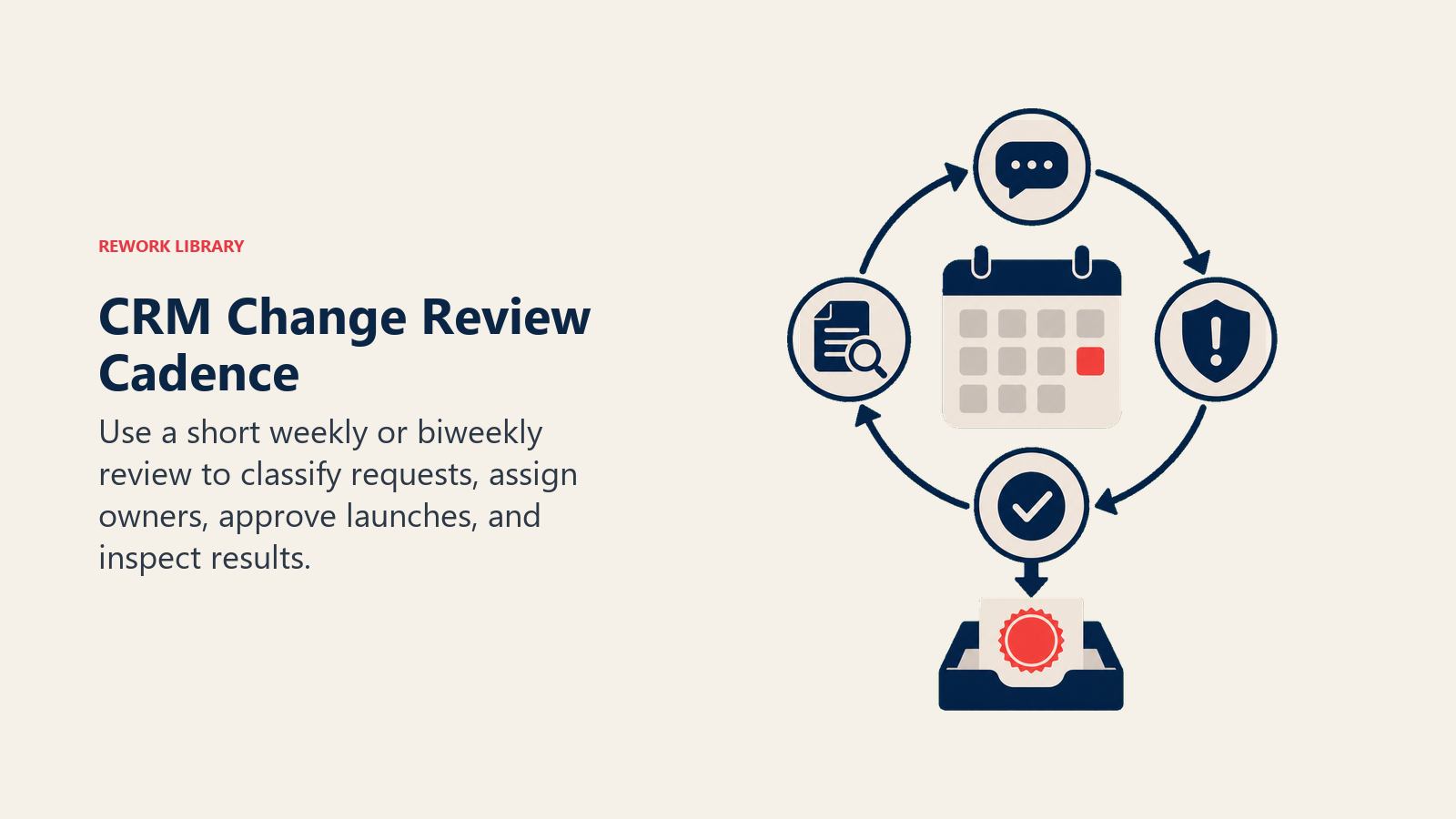
Suggested agenda:
- Review new requests.
- Classify risk.
- Approve or reject low-risk changes.
- Assign owners for medium and high-risk changes.
- Review tests for upcoming launches.
- Check post-launch metrics from recent changes.
- Identify fields or workflows that should be retired.
This cadence stops the CRM from changing quietly every day. Users do not need to know every admin detail, but the operating team should have a controlled rhythm for change.
Keep a change log
A change log is not documentation theater. It is memory.
At minimum, log:
- Change name
- Date
- Owner
- Risk level
- Affected object
- Business reason
- Users affected
- Reports affected
- Rollback notes
- Post-launch result
Six months later, someone will ask why a field exists, why a report definition changed, or why a workflow behaves a certain way. The change log should answer without requiring Slack archaeology.
Plan rollback before launch
Rollback does not always mean "undo everything."
Sometimes it means:
- Disable a validation rule
- Make a required field optional
- Pause an automation
- Restore an old report filter
- Reopen manual routing for a week
- Hide a field from layout while keeping data intact
- Move a rollout back to pilot group
The rollback plan should be specific. "RevOps will monitor and adjust" is not a plan. A real plan says what will be turned off, who can approve it, and what happens to records already affected.
Retire changes that no longer earn their place
CRM change management is not only about adding things.
It is also about removing fields, rules, reports, and workflows that no longer support a decision.
A quarterly review should ask:
- Which fields have low completion and no active owner?
- Which reports are no longer used?
- Which automation rules create more exceptions than value?
- Which picklist values are unclear or unused?
- Which required fields create placeholder data?
- Which dashboards duplicate better sources?
Retirement is part of change management because every old field competes for user attention with every new field.
Common CRM change mistakes
Adding fields without owners. A field with no owner decays quickly.
Making fields required too early. Users enter fake values because the data is not knowable yet.
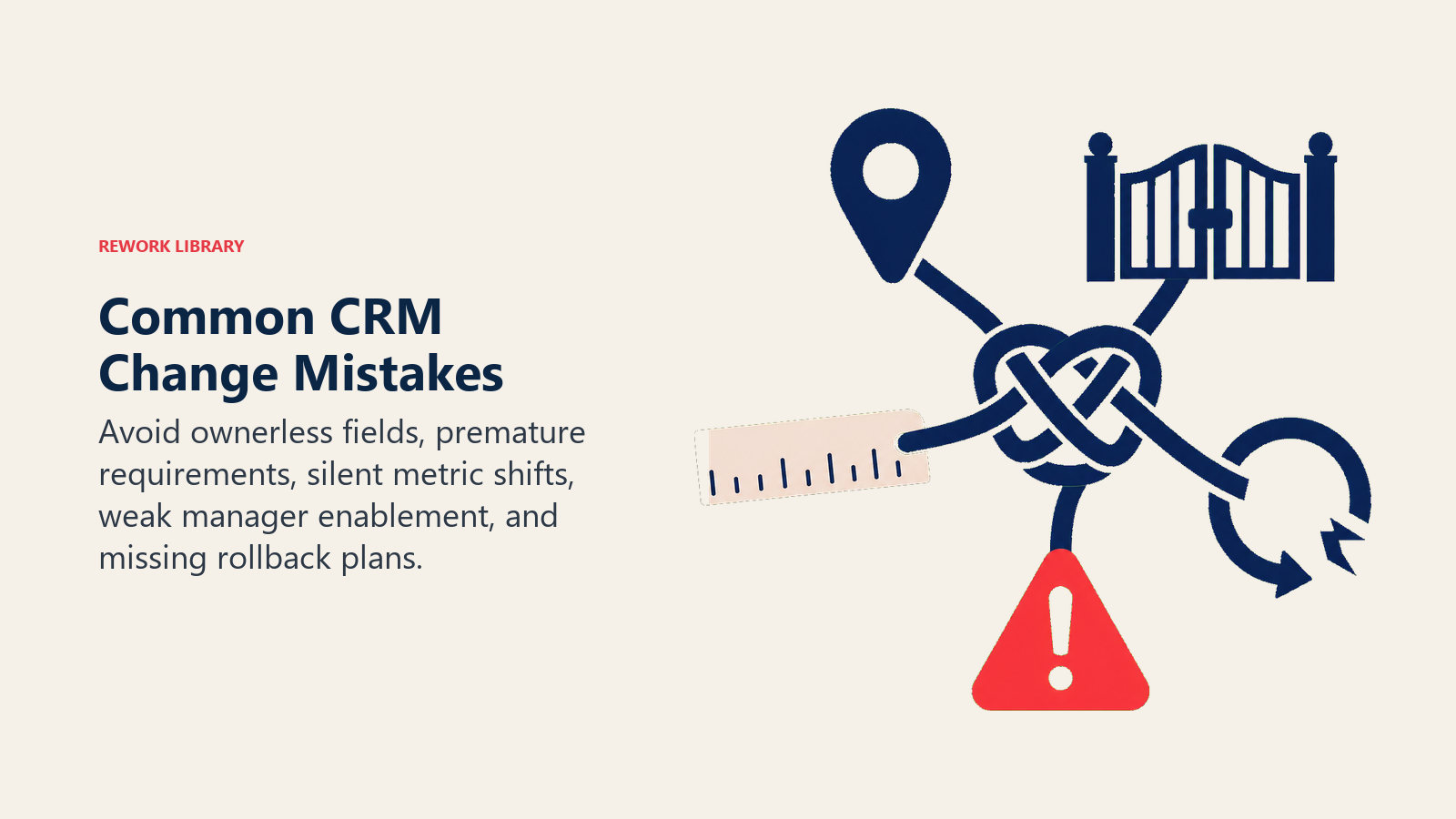
Changing reports without warning. Leaders lose trust when numbers shift without context.
Skipping manager enablement. Users hear the change once and then return to old behavior.
Testing only the happy path. The change works for a perfect record but fails for imports, old deals, permissions, or integrations.
No rollback plan. A bad automation keeps running because nobody planned how to stop it.
Treating launch as completion. The change is not complete until adoption and data quality are checked.
Confusing communication with adoption. A Slack post does not make behavior change. Manager inspection does.
A practical change packet
For medium or high-risk CRM changes, create a one-page packet.
| Section | What to include |
|---|---|
| Change name | Short, specific label |
| Business reason | Decision or workflow improved |
| Affected users | Teams, roles, managers |
| Affected objects | Lead, account, contact, opportunity, case, custom object |
| Data impact | Fields, definitions, reports, integrations |
| Test cases | Normal cases and edge cases |
| Communication | User message and manager message |
| Launch date | Timing and owner |
| Rollback | What to do if the change fails |
| Success measure | Adoption and quality signal |
The packet gives RevOps memory. Three months later, the team should still know why the change exists.
What good looks like
Good CRM change management is quiet.
Users know what changed. Managers know what to inspect. Dashboards still reconcile. Customer success receives better handoff context. Finance understands metric changes before the meeting. RevOps sees adoption data and fixes small issues before they become system distrust.
The best signal is not that nobody complains. The best signal is that the change improves a real workflow and the data stays usable.
That also means the change has memory. Six months later, RevOps should be able to explain why the field, workflow, or report exists. If nobody can explain the business reason, the change should be reviewed. This is how CRM change management connects to field retirement, dashboard trust, and long-term adoption.
Maturity model
CRM change management usually matures through four stages.
| Stage | Behavior | RevOps move |
|---|---|---|
| Reactive | Users discover changes after launch | Add intake and basic announcements |
| Announced | Changes are communicated, but adoption is not inspected | Add manager enablement and post-launch checks |
| Managed | Impact, testing, rollout, and review are standard | Add risk levels, test matrix, and change log |
| Governed | Change history, owners, data dictionary, and reporting impact are maintained | Add quarterly retirement and executive metric review |
Most teams can move from reactive to managed quickly by adding intake, risk levels, and post-launch review. The hardest shift is cultural: treating CRM changes as operating changes, not admin tickets.
CRM change approval packet
Every meaningful CRM change should have an approval packet.
| Item | What to define |
|---|---|
| Change | Field, workflow, page, permission, integration, or report |
| Reason | Business problem being solved |
| Affected users | Roles and teams impacted |
| Affected data | Objects, fields, reports, and dashboards impacted |
| Risk | What could break |
| Test plan | How the change will be validated |
| Rollback plan | How the change will be reversed |
| Communication | Who needs notice and training |
| Owner | Who supports the change after launch |
This keeps CRM change management practical. The goal is not to slow all change. The goal is to prevent silent changes from damaging shared revenue operations.
Frequently Asked Questions about CRM Change Management
Who should approve CRM changes?
RevOps should approve changes that affect shared revenue data, workflows, dashboards, or integrations. High-risk changes should include the affected functional leader. Finance, IT, security, or data teams should join when reporting, billing, permissions, privacy, or integrations are affected.
Why do CRM changes hurt adoption?
They hurt adoption when users experience them as extra work without context. A required field with a clear operating use is easier to accept than a field that feels like reporting overhead.
How often should RevOps release CRM changes?
Most teams should group medium-risk changes into a weekly or biweekly release rhythm. Low-risk fixes can move faster. High-risk and critical changes need a launch window, manager preview, and post-launch review.
What is the difference between CRM change management and CRM governance?
Change management controls how individual changes move from request to adoption. Governance defines the rules, owners, definitions, and review cadences that keep the CRM usable over time. Change management is one operating layer inside governance.
Learn more

Principal Solution Architect
On this page
- Why CRM changes fail in revenue teams
- The change management problem RevOps actually owns
- What good CRM change management includes
- Classify every change by risk
- Low-risk changes
- Medium-risk changes
- High-risk changes
- Critical changes
- Start with the decision, not the field
- Use an intake brief
- Map the downstream impact
- Field impact
- Workflow impact
- Reporting impact
- Integration impact
- Define owners before building
- Test the change like a revenue workflow
- Use a test matrix
- Communicate in operational language
- Give managers a separate rollout note
- Use change templates, but keep them short
- Roll out changes in a controlled sequence
- Choose the right launch pattern
- Watch post-launch behavior
- Measure change success with operating signals
- Example: changing opportunity stage rules
- Example: changing source attribution
- Example: changing forecast categories
- Example: changing routing or SLA rules
- Build a change cadence
- Keep a change log
- Plan rollback before launch
- Retire changes that no longer earn their place
- Common CRM change mistakes
- A practical change packet
- What good looks like
- Maturity model
- CRM change approval packet
- Learn more