CRM Adoption Operating Model: How RevOps Gets Reliable Usage
CRM adoption is not solved by telling people to update the CRM.
People use systems when the workflow makes sense, the fields matter, managers inspect the data, and the system gives value back. They avoid systems when fields feel arbitrary, updates disappear into reports, and meetings still happen from spreadsheets.
Adoption is an operating design problem. RevOps improves it by making CRM usage part of how revenue work gets done, not an extra chore after the work is done.
The wrong adoption question is "How do we make users comply?"
The better question is "How do we make the CRM the easiest and most trusted place to do the work?"
Forrester's RevOps technology alignment research is useful because adoption depends on whether tools match the revenue workflow. McKinsey's sales productivity research also points to the value of focused operating discipline over generic activity management.
Key operating facts
- CRM adoption is driven by workflow value, not login reminders.
- Users maintain the data that managers inspect and decisions depend on.
- Required fields without value exchange create fake completeness.
- Adoption metrics should track workflow quality, not only system activity.
- The fastest adoption wins usually come from reducing friction before adding new rules.
Why CRM adoption fails
Most adoption problems have rational causes.
Users avoid the CRM when:
- Fields are required before the answer is knowable
- Managers do not inspect the data
- Reports are not trusted
- The system is slower than the work
- Updates do not help the user
- Duplicate records create confusion
- Automations create noise
- Definitions change without explanation
- Meetings still run from spreadsheets
- Users get asked for data that nobody uses
The common diagnosis is "users are not disciplined." The better diagnosis is "the operating system is not giving users a reason to trust the CRM."
When adoption is weak, RevOps should inspect the workflow before blaming the user.
Adoption depends on value exchange
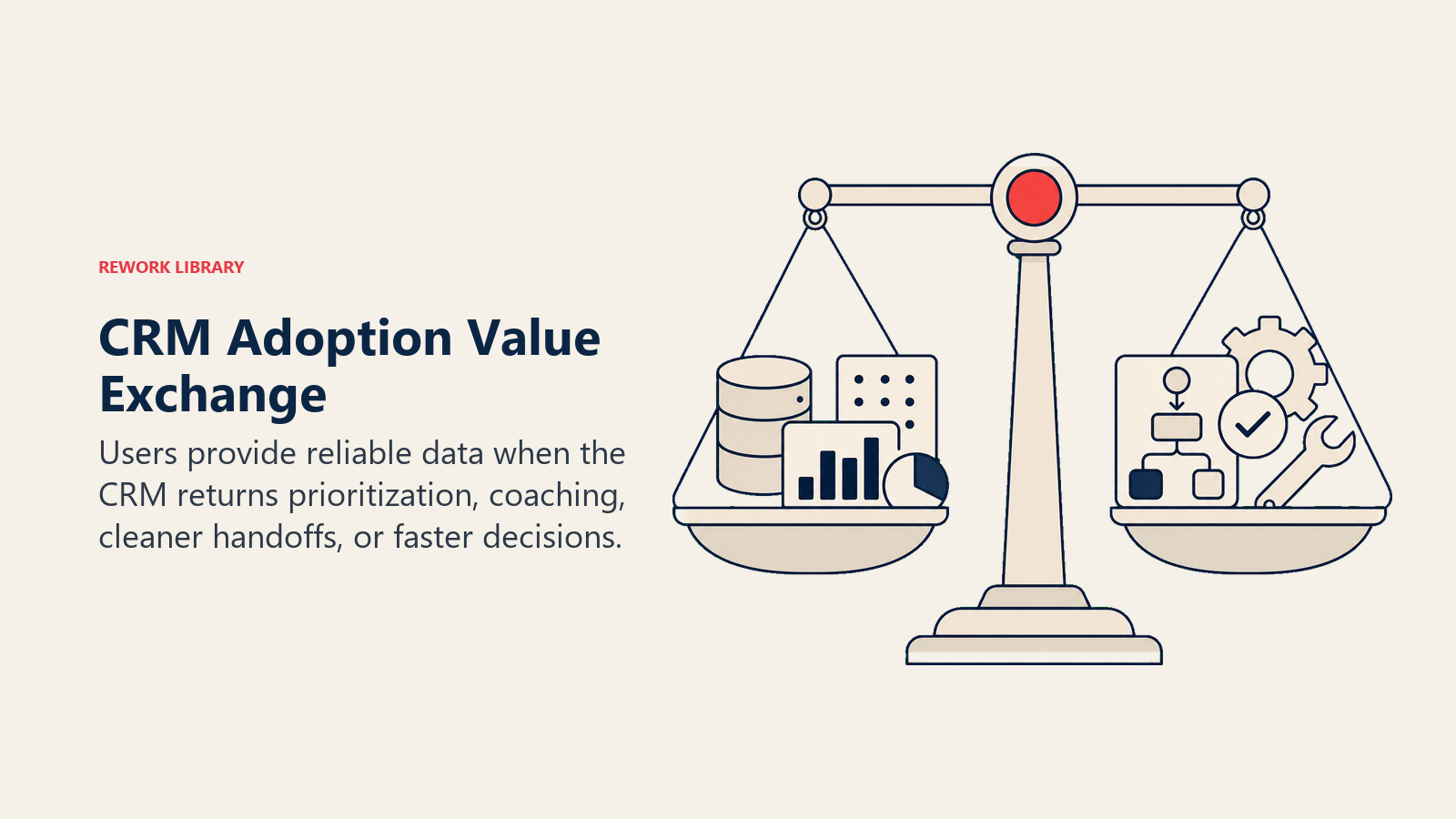
Every CRM workflow creates a value exchange.
Turn this article into takeaways for your work.


Each assistant summarizes the article only for you and suggests best practices for your work.
The user gives data. The system should give something back: routing, prioritization, cleaner handoff, better manager coaching, fewer repeated questions, faster approvals, clearer forecast conversations, or easier renewal planning.
If the user gives data and receives only admin burden, adoption will remain weak.
Examples:
- Reps update next steps because managers inspect them in pipeline review.
- Managers update forecast categories because finance and leadership use the same forecast packet.
- Customer success fills health fields because renewal risk is reviewed from those fields.
- Marketing maintains source data because attribution decisions use it.
- Sales enters handoff context because customer success uses it on the first onboarding call.
Adoption rises when the CRM becomes the place where decisions happen.
The RevOps adoption model
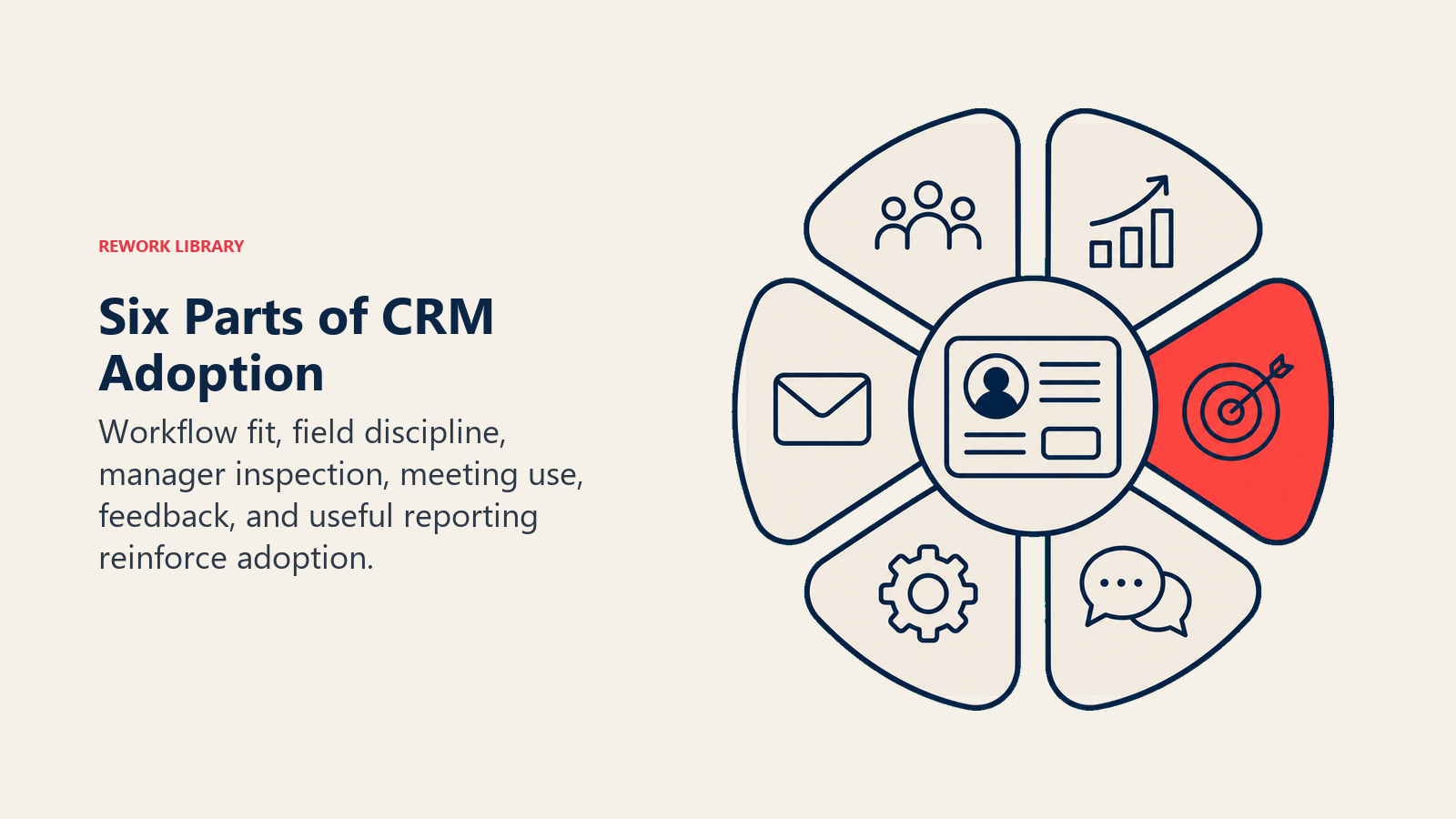
A practical model has six parts.
| Part | What it means | Failure mode |
|---|---|---|
| Workflow fit | CRM steps match how work actually happens | Users maintain side systems |
| Field discipline | Required data is timed and useful | Users enter placeholders |
| Manager inspection | Managers use CRM data in cadence meetings | Users treat updates as optional |
| Feedback loop | Users can report friction and see fixes | Workarounds become normal |
| Reporting trust | Dashboards reflect definitions people understand | Leaders rebuild reports in spreadsheets |
| Value return | The system helps users do their work | CRM feels like one-way reporting |
If any part is missing, adoption weakens.
Design fields around decisions
Fields should exist because a decision, handoff, workflow, or report depends on them.
Before requiring a field, ask:
- Who uses this data?
- When can the user know the answer?
- What happens if the field is blank?
- What happens if the user enters fake data?
- Which report or automation depends on it?
- Who owns the definition?
- How will managers inspect it?
This connects CRM adoption to required fields vs useful fields and CRM field governance.
The best adoption move is often removing fields that no longer matter.
Time required fields to the workflow
Required fields can improve adoption when they appear at the right time.
They damage adoption when they appear too early.
| Field | Weak timing | Better timing |
|---|---|---|
| Procurement status | Required at opportunity creation | Required before proposal or commit |
| Implementation risk | Required during discovery | Required before closed-won |
| Closed-lost reason | Required while deal is open | Required when closing lost |
| Champion identified | Required before first call | Required before late-stage movement |
| Renewal risk | Required for every customer record | Required for accounts in renewal window |
Bad timing creates fake data. Users fill the field because the system blocks them, not because they know the answer.
Put managers in the loop
Manager behavior drives adoption more than training does.
If managers run deal reviews from spreadsheets, reps will maintain spreadsheets. If managers inspect CRM records during reviews, reps will maintain CRM records.
Manager inspection should focus on the fields that matter:
- Next step
- Close date
- Stage evidence
- Forecast category
- Decision process
- Known blockers
- Handoff readiness
- Renewal risk
- Mutual action plan status
Do not ask managers to inspect everything. Pick the data that supports the operating cadence.
Make meetings enforce the operating model
Adoption changes when meetings change.
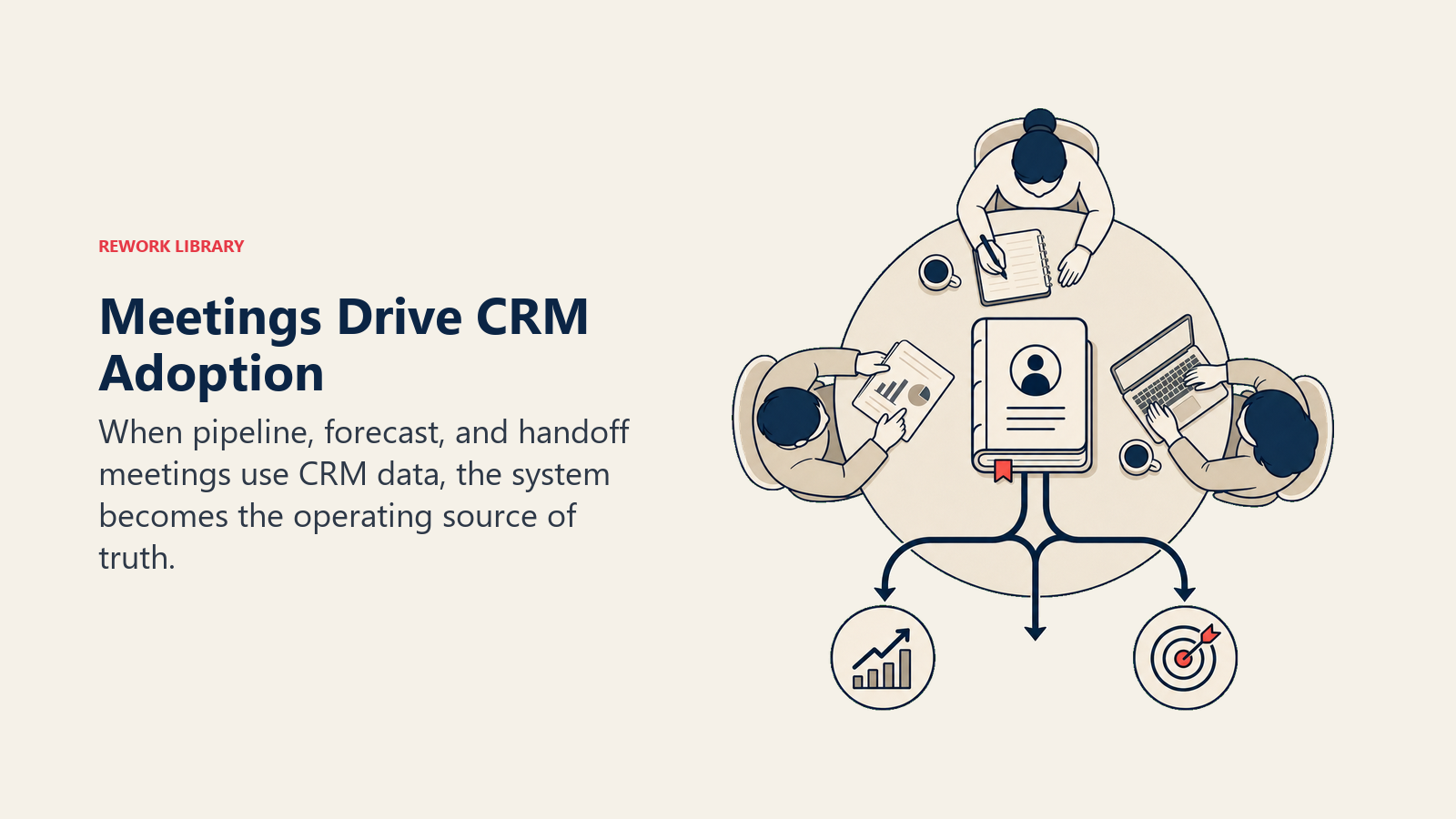
If the pipeline meeting asks for data from the CRM, the CRM becomes useful. If the forecast call uses a separate sheet, users learn that the CRM is optional. If closed-won handoff happens in Slack, the handoff fields become theater.
Meeting design should make CRM usage natural:
| Meeting | CRM behavior it should reinforce |
|---|---|
| Pipeline review | Current next step, close date, stage evidence |
| Forecast call | Forecast category, risk, commit evidence |
| Campaign review | Source quality, conversion, attribution caveats |
| Handoff review | Closed-won context and implementation risk |
| Renewal review | Health, usage, renewal date, expansion signal |
This is why adoption belongs in the operating model, not only in training.
Reduce friction before adding reminders
Reminders are not a strategy.
If users ignore CRM updates, inspect friction:
- Too many fields
- Slow page layouts
- Duplicate records
- Confusing values
- Fields required at the wrong stage
- Automation creating irrelevant tasks
- Data already captured somewhere else
- Mobile experience too hard
- Reports that do not match manager questions
- Search that makes records hard to find
Fix friction before adding more nudges. A reminder to do a bad workflow does not improve adoption.
Diagnose workarounds
Workarounds are not only user resistance. They are product feedback.
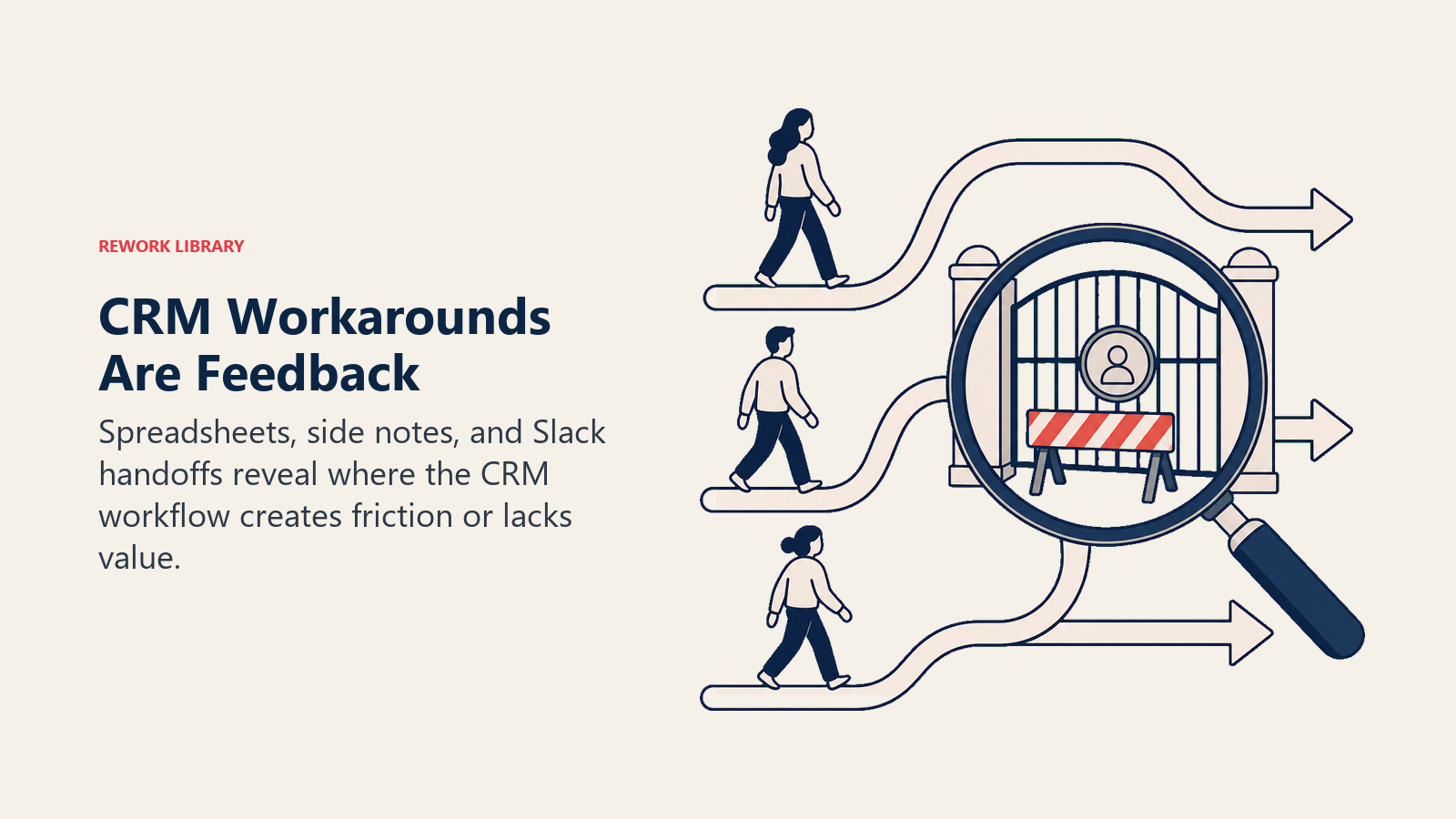
Common workarounds:
- Manager spreadsheets
- Slack handoff threads
- Personal task lists
- Side notes outside the CRM
- Custom rep trackers
- Manually rebuilt reports
- Duplicate accounts used as shadow records
Each workaround is a clue.
| Workaround | What it may mean |
|---|---|
| Manager spreadsheet | CRM report does not answer the review question |
| Slack handoff | CRM handoff fields are too weak or too slow |
| Personal task list | CRM task workflow creates noise |
| Manual report rebuild | Data definitions are not trusted |
| Shadow account | Ownership or hierarchy rules are unclear |
RevOps should not ban workarounds before understanding why they exist.
Measure adoption by behavior, not logins
Login counts are weak adoption metrics.
Better signals:
- Critical field completion by stage
- Opportunity updates before forecast call
- Manager-reviewed records
- Stale close-date rate
- Next-step completeness
- Closed-won handoff completeness
- Duplicate creation rate
- Report usage in cadence meetings
- Spreadsheet replacement
- Reduction in Slack context requests
Adoption should be measured against the workflows that matter. A user can log in every day and still avoid the data that makes the revenue process work.
Build an adoption scorecard
An adoption scorecard should connect system behavior to operating outcomes.
| Workflow | Adoption signal | Poor signal |
|---|---|---|
| Pipeline review | Opportunities updated before review | Manager asks for separate updates |
| Forecast | Commit deals have current evidence | Forecast category changed outside CRM |
| Handoff | Closed-won fields used by customer success | CS asks same questions in Slack |
| Attribution | Source fields complete and trusted | Campaign review starts with data debate |
| Renewal | Health and renewal fields current | Renewal risk found outside CRM |
This scorecard should be reviewed with managers, not hidden in a RevOps dashboard.
Add operating controls
Adoption improves when the system has controls that fit the workflow.
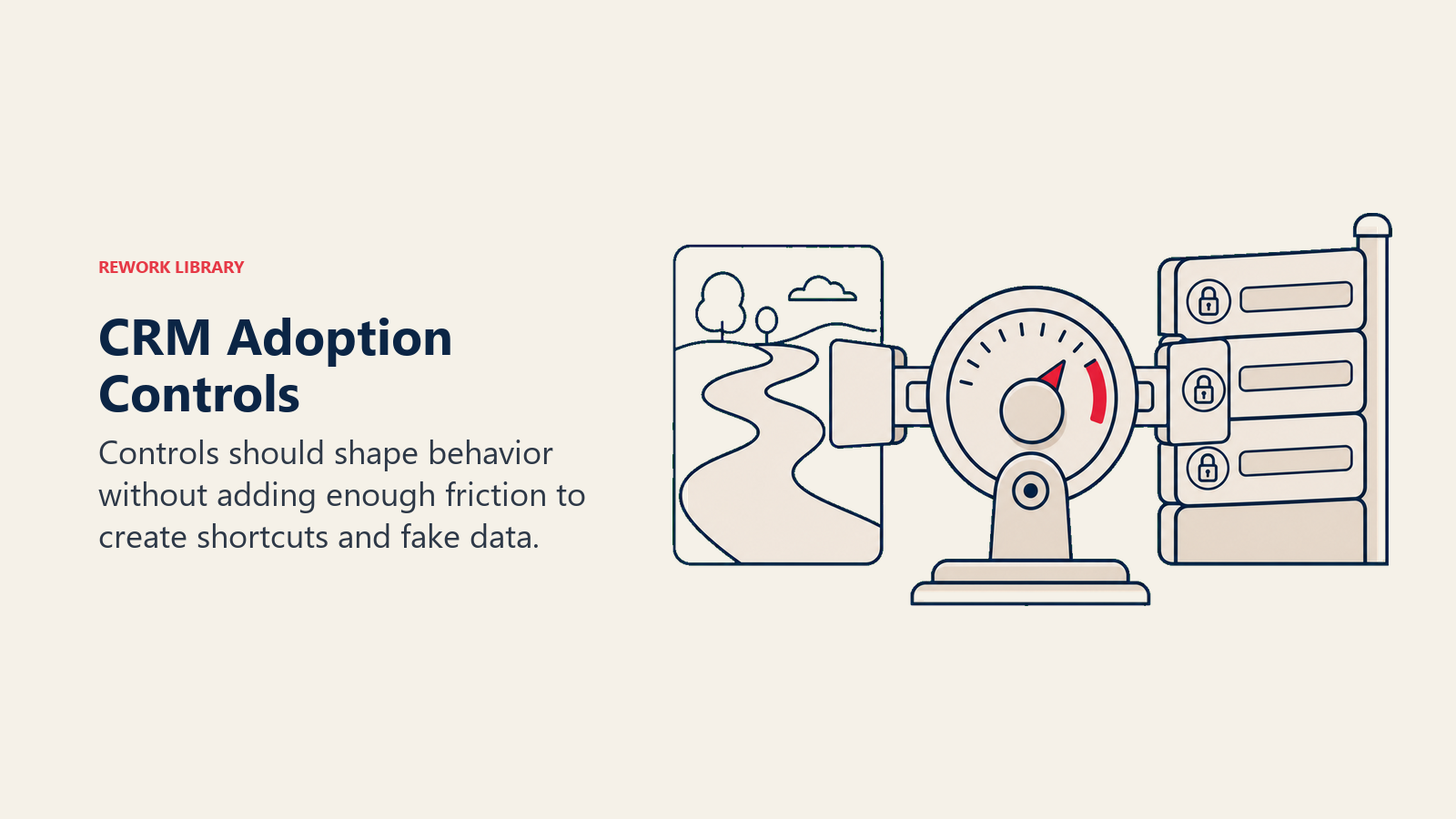
The control should be strong enough to shape behavior but not so heavy that users invent shortcuts.
| Control | What it does | Adoption risk |
|---|---|---|
| Required field | Blocks workflow until data exists | Fake data if timing is wrong |
| Manager inspection | Makes data visible in review | Weak if managers are inconsistent |
| Dashboard flag | Shows missing or stale records | Ignored if no meeting uses it |
| Automation prompt | Reminds users at the right moment | Noise if too frequent |
| Exception queue | Captures records that need review | Backlog if no owner checks it |
| Field retirement | Removes unused data collection | Slow if owners resist deleting fields |
RevOps should choose the lightest control that changes the behavior.
If manager inspection works, do not add a hard validation rule. If a report flag works, do not add a pop-up. If a field no longer supports a decision, retire it instead of training users to ignore it.
Define workflow acceptance criteria
Adoption becomes easier when users know what "done" means.
For each workflow, define acceptance criteria.
| Workflow | Done means |
|---|---|
| Opportunity update | Stage, close date, amount, next step, and risk reflect current reality |
| Forecast submission | Forecast category has evidence and manager review |
| Closed-won handoff | Customer success has the context needed to start onboarding |
| Campaign source review | Source and influence fields are complete enough for budget decisions |
| Renewal review | Health, renewal date, expansion signal, and risk are current |
This gives managers a coaching standard. Instead of saying "update the CRM," they can say "this opportunity is not review-ready because the next step is stale and the close date is unsupported."
Build role-specific adoption playbooks
Different roles adopt for different reasons.
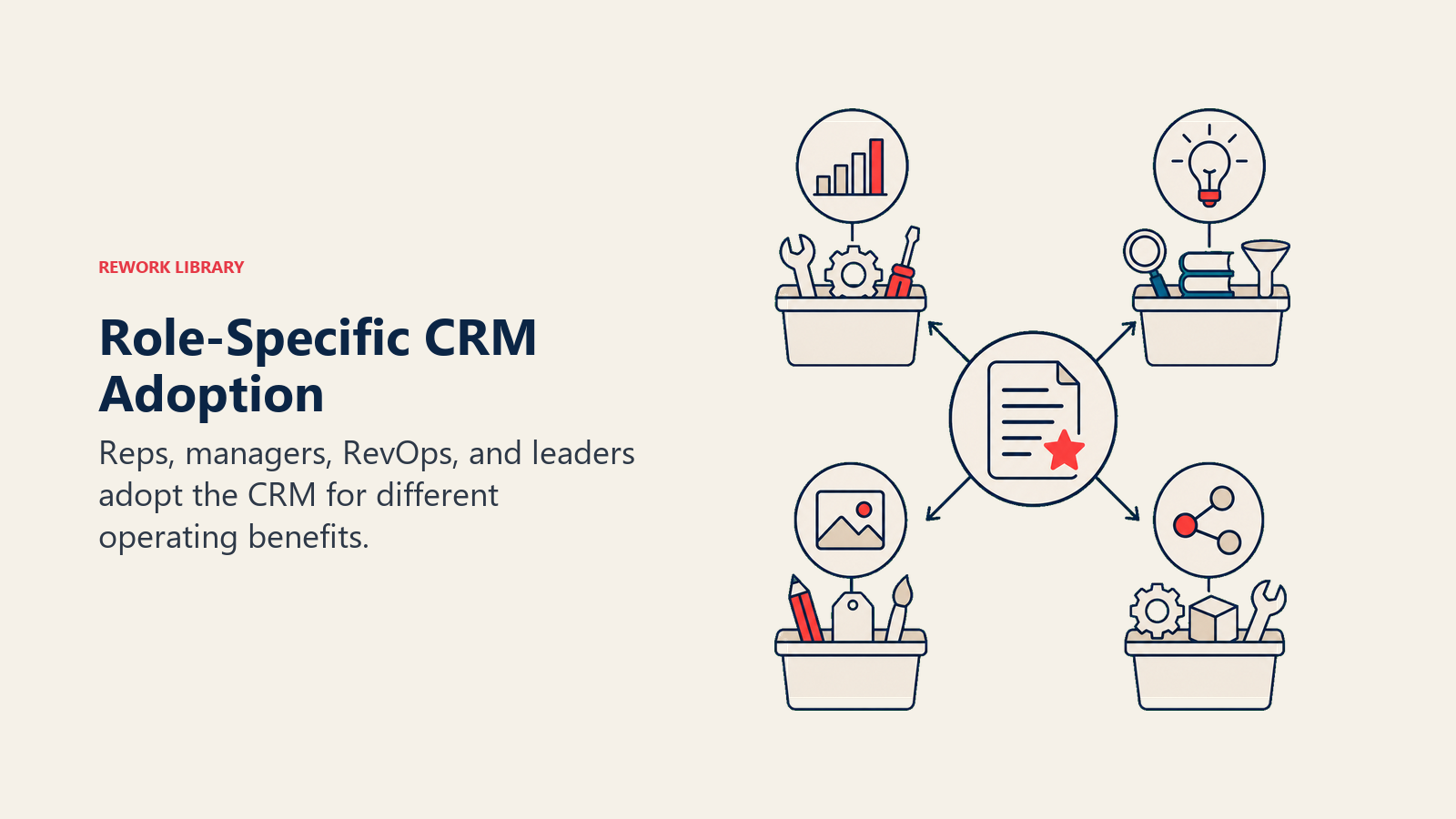
Rep playbook
For reps, adoption should reduce repeated questions and improve deal support.
The CRM should help reps know which accounts need attention, prepare for deal review, get manager coaching from current context, avoid re-explaining the same deal, and trigger approvals or handoffs without extra messages.
If the CRM only creates reporting work, reps will minimize updates. If it makes deal review easier, adoption becomes rational.
Manager playbook
For managers, adoption should improve inspection and coaching.
Managers need views that show stale or risky records, clear definitions for stage and forecast category, examples of good and weak updates, a weekly review rhythm, and authority to reject incomplete records.
Managers are the adoption multiplier. A manager who runs from spreadsheets can undo a month of RevOps training in one meeting.
Marketing playbook
For marketing, adoption depends on whether source and funnel data survive the handoff to sales.
Marketing needs clear original source and latest source rules, campaign influence definitions, lead conversion rules that preserve source context, feedback from sales on quality, and pipeline reporting that uses agreed definitions.
If sales can overwrite source without guardrails, marketing will not trust the CRM. If marketing imports records without quality controls, sales will not trust the CRM.
Customer success playbook
For customer success, adoption depends on handoff quality and account history.
Customer success needs closed-won context, implementation risk, stakeholders, champion notes, contract details, product interest, promised outcomes, and known blockers.
If customer success has to ask sales for the same information again, the handoff workflow has failed. Adoption improves when customer success uses CRM fields immediately and gives feedback when handoff context is weak.
Finance playbook
For finance, adoption depends on definitions and reconciliation.
Finance needs forecast categories with stable meaning, customer status that matches billing reality, close dates and amounts that can be trusted, clear treatment of churn, expansion, and renewals, and data caveats when definitions change.
If finance rebuilds every revenue report outside the CRM, adoption has failed at the executive layer, even if users still log activity.
Spot fake adoption
Fake adoption looks good in dashboards but weak in real work.
Warning signs:
- Required fields are complete but full of "Unknown" or "Other"
- Users log in often but opportunities are stale
- Managers export reports before every meeting
- Handoff fields are filled but customer success does not use them
- Forecast categories are complete but lack evidence
- Source fields are complete but marketing disputes them
- Tasks are created automatically but ignored
Fake adoption usually means RevOps measured activity instead of workflow quality.
The fix is not more pressure. The fix is to trace where the data stops being useful.
Build a feedback loop users can trust
Users stop giving feedback when nothing changes.
A working feedback loop has four parts:
- A simple place to report CRM friction.
- A triage owner who classifies issues.
- A visible decision: fix, reject, defer, or needs more context.
- A release note when the issue is fixed.
This gives RevOps better product feedback, and it shows users that adoption is not a one-way demand. The system gets better because people report what blocks them.
The feedback loop should also protect RevOps from vague complaints. "The CRM is bad" is not actionable. "The implementation risk field is required before I know the answer" is actionable.
Build an adoption cadence
Adoption needs a cadence, not a one-time launch.
Weekly:
- Review active pipeline hygiene
- Check fields needed for forecast
- Inspect handoff readiness
- Watch duplicate or stale record trends
Monthly:
- Review adoption metrics by team
- Gather manager feedback
- Identify friction points
- Retire unused fields or views
- Review data quality patterns in CRM data hygiene
Quarterly:
- Audit workflows
- Refresh training examples
- Review system changes
- Update definitions
- Reconfirm manager expectations
This cadence makes adoption part of the revenue operating rhythm.
Use training differently
Most CRM training explains where to click.
Better training explains why the workflow exists.
Use real examples:
- A good opportunity update
- A weak opportunity update
- A closed-won handoff that CS can use
- A forecast category with evidence
- A duplicate record that damaged ownership
- A field entered too early with fake data
- A manager review that uses CRM data correctly
Training should be tied to the manager cadence. If a field is taught but never inspected, users will forget it.
Train managers before users
For major CRM adoption changes, train managers first.
Managers need to know:
- Which fields matter
- Why those fields matter
- What good data looks like
- What weak data looks like
- How to coach missing or fake data
- Which reports to use
- Which workarounds to stop accepting
- Where to send feedback
If managers are not ready, user training will fade quickly.
Use CRM changes carefully
Adoption can improve after CRM changes, but only if those changes are managed well.
Surprise fields, sudden validation rules, unexplained report changes, and unannounced automation can damage trust. Every meaningful adoption change should have a rollout plan, especially if it affects sellers, managers, customer success, or finance.
Adoption work should connect to CRM change management whenever workflows, required fields, dashboards, or automation are changing.
Adoption by role
Different roles need different value.
| Role | What makes CRM worth using | Adoption risk |
|---|---|---|
| Rep | Clear priorities, fewer repeated questions, easier deal review | Too much admin, not enough value |
| Manager | Current pipeline, risk visibility, coaching evidence | Separate spreadsheets remain easier |
| Marketing | Source quality, conversion feedback, campaign influence | Sales does not preserve source context |
| Customer success | Clean handoff, renewal risk, account history | Sales handoff is incomplete |
| Finance | Forecast trust, customer status, revenue assumptions | CRM fields do not reconcile |
| Executive | Consistent metrics and fewer shadow spreadsheets | Leaders ask for custom side reports |
This is why generic training rarely works. Adoption has to connect to the job each role is trying to do.
Adoption and incentives
Adoption also depends on incentives.
If reps are measured only on closed revenue, they may treat CRM hygiene as admin work. If managers are measured only on forecast submission, they may tolerate weak opportunity details as long as the number is submitted. If customer success is measured on renewal but has no influence over closed-won handoff quality, handoff adoption will stay weak.
RevOps should not design compensation alone, but it should show where incentives undermine data quality. A workflow that leadership says is important but never inspects will not become a habit.
A practical adoption reset
Use this when CRM trust is already low.
- Identify the workflows leadership needs most.
- List the fields that support those workflows.
- Remove or hide low-value fields where possible.
- Fix duplicate and stale record issues in active workflows.
- Train managers on what to inspect.
- Relaunch the workflow with examples.
- Review adoption weekly for 30 days.
- Publish fixes so users see progress.
The point is to narrow the system around work that matters. Adoption improves when users see that RevOps is reducing noise, not only demanding more data.
First 30 days after reset
After an adoption reset, keep the scope narrow for 30 days.
Pick one workflow, such as opportunity updates before forecast review or closed-won handoff completeness. Measure the key fields, coach managers, collect feedback, and publish fixes. A narrow win builds more trust than a broad relaunch that changes too many behaviors at once.
During the first month, RevOps should watch:
- Field completion
- Placeholder values
- Manager inspection quality
- Stale record rate
- Support questions
- Workaround usage
- User feedback themes
Do not expand until the first workflow is working.
Days 31 to 60
The second month is where RevOps should turn the reset into a habit.
Actions:
- Move the workflow into standing meetings
- Update training examples from real records
- Remove fields users proved were not useful
- Tune validation rules that created friction
- Add manager scorecards
- Publish before-and-after results
Users need to see that feedback led to fixes. Otherwise adoption work feels like a one-way compliance push.
Days 61 to 90
The third month is where the adoption model expands.
Pick the next workflow only after the first one has measurable improvement. For example:
- After pipeline update quality improves, move to forecast category evidence.
- After handoff completeness improves, move to customer health review.
- After source quality improves, move to attribution reporting.
This creates a compounding adoption pattern. One cleaner workflow gives managers a better meeting. A better meeting gives users a reason to keep records current. Current records make the next workflow easier to fix.
Example: forecast adoption
Forecast adoption improves when managers and reps see that the CRM changes the conversation.
If a rep updates close date, next step, and forecast category but the forecast call still happens from a spreadsheet, the rep learns that CRM updates are optional. If the forecast call uses the CRM packet and managers ask about missing evidence directly from the record, the rep learns that CRM data matters.
The adoption mechanism is not a reminder. It is the meeting design.
Forecast adoption should connect to pipeline inspection cadence, because pipeline review is where many forecast data problems should be caught before the call.
Example: closed-won handoff adoption
Closed-won handoff fields often fail because sales sees them as post-sale admin. Adoption improves when customer success uses the fields immediately.
If CS asks the same questions again in Slack, sales learns the handoff field does not matter. If CS starts onboarding from the CRM handoff and flags missing context back to the manager, the handoff becomes part of the operating rhythm.
The adoption mechanism is downstream usage.
Example: source adoption
Source data fails when it is treated as marketing's private reporting field.
If sales changes source casually, marketing loses attribution trust. If marketing imports leads without clear source rules, sales loses context. If executives ask for source reporting but no one owns definitions, the field becomes political.
Adoption improves when source fields are defined, preserved, and used in campaign and pipeline reviews. People maintain fields that show up in decisions.
What RevOps should not do
RevOps should not respond to weak adoption by adding more required fields, more alerts, or more dashboards without diagnosing the workflow.
Common bad responses:
- Require every field earlier
- Add pop-up reminders
- Build a compliance dashboard nobody uses
- Blame reps without manager inspection
- Train users again without changing the process
- Ignore the spreadsheet that leaders still use
The better response is to remove friction, clarify value, and make the right behavior visible in the meetings that already matter.
Common CRM adoption mistakes
Treating adoption as user compliance. The system may be the problem.
Measuring logins only. Activity does not prove useful data.
Adding more required fields. More required fields can reduce trust.
Skipping manager enablement. Users follow what managers inspect.
Ignoring workarounds. Spreadsheets and Slack requests reveal broken workflows.
No feedback loop. Users stop reporting friction when nothing changes.
Launching too broadly. A broad adoption push often changes too many behaviors at once.
Training without meeting design. Users forget workflows that managers never inspect.
What good looks like
Good adoption is visible in operating meetings.
Pipeline review starts from CRM records. Forecast calls use the same data finance sees. Customer success trusts handoff fields. Managers coach from current opportunity notes. Reps stop maintaining side spreadsheets because the CRM helps them move work forward.
The system becomes the working surface for revenue, not the place people update after the real work happened somewhere else.
The best signal is not that every user loves the CRM. The best signal is that the CRM is trusted enough to run the work.
Adoption maturity model
| Stage | Behavior | RevOps move |
|---|---|---|
| Compliance | Users update fields because they are required | Remove bad friction and fake completeness |
| Inspection | Managers inspect critical fields in cadence meetings | Train managers and redesign meetings |
| Value exchange | Users receive workflow value from the data they enter | Improve reports, routing, handoff, and coaching |
| Operating system | CRM becomes the default working surface for revenue decisions | Maintain trust through governance and feedback |
Most teams get stuck between compliance and inspection. They add required fields but do not change the cadence. RevOps should move adoption into manager behavior and decision flow.
Adoption diagnosis packet
CRM adoption problems need diagnosis before enforcement.
Capture:
- Workflow where adoption fails.
- User role affected.
- Field or action being skipped.
- Reason users avoid it.
- Manager inspection behavior.
- Automation or UX friction.
- Reporting consequence.
- Fix owner.
This prevents the default answer of "train users again." Sometimes the problem is training. Often it is field design, workflow friction, unclear manager expectations, or a CRM process that does not match real work.
Frequently Asked Questions about CRM Adoption Operating Model
Who owns CRM adoption?
RevOps owns the adoption model and system design. Managers own reinforcement. Functional leaders own expectations. Users own the records they touch. Adoption fails when RevOps is expected to fix behavior without manager support.
What is the best adoption metric?
The best metric is workflow-specific. For pipeline, use current next steps and stage evidence. For forecast, use category quality and stale-date rate. For handoff, use completeness and downstream usage.
Why do CRM adoption programs fail?
They fail when they focus on reminders, training, or compliance dashboards without changing the workflow. Adoption improves when the CRM becomes the place where managers inspect work and users receive value.
How long does a CRM adoption reset take?
A narrow reset can show progress in 30 days. Broader adoption usually takes 90 days or more because manager behavior, field design, reporting trust, and user habits all need to change.
Learn more

Senior Operations & Growth Strategist
On this page
- Why CRM adoption fails
- Adoption depends on value exchange
- The RevOps adoption model
- Design fields around decisions
- Time required fields to the workflow
- Put managers in the loop
- Make meetings enforce the operating model
- Reduce friction before adding reminders
- Diagnose workarounds
- Measure adoption by behavior, not logins
- Build an adoption scorecard
- Add operating controls
- Define workflow acceptance criteria
- Build role-specific adoption playbooks
- Rep playbook
- Manager playbook
- Marketing playbook
- Customer success playbook
- Finance playbook
- Spot fake adoption
- Build a feedback loop users can trust
- Build an adoption cadence
- Use training differently
- Train managers before users
- Use CRM changes carefully
- Adoption by role
- Adoption and incentives
- A practical adoption reset
- First 30 days after reset
- Days 31 to 60
- Days 61 to 90
- Example: forecast adoption
- Example: closed-won handoff adoption
- Example: source adoption
- What RevOps should not do
- Common CRM adoption mistakes
- What good looks like
- Adoption maturity model
- Adoption diagnosis packet
- Learn more