Revenue Tech Stack: How RevOps Designs the Systems Behind Growth
A revenue tech stack should support the operating model.
It should not become the operating model. Buying tools before defining lifecycle, handoffs, data, and governance usually creates more integration work without more revenue clarity.
Forrester's research on RevOps and revenue technology alignment is relevant because the stack has to connect the revenue engine, not only individual teams. Forrester's RevOps operating model research also reinforces why tooling decisions need ownership, governance, and process.
Key operating facts
- A revenue tech stack should be designed around the operating model: lifecycle, ownership, source of truth, handoffs, reporting, and governance.
- The CRM is often the operating core, but it should not be forced to own every truth. Billing, marketing automation, CS platforms, product analytics, and BI may each own specific data.
- Stack quality depends on adoption and integration, not only tool capability. A strong tool that users avoid or data cannot trust creates little value.
- RevOps should review tools by workflow impact, data quality, security, admin cost, and renewal value before adding or removing systems.
Core layers
| Layer | Examples |
|---|---|
| CRM | Accounts, contacts, opportunities, pipeline |
| Marketing automation | Campaigns, forms, nurture, source data |
| Sales engagement | Outreach sequences and activity |
| Customer success | Health, onboarding, renewal, expansion |
| Billing | Subscription, invoice, revenue data |
| Enrichment | Firmographic and contact data |
| BI | Executive reporting and analysis |
| Workflow | Routing, tasks, handoffs, approvals |
RevOps should govern how these systems share data through Source of Truth for Revenue Data.
Architecture decision model
Before adding a tool, RevOps should decide which role the tool plays in the architecture.
Turn this article into takeaways for your work.


Each assistant summarizes the article only for you and suggests best practices for your work.
| Tool role | Question it answers |
|---|---|
| System of record | Which system owns the official value? |
| Workflow system | Where does the user take action? |
| Engagement system | Where does communication happen? |
| Intelligence system | Where does analysis or scoring happen? |
| Reporting layer | Where do leaders inspect performance? |
| Integration layer | How does data move between systems? |
Confusion happens when one tool is expected to play all roles. A customer success platform may be the workflow system for CSMs, while billing remains the source of truth for subscription amount and BI remains the reporting layer for executive revenue metrics. A sales engagement tool may run outreach, but CRM should still own opportunity stage and account ownership.
Write this down for every major tool. The stack becomes much easier to govern when teams know whether a system is used for action, truth, communication, analysis, or reporting.
Start with the operating model
The stack should follow the revenue process.
Before changing tools, define:
- Lead lifecycle
- Account lifecycle
- Opportunity process
- Customer onboarding
- Renewal process
- Expansion motion
- Forecast process
- Handoff ownership
- Data ownership
- Reporting requirements
If those are unclear, the tool decision will absorb unresolved operating questions. Teams may argue about software when the real issue is ownership.
Example: a lead routing problem may look like a routing tool problem. The deeper issue may be unclear territory rules, weak account matching, missing capacity logic, or disagreement about who owns partner-sourced leads. A new tool can route faster, but it cannot decide the rule.
Stack architecture principles
Use a few principles:
- Keep a clear system of record.
- Avoid duplicate ownership of the same field.
- Make handoffs visible.
- Keep critical definitions documented.
- Prefer configuration before custom work when the workflow is standard.
- Integrate only data that has a clear owner and use.
- Review adoption before buying more tools.
- Treat reporting as a product, not an afterthought.
These principles keep the stack from becoming a set of disconnected point solutions.
System of record
Every stack needs a clear revenue system of record.
For many B2B teams, the CRM is the primary record for accounts, contacts, opportunities, pipeline, ownership, and forecast categories. Marketing automation may own campaign engagement. Customer success may own health and onboarding status. Billing may own subscription, invoice, and payment data.
The important decision is not whether every field lives in one tool. The important decision is where each field is authoritative.
Use Revenue Operations System of Record to define that ownership.
Integration map
RevOps should maintain a simple integration map.
The map should show:
- Source system
- Destination system
- Fields synced
- Sync direction
- Sync frequency
- Field owner
- Failure owner
- Business purpose
If no one can explain why a field syncs, it should be reviewed. Every integration adds maintenance cost. Some are worth it. Some create data conflicts and hidden errors.
Data governance
The stack depends on revenue data governance.
Key governance questions:
- Who can create accounts?
- Who can merge duplicates?
- Which fields are required by stage?
- Which fields are system-generated?
- Which fields can reps edit?
- Which fields feed board reporting?
- Which fields feed automation?
- Which data changes need audit logs?
Use CRM Field Governance and Required Fields vs Useful Fields to keep the stack usable.
Tool categories and purpose
Each tool category should have a clear job.
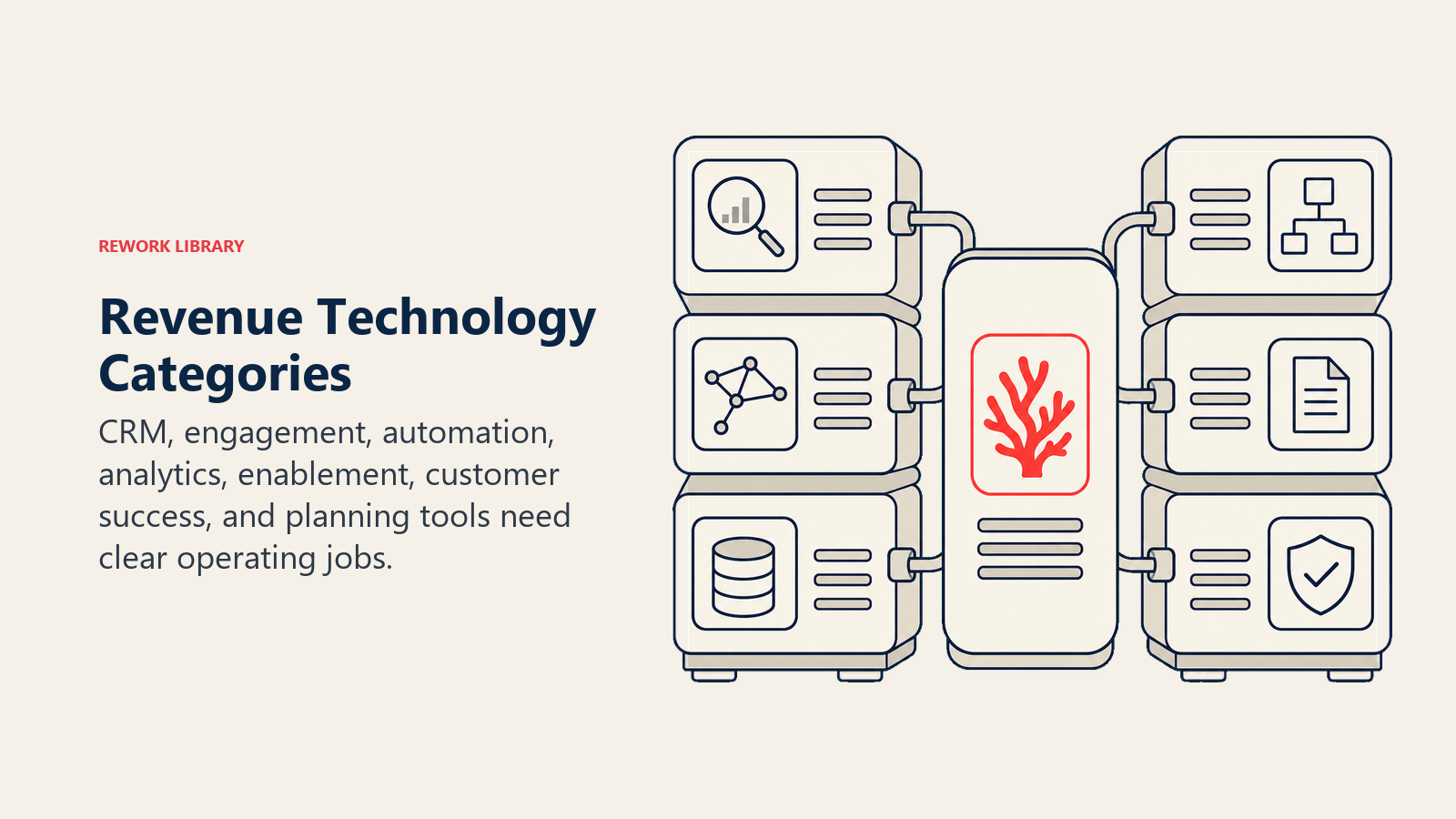
| Category | Primary purpose | Common risk |
|---|---|---|
| CRM | Revenue record and pipeline process | Becomes overloaded with unused fields |
| Marketing automation | Campaign and nurture workflows | Source rules become unclear |
| Sales engagement | Rep workflow and outbound execution | Activity volume hides quality |
| Customer success | Health, onboarding, renewal, expansion | Data stays disconnected from forecast |
| Billing | Contracts, invoices, subscription state | Revenue data does not sync cleanly |
| Enrichment | Account and contact data | Bad matches pollute records |
| BI | Cross-system analysis | Metric definitions drift |
| Workflow automation | Routing, alerts, approvals | Bad rules move faster |
RevOps should ask whether each category has a defined purpose, owner, and success measure.
Adoption matters
A tool that is technically installed but behaviorally ignored is not part of the operating system.
Adoption signals:
- Managers use the reports in cadence meetings.
- Reps update required fields because they affect workflow.
- Finance trusts the revenue data.
- Marketing can see source and conversion.
- CS can see account history and renewal risk.
- Leaders stop using side spreadsheets for core metrics.
If adoption is weak, do not assume the answer is more training. The process may be too heavy, fields may be poorly timed, or the tool may not match the workflow.
Stack review cadence
Review the stack quarterly.
Questions:
- Which tools are used in operating cadence?
- Which tools duplicate another tool?
- Which integrations fail often?
- Which reports are not trusted?
- Which fields are unused?
- Which automations create manual cleanup?
- Which team has a workflow gap?
- Which vendor cost is no longer justified?
Annual renewal is too late to discover stack problems. Quarterly review gives RevOps time to fix process, data, adoption, or vendor issues before contracts force a rushed decision.
Buying new tools
Before buying a new tool, answer:
- What operating problem are we solving?
- Which current system cannot solve it?
- What process must change?
- What data will the tool create or modify?
- Who owns the tool after launch?
- What integration is required?
- What metric will improve?
- What workflow will be retired?
If the answer is "we need better visibility," define the exact decision that visibility supports. Visibility without action becomes dashboard clutter.
Consolidation
Consolidation can help, but it is not automatically better.
Consolidate when:
- Tools duplicate the same workflow.
- Data conflicts create reporting issues.
- Adoption is split across systems.
- Integration cost is high.
- Vendor cost exceeds value.
Do not consolidate when:
- One tool is specialized and heavily used.
- Migration risk is high.
- The process is still undefined.
- Consolidation would weaken a critical workflow.
The right stack is not the smallest stack. It is the stack that supports the revenue operating model with the least avoidable complexity.
Security and compliance
Revenue systems contain customer data, pricing data, contract data, and sometimes sensitive communication history.
RevOps should work with IT and security on:
- Permission sets
- Role-based access
- Audit logs
- Data retention
- Vendor review
- Field-level access
- Integration credentials
- Admin change control
Fast growth often creates admin sprawl. Governance should catch it before reporting, customer trust, or compliance becomes a problem.
Common mistakes
Buying before defining process. The tool becomes a container for disagreement.
No system of record. Fields conflict across systems.
Too many required fields. Adoption drops.
No integration owner. Failures go unnoticed.
Reporting after launch. Data needed for leadership decisions is missing.
No retirement plan. Old tools remain alive and create duplicate workflows.
Readiness checklist
Before changing the stack:
- Operating process is documented.
- System of record is defined.
- Data dictionary exists.
- Integration map exists.
- Owners are named.
- Adoption problem is understood.
- Reporting requirements are clear.
- Security review is included.
- Migration plan is realistic.
What the checklist should prove
The revenue tech stack should make the operating model easier to run. If a tool adds workflow, data, or reporting complexity without improving a real decision or handoff, RevOps should challenge it.
Stack maturity model
Teams usually move through maturity stages.
| Stage | Stack behavior |
|---|---|
| Ad hoc | Tools are bought by team need, with limited governance |
| Connected | Core systems sync, but definitions are still inconsistent |
| Governed | System of record, field ownership, and integrations are documented |
| Operating | Cadence meetings use trusted reports from the stack |
| Optimized | Tooling decisions are reviewed against productivity and revenue quality |
Most companies do not need a perfect architecture. They need enough governance that tools support the way revenue work actually happens.
Example stack decisions
Example: marketing wants a new enrichment vendor because lead data is incomplete. RevOps should first inspect where data decays, which fields matter, how enrichment enters CRM, and who approves updates. The answer may be a vendor, but it may also be field governance and duplicate management.
Example: sales wants a new forecasting tool. RevOps should inspect forecast categories, commit criteria, close-date hygiene, and manager cadence first. If those are weak, a tool may make the forecast look better without making it more trustworthy.
Example: customer success owns health data in a separate platform, but renewal forecasting happens in CRM. RevOps should define which health signals sync, how often they sync, and who owns caveats when data is missing.
Migration planning
Stack changes often fail during migration.
Before migration:
- Inventory fields.
- Identify owners.
- Remove unused fields where safe.
- Map old values to new values.
- Test sample records.
- Define rollback.
- Prepare user training.
- Validate reports.
- Monitor sync errors after launch.
Migration is not only technical. It changes user workflow, reporting trust, and operating cadence.
Admin governance
RevOps should govern admin access.
Questions:
- Who can create fields?
- Who can edit workflow rules?
- Who can change permission sets?
- Who can install integrations?
- Who approves automation changes?
- How are changes documented?
- How are incidents reviewed?
Small teams often move quickly by giving many people admin access. That can work early, but it becomes risky as the stack feeds board reporting, billing, customer handoffs, and AI workflows.
Stack success metrics
Measure the stack by operating outcomes:
- Report trust
- Data completeness
- Workflow cycle time
- Handoff quality
- User adoption
- Integration errors
- Duplicate rate
- Admin maintenance time
- Renewal cost vs value
- Reduction in side spreadsheets
A good stack is not defined by how many tools it has. It is defined by whether revenue teams can run the business with less friction and better evidence.
Minimum viable documentation
Maintain:
- System map
- Integration map
- Data dictionary
- Field ownership list
- Automation registry
- Admin owner list
- Renewal calendar
- Reporting source list
- Change log
This documentation saves time during onboarding, vendor review, incident response, and planning.
Stack and AI readiness
AI use cases depend on the stack.
If systems are disconnected, AI sees partial context. If permissions are loose, AI workflows can expose sensitive data. If fields are inconsistent, AI recommendations become noisy. If audit trails are missing, leaders cannot explain what changed.
Before adding AI across the revenue stack, RevOps should confirm system of record, data quality, permission model, and logging.
Operating cadence by stack layer
Each stack layer should connect to a recurring operating cadence.
CRM supports pipeline inspection, forecast calls, territory review, and board reporting. Marketing automation supports campaign review, source analysis, and funnel conversion. Sales engagement supports outbound productivity and sequence quality. Customer success tools support renewal risk, onboarding, health, and expansion. Billing supports finance reconciliation and revenue reporting.
If a tool does not support a cadence, decision, or workflow, its value should be questioned.
Vendor renewal review
Before renewal, RevOps should review:
- Usage
- Adoption by team
- Business outcomes
- Integration reliability
- Admin effort
- Data quality
- Reporting value
- User feedback
- Contract cost
- Replacement options
Renewal review should happen early enough to change course. Waiting until the contract deadline forces weak decisions.
What good looks like
A healthy stack has fewer hidden workarounds.
Managers use dashboards in meetings. Reps understand required fields. Finance trusts the rollup. Marketing can explain source quality. Customer success sees renewal risk. RevOps can trace key metrics back to approved sources. Users know where to work and where to look.
That is the outcome to design for.
Stack review questions
In each review, ask which tool creates trusted data, which tool creates duplicate work, which integration causes cleanup, and which report leaders still export to a spreadsheet. Those questions reveal whether the stack supports the business or merely records activity.
RevOps should turn those findings into a short action list with owners and dates.
Stack review should lead to decisions: retire, consolidate, fix, train, document, or leave unchanged with a clear reason. Without decisions, review becomes inventory.
Decommissioning plan
Removing a tool needs as much discipline as buying one.
Before decommissioning, confirm:
- Which workflows depend on the tool
- Which data needs export or archive
- Which integrations must be removed
- Which reports will break
- Which users need a replacement workflow
- Which contracts, permissions, and credentials need closure
- Which historical records must remain accessible
Many teams keep old tools because no one wants to unwind the dependencies. That creates cost and confusion. Users keep checking old reports. Automations keep running in the background. Data syncs continue even after the tool is no longer trusted.
RevOps should treat decommissioning as a stack health practice. If a tool no longer supports a decision, workflow, source of truth, or required record, it should have a retirement path.
Stack operating map
Create a one-page operating map for the revenue stack.
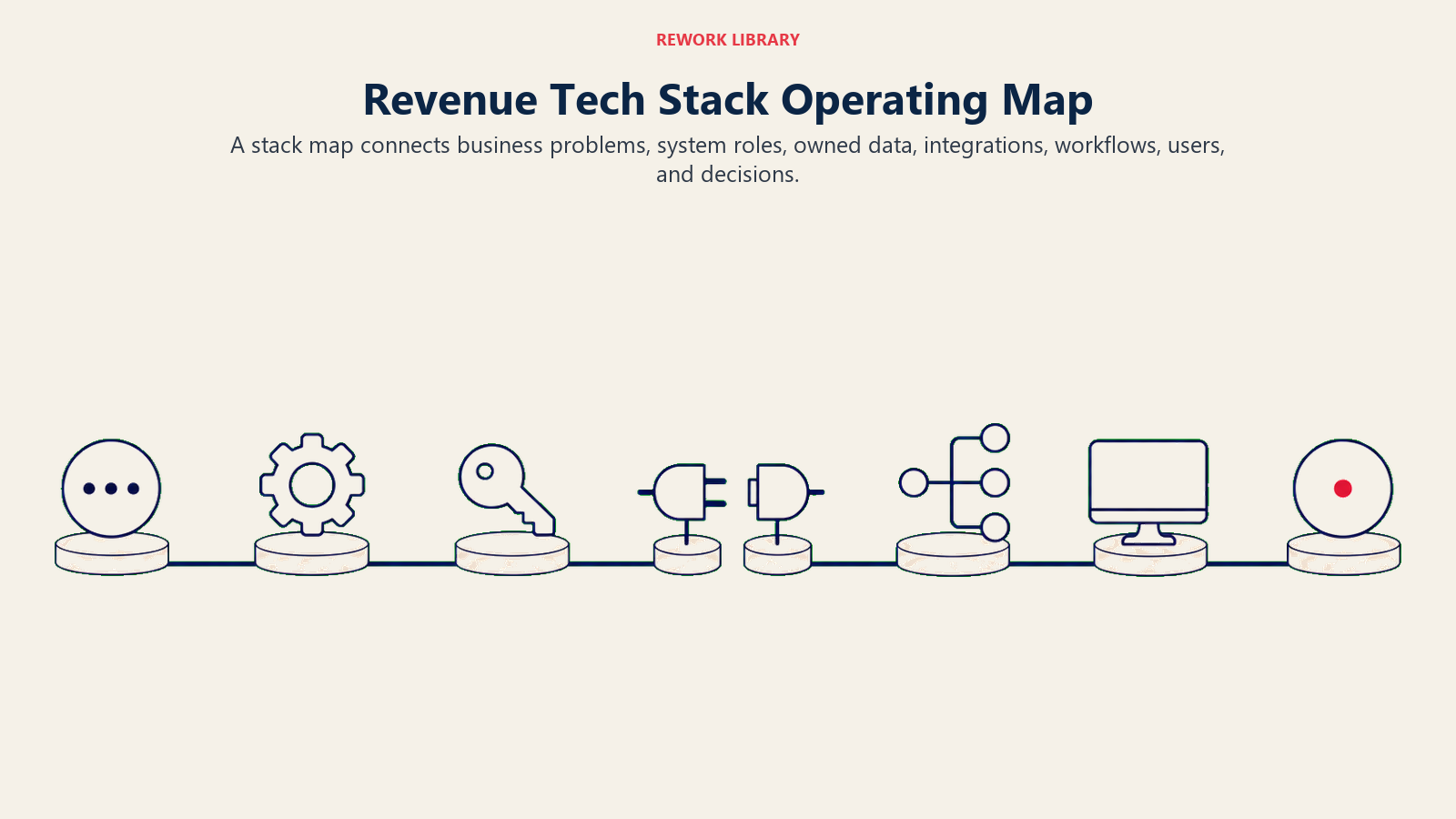
| Workflow | Primary system | Supporting systems | Decision owner |
|---|---|---|---|
| Lead capture and source | Marketing automation | CRM, enrichment | Marketing Ops and RevOps |
| Lead routing | CRM or routing tool | Enrichment, account data | RevOps and sales leadership |
| Opportunity management | CRM | Sales engagement, BI | Sales leadership |
| Forecasting | CRM and BI | Finance model | Sales, RevOps, finance |
| Closed-won handoff | CRM | CS platform, billing | Sales, CS, RevOps |
| Renewal management | CS platform or CRM | Billing, product usage | CS and finance |
| Executive reporting | BI or board package | CRM, billing, CS, finance | Finance and RevOps |
The map should show where users work and where data becomes official. It is especially useful during onboarding, vendor review, tool renewal, system migration, and incident response.
Without a map, RevOps depends on tribal knowledge. Someone knows why a field syncs one way. Someone else knows why finance uses a different number. That knowledge disappears when people change roles. The operating map keeps the stack understandable.
Stack decision packet
Before adding or replacing a revenue tool, require a short decision packet:
| Area | Question |
|---|---|
| Workflow | Which workflow improves or disappears? |
| Data | Which fields, objects, and events move in or out? |
| Source of truth | Which system owns the final value? |
| Integration | What breaks if sync fails? |
| Adoption | Who must use it weekly? |
| Governance | Who can change rules, fields, and permissions? |
| Exit plan | What happens if the tool is removed later? |
This keeps stack decisions tied to operating outcomes. A tool that does not improve a workflow, data quality, adoption, or decision cadence is usually not a RevOps priority.
Frequently Asked Questions about Revenue Tech Stack
Who owns the revenue tech stack?
RevOps should own the operating architecture with IT, finance, marketing, sales, and CS input.
Should we consolidate tools?
Consolidate when duplicated tools create data or workflow problems. Do not consolidate just to simplify a vendor list.
Learn more

Senior Operations & Growth Strategist
On this page
- Core layers
- Architecture decision model
- Start with the operating model
- Stack architecture principles
- System of record
- Integration map
- Data governance
- Tool categories and purpose
- Adoption matters
- Stack review cadence
- Buying new tools
- Consolidation
- Security and compliance
- Common mistakes
- Readiness checklist
- What the checklist should prove
- Stack maturity model
- Example stack decisions
- Migration planning
- Admin governance
- Stack success metrics
- Minimum viable documentation
- Stack and AI readiness
- Operating cadence by stack layer
- Vendor renewal review
- What good looks like
- Stack review questions
- Decommissioning plan
- Stack operating map
- Stack decision packet
- Learn more