RevOps Automation: What to Automate and What to Keep Human
RevOps automation works when the process is already clear.
If the qualification rule is vague, automation routes confusion faster. If handoff fields are poorly defined, automation sends incomplete context faster. If forecast stages are subjective, automation makes bad confidence look precise.
Gartner's guidance on reducing revenue enablement complexity is relevant because automation should reduce friction, not add more systems for teams to manage. Forrester's RevOps operating model research also reinforces that ownership and process need to exist before automation scales.
Key operating facts
- Automate repeated work only after the rule is clear, the data is trusted, and the exception path is defined.
- Start with workflows that already have measurable leakage: lead-to-opportunity process, lead routing, SLA escalation, closed-won handoff, forecast hygiene, and renewal reminders.
- Automation should support the full-funnel SLA model, not replace ownership. Alerts and tasks still need accountable owners.
- Each automation should point back to the revenue data dictionary and source-of-truth rules. If the field definition is unclear, the automation will inherit that ambiguity.
- High-impact automation needs a human approval path, especially when it changes ownership, customer communication, forecast category, pricing workflow, or strategic-account treatment.
Good automation candidates
- Lead routing
- SLA reminders and escalations
- Duplicate detection
- Required-field prompts
- Closed-won handoff task creation
- Renewal risk alerts
- Forecast hygiene alerts
- Dashboard refreshes
Keep human judgment for
- Strategy decisions
- Complex deal judgment
- Customer relationship calls
- Discount exceptions
- ICP changes
- Forecast overrides
Use AI in Revenue Operations for the next layer.
Automation principle
Automate only after three things are clear:
- The rule is agreed.
- The data is reliable.
- The exception path is defined.
If any of those are missing, automation may create more rework. A lead routed by a bad territory rule still needs manual reassignment. A handoff task created from incomplete data still requires someone to chase context. A forecast alert based on weak stage definitions may create noise.
Automation should remove repeated work, improve response time, and make operating rules consistent. It should not hide unclear decisions.
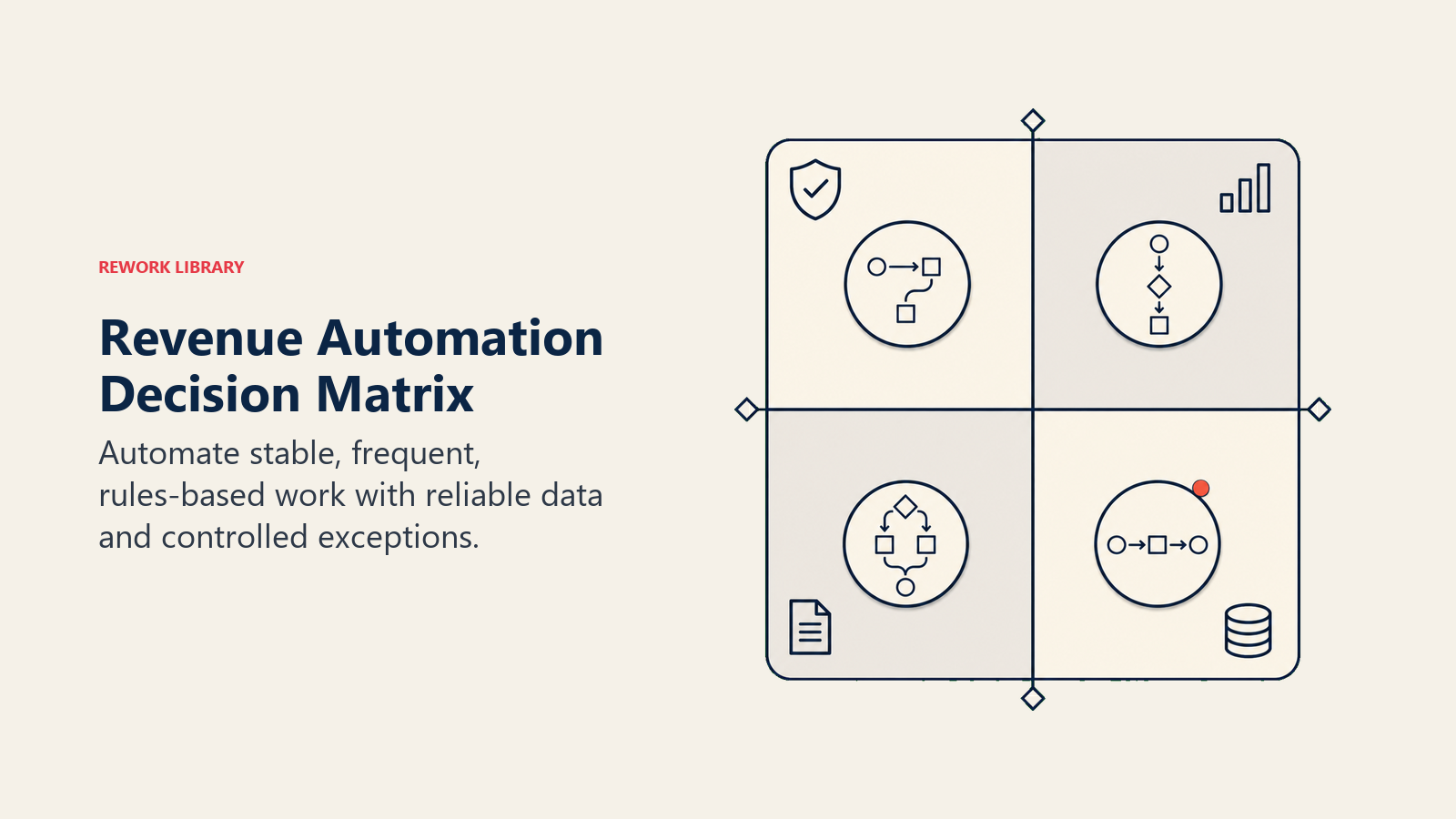
Automation decision matrix
Before building automation, score the workflow across four questions. This also informs the wider build vs buy decision for RevOps, since some workflows are better served by a purchased tool than a custom build.
Turn this article into takeaways for your work.


Each assistant summarizes the article only for you and suggests best practices for your work.
| Question | Good signal | Bad signal |
|---|---|---|
| Is the rule clear? | People can describe the trigger and expected action in one sentence | Teams disagree on what should happen |
| Is the data reliable? | Required fields are complete and definitions are stable | Key fields are missing, stale, or subjective |
| Is the exception path known? | There is a named owner for edge cases | Exceptions go to whoever notices first |
| Is the value measurable? | Time saved, SLA improvement, error reduction, or risk reduction can be tracked | Benefit is vague or based only on preference |
Prioritize workflows with clear rules, reliable data, known exceptions, and measurable value. Defer workflows with unclear criteria, relationship-sensitive decisions, weak data, or high downside from a wrong action.
A useful automation backlog should separate three groups:
| Group | What to do |
|---|---|
| Ready to automate | Build, test, and monitor |
| Needs process design | Define rule, owner, fields, and exception path first |
| Keep human | Use templates, guidance, or reminders instead of automatic action |
This prevents automation from becoming a response to frustration. A painful workflow is not always ready for automation. Sometimes it needs a definition, a better field, a cleaner source of truth, or a manager behavior change.
Automation by workflow
| Workflow | Good automation | Human judgment |
|---|---|---|
| Lead routing | Match by territory, segment, account owner, capacity | Exception handling for strategic accounts |
| SLA management | Reminders, escalation, missed-SLA reports | Deciding why SLA failed |
| CRM hygiene | Duplicate alerts, stale field prompts | Merge decisions for complex accounts |
| Handoff | Task creation, required context checks | Deciding readiness for unusual deals |
| Forecast hygiene | Missing-field alerts, stale commit warnings | Forecast category override |
| Renewal | Risk alerts, renewal task creation | Commercial save strategy |
This split keeps automation practical and keeps humans in high-impact decisions.
Start with high-volume workflows
Good first candidates:
- Lead routing
- Meeting booking handoff
- SLA reminders
- Duplicate detection
- Opportunity required-field prompts
- Closed-won handoff creation
- Renewal date reminders
- Forecast data-quality alerts
These workflows usually have clear rules and visible payoff. They also create a foundation for more advanced automation later.
Avoid automating unclear process
Do not automate:
- Vague lead qualification
- Undefined handoff readiness
- Subjective stage movement
- Complex discount approval without clear policy
- Forecast overrides
- Customer communications with high relationship risk
- Data changes with no audit trail
Automation should follow process clarity. It should not create it.
Exception handling
Every automation needs an exception path.
Questions:
- What happens when account match fails?
- Who resolves duplicate conflicts?
- Who approves routing exceptions?
- What happens when required data is missing?
- Who reviews failed syncs?
- How does a user override the automation?
- Where is the override logged?
Exception handling is where many automations fail. The happy path works, but edge cases create manual cleanup and trust loss.
Automation governance
RevOps should maintain an automation registry.
Include:
- Automation name
- Business purpose
- Trigger
- Rule owner
- System owner
- Data fields used
- Downstream effect
- Exception path
- Last reviewed date
- Failure owner
This registry prevents hidden workflow logic. It also helps new RevOps teammates understand why the system behaves the way it does.
Testing automation
Before launch:
- Test common cases.
- Test edge cases.
- Test bad data.
- Test permission issues.
- Test rollback.
- Test notification quality.
- Test reporting impact.
Run the automation in shadow mode when possible. For example, show who would receive a routed lead before routing automatically. Compare expected outcomes with actual outcomes, then launch when the rule is trusted.
Automation and adoption
Automation should improve the user experience.
If reps receive too many alerts, they ignore all of them. If managers get noisy reports, they stop checking. If users do not understand why automation happened, they may work around the system.
Good automation explains itself:
- Why this record was routed
- Why this task was created
- Why this field is required
- Why this alert fired
- What action is expected
Clear automation builds trust.
Measuring automation value
Measure whether automation improves the workflow.
Useful metrics:
- Response time
- SLA completion
- Manual reassignment count
- Duplicate rate
- Handoff completeness
- Forecast data-quality issues
- Renewal task completion
- User override rate
- Error rate
- Admin maintenance time
If an automation saves rep time but creates admin cleanup, the value may be lower than expected.
Automation and AI
AI can expand automation, but it also increases governance needs.
Use AI cautiously for:
- Data cleanup suggestions
- Account research summaries
- Deal risk signals
- Renewal risk summaries
- Next-action suggestions
- Forecast anomaly detection
Keep approvals for high-impact actions such as changing forecast category, sending sensitive customer communication, changing pricing, or reassigning strategic accounts.
Human-in-the-loop design
Human review should be designed into high-impact automation from the start.
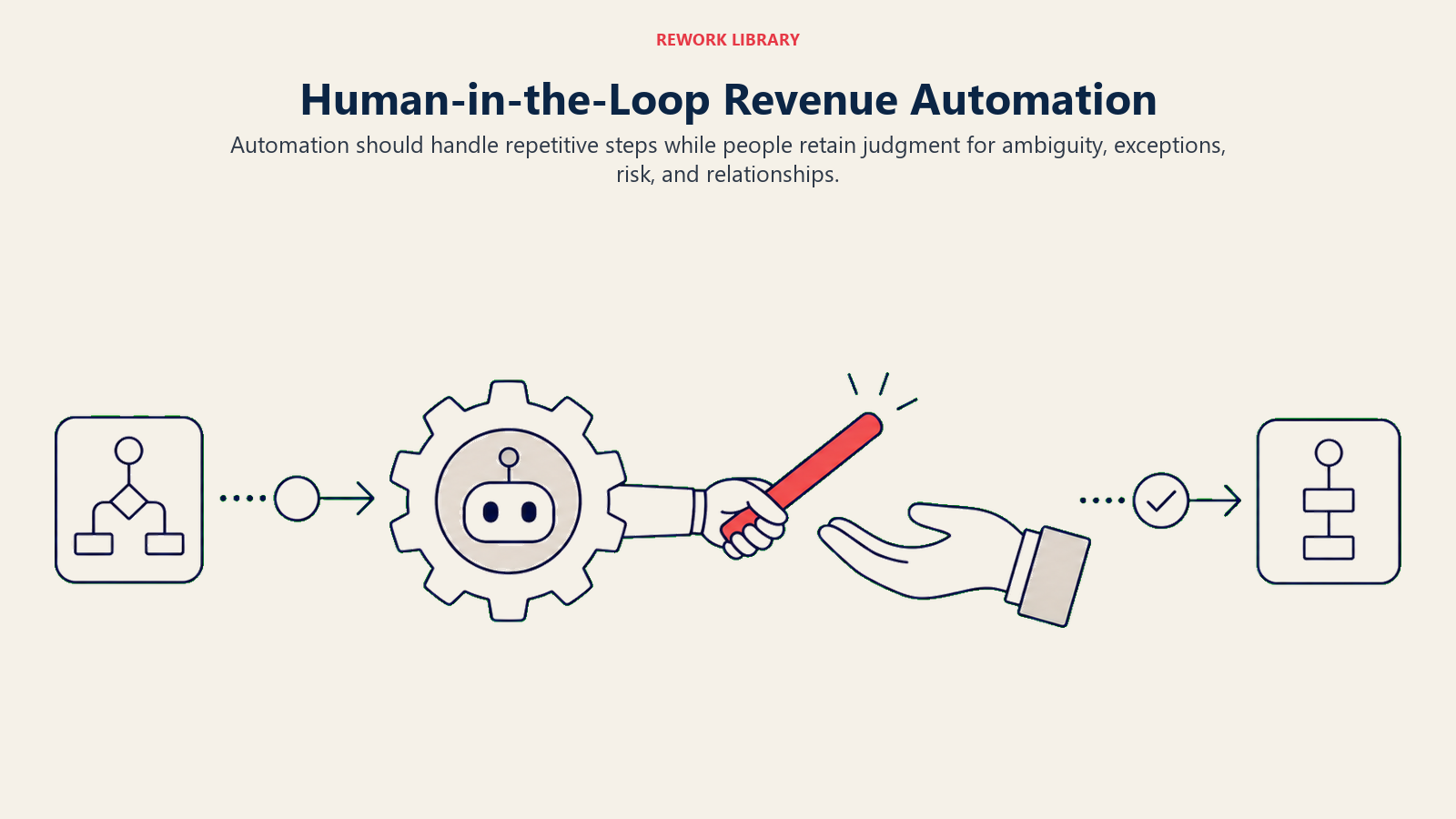
Use human approval when automation:
- Sends or changes customer-facing communication.
- Changes forecast category or board-facing metrics.
- Reassigns a strategic account or active opportunity.
- Triggers a pricing, discount, or contract workflow.
- Merges records where account history may be affected.
- Flags a customer for churn risk in executive reporting.
- Creates expansion pipeline from a customer signal.
Human-in-the-loop does not mean slow. It means the automation prepares the decision and the owner approves the action. For example, an AI-assisted renewal workflow can summarize usage drop, support burden, sponsor loss, and contract timing. The CSM manager still decides the save plan and commercial escalation. A forecast alert can flag a commit deal with weak evidence. The sales manager still decides whether the deal remains commit.
The approval experience should be specific:
| Automation output | Human decision |
|---|---|
| Suggested duplicate merge | Approve merge, reject, or request review |
| Suggested route for strategic lead | Accept owner, override, or escalate |
| Forecast risk alert | Confirm risk, update category, or dismiss with reason |
| Renewal risk summary | Assign save owner, update risk, or mark no action |
| Expansion signal | Create opportunity, assign follow-up, or reject signal |
If the human step is vague, users will ignore it. If the automation explains why it fired and what decision is needed, humans can move faster without losing judgment.
Common mistakes
Automating before process agreement. The workflow moves faster but remains wrong.
No exception path. Edge cases become manual chaos.
Too many alerts. Users ignore the system.
No audit trail. Leaders cannot explain what changed.
No owner. Automation breaks after a process change.
No review cadence. Old rules keep running after the business changes.
Readiness checklist
Before launching automation:
- Rule is documented.
- Data source is trusted.
- Owner is named.
- Exception path is defined.
- Test cases are complete.
- Audit trail exists.
- Users understand expected action.
- Reporting impact is known.
- Review cadence is scheduled.
What the checklist should prove
RevOps automation should make the agreed operating model faster and more consistent. If the rule is unclear, the data is weak, or the exception path is missing, fix those first.
Automation maturity model
Teams usually mature through stages.
| Stage | Behavior |
|---|---|
| Manual | Work happens through reminders, spreadsheets, and individual follow-up |
| Triggered | Simple rules create tasks, alerts, or assignments |
| Governed | Automations have owners, tests, audit logs, and review cadence |
| Cross-functional | Workflows connect sales, marketing, CS, finance, and systems |
| Assisted | AI suggests actions while humans approve high-impact changes |
The goal is not to reach the most advanced stage everywhere. The goal is to use the right level of automation for each workflow.
Lead routing example
Lead routing is a common first automation, but it is rarely just a technical rule.
Routing may depend on:
- Territory
- Named account ownership
- Segment
- Product interest
- Partner involvement
- Rep capacity
- Existing open opportunity
- Customer status
- Source
Before automation, RevOps should document priority order. For example, named account ownership may override geography. Customer status may override lead source. Strategic accounts may require manual review.
After launch, track reassignment rate. A high reassignment rate means the routing logic or source data needs review.
Handoff automation example
Closed-won handoff automation can create tasks for onboarding, CS, billing, and implementation.
But the handoff only works if required context exists:
- Contract start date
- Products purchased
- Use case
- Success criteria
- Implementation notes
- Billing contact
- Executive sponsor
- Risks or promises made during sales
Automation should check for readiness before creating downstream work. Sending an incomplete handoff faster does not help the customer.
Forecast hygiene automation example
Forecast hygiene alerts can flag:
- Commit deals with no next step
- Close dates in the past
- Late-stage deals with old activity
- Best-case deals with missing evidence
- Large amount changes
- Deals pushed multiple times
These alerts should go to the manager before the forecast call. The purpose is to improve inspection, not to shame reps.
Renewal automation example
Renewal workflows can create reminders based on contract dates, health status, usage signals, and account ownership.
Useful automations:
- Renewal task creation
- Risk alert when usage drops
- Executive sponsor reminder
- Save-plan task for red accounts
- Finance notice for large renewal risk
- Expansion prompt for high-adoption accounts
Human judgment remains important because renewal risk often includes relationship context.
Alert design
Alerts should be scarce and actionable.
A good alert has:
- Reason
- Owner
- Expected action
- Due date
- Link to record
- Suppression rule
- Escalation path
Bad alerts say "deal risk detected" without explaining why. Good alerts say "commit deal has no next meeting and close date moved twice; manager should inspect timing evidence before forecast call."
Maintenance
Automation needs maintenance because business rules change.
Review automations when:
- Territories change
- Segments change
- New products launch
- Forecast categories change
- CRM fields change
- Systems are migrated
- Teams reorganize
- SLA rules change
- AI workflows are added
Old automation is a common source of strange system behavior. A review cadence prevents hidden logic from becoming operational debt.
Change management
Users should know what automation does and why.
Before launch:
- Explain the workflow.
- Show examples.
- Explain exception handling.
- Train managers.
- Define support path.
- Watch user behavior after launch.
If users work around automation, inspect why. They may be resisting change, but they may also be revealing a bad rule.
Automation backlog
Maintain a backlog with:
- Workflow
- Pain point
- Owner
- Volume
- Risk
- Data readiness
- Expected value
- Maintenance owner
- Priority
This keeps automation decisions disciplined. The loudest request should not automatically become the next build.
What good looks like
Good automation reduces manual chasing, improves response time, and makes ownership clearer. Managers trust alerts because they are specific. Users understand why tasks appear. RevOps can audit changes. Exceptions have owners. Old rules are reviewed before they decay.
That is the bar.
Automation examples by team
Marketing examples:
- Create campaign follow-up tasks for qualified responses.
- Alert when source data is missing.
- Flag form submissions from existing open opportunities.
- Notify owners when high-fit accounts engage.
Sales examples:
- Route leads by account ownership and capacity.
- Create reminders for stale next steps.
- Flag commit deals missing evidence.
- Escalate missed response SLAs.
Customer success examples:
- Create renewal tasks based on contract date.
- Alert on usage drop for key accounts.
- Notify account owners about expansion signals.
- Create handoff tasks after closed-won.
Finance examples:
- Notify finance on large closed-won deals.
- Flag missing billing information.
- Send renewal risk summaries.
- Track contract or order form status.
These automations are useful because they connect operating rules to clear action.
Risk-based automation design
Classify automation by risk.
Low-risk automations create reminders or suggestions. Medium-risk automations assign ownership, update non-critical fields, or trigger internal tasks. High-risk automations affect customers, forecast, pricing, ownership of strategic accounts, or revenue recognition.
Use more approval and logging as risk rises.
| Risk | Example | Control |
|---|---|---|
| Low | Stale next-step reminder | Basic owner and suppression |
| Medium | Lead routing | Exception path and audit log |
| High | Forecast category change | Human approval required |
This keeps automation speed from creating uncontrolled business impact.
Tie this risk model to source-of-truth revenue data. The higher the risk, the more important it is to know which system wins, which field definition applies, and where the audit trail lives.
Failure monitoring
Monitor failure modes:
- Automation did not run.
- Automation ran twice.
- Automation used stale data.
- Automation created the wrong owner.
- Automation sent too many alerts.
- Automation broke after a field change.
- Automation created reporting side effects.
Every important automation should have an owner who can see failures. Hidden failures erode trust quickly.
Documentation standard
Document each automation in plain language:
- When it starts
- What rule it uses
- What record it changes
- Who receives the output
- What user action is expected
- How to override it
- Who supports it
Documentation prevents the system from becoming folklore.
Launch sequence
A simple launch sequence:
- Define the rule.
- Confirm data source.
- Test normal cases.
- Test edge cases.
- Run in shadow mode.
- Train users.
- Launch with monitoring.
- Review after two weeks.
This sequence is slower than flipping a switch, but it prevents avoidable cleanup.
Automation health review
Review automation health monthly.
Ask which alerts were ignored, which tasks were closed, which records needed manual correction, which rules created exceptions, and which workflow saved time. Keep useful automation. Remove noisy automation. Adjust rules when the business changes.
Minimum viable automation
Start with one workflow, one owner, one trigger, one expected action, one exception path, and one success metric. That is enough to learn. Expanding before the first workflow is trusted usually creates noise.
Keep the first automation easy to explain, easy to monitor, and easy to reverse. Trust grows from clean execution.
Automation review questions
Use these questions in the monthly automation health review:
- Which automations saved time or reduced risk?
- Which alerts were ignored?
- Which tasks were created but not completed?
- Which workflows generated the most overrides?
- Which failures came from bad data?
- Which failures came from unclear ownership?
- Which automations should be retired?
- Which manual work is now ready for automation?
The review should lead to action. Remove noisy alerts. Update stale rules. Add owners where exceptions are stuck. Retire automations that no longer match the business motion. Do not let old workflow logic continue simply because no one remembers who built it.
Good automation should make the revenue system quieter, not louder. Fewer manual chases, fewer hidden handoffs, fewer stale records, fewer surprise misses. If automation adds more alerts than decisions, it is not doing its job.
Prioritization score
When the backlog grows, score automation candidates before building.
Use a simple model:
| Factor | High score means |
|---|---|
| Volume | The workflow happens often enough to matter |
| Risk | Misses create revenue, customer, forecast, or compliance impact |
| Rule clarity | The trigger and expected action are agreed |
| Data readiness | The fields are complete enough to trust |
| Exception clarity | Edge cases have owners |
| User impact | The automation makes work easier, not noisier |
| Maintenance cost | The rule can be supported after launch |
Prioritize high-volume, high-risk, clear-rule workflows first. Defer high-risk workflows when data readiness is weak. Avoid low-volume automations unless the risk is material, such as a large renewal, strategic account, or finance-impacting workflow.
This scoring model also helps RevOps explain tradeoffs. A leader may want an automation because the current workflow is annoying. Another leader may need automation because missed handoffs affect revenue. The score gives the team a shared way to choose.
What to retire
Automation governance should include removal.
Retire or redesign automation when:
- Users ignore the alert most of the time.
- Override rate is high.
- The business rule changed.
- The field definition changed.
- The automation creates duplicate work.
- The report or workflow it supports is no longer used.
- The automation creates more exceptions than completed actions.
Old automation is harder to see than old reports. A stale dashboard may be ignored, but a stale workflow can keep changing records, assigning owners, and creating tasks. RevOps should treat retirement as part of the automation lifecycle, not cleanup work for later.
The practical standard is simple: every automation should still have a clear owner, a current rule, a visible output, and a reason to exist. If the team cannot explain those four things, pause the workflow until someone can.
Automation approval packet
Before automating a revenue workflow, RevOps should document:
| Item | What to define |
|---|---|
| Workflow | Which manual step changes |
| Trigger | What event starts the automation |
| Rule | What condition must be true |
| Owner | Who owns the outcome |
| Exception | What happens when the rule fails |
| Audit trail | What gets logged |
| Rollback | How the workflow is paused or reversed |
This keeps automation from hiding process confusion. If the trigger, rule, owner, and exception are not clear, the workflow is not ready to automate.
Frequently Asked Questions about RevOps Automation
What should RevOps automate first?
Start with high-volume, clear-rule workflows such as lead routing, SLA escalation, and handoff task creation.
What should not be automated?
Anything where the rule is not agreed, the data is weak, or the consequence of a wrong action is high.
Learn more

Principal Solution Architect
On this page
- Good automation candidates
- Keep human judgment for
- Automation principle
- Automation decision matrix
- Automation by workflow
- Start with high-volume workflows
- Avoid automating unclear process
- Exception handling
- Automation governance
- Testing automation
- Automation and adoption
- Measuring automation value
- Automation and AI
- Human-in-the-loop design
- Common mistakes
- Readiness checklist
- What the checklist should prove
- Automation maturity model
- Lead routing example
- Handoff automation example
- Forecast hygiene automation example
- Renewal automation example
- Alert design
- Maintenance
- Change management
- Automation backlog
- What good looks like
- Automation examples by team
- Risk-based automation design
- Failure monitoring
- Documentation standard
- Launch sequence
- Automation health review
- Minimum viable automation
- Automation review questions
- Prioritization score
- What to retire
- Automation approval packet
- Learn more