RevOps Build vs Buy: How to Make Revenue Tooling Decisions
RevOps tooling decisions should start with the operating problem, not the vendor category.
Build when the workflow is strategic, specific, and hard to support with existing tools. Buy when the category is mature, the process is standard, and integration cost is acceptable.
Forrester's research on RevOps technology alignment is useful because build-vs-buy decisions affect the full revenue engine, not only one team. Gartner's guidance on reducing enablement complexity also applies because the wrong tool decision can add more workflow burden than it removes.
Key operating facts
- Build-vs-buy should start with the workflow problem, data model, ownership, and maintenance path, not with a vendor demo or internal prototype.
- Configure first when the current system can support the workflow cleanly. Buy when the market solves the problem well. Build when the workflow is strategic, specific, and worth long-term ownership.
- Integration and adoption cost often matter more than subscription price. A cheap tool can be expensive if it creates duplicate data, admin load, or weak user behavior.
- Every decision should include a sunset path. RevOps should know how data, workflows, and reports will survive if the tool is later replaced.
Decision table
| Choose | When |
|---|---|
| Configure existing tool | The workflow fits current systems with minor changes |
| Buy | The need is common and vendors solve it well |
| Integrate | Data needs to move between strong existing systems |
| Build | The workflow is unique, strategic, and worth maintaining |
Questions to ask
- Is the process clear?
- Is this workflow a differentiator?
- What data must sync?
- Who maintains it?
- What happens when the process changes?
- What is the cost of vendor lock-in?
Connect this to Revenue Tech Stack.
Start with the problem
Write the problem in operating language.
Weak problem statement: "We need a better tool."
Better problem statement: "Lead routing is slow because account matching, territory logic, and capacity rules are handled manually. This causes delayed response and inconsistent ownership."
The second statement makes the decision easier. The team can evaluate whether to configure CRM, buy a routing tool, integrate enrichment, or build custom logic.
Build-vs-buy should never start with a demo. It should start with the workflow, data, users, owners, and decision the system must support.
Four options
RevOps usually has four options:
| Option | Best when | Risk |
|---|---|---|
| Configure | Current system supports the workflow | Config becomes messy without governance |
| Buy | Vendor category is mature and need is standard | Integration and adoption may be harder than expected |
| Integrate | Strong tools already exist but data is disconnected | Sync logic creates maintenance burden |
| Build | Workflow is strategic and specific | Internal maintenance becomes permanent |
The right answer may combine options. For example, configure CRM fields, buy enrichment, integrate account data, and build a small routing layer.
Decision criteria
Evaluate:
- Strategic importance
- Workflow uniqueness
- Vendor maturity
- Integration complexity
- Data ownership
- Security requirements
- Admin maintenance
- User adoption
- Reporting needs
- Change frequency
- Total cost
- Time to value
Do not judge only subscription cost. A cheap tool with high integration and admin cost can be expensive. A custom build with no maintenance owner can become a hidden liability.
When to configure
Configure existing tools when the workflow is close to standard.
Examples:
- Adding stage-based required fields
- Creating forecast hygiene alerts
- Building manager dashboards
- Adding handoff tasks
- Creating approval flows
- Adjusting pipeline views
Configuration is often the fastest path. But configuration needs governance. Too many fields, workflows, and exceptions can turn the CRM into a fragile custom system.
When to buy
Buy when the need is common and vendors solve it well.
Examples:
- Sales engagement
- Marketing automation
- Enrichment
- Data quality tools
- Customer success platforms
- BI tools
- Call recording
Buying can reduce build time and provide ongoing vendor support. The tradeoff is integration, cost, data model fit, and vendor roadmap dependency.
When to integrate
Integrate when the company already has strong systems but needs shared data.
Examples:
- Billing data into CRM
- Product usage into CS platform
- Marketing source into opportunity reporting
- Support signals into renewal risk
- CRM ownership into routing logic
Integration should have a business purpose. Syncing data because it is available creates clutter and failure points.
When to build
Build when the workflow is strategic, specific, and worth maintaining.
Examples:
- Custom routing logic tied to capacity and territory
- Internal revenue planning model
- Specialized forecast packet generator
- Proprietary customer scoring model
- Workflow that differentiates the business
Before building, confirm:
- Who maintains it?
- What happens when the process changes?
- Where is the data stored?
- How is it monitored?
- How are errors handled?
- What is the rollback plan?
Build decisions create long-term ownership.
Total cost of ownership
Include:
- Subscription
- Implementation
- Integration
- Migration
- Admin time
- Training
- Support
- Security review
- Reporting changes
- Renewal cost
- Maintenance
- Decommissioning
Total cost is not always obvious during purchase. RevOps should make hidden work visible before the decision.
User adoption
A tool decision is only successful if users change behavior.
Ask:
- Who uses it daily?
- What current workflow will stop?
- What data must users enter?
- What manager cadence will reinforce it?
- What reports depend on it?
- What happens if users ignore it?
If the tool is not connected to operating cadence, adoption will be weak.
Security and IT partnership
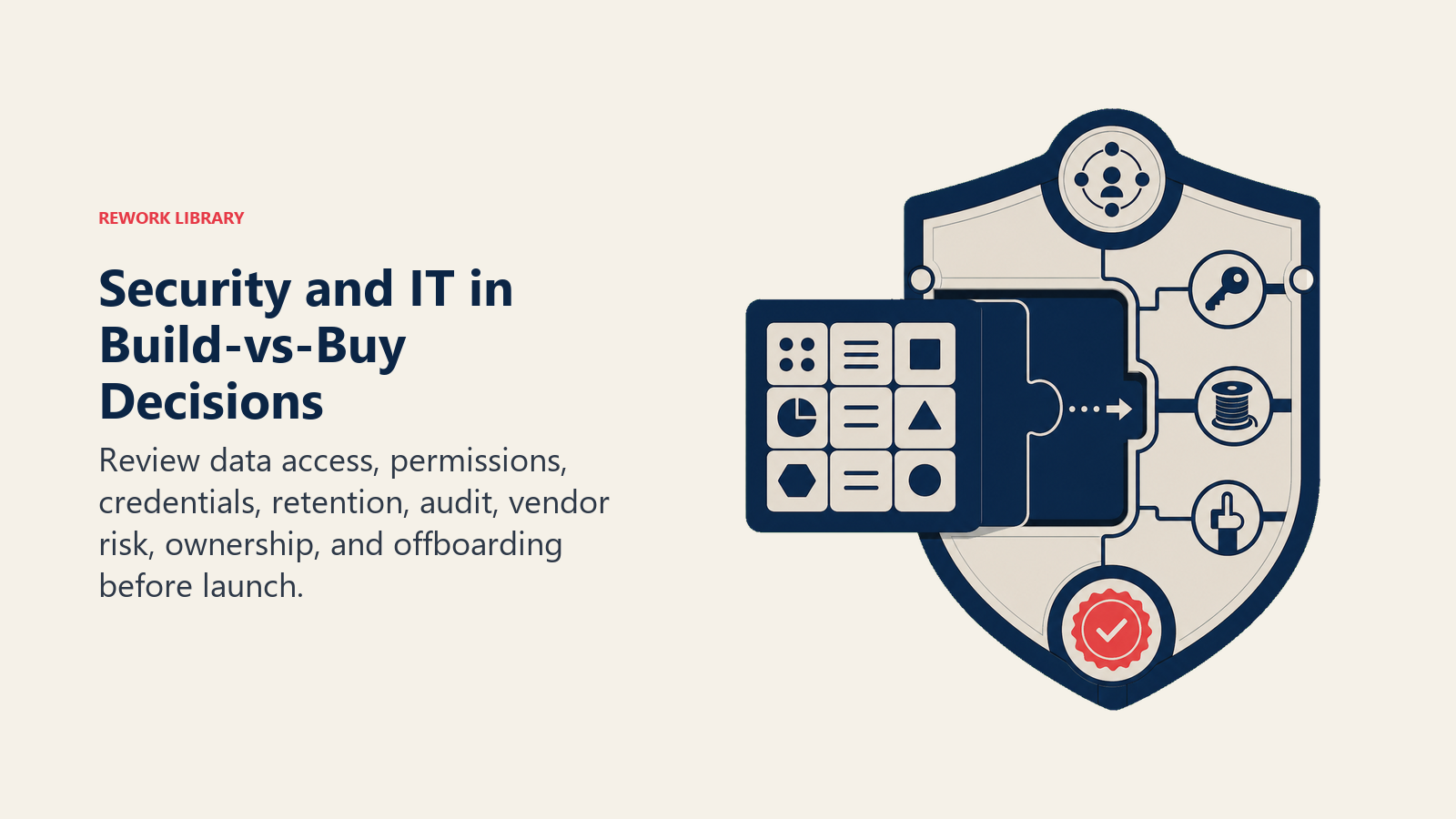
RevOps should bring IT and security in early.
Review:
Turn this article into takeaways for your work.


Each assistant summarizes the article only for you and suggests best practices for your work.
- Customer data access
- Permission model
- Integration credentials
- Data retention
- Audit logs
- Vendor risk
- Admin ownership
- Offboarding process
Late security review can delay launch or force redesign. Early review saves time.
Build-vs-buy scoring
A simple scoring model can help:
| Criterion | Low score | High score |
|---|---|---|
| Workflow uniqueness | Standard | Highly specific |
| Vendor fit | Strong | Weak |
| Maintenance capacity | Low | High |
| Integration complexity | Low | High |
| Strategic value | Low | High |
| Change frequency | Stable | Frequent |
High uniqueness, high strategic value, and weak vendor fit may point toward build. Standard workflow and strong vendor fit usually point toward buy or configure.
Common mistakes
Buying to avoid process design. The tool cannot decide ownership.
Building because the team can. Maintenance cost is ignored.
Ignoring integration. Data becomes fragmented.
No retirement plan. Old workflow stays alive.
No adoption plan. Users keep working in spreadsheets.
Comparing only vendor features. Operating fit is missed.
Readiness checklist
Before deciding:
- Problem is written clearly.
- Workflow is mapped.
- Data owners are known.
- Users are identified.
- Current tools are assessed.
- Integration needs are clear.
- Security review is planned.
- Maintenance owner is named.
- Success metric is defined.
- Retirement plan is included.
What the checklist should prove
Build when the workflow is specific enough to justify permanent ownership. Buy when the market solves the workflow well. Configure when the current system can support the process cleanly. Integrate when strong systems need shared data. Decide from the operating problem, not from vendor excitement.
Decision examples
Example: the team needs better duplicate management. If the CRM has basic duplicate rules and the volume is low, configure first. If duplicates are high-volume and cross-system, buy or integrate a data quality tool. If matching rules depend on proprietary account hierarchy logic, a custom component may be justified.
Example: leaders want a board reporting dashboard. If metric definitions are unclear, do not buy a BI tool first. Define the data dictionary, source of truth, and finance reconciliation process. Then decide whether existing BI is enough.
Example: sales wants custom forecast scoring. If commit criteria are not written, build nothing. If criteria are clear and the team needs a specific model by segment, a custom model or configured analytics layer may make sense.
Pilot before full rollout
Use pilots to test operating fit.
A pilot should define:
- Scope
- Users
- Workflow
- Data required
- Success metric
- Support owner
- Time period
- Decision criteria
The goal is not to prove the team can launch a tool. The goal is to prove the tool improves the workflow.
Vendor evaluation
When buying, evaluate more than features.
Ask:
- Does the data model fit our system of record?
- Can it support our permissions?
- How does integration work?
- Can admins manage rules without engineering?
- What audit logs exist?
- How does reporting export?
- What happens if we churn?
- What implementation support exists?
- How does pricing scale?
- Can the workflow be tested with real data?
Feature comparison is useful, but operating fit determines value.
Build governance
When building, define ownership early.
Required decisions:
- Product owner
- Engineering owner
- Support owner
- Data owner
- Documentation owner
- Monitoring plan
- Error handling
- Change request process
- Sunset criteria
Internal builds often start as quick fixes and become permanent systems. If the workflow is important enough to build, it is important enough to govern.
Sunset planning
Every tool decision should include a sunset path.
For purchased tools:
- How will data be exported?
- What workflow replaces it?
- Which reports depend on it?
- Which integrations must be removed?
- What contract date matters?
For internal tools:
- Who can retire it?
- What replaces it?
- Where is documentation stored?
- How is data preserved?
Sunset planning sounds early during purchase, but it prevents lock-in and cleanup pain later.
Stakeholder alignment
Build-vs-buy decisions touch many teams.
Include:
- RevOps for operating requirements
- Sales, marketing, or CS for user workflow
- Finance for cost and planning
- IT for architecture
- Security for data risk
- Legal for contract review
- Engineering if build or heavy integration is likely
Alignment does not mean everyone gets veto power. It means the decision reflects real operating cost.
Timing
Time matters.
Buy may be faster to launch if the workflow is standard. Build may be faster for a narrow internal need but slower to maintain. Configuration may be fastest but may not scale. Integration may take longer upfront but reduce manual work later.
RevOps should compare time to first value and time to stable operation. Those are different.
What good looks like
A good decision produces:
- Clear workflow improvement
- Trusted data
- Named owner
- Adoption plan
- Reporting impact understood
- Maintenance plan
- Security review complete
- Sunset path known
The final choice matters less than the discipline behind it. Good process can make configure, buy, integrate, or build work. Bad process can make any option fail.
Evaluation workshop
Run a short workshop before choosing.
Agenda:
- Define the workflow problem.
- Map current process.
- Identify data sources.
- Identify users and owners.
- List current tool options.
- Estimate build, buy, configure, and integrate paths.
- Review risk and maintenance.
- Pick a pilot path.
This workshop keeps the decision grounded. It also prevents a vendor demo or internal prototype from becoming the default answer before requirements are clear.
Common decision patterns
Configure when the workflow is close to the CRM's native model and reporting needs are simple.
Buy when the market has mature vendors, implementation is faster than internal work, and the company can accept the vendor's data model.
Integrate when two strong systems need shared data and replacing either one would create unnecessary disruption.
Build when the workflow is specific, strategic, high-value, and the company is willing to support it for years.
These patterns are not rules, but they help teams avoid emotional decisions.
Governance after the decision
The decision is not finished at purchase or launch.
After launch, review:
- Adoption
- Workflow improvement
- Data quality
- Support tickets
- Admin effort
- Integration reliability
- User feedback
- Reporting value
- Cost vs value
If the decision does not improve the operating workflow, RevOps should adjust, reduce scope, or retire the tool.
Build debt
Internal builds create debt when no one owns them.
Warning signs:
- Only one person understands the logic.
- No tests exist.
- No monitoring exists.
- Users cannot report issues clearly.
- Workflow changes require emergency fixes.
- Documentation is stale.
If these signs appear, the build may still be useful, but it needs governance.
Decision memo
Write a short decision memo before approval.
Include:
- Problem statement
- Options considered
- Recommended path
- Expected benefit
- Data impact
- Integration impact
- Owner
- Cost
- Risks
- Review date
The memo does not need to be long. Its value is clarity. Six months later, the team should know why the decision was made and what outcome it was supposed to create.
Decision memo review
Before signing a contract or starting a build, ask whether the process is clear enough to support the decision. If the answer is no, pause and finish the operating design first.
The best decision is boring after launch: users adopt it, data stays clean, owners know what to do, and the workflow improves.
Keep the ownership model visible after launch.
Post-launch success review
Build-vs-buy quality should be reviewed after launch, not only during approval.
Review after 30, 60, and 90 days:
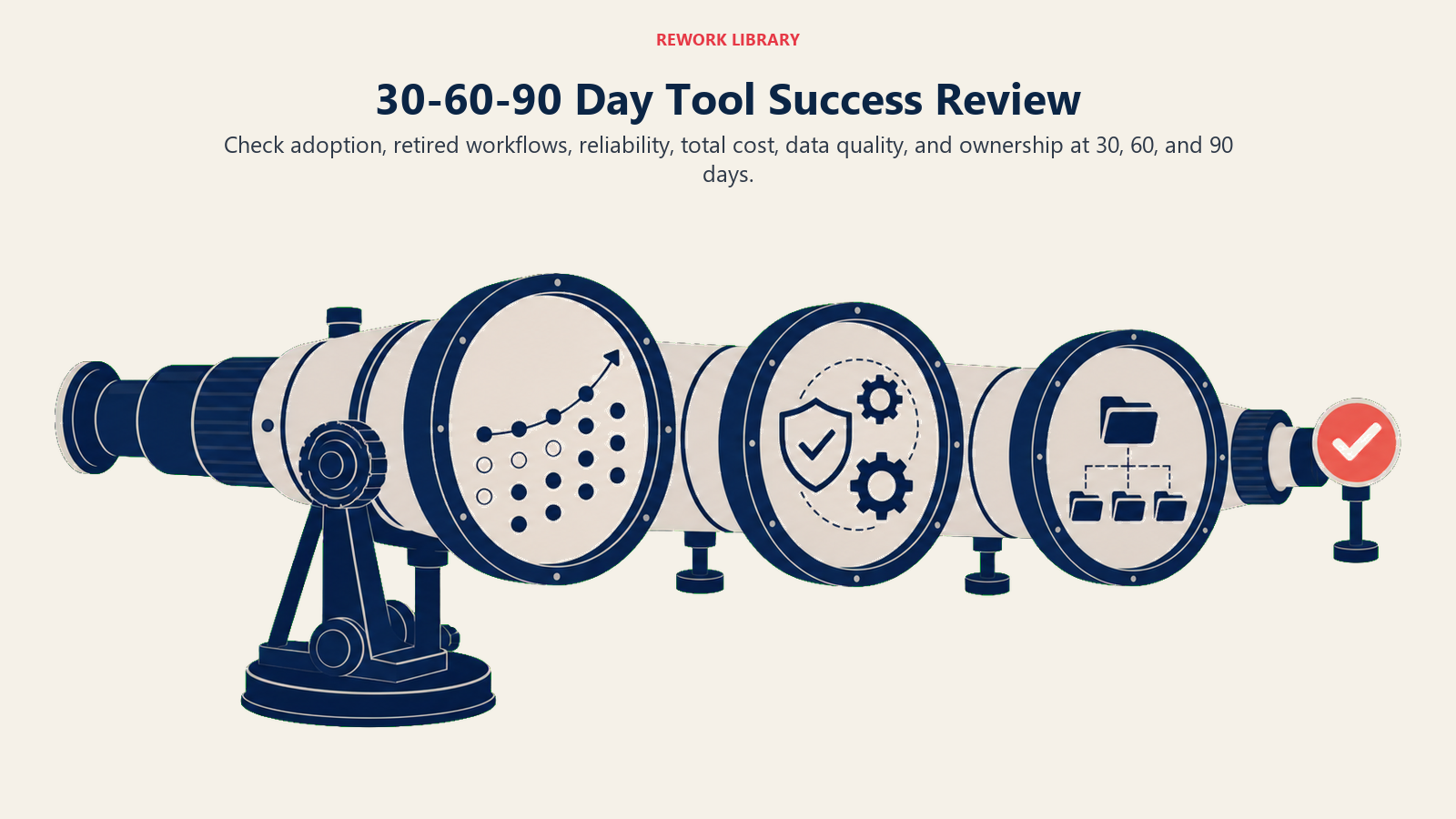
| Review area | Question |
|---|---|
| Adoption | Are the intended users working in the new workflow? |
| Data quality | Did the decision improve or weaken trusted fields? |
| Integration | Are syncs reliable and explainable? |
| Admin effort | Is maintenance close to what the decision memo expected? |
| Reporting value | Can leaders see the outcome the tool was meant to improve? |
| User friction | Did the workflow become easier or just different? |
| Retirement | Did the team remove the old process or tool? |
This review catches the common gap between implementation success and operating success. A tool can be launched on time and still fail because users keep using spreadsheets, data does not sync cleanly, or managers do not reinforce the workflow.
RevOps should compare the review against the decision memo. If the tool was bought to improve routing speed, measure routing speed. If it was built to improve forecast packets, measure forecast packet quality and preparation time. If the decision cannot be measured, the original problem statement was probably too vague.
Decision scenarios
Use scenarios to make the choice concrete.
| Scenario | Better path | Why |
|---|---|---|
| Current CRM can enforce stage rules with minor configuration | Configure | Workflow is standard and close to existing system |
| Lead routing needs account matching, capacity, and territory rules | Buy or integrate | Mature tools may solve most logic faster than custom build |
| Forecast packet needs company-specific logic across segments | Configure or build light layer | Standard BI may not capture all operating rules |
| Product usage must inform renewal risk | Integrate | Data needs to move from product or warehouse into CS workflow |
| Proprietary scoring model drives strategic account prioritization | Build or custom analytics | Workflow may be specific enough to justify ownership |
| Team wants a new dashboard but definitions are unclear | Do not buy yet | Operating design is not ready |
These scenarios show why build-vs-buy is not a moral choice. Buying is not always smarter. Building is not always wasteful. Configuration is not always enough. The right path depends on workflow maturity, vendor fit, maintenance capacity, and the cost of getting the decision wrong.
The best RevOps teams are willing to say "not yet." If the problem is not defined, the data is not governed, or the owner is unclear, any option will disappoint.
Post-decision operating owner
Build-vs-buy work is not finished when the decision is approved.
Every decision should name:
- Business owner.
- Systems owner.
- Data owner.
- Adoption owner.
- Renewal or maintenance owner.
- Success metric.
- Review date.
This prevents the common pattern where a tool is bought, configured, launched, and then left without operating ownership. RevOps should treat every build-vs-buy decision as a long-term operating commitment, not a procurement event.
Frequently Asked Questions about RevOps Build vs Buy
Should RevOps build custom tools?
Sometimes, but only when the business value justifies maintenance. Most teams should configure or buy before building.
Who decides build vs buy?
RevOps should lead the operating requirements with input from IT, finance, security, and functional teams.
Learn more

Principal Solution Architect
On this page
- Decision table
- Questions to ask
- Start with the problem
- Four options
- Decision criteria
- When to configure
- When to buy
- When to integrate
- When to build
- Total cost of ownership
- User adoption
- Security and IT partnership
- Build-vs-buy scoring
- Common mistakes
- Readiness checklist
- What the checklist should prove
- Decision examples
- Pilot before full rollout
- Vendor evaluation
- Build governance
- Sunset planning
- Stakeholder alignment
- Timing
- What good looks like
- Evaluation workshop
- Common decision patterns
- Governance after the decision
- Build debt
- Decision memo
- Decision memo review
- Post-launch success review
- Decision scenarios
- Post-decision operating owner
- Learn more