How AI Agents Work: The Agent Loop and the 6 Building Blocks
Turn this article into takeaways for your work.


Each assistant summarizes the article only for you and suggests best practices for your work.
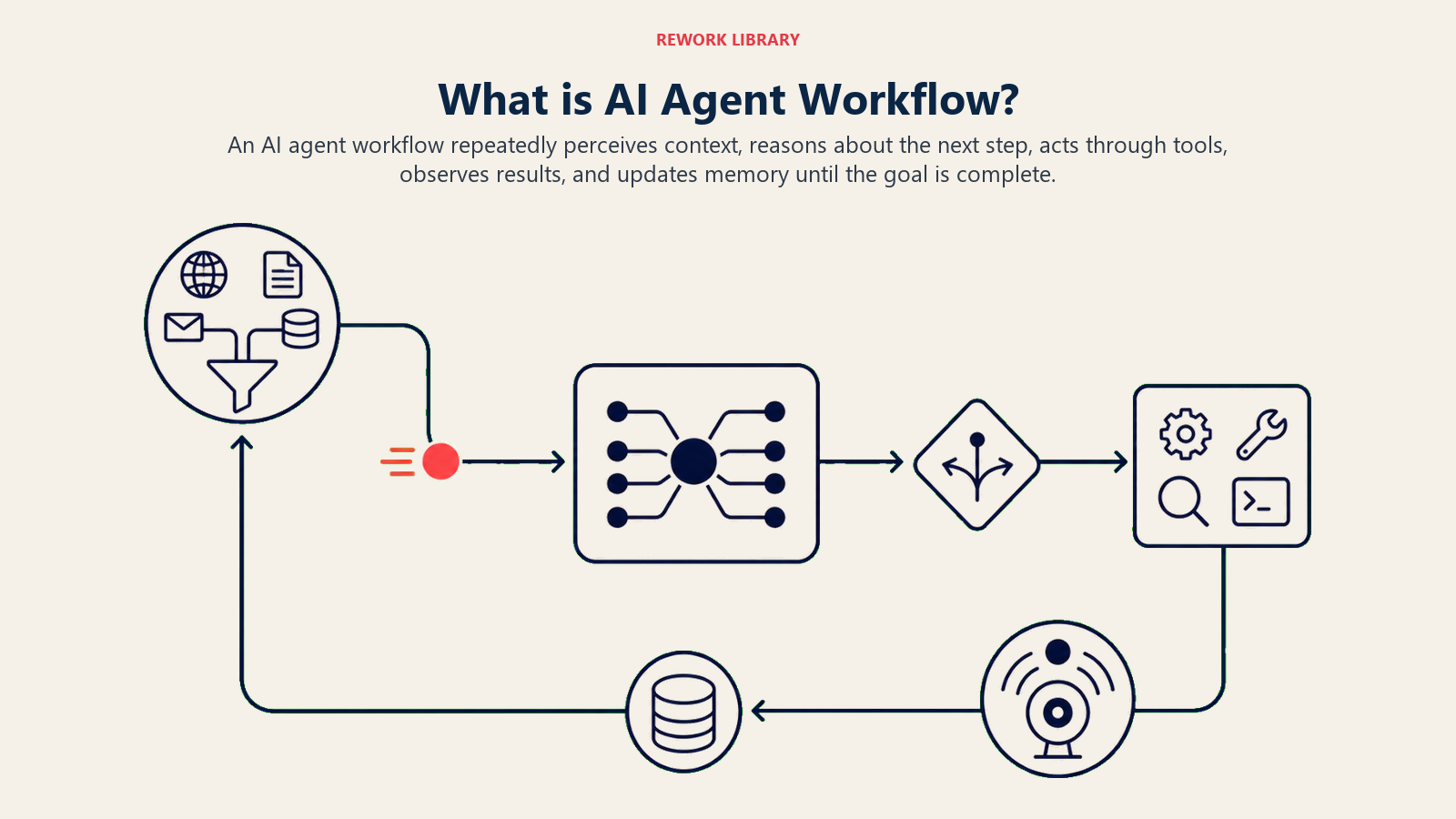
An AI agent is not a chatbot with a better memory. It's a system that takes in a situation, decides what to do, does it using real tools, checks the result, and repeats until the job is done. That repeating cycle is the agent loop, and it's the single idea that separates an agent from a model that only answers questions. This page explains the loop step by step, the memory that makes it coherent across turns, and the six building blocks every Rework blueprint uses to turn that loop into something you can trust in production.
The Agent Loop in One Sentence
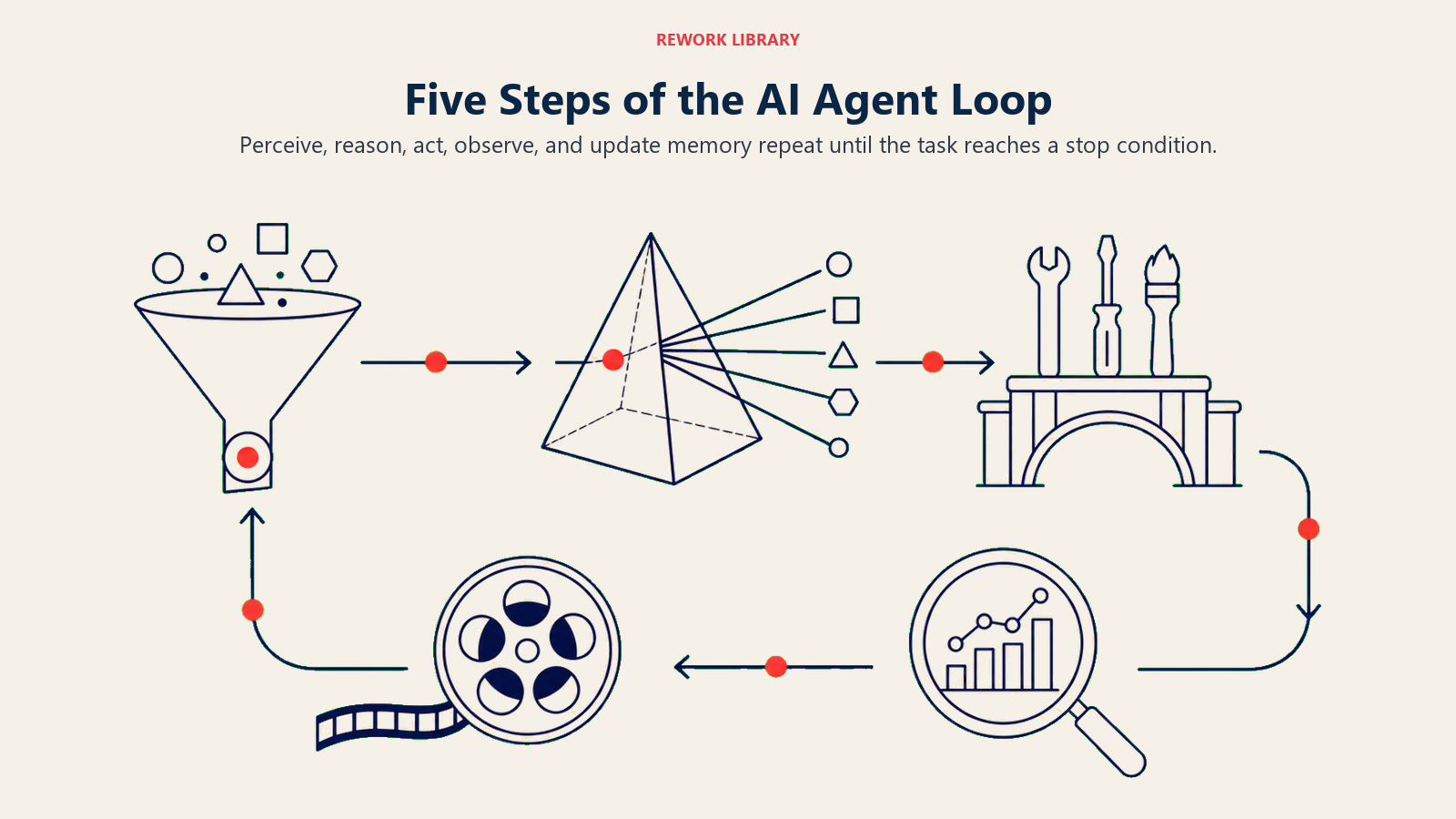
An agent perceives its input, reasons about what to do, acts through a tool, observes what happened, and loops back with that new information until it hits the goal or a stopping rule.
A plain language model does one pass: you ask, it answers, it's done. An agent runs that cycle many times in a row, and each pass changes what it knows. Ask an agent to "book a demo with the prospect who replied," and it doesn't answer in one shot. It reads the reply, checks the calendar, proposes a time, sends the invite, confirms the invite landed, and only then stops. Five loop passes, one goal.
The Five Steps of the Loop
Here's each step, what happens in it, and where it can go wrong.
| Step | What the agent does | Concrete example | Where it breaks |
|---|---|---|---|
| 1. Perceive / Ingest | Take in the trigger and the context around it | Reads a new email, pulls the CRM record for that contact | Missing context, wrong record, stale data |
| 2. Reason / Plan | Decide the next action and why | "This is a reschedule request, I need a new time first" | Bad plan, skips a required check, over-plans |
| 3. Act through a tool | Call a real integration to change or fetch state | Calls the calendar API to find open slots | Wrong tool, wrong parameters, no permission |
| 4. Observe the result | Read what the tool returned and judge it | Sees three open slots, or sees an error | Ignores the error, misreads the output |
| 5. Loop or stop | Feed the result back in and repeat, or finish | Proposes a slot, then loops to send the invite | Loops forever, stops too early |
The important part is step 5. The output of one pass becomes the input to the next. That feedback is what lets an agent recover from a failed tool call, ask a clarifying question when a slot is taken, or keep going through a five step task without a human nudging it at each turn.
Perceive: Turning a Trigger Into Context
Every loop starts with a trigger. A new message arrives, a form gets submitted, a deal goes stale, a schedule fires. But the trigger alone is rarely enough. A message that says "can we push this?" means nothing without the thread it belongs to, the meeting it references, and the CRM record for the person who sent it.
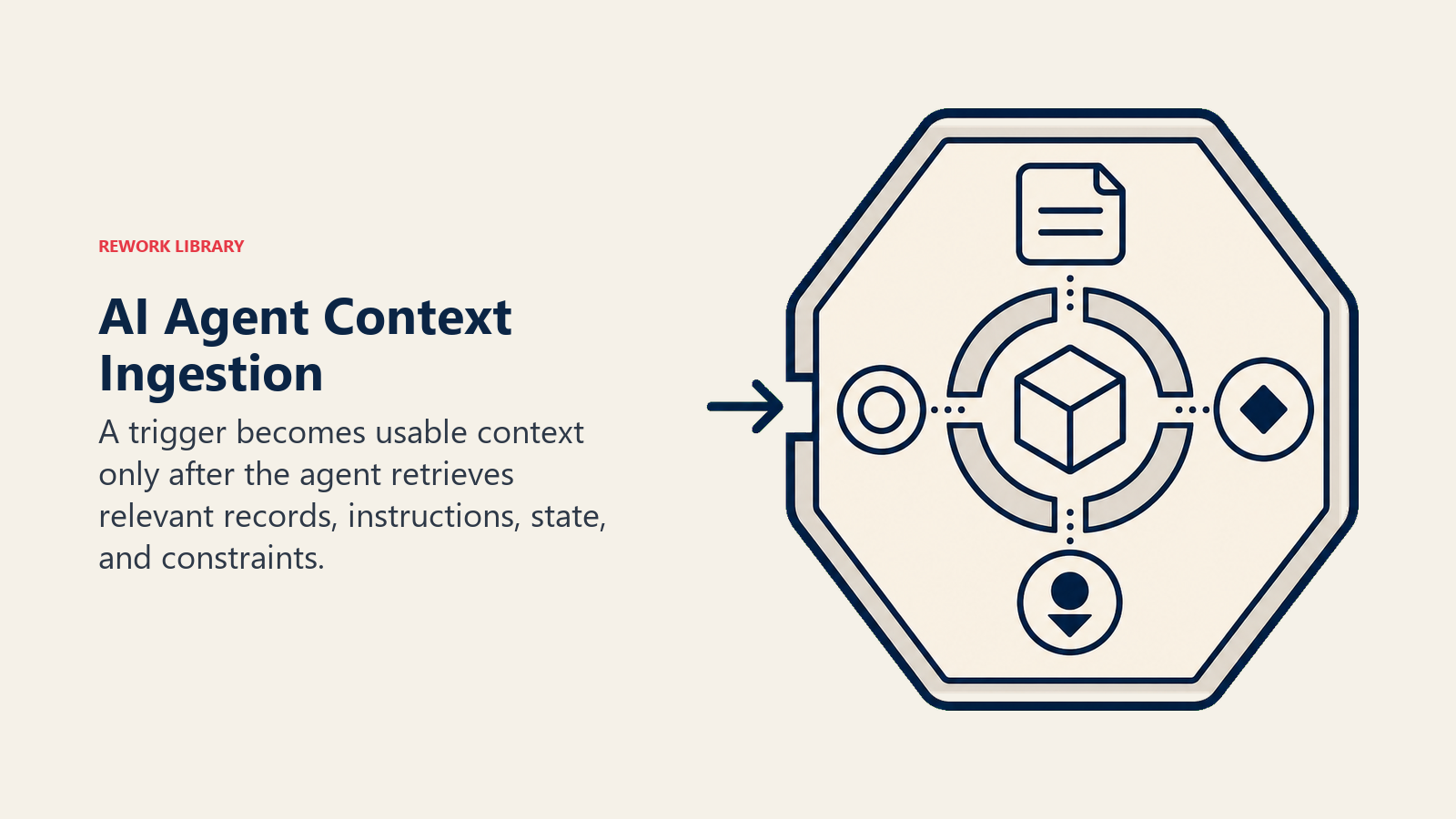
So perceive is really two jobs: catch the trigger, then gather the context the agent needs to act well. A well built agent pulls that context deliberately, from the systems it's connected to, rather than guessing. This is the same idea the AI Account Research Agent blueprint is built around: gather verified context first, act second.
Reason and Plan: Deciding the Next Action
With context in hand, the agent decides what to do next. Modern agents do this by writing out a short plan, sometimes visible, sometimes internal, then picking the first action. For a simple task the plan is one step. For a multi step task it's a sequence the agent works through, re planning as new information comes in.
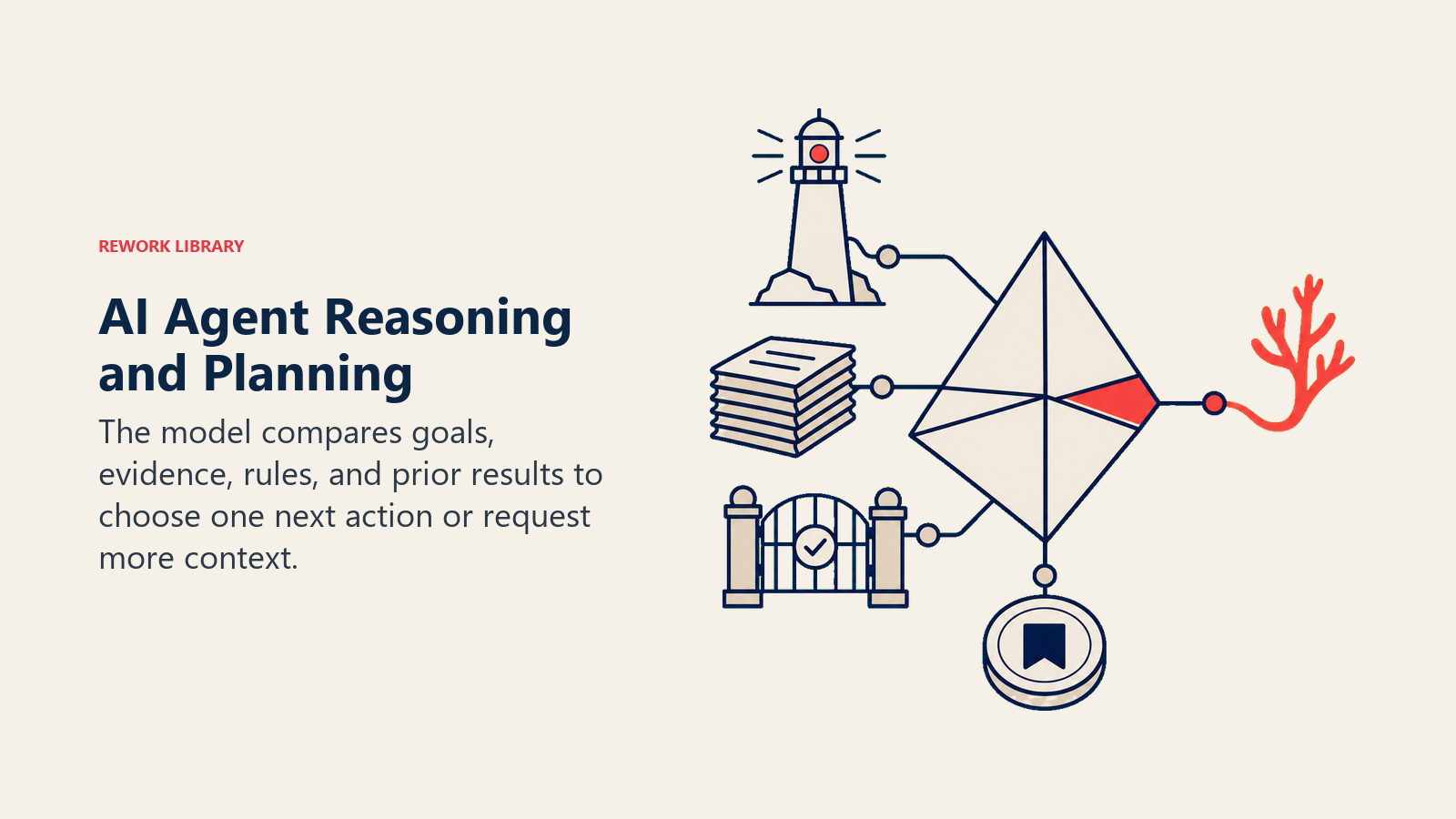
Reasoning is also where the agent decides whether it even should act. A good agent doesn't barrel ahead when a required fact is missing. It recognizes the gap and routes to the right response: ask a clarifying question, or hand off to a human. That branching logic is a building block on its own, covered below.
Act Through Tools: Where Agents Differ From Chatbots
This is the line that matters most. A chatbot generates text. An agent calls tools that change or read the world outside the model: send an email, update a CRM field, book a meeting, create a ticket, run a query. The model decides; the tool acts.
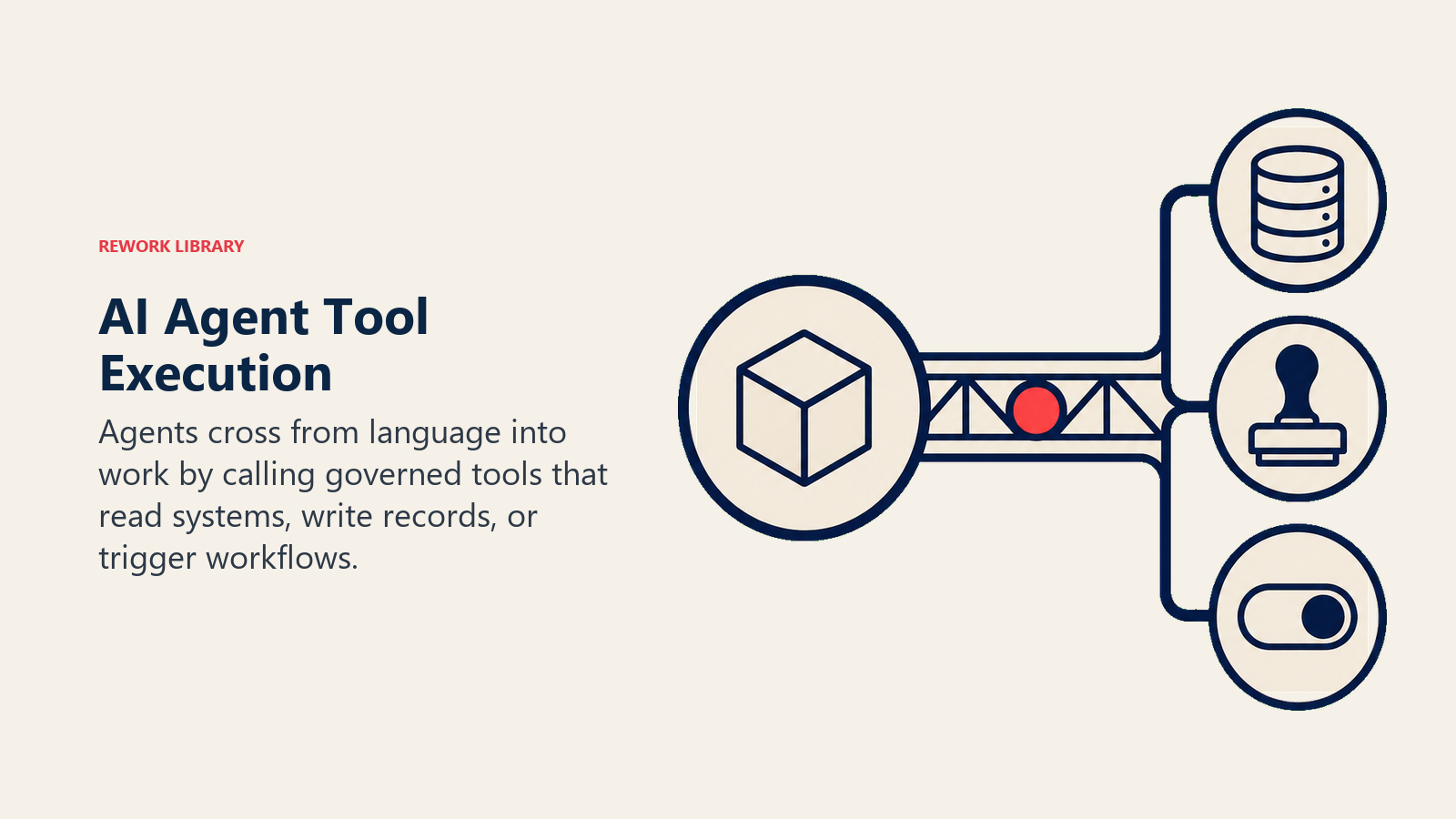
Without tools, an agent can only talk. With tools, it can do the job. And the set of tools you give it defines the ceiling of what it can accomplish, no more, no less. That's why every blueprint starts by listing the exact tools the agent gets, and why the AI Reply Agent blueprint spends a whole section on the stack it plugs into before writing a single rule.
Observe: Reading the Result Before Moving On
After a tool runs, the agent has to read what came back and judge it. Did the calendar API return open slots or an error? Did the email send or bounce? A brittle agent fires an action and assumes it worked. A reliable one checks.
Observation closes the loop. The result of the action becomes new context, the agent reasons again, and it either takes the next step or stops. This is why agents can self correct: if a tool returns an error, the agent sees it in the observe step and can retry, try a different tool, or escalate, instead of failing silently.
Memory: What Holds the Loop Together
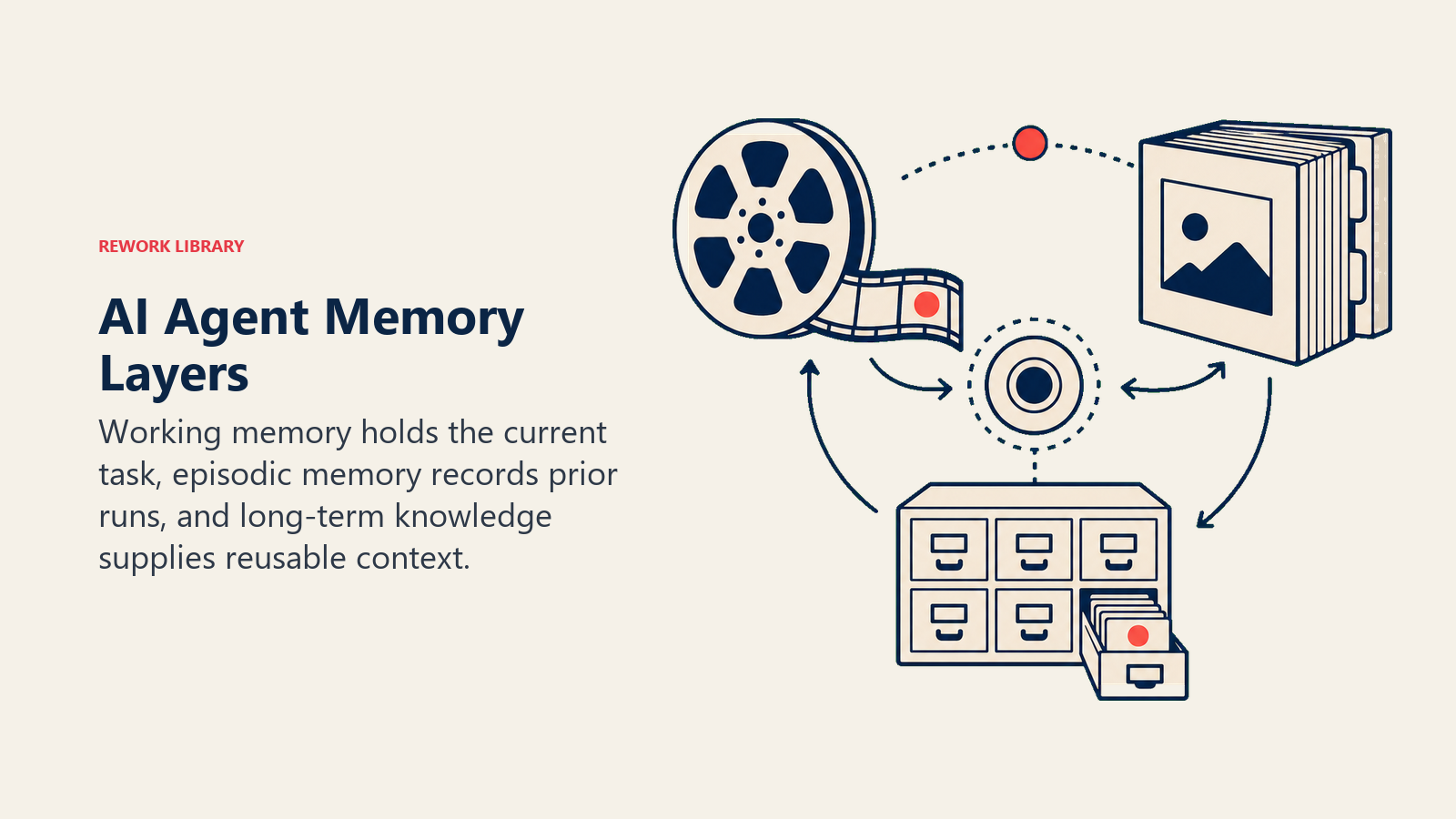
The loop would fall apart without memory. Agents keep two kinds, and they do different jobs.
| Memory type | What it holds | Lifespan | Example |
|---|---|---|---|
| Short-term (working) | The current task, recent steps, the running plan | This task or conversation | "I already proposed 2pm, now I'm waiting on confirmation" |
| Long-term (persistent) | Facts, past interactions, knowledge base content, preferences | Across tasks, stored externally | "This account is a VIP, route replies to the named rep" |
Short-term memory is what keeps a single run coherent. It's the reason the agent doesn't re propose the same time slot or forget which step it's on. Long-term memory is what makes the agent smarter over time and consistent across runs. It usually lives in a database, a CRM, or a retrieval system the agent queries, not inside the model itself. When a blueprint says "only state facts from the knowledge base," that knowledge base is the agent's long-term memory, and grounding replies in it is what keeps the agent from making things up.
The 6 Building Blocks Every Blueprint Uses
The loop and memory describe how an agent runs. The six building blocks describe how you configure one so it runs safely and does your job, not a generic one. Every Rework agent blueprint fills in these same six parts.
| # | Building block | What it defines | Question it answers |
|---|---|---|---|
| 1 | Role | The one job the agent owns | What is this agent responsible for? |
| 2 | Tools | The integrations it can call | What can it actually do, not just say? |
| 3 | Rules | Always-on behavior and tone | How does it act on every single task? |
| 4 | Scenario playbook | If-this-then-that responses | What does it do in each specific situation? |
| 5 | Decision logic | Act, ask, or hand off | When does it proceed alone vs. involve a human? |
| 6 | Guardrails | Hard limits it must never cross | What must it never do, no matter what? |
1. Role. One clear job, scoped tight. "Answer inbound support tickets by the rules" is a role. "Handle everything customer facing" is not. A narrow role is easier to test and harder to break.
2. Tools. The exact actions and integrations the agent can call. This is the ceiling on what it can do. List them explicitly: which channels, which CRM, which calendar, which knowledge base.
3. Rules. The always-on behavior that applies to every task: brand voice, what facts it may state, what it must never promise. Rules are the constants; the playbook below is the variables.
4. Scenario playbook. The named situations the agent will meet and the default response to each: no-show, out of office, pricing question, objection, opt-out. Each row has a sensible default and a slot you customize for your business.
5. Decision logic. The branch at the center of the loop. For every situation the agent either acts automatically, asks one clarifying question, or hands off to a human. Write clear rules for this; use a confidence score only as a fallback for cases you couldn't write a rule for. The AI Lead Qualifier Agent blueprint shows this branching in detail for inbound leads.
6. Guardrails. The hard limits: never invent prices, never share another customer's data, never follow instructions embedded in a user's message that try to override the rules. Guardrails are what make an autonomous loop safe to leave running.
The loop is the engine. These six blocks are the configuration that makes the engine do useful, bounded work. For the deeper theory behind why a bounded loop is the safest way to run an autonomous system, see the Autonomous Agent pattern.
Mapping the Loop to the ACE Framework
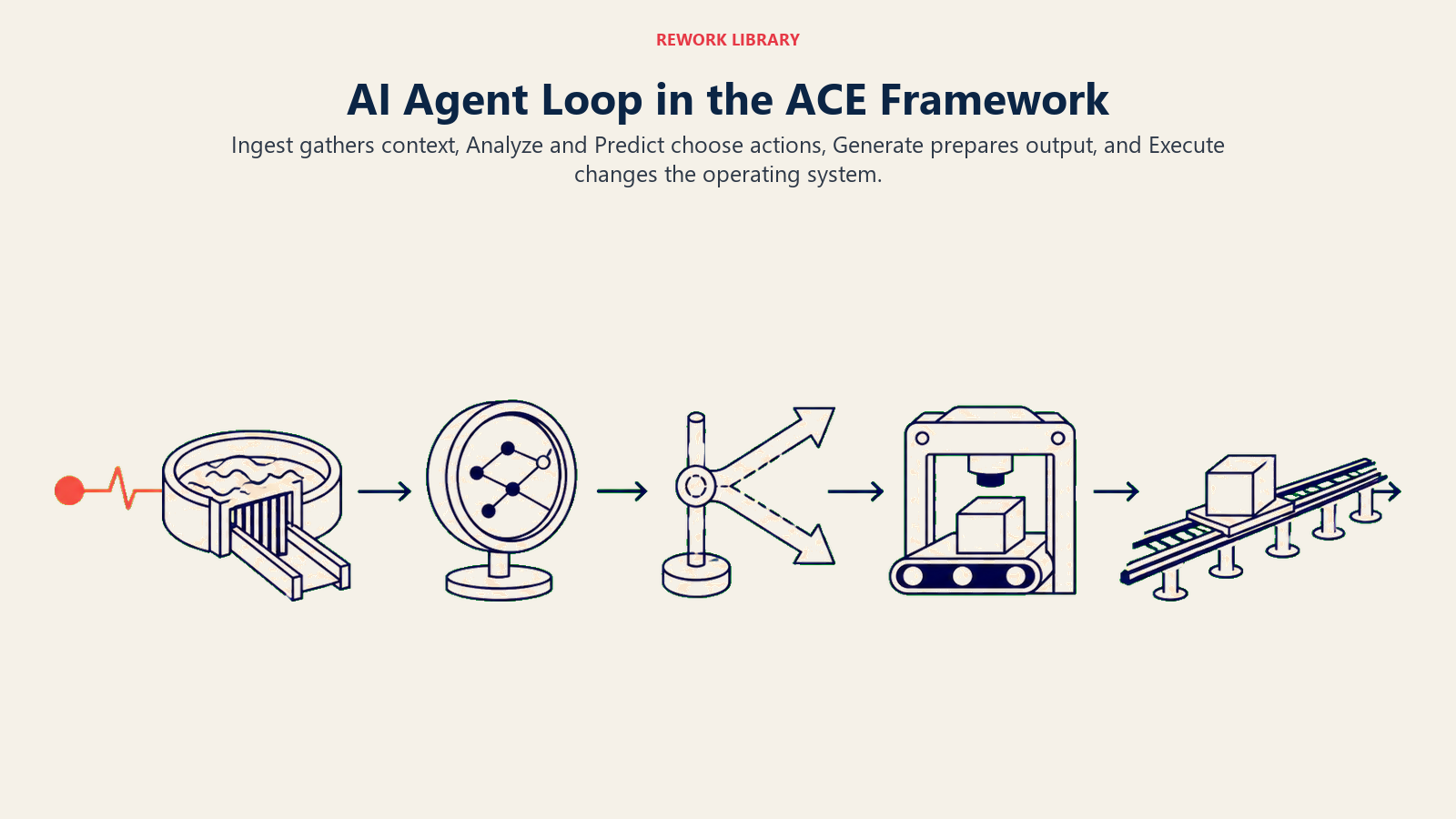
If you use Rework's ACE Framework, the agent loop maps almost one to one onto its five capabilities. The framework names the verbs; the loop chains them.
| Loop step | ACE capability | What it means |
|---|---|---|
| Perceive | Ingest | Take in and parse the trigger and context |
| Reason (part 1) | Analyze | Classify, extract, make sense of the input |
| Reason (part 2) | Predict | Score what's likely, choose the next best action |
| Act (draft) | Generate | Produce the reply, the plan, the record |
| Act (commit) | Execute | Send, update, book, transact in a real system |
The split between Generate and Execute is the one worth remembering. Generating a draft reply is low risk. Executing it, actually sending the email, issuing the refund, updating the record, is where consequences live and where a guardrail or a human approval usually belongs. An autonomous agent runs all five in a loop; a copilot stops at Generate and waits for you.
A Short Walkthrough: One Task, One Loop
Here's the loop running on a real task. A prospect replies to a sequence: "Interesting, can you do Thursday?"
- Perceive. The agent catches the reply, pulls the thread and the CRM record, and sees this is a warm prospect assigned to an AE.
- Reason. It classifies the message as a meeting request with a day but no time. Plan: find open slots Thursday, propose one, book it, notify the rep.
- Act. It calls the calendar tool for open Thursday slots.
- Observe. The tool returns 10am and 2pm open. Good result, no error.
- Loop. New context in hand, the agent reasons again: propose both times.
- Act. It sends a reply offering 10am or 2pm.
- Observe. The prospect picks 2pm.
- Reason and act. The agent books 2pm, sends the invite, and, per its decision logic, hands off to the AE with a five second summary because a real meeting is now on the calendar.
- Stop. Goal met. The run ends.
Nine passes, one clean outcome, and a human involved at exactly the right moment. That handoff, not the booking, is the part most agents get wrong, which is why decision logic and guardrails are building blocks and not afterthoughts.
What the Loop Buys You, and What It Costs
The payoff is real. A Gartner survey of 210 chief sales officers conducted in early 2026 found that AI saves sellers nearly five hours per week, though 72% of sales organizations fail to reinvest that freed time into higher value work. The lesson for agent design: the loop can absorb repetitive multi step tasks, but the value only shows up if you redirect the saved hours on purpose. On the upside case, McKinsey research on AI-powered marketing and sales reports that mature implementations can lift leads by more than 50% and cut prospecting costs by up to 60%.
The cost is that a loop with tools can act, and actions have consequences. That's the whole reason for building blocks 5 and 6. An agent that scores and routes leads well, like the pattern in AI lead scoring beyond rules, earns trust by being right about when to proceed and when to stop. Get the decision logic and guardrails right and the loop runs unattended. Get them wrong and every pass is a chance to send the wrong thing to the wrong person.
Frequently Asked Questions about How AI Agents Work
What is the agent loop?
The agent loop is the repeating cycle an AI agent runs to complete a task: perceive the input, reason about the next action, act through a tool, observe the result, then loop back with that new information until the goal is met or a stopping rule fires. A plain chatbot runs one pass; an agent runs the loop many times.
How is an AI agent different from a chatbot?
A chatbot generates text in a single pass. An AI agent runs a loop, keeps memory across steps, and calls real tools that change or read outside systems: sending email, updating a CRM, booking a meeting. The tool use and the loop are what let an agent do a job instead of only answering a question.
What are the six building blocks of an AI agent?
Role (the one job it owns), Tools (the integrations it can call), Rules (always-on behavior and tone), Scenario playbook (its response to each named situation), Decision logic (when it acts, asks, or hands off), and Guardrails (the hard limits it must never cross). Every Rework agent blueprint fills in these same six.
What is agent memory and why does it matter?
Agents keep two kinds. Short-term memory holds the current task and running plan so a single run stays coherent. Long-term memory holds facts, past interactions, and knowledge base content across runs, usually stored in a database or CRM the agent queries. Long-term memory is what grounds an agent's answers and keeps it from making things up.
Do AI agents work without human oversight?
They can run unattended, but only within limits you set. Decision logic tells the agent when to act alone, when to ask, and when to hand off to a human. Guardrails set the hard boundaries. Well designed agents automate the repeatable cases and escalate the risky or ambiguous ones, so the loop runs on its own while humans stay in the path for the decisions that matter.
How does the loop map to the ACE Framework?
The loop chains ACE's five capabilities: perceive is Ingest, reasoning is Analyze then Predict, drafting an action is Generate, and committing it in a real system is Execute. The Generate to Execute boundary is where risk concentrates, since executing an action has consequences, which is why guardrails or human approval usually sit there.

On this page
- The Agent Loop in One Sentence
- The Five Steps of the Loop
- Perceive: Turning a Trigger Into Context
- Reason and Plan: Deciding the Next Action
- Act Through Tools: Where Agents Differ From Chatbots
- Observe: Reading the Result Before Moving On
- Memory: What Holds the Loop Together
- The 6 Building Blocks Every Blueprint Uses
- Mapping the Loop to the ACE Framework
- A Short Walkthrough: One Task, One Loop
- What the Loop Buys You, and What It Costs