Build an AI Agent With CrewAI: A Step-by-Step Tutorial
Turn this article into takeaways for your work.


Each assistant summarizes the article only for you and suggests best practices for your work.
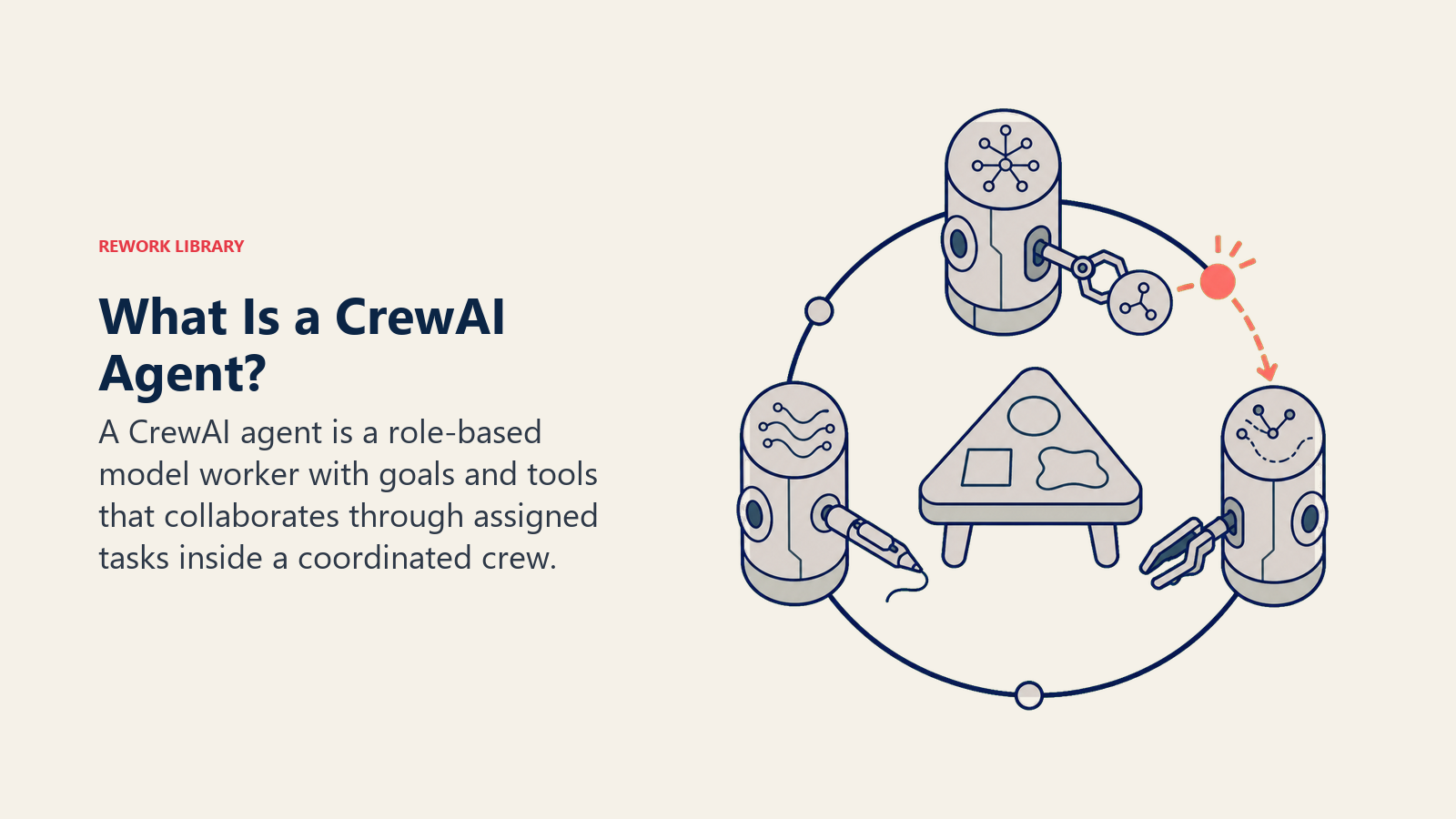
CrewAI is an open source Python framework for building multi-agent AI systems: you define individual agents with a role and a set of tools, give them tasks, and run them together as a "crew" that collaborates toward one outcome. It's a code-first alternative to visual no-code builders like Lindy or n8n, built for teams that want direct control over how agents reason, hand off work, and call tools. This guide walks through installing it, building a working multi-agent crew, and deciding whether it's the right platform for your team.
What CrewAI Actually Is
CrewAI is a standalone Python framework, not a layer built on top of LangChain. It ships its own primitives for agents, tasks, crews, and orchestration, and works with OpenAI, Anthropic, local models through Ollama, and most other major LLM providers. The core framework is open source under the MIT license; a separate commercial layer, CrewAI Enterprise (also called AMP), adds hosted deployment, observability dashboards, and team management for organizations that don't want to run and monitor crews themselves.
This isn't a hobby project category anymore. Gartner projects 40% of enterprise applications will feature task-specific AI agents by the end of 2026, up from less than 5% in 2025, and CrewAI's own site reports more than 450 million agentic workflows run through the framework every month, with adoption at companies including DocuSign, Experian, PepsiCo, and IBM.
It's one of several code frameworks built specifically for multi-agent systems, alongside options like LangGraph, Microsoft's AutoGen, and the OpenAI Agents SDK. None of them is the objectively "best" one. CrewAI's specific pitch is a readable, role-based API: you describe agents the way you'd describe a team, with a role, a goal, and a backstory that shapes tone and judgment, which makes a crew's logic easier to read back a year later than a more graph-heavy framework.
Gartner has separately tracked a 1,445% surge in client inquiries about multi-agent systems between Q1 2024 and Q2 2025, and frameworks like CrewAI are a direct response to that demand: a way to build the orchestrator-worker and peer-handoff patterns covered in multi-agent systems without writing the coordination logic from scratch.
CrewAI's Vocabulary, Mapped to the 6 Building Blocks
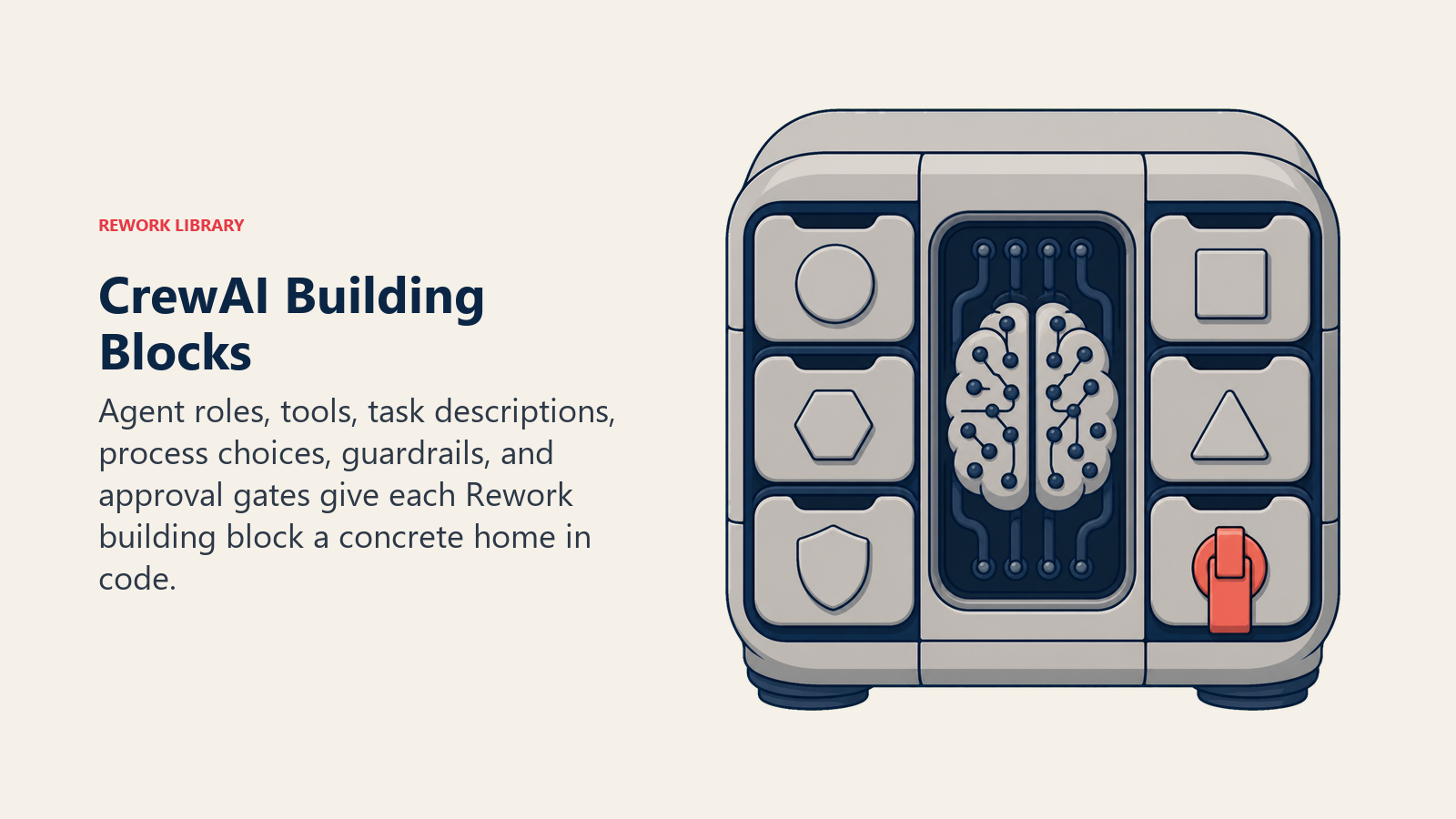
If you've read how to build an AI agent, you already know the six blocks every agent needs: Role, Tools, Rules, Scenario playbook, Decision logic, and Guardrails. CrewAI gives each one a concrete home in code.
| Rework building block | CrewAI concept |
|---|---|
| Role | Agent(role=..., goal=..., backstory=...) |
| Tools | Agent(tools=[...]), built-in or custom Tool objects |
| Rules | Instructions embedded in the agent's backstory and task descriptions |
| Scenario playbook | Individual Task objects with a description and expected output |
| Decision logic | Process.sequential or Process.hierarchical, plus conditional logic inside tasks |
| Guardrails | Task-level guardrail functions and human_input=True approval gates |
Nothing here is unique to CrewAI conceptually. What changes from platform to platform is how much of this you write versus configure visually, which is exactly the question no-code vs code AI agents is built to help you answer.
Installing CrewAI
CrewAI installs like any Python package:
pip install crewai
pip install 'crewai[tools]'
The tools extra pulls in CrewAI's built-in tool library, including a web search tool and file-handling tools, so you're not writing every integration from scratch. Set an API key for whichever LLM provider you're using (OpenAI, Anthropic, or a local model through Ollama) as an environment variable, and you're ready to define your first crew.
A Worked Example: A Three-Agent Research Crew
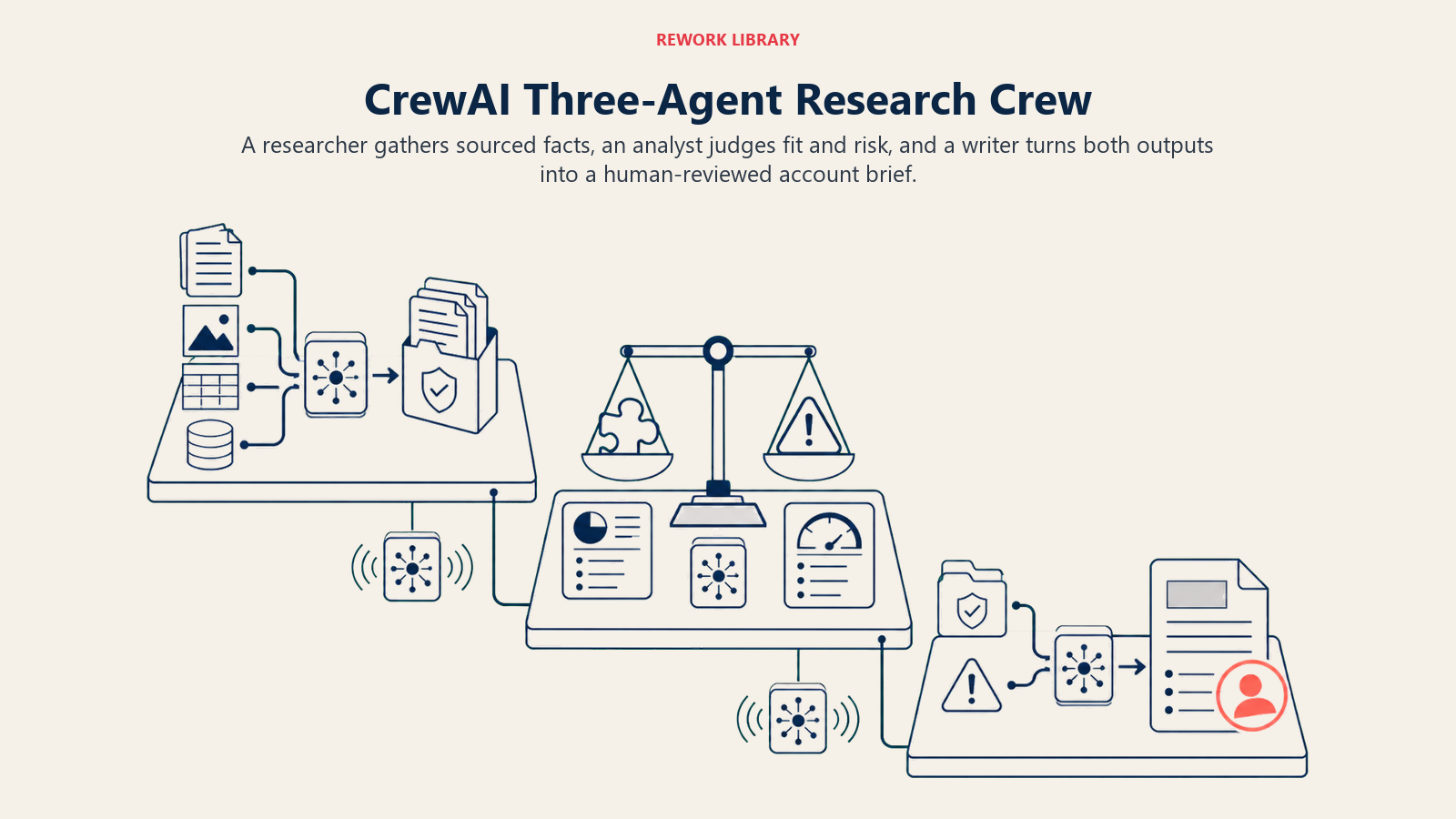
Here's a minimal crew with three agents that mirrors a job several Rework blueprints handle individually: researching a target account, analyzing what was found, and drafting an output. Think of it as AI Account Research Agent, AI Competitive Intelligence Agent, and AI Content Drafting Agent working as one coordinated crew instead of three separate tools.
from crewai import Agent, Task, Crew, Process

researcher = Agent(
    role="Account Researcher",
    goal="Gather accurate, current facts about a target company",
    backstory="You research companies for a B2B sales team and never state a fact you can't source.",
    tools=[search_tool],
)

analyst = Agent(
    role="Competitive Analyst",
    goal="Turn raw research into a clear point of view on fit and risk",
    backstory="You've reviewed hundreds of accounts and know what actually predicts a good fit.",
)

writer = Agent(
    role="Brief Writer",
    goal="Draft a one-page account brief a rep can read in two minutes",
    backstory="You write tight, scannable briefs, never a wall of text.",
)

research_task = Task(
    description="Research {company}: recent news, tech stack, and org changes.",
    expected_output="A bulleted list of sourced facts.",
    agent=researcher,
)

analysis_task = Task(
    description="Assess fit and flag risks based on the research.",
    expected_output="A short fit score with reasoning.",
    agent=analyst,
    context=[research_task],
)

brief_task = Task(
    description="Draft a one-page brief combining the research and analysis.",
    expected_output="A one-page account brief.",
    agent=writer,
    context=[research_task, analysis_task],
    human_input=True,
)

crew = Crew(
    agents=[researcher, analyst, writer],
    tasks=[research_task, analysis_task, brief_task],
    process=Process.sequential,
)

result = crew.kickoff(inputs={"company": "Acme Corp"})
The context parameter on analysis_task and brief_task is the handoff: it tells CrewAI which earlier tasks' outputs to pass forward, the same structured handoff multi-agent systems describes as the difference between a working chain and a chain that fails silently. Setting human_input=True on the final task means a person reviews the brief before it ships, a lightweight version of the gate covered in human-in-the-loop for AI agents.
Sequential vs Hierarchical Process
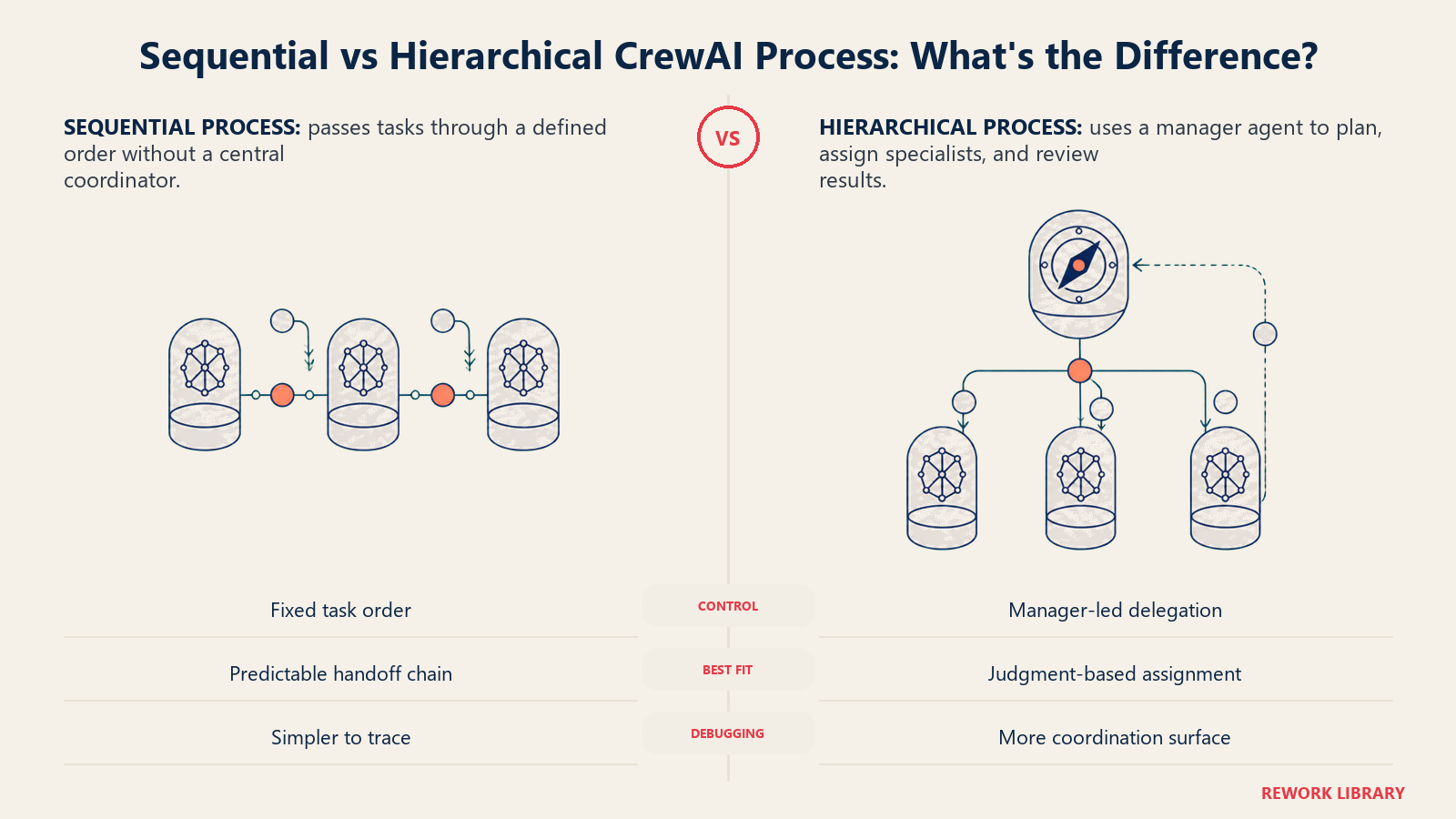
CrewAI ships two ways to run a crew, and they map directly onto the two coordination patterns covered in multi-agent systems.
| Process | How it runs | Matches |
|---|---|---|
Process.sequential |
Tasks execute in the order you list them, each optionally reading prior tasks' output | Peer handoff: a defined chain, no central coordinator |
Process.hierarchical |
CrewAI assigns a manager agent that plans, delegates tasks to the right agent, and reviews results | Orchestrator-worker: a central agent calling specialists |
Start sequential. It's easier to reason about and debug, since the order of execution is exactly what you wrote. Reach for hierarchical once the right next step genuinely depends on a judgment call, not just "run task 2 after task 1."
Tools, Memory, and RAG
An agent without tools can only talk. CrewAI agents call tools the same way any agent does, covered in depth in how AI agents use tools: a name, a description, and a schema the model fills in. CrewAI ships a search tool, file and directory tools, and a code interpreter out of the box, and accepts any custom Python function as a tool for the rest.
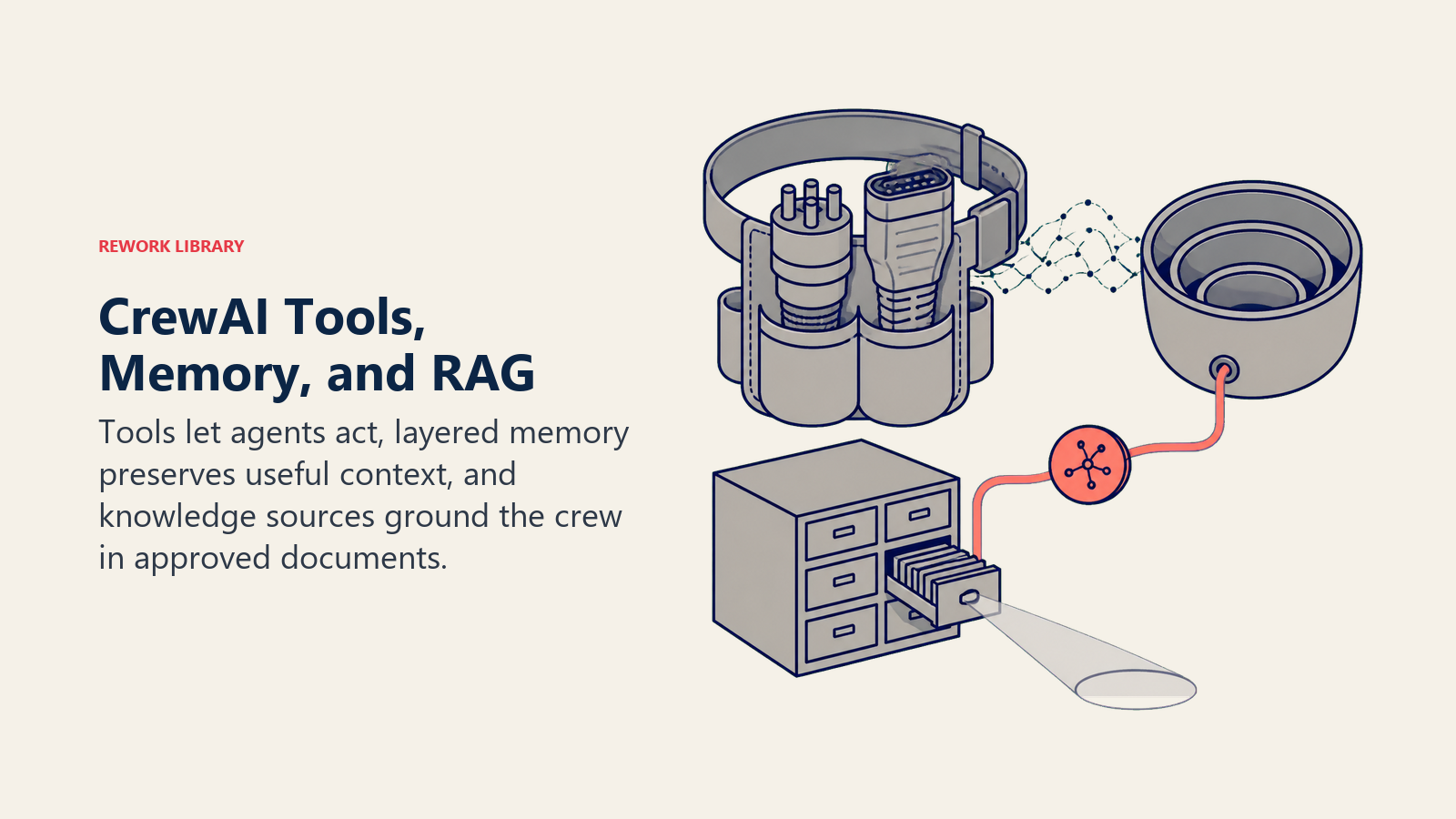
Memory works at three levels: short-term memory that keeps one crew run coherent, long-term memory that persists facts across runs, and entity memory that tracks specific people, companies, or records the crew has seen before. AI agent memory covers the general version of this and the pitfalls that apply regardless of platform, like a memory store that grows stale or an agent that treats old context as more current than it is.
For grounding a crew in your own documents instead of the model's general knowledge, CrewAI supports knowledge sources you attach to an agent or crew, CrewAI's version of the retrieval pattern covered in RAG for AI agents.
Guardrails and Testing Before You Ship
Two features do most of the guardrail work in CrewAI. Task-level guardrail functions validate an agent's output before it's accepted, and reject or retry it if it fails a check you define, like "the brief must cite at least one source." The human_input=True flag pauses a task for a person to review or edit the output before the crew continues. Both map to the discipline covered in AI agent guardrails: the hard limits an agent should never cross on its own.
Don't ship a crew straight from a successful test run on one input. How to evaluate and test AI agents covers building a real test set from historical cases before any agent, CrewAI-built or otherwise, touches production volume.
Cost and Limits
The framework itself costs nothing to run. What you pay for is LLM API usage, and a multi-agent crew burns through tokens faster than a single agent doing the same job, since every agent's reasoning and every handoff adds its own call. A three-agent sequential crew with a hierarchical manager added on top can easily run four to six model calls for a task a single well-scoped agent might handle in one or two. That's the same latency and cost tradeoff multi-agent systems covers in more depth: more agents mean more coordination surface, and more coordination surface costs more to run and more to debug.
Rate limits come from your LLM provider, not from CrewAI. If you're running a hierarchical crew or several parallel agent calls, you'll hit provider rate limits well before you hit any limit in the framework itself. CrewAI Enterprise adds usage dashboards that make this cost visible per crew, useful once you're running more than a couple of crews in production and need to know which one is expensive.
When to Pick CrewAI vs the Alternatives
| If you want... | Consider |
|---|---|
| A business team building without writing code | A no-code platform, see no-code vs code AI agents |
| A readable, role-based API for a multi-agent job | CrewAI |
| Fine-grained control over state and branching logic as a graph | LangGraph |
| Tight integration with an existing LangChain pipeline | LangGraph or a LangChain-native agent |
| A single, well-scoped agent, not a multi-agent job | Skip the multi-agent framework, see how to build an AI agent |
Key Facts
- CrewAI is a standalone open source Python framework (MIT license) for building multi-agent systems, with a commercial CrewAI Enterprise layer for hosted deployment and observability.
- Its four core concepts, Agent, Task, Crew, and Process, map directly onto Rework's 6 building blocks for any agent: role, tools, rules, playbook, decision logic, and guardrails.
Process.sequentialmatches the peer-handoff coordination pattern;Process.hierarchicalmatches orchestrator-worker, with CrewAI auto-assigning a manager agent to delegate.- Gartner recorded a 1,445% surge in client inquiries about multi-agent systems between Q1 2024 and Q2 2025, the demand curve frameworks like CrewAI are built to serve.
- A multi-agent crew costs more in tokens and latency than a single well-scoped agent doing the same job, since every agent and every handoff adds its own model call.
Where to Go Next
CrewAI is one path to a multi-agent system, not the only one. If you're still deciding whether code or a no-code platform fits your team, no-code vs code AI agents walks through that decision directly. Once a crew works reliably in testing, deploying AI agents to production covers the rollout, monitoring, and rollback plan before you hand it real volume. And if Python isn't where your team wants to live day to day, the dev tools roundup and the AI coding assistant buying guide are useful next stops for writing and maintaining the code itself faster.

Co-Founder, Rework.com
On this page
- What CrewAI Actually Is
- CrewAI's Vocabulary, Mapped to the 6 Building Blocks
- Installing CrewAI
- A Worked Example: A Three-Agent Research Crew
- Sequential vs Hierarchical Process
- Tools, Memory, and RAG
- Guardrails and Testing Before You Ship
- Cost and Limits
- When to Pick CrewAI vs the Alternatives
- Key Facts
- Where to Go Next