How to Build an AI Agent with Microsoft Copilot Studio
Turn this article into takeaways for your work.


Each assistant summarizes the article only for you and suggests best practices for your work.
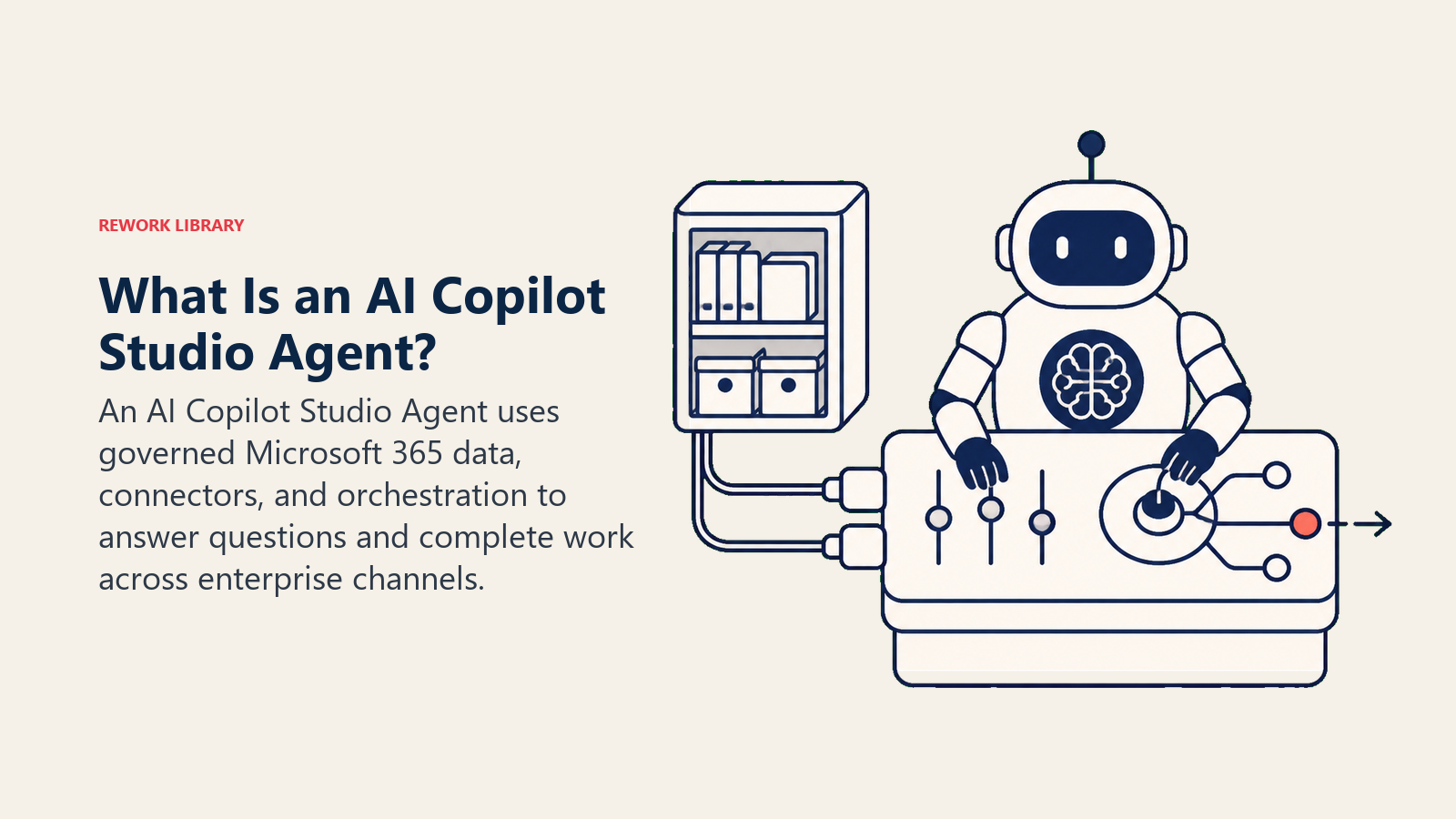
Microsoft Copilot Studio is a low-code platform for building, governing, and publishing AI agents that are grounded in your organization's own Microsoft 365 data, SharePoint sites, Dataverse tables, and Microsoft Graph, then deployed to Teams, websites, or other channels under the same admin controls that already govern the rest of your Microsoft estate. It's the platform enterprises reach for when an agent needs to answer from governed internal content and IT needs a single place to see, secure, and manage every agent running across the organization. This guide covers why enterprises pick it, what an agent is built from, a full build walkthrough, a worked example, real costs, and when it's the wrong choice.
Why Enterprises Build Agents in Copilot Studio
Grounding in content you already govern. An agent can pull from SharePoint document libraries, Dataverse tables, and Microsoft Graph as trusted knowledge sources, so answers cite content your organization already controls access to, rather than requiring a separate retrieval pipeline built from scratch. That's the same document-grounding idea covered generally in RAG for AI agents, with the access control already tied to your existing Microsoft 365 permissions.
Governance built for IT, not bolted on after the fact. Microsoft pairs Copilot Studio with Agent 365, giving admins a unified view of every agent across Microsoft 365 Copilot and Copilot Studio, including each agent's security posture, authentication gaps, and policy coverage. For a regulated business, that oversight layer is often the deciding factor over a smaller no-code tool with no equivalent admin center.
Real deployments, not just a roadmap slide. Microsoft's own numbers back the scale: Microsoft 365 Copilot has surpassed 30 million paid seats, with net new seats more than doubling quarter over quarter, and customers running Copilot at 50,000-plus seats growing more than sevenfold year over year. In the same writeup, Microsoft cites Premera Blue Cross, which used Copilot Studio to let employees build their own agents and has shipped more than 900 agents to date, including one that cut a manual workflow from 30 to 45 minutes down to about three. That's a concrete, named result, not a hypothetical.
Enterprise appetite for this is broad, not Microsoft-specific. Gartner projects 40% of enterprise applications will feature task-specific AI agents by the end of 2026, up from less than 5% in 2025, and Copilot Studio is one of the platforms enterprises already standardized on picking up a large share of that shift.
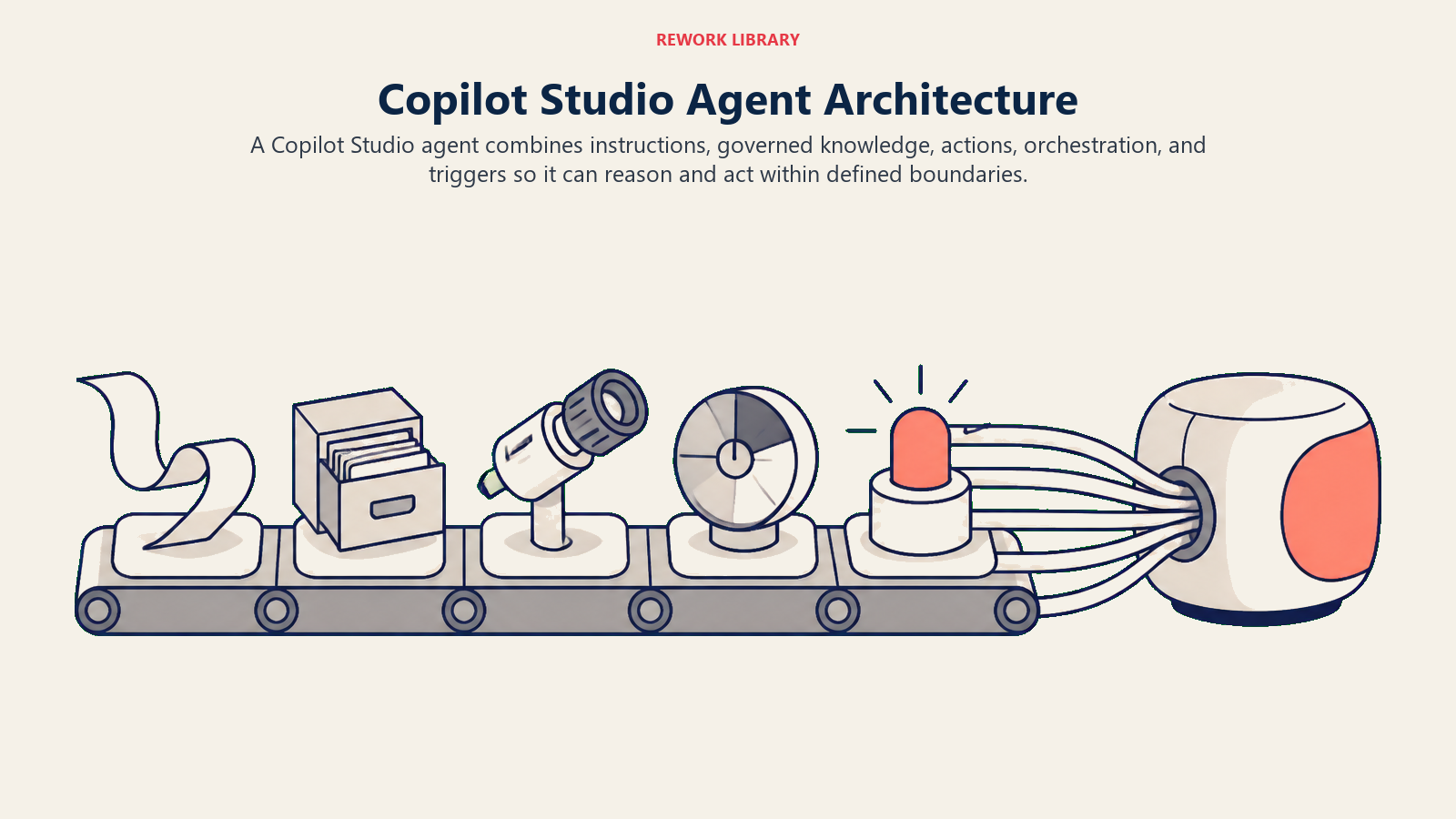
What a Copilot Studio Agent Is Made Of
| Component | What it does | Your options |
|---|---|---|
| Instructions | The agent's role, tone, and rules | A plain-language description, editable in the Studio canvas |
| Knowledge sources | What the agent can answer from | SharePoint, uploaded files, public websites, Dataverse tables, enterprise data via connectors |
| Actions | What the agent can actually do, not just say | 1,400-plus prebuilt connectors, custom Power Automate flows, or REST APIs |
| Orchestration | How the agent decides what to do next | Generative orchestration (the model plans dynamically) or classic Topics (defined conversation paths) for predictable, regulated flows |
| Triggers | What starts the agent | A chat message, an event, a schedule, or another agent via agent-to-agent communication |
This maps onto the same six building blocks in how to build an AI agent: instructions carry Role and Rules, knowledge sources and actions are Tools, and Topics are one concrete way to encode a Scenario playbook when you need the conversation to follow a specific, auditable path rather than leaving it entirely to the model's judgment.
The Build Walkthrough
The sequence below turns the agent from a written role into a governed system that can act in a real channel.
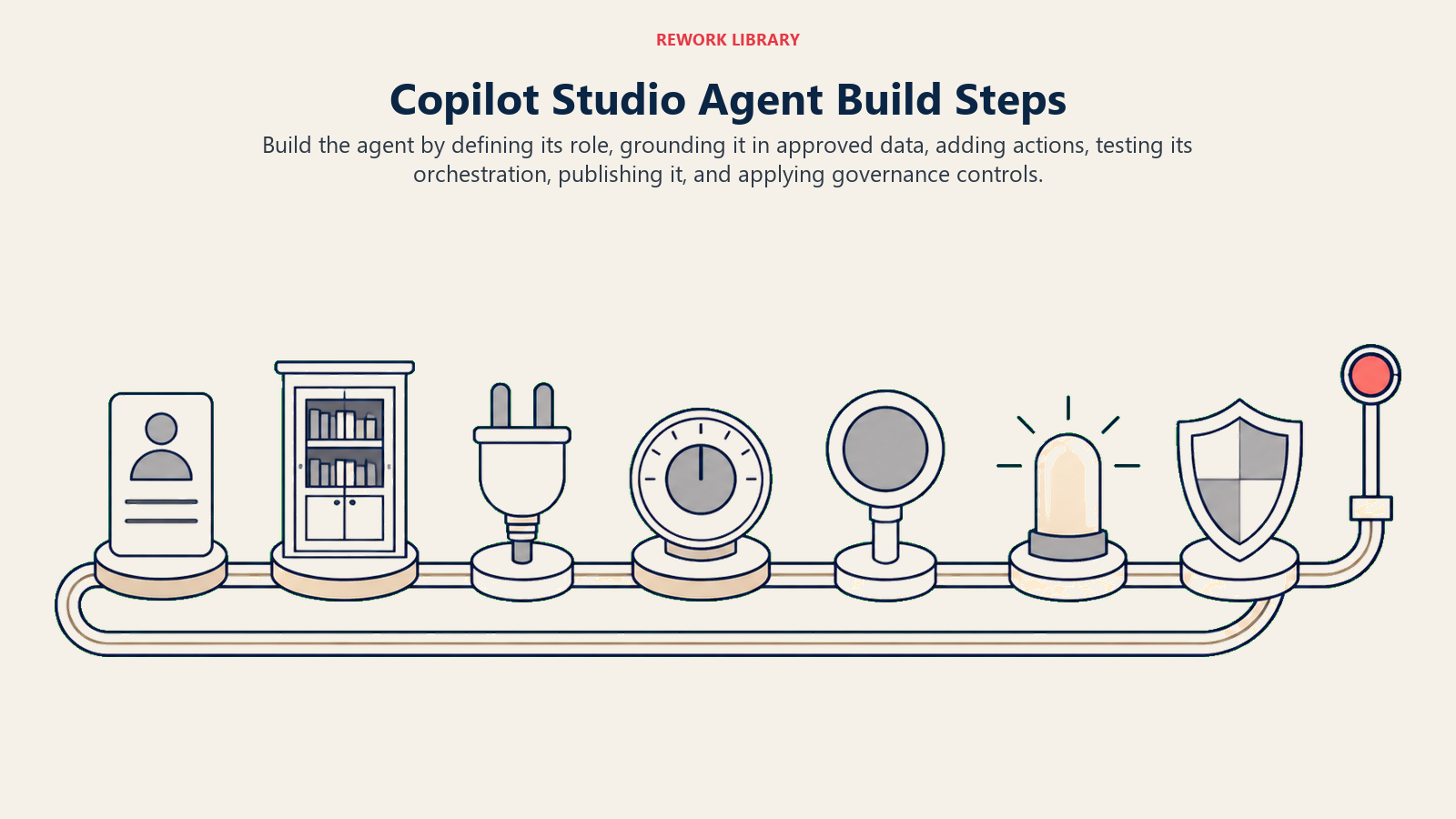
- Create the agent and write its instructions. State its purpose and boundaries in plain language, what it owns and what it should never attempt without a human. This is the Role and Rules blocks from how to build an AI agent, written directly into the Studio canvas.
- Add knowledge sources. Connect the SharePoint sites, files, or Dataverse tables the agent should answer from. Scope this deliberately, an agent should ground in exactly what it needs, not your entire tenant.
- Add actions. Wire the connectors or Power Automate flows the agent needs to actually do something: create a ticket, update a record, send a notification. Each action needs a clear description, since the model chooses actions based on that description.
- Choose orchestration. Use generative orchestration for a flexible, conversational agent that plans its own path. Use classic Topics when a process must follow a fixed, predictable, and auditable sequence, common in regulated workflows.
- Test in the Studio's built-in test pane. Run the agent conversationally and inspect exactly which knowledge sources and actions it used for a given answer before anything goes live.
- Publish to a channel. Teams, a website, Dynamics 365 Contact Center, or another surface, depending on who needs to reach the agent.
- Govern it through the admin center. Set data loss prevention policies, review the agent's security posture in Agent 365, and monitor usage against your Copilot Credit budget on an ongoing basis, not just at launch.
A Worked Example: An AI Policy Q&A Agent in Copilot Studio
Here's how this comes together for a job that leans directly on Copilot Studio's grounding and publishing strengths, close to the AI Policy Q&A Agent blueprint.
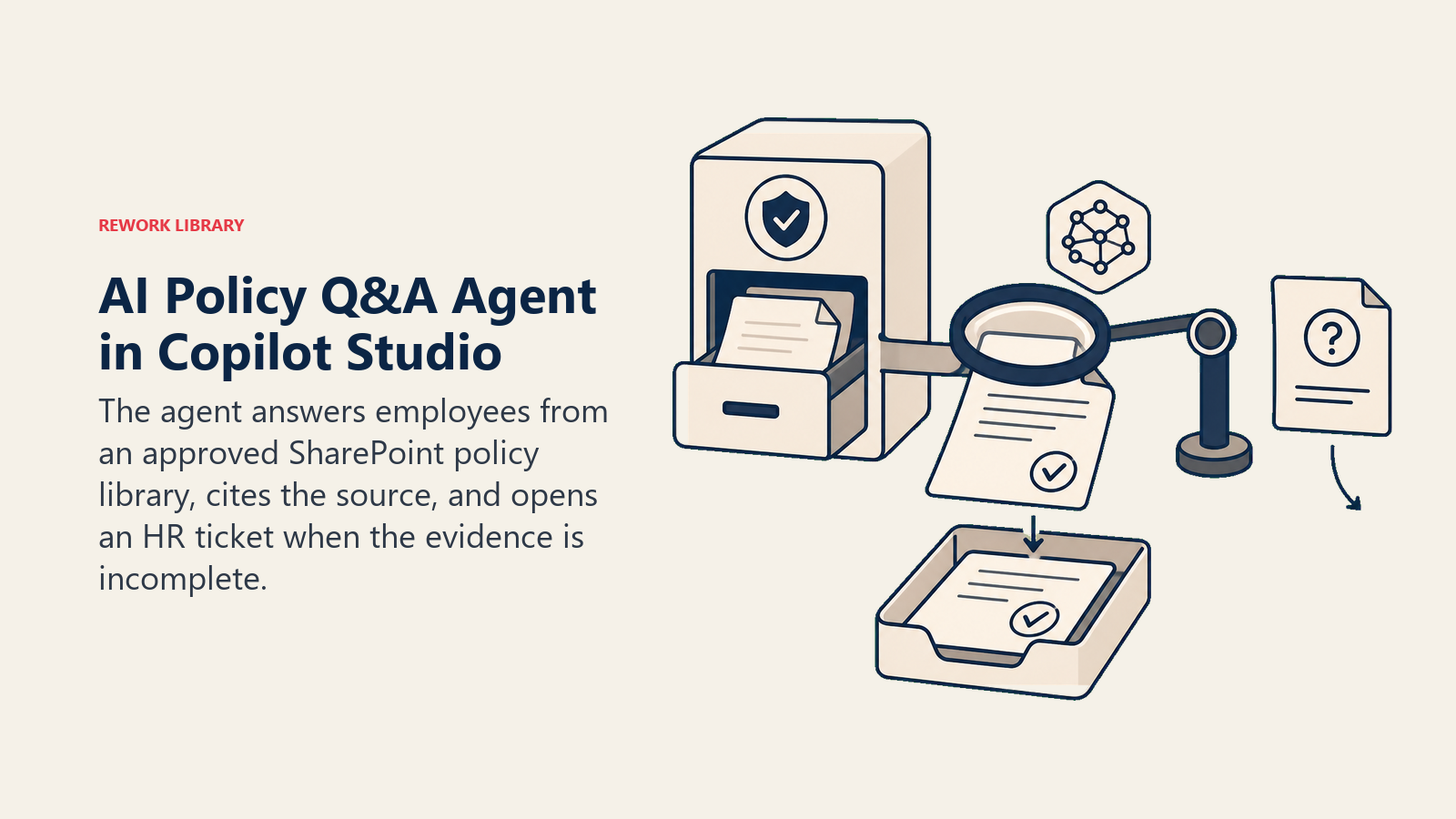
Knowledge sources: the SharePoint site hosting HR and IT policy documents, scoped to that library only.
Instructions: answer employee questions using only the connected policy library, always cite the specific document and section, and if the library doesn't contain a confident answer, say so rather than guessing.
Actions: a connector that opens a ticket in the HR helpdesk system when the agent can't answer confidently, so the employee still gets a resolution instead of a dead end.
Trigger and channel: published directly into Teams, so employees ask in the same chat app they already use daily instead of hunting for a separate portal.
That escalate-rather-than-guess instruction is the same discipline covered in AI agent guardrails: restrict the agent to approved sources, cite where an answer came from, and hand off cleanly instead of fabricating one. The blueprint has the full rules and edge cases spelled out if you'd rather start from that spec than write it from scratch.
Governance and Guardrails
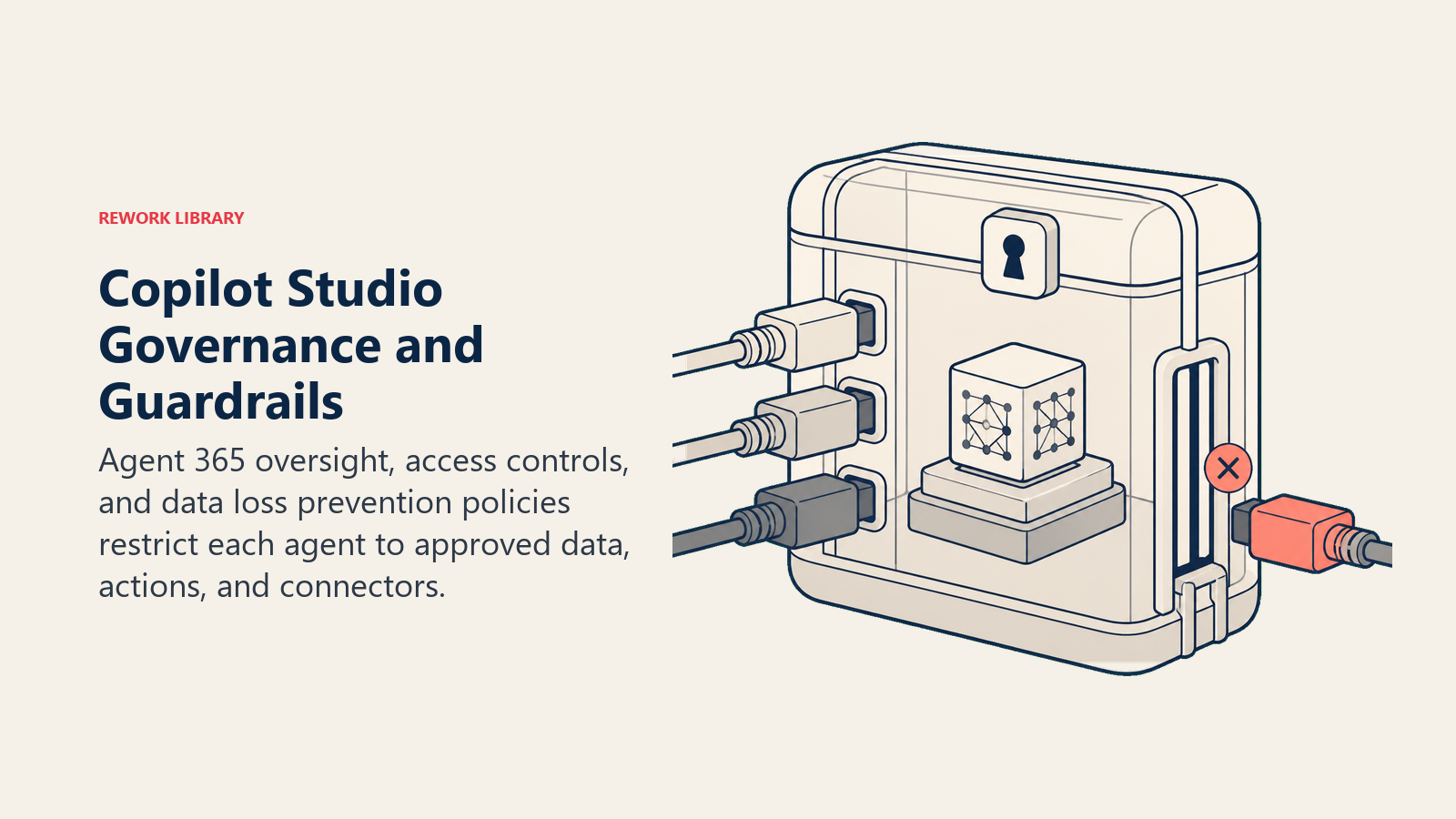
Copilot Studio's governance layer is built for the questions a compliance team actually asks: which agents exist, what data can they touch, and who approved that access. Agent 365 surfaces each agent's security posture directly in the authoring experience, so an authentication gap or a policy violation shows up before it becomes an incident, not after. Data loss prevention policies apply to agent connectors the same way they apply to the rest of your Microsoft 365 environment, so an agent can't route sensitive data through a connector your organization has already blocked elsewhere.
None of that replaces the fundamentals covered in AI agent security and prompt injection: scope every knowledge source and action to only what a specific agent needs, and treat content an agent reads (an email, a web page, a document) as data to evaluate, not instructions to follow. For regulated industries, pair this with the broader governance and audit-trail discipline in AI agent compliance.
Cost and Limits
Copilot Studio bills through Copilot Credits, not per seat. Three paths cover most organizations: agents used internally by employees who already hold a Microsoft 365 Copilot license draw no additional credit cost; prepaid capacity packs run $200 a month for 25,000 credits; and a pay-as-you-go meter on Azure charges per credit with no upfront commitment. Consumption is tiered by what the agent actually does, a classic scripted answer runs about 1 credit, a generative answer around 2, grounding in your tenant's Graph data around 10, and an autonomous multi-step action 25 or more. That range matters for planning: a chatty, deeply-grounded agent running lots of autonomous actions costs meaningfully more per interaction than a simple Q&A bot, the same total-cost thinking covered in AI total cost of ownership.
The real limit for most teams isn't cost, it's that Copilot Studio's value is tied to being inside the Microsoft ecosystem. An organization not already running Microsoft 365, SharePoint, and Entra ID gets a smaller version of the pitch, most of the grounding and governance advantage comes specifically from that existing footprint. If your stack lives somewhere else, a platform-agnostic option is usually the better starting point.
When to Pick Copilot Studio vs Alternatives
| If you want... | Consider |
|---|---|
| Deep grounding in SharePoint, Dataverse, and Microsoft Graph, with enterprise governance built in | Microsoft Copilot Studio |
| Full code control directly on OpenAI's models, minimal abstraction | OpenAI's Responses API |
| The widest pre-built app catalog outside the Microsoft ecosystem | Zapier or Make |
| Self-hosting and full infrastructure control | n8n |
| No practical ceiling on custom logic, an engineering team already owns the stack | LangGraph or CrewAI |
The deciding factor is rarely features alone. It's whether your organization's data and governance already live inside Microsoft 365, covered in more depth in choosing an AI agent platform. If it does, Copilot Studio's grounding and admin controls are hard to replicate elsewhere without building that plumbing yourself.
Key Facts
- Copilot Studio grounds agents in SharePoint, Dataverse, and Microsoft Graph, and governs them through Agent 365, a unified admin view across Microsoft 365 Copilot and Copilot Studio.
- Microsoft 365 Copilot passed 30 million paid seats as of its FY26 Q4 results, with 50,000-plus seat customers growing more than sevenfold year over year.
- Premera Blue Cross has built more than 900 agents in Copilot Studio, including one that cut a manual workflow from 30 to 45 minutes down to roughly three.
- Pricing runs on Copilot Credits: no added cost for internal agents used by licensed Copilot users, $200/month prepaid packs for 25,000 credits, or pay-as-you-go at the same per-credit rate.
- Credit consumption is tiered by action type, roughly 1 credit for a classic answer, 2 for generative, 10 for tenant-graph grounding, and 25-plus for an autonomous action.
Where to Go Next
Copilot Studio is the right starting point specifically because of what it's built on top of, if your organization already runs on Microsoft 365, that foundation is hard to replicate elsewhere. If it doesn't, build an AI agent with Zapier or build an AI agent with OpenAI Assistants are closer starting points. Choosing an AI agent platform walks through the full decision across no-code, framework, and managed options if you're still comparing. The productivity tools roundup and the AI chatbot platform buying guide are useful next stops for comparing Copilot Studio against the broader category.

Co-Founder, Rework.com