When to Use an AI Agent (and When Not To)
Turn this article into takeaways for your work.


Each assistant summarizes the article only for you and suggests best practices for your work.
Most AI agent projects don't fail because the model is weak. They fail because the process was a bad fit from day one. Someone pointed an agent at work that needs human judgment, or ran it on data no system can actually read, or automated a step where one wrong action costs more than a year of the savings. The technology worked. The decision to use it there was the mistake.
This page is a readiness framework, not a pitch. It gives you the signals that say "yes, an agent fits here," the signals that say "no, keep a human on this," a checklist you can run in ten minutes, and a simple way to estimate whether the return is real. Use it before you build anything.
The One-Line Test
An AI agent fits a process when the process is repeatable, rule-bound, and cheap to get wrong once in a while. If all three are true, an agent can probably own it. If any one is false, you either narrow the scope until it's true or you keep a human in the seat.
Everything below is just a more careful version of that sentence.
Good-Fit Signals (green lights)
Look for these before you commit. The more you check, the stronger the case.
- Repeatable volume. The same kind of task shows up dozens or hundreds of times a week. A rep answering the same five inbound questions, an AP clerk keying the same invoice fields, a support queue full of "where's my order." Volume is what turns a small per-task saving into a real number.
- Clear written rules. You can describe how the common cases should be handled in plain language, and two people would handle them the same way. If the rule lives only in one veteran's head, write it down first, then decide.
- Structured or accessible data. The facts the agent needs live somewhere it can read: a CRM field, an order record, a knowledge base, a clean document. The agent is only as good as what it can see.
- Tolerable error cost. When it gets one wrong, you can catch and fix it without a disaster. A mis-tagged ticket is cheap. A wrong wire transfer is not.
- A clean human-handoff path. There's an obvious person or queue the agent routes to when it's unsure, and they get enough context to act fast. An agent that can't hand off well isn't ready to run alone.
Bad-Fit Signals (red lights)
Any one of these should stop you, or push you to shrink the agent's job until the signal goes away.
- Every case needs judgment. If there's no "common case," only a stream of one-offs that each need a person to weigh context, an agent has nothing to standardize. It'll guess, and guessing is the failure mode.
- No written rules yet. If nobody can say how the work should be done, the agent can't either. Missing rules aren't an AI problem, they're a process problem. Fix that first.
- High-stakes, irreversible actions. Moving money, signing a contract, deleting records, sending something you can't recall. These belong behind a human approval gate even when an agent drafts the work. The line between drafting and doing is the whole game. Our Generate vs Execute boundary breakdown covers why that split matters so much.
- Messy or missing data. If the records are duplicated, stale, half-empty, or locked away where the agent can't reach them, the agent inherits every one of those problems. Data readiness is usually the real first step, not "pick a tool."
- Unclear ownership. If no human owns the outcome and no one's accountable when the agent is wrong, don't ship it. Autonomy without an owner is how small mistakes compound quietly.
Good Fit vs Bad Fit at a Glance
Agent-ready work is repeatable, rule-bound, data-accessible, and reversible; poor-fit work is unique, judgment-heavy, opaque, or irreversible.
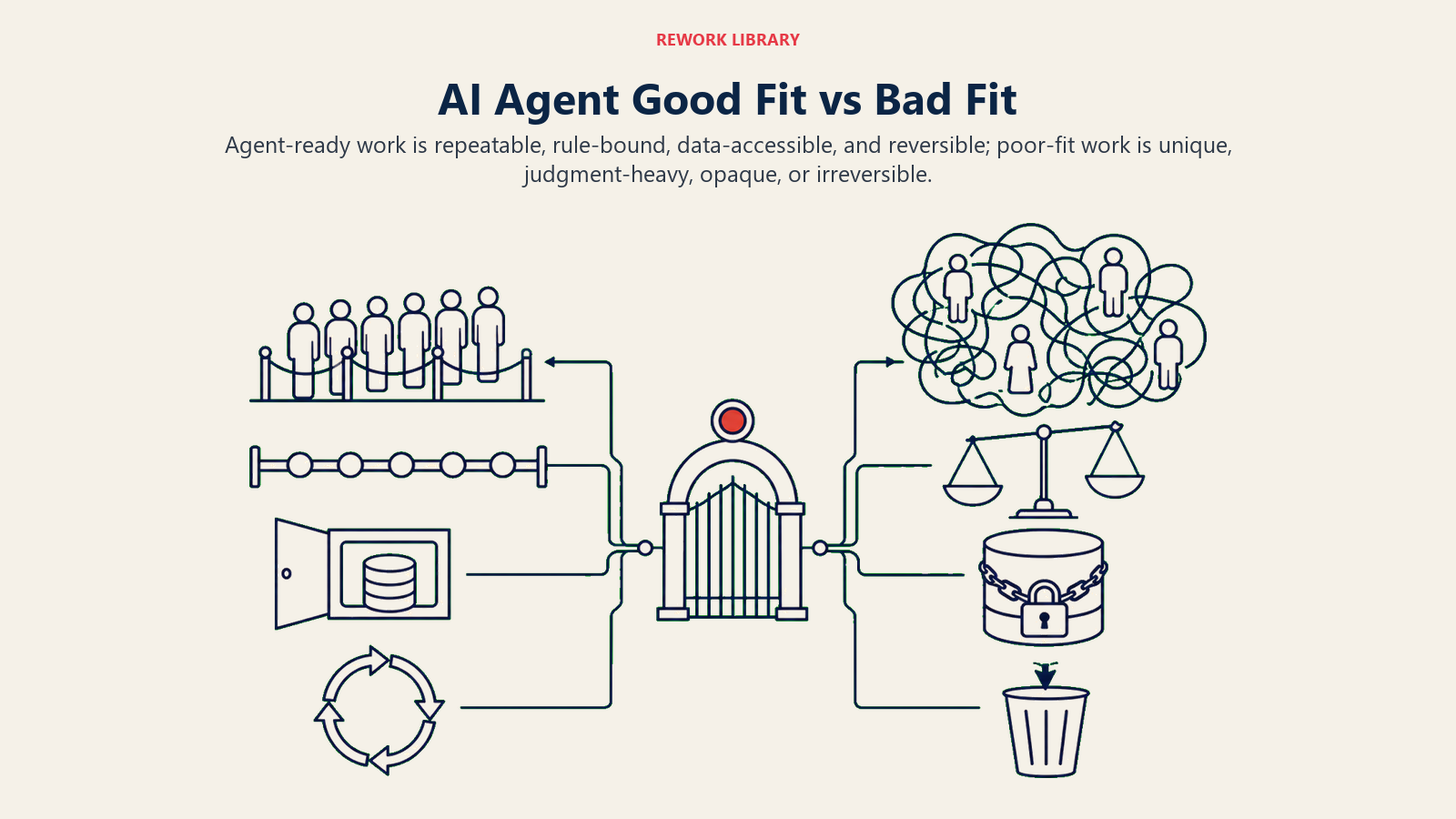
| Dimension | Good fit for an agent | Bad fit, keep a human |
|---|---|---|
| Task shape | Repeats often, same pattern | One-off, each case unique |
| Rules | Written, consistent between people | Live in someone's head, or don't exist |
| Data | Structured, in a system the agent can read | Messy, siloed, or missing |
| Error cost | Cheap to catch and fix | Expensive or irreversible |
| Judgment | Needed rarely, at the edges | Needed on almost every case |
| Handoff | Clear owner and context on escalation | No obvious owner, no accountability |
If your process sits mostly in the left column, build. If it straddles both, narrow the scope: give the agent the repeatable slice and route the judgment cases to a person. That hybrid is usually the right answer, not full autonomy or nothing.
The Readiness Checklist
Run this before you scope a build. You want mostly "yes" answers. Each "no" is either a reason to wait or a piece of homework to do first.
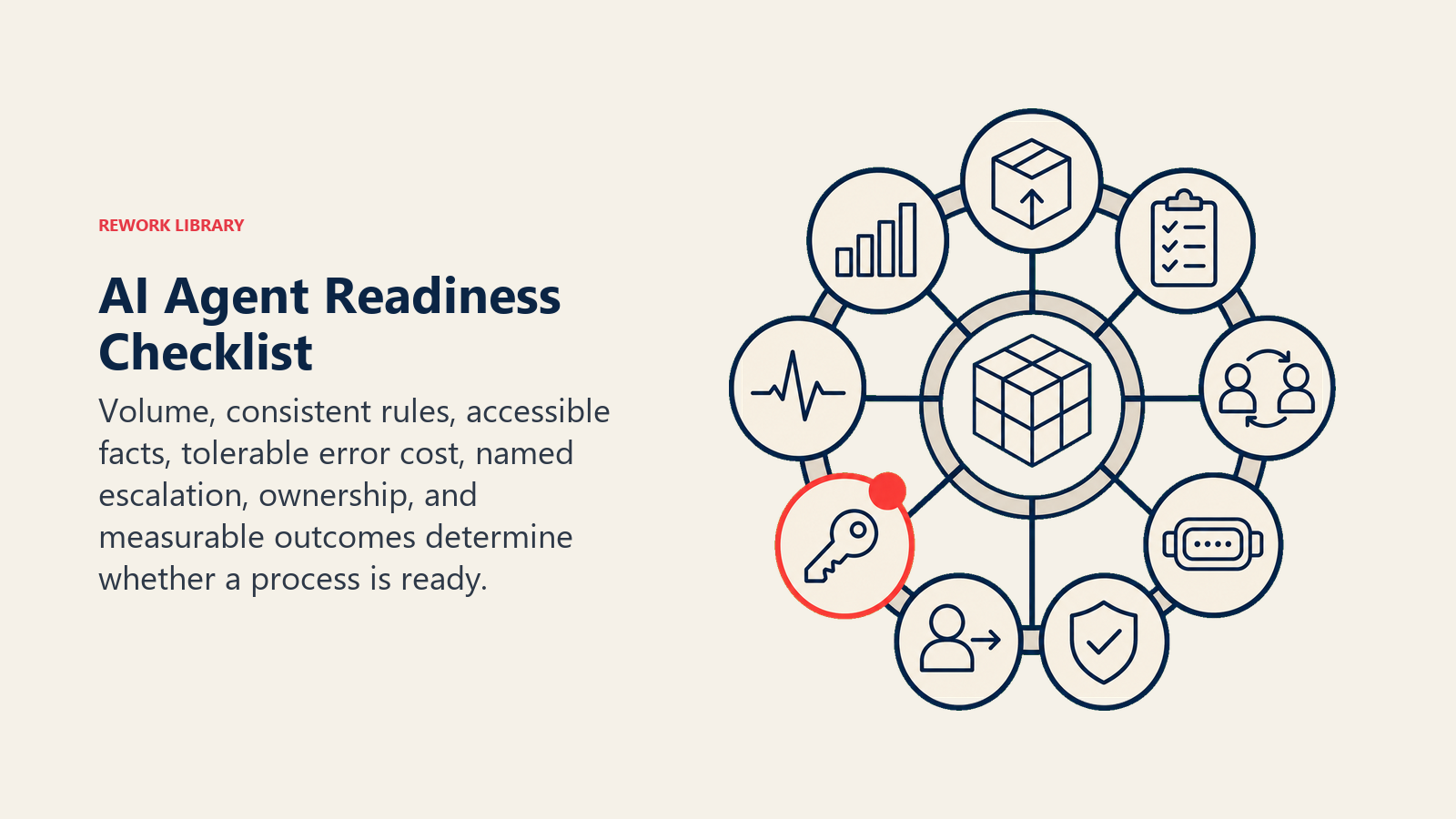
- Does this task happen at least 20 times a week? (Enough volume to matter.)
- Can you write the rules for the common cases in a page or less?
- Do two experienced people handle the common cases the same way?
- Can the agent read every fact it needs from a system, not a person's memory?
- Is the cost of a single wrong action low, or gated behind human approval?
- Is there a named human or queue for escalations, with enough context to act?
- Does someone own the outcome and get measured on it?
- Can you measure success with a number you already track (or could start tracking)?
Six or more yes answers: you're ready to scope a build. Three to five: fix the "no" items first, they'll sink the project otherwise. Two or fewer: this isn't an agent problem yet. It's a process or data problem wearing an AI costume.
A Simple ROI Framing
You don't need a spreadsheet with twelve tabs. You need three numbers and one honest guess.
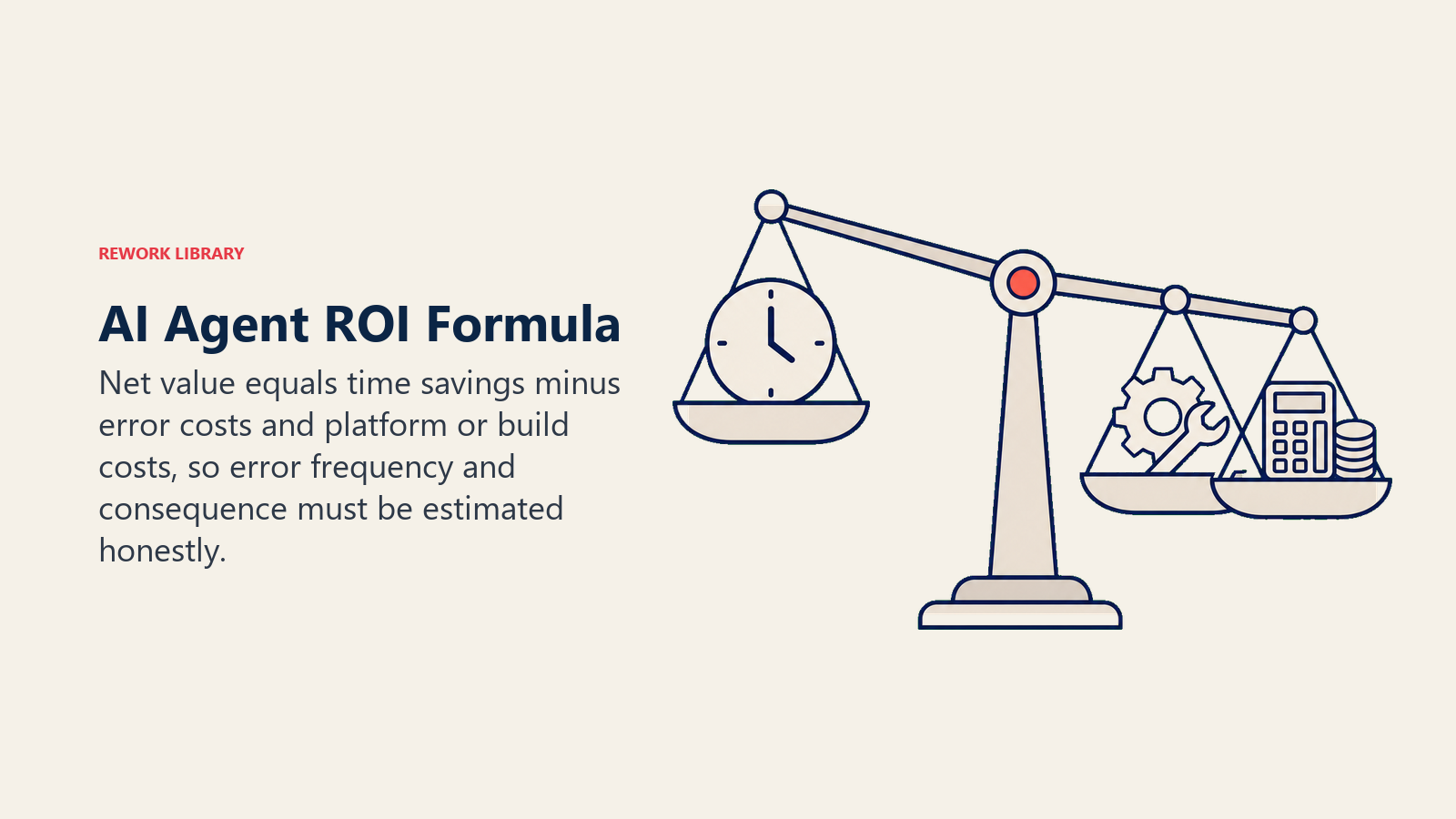
Annual gross saving = volume x time saved per task x fully loaded hourly cost
Take the tasks per year, multiply by the minutes an agent removes from each one, convert to hours, and multiply by what an hour of that person's time actually costs (salary plus overhead, not just base pay). That's the ceiling.
Then subtract the cost of being wrong:
Net value = gross saving − (error rate x volume x cost per error) − platform and build cost
The error term is the one people skip, and it's the one that flips a good-looking project into a bad one. An agent that saves five minutes on 10,000 tasks looks great until you learn each mistake costs an hour of cleanup and it's wrong 4% of the time. That's 400 errors and 400 hours of rework against roughly 833 hours saved, so nearly half the saving is gone before you pay for the platform.
A worked example, rough numbers:
| Input | Value |
|---|---|
| Tasks per year | 26,000 (500/week) |
| Time saved per task | 4 minutes |
| Fully loaded hourly cost | $45 |
| Gross annual saving | ~$78,000 |
| Error rate | 3% |
| Cost per error (rework) | $30 |
| Error cost per year | ~$23,400 |
| Platform + build (year 1) | $25,000 |
| Net year-1 value | ~$29,600 |
The point isn't the exact figure. It's that the error rate and the cost per error decide whether the project is worth doing, so estimate them honestly before you build, not after. If you can't tolerate the error cost, that's a red light telling you to add a human approval gate, which changes the time-saved number too. The math and the fit signals are the same conversation.
For a broader view of measuring returns across capabilities, not just one task, the sibling collections on AI transformation strategy go deeper on ROI at the portfolio level.
What the Benchmarks Actually Say
Two numbers worth keeping in mind when you set expectations.
Gartner (March 2025) predicts that by 2029, agentic AI will autonomously resolve 80% of common customer service issues without human intervention, and cut operational costs by 30%. Read that carefully: it says "common" issues. The 80% is the repeatable, rule-bound slice, which is exactly the good-fit zone this page describes. The other 20% is the judgment work you keep a human on.
On the upside, McKinsey reports that companies investing in AI for marketing and sales are seeing revenue uplifts of 3 to 15 percent. That's a range across companies that already put the work in, not a day-one result. Expect returns to show up after the fit and the data are right.
Both stats point the same way: agents pay off on the repeatable core of a process, and the return grows as the fit tightens. Neither says "automate everything."
Build vs Buy
Once a process passes the readiness test, you still have to decide how to get the agent. Three paths, roughly in order of speed:
- Buy a purpose-built tool. Fastest to value when a vendor already does your exact job (support triage, meeting notes, AP automation). You trade some flexibility for a running start. Best when the process is standard across companies.
- Assemble on a platform. Use a low-code agent builder or workflow tool to wire your CRM, inbox, and data sources into an agent you configure. The middle path: more control than a packaged tool, far less work than code. Best when your rules are specific but the plumbing is common.
- Build custom. Write the orchestration yourself when the agent is a real competitive differentiator and nothing off the shelf fits. Highest ceiling, highest cost, and you own the maintenance forever. Justified rarely, mostly when the agent IS the product.
Default to buy or assemble. Most teams reach for "build" too early and underestimate the ongoing cost of owning an agent in production. If two of the sibling blueprints in this library already describe your function, like the AI SDR Agent or the AI Reply Agent, start from a configured version of one of those rather than a blank file.
Start Small, Then Widen
The safest rollout isn't "agent runs the whole process." It's a ramp:
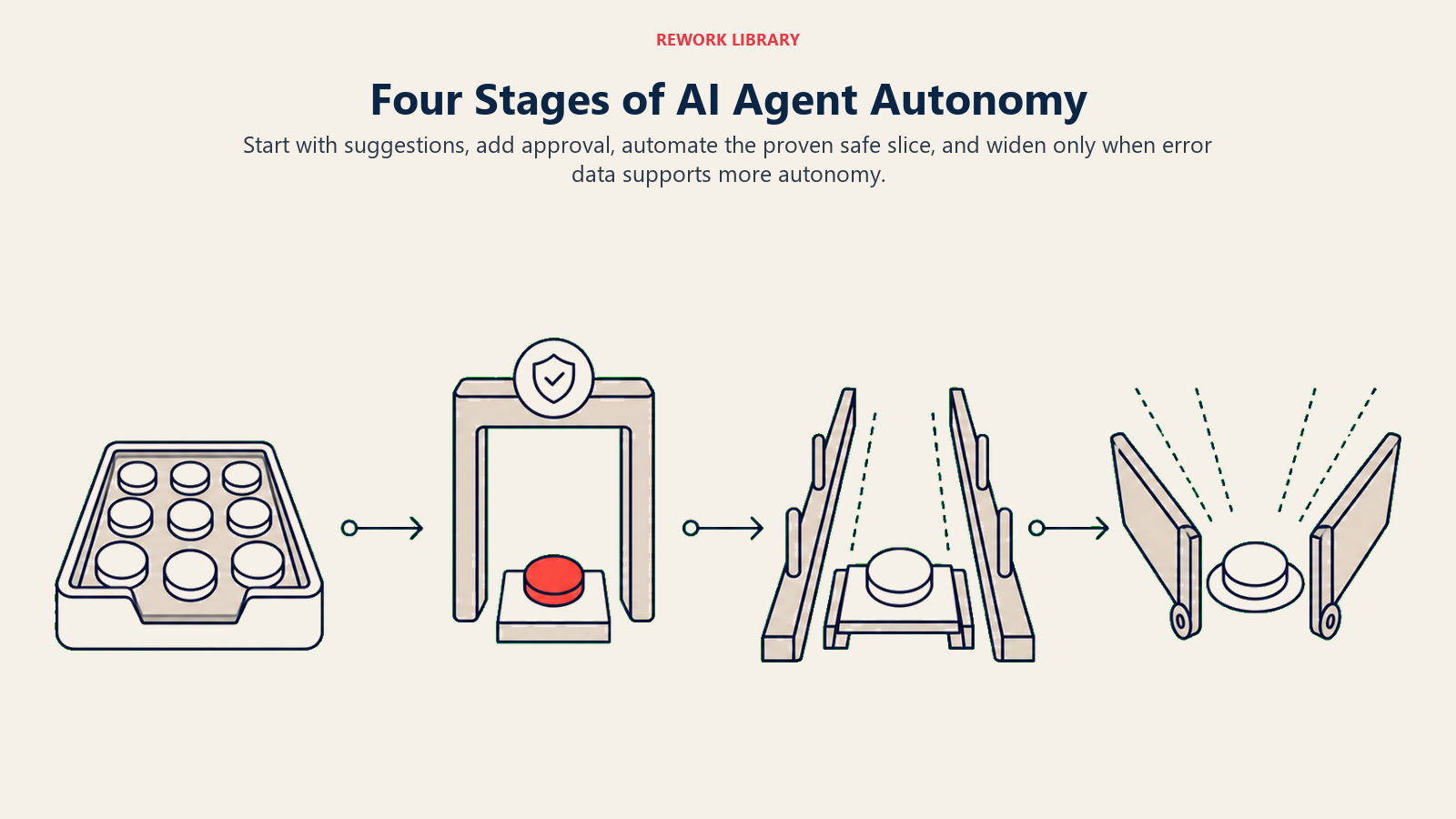
- Suggest. The agent drafts, a human sends. You learn where it's right and where it drifts, at zero risk.
- Act with approval. The agent does the work but waits for a one-click human yes on anything that touches the outside world.
- Act on the safe slice. Let it run unattended on the cases you've watched it nail, and keep the approval gate on the rest.
- Widen the slice. As the numbers hold, move more scenarios from "approve" to "auto." Never widen faster than your error data justifies.
This ramp is also a hedge against a bad fit call. If the agent struggles at step one, you've spent almost nothing to learn the process wasn't ready. That's a much cheaper way to be wrong than discovering it after full deployment. For the highest-autonomy version of this pattern and its risks, see the autonomous agent pattern.
Frequently Asked Questions about When to Use an AI Agent
When should I NOT use an AI agent?
When the work needs human judgment on almost every case, when there are no written rules to follow, when the data is too messy or locked away for the agent to read, or when a single wrong action is expensive and can't be undone. Any one of those is a reason to keep a human in the loop or shrink the agent's scope until the signal clears.
How much volume do I need to justify an agent?
There's no hard floor, but a useful rule of thumb is at least 20 similar tasks a week. Below that, the setup and maintenance cost usually outweighs the time saved, and a lightweight automation or a template may serve you better than a full agent.
What's the difference between a good-fit and a bad-fit process?
A good-fit process is repeatable, has clear rules, runs on data the agent can read, and is cheap to get wrong once in a while. A bad-fit process needs judgment on every case, has no written rules, runs on messy data, or involves high-stakes irreversible actions. Most real processes are a mix, so the move is to give the agent the good-fit slice and route the rest to a person.
Should I build my own agent or buy one?
Buy or assemble on a platform for almost every standard function, since it's faster and cheaper to run. Build custom only when the agent is a genuine competitive differentiator and nothing off the shelf fits. Teams reach for "build" too early and underestimate the cost of owning an agent in production.
How do I estimate the ROI before building?
Multiply volume by time saved per task by the fully loaded hourly cost to get the gross saving, then subtract the error cost (error rate x volume x cost per error) and the platform and build cost. The error term is the one most people skip, and it's usually what decides whether the project is worth doing.
